Desygner: Graphic Design Maker
Desygner Pty LtdIn-app purchases
- EveryoneAge rating
- Art & DesignCategory
- Nov 26, 2026Updated
- FreePrice
Links to the official Google Play listing of com.delgeo.desygner. Last checked on Nov 28, 2026.
Screenshots


About this app
All-in-one design app: social posts, logos, promotions, PDF editing and print.
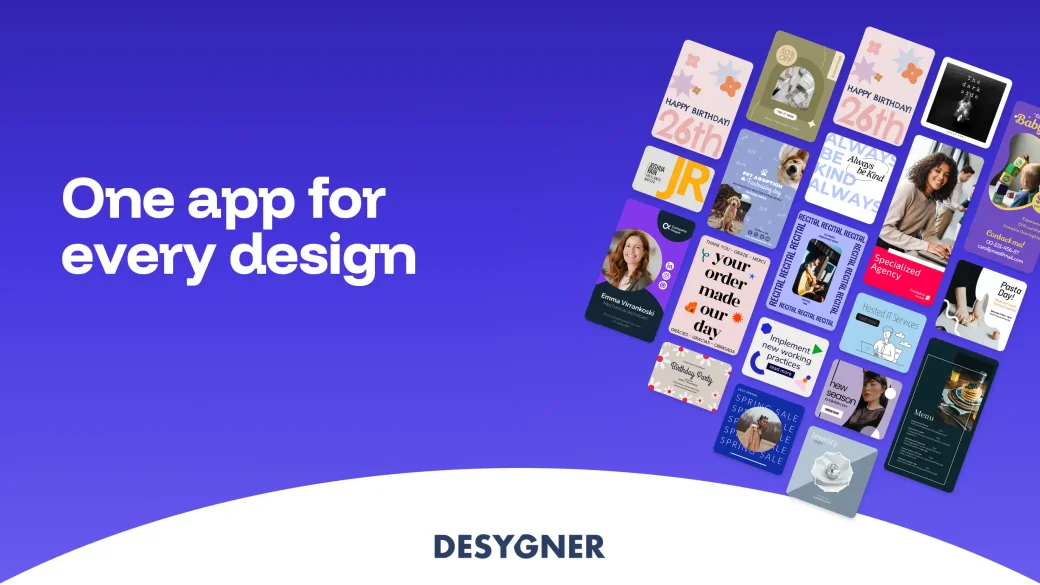
Desygner is an all-in-one graphic design app for your phone. Make social media posts, logos, promotions, business documents, ads, flyers and more. Start from a template or a short brief, change it with a few taps, and export a file you can post, send or print. No design experience needed.
WHAT YOU CAN MAKE
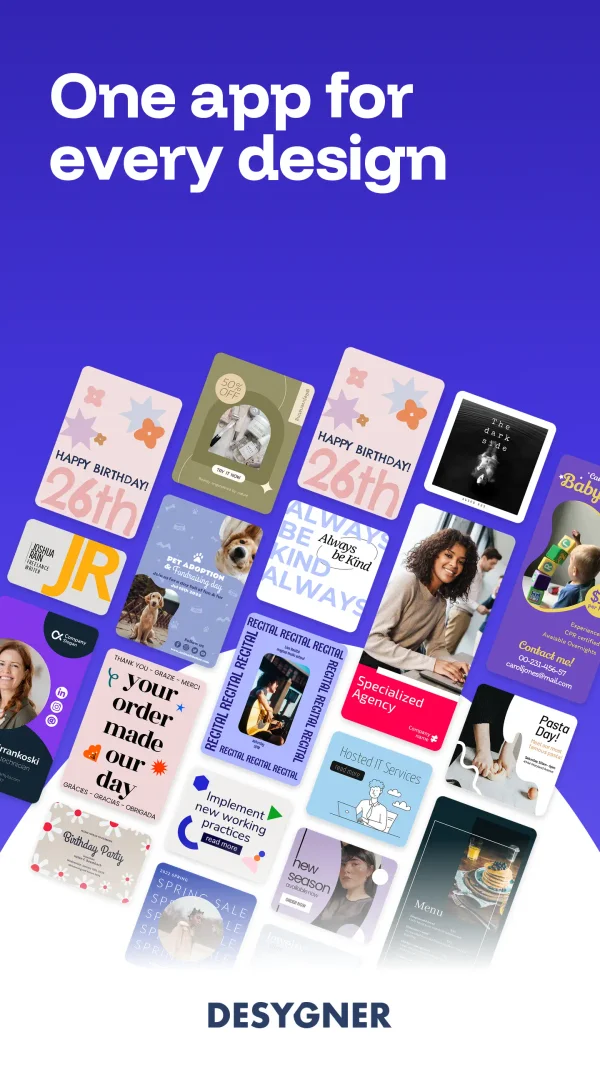
• Social media posts and stories for Instagram, Facebook, LinkedIn and YouTube
• Logos, from a monogram to a full logo suite
• Business documents such as company overviews and proposals
• Promotions: sales, discounts, promo codes, product launches and grand openings
• Ads, banners and flyers for events and announcements
• Brand identity, personal branding and customer reviews
• Business cards, menus and price lists
• Presentations, resumes, certificates and invitations
• Book covers, album covers and podcast artwork
Templates are also organised by industry: real estate, food, hotels, education, health, beauty, automotive, events and more.
A REAL DESIGN EDITOR
• Layers, text, shapes, images and multiple pages
• Fonts, photos, icons and stickers included
• Remove a photo background in one tap
• Unlimited undo and redo
AI THAT HELPS YOU FINISH
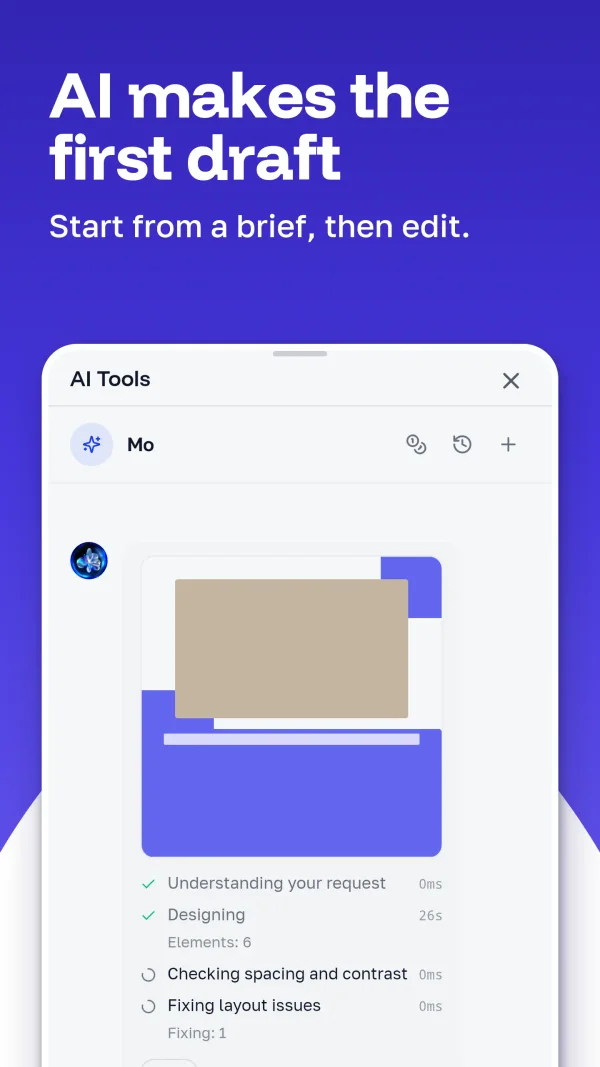
• Start from a brief when you do not know where to begin
• Generate images, text and logo ideas using AI credits
• Rewrite, shorten or translate the text in a design
BRING IN WHAT YOU ALREADY HAVE
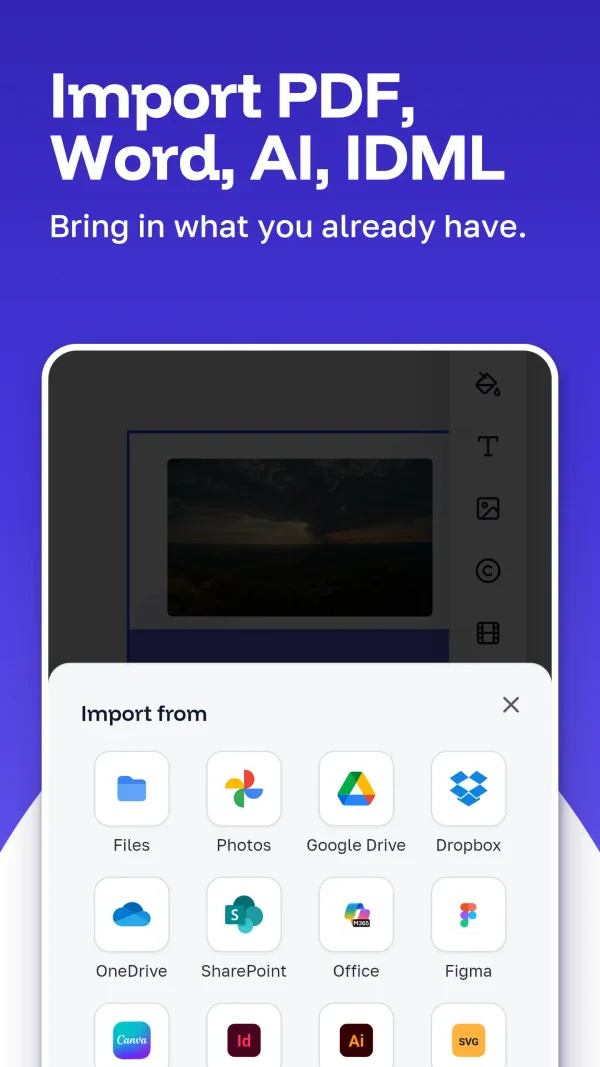
Import from your phone, from Google Drive, Dropbox, OneDrive and SharePoint, or from Google Photos. Any app on your phone with a file picker shows up as an import source too.
• Import a PDF and edit the text and images inside it
• Import Word and PowerPoint documents
• Import Adobe Illustrator (AI), EPS, SVG and InDesign (IDML) artwork
• Bring in designs from Canva or Figma and keep editing
• Merge several PDF files into one document
ORDER PRINTS WITHOUT LEAVING THE APP
Most design apps stop at a download. Desygner also prints and delivers.
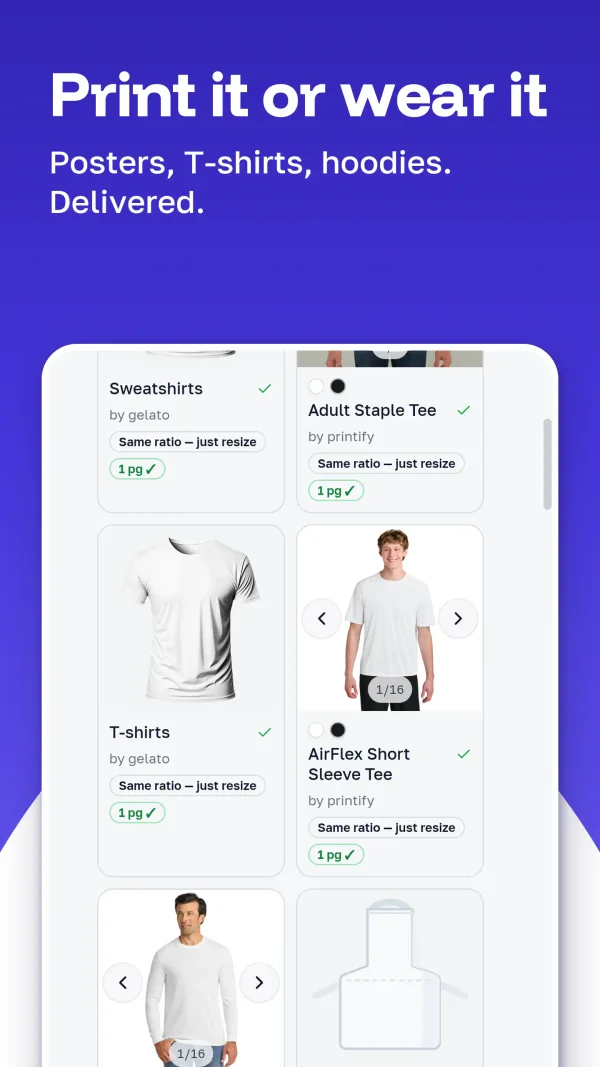
• Order business cards, flyers, posters and canvas prints, delivered to your door
• Put a design on a T-shirt, hoodie, mug or tote bag and order it
• See the price and delivery country before you confirm
• Prefer your own printer? Export a print-ready PDF and download a proof first
YOUR BRAND, KEPT CONSISTENT
• Brand kit: save your logo, colours and fonts once, then apply them to any design
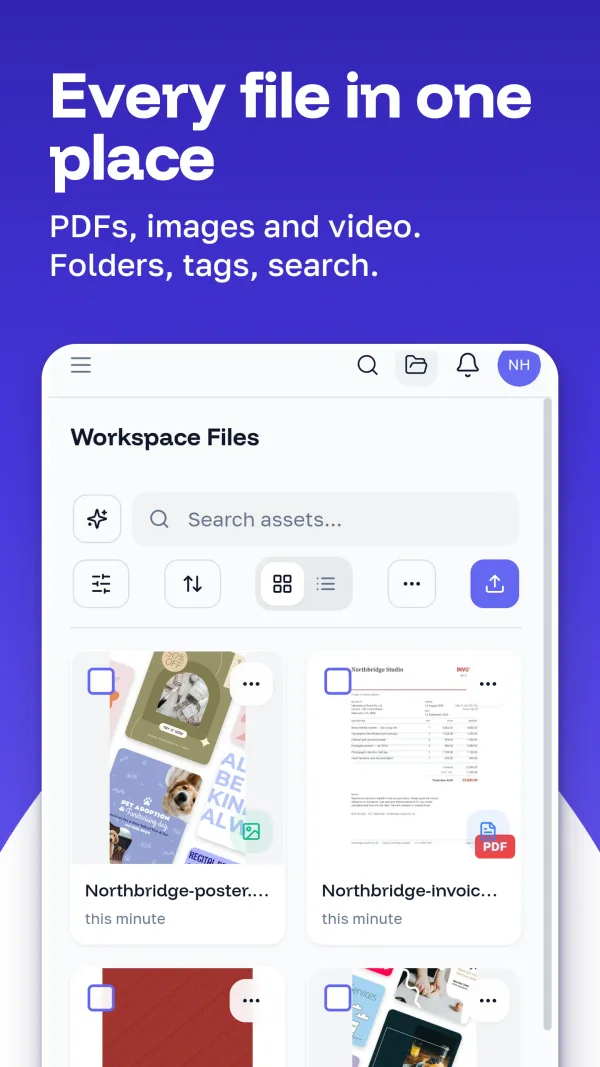
• Asset library: keep approved images and files in one place for your team
• Share a workspace so everyone designs from the same templates
DIGITAL BUSINESS CARD
Build a digital business card, add it to Google Wallet, and share it with a QR code.
ON EVERY DEVICE
Start a design on your phone and finish it on a tablet or computer. Projects sync automatically.
EXPORT AND SHARE
• Save as PNG or JPG for social media and messaging
• Save as PDF for email, documents and printing
• Download at high resolution for print
• Share a link so other people can view the design
IF SOMETHING GOES WRONG
If a design does not come out the way you expected, message us from inside the app. We reply within one business day and fix template, export and font problems first, keeping you posted until it is done.
WHY PEOPLE CHOOSE DESYGNER
• A full design editor, not a photo filter app
• One app for everything your business needs, from a social post to a printed menu
• Real PDF editing and print-ready export on a phone
• A brand kit that keeps every design on brand
• Print ordering and merch built in
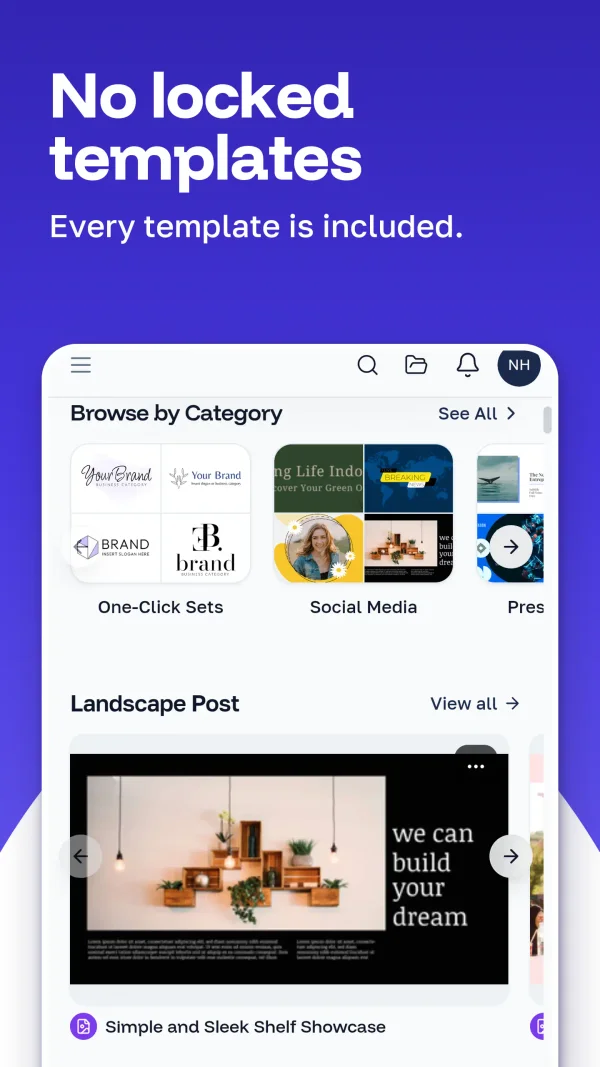
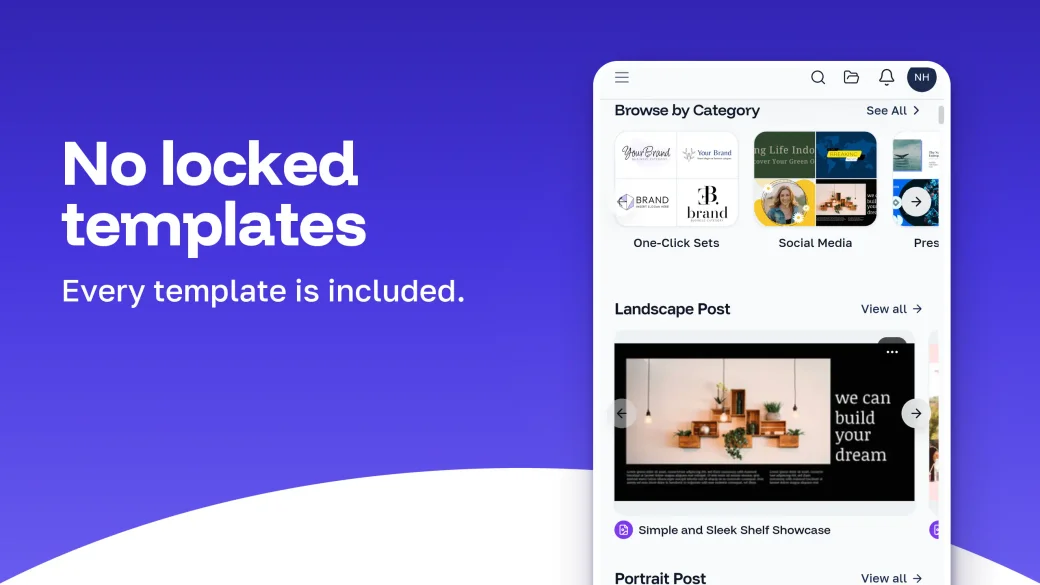
• Every template is free to use
PLANS
Desygner is free to download and free to use, and every template is included at no cost. The Starter, Business and Scale plans raise your allowances and add more: monthly AI credits, extra storage and team seats. Subscriptions are billed through Google Play and can be cancelled at any time in your Play account settings.
Built in Australia. Your designs stay yours.
Download Desygner and make your first post, logo or promotion today.
Data safety
What Desygner Pty Ltd declares on Google Play about the data this app collects and shares.
- No data shared with third partiesLearn more about how developers declare sharing
- This app may collect these data typesPersonal info, Financial info and 6 others
- Data is encrypted in transit
- You can request that data be deleted
What’s new
Version 6.5.2 · Nov 26, 2026
Welcome to the all-new Desygner — completely rebuilt from the ground up for a faster, smoother design experience. Desygner is now part of Automo, with powerful new tools and a cleaner design. Best of all, most features are now free. Create beautiful designs and edit anywhere. Thanks for designing with us!
Developer contact
- Websitedesygner.com
- Emailsupport@desygner.com
- Privacy policydesygner.com
- AddressLEVEL 6 64 FERNY AVENUE SURFERS PARADISE QLD 4217 Australia
Information
- Offered by
- Desygner Pty Ltd
- Category
- Art & Design
- Version
- 6.5.2
- Updated
- Nov 26, 2026
- Released
- Dec 11, 2015
- Requires
- Android 7.0 or later
- Age rating
- Everyone
- Price
- Free
- In-app purchases
- $3.95 - $999.99 per item
- Package name
- com.delgeo.desygner
Similar apps
-
 Music Theory Companion
Music & Audio
-
 Polycam: 3D Model Maker
Photography
-
 Arvin® - AI Logo Maker
Art & Design
-
 Fluer: AI Design, Photo, Video
Productivity
-
 iDraw
Art & Design
-
 Nomad Sculpt
Art & Design
-
 IMSLP
Books & Reference
-
 Musora: The Music Lessons App
Education
-
 CDL Prep 2026: Test Practice
Education
-
 Pocket Prep Nursing School
Education
-
 MuseScore: Music Chords & Tabs
Music & Audio
-
 Concepts: Sketch, Note, Draw
Art & Design