Document Scanner - Scan to PDF
FirehawkContains ads · In-app purchases
- EveryoneAge rating
- ProductivityCategory
- Oct 13, 2026Updated
- FreePrice
Links to the official Google Play listing of document.scanner.scan.pdf.image.text. Last checked on Nov 26, 2026.
Screenshots

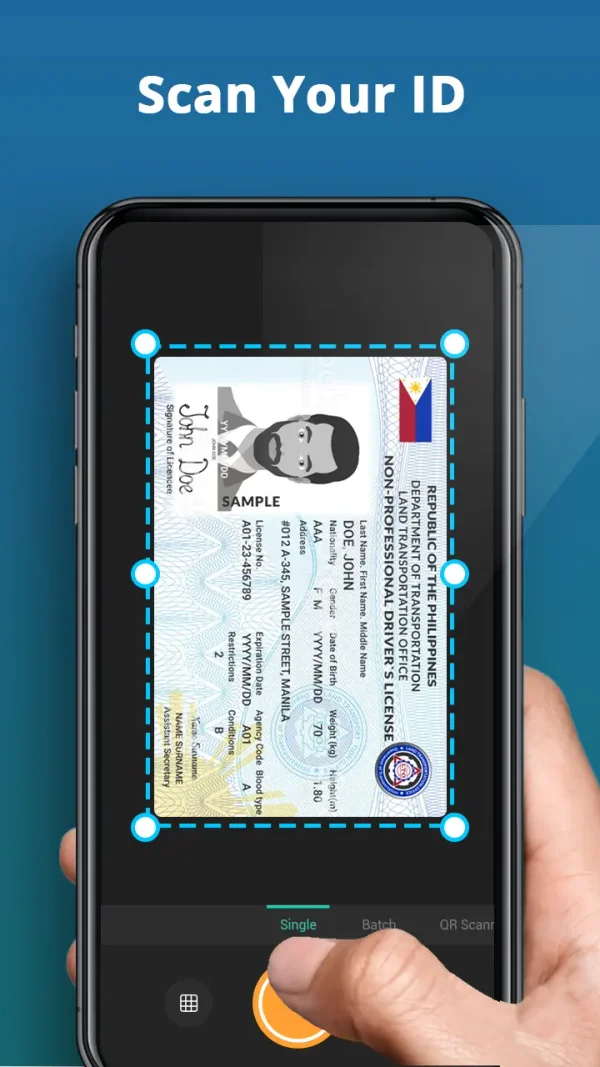

About this app
The developer has not provided this text in your language.
Camera Scanner HD - Easy Document Scanner App to Scan Photos, Text, and PDF.
Photo Scanner: Pic To PDF Converter – Ultimate Scanning Application!
With Photo Scanner: Pic To PDF converter app, you can turn your device into a powerful scanning tool. The Scan To PDF Documents Scanner app has all the features required for scanning documents, photos, and so much more, which makes file and document management a breeze. At the office, in the house, or out and about, this Photo To PDF Convert Scanner App For Documents is reliable and produces high quality every time.Eliminate clutter and welcome maximum digital organization with this Photos To PDF Document Scanner!
📄 Photo To PDF Convert Scanner App For Documents Features: 📄
📸 Photo To PDF: This feature enables users to transform their pictures into quality scans with high resolution;
📑Convert Photo To PDF Text Scanner: This allows users to convert their images into PDF files which can be saved;
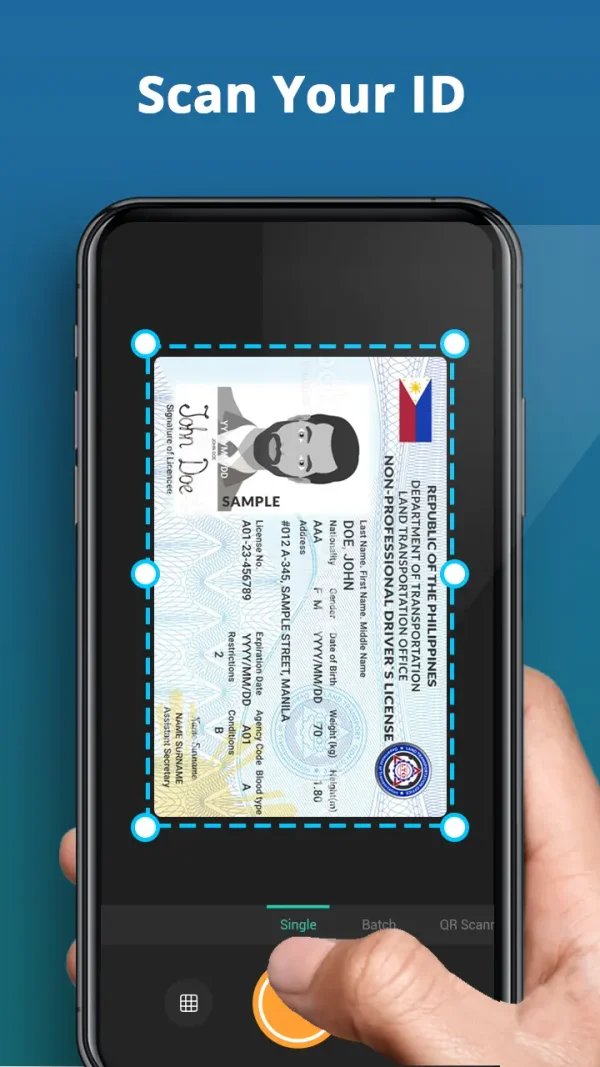
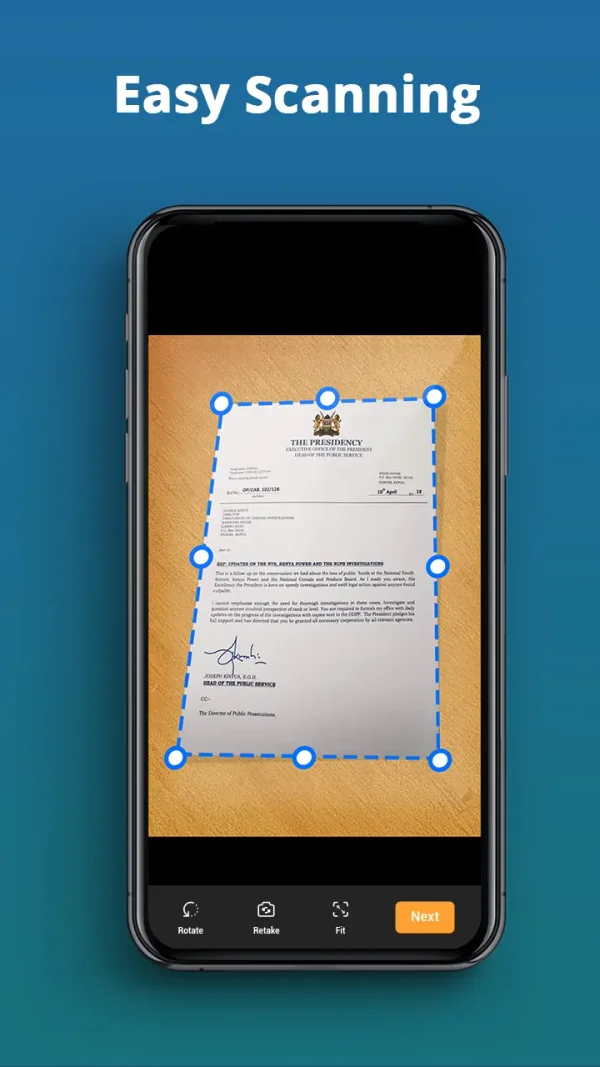
📱Scan To PDF Documents Scanner: People can use their devices to directly scan important documents;
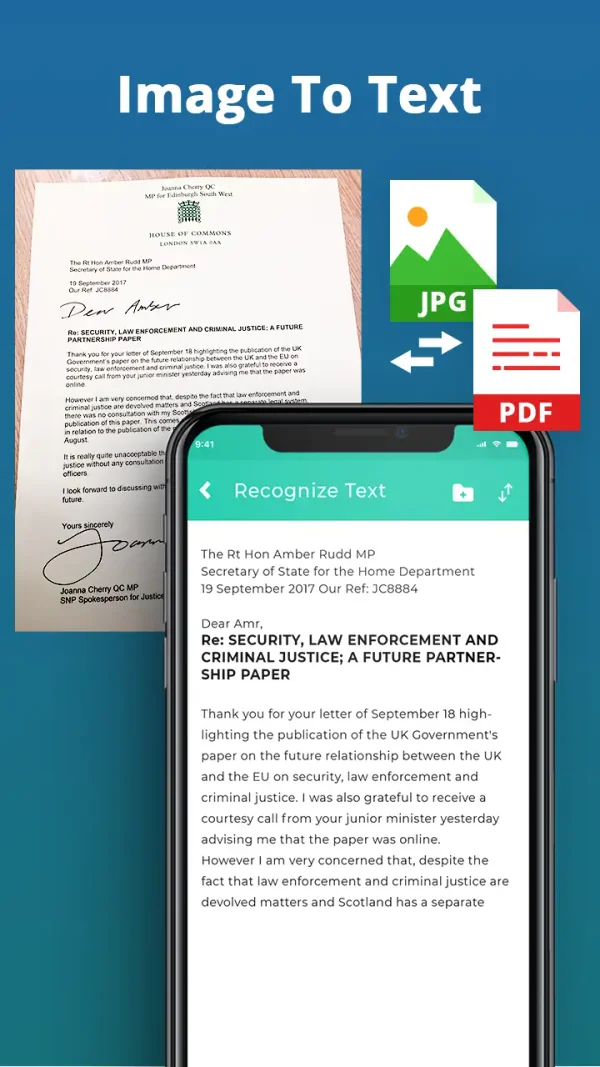
🖼️Convert Photo To PDF Text Scanner: Having the capability to extract text from images is crucial for professional use;
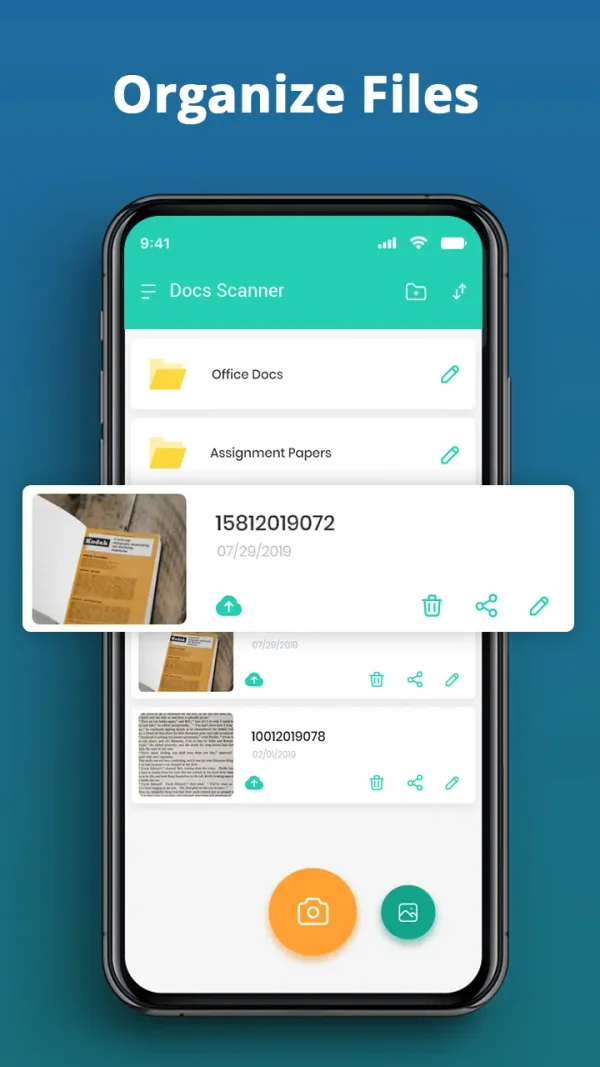
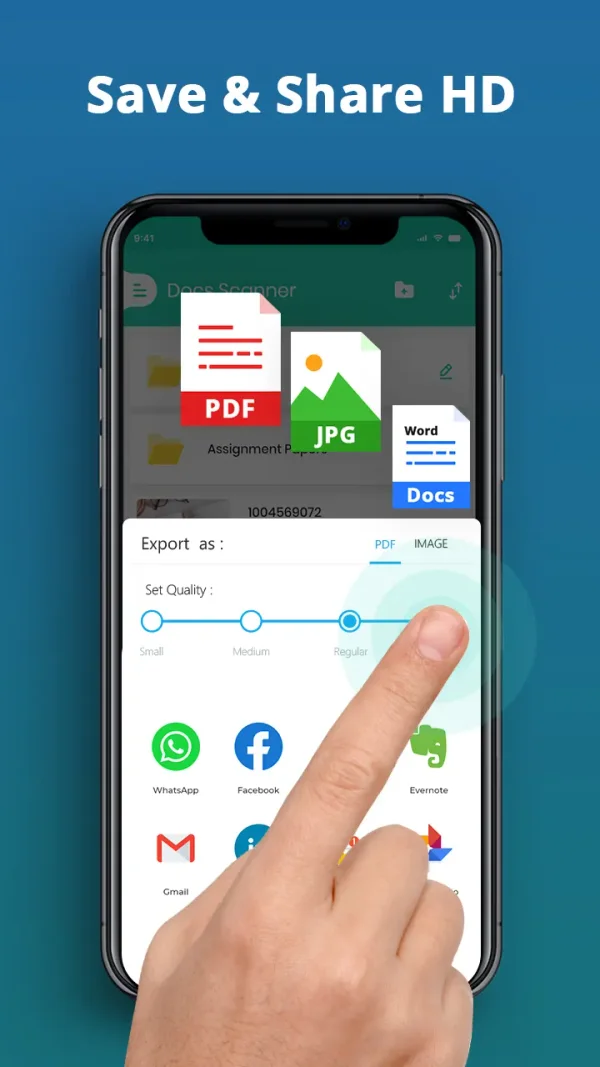
📂File Scanner App: Users can choose various formats such as JPEG or PDF to scan and store their documents;
📷Camera Scanner: Doc Scanner: Scanning documents can be a hassle but this feature allows users to use their cameras;
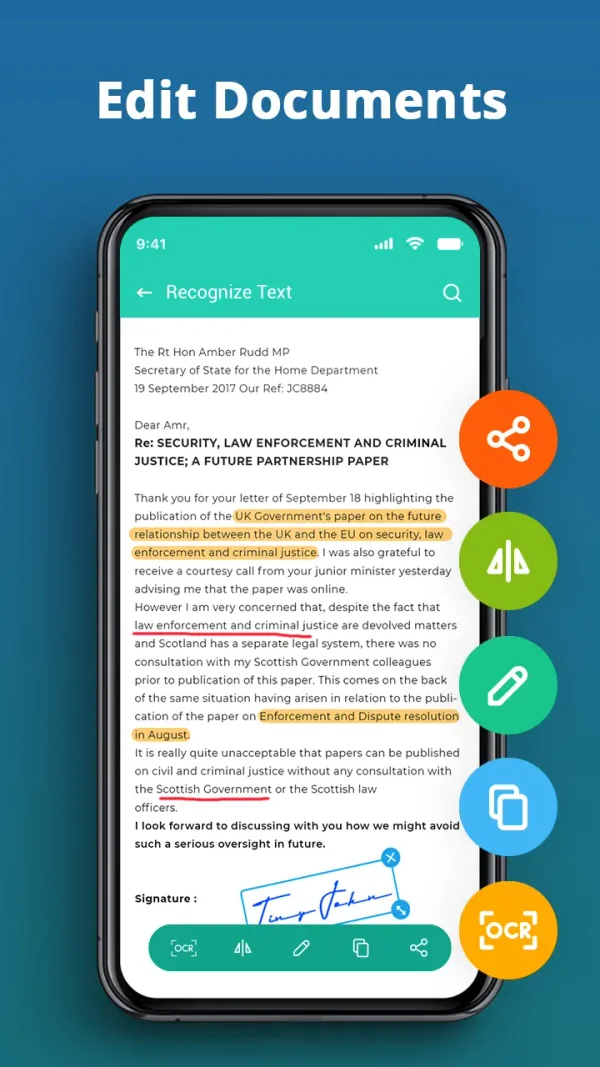
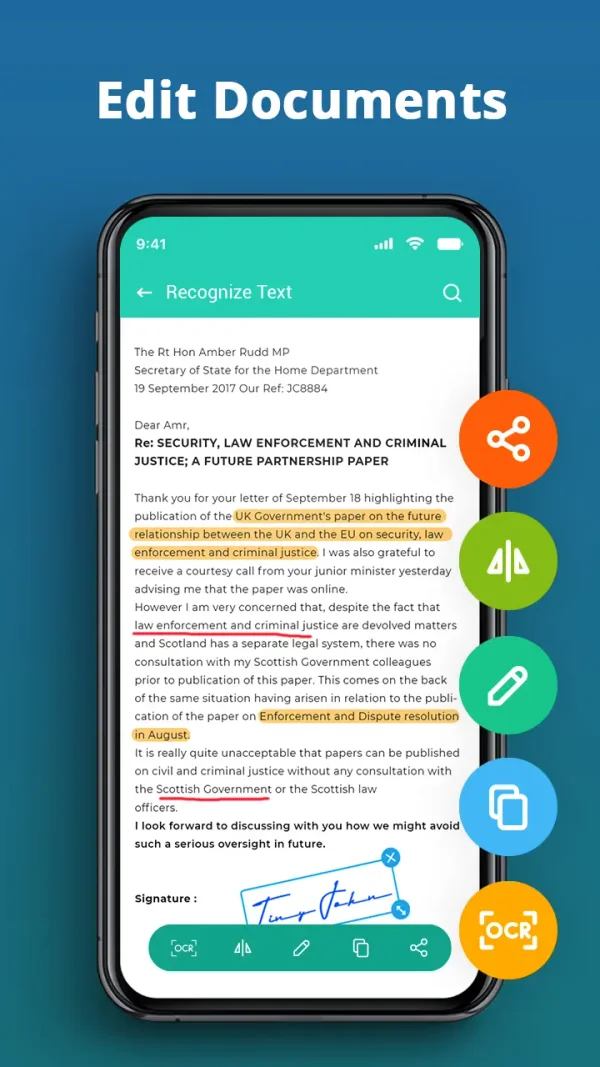
✍️E-signature Support: Users can directly sign a document to a scanned file for a more streamlined online experience.
Create Seamless Scanning With The Help Of Cutting Edge Technology
The Camera Scanner: Doc Scanner is a fully automatic scanning application that allows users to scan everything from business cards and contracts to important documents within seconds.Extract Text From Important Images:📱
The Convert Photo To PDF Text Scanner is capable of utilizing OCR to extract text from images and then it becomes easier to search, edit and even share important information.
Sort Out Your Files:📁
Posting your files as either jpeg or pdf with the Assistance of File Scanner app will cut time on document management by merging all files into a single location.
Amazing E Signature App:✒️
Papers are not needed anymore as the built-in e-signature application enables you to sign documents electronically, your work process will become more effective. Such Camera Scanner: Doc Scanner tool allows people to streamline their tasks and stay organized from anywhere in the world.
Enhance Your Output By Using Easy Sharing Tools
The Photo scanner: Pic to PDF Converter lets you share your scanned files directly with your colleagues by sending them an email, cloud storage, or any other service, irrespective of the workload. With features like the File Scanner app and the Photos To PDF Document Scanner, sharing and managing your files is much easier.
Get the Photos To PDF Document Scanner You’ve Been Searching for!
With Photo Scanner: Pic To Pdf Converter, you can observe the comfort of a conventional camera. This application is for those who scan a lot and require scanning on the go. It doesn’t matter whether it’s a Photo To PDF Convert Scanner App For Documents or a Scan To PDF Documents Scanner, this app provides you with everything.Make your everyday life effective by employing a Photo Scanner: Pic To PDF Converter. Get a start today!
Data safety
What Firehawk declares on Google Play about the data this app collects and shares.
- This app may share these data types with third partiesDevice or other IDs
- No data collectedLearn more about how developers declare collection
- Data is encrypted in transit
- Data can’t be deleted
What’s new
Version 5.1.0 · Oct 13, 2026
Fix Minor Bugs
Developer contact
- Websitefirehawk.ai
- Emailsupport.docscanner@firehawk.ai
- Privacy policyfirehawk.ai
- Address18/7 Yechezkel TEL AVIV-JAFFA, 6259524 Israel
Information
- Offered by
- Firehawk
- Category
- Productivity
- Version
- 5.1.0
- Updated
- Oct 13, 2026
- Released
- Apr 22, 2020
- Requires
- Android 6.0 or later
- Age rating
- Everyone
- Price
- Free
- In-app purchases
- $0.99 - $99.99 per item
- Package name
- document.scanner.scan.pdf.image.text
Similar apps
-
 PDF Scanner APP - Scan to PDF
Productivity
-
 ACE Scanner - PDF Scanner App
Productivity
-
 Mobile Scanner App - Scan PDF
Productivity
-
 CamScanner- scanner, PDF maker
Productivity
-
 Photo to PDF Maker & Converter
Productivity
-
 PDF Scanner app - TapScanner
Business
-
 PDF Scanner App: Document Scan
Tools
-
 QR Scanner: Barcode Scanner
Productivity
-
 Clear Scan - PDF Scanner App
Business
-
 FlexiRoam: eSIM & Data Plans
Travel & Local
-
 Flashcard Maker for My Words
Education
-
 AI Resume Builder CV Maker PDF
Business