Epson Print Enabler
Seiko Epson Corporation- EveryoneAge rating
- ToolsCategory
- Sep 17, 2026Updated
- FreePrice
Links to the official Google Play listing of com.epson.mobilephone.android.epsonprintserviceplugin. Last checked on Nov 26, 2026.
Screenshots



About this app
Epson Print Enabler lets you print with Android version 8 or later.
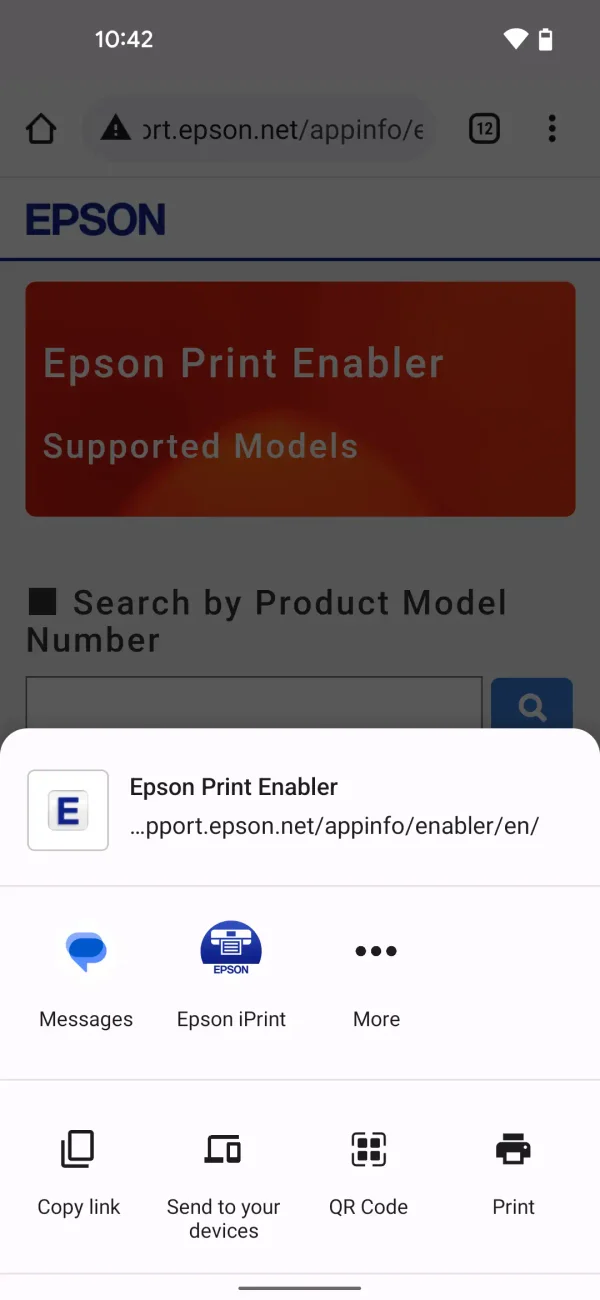
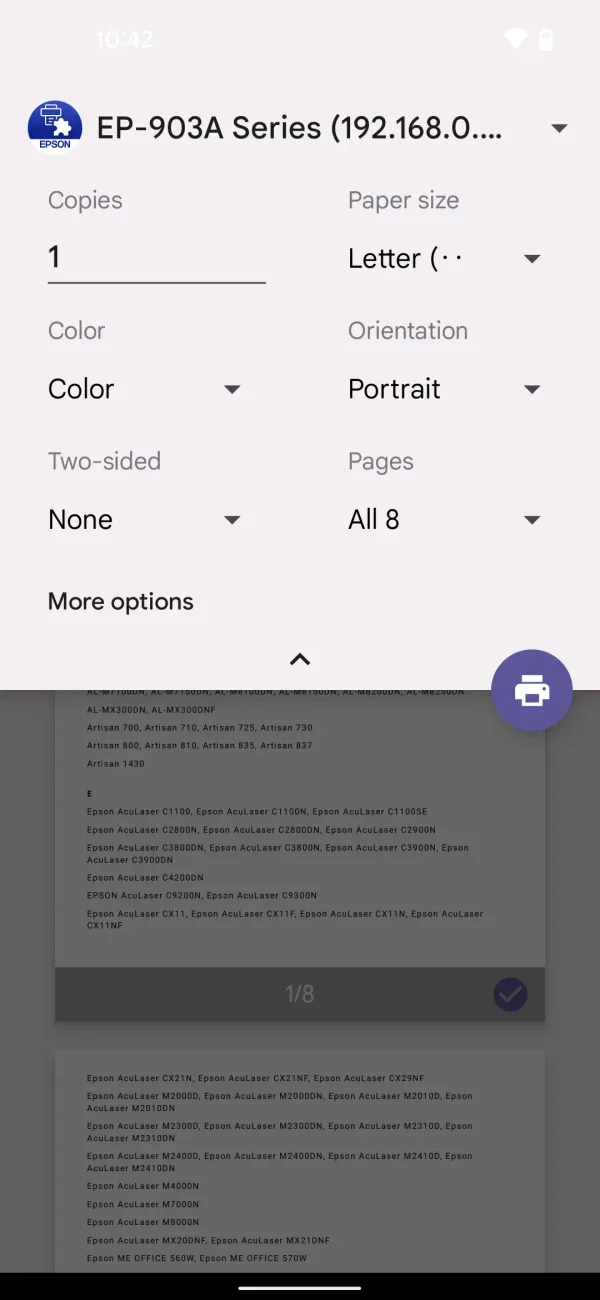
Epson Print Enabler lets you print from tablets and phones with Android version 8 or later. This Epson software enhances the built-in Android Printing system allowing you to print to a wide range of Epson inkjet and laser printers over Wi-Fi (see link for compatible printer list below). Once downloaded, you can easily print photos, emails, web pages and documents from the built-in menu of Apps that support Android Printing.
Key Features
• Print directly from compatible smartphones and tablets to Epson inkjet and laser printers.
• Manage print jobs from your smartphone or tablet.
• Select print options including colour, number of copies, paper size, print quality, layout and 2-sided printing.
• Print directly from Gallery, Photos, Chrome, Gmail, Drive (Google Drive), Quickoffice and other applications that support a printing function.
For details of supported printers, please refer to the following FAQ web site.
http://esupport.epson-europe.com/ViewArticle.aspx?lng=en-GB&kbid=378450
Applications Supported
• Gallery
• Photos
• Chrome
• Gmail
• Drive (Google Drive)
• Quickoffice
• Other applications that support a printing function.
Visit the following website to check the license agreement regarding the use of this application.
https://support.epson.net/terms/ijp/swinfo.php?id=7080
We welcome your feedback. Unfortunately, we cannot reply to your e-mail.
Data safety
What Seiko Epson Corporation declares on Google Play about the data this app collects and shares.
- This app may share these data types with third partiesApp info and performance
- No data collectedLearn more about how developers declare collection
- Data is encrypted in transit
- Data can’t be deleted
- Committed to follow the Play Families Policy
What’s new
Version 1.5.0 · Sep 17, 2026
- Minor Bug Fix.
Developer contact
- Websiteepson.com
- EmailFeedback-AndroidAppsPrn@exc.epson.co.jp
- Privacy policysupport.epson.net
- Address日本 〒160-0022 東京都SHINJUKU-KU 4-1-6, SHINJUKU JR SHINJUKU MIRAI TOWER 29F
Information
- Offered by
- Google Commerce Ltd
- Category
- Tools
- Version
- 1.5.0
- Updated
- Sep 17, 2026
- Released
- May 13, 2014
- Requires
- Android 8.0 or later
- Age rating
- Everyone
- Price
- Free
- Package name
- com.epson.mobilephone.android.epsonprintserviceplugin
Similar apps
-
 Epson iPrint
Tools
-
 HP
Productivity
-
 V380 Pro
Tools
-
 Brother Mobile Connect
Tools
-
 EZVIZ
Video Players & Editors
-
 Samsung Print Service Plugin
Productivity
-
 PDF Scanner Plus - Doc Scanner
Productivity
-
 Image to PDF - PDF Maker
Productivity
-
 Jadens Printer
Tools
-
 PDF Scanner App: Document Scan
Tools
-
 Dreamehome
Lifestyle
-
 Easy-PhotoPrint Editor
Photography