File Commander - File Manager
MobiSystemsContains ads · In-app purchases
- EveryoneAge rating
- BusinessCategory
- Nov 2, 2026Updated
- FreePrice
Links to the official Google Play listing of com.mobisystems.fileman. Last checked on Nov 20, 2026.
Screenshots

About this app
File manager, storage cleaner & cloud explorer. Organize files and clean junk.
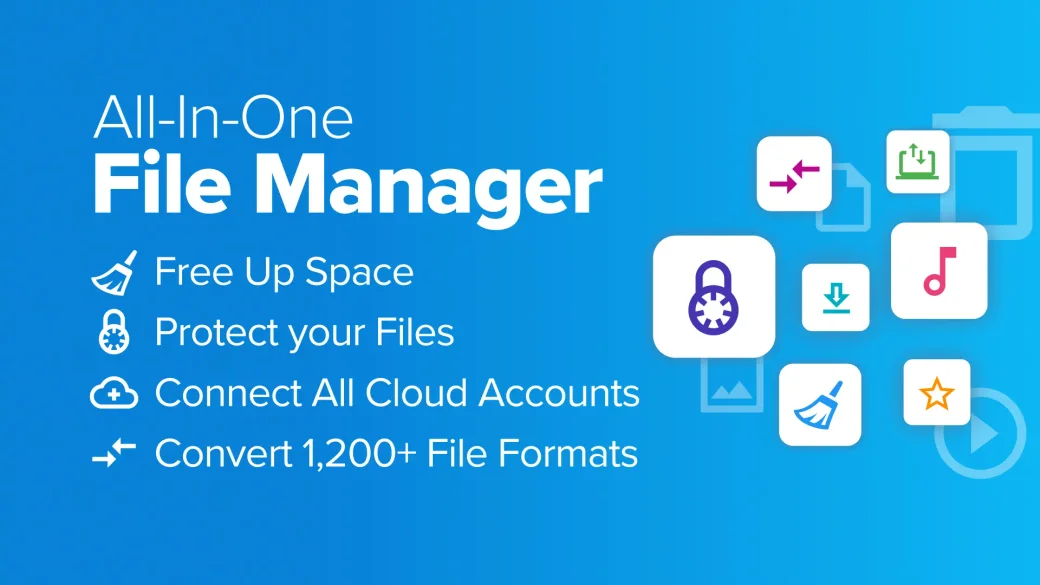
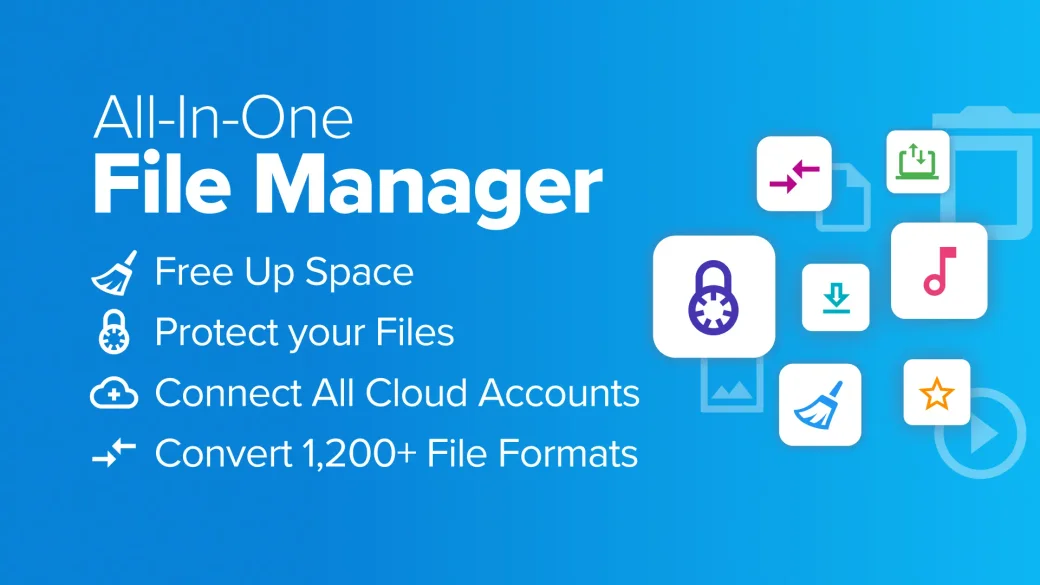
File Commander is your all-in-one file manager, storage cleaner, and cloud file explorer designed to manage files and folders seamlessly. Instantly organize files, free up space, clean junk files, and secure private documents on your phone, tablet, and TV.
Whether you need a fast file manager app to browse files, a junk file cleaner to clear space, or a unified cloud manager for file transfer, File Commander delivers top system performance.
🌐 Key Features & Capabilities:
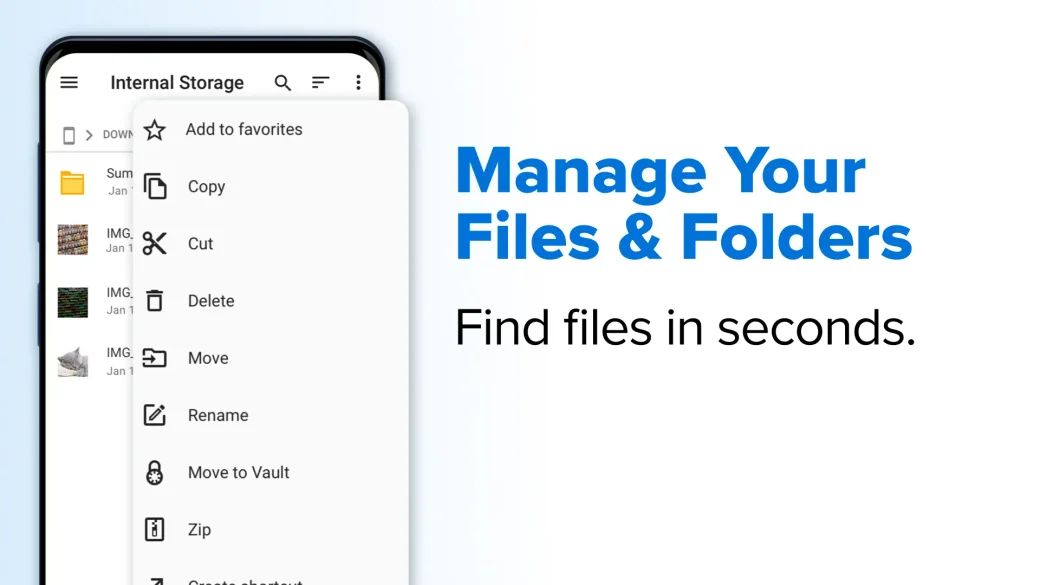
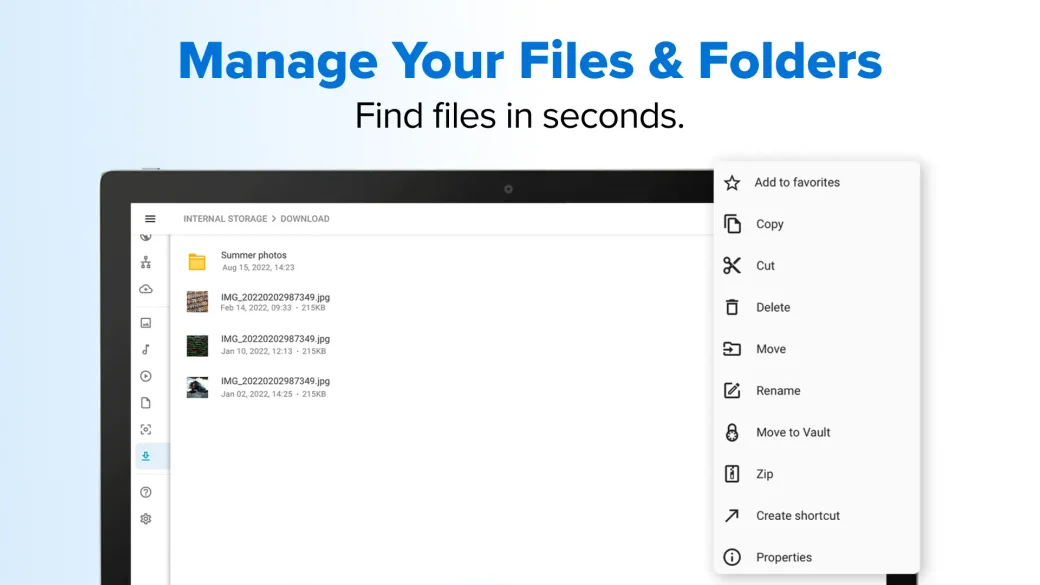
📁 Complete File Manager & File Explorer: Browse files, copy, move, rename, and manage files and folders across internal storage, SD card, and phone storage effortlessly.
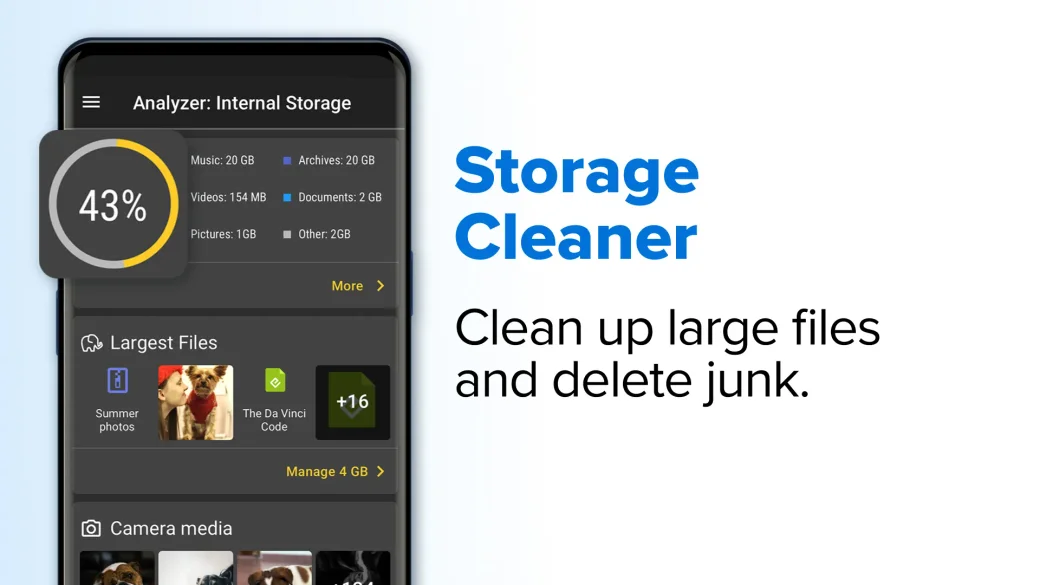
🧹 Storage Cleaner & Junk File Cleaner: Analyze storage clutter, remove junk files, and use our file cleaner to free up space easily.
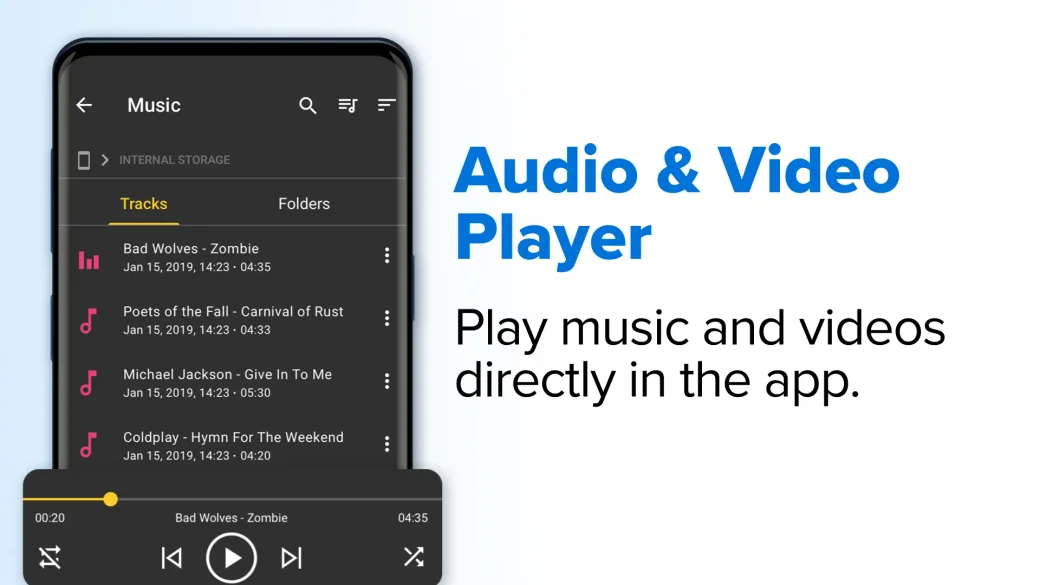
🎬 All-in-One Media Player: Play, manage, and quickly view files, videos, and music directly on your phone, tablet, and TV.
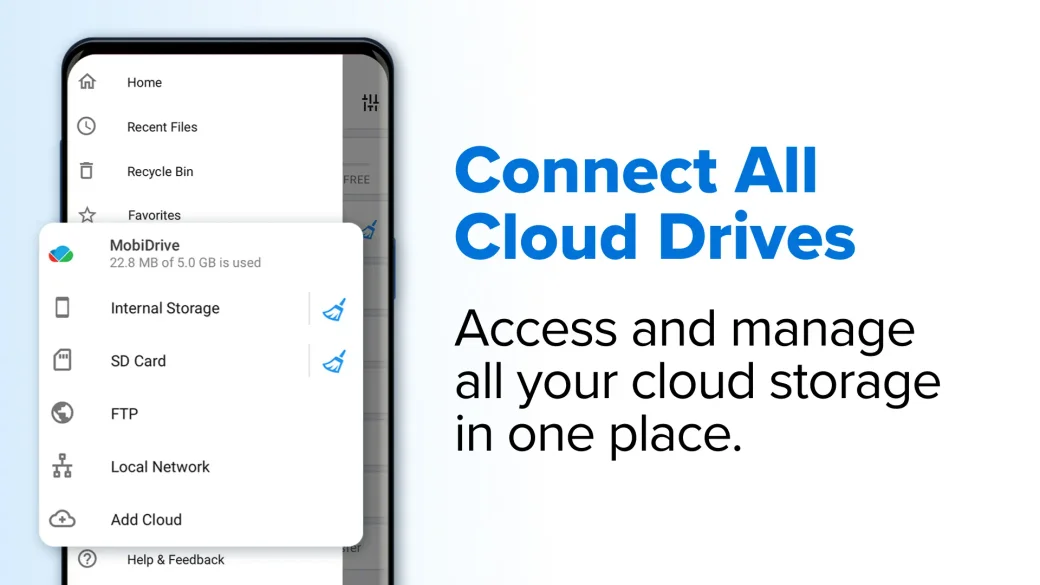
☁️ Unified Cloud Storage & Cloud File Explorer: Get 5GB of free MobiDrive cloud storage, plus manage Google Drive, Dropbox, OneDrive, and Box in one easy-to-use cloud file manager.
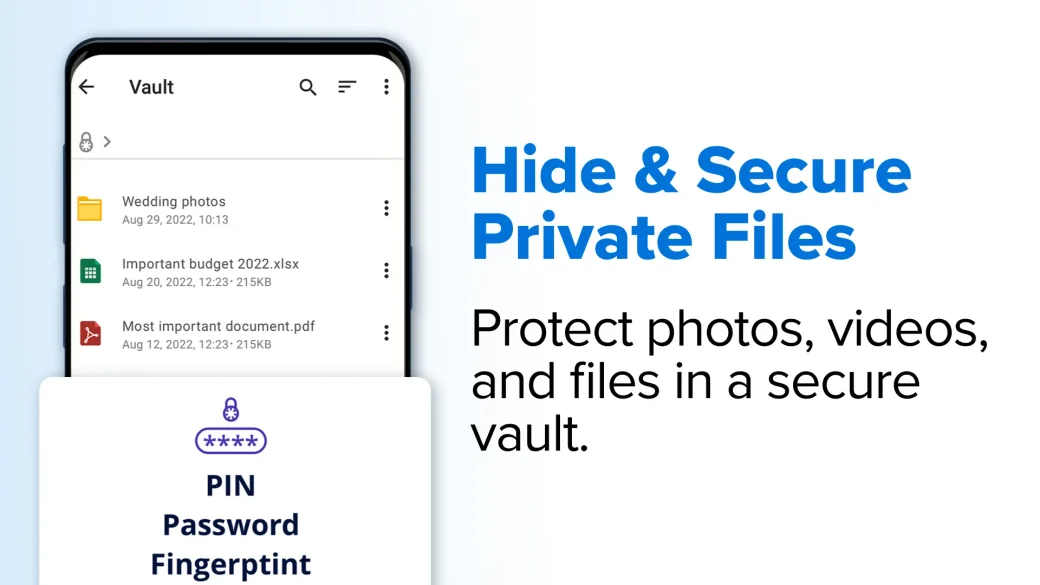
🔒 Encrypted Private Vault & File Locker: Hide pictures, lock personal videos, and protect sensitive files and folders with zero-knowledge PIN or fingerprint lock.
⚡ Android File Transfer (Wi-Fi Sharing): Wirelessly transfer files between your phone, PC, tablet, or smart TV over your local Wi-Fi network without cables.
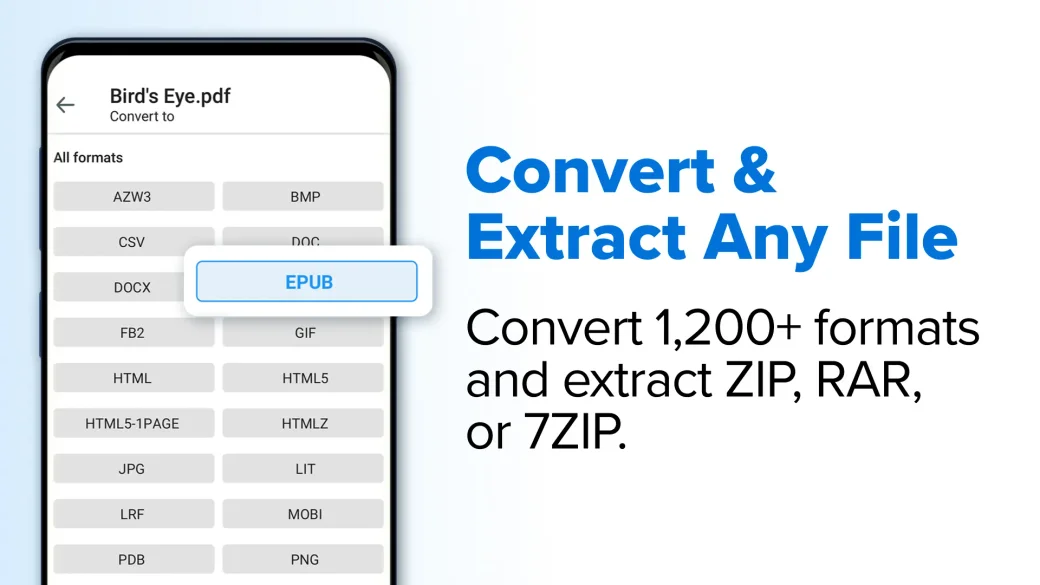
🔄 File Converter & Zip File Extractor: Convert over 1,200 file formats (PDF, MP3, MP4) and use the built-in zip file extractor to unzip, compress, and extract ZIP, RAR, and 7ZIP archives.
🗑️ Recycle Bin & File Recovery: Accidentally deleted a file? The Recycle Bin allows quick file retrieval to restore deleted files and folders from internal storage or SD card.
📺 Android TV File Manager Support: Manage TV storage space, organize files, and play media directly inside the app.
How to use File Commander?
📁 How can I find my files on my phone and manage folders?
Open the file manager to browse internal storage, SD card, downloads, and media. Our file organizer lets you copy, move, rename, compress, and organize files and folders across all storage locations.
🧹 How do I clean junk files and free up storage?
Launch the storage cleaner to scan your device. The junk file cleaner visualizes what takes up the most space, highlighting large files and folders. Easily clean junk storage, remove leftover files, and free up space.
🎵 Can I play music and videos directly in File Commander?
Yes! The Audio & Video player lets you play, manage, and access all your media files directly inside the app across your phone, tablet, and TV.
☁️ How do I manage multiple cloud storage accounts in one place?
Open the cloud file explorer to connect Google Drive, Dropbox, OneDrive, Box, and MobiDrive. The cloud file manager lets you search, explore, and manage cloud files without downloading.
🔒 How can I hide private photos, videos, and documents?
Use the Vault to hide private files and folders. Move personal photos, videos, or documents to the secure file vault, protected by PIN, password, or fingerprint encryption.
⚡ How to transfer files between Android and PC?
Select PC File Transfer on your Wi-Fi network. Open the provided IP address in your PC browser for easy file transfer. Copy, download, and transfer files in both directions between phone and computer.
🔄 How do I extract zip files and convert documents?
Use the file converter and archive tool to open, compress, or extract ZIP, RAR, and 7ZIP files directly without needing extra file reader apps.
File Commander is the complete file manager, file explorer, and file cleaner trusted by millions of users. Download File Commander now to clean junk files, organize documents, and take total control of your files!
Data safety
What MobiSystems declares on Google Play about the data this app collects and shares.
- This app may share these data types with third partiesFinancial info and App activity
- This app may collect these data typesPersonal info, Financial info and 6 others
- Data is encrypted in transit
- You can request that data be deleted
What’s new
Nov 2, 2026
Thank you for using File Commander
During this month, our primary focus has been on enhancing the speed and reliability of our application. Our aim has been to make it more refined, user-friendly, and seamless in its performance.
Enjoying File Commander? Remember to leave us a review.
Developer contact
- Websitemobisystems.com
- Emailfilecommander@mobisystems.com
- Privacy policymobisystems.com
- Address4501 Mission Bay Dr Ste 3A San Diego, CA 92109 United States
Information
- Offered by
- MobiSystems
- Category
- Business
- Updated
- Nov 2, 2026
- Released
- Nov 6, 2012
- Requires
- Android 7.0 or later
- Age rating
- Everyone
- Price
- Free
- In-app purchases
- $0.99 - $49.99 per item
- Package name
- com.mobisystems.fileman
Similar apps
-
 File Manager
Productivity
-
 Computer File Explorer
Tools
-
 RAR
Tools
-
 File Manager
Tools
-
 LocalSend: Transfer Files
Tools
-
 FX File Explorer
Business
-
 Speech Recognition & Synthesis
Tools
-
 Storage Analyzer: Disk Cleaner
Productivity
-
 Material Files
Tools
-
 File Manager
Tools
-
 Files by Google
Tools
-
 PDF Reader & Editor - Falcon
Productivity