File Manager
Xiaomi Inc.Contains ads
- TeenAge rating
- ToolsCategory
- May 13, 2024Updated
- FreePrice
Links to the official Google Play listing of com.mi.android.globalFileexplorer. Last checked on Nov 20, 2026.

Screenshots
About this app
Mi File Manager is a free, secure tool for easy and efficient file management.
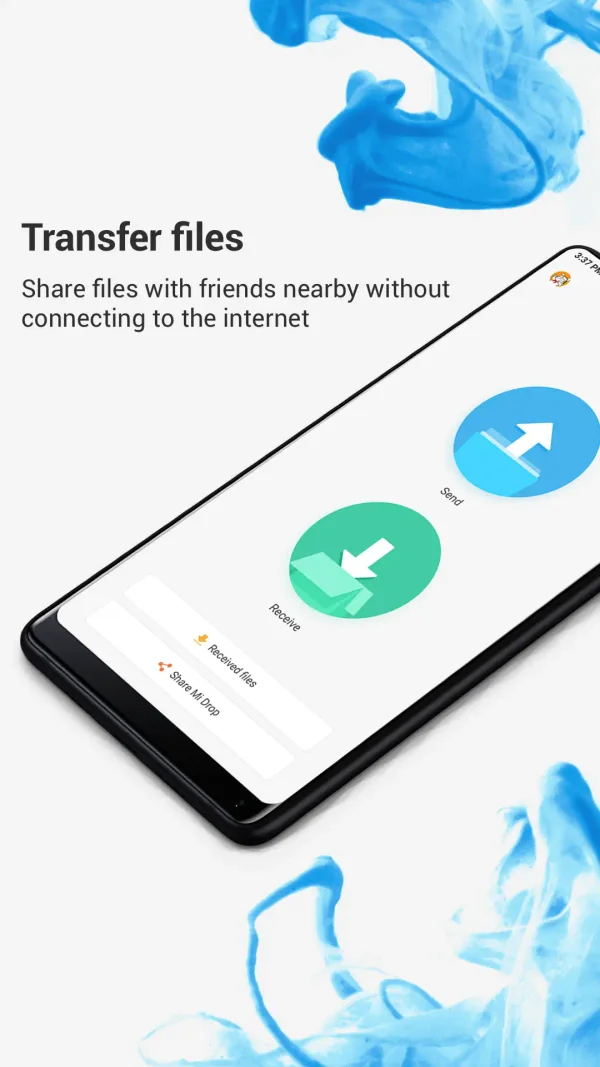
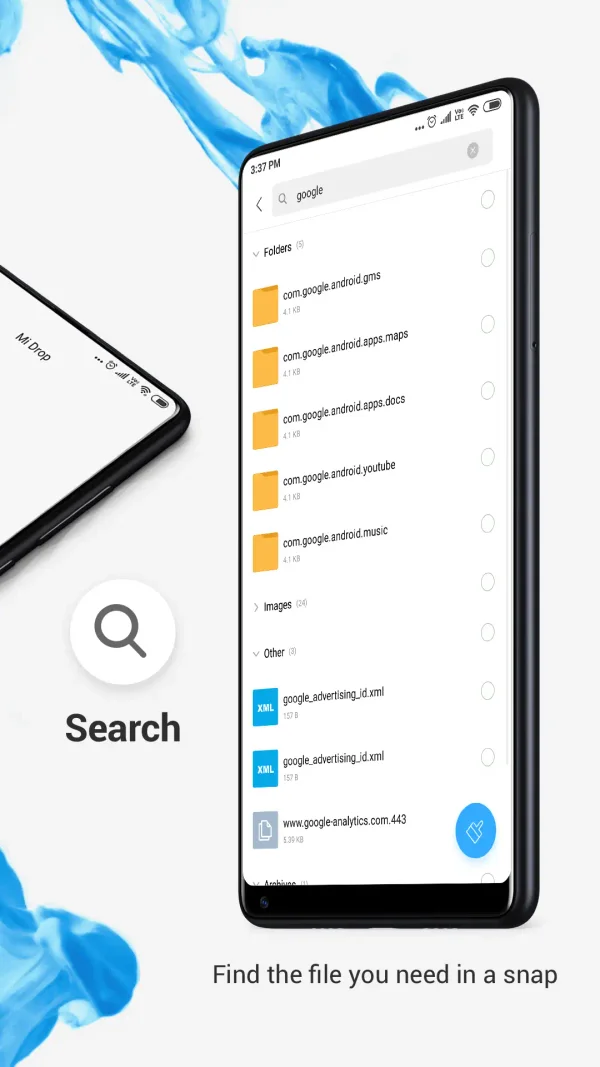
Mi File Manager is a free, secure tool that helps you find file faster, manage files easily, and share them offline with others. It supports tons of cool features: quick search, moving, deleting, opening, and sharing files, as well as renaming, unzipping, and copy-paste. Mi File Manager also recognizes multiple file formats, including music, videos, images, documents, APKs, and zip-files. We update our app regularly to bring you the best experience. With Mi File Manager’s crisp and clear UI, file management becomes easier than ever before!
Key features
Recent: View the files you worked with recently without looking for them.
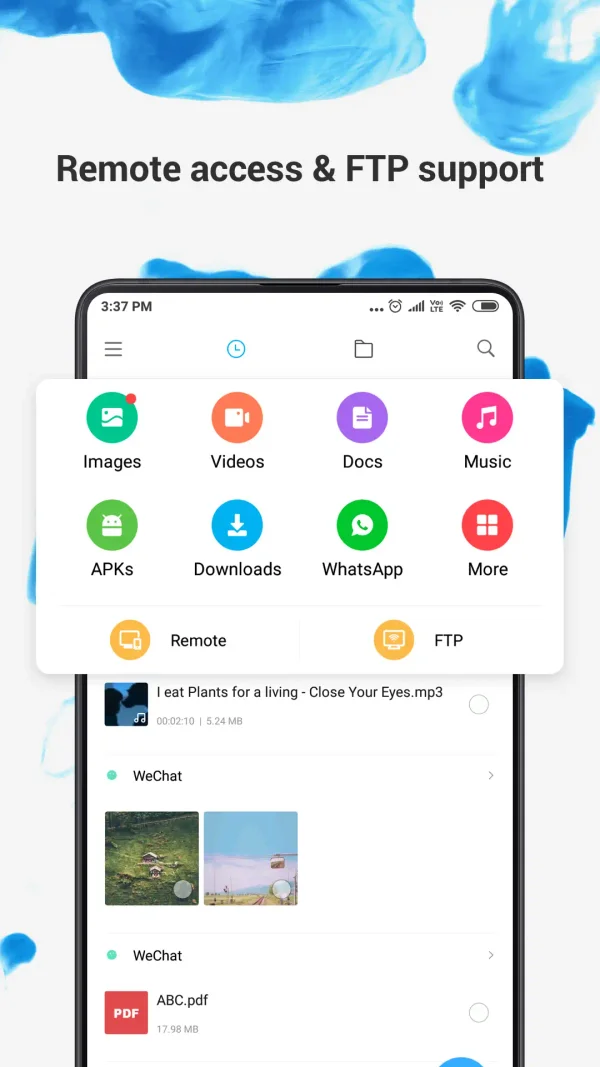
Categories: Files are organized into categories by their formats. From there, you can access to frequently used apps quickly.
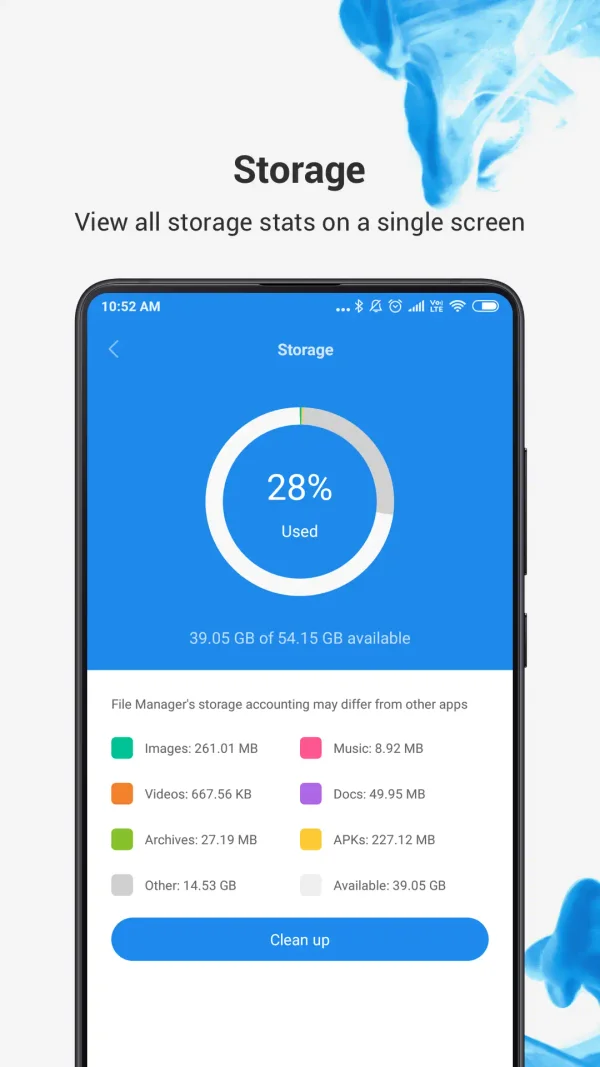
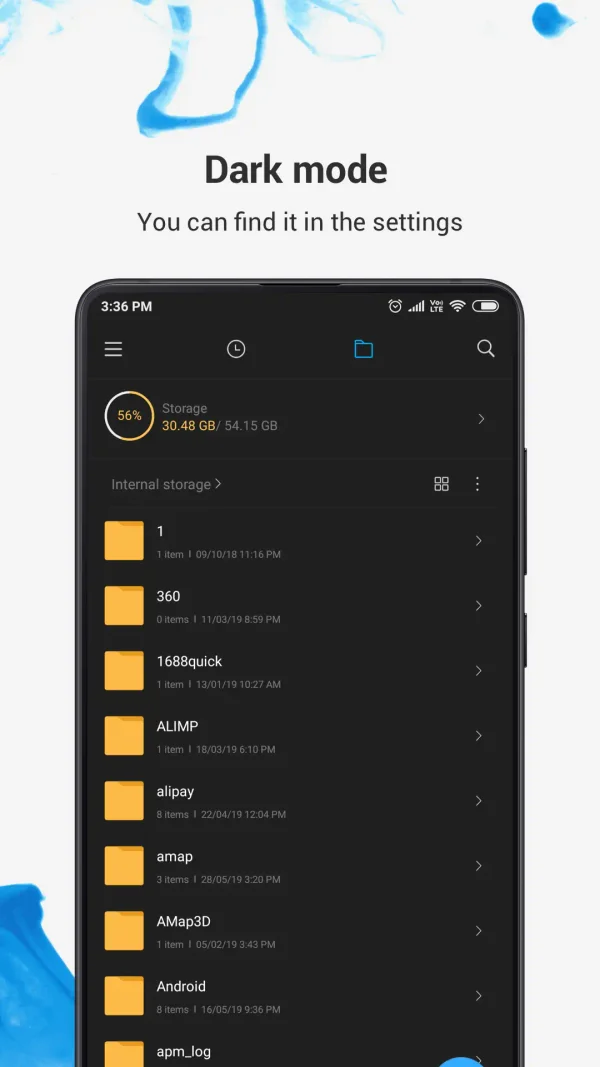
Storage: View your storage stats and manage all folders on your device.
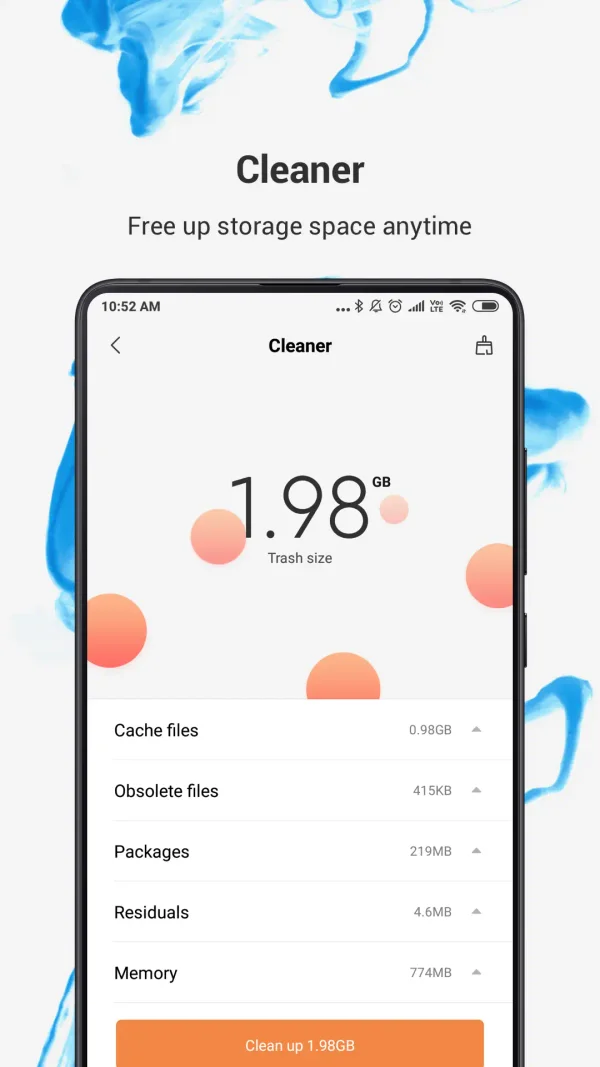
Cleaner: Free up storage space on your device by deleting cache and junk files.
Mi Drop: Share files with friends who are nearby without connecting to the Internet.
Global search: Enter keywords to find files.
Multiple file formats support: Open videos, music, documents, APKs, and compressed files with one tap.
File compression: Compress and decompress ZIP/RAR archives.
Manage multiple files: Select multiple files for the same operation.
Multiple languages supported: Bahasa Indonesia, Bengali, Chinese, English, Español, Português, ру́сский язы́к, українська мова, Tiếng Việt
Data safety
What Xiaomi Inc. declares on Google Play about the data this app collects and shares.
- No data shared with third partiesLearn more about how developers declare sharing
- No data collectedLearn more about how developers declare collection
- Data is encrypted in transit
- You can request that data be deleted
What’s new
Version V1-210601 · May 13, 2024
Thank you for using File Manager. Here's what we've done in the new version:
1. Fixed some known bugs.
2. Boosted overall performance.
Developer contact
- Websiteglobal-e.mi.com
- Emailglobal-filemgr@xiaomi.com
- Privacy policymi.com
- Address中国 北京市海淀区 海淀区西二旗中路33号院6号楼6层006号 邮政编码: 100085
Information
- Offered by
- Xiaomi Inc.
- Category
- Tools
- Version
- V1-210601
- Updated
- May 13, 2024
- Released
- Oct 26, 2017
- Requires
- Android 5.0 or later
- Age rating
- Teen
- Price
- Free
- Package name
- com.mi.android.globalFileexplorer
Similar apps
-
 File Manager
Productivity
-
 Files by Google
Tools
-
 Samsung My Files
Tools
-
 File Manager
Tools
-
 POCO Launcher 2.0 - Customize,
Personalization
-
 My Folder : Safe Secure Hidden
Tools
-
 Uninstaller
Tools
-
 XOS Launcher -Cool Stylish
Personalization
-
 Gallery - Album, Photo Vault
Tools
-
 ZArchiver
Tools
-
 Photo Lock: Hide Videos, Pics
Productivity
-
 ZX File Manager
Tools