Google Assistant Go
Google LLC- EveryoneAge rating
- ToolsCategory
- May 7, 2026Updated
- FreePrice
Links to the official Google Play listing of com.google.android.apps.assistant. Last checked on Nov 20, 2026.
Screenshots
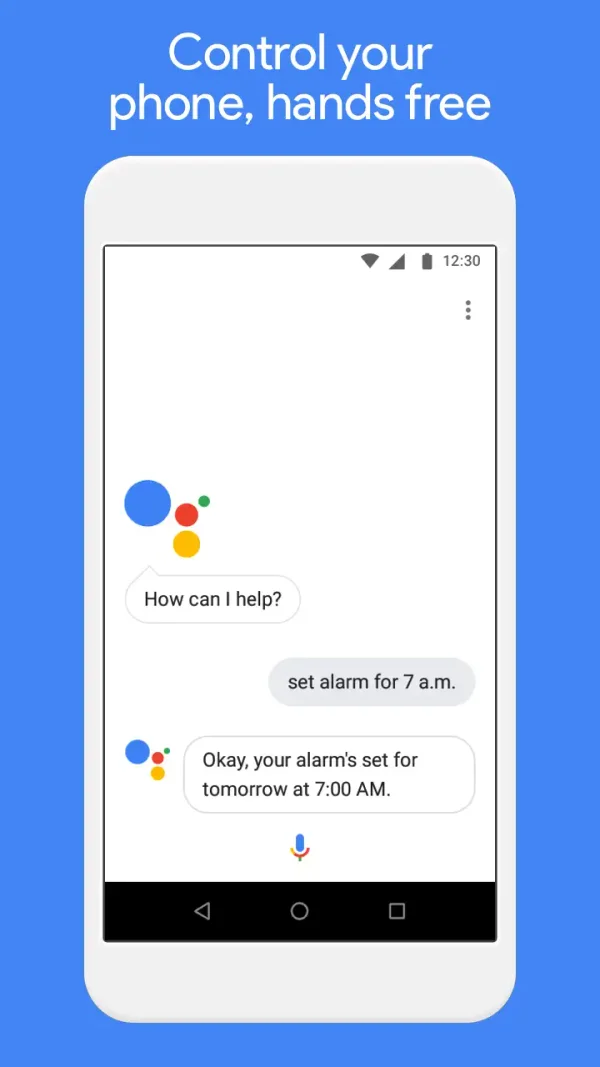
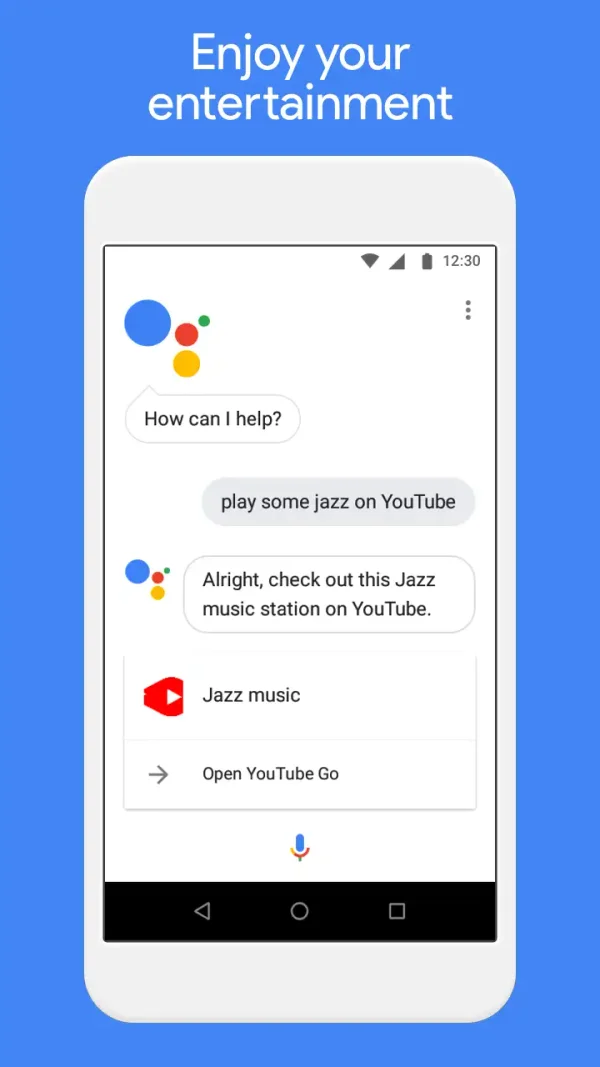
About this app
Your personal Google is ready to help. Ask it questions, tell it to do things.
Lightweight and fast, yet still packed with your favorite features, the Google Assistant is now available on Android (Go edition).
Use your voice to get directions to the nearest coffee shop, make calls hands free during your commute, and unwind by playing your favorite tunes. You personal Google is here to help. Ask your Google Assistant questions and get things done. Use it anytime, anywhere.
With the Google Assistant Go, you can:
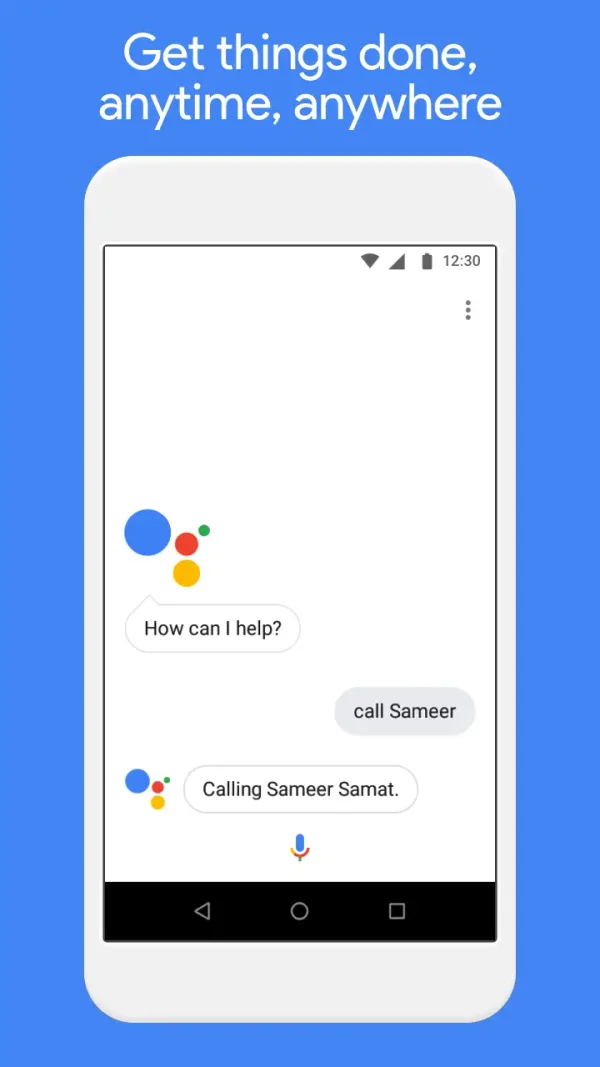
• Make quick phone calls on the go (“Call Sameer”)
• Send text messages (“Text Sara I am running late”)
• Play music (“Play some jazz on YouTube”)
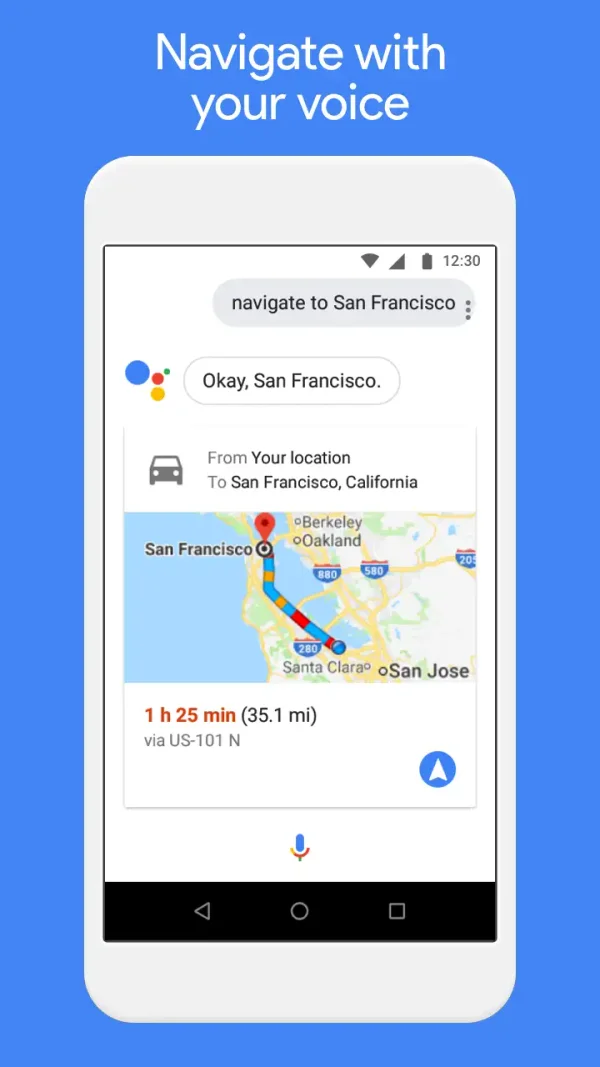
• Navigate places (“Get me directions to the nearest coffee shop”)
• Preview your upcoming events (“Tell me about my day”)
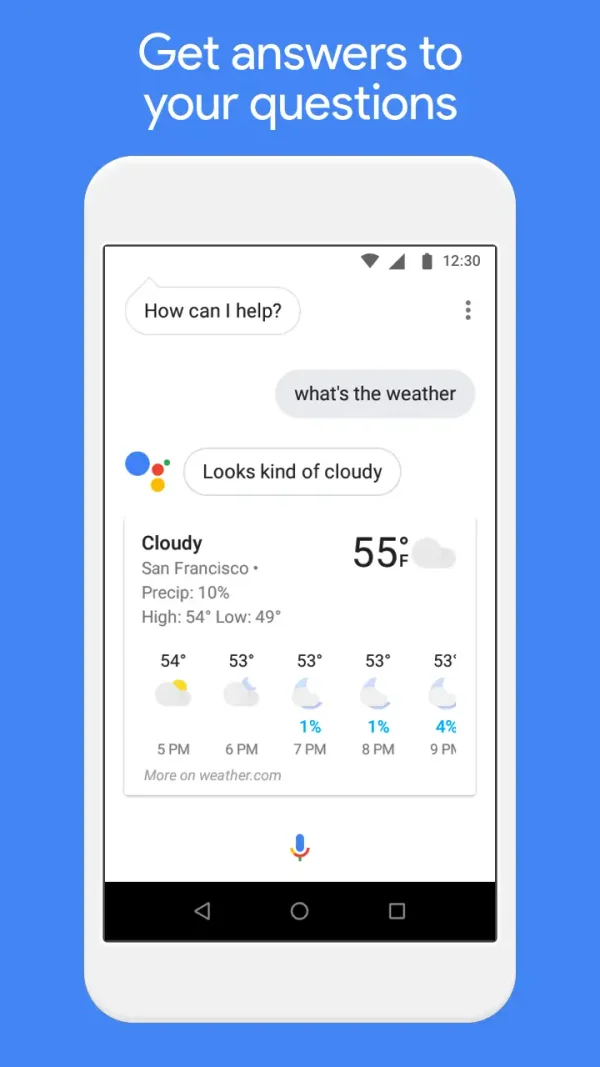
• Weather information (“Do I need an umbrella today?”)
• Answers (“How tall is Mount Everest?”)
* You can quickly access the Google Assistant for Android (Go edition) by tapping on the Assistant app icon or long-pressing the home button on your phone running Android (Go edition).
* Certain features available on the Google Assistant for standard Android phones are currently not supported on the Google Assistant for Android (Go edition), such as reminders, controls for smart home devices, Actions on Google, and Device Actions.
* The Google Assistant for Android (Go edition) currently supports English.
Data safety
What Google LLC declares on Google Play about the data this app collects and shares.
- No data shared with third partiesLearn more about how developers declare sharing
- This app may collect these data typesLocation, Personal info and 10 others
- Data is encrypted in transit
- You can request that data be deleted
What’s new
May 7, 2026
• General bug fixes and improvements.
Developer contact
- Websiteassistant.google.com
- Emailapps-help@google.com
- Privacy policygoogle.com
- Address1600 Amphitheatre Pkwy Mountain View, CA 94043 United States
Information
- Offered by
- Google LLC
- Category
- Tools
- Updated
- May 7, 2026
- Released
- Jan 30, 2018
- Age rating
- Everyone
- Price
- Free
- Package name
- com.google.android.apps.assistant
Similar apps
-
 Digital Wellbeing
Tools
-
 Google Fi Wireless
Tools
-
 Gmail Go
Communication
-
 Cool Mi Launcher - CC Launcher
Personalization
-
 OxygenOS 16 Icon pack
Personalization
-
 Google Assistant
Productivity
-
 MagPie - Native speech
Productivity
-
 AI Grammar Checker App
Productivity
-
 Sound Amplifier
Communication
-
 Lookout - Assisted vision
Productivity
-
 Google Maps Go
Travel & Local
-
 Live Transcribe & notification
Communication