Google Authenticator
Google LLC- EveryoneAge rating
- ToolsCategory
- Nov 11, 2026Updated
- FreePrice
Links to the official Google Play listing of com.google.android.apps.authenticator2. Last checked on Nov 19, 2026.
Screenshots
About this app
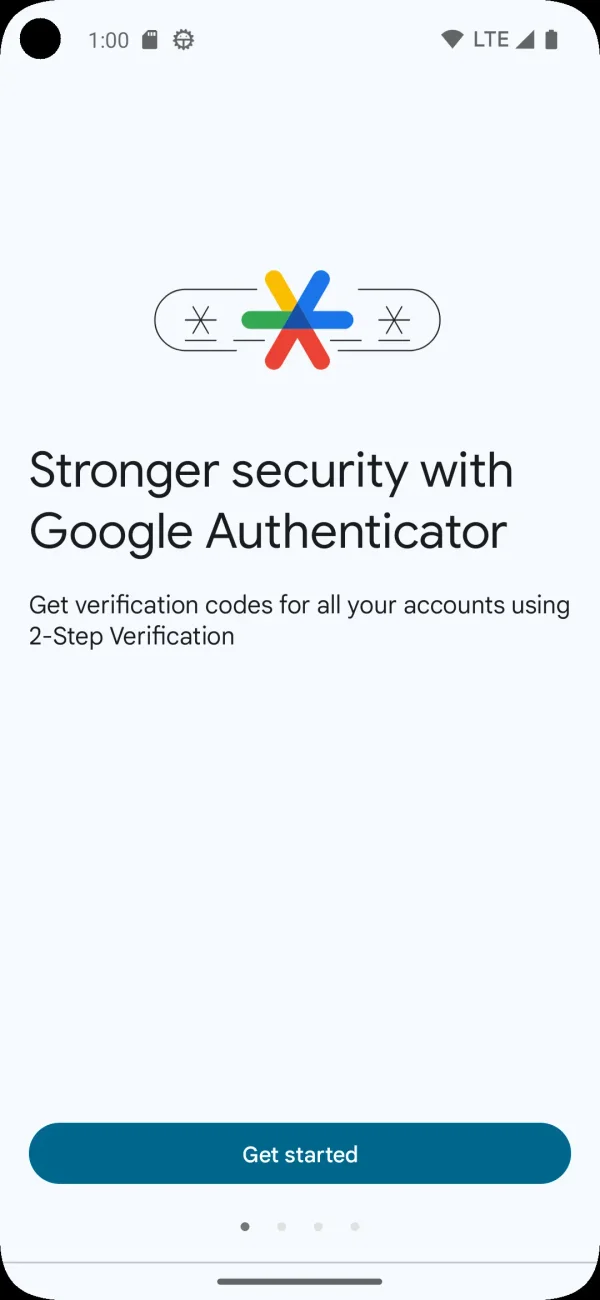
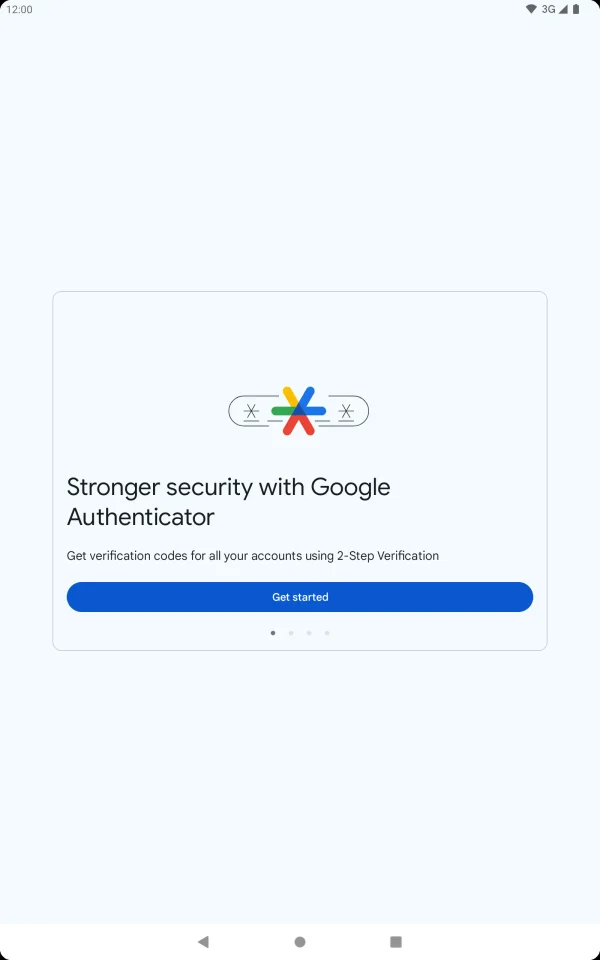
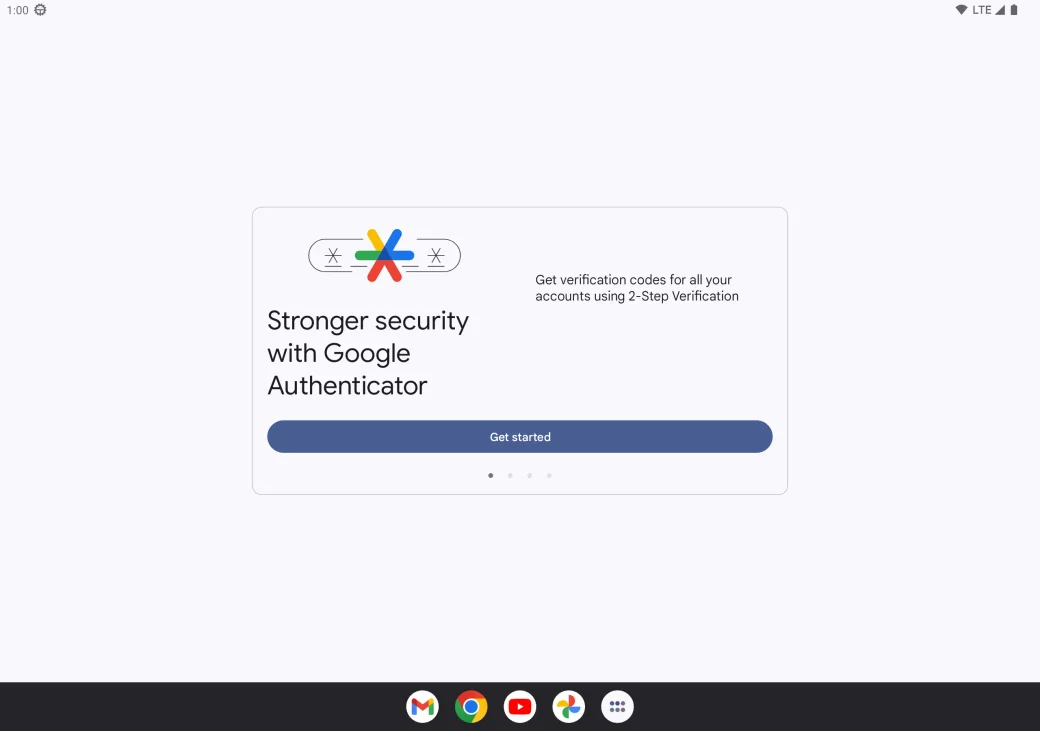
Enable two-step verification to protect your account from hijacking.
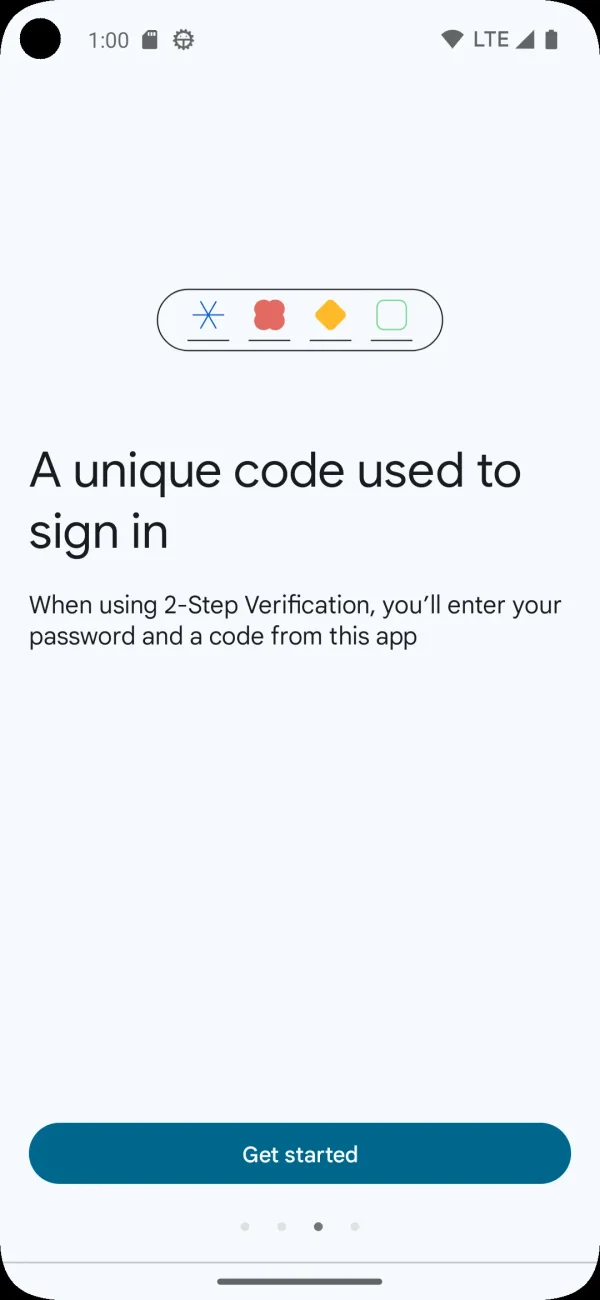
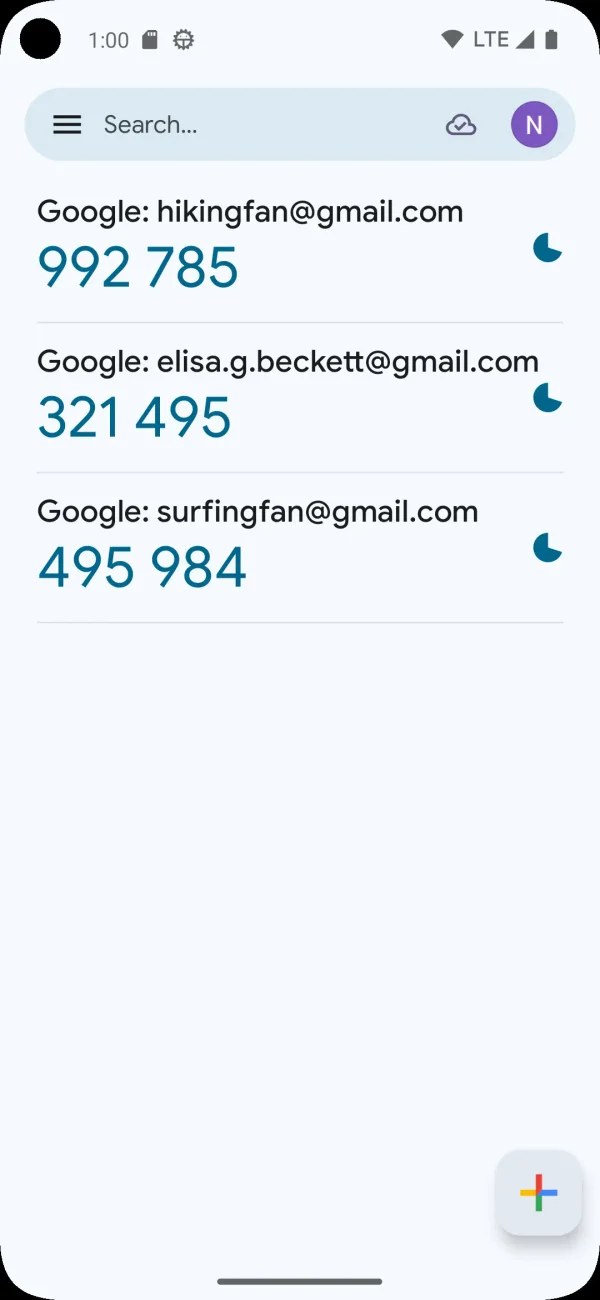
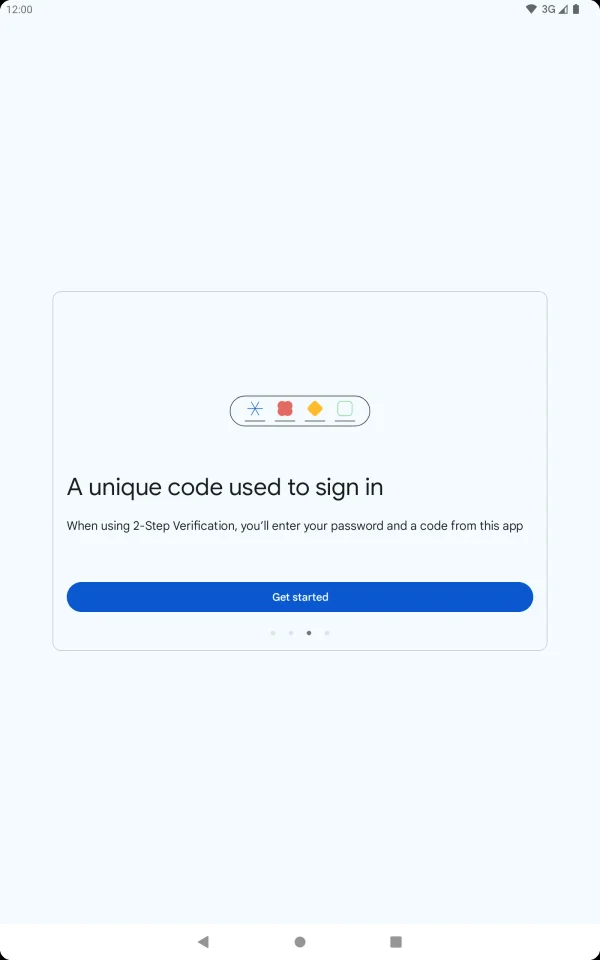
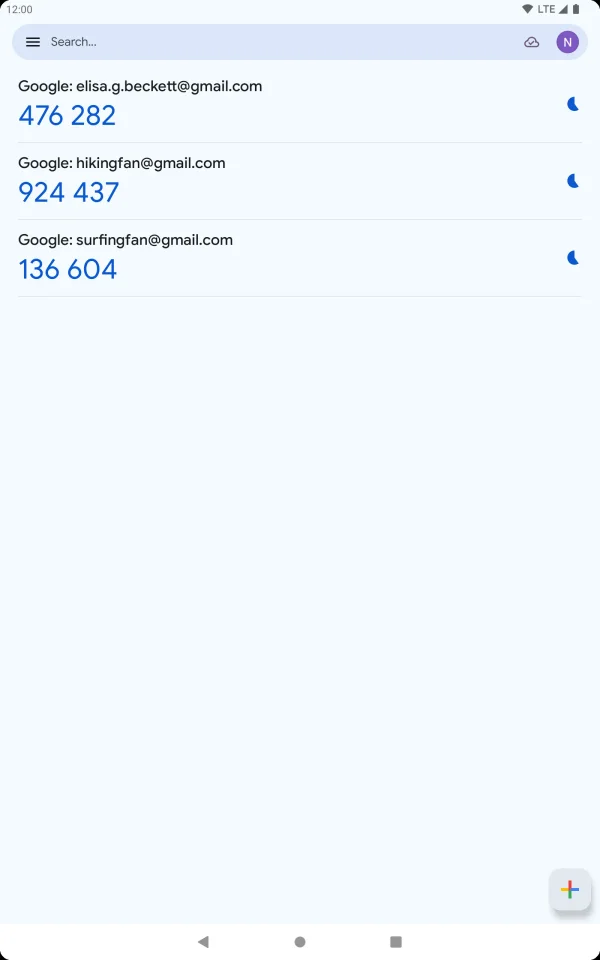
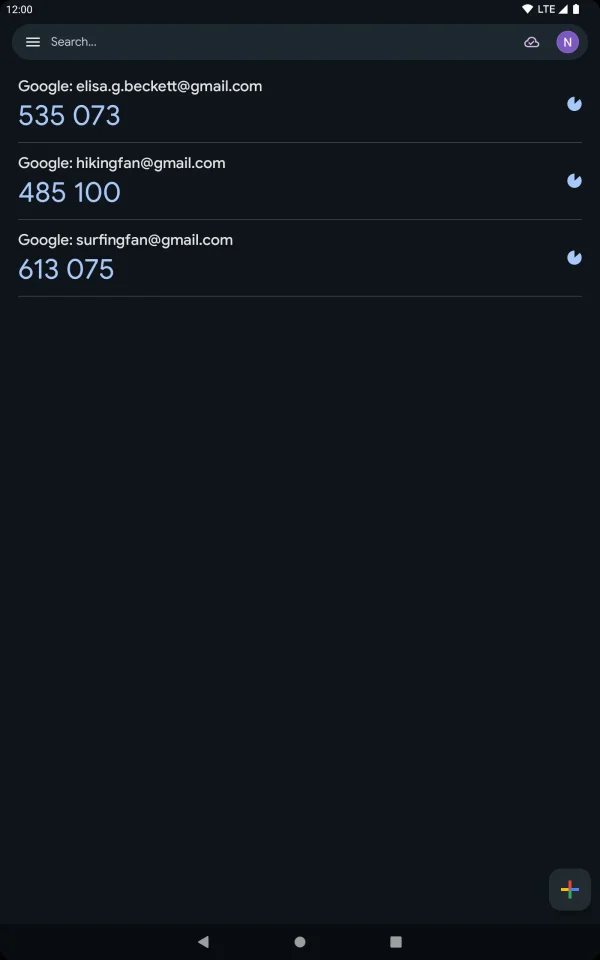
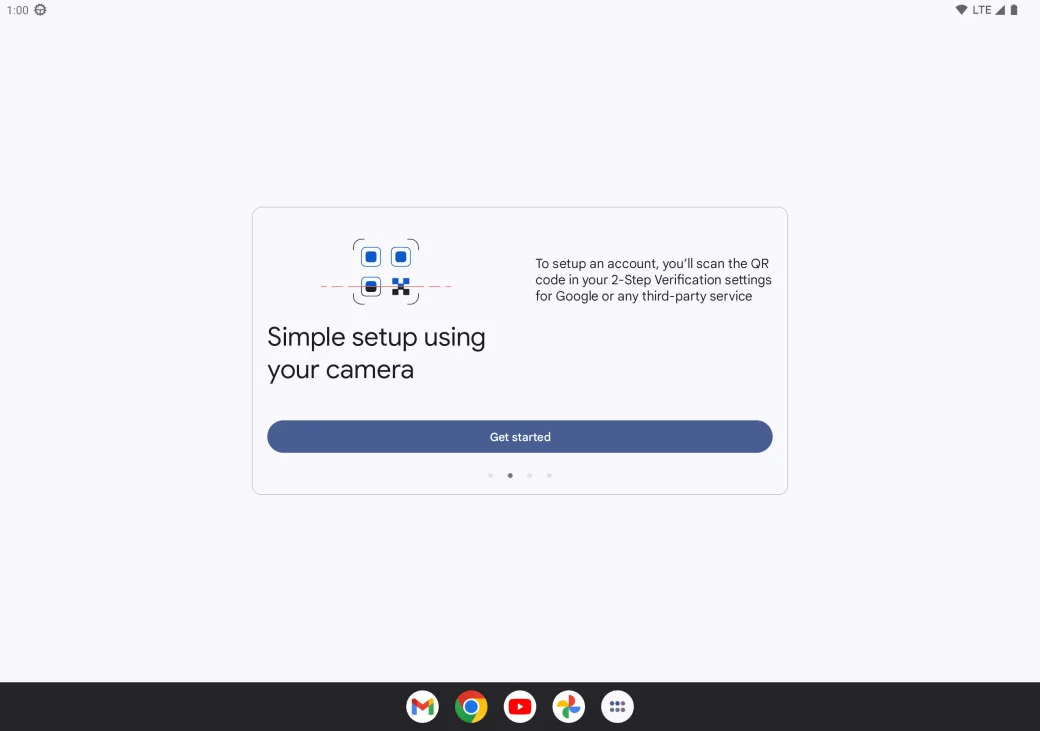
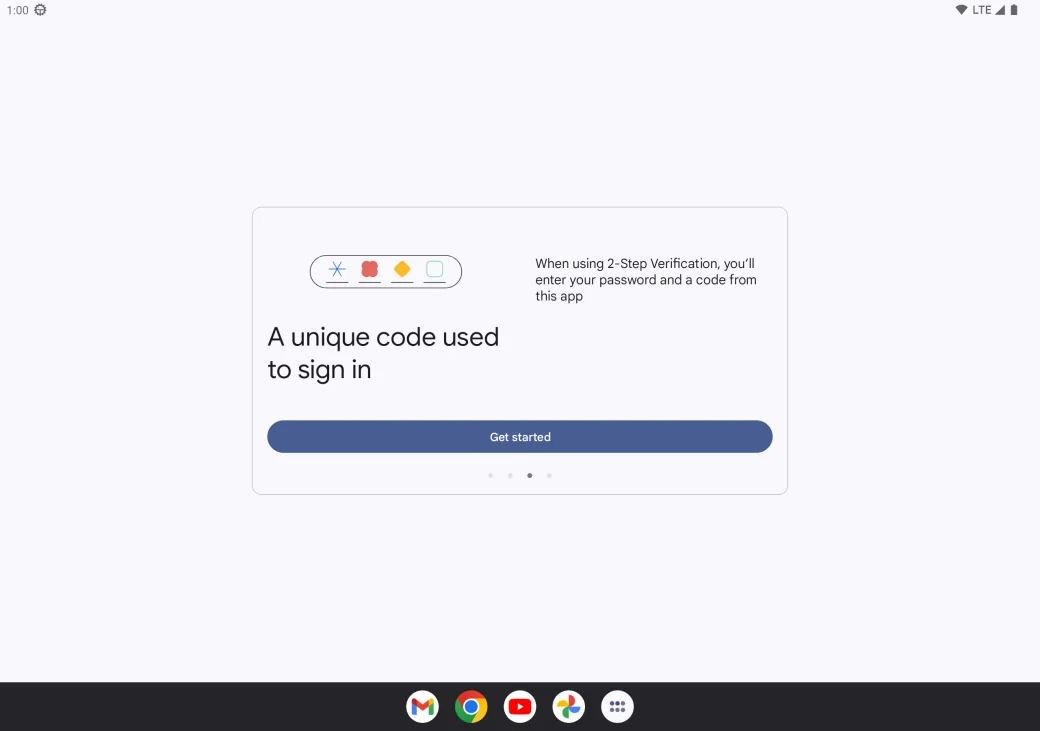
Google Authenticator adds an extra layer of security to your online accounts by adding a second step of verification when you sign in. This means that in addition to your password, you'll also need to enter a code that is generated by the Google Authenticator app on your phone. The verification code can be generated by the Google Authenticator app on your phone, even if you don't have a network or mobile connection.
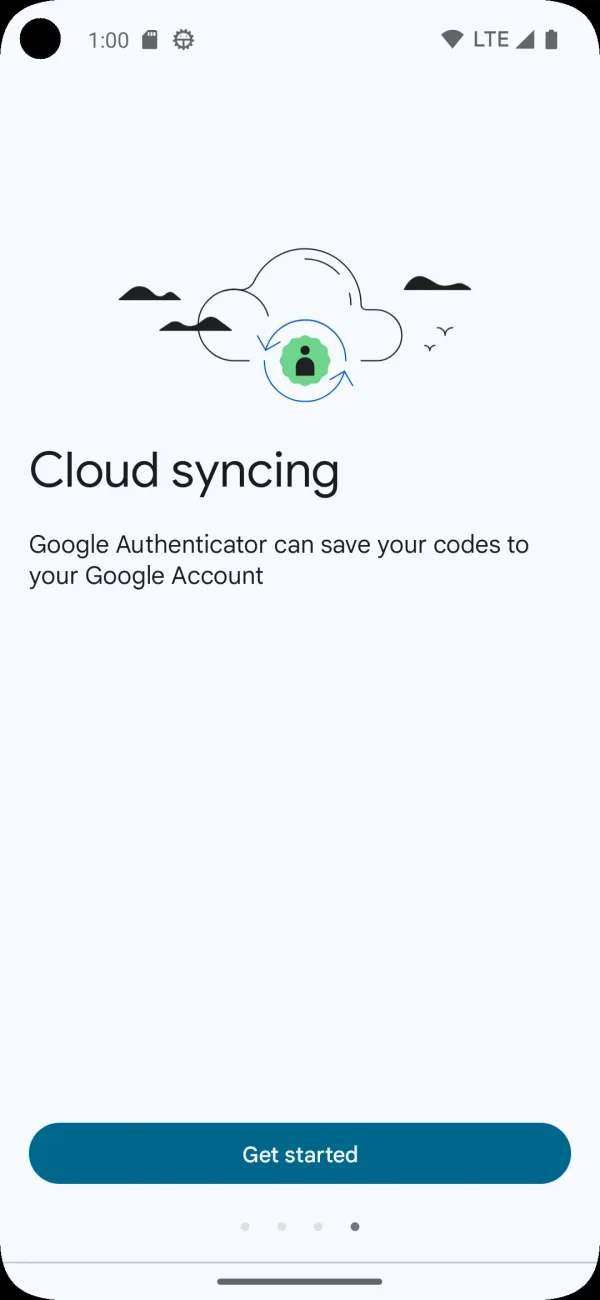
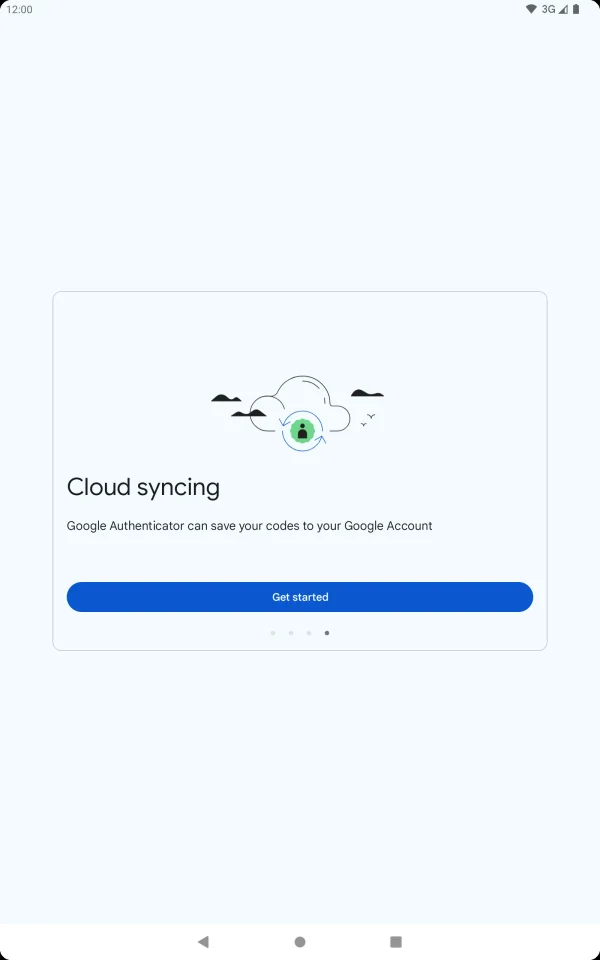
* Sync your Authenticator codes to your Google Account and across your devices. This way, you can always access them even if you lose your phone.
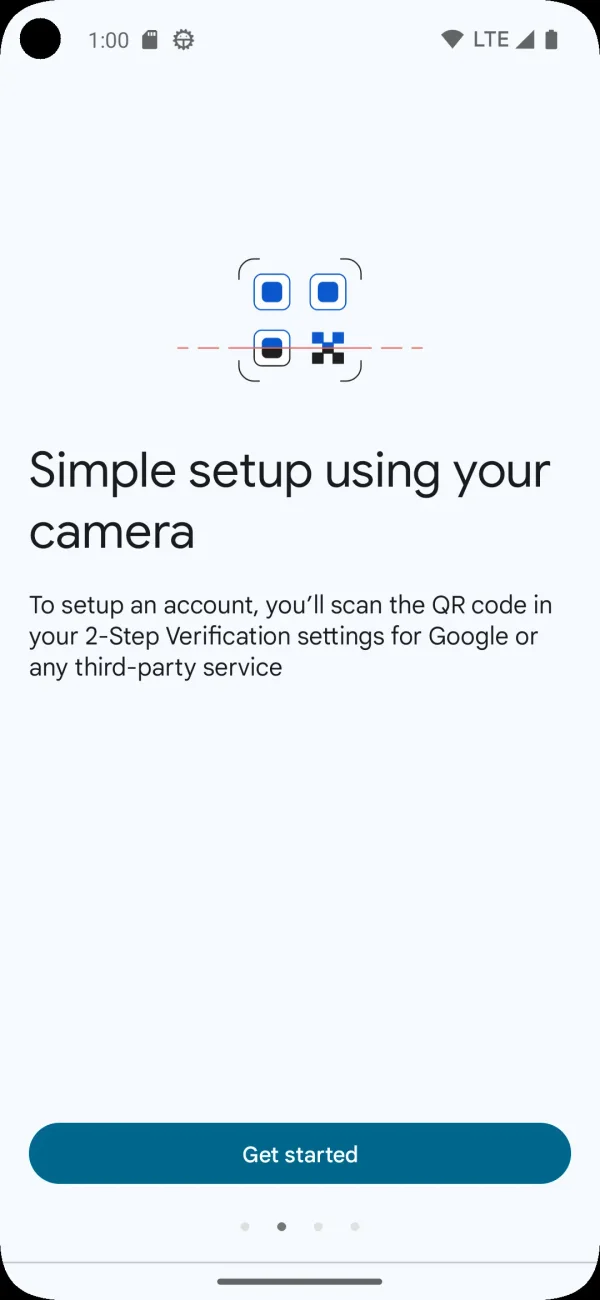
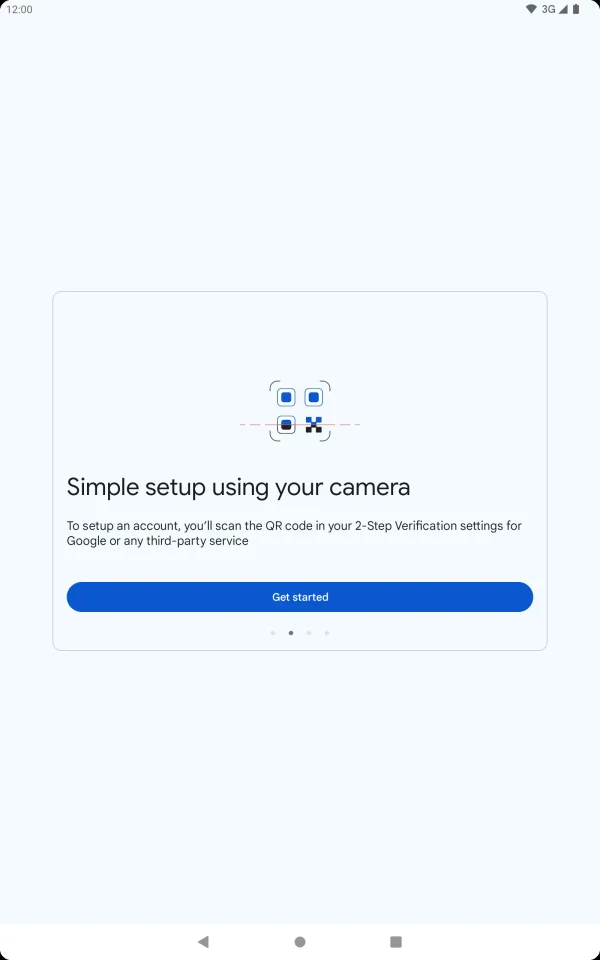
* Set up your Authenticator accounts automatically with a QR code. This is quick and easy, and it helps to ensure that your codes are set up correctly.
* Support for multiple accounts. You can use the Authenticator app to manage multiple accounts so that you don't have to switch between apps every time you need to sign in.
* Support for time-based and counter-based code generation. You can choose the type of code generation that best suits your needs.
* Transfer accounts between devices with a QR code. This is a convenient way to move your accounts to a new device.
* To use Google Authenticator with Google, you need to enable two-step verification on your Google Account. To get started visit http://www.google.com/2step Permission notice: Camera: Needed to add accounts using QR codes
Data safety
What Google LLC declares on Google Play about the data this app collects and shares.
- No data shared with third partiesLearn more about how developers declare sharing
- This app may collect these data typesPersonal info, Photos and videos and 4 others
- Data is encrypted in transit
- You can request that data be deleted
What’s new
Nov 11, 2026
* Cloud syncing: Your Authenticator codes can now be synced to your Google Account and across your devices, so that you can always access them even if you lose your phone.
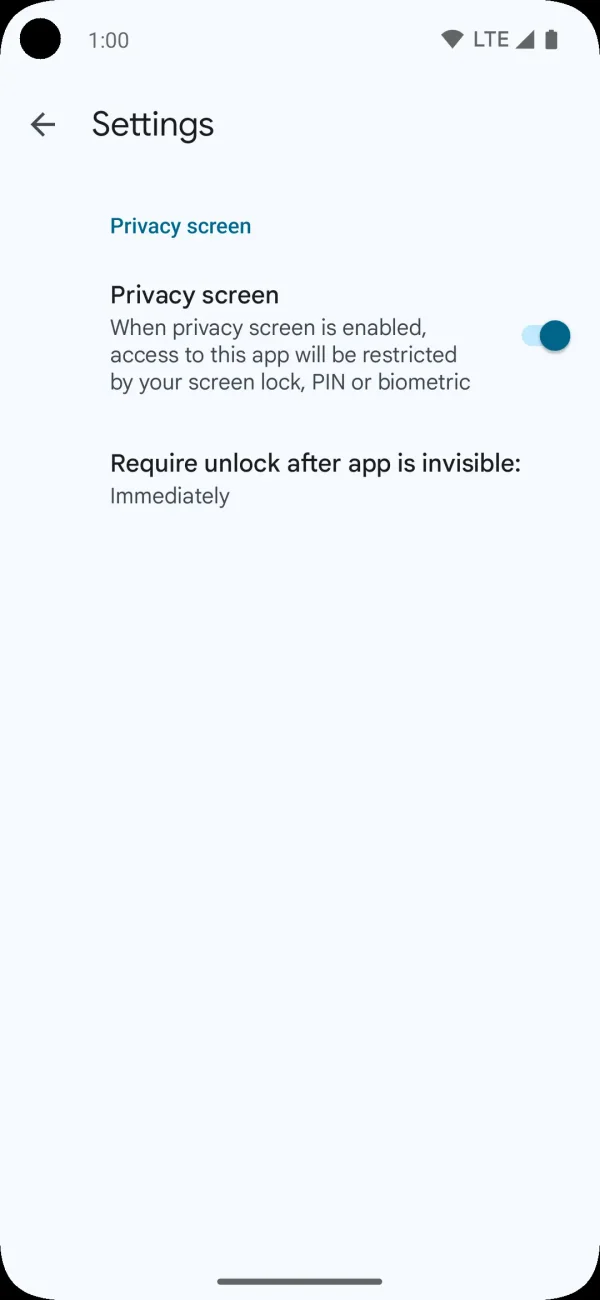
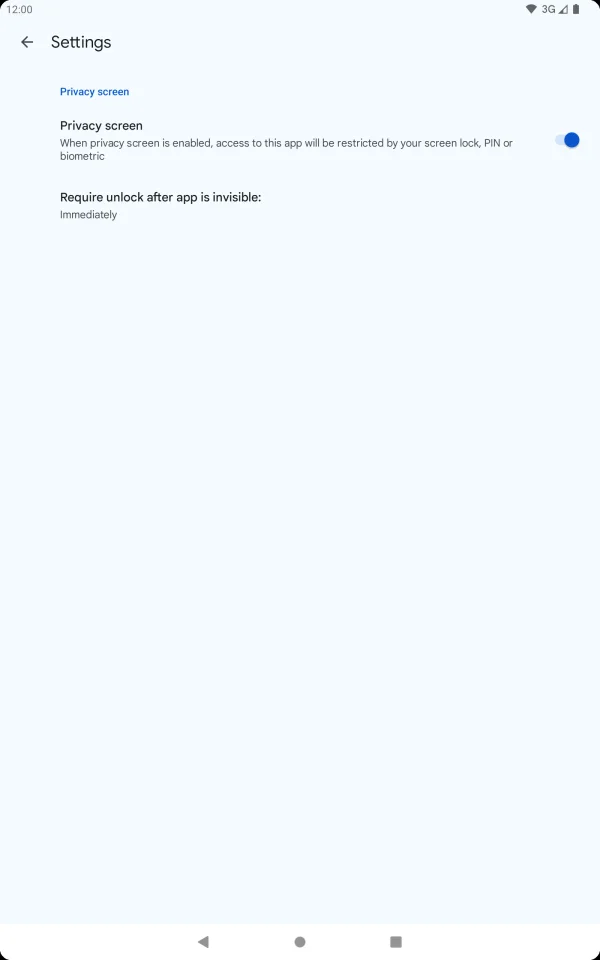
* Privacy Screen: Access to Authenticator can now be protected by your screen lock, PIN or biometric.
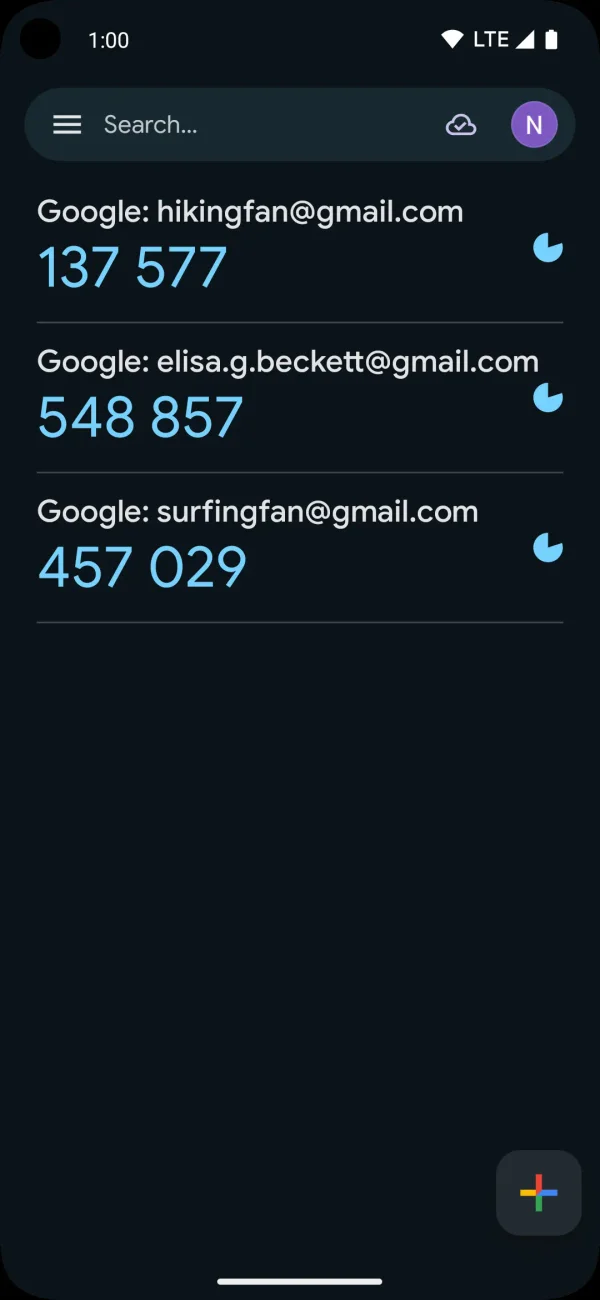
* Improved UX and visuals: We've made the app easier to use and more visually appealing.
Developer contact
- Websitesupport.google.com
- Emailaccounts-support@google.com
- Privacy policygoogle.com
- Address1600 Amphitheatre Pkwy Mountain View, CA 94043 United States
Information
- Offered by
- Google LLC
- Category
- Tools
- Updated
- Nov 11, 2026
- Released
- Mar 21, 2012
- Age rating
- Everyone
- Price
- Free
- Package name
- com.google.android.apps.authenticator2
Similar apps
-
 Samsung Browser
Communication
-
 Speech Recognition & Synthesis
Tools
-
 Google Photos
Photography
-
 Google Play services
Tools
-
 Microsoft Authenticator
Business
-
 Personal Safety
Tools
-
 Google's Find Hub
Tools
-
 Gboard – the Google Keyboard
Tools
-
 Google Go
Tools
-
 Gmail
Communication
-
 Microsoft Outlook
Productivity
-
 Google Messages
Communication