Samsung Calendar
Samsung Electronics Co., Ltd.- EveryoneAge rating
- ProductivityCategory
- Nov 3, 2026Updated
- FreePrice
Links to the official Google Play listing of com.samsung.android.calendar. Last checked on Nov 20, 2026.

Screenshots


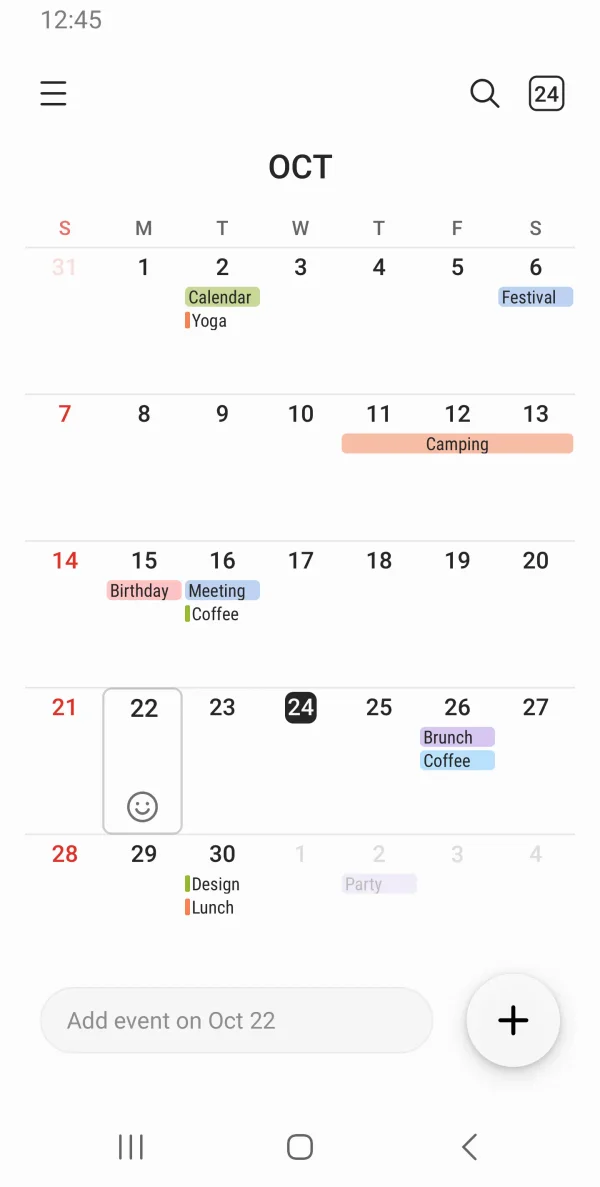
About this app
Plan your life smartly with Samsung Calendar!
A new event begins the moment you tap a date.
It helps you create events and tasks quickly and easily, and ensures that you remember them.
Decorate your home screen beautifully with the neat looking transparent widget.
[Key Features]
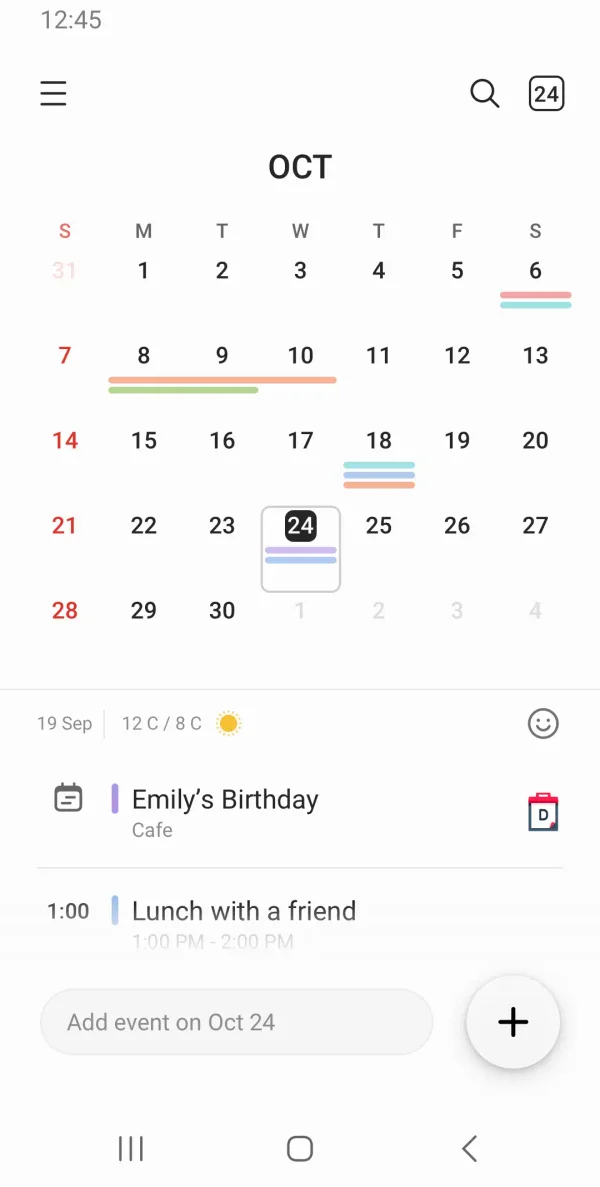
*Manage all your schedules at a glance by adding various Calendars, including Google Calendar.
*Assign color codes to events in each calendar.
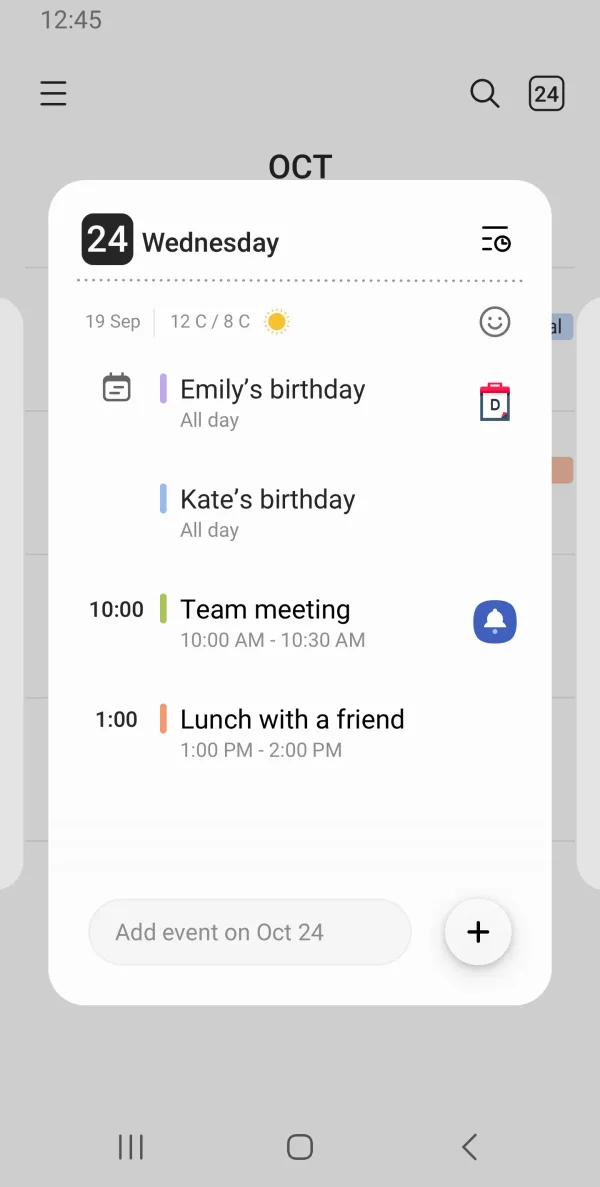
*Provides various options to display including year, month, week, day and task views.
*Display weekly weather information.
*Set a pattern of recurrence and the time zone when you create an event.
*Choose from several types of widgets with adjustable transparency.
*Switch from one day, week, month or year to the next with a simple horizontal swipe.
*Set up variety notifications for an event.
The following permissions are required for the app service. For optional permissions, the default functionality of the service is turned on, but not allowed.
[Required permissions]
- Calendar : Add and check the schedule
- Notification : Notify you of events
[Optional permissions]
- Contacts : Invite attendees to the schedule or show the contact's birthday
- Location : Save location information in the schedule
- Photos and videos : Attach file to schedule
If your system software version is lower than Android 6.0, please update the software to configure App permissions.
Previously allowed permissions can be reset on Apps menu in device settings after software update.
Data safety
What Samsung Electronics Co., Ltd. declares on Google Play about the data this app collects and shares.
- No data shared with third partiesLearn more about how developers declare sharing
- No data collectedLearn more about how developers declare collection
What’s new
Nov 3, 2026
• View your calendar on a larger screen to easily check your schedule.
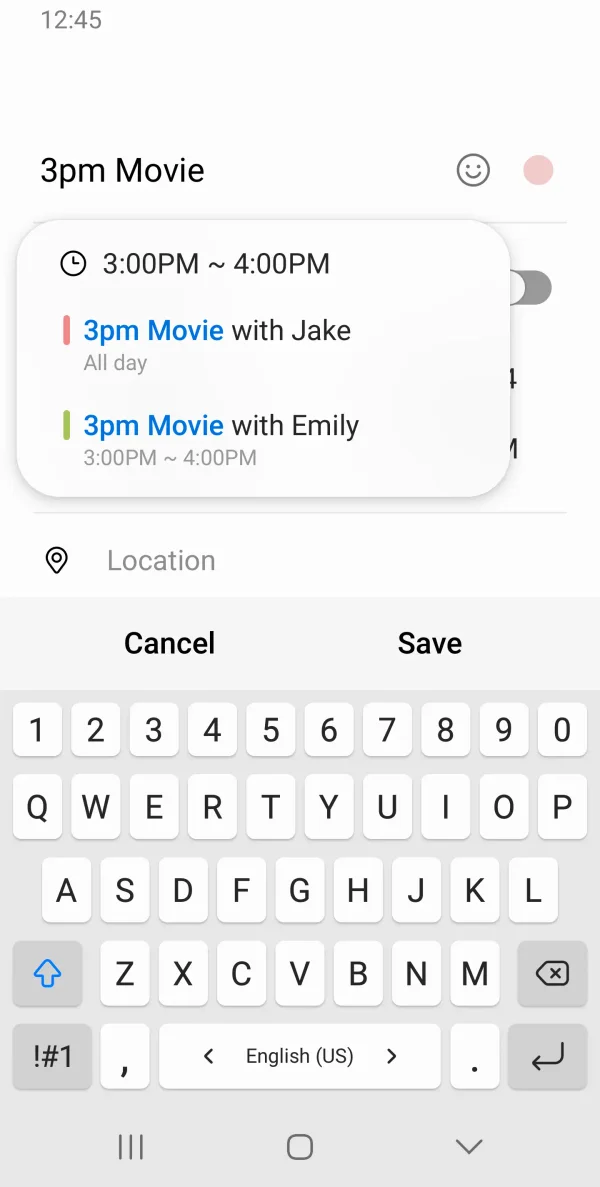
• On the "Create Schedule" screen, you can now add a reminder.
• On the calendar, you can adjust the reminder's date.
• In the Quick input window, commonly used inputs are now recommended.
Developer contact
- Emailnoreply.sec@samsung.com
- Privacy policysamsung.com
- Address대한민국 16677 경기도 수원시 영통구 삼성로 129 (매탄동)
Information
- Offered by
- Samsung Electronics Co., Ltd.
- Category
- Productivity
- Updated
- Nov 3, 2026
- Released
- Jul 14, 2023
- Age rating
- Everyone
- Price
- Free
- Package name
- com.samsung.android.calendar
Similar apps
-
 Clock
Tools
-
 Samsung Browser
Communication
-
 Samsung Calculator
Tools
-
 Samsung Notes
Productivity
-
 Samsung My Files
Tools
-
 Clock Phone 16, Alarm & Timer
Tools
-
 Galaxy Wearable
Tools
-
 Calendar Planner - CalendPal
Productivity
-
 Clock
Tools
-
 Alarm Clock - Timer, Stopwatch
Productivity
-
 Device Care
Tools
-
 Scientific Calculator
Education