InShot - Video Editor & Maker
InShot Video EditorContains ads · In-app purchases
- EveryoneAge rating
- PhotographyCategory
- Nov 23, 2026Updated
- FreePrice
Links to the official Google Play listing of com.camerasideas.instashot. Last checked on Nov 23, 2026.

Screenshots


About this app
Pro Photo & Video Editor. Edit video with music, effects, captions & slow motion
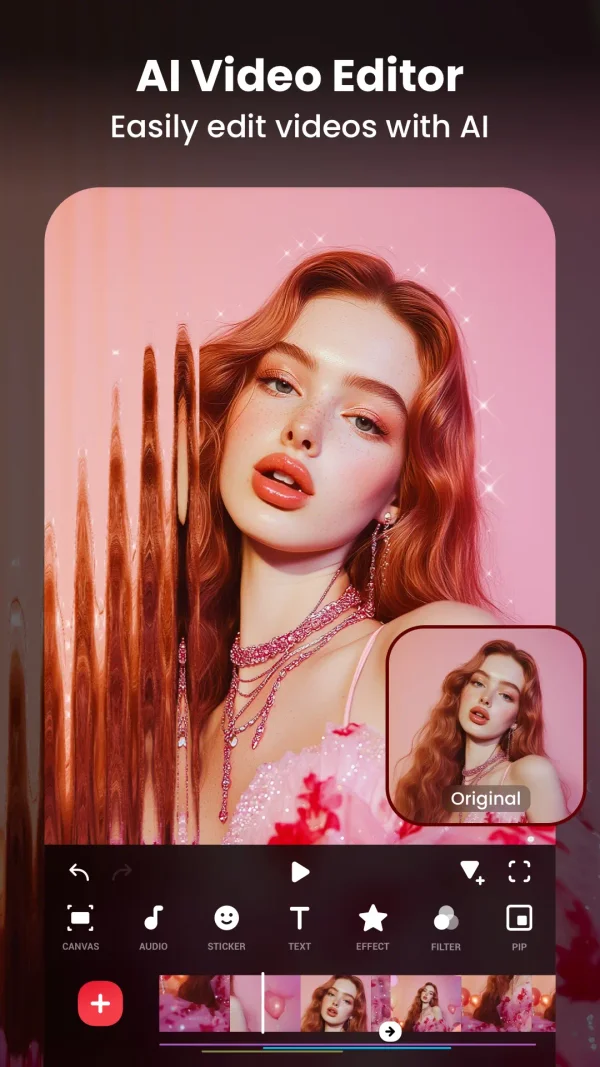
InShot - Powerful all-in-one Video Editor and Video Maker with professional features. Add music, transition effects, text, emoji, keyframe, slow motion, make video collage, blur background and etc! As an easy-to-use editing app, InShot helps you record every precious moments of daily life.
Top video maker with music, helps you create fancy video with ease and be an influencer on YouTube, Instagram, TikTok, WhatsApp, Facebook, etc.
InShot is also a easy-to-use photo editor. Edit pictures and selfie, remove photo background and make photo cutouts, make photo collages and add text and stickers. Make stories for Instagram.
Features:
Basic video editing
* Trim and cut videos. Split one video into several clips.
* Merge videos. Merge multiple clips into one. Combine and compress video without losing quality.
* Crop. Cut out the unwanted parts of the screen.
* Adjust ratio. Fit your video and photo in any aspect ratio.
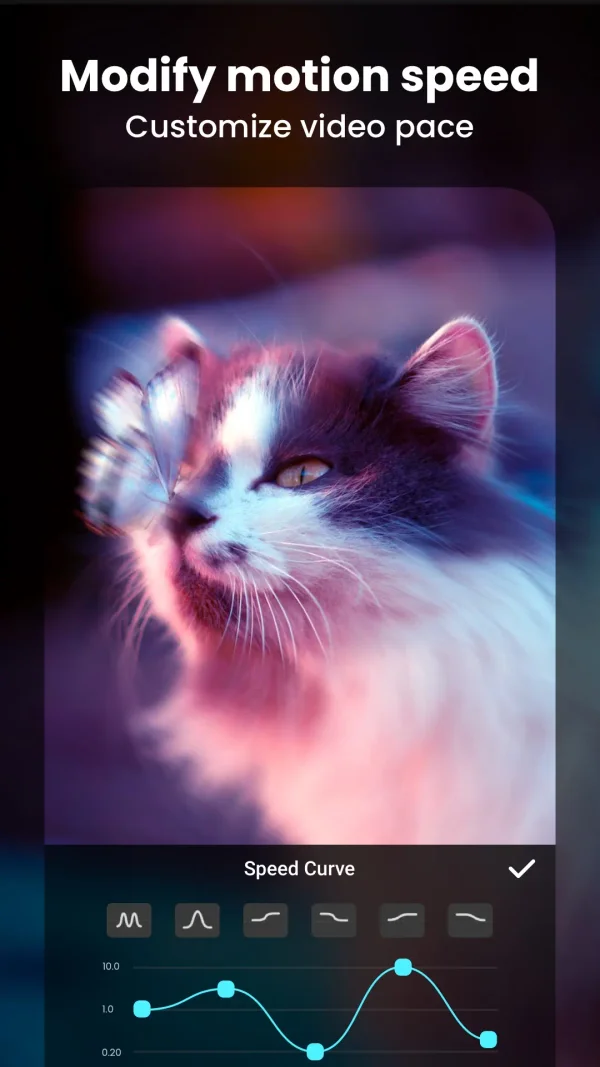
* Adjust speed. From 0.2x to 100x. Support speed ramping and make smooth slow motion.
* Reverse. Rewind the clip.
* Make photo slideshows. And you can also make stop motion video.
Advanced video editor
* Keyframes. Add keyframe animations to text, stickers, and PIPs.
* Picture-in-Picture (PIP). Add video and photo layers above the clip. Make video collage easily.
* Chroma key. Removes the selected color. You can use this tool to create green screen videos.
* Mask. Add a shape mask to the PIP.
* Mixtures. Blend your video with blend mode.
* Color picker. Pick any color on the screen and apply it to the background/text.
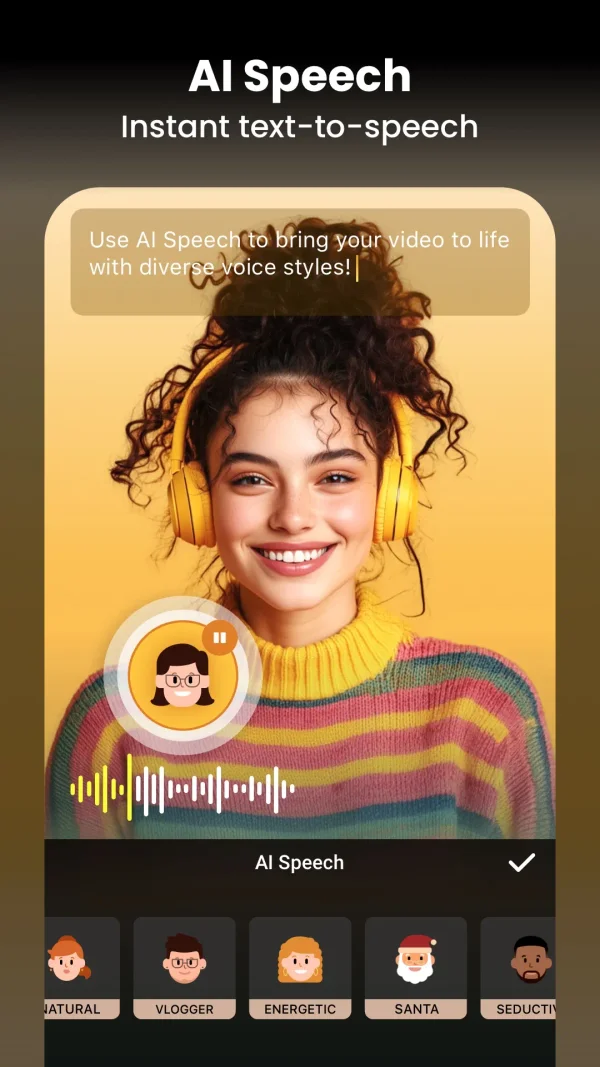
* Voice changer. Add voice effect to clip and voice-over, make video editing more fun.
Music, effects & voice-over
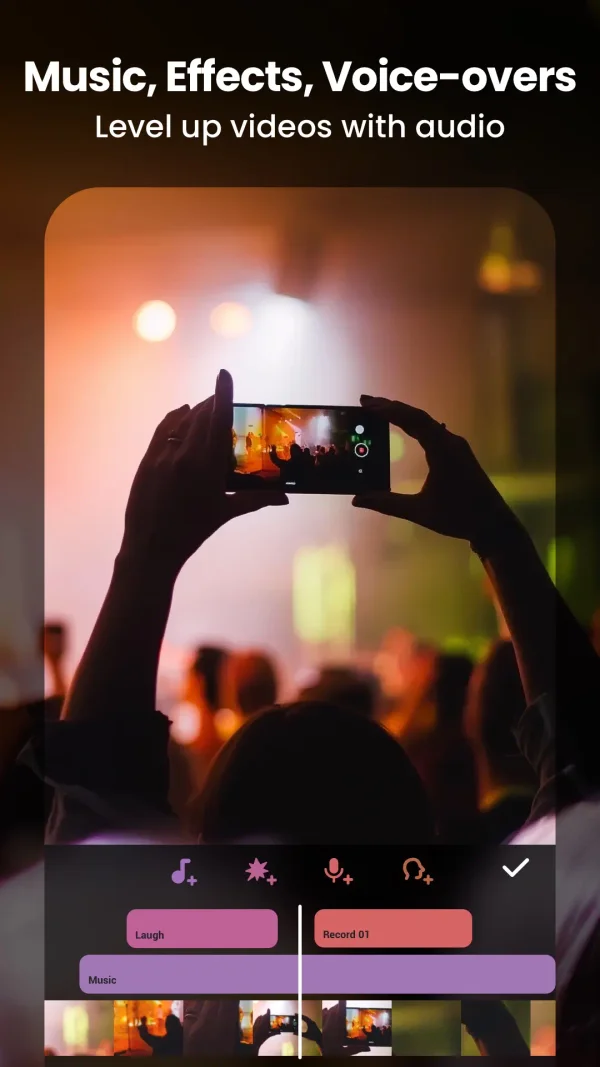
* Vlog music video maker. Add InShot featured music or use your own music.
* Extract audio from video.
* Lots of sound effects.
* Add voice-over. Support adding voice effect and make the voiceover more diverse.
* Adjust music volume and music fade in/out option.
Filters & Effects
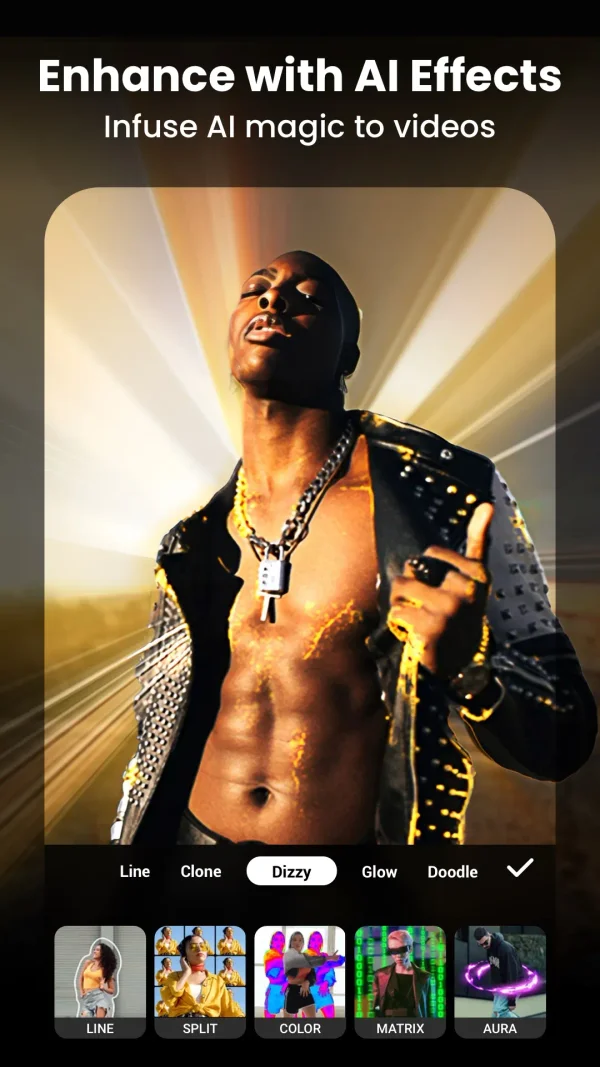
* Add movie style video filters and full effects such as VHS, Glitch effect, stop motion, Retro, RGB, etc.
* Adjust video brightness, contrast, saturation, etc. Customized video filters and video effects.
* Pro editing app with 60+ awesome transitions. Combine two clips with transition effects.
Text & Stickers
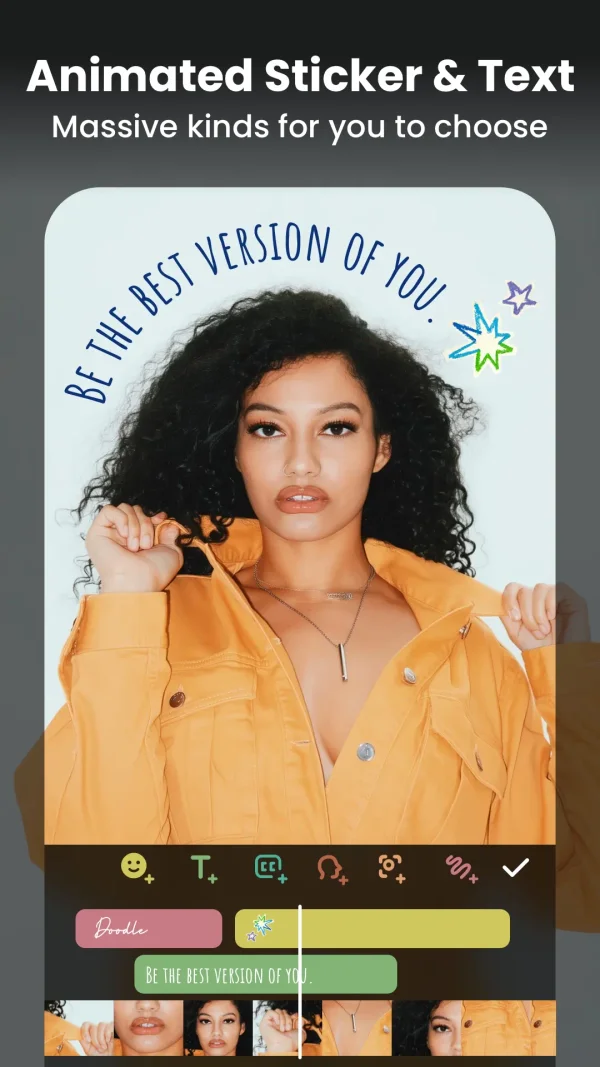
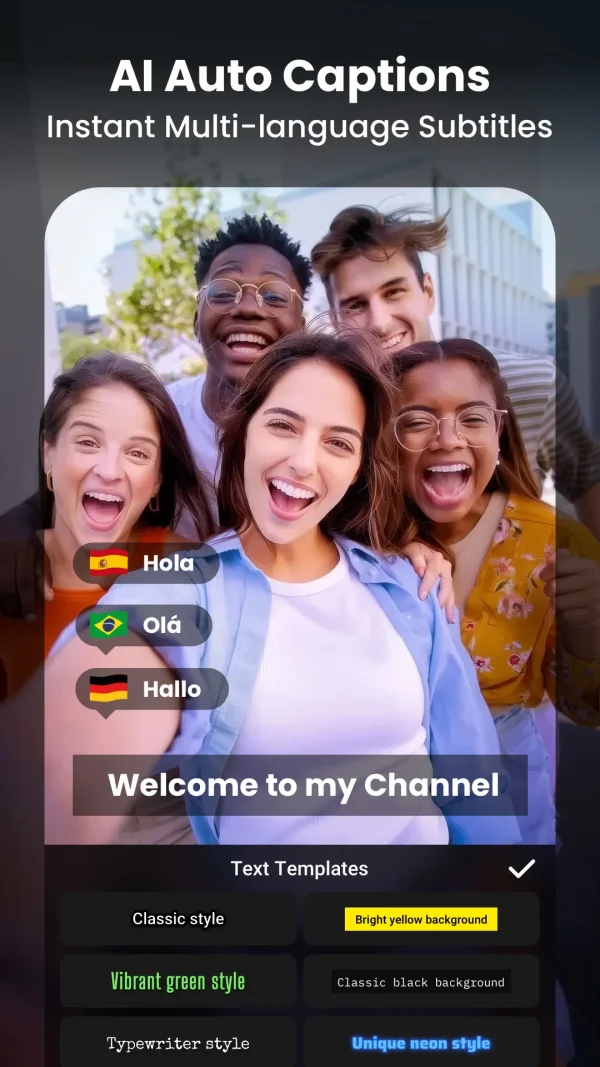
* Add text to videos and photos. Many fonts are available. Add subtitles for your vlog.
* Add animated stickers and emoji. Various and unique stickers. Aesthetics, doodle, birthdays, neon, etc.
* Edit the text and stickers with keyframe animation effects.
* Add custom memes and images to videos and photos.
Canvas & Background
* Various background patterns. And you can also upload your own pictures as a background.
* Adjust video ratios. 1:1 for Instagram, 9:16 for TikTok and 16:9 for YouTube.
Photo Editor & Collage
* Add background to your photos.
* Multiple ratios supported. Cute frame.
* 1000+ stickers, add funny memes to your photos.
* Create photo collages. Lots of stylish collage layouts available.
Easy to Export & Share
* HD pro video editor for YouTube. Support exporting videos in 4K, support exporting videos incustom resolution.
* Share your daily life to others on social media and get more likes and followers. Instagram, TikTok, Whatsapp, etc.
InShot is an editing app for videos and photos. With InShot, you can easily make basic video and even advanced assets like video collage, smooth slow motion, stop motion and more. You can share your vlogs to social media to get more likes, or edit video with music and pic for TikTok.
Any questions for InShot (FREE video editor with music & photo slideshow maker)? Please contact us at inshot.android@inshot.com
Disclaimer:
InShot is not affiliated, associated, sponsored, endorsed by, or in any way officially connected with YouTube, Instagram, TikTok, WhatsApp, Facebook, Twitter.
Acknowledgements:
FUGUE Music https://icons8.com/music/
Data safety
What InShot Video Editor declares on Google Play about the data this app collects and shares.
- This app may share these data types with third partiesDevice or other IDs
- This app may collect these data typesPersonal info, Photos and videos and 3 others
- Data is encrypted in transit
- You can request that data be deleted
What’s new
Version 2.250.1556 · Nov 23, 2026
- AI Expand: Expand images beyond the frame
- New effects pack: Fantasy
- Bug fixes and other improvements
Any ideas or suggestions? Don't hesitate to contact us anytime at inshot.android@inshot.com!
For more new feature tutorials and advanced video editing tips, please subscribe to our YouTube channel: https://www.youtube.com/@InShotApp
Developer contact
- Websiteinshot.com
- Emailinshot.android@inshot.com
- Privacy policyinshotapp.com
- Address8 TEMASEK BOULEVARD #20-01/04 SUNTEC TOWER THREE Singapore 038988
Information
- Offered by
- InShot Video Editor
- Category
- Photography
- Version
- 2.250.1556
- Updated
- Nov 23, 2026
- Released
- Mar 5, 2014
- Requires
- Android 8.0 or later
- Age rating
- Everyone
- Price
- Free
- In-app purchases
- $0.99 - $199.99 per item
- Package name
- com.camerasideas.instashot
Similar apps
-
 CapCut - Video Editor
Video Players & Editors
-
 Pinterest
Lifestyle
-
 Snapchat
Communication
-
 HD Camera for Android
Photography
-
 Video Editor - Video.Guru
Video Players & Editors
-
 TikTok - Videos, Shop & LIVE
Social
-
 Screen Recorder - XRecorder
Video Players & Editors
-
 MX Player
Video Players & Editors
-
 ChatGPT
Productivity
-
 KineMaster - AI Video Editor
Video Players & Editors
-
 YouCut - Video Editor & Maker
Video Players & Editors
-
 Picsart AI Photo Editor, Video
Photography