Screen Recorder - XRecorder
InShot Inc.Contains ads · In-app purchases
- EveryoneAge rating
- Video Players & EditorsCategory
- Nov 20, 2026Updated
- FreePrice
Links to the official Google Play listing of videoeditor.videorecorder.screenrecorder. Last checked on Nov 21, 2026.

Screenshots

About this app
Video recorder - XRecorder to get Screen recording & Screenshot in high quality!
NO watermark
NO root needed
NO recording time limit
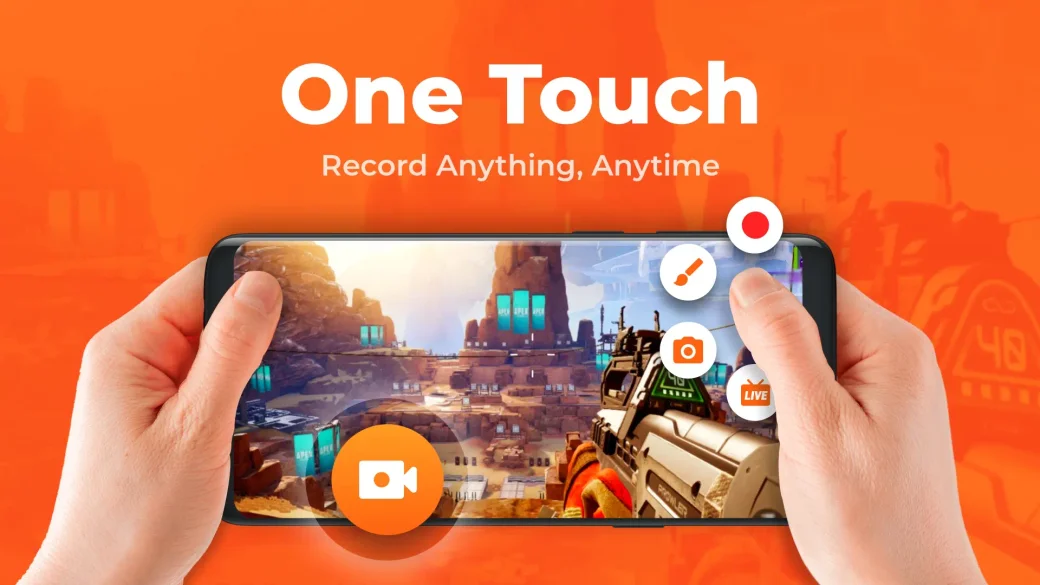
Screen Recorder & Video Recorder - XRecorder helps you capture smooth & clear screen videos, screenshots in the easiest way. Furthermore, Screen Recorder also offers a video editor so you can cut and merge recorded videos with ease.
You can record HD video tutorial, video calls and videos that can not be downloaded. Download XRecorder to capture anything you like!
🏅TOP FEATURES:
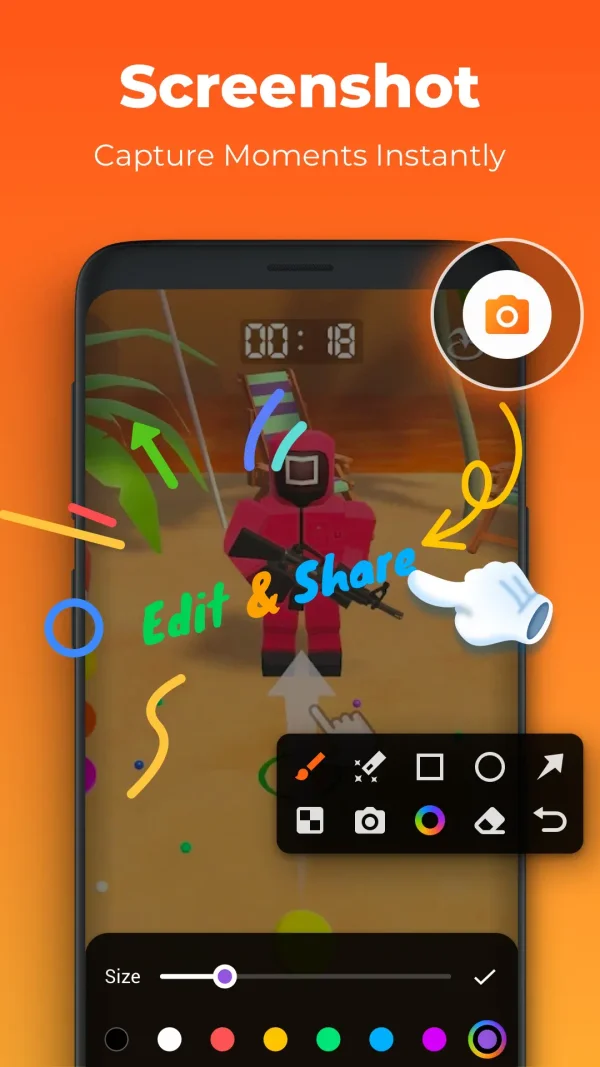
● Capture screen to take a clear Screenshot
● Record Gameplay on your phone
● Internal audio recording without noise (ONLY Android 10 or above)
● YouTube & RTMP Live stream: be a gaming streamer to gain fun and popularity
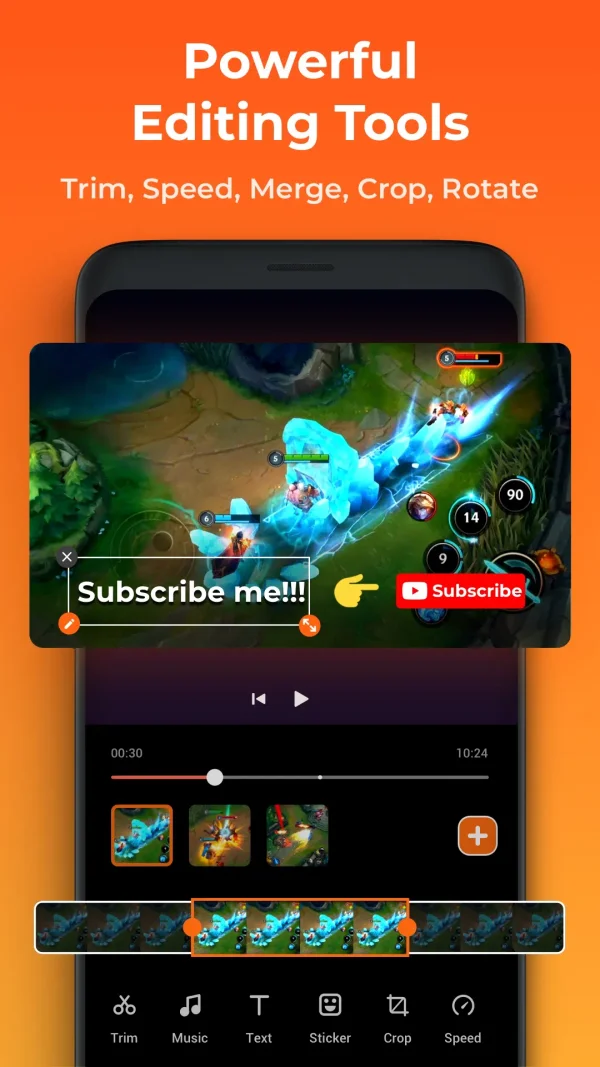
● Video Editor: trim, remove the middle part, add music and speed control
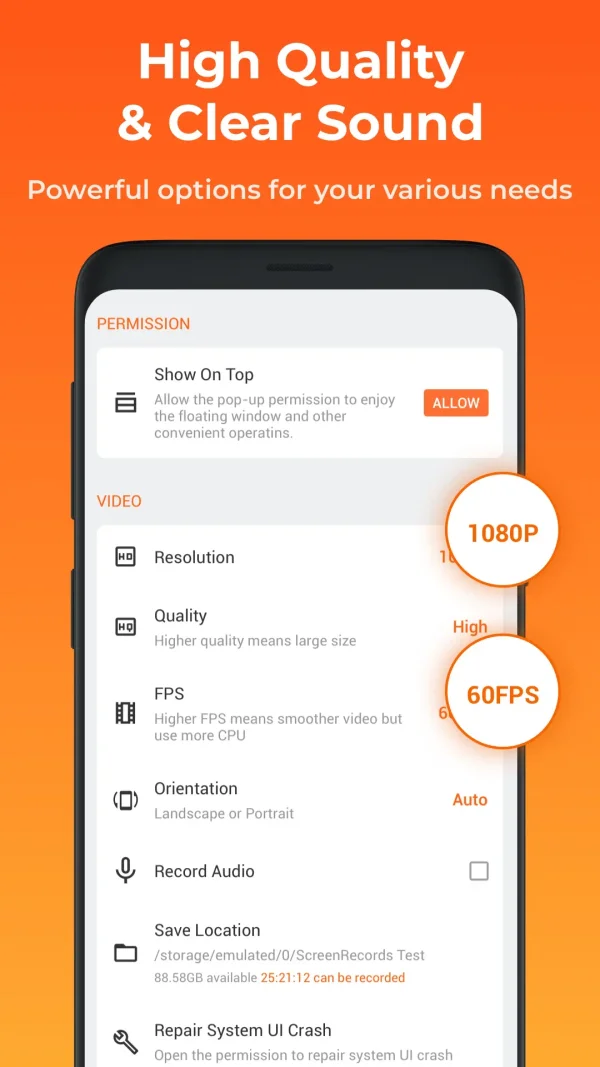
● Export Full HD video with custom settings: 240p to 1080p, 60FPS, 12Mbps
● No watermark: record a clean video & screenshot
● No recording time limits & No root needed
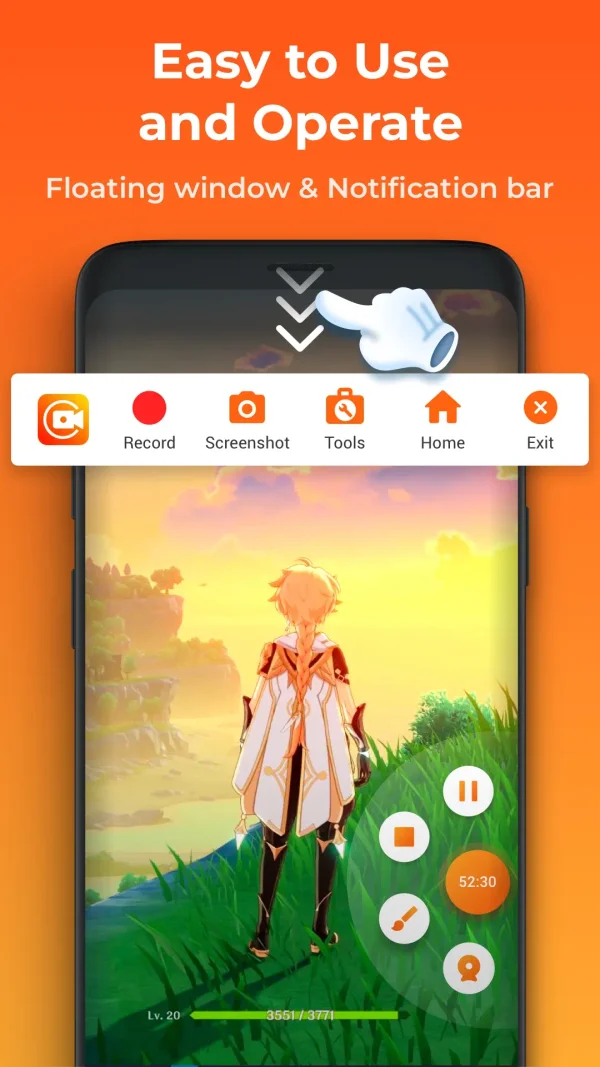
● Floating window: One touch to snap the exact moment or hide it when it’s not needed
● Countdown timer: to be a fully prepared recorder
● Alternative storage location: internal storage/ SD card
● Easy to pause/resume recording, rotate screen
✨Coming soon:
+ Video editing: transition, add background music, add stickers, etc.
+ Volume adjustment: volume adjustment for different audio sources
📼Screen Recorder in FULL HD
Screen Video Recorder - XRecorder supports recording game screen in the highest quality, 1080p, 12Mbps, 60FPS. Of course, you can record screen with adjustable resolution(240p to 1080p), quality, and FPS(15FPS to 60FPS).
🎬Full-featured Video Editor
XRecorder provides full-featured video editing: trim, merge, and remove the middle part to guarantee your video quality. Besides, speeding up, slowing down and adding music are also available to make your video more attractive.
🏆Game Recorder with no Time Limit
This screen recorder - XRecorder is also a convenient game recorder and screen capture tool. It helps you capture screen, record screen and record gameplay video without recording time limit.
📹Screen Video Recorder with no Watermark
Still find a screen capture tool without watermark? Download this video recorder to capture screen in a cleaner way. If you want to capture screen, record screen or take a screenshot efficiently, it is a must-have screen recorder.
🎧Screen Recorder with Sound
Want to record gameplay, video tutorial with sound? This powerful screen recorder with sound is your best choice. It will record your voice fluidly and clearly.
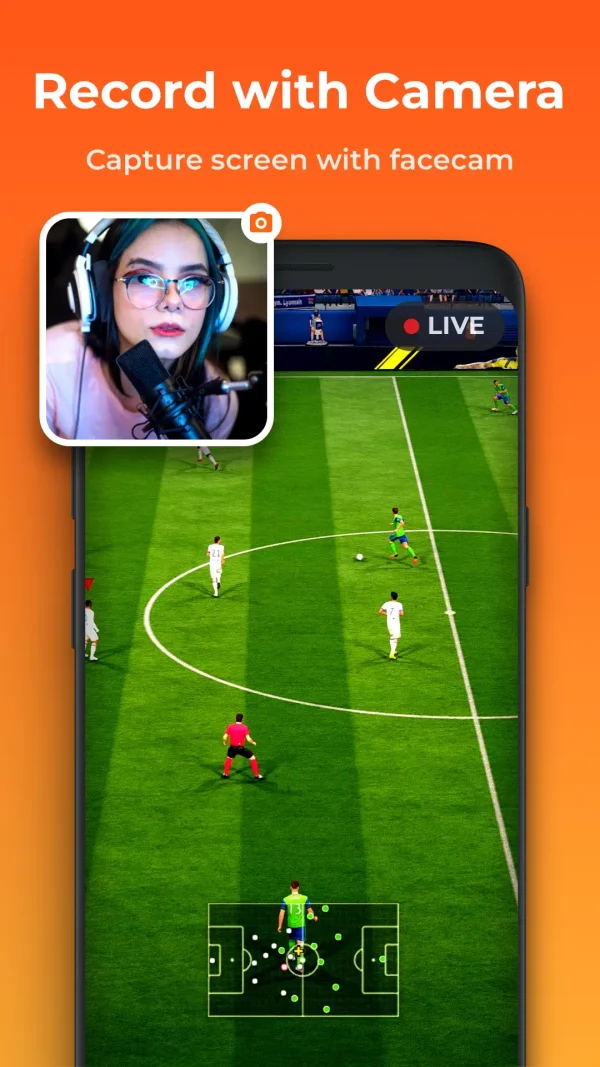
🎉Screen Recorder with Facecam
Screen Recorder with Facecam helps you record your face and reaction in a small overlay window. It can be dragged freely to any position on the screen and customized to any size.
🔊Screen Recorder with Audio
It is also a well functional screen recorder with audio, screen recorder with sound. Download this fantastic screen recorder with audio to record your own video now.
Thanks for downloading Screen Recorder - Video Recorder. And if you want to get support and share your ideas with more friends or have any feedback:
Join us at: https://www.reddit.com/r/XRecorder/
Email us at: xrecorder.feedback@gmail.com
Data safety
What InShot Inc. declares on Google Play about the data this app collects and shares.
- No data shared with third partiesLearn more about how developers declare sharing
- This app may collect these data typesMessages and Device or other IDs
- Data is encrypted in transit
- You can request that data be deleted
What’s new
Version 2.5.6.1 · Nov 20, 2026
🌟 New
Perfected UI for large screens: enjoy XRecorder on tablets and foldables!
✅ Improvements
- Better recording experience.
- Other bug fixes and performance improvements.
Update XRecorder to start a better recording experience!
Join us at: https://www.reddit.com/r/XRecorder/
Email us at: xrecorder.feedback@gmail.com
Developer contact
- Websiteinshot.app
- Emailxrecorder.support@inshot.com
- Privacy policyinshotapp.com
- Address8 The Grn Ste R Dover, DE 19901-3618 United States
Information
- Offered by
- InShot Inc.
- Category
- Video Players & Editors
- Version
- 2.5.6.1
- Updated
- Nov 20, 2026
- Released
- May 10, 2019
- Requires
- Android 8.0 or later
- Age rating
- Everyone
- Price
- Free
- In-app purchases
- $0.99 - $49.99 per item
- Package name
- videoeditor.videorecorder.screenrecorder
Similar apps
-
 Screen Recorder - XRec Lite
Video Players & Editors
-
 Screen Recorder - AX Recorder
Video Players & Editors
-
 Screen Recorder Video Recorder
Tools
-
 CapCut - Video Editor
Video Players & Editors
-
 KineMaster - AI Video Editor
Video Players & Editors
-
 ADV Screen Recorder
Tools
-
 Mobizen Screen Recorder
Productivity
-
 Easy Voice Recorder
Productivity
-
 Screen Recorder
Video Players & Editors
-
 Screen Recorder - AZ Recorder
Video Players & Editors
-
 Screen Recorder Video Recorder
Video Players & Editors
-
 FlipaClip: Create 2D Animation
Art & Design