Launcher OS
Launcher StudioContains ads
- EveryoneAge rating
- PersonalizationCategory
- Nov 19, 2026Updated
- FreePrice
Links to the official Google Play listing of com.ioslauncher.launcherios. Last checked on Nov 19, 2026.

Screenshots

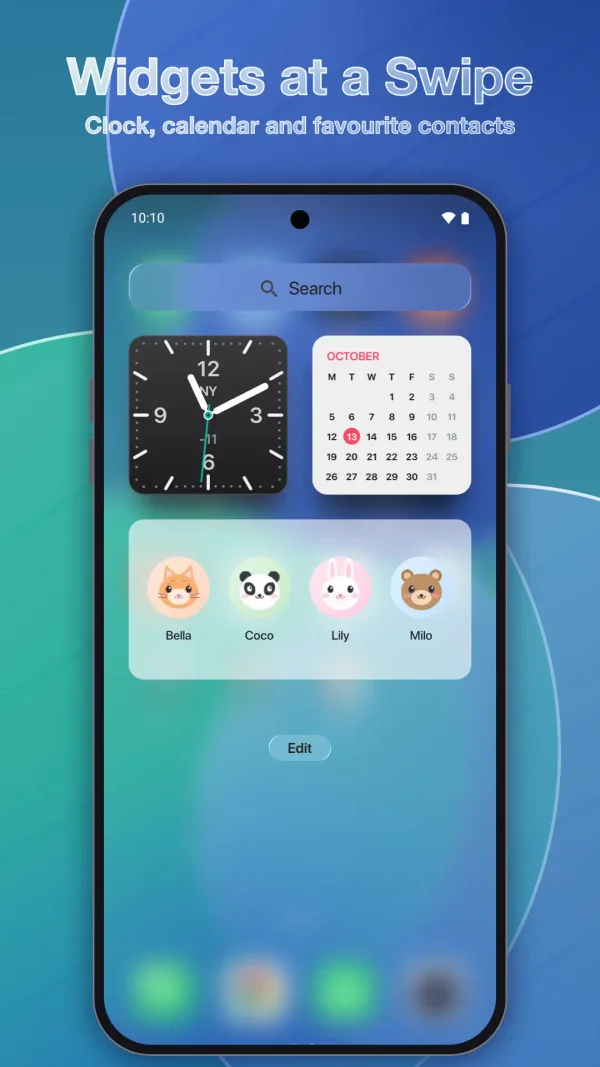

About this app
Launcher OS and OS Themes make your phone more beautiful and luxury
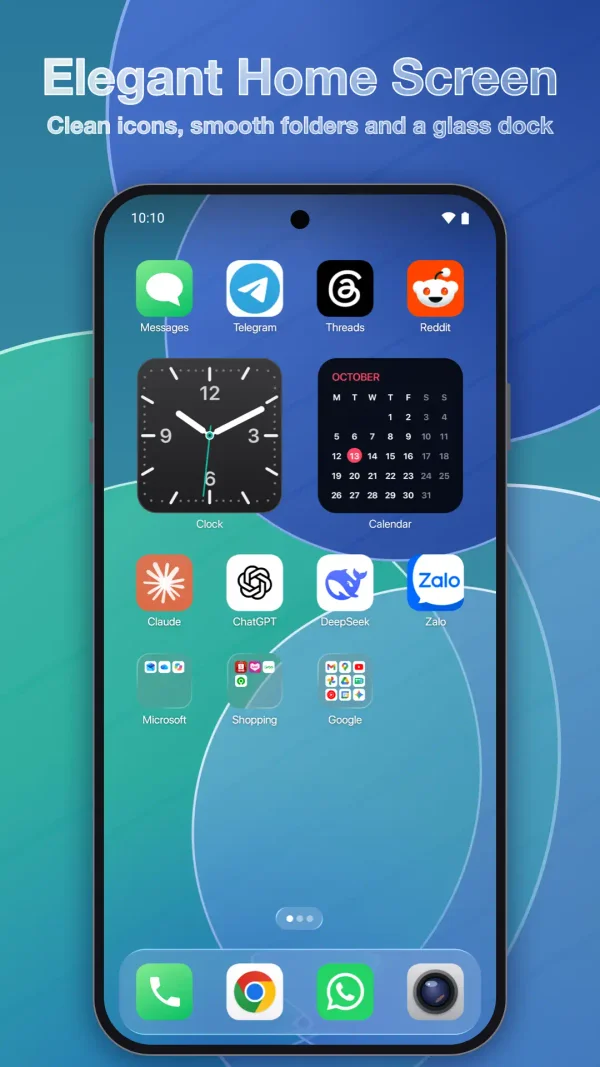
Do you love the OS? Launcher OS will sets a new standard for the Android mobile operating system. It makes your phone better than before, more beautiful and luxury. And now it opens up to amazing possibilities for launcher on your phone. With Launcher OS, your phone is the most powerful.
MAIN FEATURES:
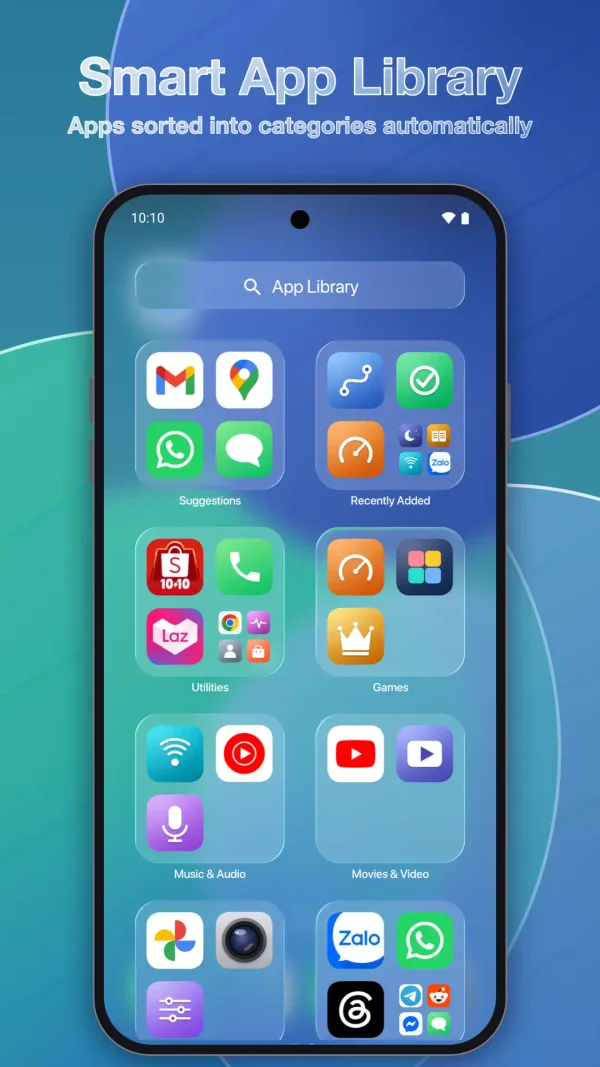
App Library
- Launcher Phone & OS support: App Library is a new way to organize your apps same as real OS devices
Dark Mode
Launcher OS supports dark mode and light mode.
Style Folder
We design OS Style Folder, you can drag and drop an app to another to create a folder.
Weather and Suggestion widget
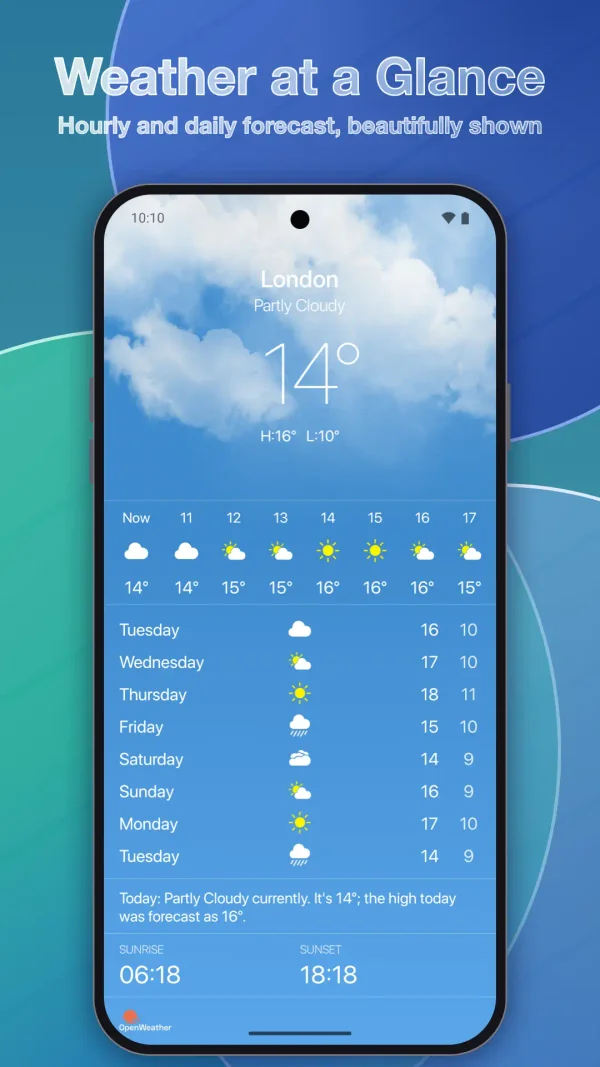
We provide a Weather and Suggestion widget, you can get the weather forecast in recent days.
Customizable Icon
Icon and name of application can be modified, you can choose an image and use it as an app icon.
App Unread Notification
We have added a new function to notify unread messages, turn on the App Notified in the settings and grant permission, you can make your apps selected to show New Information tips, do not worry about missing important information!
Supported feature
- OS Launcher supported Control Center same as "https://play.google.com/store/apps/details?id=com.controlcenter.controlcenterios"
- OS Launcher supported Assistive Touch same as "https://play.google.com/store/apps/details?id=com.easytouch.assistivetouchpro"
Disclaimers
Launcher OS is an app launcher designed to simulate the OS experience on Android devices.
All product names, logos, brands, trademarks and registered trademarks, which are not owned by us, are property of their respective owners
All company, product and service names used in this app are for identification purposes only. Use of these names, trademarks and brands does not imply endorsement.
This app is owned by us. We are not affiliated, associated, authorized, endorsed by, or in any way officially connected with any 3rd party apps or companies.
If you have any problem when using this Launcher OS, please send email to me, I will check and fix it as soon as possible.
Thank you for using my Launcher OS application.
Data safety
What Launcher Studio declares on Google Play about the data this app collects and shares.
- No data shared with third partiesLearn more about how developers declare sharing
- No data collectedLearn more about how developers declare collection
- Data is encrypted in transit
- You can request that data be deleted
What’s new
Version 3.332 · Nov 19, 2026
UPDATES:
Version 3.3
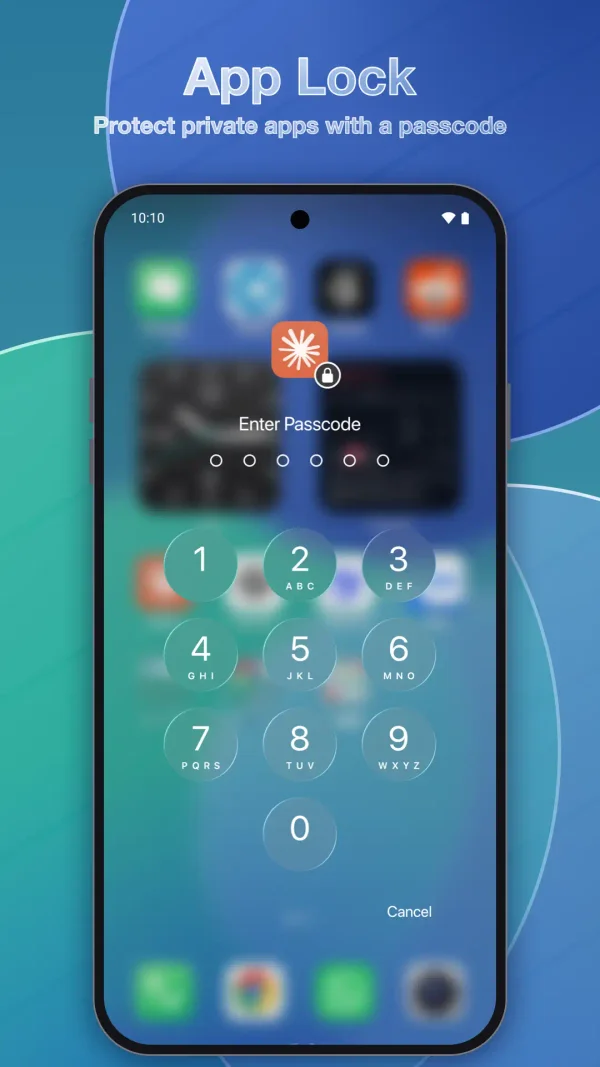
• Add Liquid Glass and App Lock (Launcher Setting -> Manage App -> App Lock)
• Add Clock Widget (can change GMT time), Calendar Widget on Home Screen
• Update app following from iOS 27
• Fix issues feedback from users
NEXT ACTIONS:
• Implement more widgets.
So sorry with some ads in settings screen only.
I must add some ads to keep working.
Thank you for using my Launcher iOS application!
If you have any problems, please send email to us.
Developer contact
- Websiteiosapps4android.blogspot.com
- Emailsp.launcherios13@gmail.com
- Privacy policysites.google.com
- AddressVietnam
Information
- Offered by
- Launcher Studio
- Category
- Personalization
- Version
- 3.332
- Updated
- Nov 19, 2026
- Released
- Aug 7, 2019
- Requires
- Android 7.0 or later
- Age rating
- Everyone
- Price
- Free
- Package name
- com.ioslauncher.launcherios
Similar apps
-
 Color Widgets, Theme: iWidgets
Lifestyle
-
 Niagara Launcher ‧ Home Screen
Personalization
-
 HD Camera: Professional Camera
Photography
-
 Edge Lighting - Borderlight
Personalization
-
 Voice GPS & AI Travel Planner
Communication
-
 Volume Styles - Custom control
Personalization
-
 Wallpapers HD - Backgrounds 4K
Personalization
-
 App Lock - Applock Fingerprint
Productivity
-
 Touch Lock Screen Touch Photo
Personalization
-
 Pixel 4D™ Live Wallpaper 4K 3D
Personalization
-
 GRUBL™ 4D Live Wallpapers + AI
Personalization
-
 Right Dialer
Communication