Microsoft OneNote: Save Notes
Microsoft Corporation- EveryoneAge rating
- ProductivityCategory
- Nov 23, 2026Updated
- FreePrice
Links to the official Google Play listing of com.microsoft.office.onenote. Last checked on Nov 23, 2026.
Screenshots
About this app
Study all in one place with note-taking, study sharing, and smart search
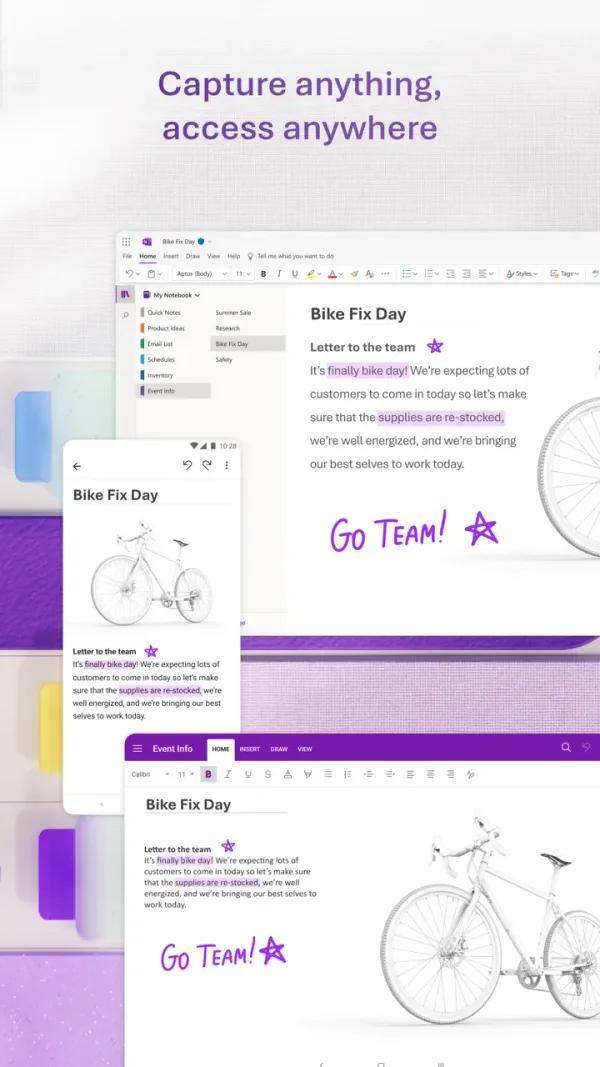
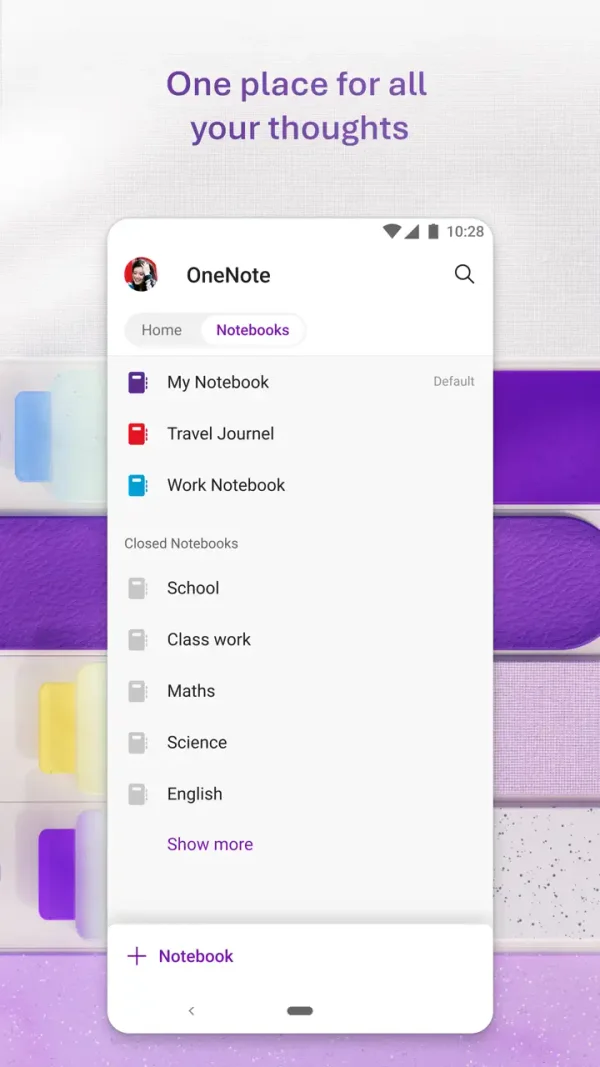
Supercharge your work with OneNote. Organise your thoughts and easily search through ideas, simplifying planning important moments with voice notes, and generate an AI transcription. Access secure daily notes on your phone that can sync across all smart devices and share easily.
Start your week off strong by organising your work tasks on Monday. Turn your task organizer into action points with AI transcription summaries. Take smart voice notes with AI studying tools and capture every detail with voice-to-text. Transcription tools make it easy to review content later or access AI studying.
Lock notes behind security features that keep your work safe. Save memos or writing ideas to reference whenever. Search your notes recorder quickly for streamlined AI studying. Share private notes with enterprise-level security.
Easily reference discussions with audio recordings and voice-to-text transcriptions. Create meeting summaries from voice notes. Smart search through notes and create talking points for the follow-up, all in one place.
Take smart notes, organize note-taking, and collaborate on creative ideas and writing - all with Microsoft OneNote.
ONENOTE APP FEATURES:
AI-POWERED COPILOT NOTEBOOKS & TASK ORGANIZER
• Make sense of your voice notes with AI chat memos
• Summarize meetings, classes, and discussions and turn them into shareable docs
• Listen to AI audio overviews, created directly from the notes you take
AI TRANSCRIPTION WITH HOMEPAGE AND QUICK CAPTURE
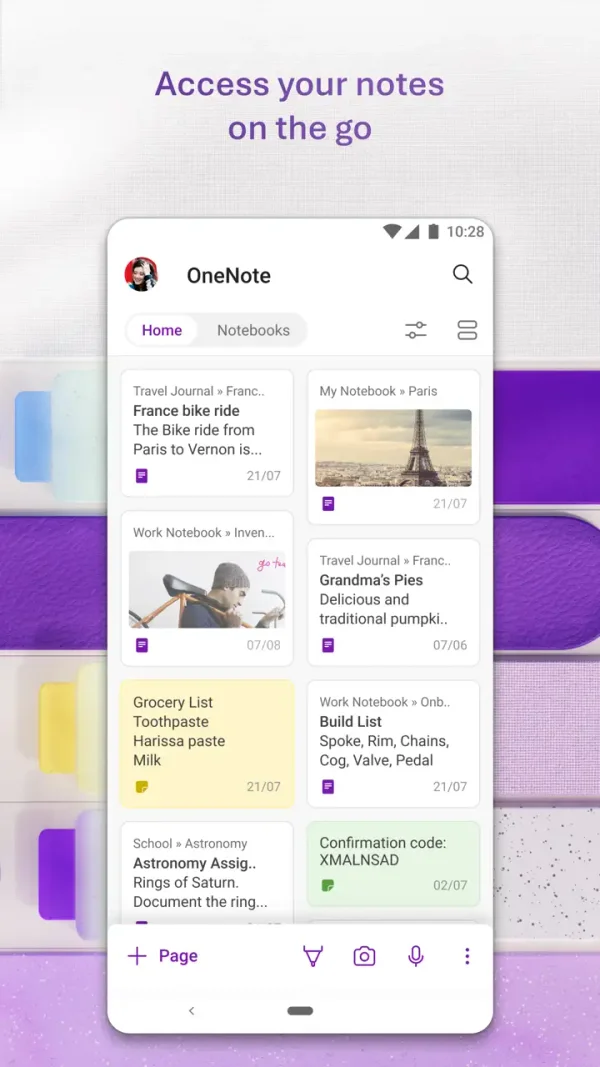
• Streamlined memos: Find notes from your connected accounts in one place. Now with Samsung Notes integration.
• Capture smart voice notes in ink. Use the pen & write down your to-do list in a task organizer
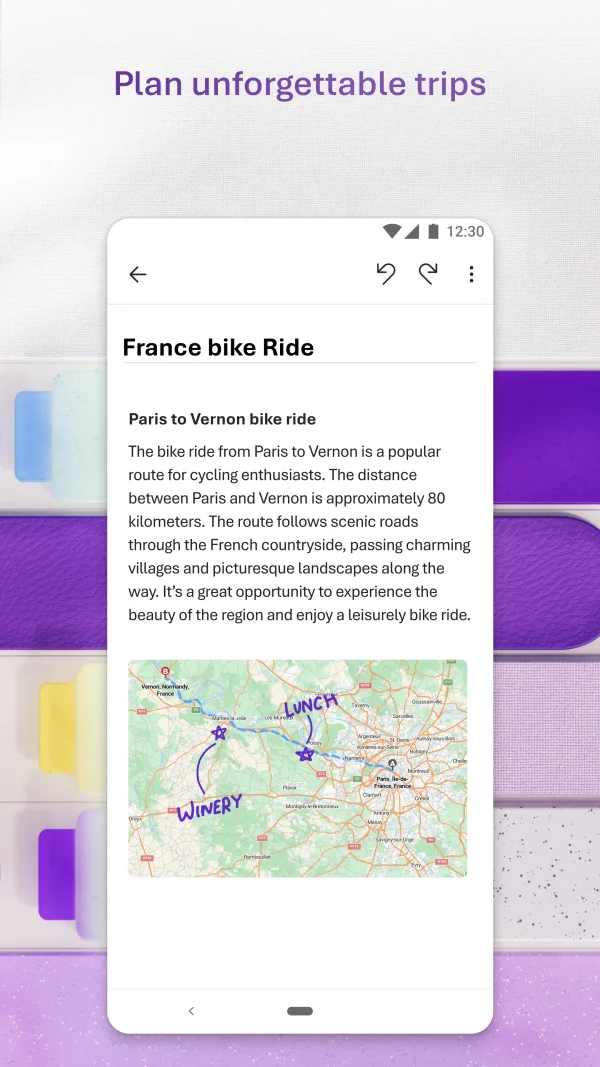
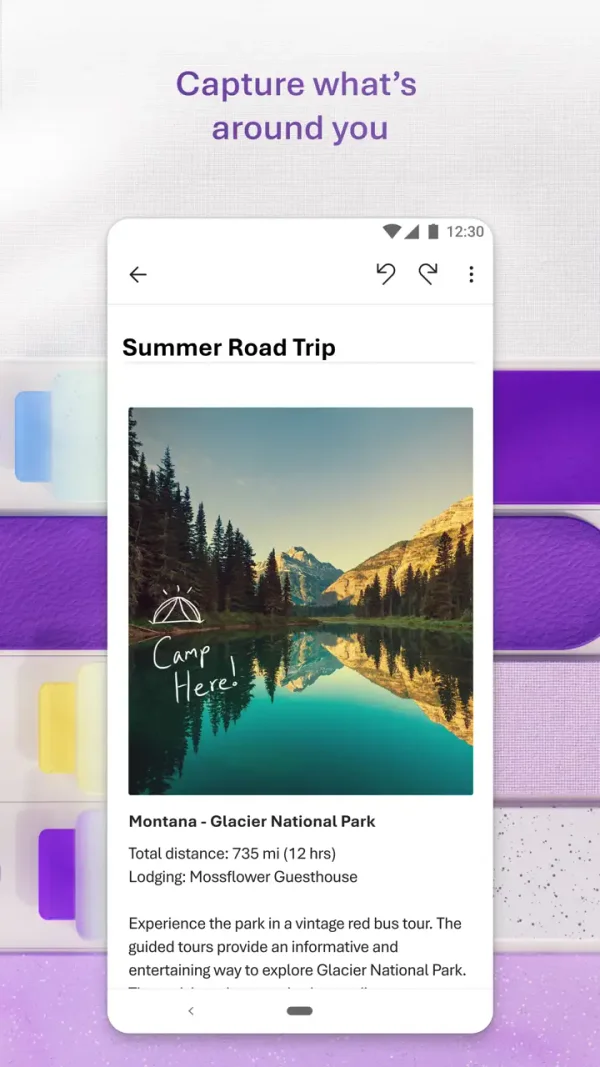
• Write smart notes, draw & clip things from the web to add to your writing notebook
SCAN PICTURES & EXTRACT TEXT FROM MEMOS
• Note-Taking Scanner: Scan documents or pictures to extract writing
• Apply different filters to change colors, add ink, crop images & more
SECURE VOICE NOTES & AUDIO TRANSCRIPTION
• Voice-to-text smart notes: Take accurate voice notes with voice dictation
• Generate transcriptions from audio files
• Dictate smart notes in 27 languages (note some languages are in preview) & use Auto-Punctuation to automatically format your writing
NOTE-TAKING THAT HELPS YOU ACHIEVE
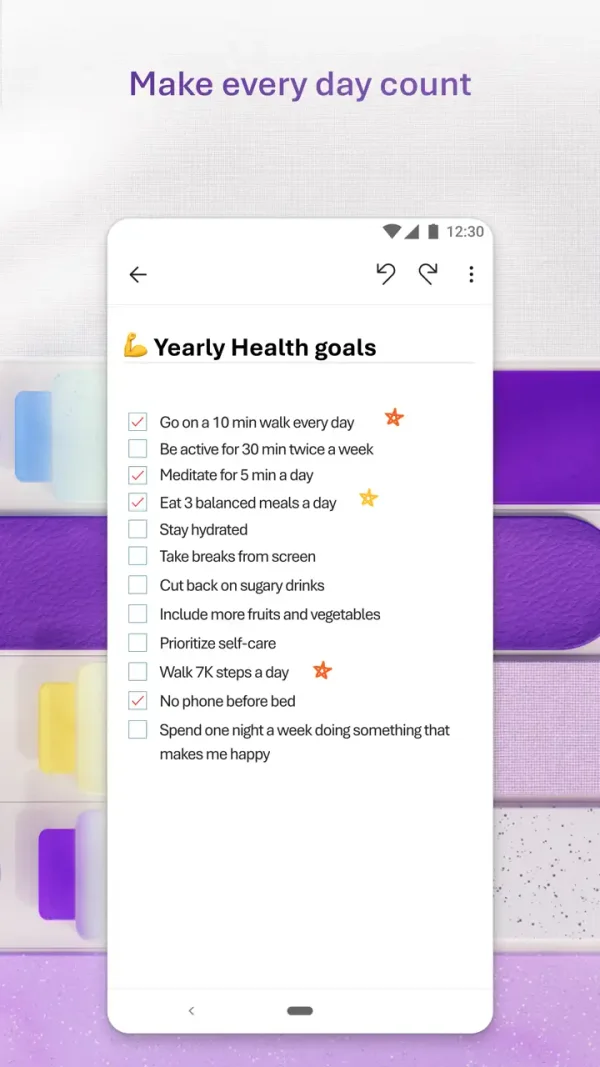
• Task organiser features help you organise your writing using to-do lists, follow-up items, and marks for what’s important with custom labels
COLLABORATE WRITING & SHARE SMART NOTES
• Write notes, brainstorm projects, & draw attention to important points
BETTER TOGETHER WITH MICROSOFT 365
• OneNote works great with your favorite apps, such as Excel or Word, to help do more
Write notes, save ideas & keep up with your to-do list with Microsoft OneNote.
You can find answers to frequently asked questions about OneNote for Android at http://aka.ms/OnenoteAndroidFAQ
APP REQUIREMENTS:
• Requires Android OS 9.0 or later.
• A free Microsoft account is required to use OneNote.
• OneNote opens existing notebooks created in Microsoft OneNote 2010 format or later.
• To sync your notes to OneDrive for Business, sign in with your organization’s Office 365 or SharePoint account.
This app is provided either by Microsoft or a third-party app publisher and is subject to a separate privacy statement and terms and conditions. Data provided through the use of this store and this app may be accessible to Microsoft or the third-party app publisher, as applicable, and transferred to, stored and processed in the United States or any other country where Microsoft or the app publisher and their affiliates or service providers maintain facilities.
Please refer to Microsoft’s End User License Agreement (EULA) for Terms of Service for OneNote on Android. By installing the app, you agree to these terms and conditions: https://support.office.com/legal?llcc=en-us&aid=OneNoteForAndroidLicenseTerms.htm. Microsoft’s privacy statement is available at https://privacy.microsoft.com/en-us/privacystatement
Data safety
What Microsoft Corporation declares on Google Play about the data this app collects and shares.
- No data shared with third partiesLearn more about how developers declare sharing
- This app may collect these data typesApp activity and App info and performance
- Data is encrypted in transit
- You can request that data be deleted
What’s new
Version 16.0.20625.20070 · Nov 23, 2026
• Bug fixes and performance improvements.
Developer contact
- Websiteonenote.com
- Emailonandroidfb@microsoft.com
- Privacy policyaka.ms
- Address1 Microsoft Way Redmond, WA 98052 United States
Information
- Offered by
- Microsoft Corporation
- Category
- Productivity
- Version
- 16.0.20625.20070
- Updated
- Nov 23, 2026
- Released
- Feb 7, 2012
- Age rating
- Everyone
- Price
- Free
- Package name
- com.microsoft.office.onenote
Similar apps
-
 Notepad, Notes, Easy Notebook
Productivity
-
 Microsoft OneDrive
Productivity
-
 Google Docs
Productivity
-
 Notepad - simple notes
Productivity
-
 ColorNote Notepad Notes To do
Productivity
-
 Samsung Notes
Productivity
-
 Microsoft Outlook
Productivity
-
 Microsoft Word: Edit Documents
Productivity
-
 Microsoft PowerPoint
Productivity
-
 Goodnotes: AI Notes, docs, PDF
Productivity
-
 Microsoft Planner
Productivity
-
 Microsoft Copilot
Productivity