Multifunctional X Watch Face
RADU GHEORGHE TURCU- EveryoneAge rating
- PersonalizationCategory
- Oct 26, 2025Updated
- $0.99Price
Links to the official Google Play listing of com.turcuradu.multifunctionalxwatchface. Last checked on Nov 14, 2026.

Screenshots

About this app
Try this cool watch face for all wear os devices.
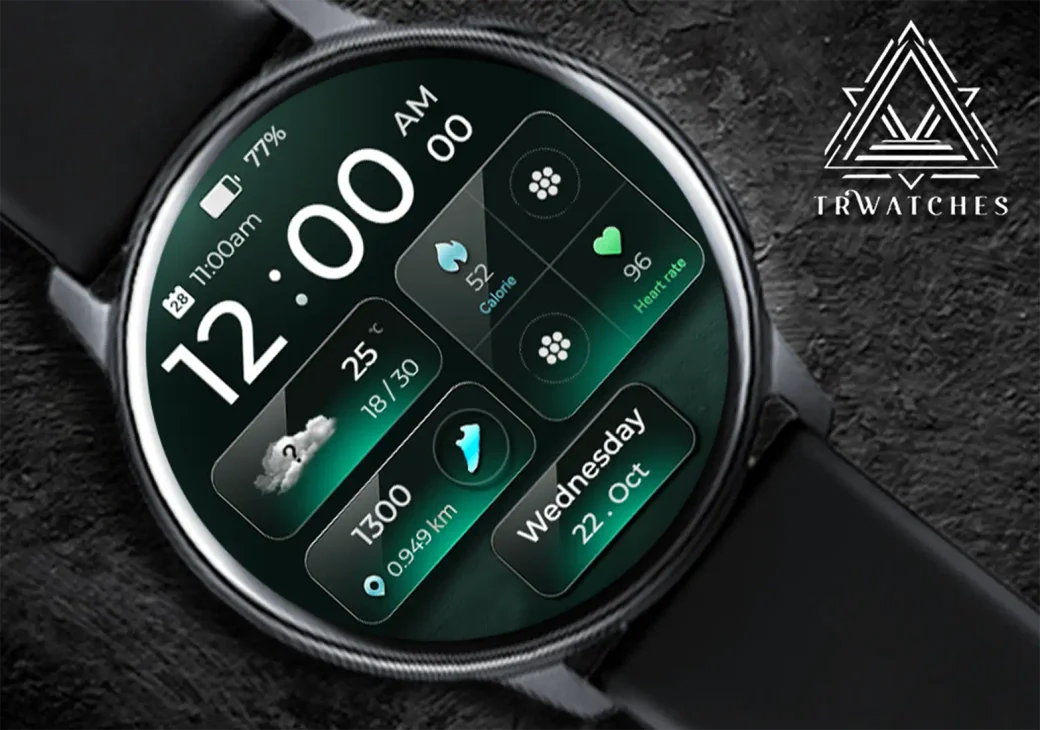
🕐 ✨ Modern Digital Watch Face – Stylish & Smart ⌚️
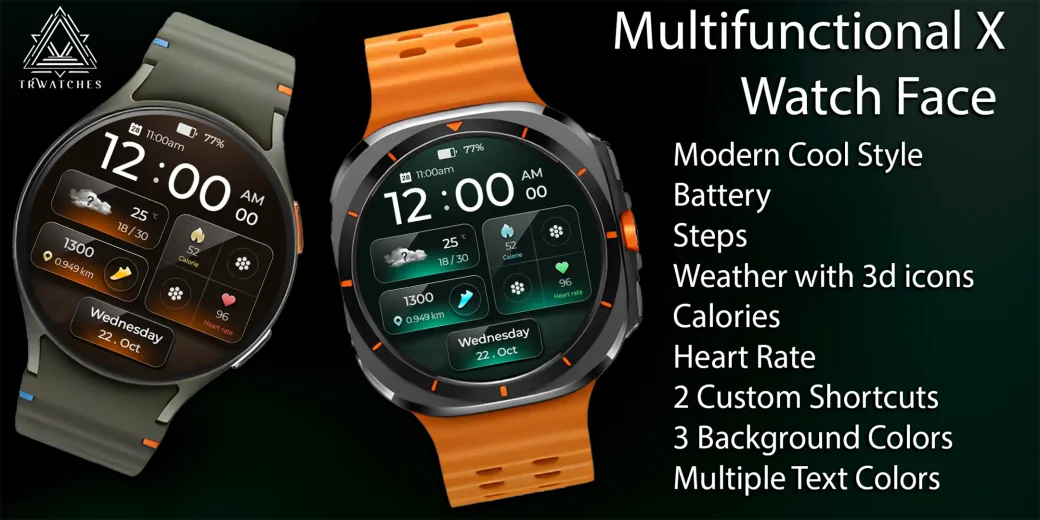
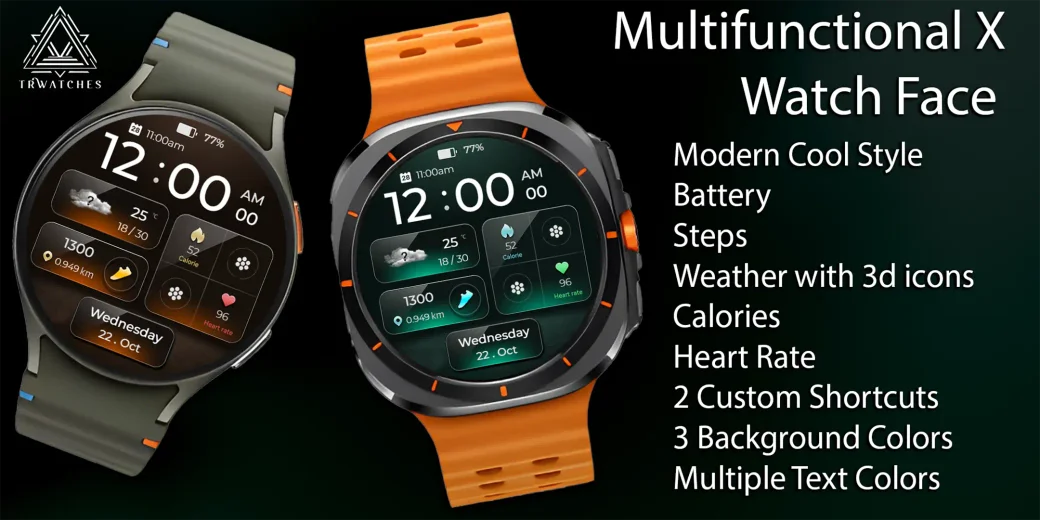
Stay connected in style! This premium digital watch face brings all your key stats to your wrist — beautifully organized and easy to read, day or night.
🔹 Main Features
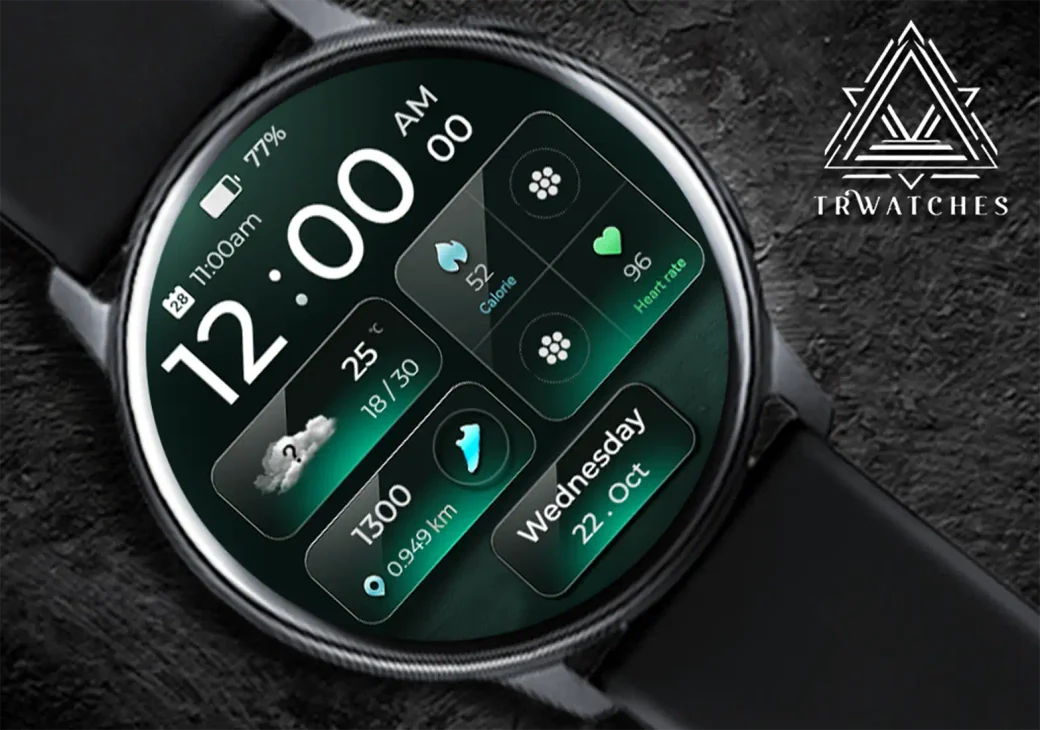
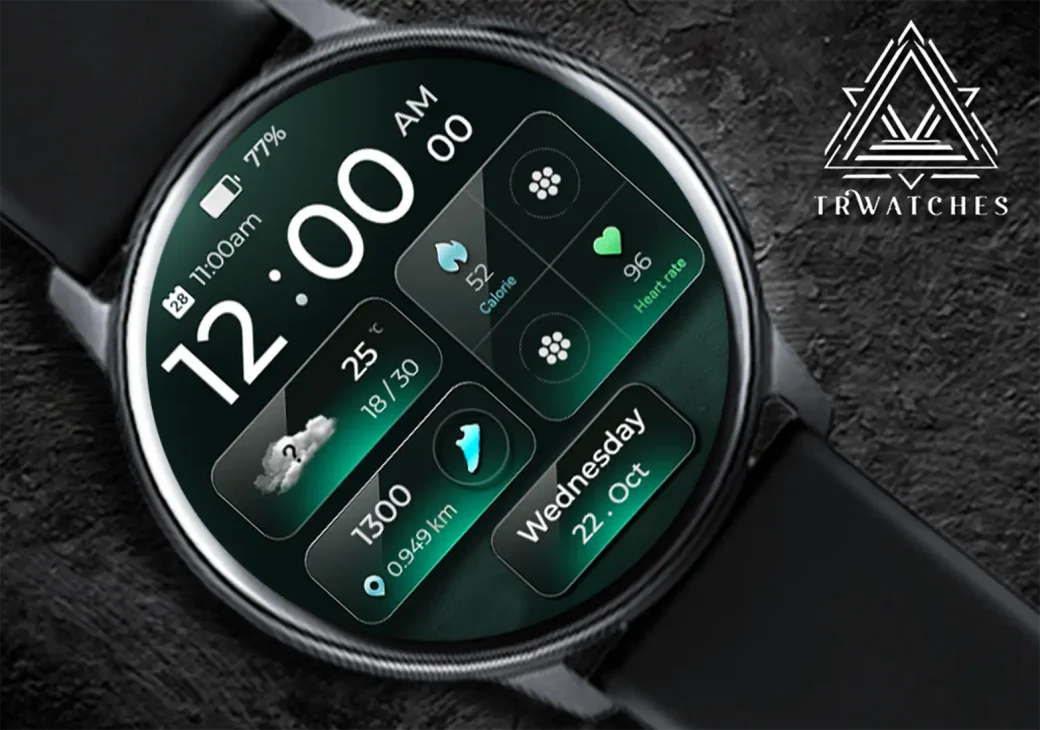
🕒 Large digital time – 12h / 24h (AM / PM)
🔋 Real-time battery indicator
📅 Next event displayed right on the screen
🌤️ 3D animated weather icons with current, min & max temperature
👣 Step counter + distance tracker (km / mi)
🔥 Burned calories display
💓 Live heart rate sensor
📆 Full date view (day / month / weekday)
⚙️ Two customizable shortcuts — tap either icon and assign your favorite app (Music, Messages, Weather, etc.)
🌈 Elegant 3D depth effects and modern green glow
📱 Compatible with all Wear OS smartwatches (Galaxy Watch 4/5/6, Pixel Watch, OnePlus Watch 2, TicWatch Pro 5, and more)
💡 How to Customize Shortcuts
1️⃣ Touch and hold the watch face
2️⃣ Tap ⚙️ Customize
3️⃣ Select a shortcut slot → choose any app you like
➡️ Done — your favorite apps are now one tap away!
💚 Simple. Elegant. Informative.
Everything you need at a glance — designed for your everyday style.
📌 Compatible with:
Wear OS 3.0+
Devices such as Samsung Galaxy Watch series, Google Pixel Watch, and others
--------------------------------------------------------------------------------------------------------
Watch face installation notes on smart watch:
Phone app serves only as a placeholder to make it easier to install & find the watch face on your Wear OS watch. You have to select your watch device from the install dropdown menu.
If you download the helper directly with the phone , you need to open application and touch on the display or the download button. -> will start to install on the watch.
A wear os watch need to be connected.
If not working in that way , you can copy that link into your phone chrome browser and click on arrow down from right , and you choose the watch face to install.
..............................................
After installation you need to set that watch face to your screen , from wear OS app , go down at downloaded watch faces and you will find it.
If you have problems , please contact me on raduturcu03@gmail.com
--------------------------------------------------------------------------------------------------
FOLLOW US AT TELEGRAM : https://t.me/TRWatchfaces
FOLLOW US WEBSITE TO GET FREE COUPONS :
https://trwatches.odoo.com/
--------------------------------------------------------------------------------------------------
Try to see others designs in my google profile.
Data safety
What RADU GHEORGHE TURCU declares on Google Play about the data this app collects and shares.
- No data shared with third partiesLearn more about how developers declare sharing
- No data collectedLearn more about how developers declare collection
Developer contact
- Websitetrwatches.odoo.com
- Emailraduturcu03@gmail.com
- Privacy policytrwatches.odoo.com
- AddressStr. Eduard Albert Bielz, Nr. 89d, Bl. b1, Sc. f, et.1, Ap. 60 550031 Sibiu Romania
Information
- Offered by
- RADU GHEORGHE TURCU
- Category
- Personalization
- Updated
- Oct 26, 2025
- Released
- Oct 26, 2025
- Age rating
- Everyone
- Price
- $0.99
- Package name
- com.turcuradu.multifunctionalxwatchface