NAVER Maps, Navigation
NAVER Corp.Contains ads
- EveryoneAge rating
- Maps & NavigationCategory
- Nov 20, 2026Updated
- FreePrice
Links to the official Google Play listing of com.nhn.android.nmap. Last checked on Nov 22, 2026.

Screenshots
About this app
Map your journey
South Korea's GPS navigation Get started right away
* Experience the completely new NAVER Map.
※ Are you traveling Korea?
Don't miss the smart tips to use NAVER Map: https://naver.me/GfCSj5Ut
[Key features]
- Map Home Menu Tab
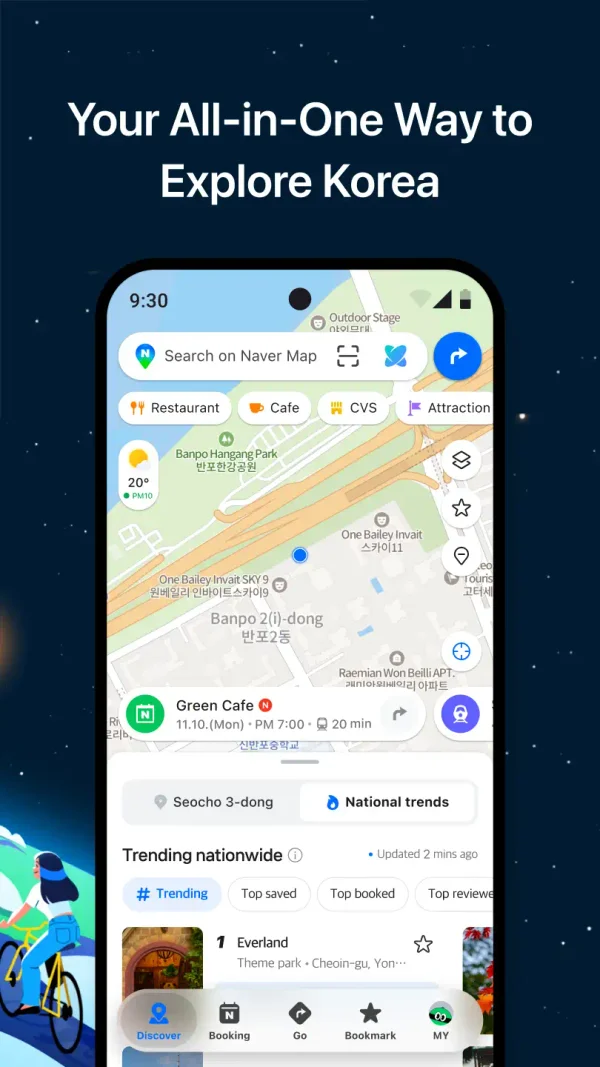
You can now conveniently use the Discover, Booking, Transit, Navigation, and Bookmark tabs on the Home.
- Simplified search
Search locations, buses, subway, and more in a comprehensive search bar.
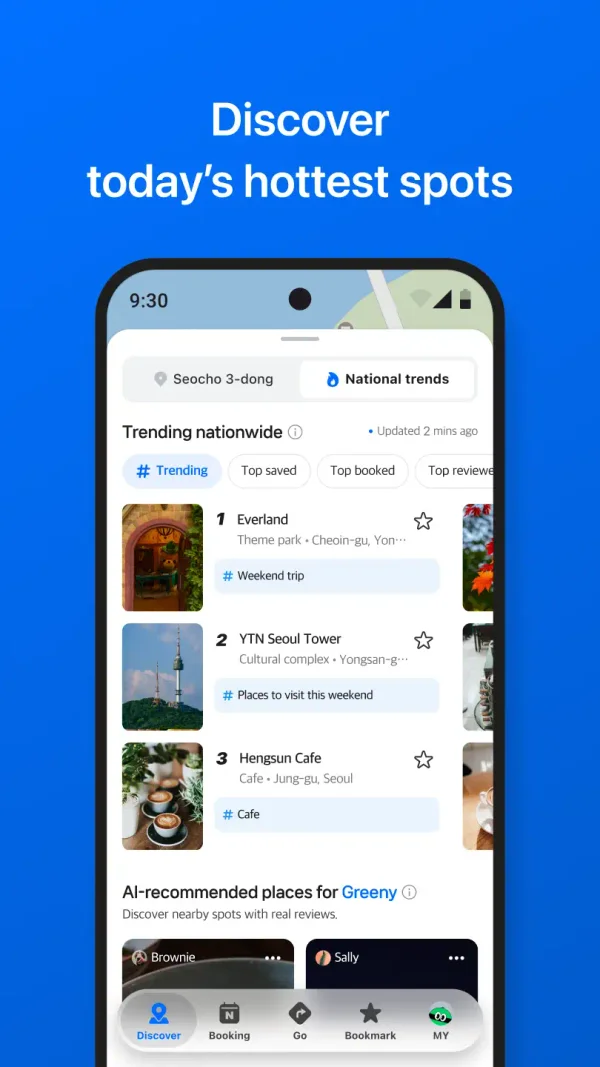
- Discover
Helps you find new places nationwide and nearby. Enjoy real-time rankings, recommendation feeds, trending spots, bookmarked lists, and coupon offers.
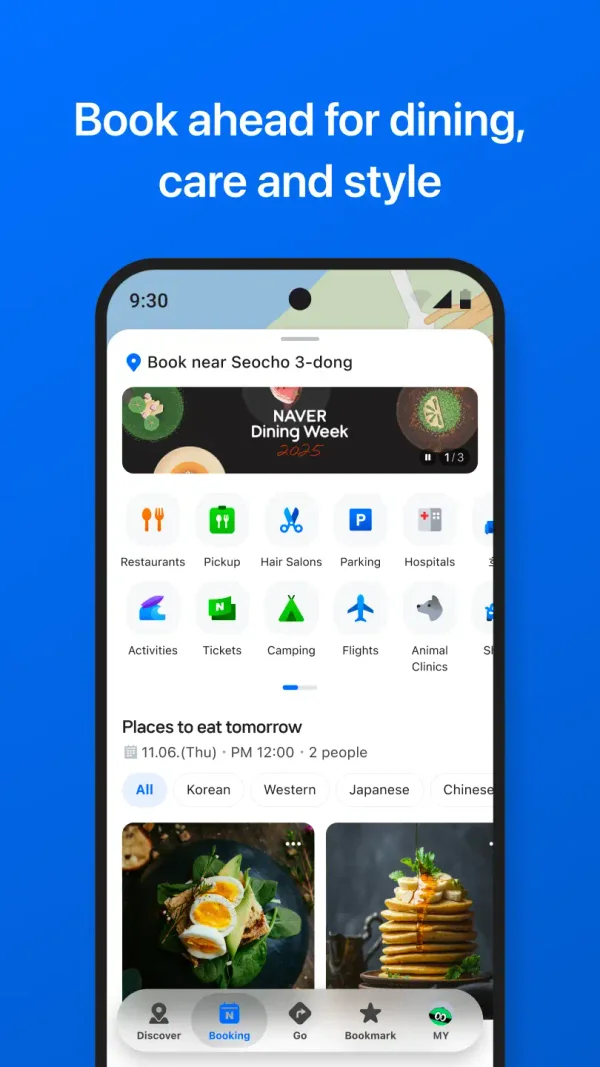
- Booking
Explore a new Booking tab, a space that brings together businesses and products available for booking on NAVER. From nearby restaurants, hair salons, amusement parks, one-day classes to even train tickets, you can find them all in one place on the booking tab.
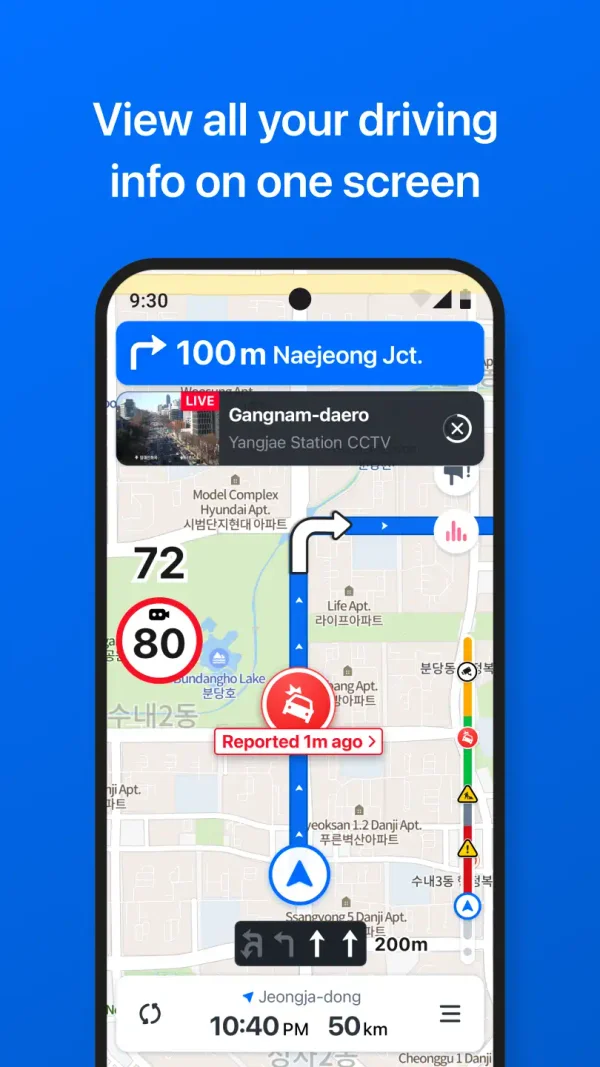
- Navigation
Fast and accurate navigation with real-time traffic info and optimized usability for any driving condition.
- Vector map
360 degrees rotation-enabled vector map with 3D view of key landmarks via tilting.
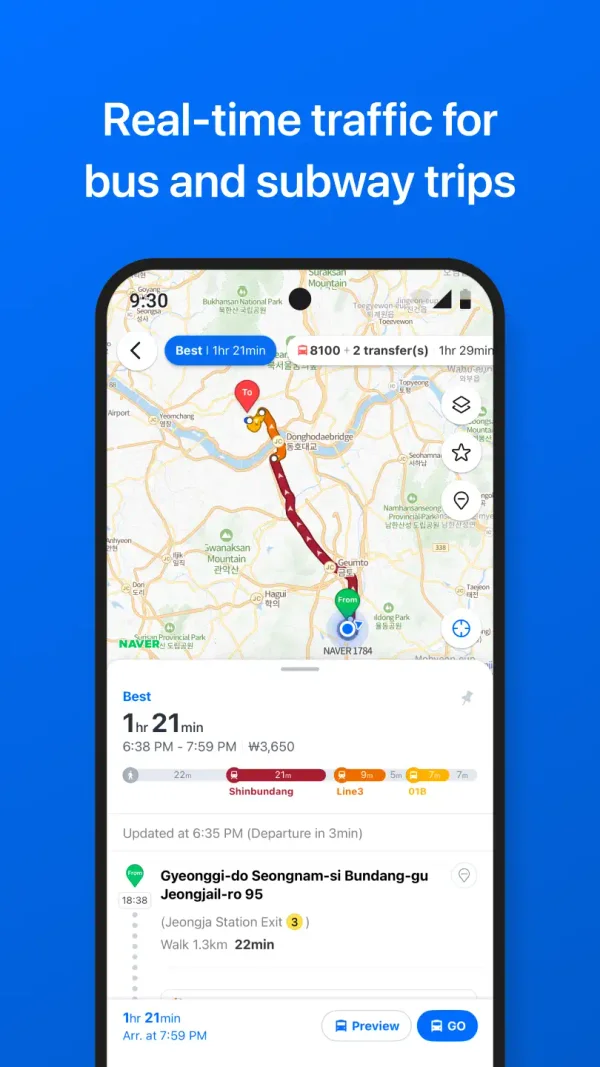
- Transit
You can easily reach your destination by using transit directions for various modes of transportation, real-time departure and arrival times, and notifications for when to get on/off.
- Street view
Seamless street and aerial views provided for location search and route planning.
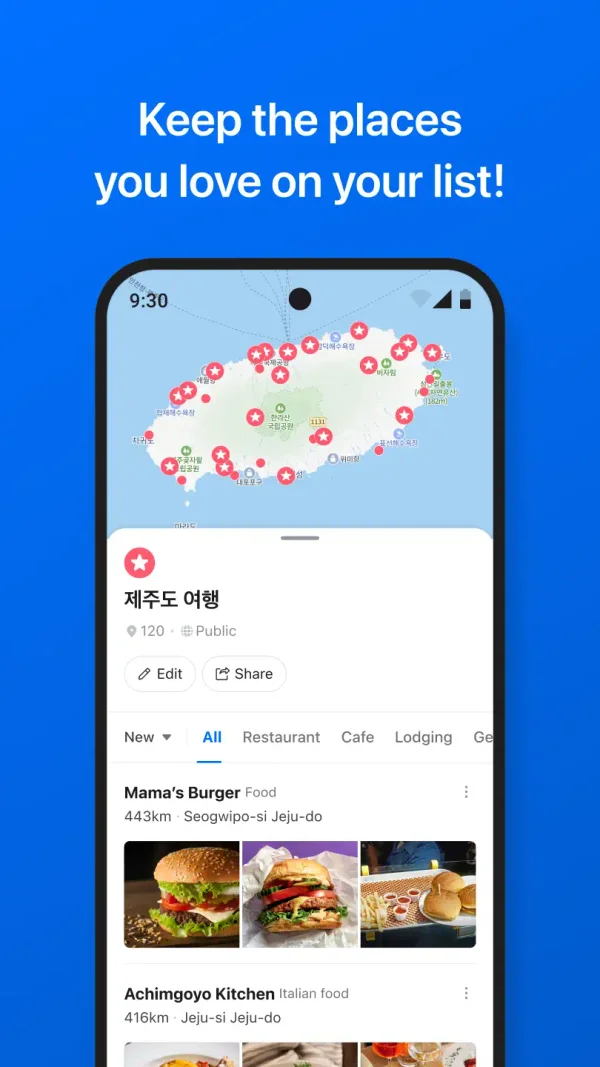
- Bookmark
Easily save your best restaurants and must-visit tourist spots on NAVER Map and share them with others.
- MY
View all your maps, reviews, and bookings in one place and write reviews with ease.
- Instant search
View useful info about your query, such as opening/closing times for supermarkets while you search.
- Language
Korean/English/Japanese/Chinese maps and English navigation provided.
*Requires Android OS 8.0 or later
*Find out more tips on how to use NAVER Map
- NAVER Map customer service: http://naver.me/GYywEiT4
- NAVER Map blog: https://blog.naver.com/naver_map
----
* Required permissions for using NAVER Maps
- Location: Used to show your location when you use the map, directions, navigation, and more. (Allow all the time must be selected to display location information in the widget.)
- Microphone: Used for voice search, Clova voice commands, and smart glasses.
- Physical activity: Used to detect steps for AR directions and walking directions. (Only on devices running OS 10.0 or later)
- Phone: Used to check call status and make calls when entering and using navigation.
- Call logs: Accessed to confirm recipients when making calls or sending messages during navigation. (Call logs are no longer used as of NAVER Maps v6.3.)
- SMS: Used to send messages during navigation. (SMS is no longer used as of NAVER Maps v6.3.)
- Contacts: Used to make calls with Clova voice commands and to save phone numbers from place search results.
- Camera: Used for suggesting edits to place information, verifying MY Place receipts, providing AR directions, scanning QR codes, and verifying passports.
- Files and media (photos and videos): Used to save and read content on your device in order to provide navigation and other services smoothly. (Not used on devices running OS 13.0 or later.)
- Notifications: Used to send important notices, events, and promotional information. (Only on devices running OS 13.0 or later)
- Nearby devices: Used to launch the app automatically and to connect smart glasses when Bluetooth is connected. (Only on devices running OS 12.0 or later)
----
*Contact: 1588-3820
*Address: 95, Jeongjail-ro, Bundang-gu, Seongnam-si, Gyeonggi-do, Republic of Korea
Data safety
What NAVER Corp. declares on Google Play about the data this app collects and shares.
- This app may share these data types with third partiesPersonal info and App activity
- This app may collect these data typesLocation, Personal info and 5 others
- Data is encrypted in transit
- You can request that data be deleted
What’s new
Version 6.12.2.4 · Nov 20, 2026
- App stabilization and bug fixes
Developer contact
- Websitenavercorp.com
- Emailnaver_market@naver.com
- Privacy policypolicy.naver.com
- Address분당구 정자일로 95 성남시, 경기도 13561 South Korea
Information
- Offered by
- NAVER Corp.
- Category
- Maps & Navigation
- Version
- 6.12.2.4
- Updated
- Nov 20, 2026
- Released
- Mar 25, 2010
- Requires
- Android 8.0 or later
- Age rating
- Everyone
- Price
- Free
- Package name
- com.nhn.android.nmap
Similar apps
-
 KakaoMap - Map / Navigation
Maps & Navigation
-
 Google Earth
Travel & Local
-
 Earth 3D Map
Maps & Navigation
-
 Naver SmartBoard - Keyboard
Tools
-
 Karta GPS Sat Nav Offline Maps
Maps & Navigation
-
 All Language Translator App
Tools
-
 Google Maps
Travel & Local
-
 Offline Map Navigation
Maps & Navigation
-
 My Location - Track GPS & Maps
Maps & Navigation
-
 Talking Translator - Languages
Tools
-
 Gaminik: Auto Screen Translate
Tools
-
 Naver Whale Browser
Communication