PDF Reader - PDF Editor
Efficient ToolsContains ads
- EveryoneAge rating
- ProductivityCategory
- Oct 23, 2026Updated
- FreePrice
Links to the official Google Play listing of pdfreader.pdfviewer.free.officetool. Last checked on Nov 27, 2026.
Screenshots
About this app
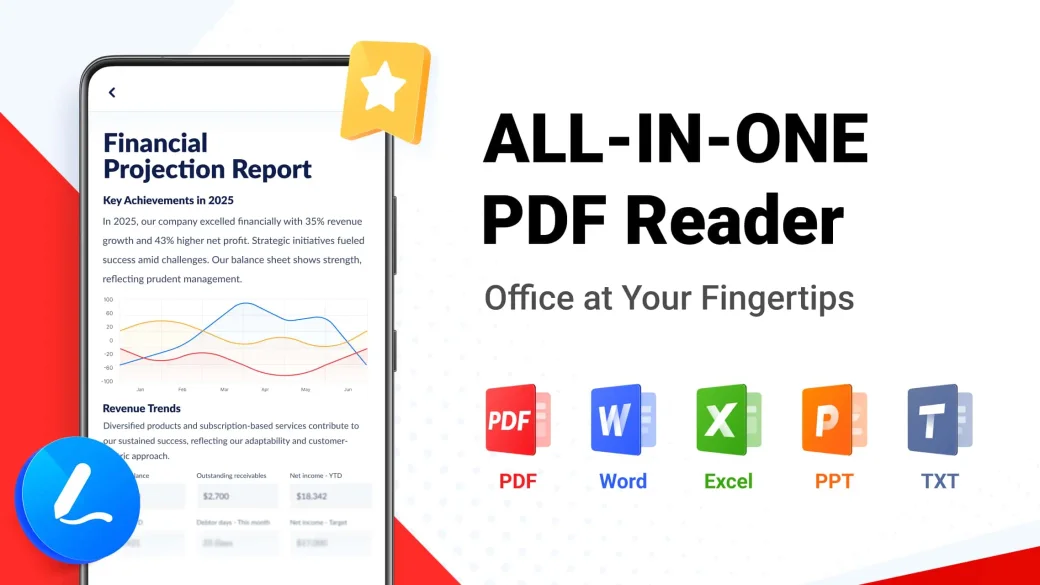
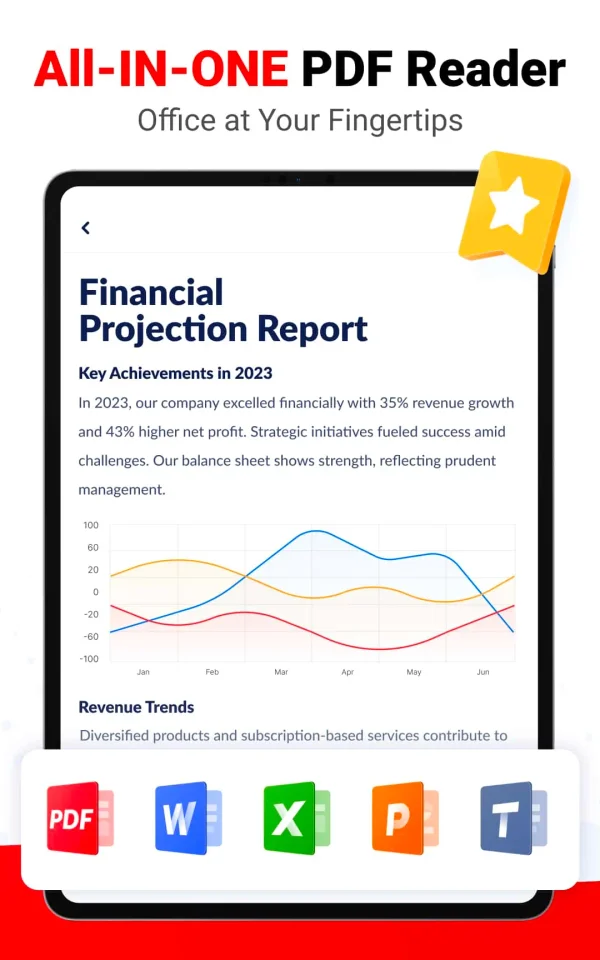
PDF reader: a fast all-in-one reader to read and manager all files, office suite
Looking for an app to easily read, edit, convert and manage files in both work and life?
Try PDF Reader & PDF Editor - a lightweight reader for all your document needs!
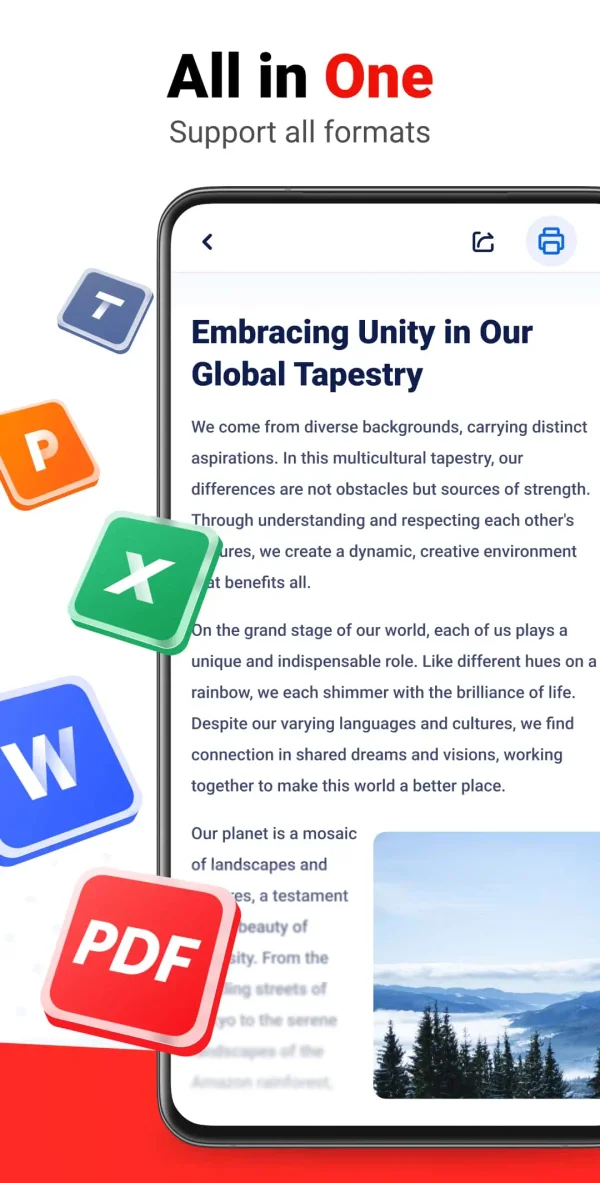
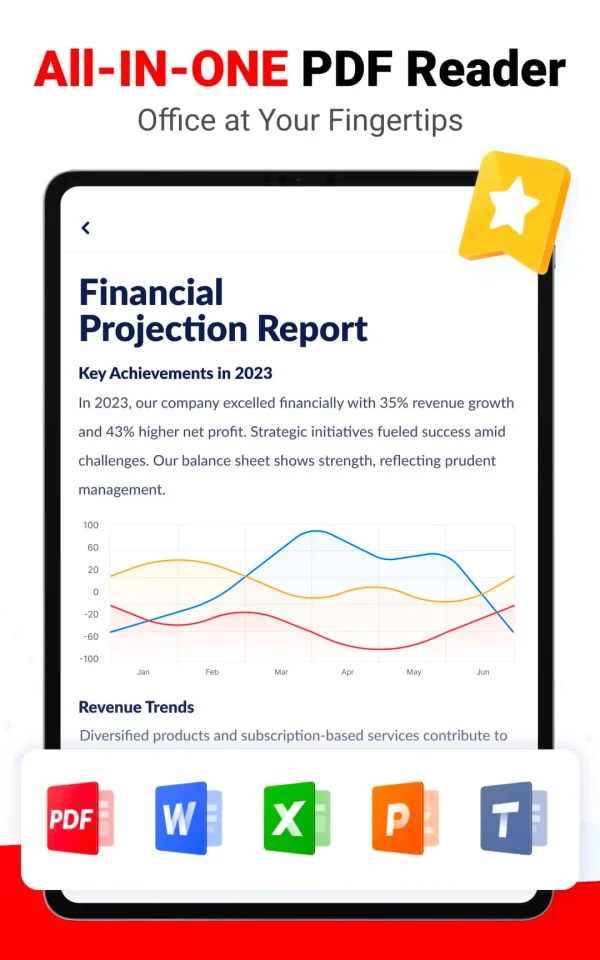
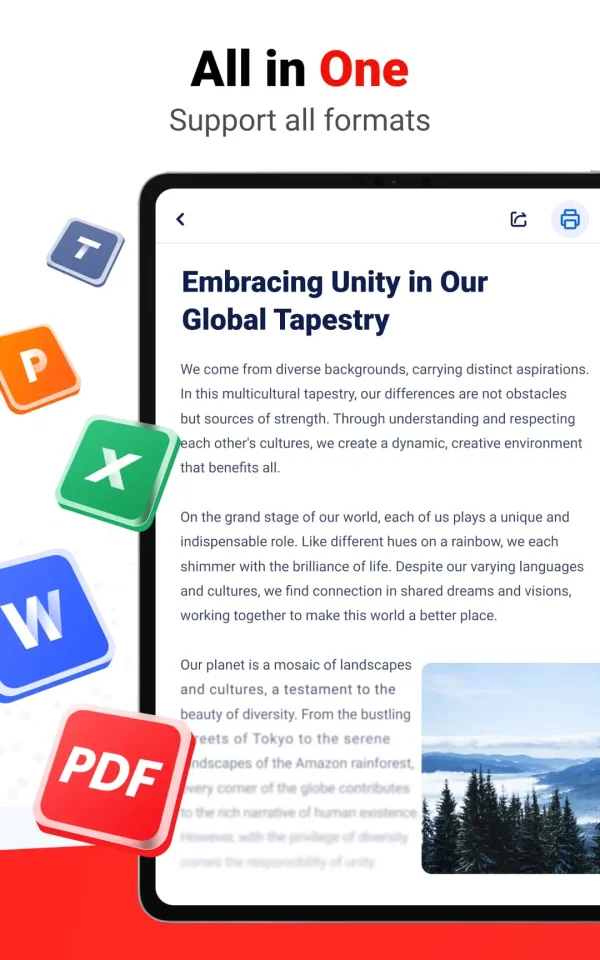
Smoothly handle files in all formats, PDF, Word, Excel, PPT, TXT, XLSX, DOC, and more, even password-protected files. PDF Reader - PDF Editor auto searches files on your device and clearly displays them in one place so you can quickly access them anytime, anywhere. It also supports image to PDF conversion, making it the perfect PDF editing app for you!
Wait no more, try PDF Reader - PDF Editor to maximize your productivity now!
🎉 Basic features of PDF Reader - PDF Editor:
- Support multiple formats: PDF, Word, Excel, PPT, TXT, XLSX, DOC, etc.
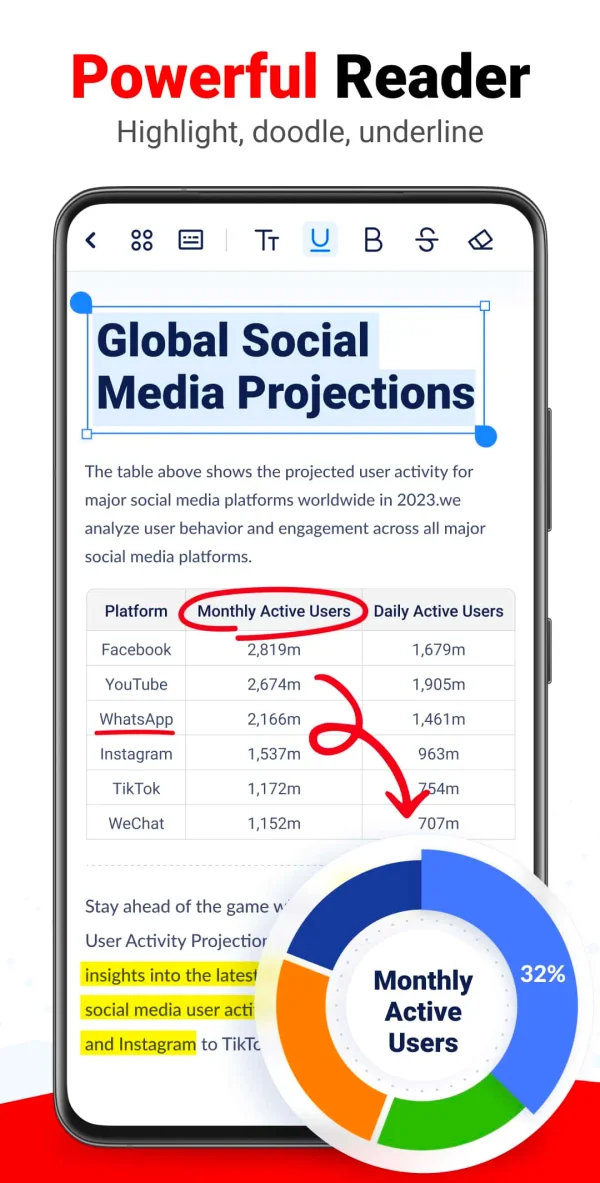
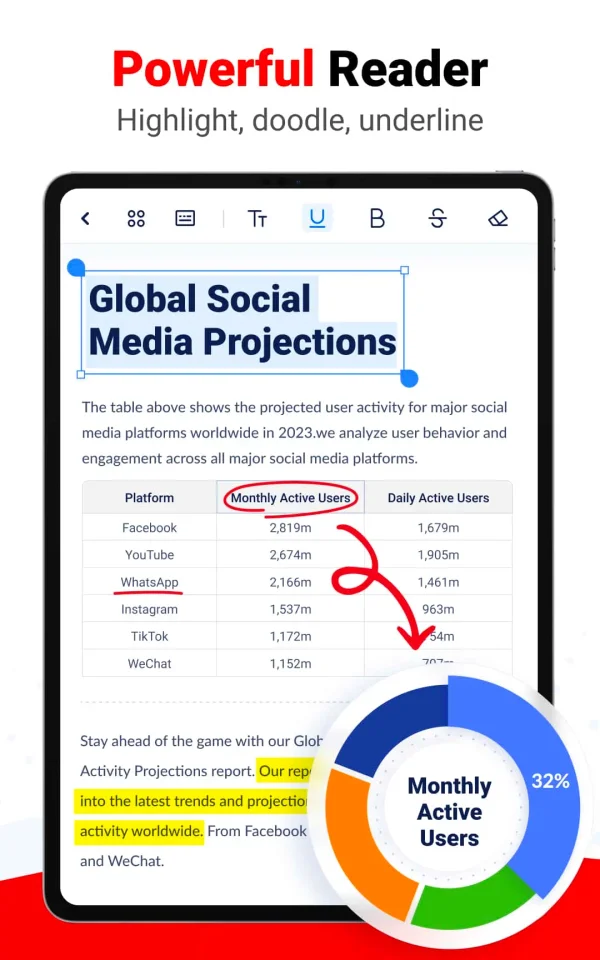
- PDF editing: manage and edit PDF files with simple PDF editing tools.
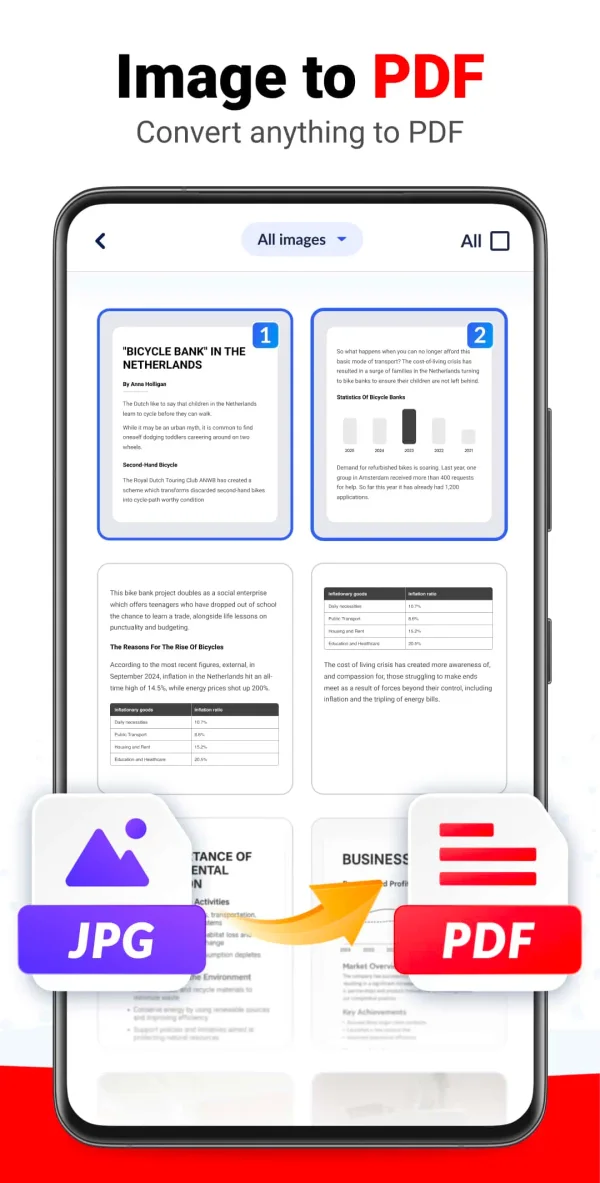
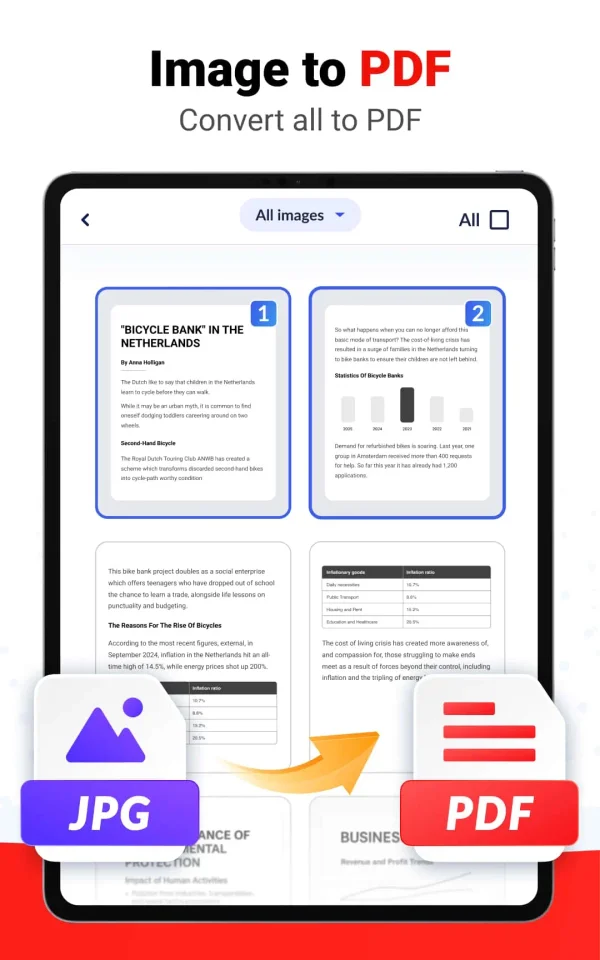
- PDF converter: convert your images into high-quality PDF files quickly.
- Thumbnail preview: jump directly to any page by clicking on thumbnails.
- Centralized file management: manage files in one place, from internal & external storage.
- Offline reading: free yourself from the Internet restriction.
- Star your favorites: one-click bookmark needed files for easy access.
- User-friendly interface: easily find all the functions you want.
🤩 What is PDF Reader - PDF Editor?
📍 A Simple PDF Editor & Converter
- Efficient editor: edit your PDFs offline, anytime and anywhere
- Ultimate converter: convert images to high-quality PDF files
- Edit & manage freely: delete/rename/star PDFs as needed
- Print quickly: fast print PDF files directly from the app
- Read easily: rotate PDF pages to view with one click
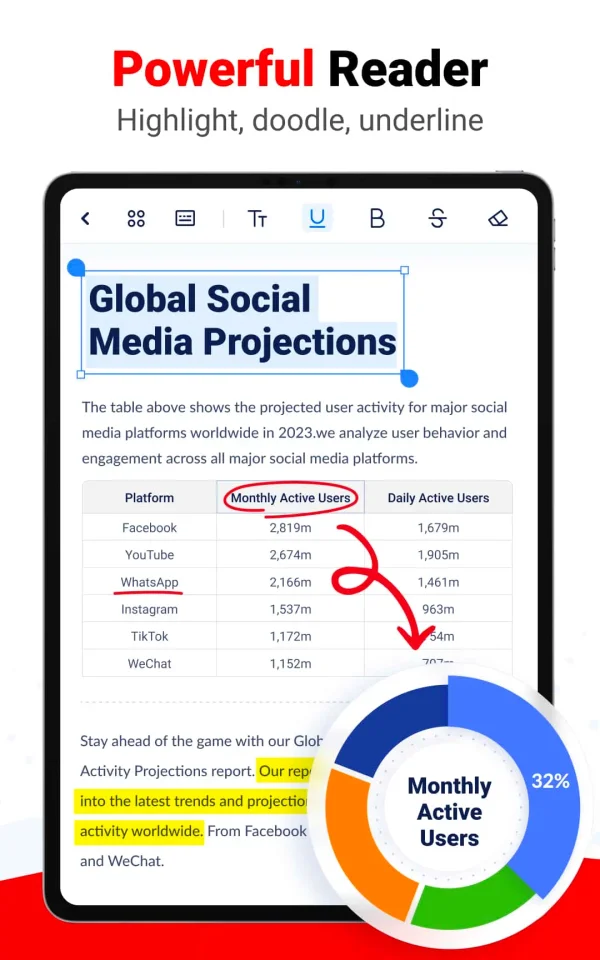
📍 A Powerful PDF Reader & Viewer
- Zoom in and out of the pages to read as needed
- Continuous and page-by-page scrolling reading mode
- Go to page directly by entering the page number
- Support for password-protected PDFs
📍 A Full-functioned File Manager
- Quickly open, search & view files on your device
- Open and read files from other apps
- Keep files in all formats well-organized
- Easily check files details: size, location, last modified, & last viewed
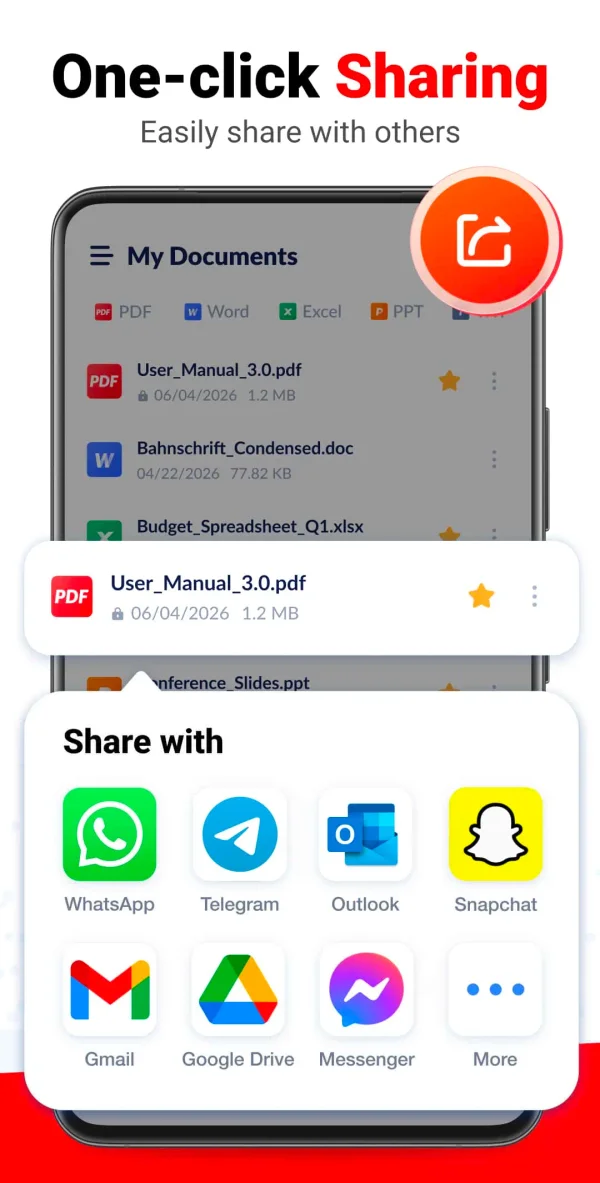
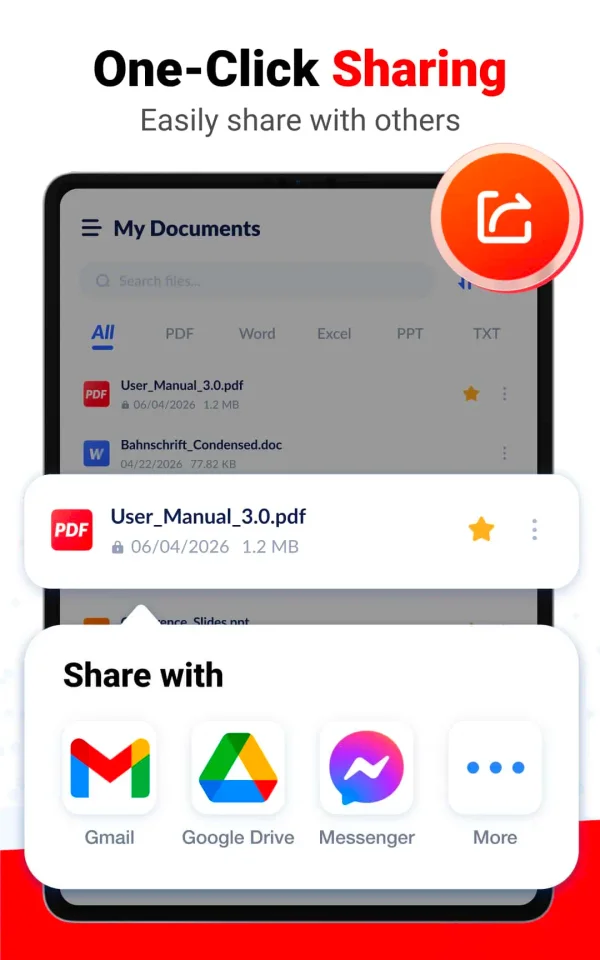
- Share files with friends directly within the app
📍 A Smart All Documents Reader
- View PDF essays or contracts anywhere, anytime
- Quickly browse resumes in PDF or Word formats
- Easily locate cells in Excel while working
- Convenient for preparing your PPT presentation
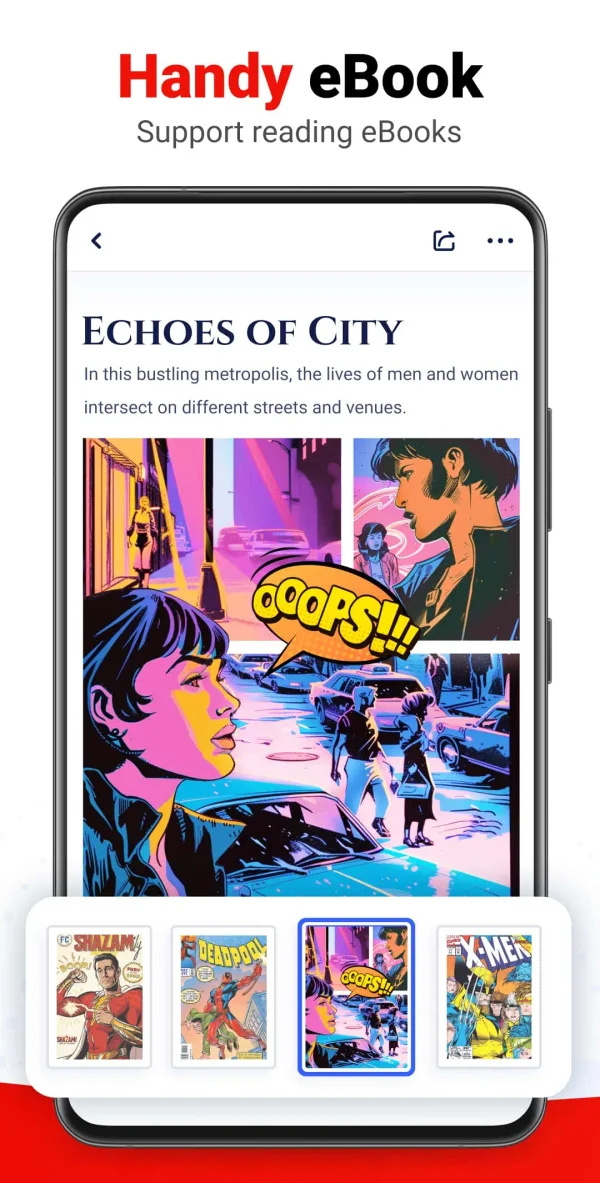
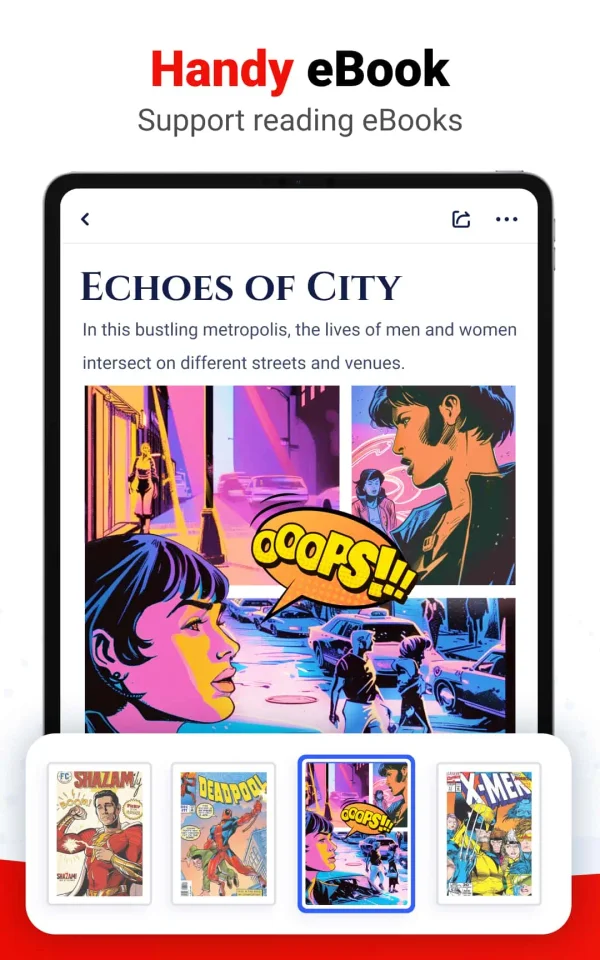
- Smoothly read TXT documents or ebooks
🌟 Why choose PDF Reader - PDF Editor?
- Perfectly compatible with Word, PDF, Excel, PPT, TXT, and more
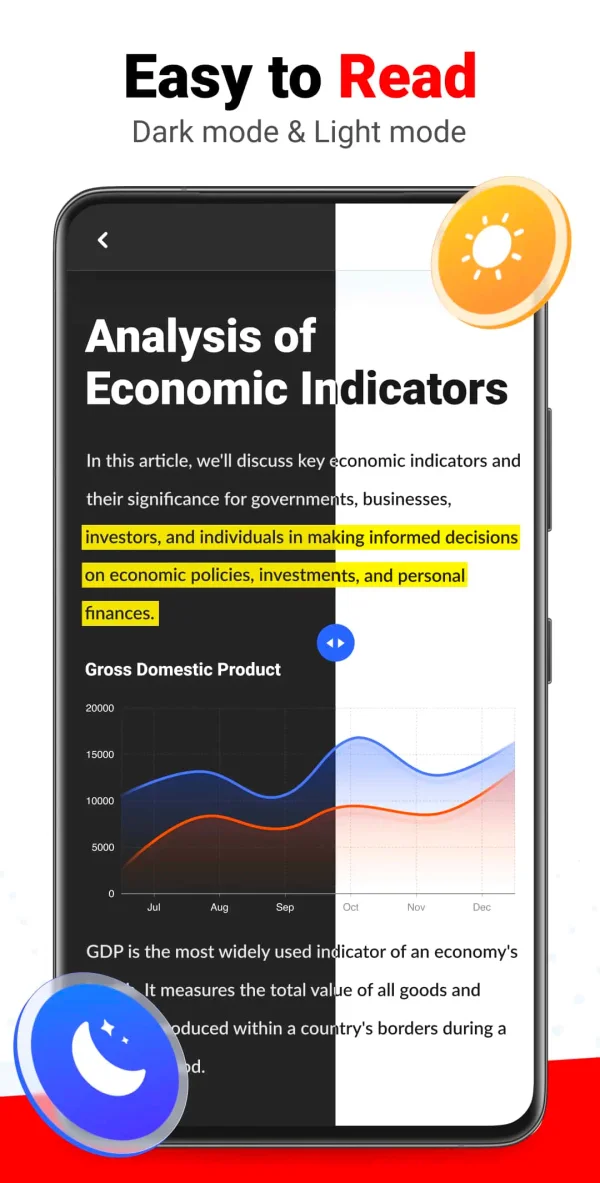
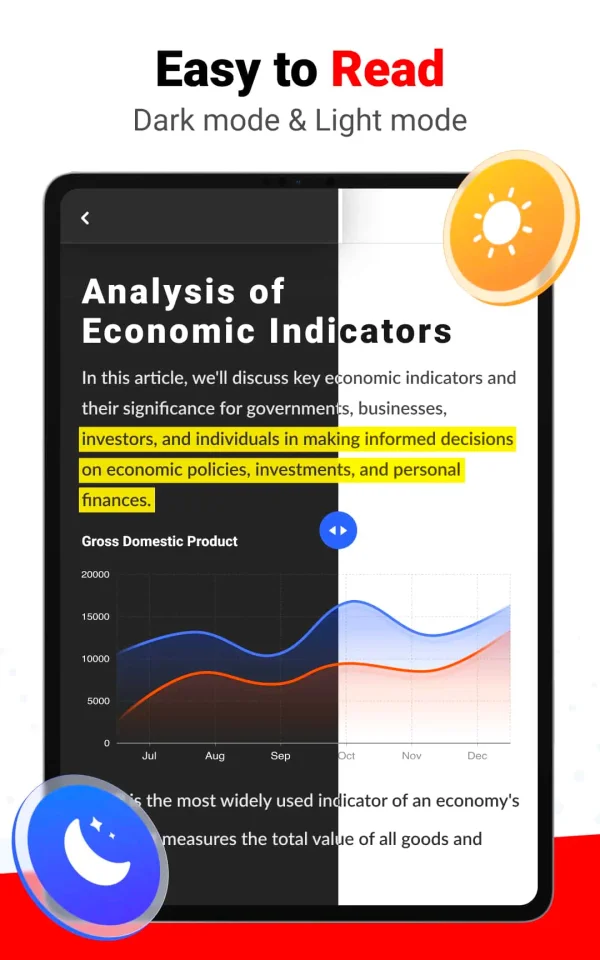
- Excellent reading experience
- Effortless PDF editing
- Smart file management
- Lightweight, running fast
- Offline available
- Open large files smoothly
🔜 Coming soon:
- Edit everything: edit Word, Excel, images, etc, fill PDF forms
- Text editing: search and copy text in documents, add text freely
- Format converter: convert between PDF, Word, Excel, etc.
- PDF scanner: scan images, receipts, notes to PDF.
- More formats: support for more file formats like ZIP, TIFF, etc.
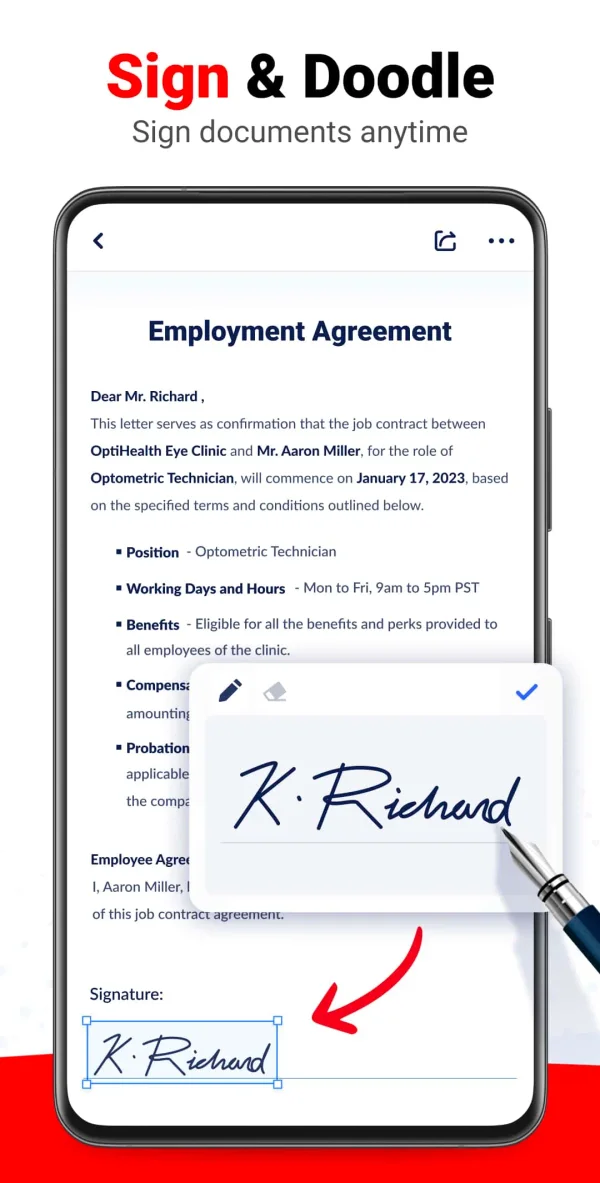
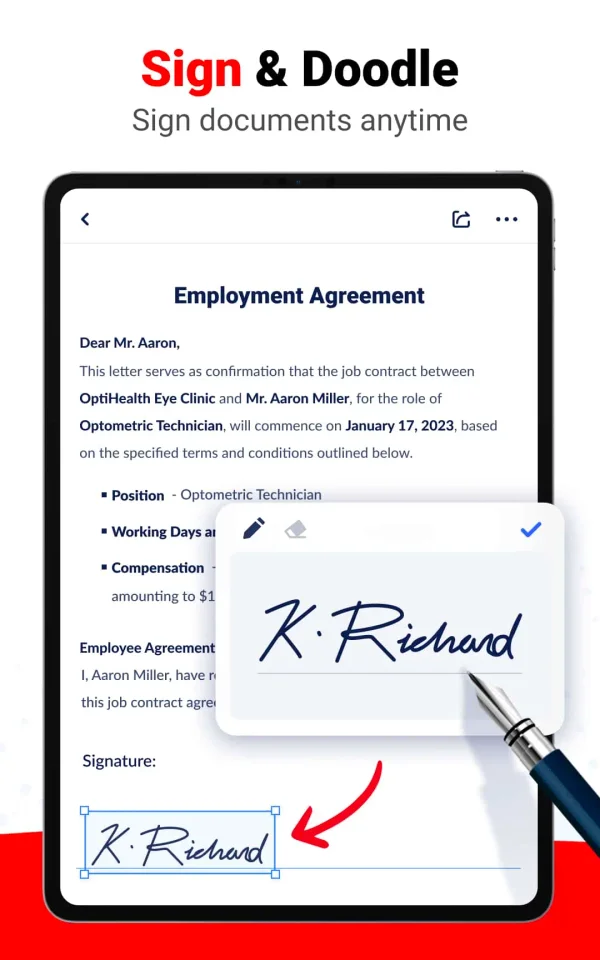
- E-signatures: easily add e-signatures to documents.
……
Upgrade your reading experience with this efficient office reader now! PDF Reader - PDF Editor will be your reliable assistant for both work and life!
* MANAGE_EXTERNAL_STORAGE permission is required for Android 11 and above. This permission will only be used to read and edit documents on the device and will never be used for any other purpose.
If you have any questions or suggestions while using our app, please feel free to contact us via pdfreaderappservice@gmail.com. We're glad to help you.
Data safety
What Efficient Tools declares on Google Play about the data this app collects and shares.
- No data shared with third partiesLearn more about how developers declare sharing
- No data collectedLearn more about how developers declare collection
- Data is encrypted in transit
What’s new
Version 1.2.8 · Oct 23, 2026
🌟 Optimized app performance
🌟 Fixed minor bugs
Developer contact
- Websiterotech.mobi
- Emailsupport@rotech.mobi
- Privacy policypdfreader.rotech.mobi
- Address1 North Bridge Road #17-05 High Street Centre Singapore 179094
Information
- Offered by
- Efficient Tools
- Category
- Productivity
- Version
- 1.2.8
- Updated
- Oct 23, 2026
- Released
- Jul 5, 2023
- Requires
- Android 8.0 or later
- Age rating
- Everyone
- Price
- Free
- Package name
- pdfreader.pdfviewer.free.officetool
Similar apps
-
 Acrobat Reader: PDF Converter
Productivity
-
 Google Docs
Productivity
-
 PDF, Word, Excel, All Offices
Tools
-
 ACE Scanner - PDF Scanner App
Productivity
-
 PDF Scanner App: Document Scan
Tools
-
 Image to PDF - PDF Maker
Productivity
-
 Microsoft PowerPoint
Productivity
-
 WPS Office-PDF, Word, Sheet
Productivity
-
 PDF Reader - PDF Editor
Productivity
-
 Document Reader - PDF Editor
Productivity
-
 Samsung Notes
Productivity
-
 Flexcil Notes & PDF Reader
Productivity