Screen Mirroring & Sharing
ZipoAppsContains ads · In-app purchases
- EveryoneAge rating
- ToolsCategory
- Oct 30, 2026Updated
- FreePrice
Links to the official Google Play listing of com.screenmirrorapp. Last checked on Nov 19, 2026.
Screenshots
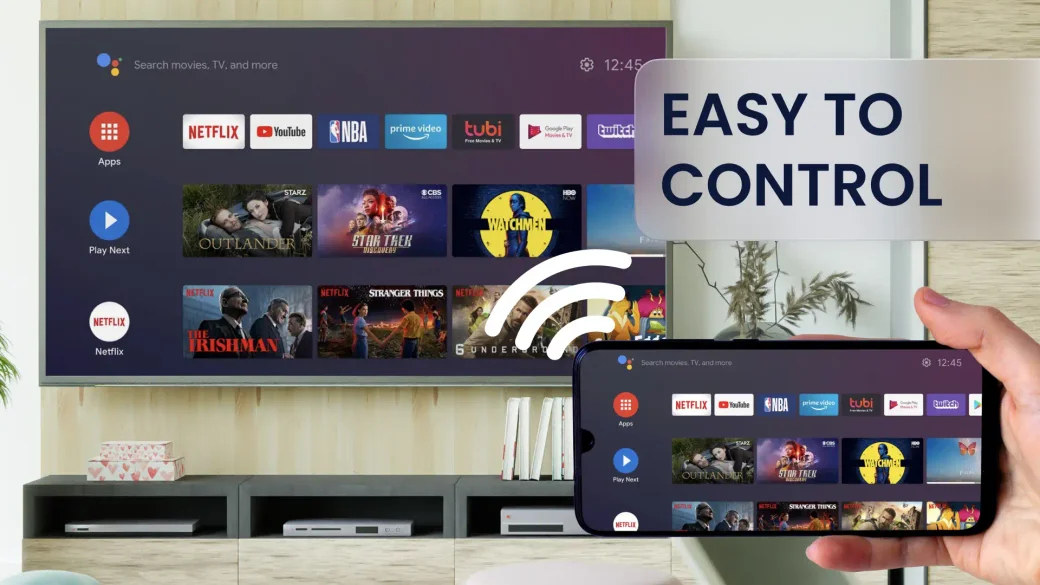
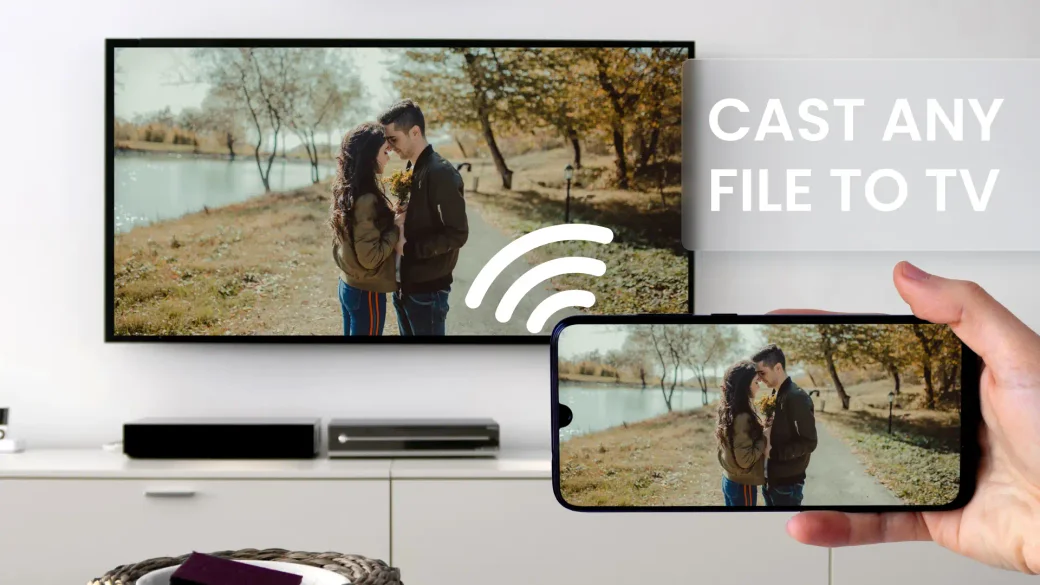
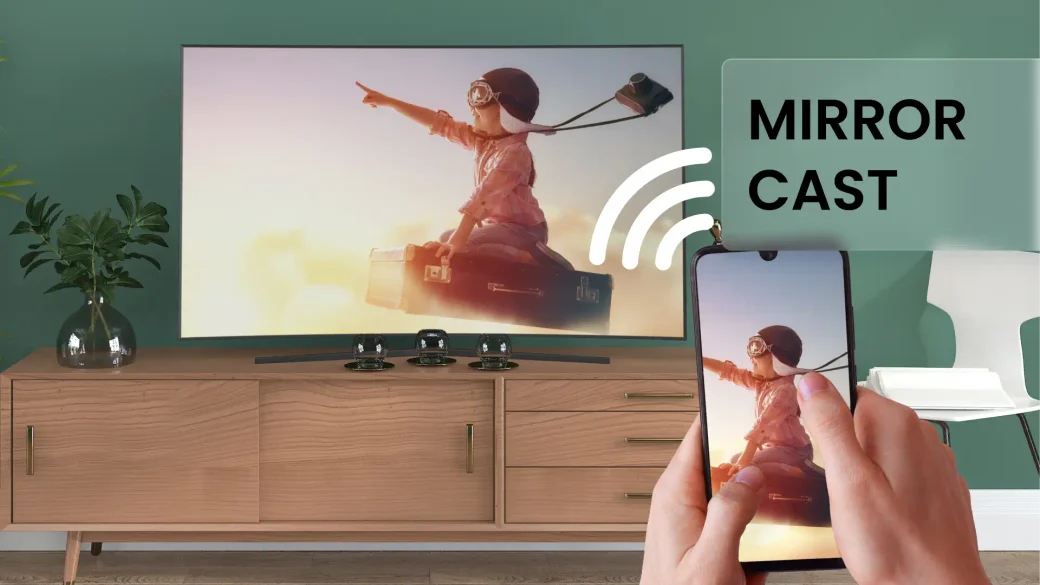
About this app
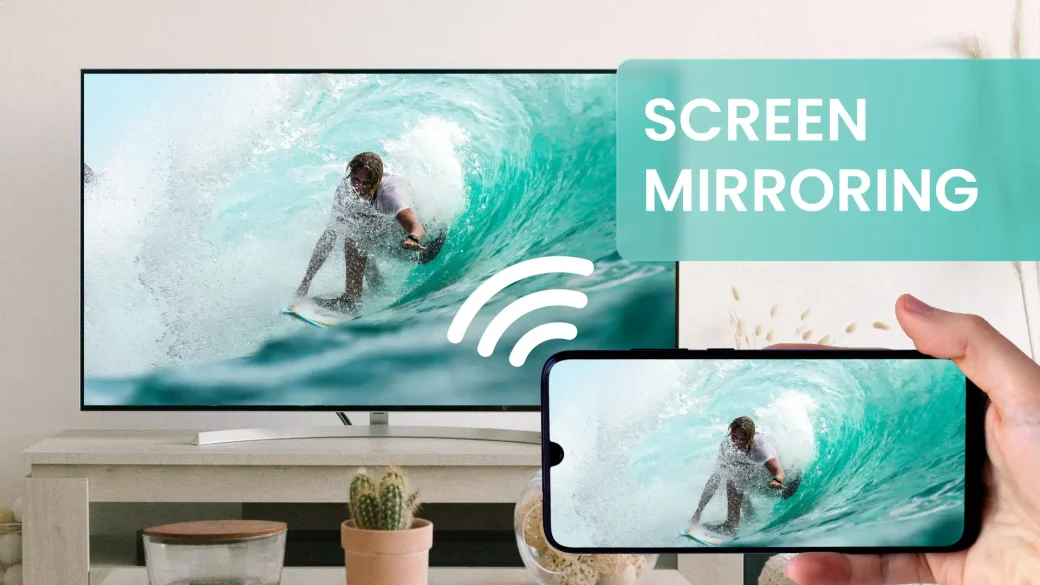
Mirror your screen to a compatible browser over Wi-Fi; device audio is not sent.
What is Screen Mirroring & Sharing?
📺 Show your Android phone or tablet screen on a compatible TV, computer or other device through its web browser. Share photos, demonstrate an app or present your work over the same Wi-Fi network, without installing extra software on the receiving device.
Screen mirroring sends the picture from your display, not your device's audio. It is a way to let others see what you are showing on your phone, rather than an audio-streaming solution.
Who is Screen Mirroring & Sharing for?
Use it when a group needs to see a small screen: show vacation photos at home, walk colleagues through an on-screen demonstration or share a presentation on a larger display.
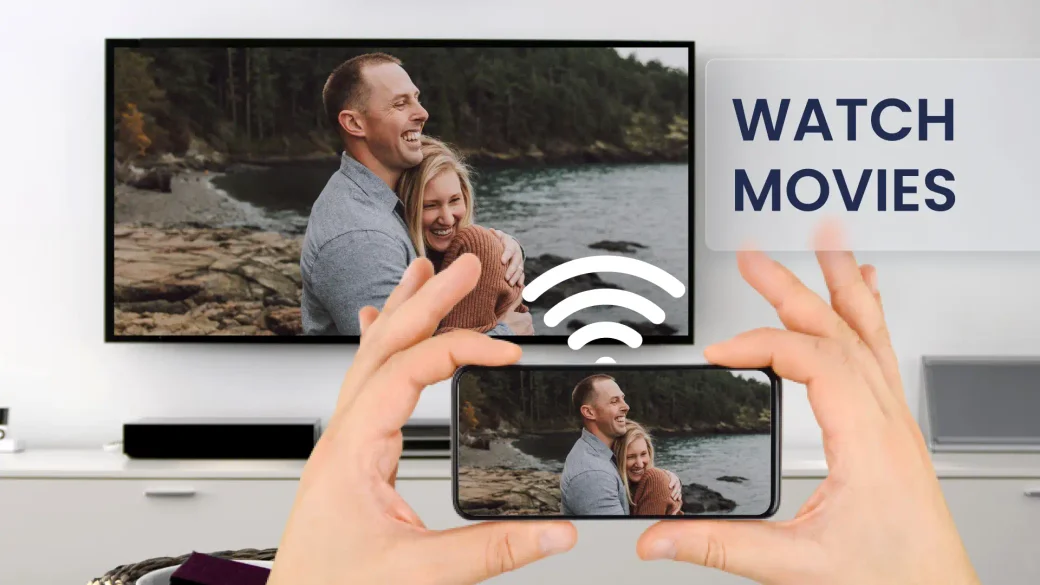
You can also show video or gameplay visuals, with the understanding that sound is not transmitted and the picture may be delayed. Choose a compatible browser on the receiving screen before starting.
What does Screen Mirroring & Sharing do?
• Mirror your Android display to a supported browser so other people can follow what you are showing.
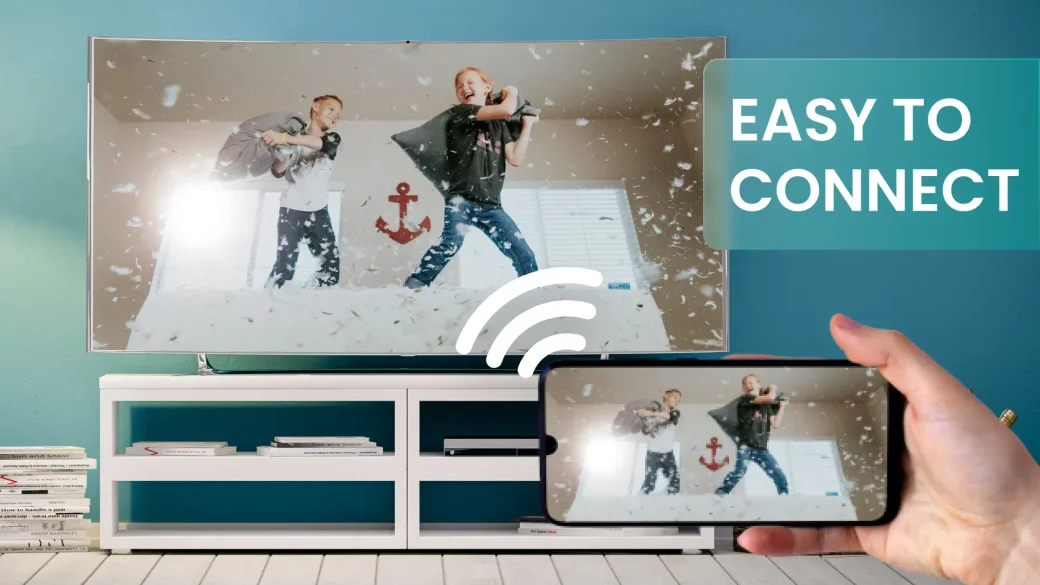
• Connect over Wi-Fi to share your screen without a cable.
• Pair with the receiving device by scanning its QR code, rather than installing a separate receiver app.
• Display photos, presentations and other visible screen content on a compatible larger screen.
How does Screen Mirroring & Sharing work?
1. Connect your Android device and receiving device to the same Wi-Fi network. An internet connection is also required.
2. Open screenmirrorapp.com in a supported browser on the device where you want to view the screen.
3. Start mirroring in the Android app and scan the QR code shown on the receiving device.
4. Follow the screen-sharing prompts, then display the content you want others to see.
Screen sharing makes the content you display visible to your audience. Keep private information off the shared screen during a demonstration.
Compatibility and requirements
• Requires Android 5.0 or later on the sending device.
• Both devices must use the same Wi-Fi network, with internet access available.
• Supported browsers include Google Chrome, Apple Safari, Firefox and Samsung MU Series browsers. Some Smart TV browsers lack the required features, so not every TV is compatible.
• Device audio is not transmitted.
• Delay depends on the Android device's processing power and Wi-Fi connection speed. A strong connection helps, but mirroring is not guaranteed to be lag-free.
The app contains ads and offers in-app purchases.
Screen Mirroring & Sharing puts your phone's visual content in front of a wider audience through browser-based screen sharing on compatible devices.
Data safety
What ZipoApps declares on Google Play about the data this app collects and shares.
- This app may share these data types with third partiesApp info and performance and Device or other IDs
- This app may collect these data typesApp info and performance and Device or other IDs
- Data is encrypted in transit
- Data can’t be deleted
Developer contact
- Websitezipoapps.com
- Emailsupport.screenmirror@zipoapps.com
- Privacy policyzipoapps.com
- Address24/1 Mapu TEL AVIV-JAFFA, 6343423 Israel
Information
- Offered by
- ZipoApps
- Category
- Tools
- Version
- 1.9.12
- Updated
- Oct 30, 2026
- Released
- Jun 21, 2017
- Requires
- Android 8.0 or later
- Age rating
- Everyone
- Price
- Free
- In-app purchases
- $0.99 - $99.99 per item
- Package name
- com.screenmirrorapp
Similar apps
-
 Cast for Chromecast & TV Cast
Tools
-
 Screen Mirroring:Smart Tv Cast
Tools
-
 AirDroid: File & Remote Access
Tools
-
 HryFine
Tools
-
 spacedesk - Display for PC+Mac
Productivity
-
 Transfer All Data - PhoneClone
Tools
-
 Smart Connect
Productivity
-
 Universal Remote for Smart TV
Tools
-
 SmartThings
Lifestyle
-
 MERCUSYS
Tools
-
 ScreenStream
Tools
-
 Send files to TV
Tools