Screen Recorder GU Recorder
Screen Recorder Video Recorder Gu Recorder StudioContains ads · In-app purchases
- EveryoneAge rating
- Video Players & EditorsCategory
- Mar 7, 2024Updated
- FreePrice
Links to the official Google Play listing of com.mobi.screenrecorder.durecorder. Last checked on Nov 27, 2026.
Screenshots


About this app
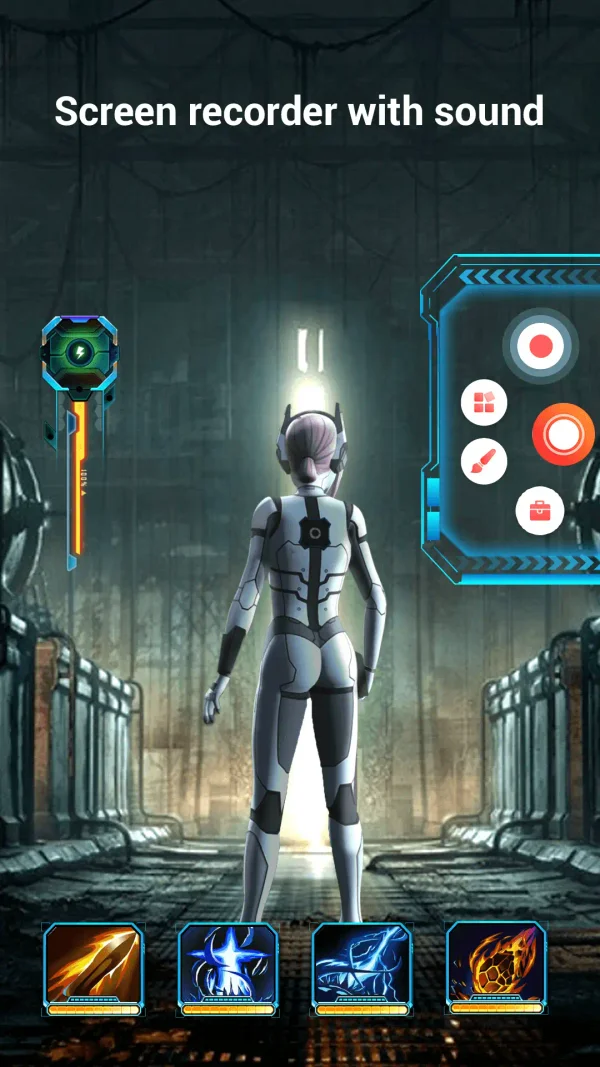
Screen recorder with audio, Capture recorder, Video editor, GU game recorder
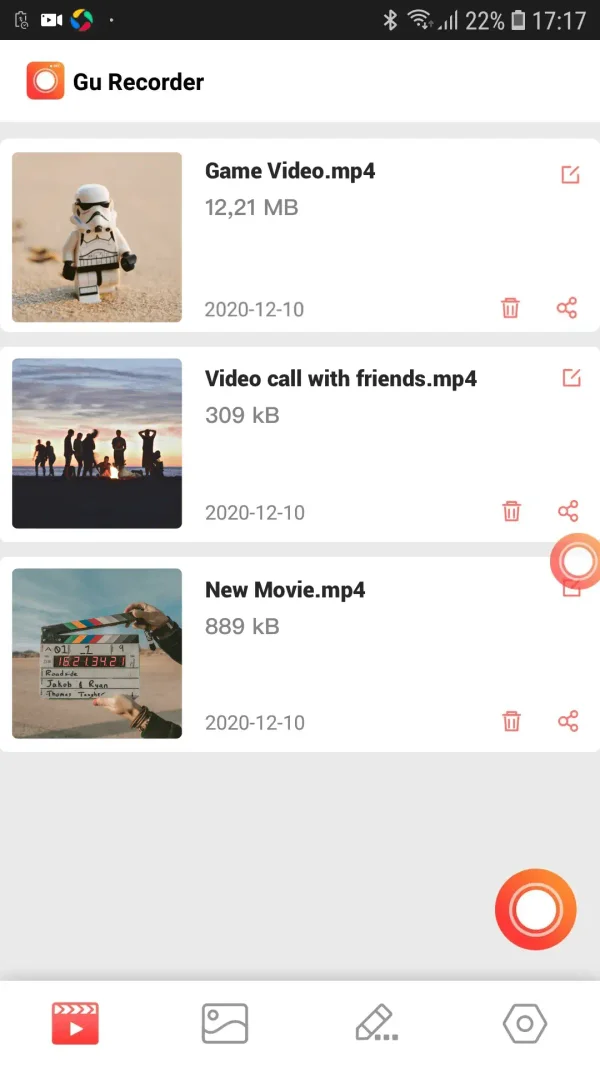
GU Recorder is a stable screen recorder for you to record video calls, online shows, live gameplay, sport event and movies. You can record video with clear sound, take screenshot and reduce video file size. There’s no root needed.
Record video with sound
+ You can record audio from the mic which makes it easy to create tutorial, promotional videos.
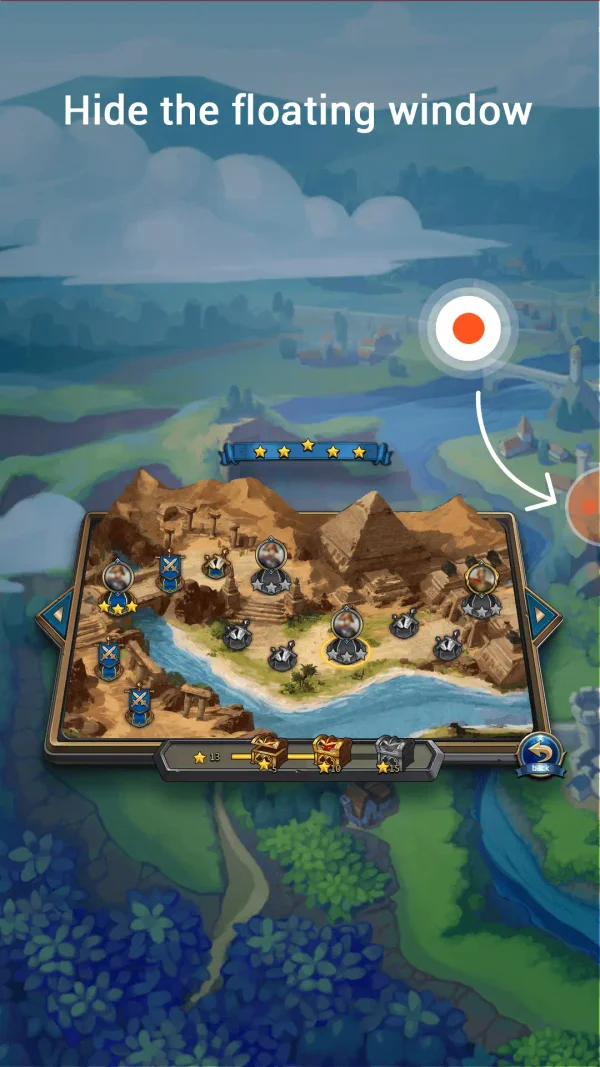
+ Hide the floating window with one touch to record full screen video. Use the notification panel to control recording.
+ Record internal sound, this screen recorder supports recording internal audio.
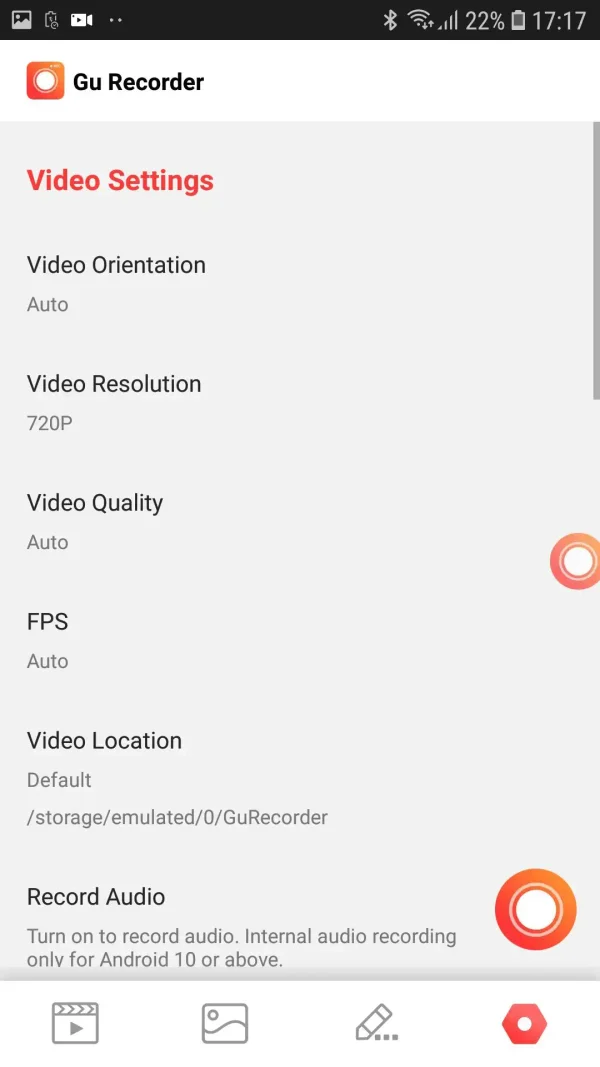
+ There are many customized features in this screen recorder such as setting video resolution: provide 1080p resolution. Auto screen orientation: provide both portrait and landscape recording. Set countdown time and shake to stop.
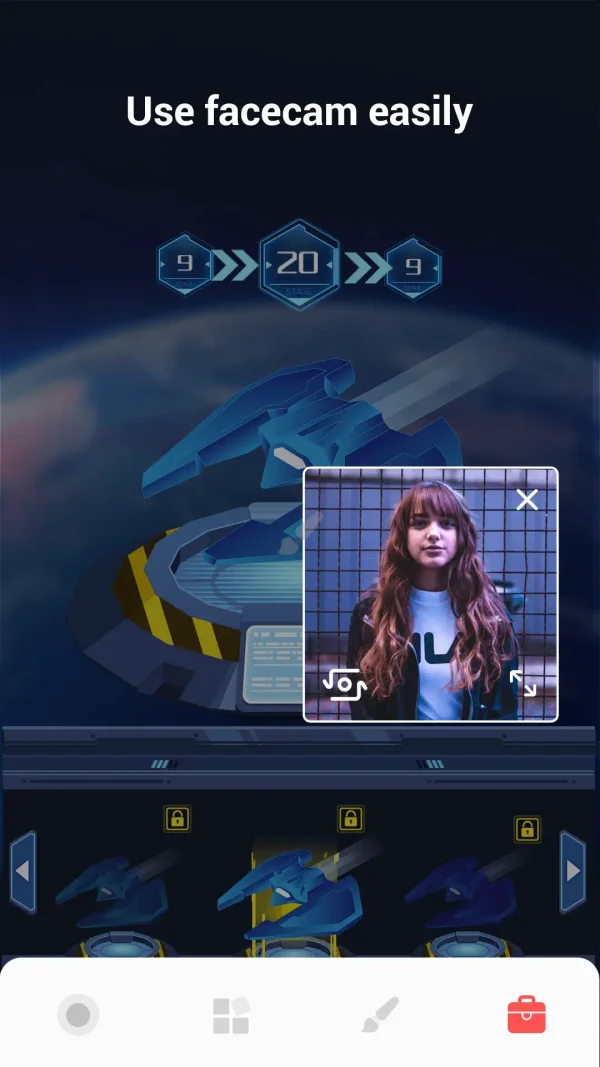
+ Overlay face camera: you can record your face and reaction in an overlay window, which can be dragged to any position on the screen and customized to any size. It helps you make a special video.
+ Pause and resume recording at any time. Use the theme you like.
Exclusive Features
1. Magic Brush: You can doodle on the screen while recording, write or draw anything you like. Choose the color and effect you want.
2. Restore Lost Video: If the app is closed accidentally, you can restore the video you recorded before.
3. Video Compressor: Compress video with high quality.
4. MP3 Video Converter: Convert videos to MP3 in simple steps.
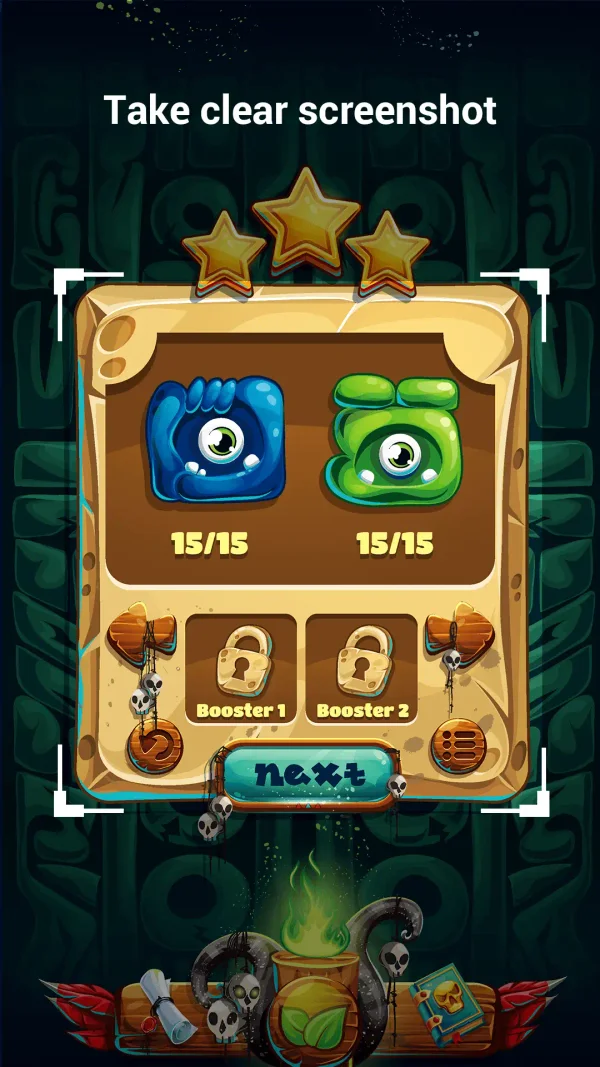
Take clear screenshot
+ Capture screen easily, take clear screenshot to record your skillful gameplay, funny video call.
+ Doodle on your screenshot: Add a mark or draw a symbol to highlight the part you want people to notice.
Data safety
What Screen Recorder Video Recorder Gu Recorder Studio declares on Google Play about the data this app collects and shares.
- No data shared with third partiesLearn more about how developers declare sharing
- No data collectedLearn more about how developers declare collection
- Data is encrypted in transit
- Data can’t be deleted
What’s new
Version 3.5.0.0 · Mar 7, 2024
Hi friends! In this update we bring:
- Big update of application skins: more and more UI skins will be supported in the future to customize your application!
- Fix known issues and optimize experience!
Developer contact
- Websitemusicvideopro.com
- Emailvideomakestudio@gmail.com
- Privacy policyd10nkoc3mu17gd.cloudfront.net
- Address中国 上海市徐汇区 徐汇区古美路1515号19幢19层 邮政编码: 200233
Information
- Offered by
- Screen Recorder Video Recorder Gu Recorder Studio
- Category
- Video Players & Editors
- Version
- 3.5.0.0
- Updated
- Mar 7, 2024
- Released
- Jul 26, 2019
- Requires
- Android 5.0 or later
- Age rating
- Everyone
- Price
- Free
- In-app purchases
- $1.99 - $119.99 per item
- Package name
- com.mobi.screenrecorder.durecorder
Similar apps
-
 Screen Recorder - AX Recorder
Video Players & Editors
-
 Screen Recorder Unlimited
Tools
-
 Screen Recorder - XRecorder
Video Players & Editors
-
 Screen Recorder
Video Players & Editors
-
 ADV Screen Recorder
Tools
-
 Screen Recorder - G1REC
Video Players & Editors
-
 Screen Recorder
Video Players & Editors
-
 Screen Recorder - XRec Lite
Video Players & Editors
-
 Screen Recorder Video Recorder
Tools
-
 Smart Video Crop - Video Cut
Video Players & Editors
-
 Screen Recorder Video Recorder
Video Players & Editors
-
 Screen Recorder - AZ Recorder
Video Players & Editors