Screen Recorder - XRec Lite
InShot Inc.Contains ads
- EveryoneAge rating
- Video Players & EditorsCategory
- Nov 27, 2026Updated
- FreePrice
Links to the official Google Play listing of videoeditor.videorecorder.screenrecorder.lite. Last checked on Nov 27, 2026.

Screenshots


About this app
Screen recorder with audio: a light and fast app to record video & games.
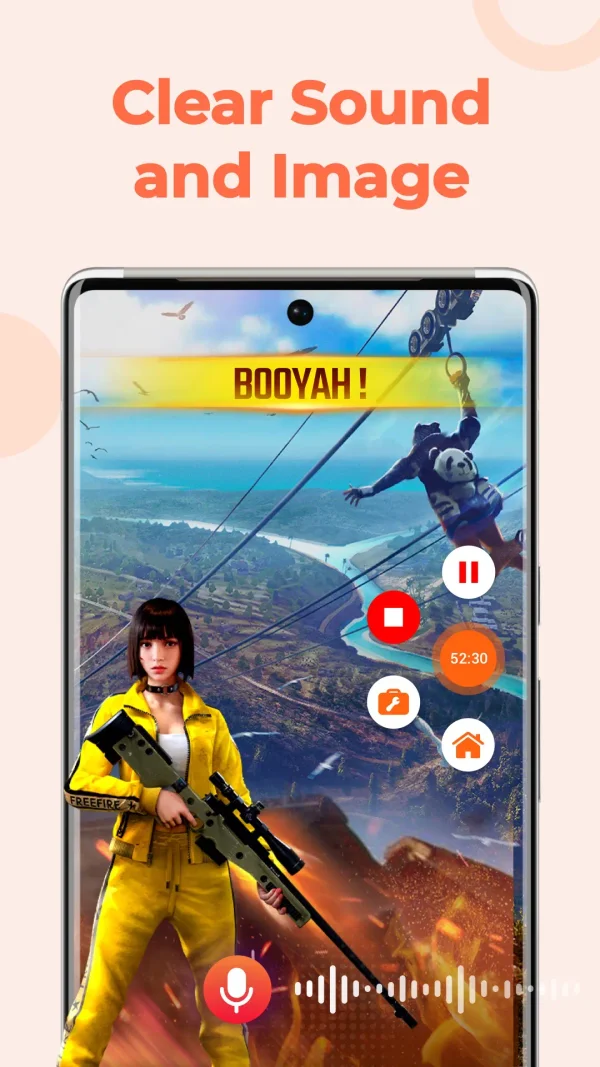
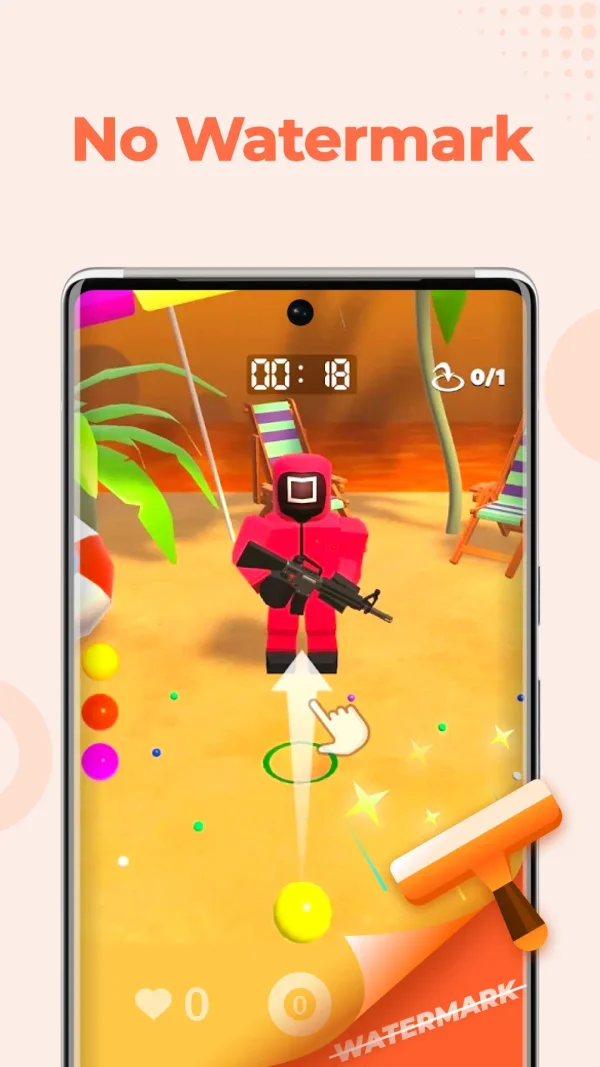
Screen Recorder - Video Recorder is a fast and simple video recorder app for screen recording, comes in a smaller size, and is easier to record video with sound. No watermarks, time limits, or lag
With Screen Recorder, you can record screen and HD live game shows, or videos that can not be downloaded. This full-featured video recorder with facecam supports recording yourself whilst capturing your screen and has a brush tool that allows you to draw on the screen to highlight significant points.
Features on the Screen Recorder app include:
✅ Record Video with Sound: multiple audio sources for different recording scenarios
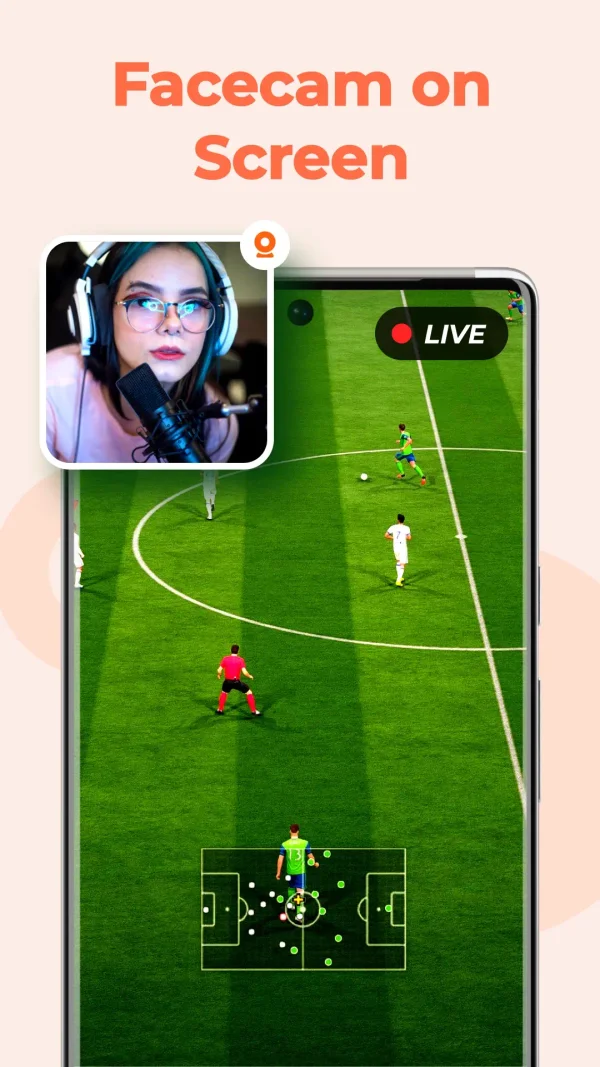
✅ Facecam: record your screen & face simultaneously to express reactions freely
✅ Brush Tool: draw and write directly on the screen to concentrate attention on significant points
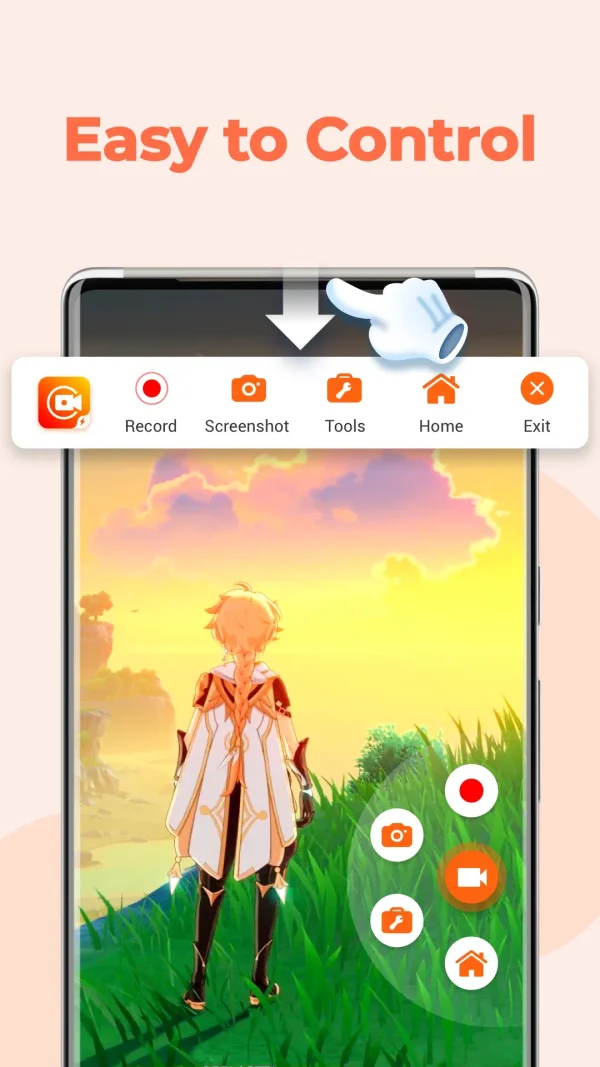
✅ Floating Ball: one tap to record, pause, resume, and screenshot
✅ No Lag: capture any video or sound in the quickest possible time
✅ Screenshot: capture screen to take a clear screenshot
✅ Countdown Timer: be fully prepared to record video
✅ High FPS: maximum 120 FPS recording support to enjoy ultimate visual experience
✅ Professional Options: export Full HD video with custom settings (240p to 1080p, 60FPS, 12Mbps)
✅ Audio: internal audio recording without noise (ONLY Android 10 or above)
✅ Easy to Share: record unforgettable moments and share directly with friends
🏆 Low Memory Usage Video Recorder
It is the lite version of Screen Recorder with all the basic features available, best for low-storage devices. If your phone ram is less than 1G, you can also quickly install and smoothly record screen. It won't consume your RAM much.
🎉 Screen Recording without Watermark & Time Limits
The screen recorder suits all android devices to record screen. No watermark & No time limits during screen recording. Capture screen and never miss the gorgeous moments!
🎞Video Recorder with Facecam
Video Recorder with Facecam allows you to switch between front and back camera, record screen and camera at the same time for picture-in-picture effect, and adjust the position and size according to your needs. With facecam, you can record gameplay and capture your face simultaneously, so audiences can watch any of your reactions in real time.
🎧 Video Recorder with Sound
The video recorder with sound/audio will record internal & external audio fluidly and clearly. If you want to screenrecord audios for your videos, this video recorder is the best choice for you.
📼 Record Screen in full HD
This screen recorder suits all recording scenarios. Smoothly record HD & 1080p gameplay videos, video tutorials, live shows, video calls, meetings, and lectures while studying online or record video that can not be downloaded.
Thanks for downloading the Screen Recorder - Video Recorder app! If you have any feedback or suggestion:
Email us at: xrecorder.feedback@gmail.com
Join us at: https://www.reddit.com/r/XRecorder/
Data safety
What InShot Inc. declares on Google Play about the data this app collects and shares.
- No data shared with third partiesLearn more about how developers declare sharing
- This app may collect these data typesMessages and Device or other IDs
- Data is encrypted in transit
- You can request that data be deleted
What’s new
Version 1.4.0.1 · Nov 27, 2026
✅Improvements
- Better recording experience.
- Other bug fixes and performance improvements.
Developer contact
- Websiteinshot.app
- Emailxrecorder.support@inshot.com
- Privacy policyinshotapp.com
- Address8 The Grn Ste R Dover, DE 19901-3618 United States
Information
- Offered by
- InShot Inc.
- Category
- Video Players & Editors
- Version
- 1.4.0.1
- Updated
- Nov 27, 2026
- Released
- Nov 22, 2022
- Requires
- Android 5.0 or later
- Age rating
- Everyone
- Price
- Free
- Package name
- videoeditor.videorecorder.screenrecorder.lite
Similar apps
-
 Screen Recorder - AX Recorder
Video Players & Editors
-
 Screen Recorder
Video Players & Editors
-
 Screen Recorder - G1REC
Video Players & Editors
-
 Screen Recorder Video Recorder
Tools
-
 Screen Recorder
Video Players & Editors
-
 ADV Screen Recorder
Tools
-
 Mobizen Screen Recorder
Productivity
-
 Screen Recorder Video Recorder
Video Players & Editors
-
 Screen Recorder - AZ Recorder
Video Players & Editors
-
 Screen Recorder - Record Video
Video Players & Editors
-
 Screen Recorder GU Recorder
Video Players & Editors
-
 Video Editor - Video.Guru
Video Players & Editors