Mobizen Screen Recorder
MOBIZENContains ads · In-app purchases
- EveryoneAge rating
- ProductivityCategory
- Jul 1, 2026Updated
- FreePrice
Links to the official Google Play listing of com.rsupport.mvagent. Last checked on Nov 19, 2026.

Screenshots






About this app
Record screen, create GIF, edit and draw, all from one single app, Mobizen!
The Screen Recorder you were looking for
▶ The “Best of 2016 Apps” selected by Google.
▶ Screen recorder selected by global 200 million users.
▶ Featured in Google Play.
----- Featured in many countries such as Korea, USA, Europe, Japan, North and South America
▶ Screen recording, capture, and editing functions are free.
▶ The video recorded with the Mobizen app is not saved on the server, only on the user device, so use it with confidence!
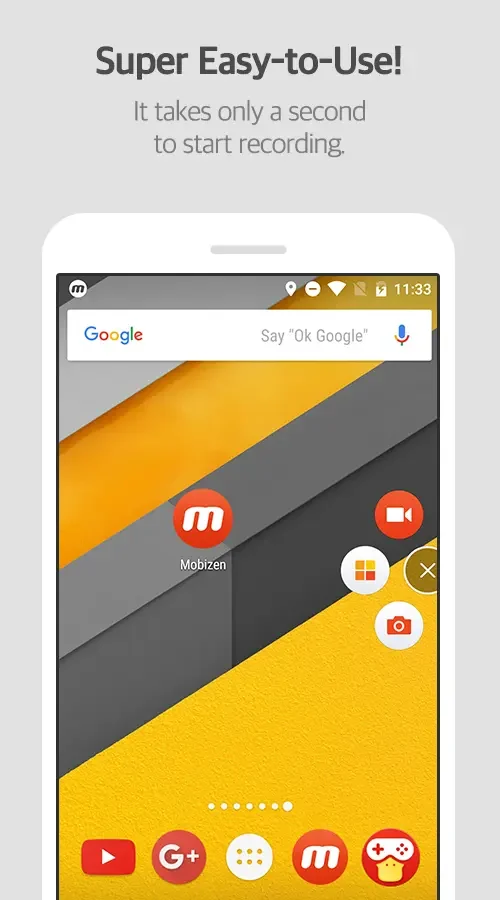
▶ Easy to start/stop recording, and freely pause while recording.
▶ Use it immediately without signing up (login).
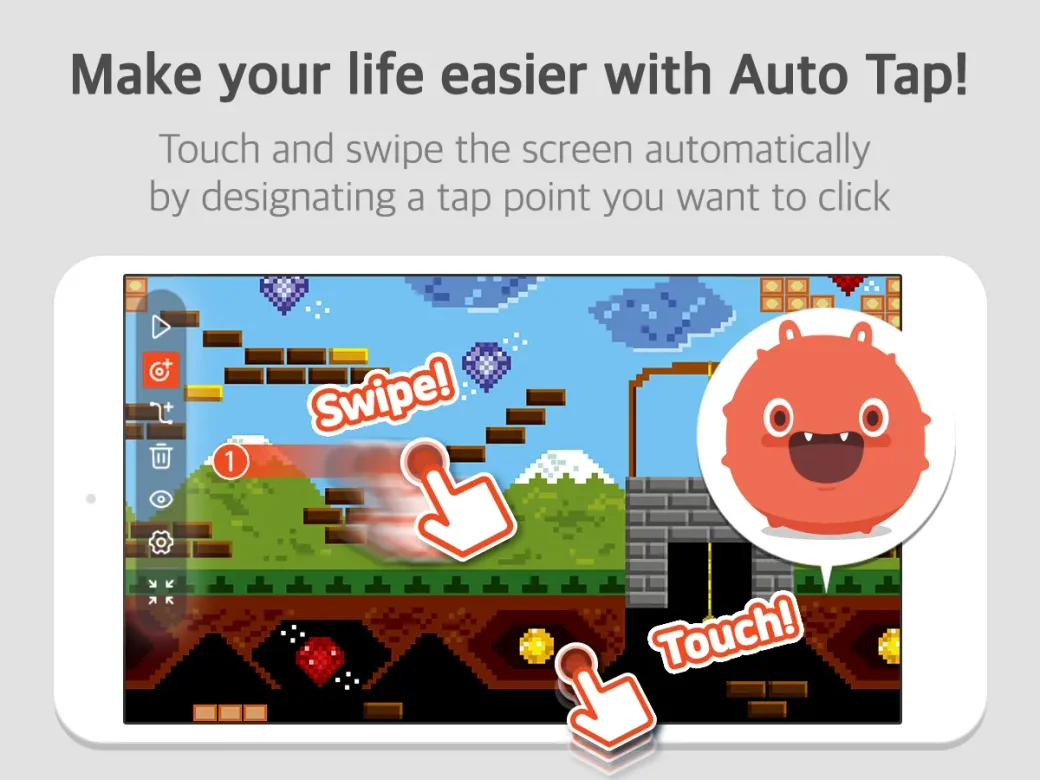
▶ Provide Auto Tap and Auto Swiping functions
(Meet Auto Tap and screen recording on Mobizen!)
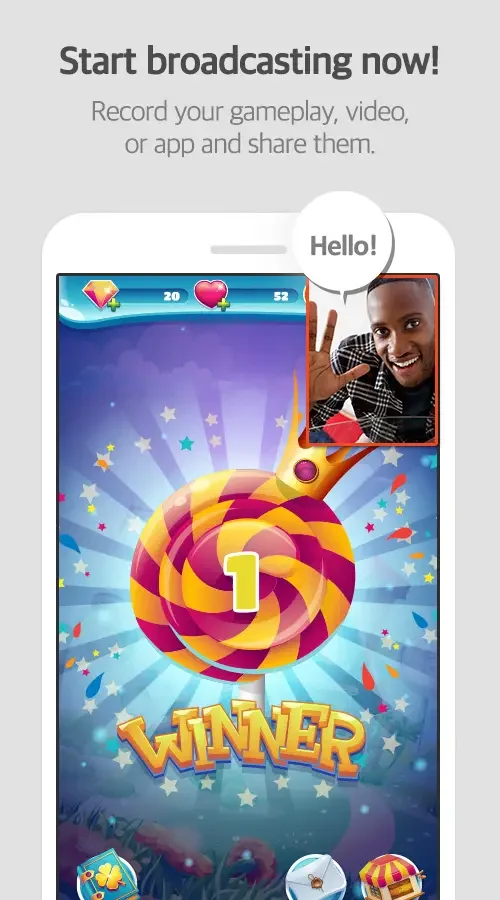
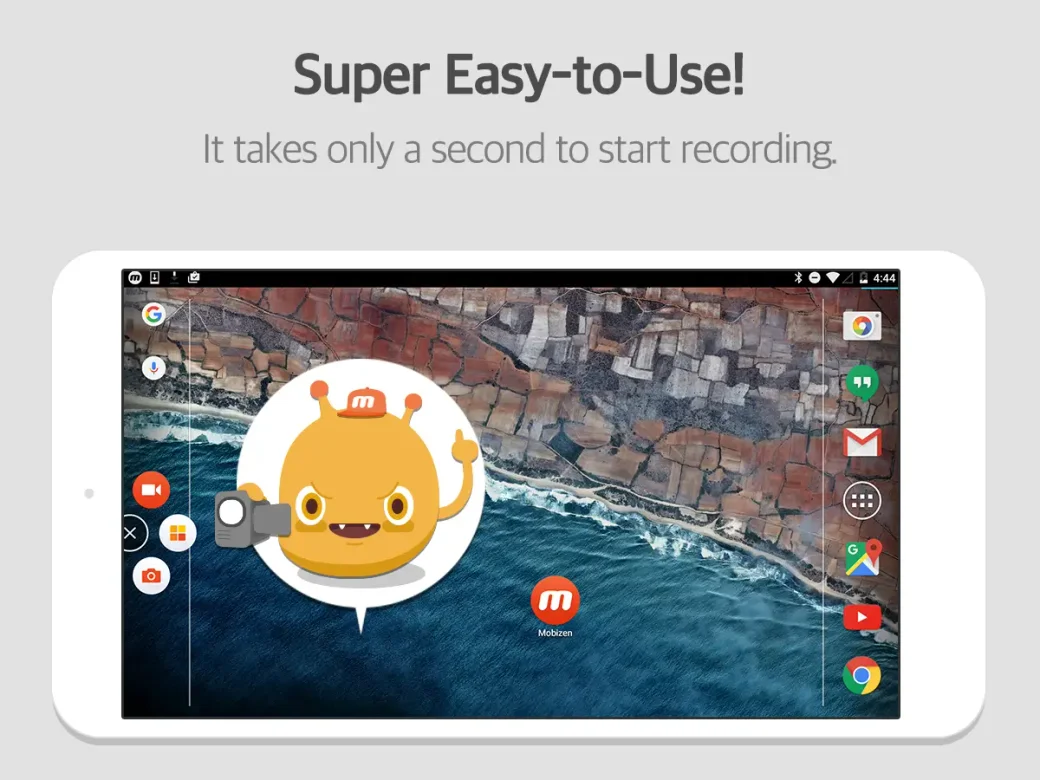
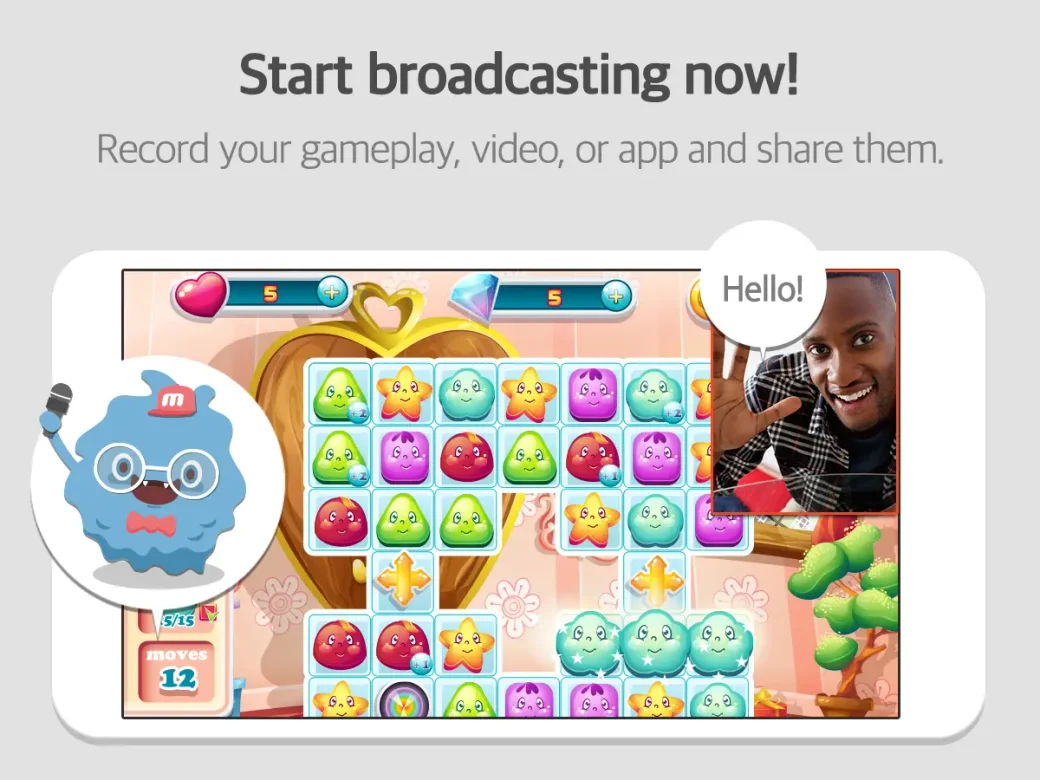
Download Mobizen Screen Recorder, which can start recording easily with one click, and start recording gameplay, video, and live broadcasting easily and conveniently!
Do you want your first screen recording to be perfect?
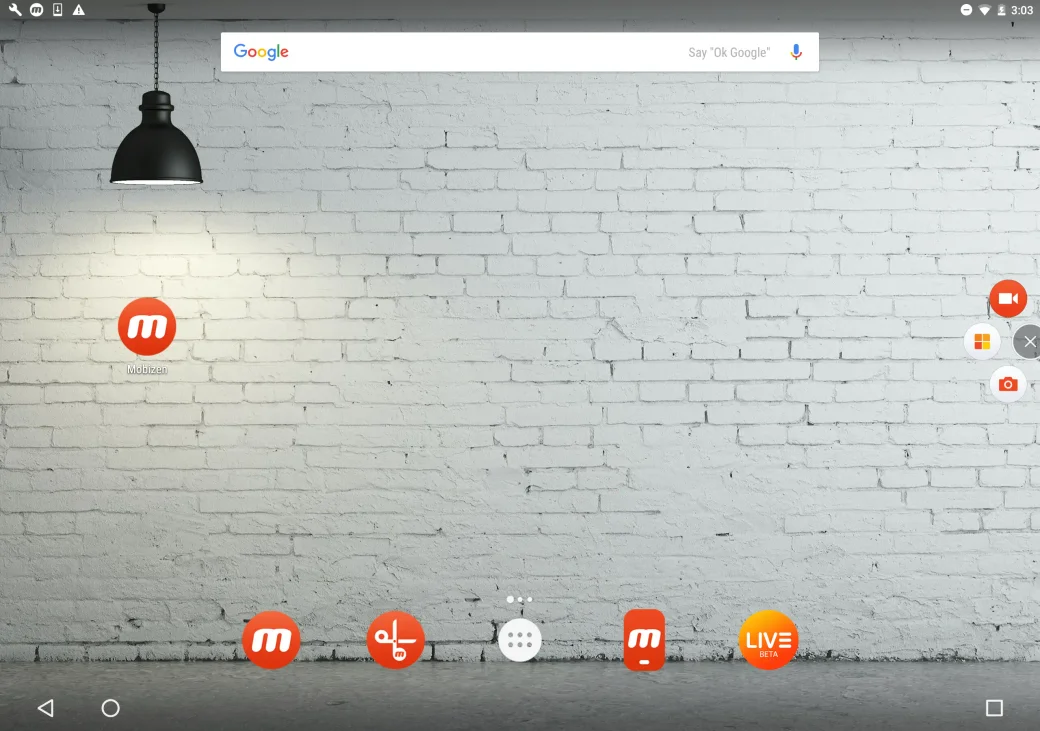
ㆍClean screen recording without a record button through Hide Air Circle mode!
ㆍRecord the screen without watermark for free using Clean mode!
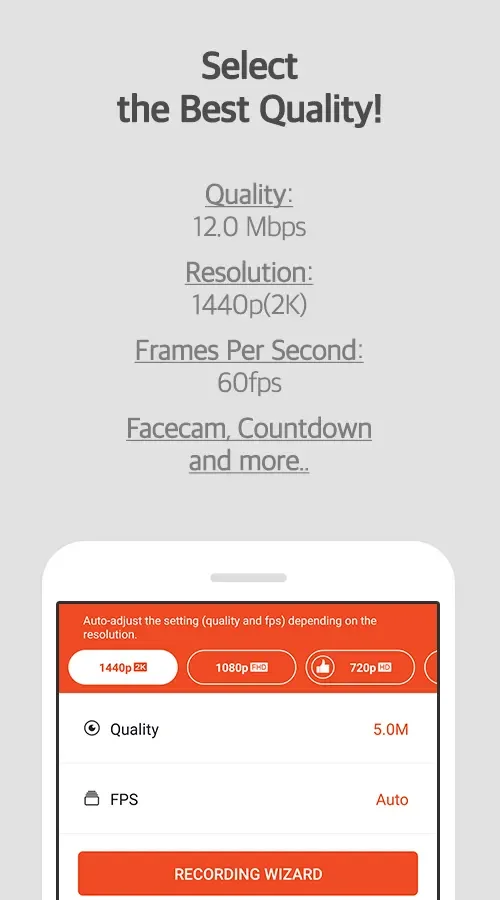
ㆍNot only FULL HD (FHD) screen recording, but also QUAD HD (QHD, 2K) screen recording! Supported maximum recording quality ▷ Recording resolution 1440P, recording quality 24.0Mbps, frame rate 60fps
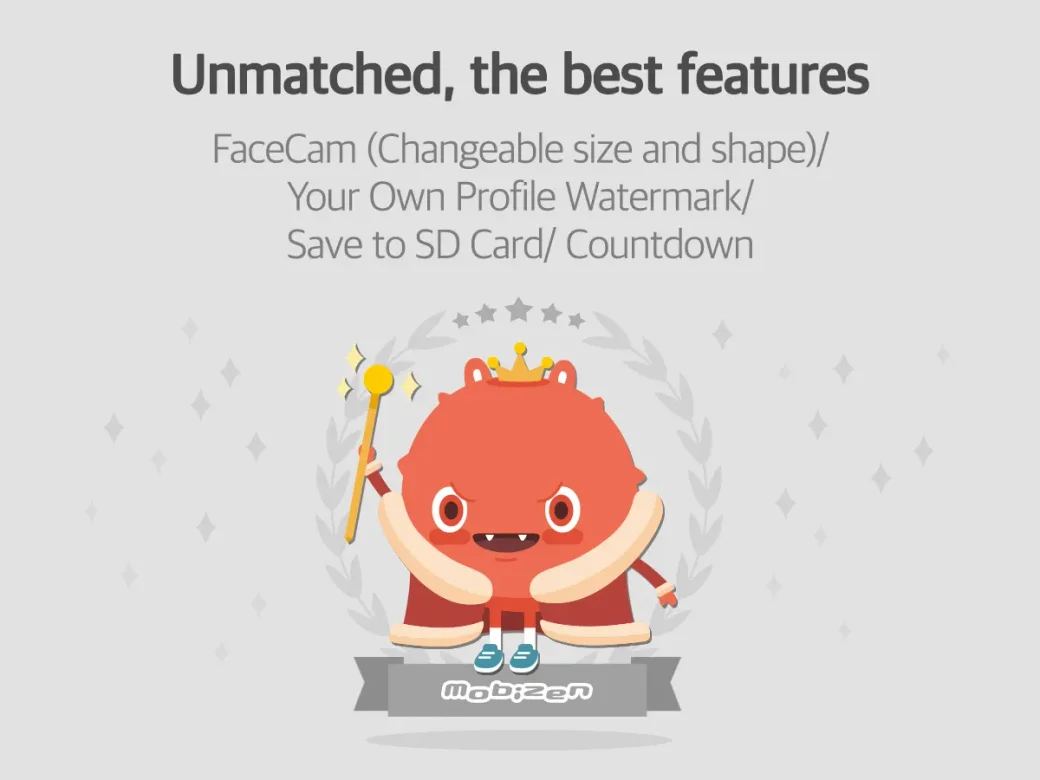
ㆍFacecam function! Express your reactions freely and record game sounds and voices together!
ㆍSave to external memory (SD card)! Record long screen recordings of more than an hour without worrying about memory!
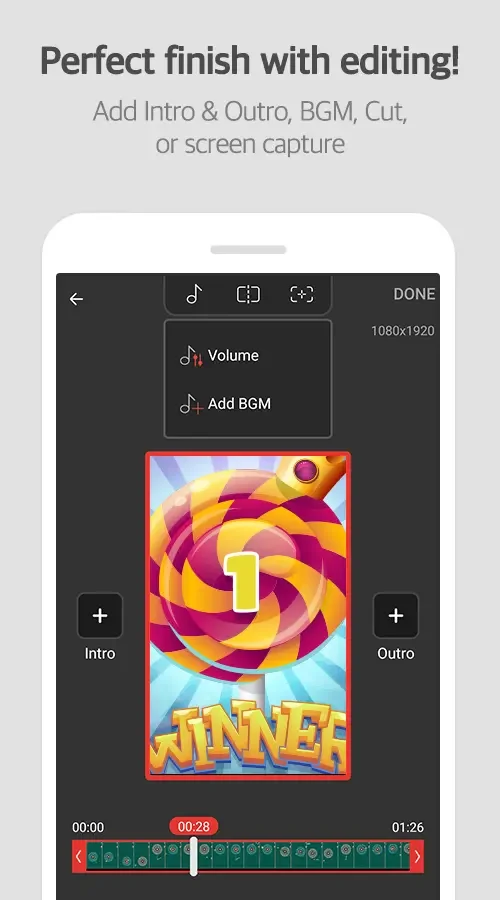
ㆍVarious image editing functions (BGM, in/outro, trim, split video, frame extraction, etc.)
Increase the quality of the recorded video!
Only in Mobizen
ㆍFrom OS 4.4, anyone can use it without rooting!
ㆍScreen recording, capture, and editing functions for free!
ㆍRemove the watermark and make a cleaner recording!
ㆍRecord a video of yourself through Facecam!
ㆍHighlight important points through the drawing function!
ㆍCreate your own watermark!
ㆍCreate a GIF and create a fun meme!
ㆍChoose the type of Air Circle! (mini type, time bar type, transparent type)
Do you have any questions while using Mobizen?
Check the functions you are curious about using Mobizen, screen recording tips, and communication with users in the channels below!
ㆍHelpdesk: support.mobizen.com
ㆍYoutube channel: youtube.com/mobizenapp
Let's make an app together
Do you have any unnatural sounding text while using the Mobizen app?
ㆍSuggest a language☞ https://goo.gl/forms/pHGNRoD7nvalOU5l1
Download it now and try it!
=====
※ App access rights
ㆍRequired access rights
Storage: Used for saving and editing recorded video & image files.
ㆍOptional access rights
- Camera: Used for Facecam settings and Air Circle custom when recording screens.
- Microphone: Used for sound recording function during screen recording.
- Draw on top of other apps: To open Mobizen's Air Circle, you need to grant permission to draw on top of other apps.
* Please note that you can use the app even if you do not agree to the optional access rights.
* From Android OS 6.0 or higher, you can set and revoke access rights.
* If you are using Android OS version less than 6.0, you can modify the permissions after updating the software.
----
Data safety
What MOBIZEN declares on Google Play about the data this app collects and shares.
- This app may share these data types with third partiesLocation, Personal info and 4 others
- This app may collect these data typesLocation, Personal info and 4 others
- Data is encrypted in transit
- Data can’t be deleted
What’s new
Version 3.10.17.5 · Jul 1, 2026
A new version has been released.
- Fixed an issue with internal audio recording on Pixel 8/9 devices.
- Added recording settings presets and a snapshot feature.
Developer contact
- Websiteassets.adxcorp.kr
- Emailhelp@mobizen.com
- Privacy policysupport.mobizen.com
- Address대한민국 서울특별시 강동구 강동구 고덕비즈밸리로2가길 12(고덕동, 알서포트) 05203
Information
- Offered by
- MOBIZEN
- Category
- Productivity
- Version
- 3.10.17.5
- Updated
- Jul 1, 2026
- Released
- May 10, 2012
- Requires
- Android 6.0 or later
- Age rating
- Everyone
- Price
- Free
- In-app purchases
- $0.99 - $43.99 per item
- Package name
- com.rsupport.mvagent
Similar apps
-
 Screen Recorder - XRec Lite
Video Players & Editors
-
 Screen Recorder - XRecorder
Video Players & Editors
-
 Screen Recorder Video Recorder
Tools
-
 Screen Recorder - G1REC
Video Players & Editors
-
 Screen Recorder Video Recorder
Video Players & Editors
-
 Screen Recorder - AZ Recorder
Video Players & Editors
-
 ADV Screen Recorder
Tools
-
 Screen Recorder
Video Players & Editors
-
 KineMaster - AI Video Editor
Video Players & Editors
-
 Screen Recorder - AX Recorder
Video Players & Editors
-
 Smart Video Crop - Video Cut
Video Players & Editors
-
 Screen Recorder -VidmaRecorder
Video Players & Editors