Simple mode
ColorOS- EveryoneAge rating
- ToolsCategory
- Feb 20, 2023Updated
- FreePrice
Links to the official Google Play listing of com.coloros.scenemode. Last checked on Nov 20, 2026.

Screenshots
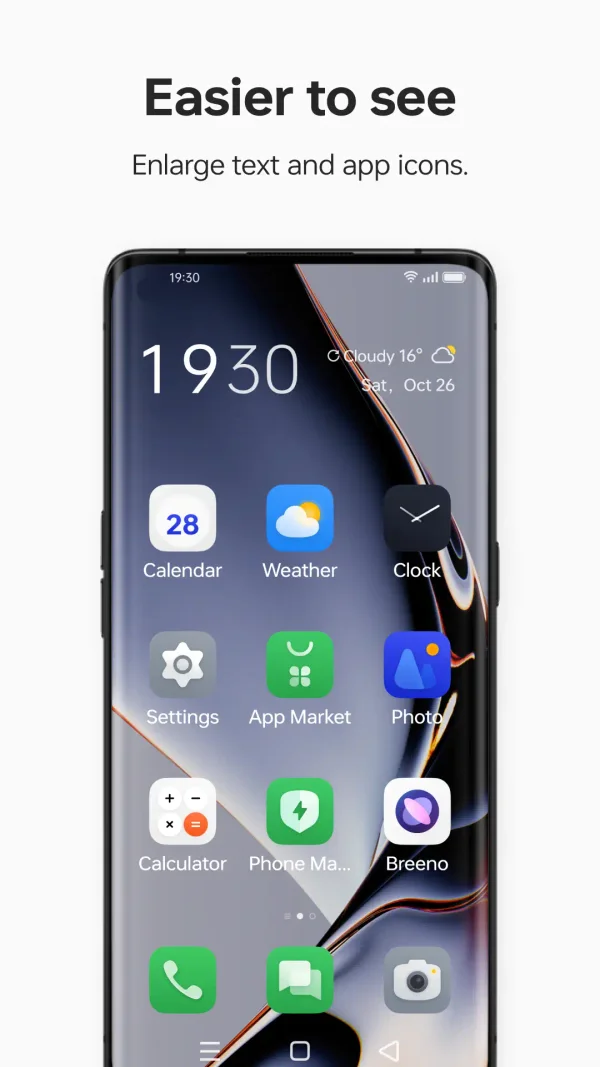
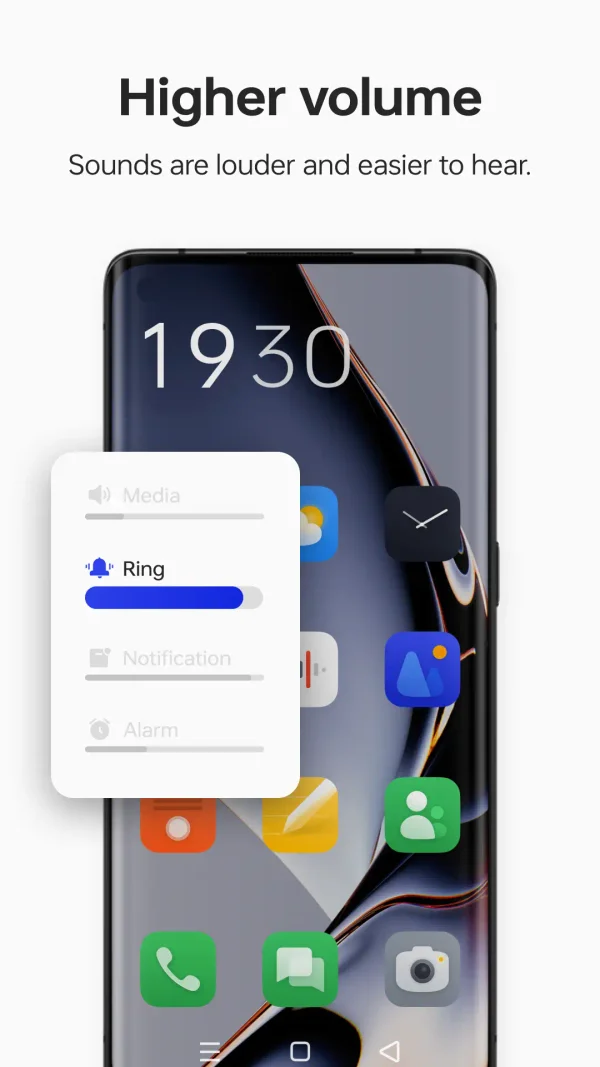
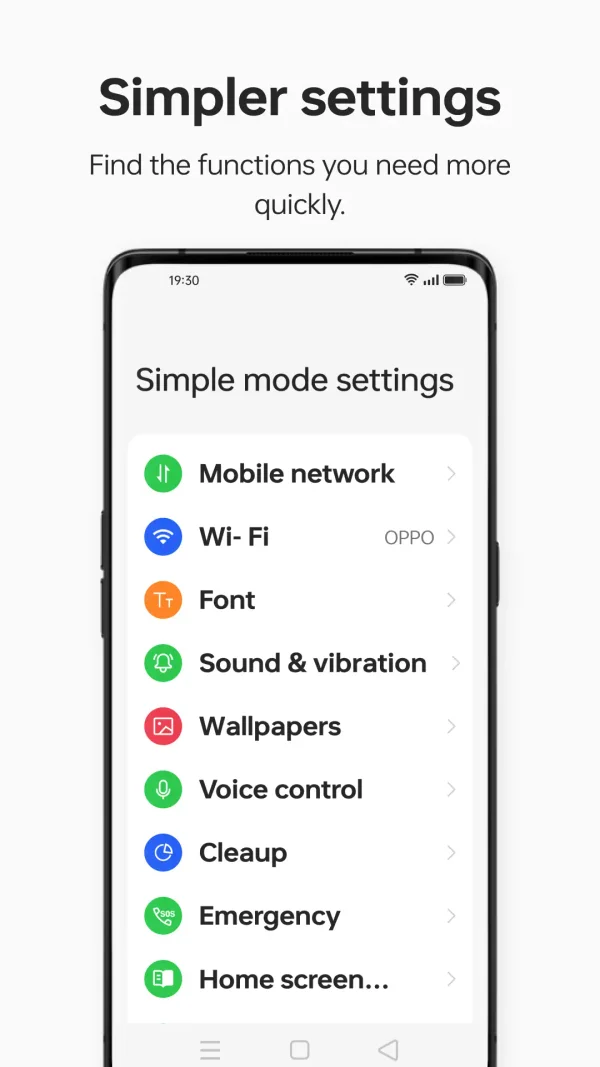

About this app
Large text, big icons, and loud sounds. Make your phone easier for the elderly.
Simple mode is designed to help the elderly use their phone more easily. When you open Simple mode, your phone system automatically switches to larger text, bigger icons, and higher volumes, and uses handwriting as the input method and virtual buttons as the navigation method.
Data safety
What ColorOS declares on Google Play about the data this app collects and shares.
- No data shared with third partiesLearn more about how developers declare sharing
- No data collectedLearn more about how developers declare collection
Developer contact
- Emailapp-scenemode@oppo.com
- Privacy policypp-h5.allawnv.com
- Address138 Market Street #15-03 Capitagreen Singapore 048946
Information
- Offered by
- ColorOS
- Category
- Tools
- Version
- 13.1.5
- Updated
- Feb 20, 2023
- Released
- Feb 20, 2023
- Requires
- Android 11 or later
- Age rating
- Everyone
- Price
- Free
- Package name
- com.coloros.scenemode
Similar apps
-
 ASTRO File Manager & Cleaner
Tools
-
 AppDash: App Manager & Backup
Tools
-
 Samsung My Files
Tools
-
 Glyph Museum
Social
-
 G-CPU:Monitor CPU, RAM, Widget
Tools
-
 Device Care
Tools
-
 Groundwire: VoIP SIP Softphone
Communication
-
 SolaXCloud
Tools
-
 OPPO Clone Phone
Productivity
-
 Pixelful - Icon Pack
Personalization
-
 Swift Backup
Tools
-
 RS File Manager: File Explorer
Productivity