System Update Checker
AllThatMsgContains ads
- EveryoneAge rating
- ToolsCategory
- Jun 15, 2026Updated
- FreePrice
Links to the official Google Play listing of com.best.androidsysteminfoapp. Last checked on Nov 20, 2026.
Screenshots
About this app
Check Android system updates, Play services status, and device info.
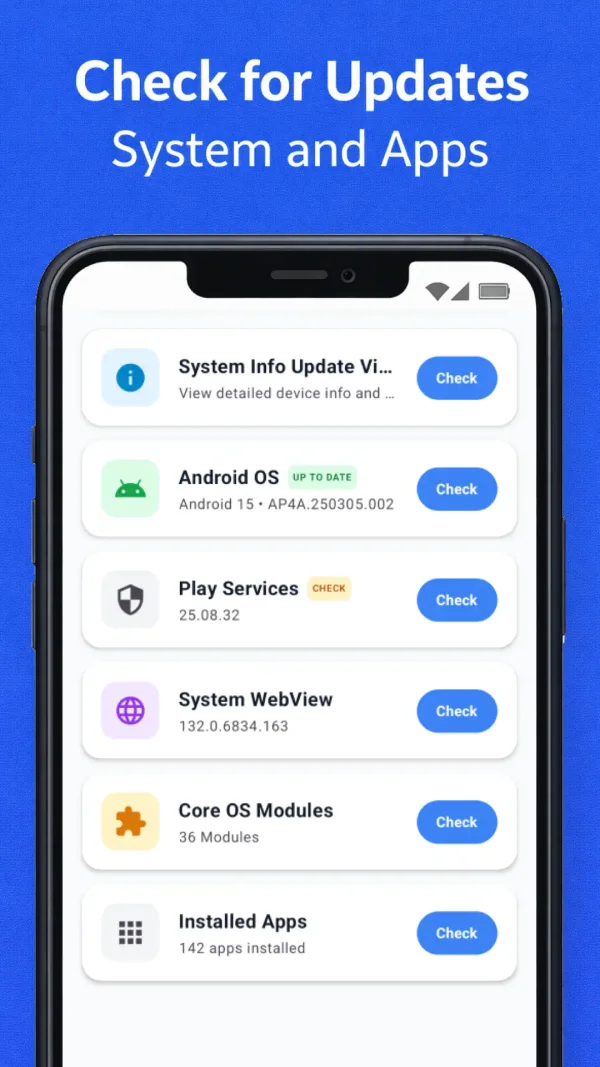
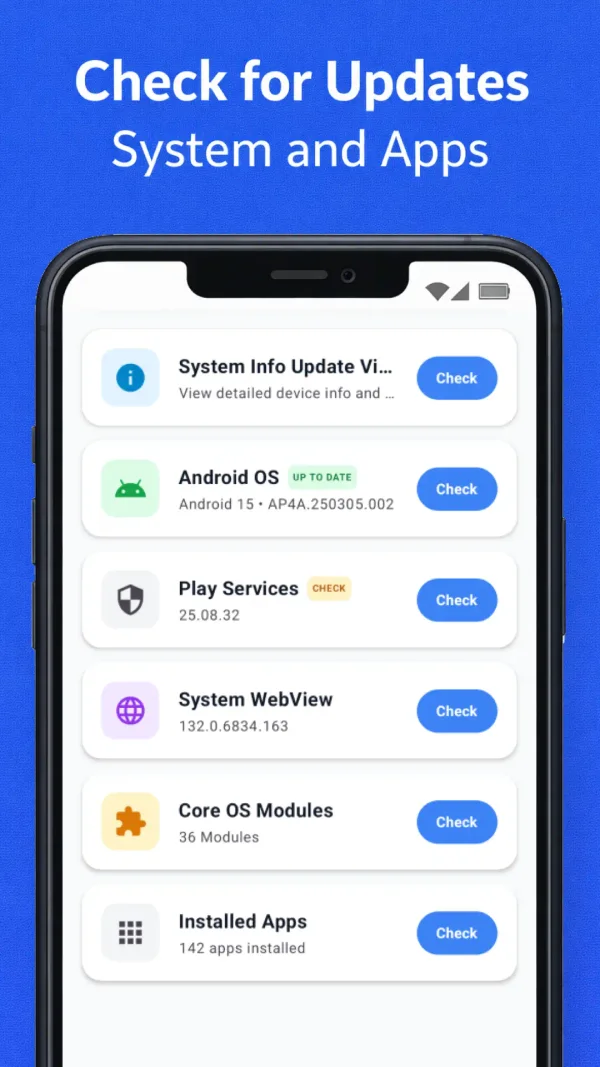
Check Android system updates, Google Play services status, and device information in one place.
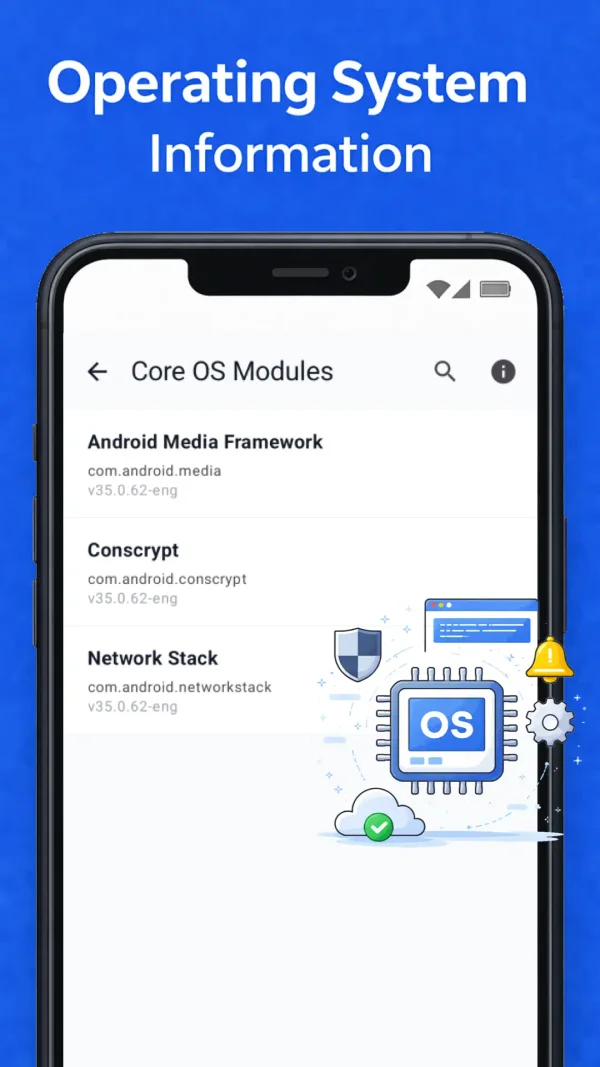
The System Update Checker app provides detailed information about Android system modules and installed applications on your device. You can easily view update status and access relevant settings for essential Android components.
This app helps you check update status and navigate to system settings. It does not perform system updates directly.
✅ Key Features
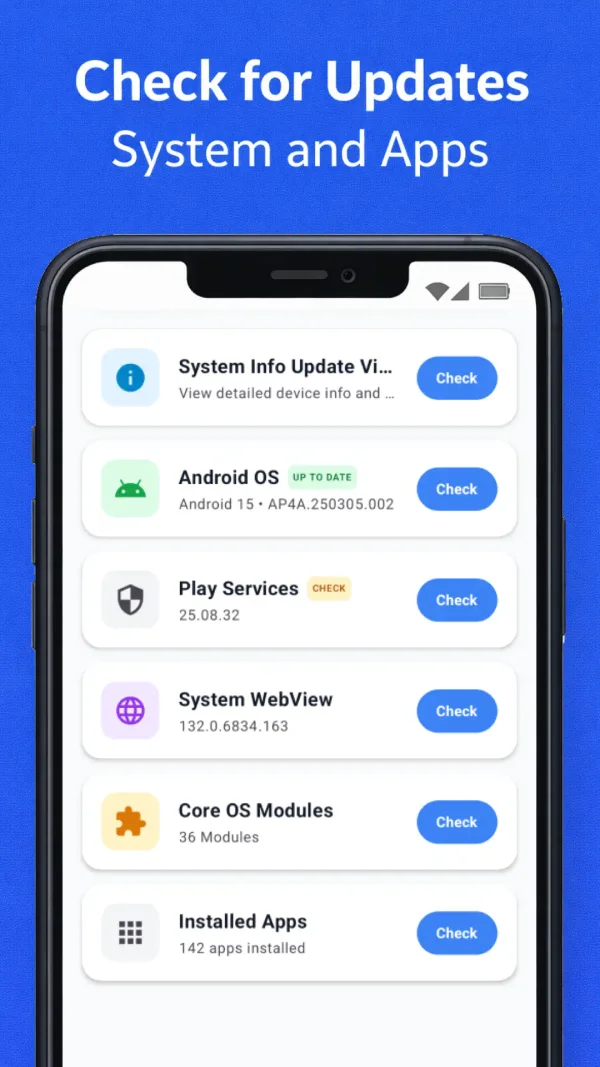
✔ Check Android system update status and open system update settings
✔ View Google Play services status and error information
✔ Check Android System WebView update status
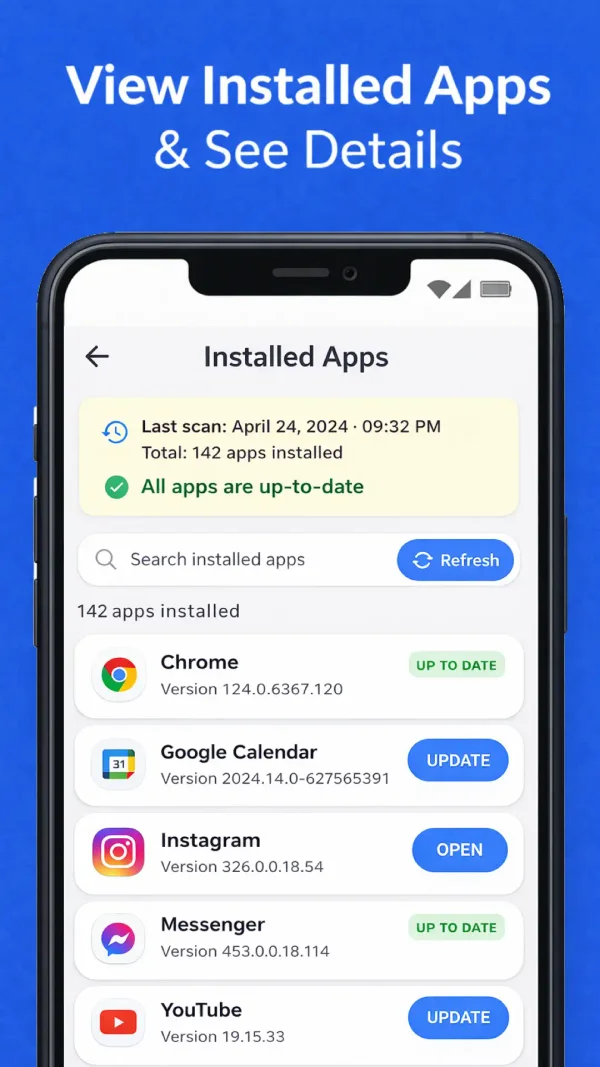
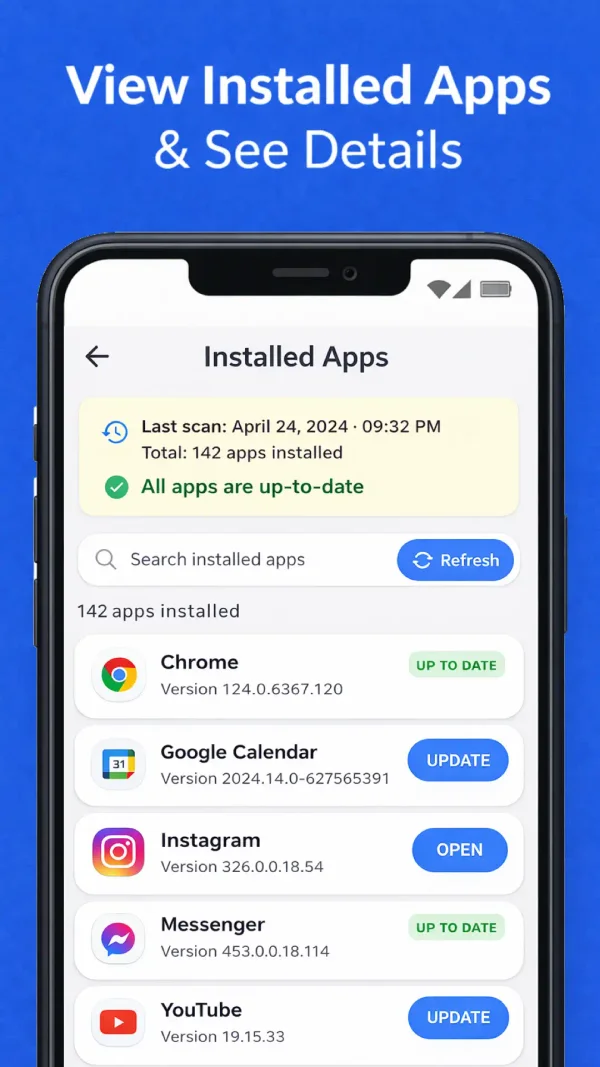
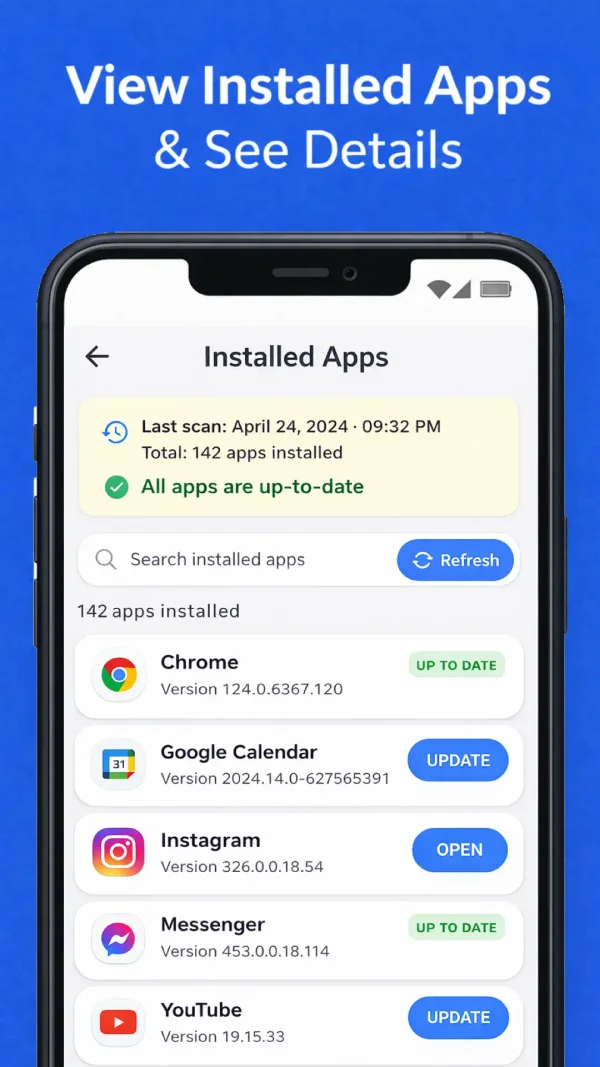
✔ View installed apps information and status
✔ Launch apps and open their Google Play pages
✔ Share apps and view detailed app information
🔍 Supported Modules
▸ Android OS
(Currently supported on some devices, with ongoing expansion)
- Check system update status
- View Android version and system information
▸ Installed Applications (App Manager)
- Scan and manage installed applications
- View detailed app info: Package name, Target SDK, and permissions
- Open Google Play store update pages directly
- Launch applications and share app links
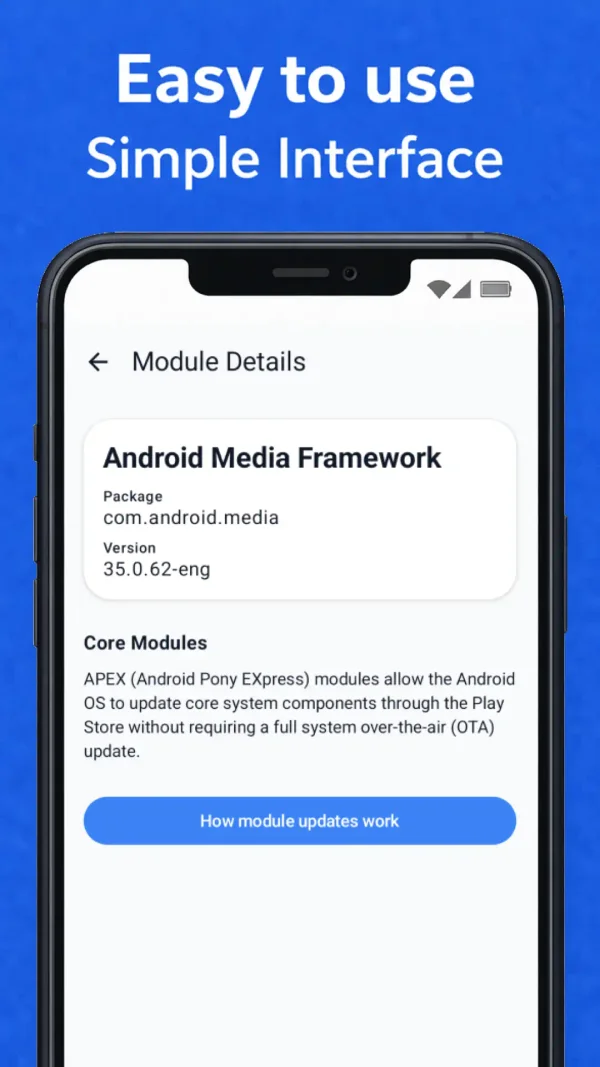
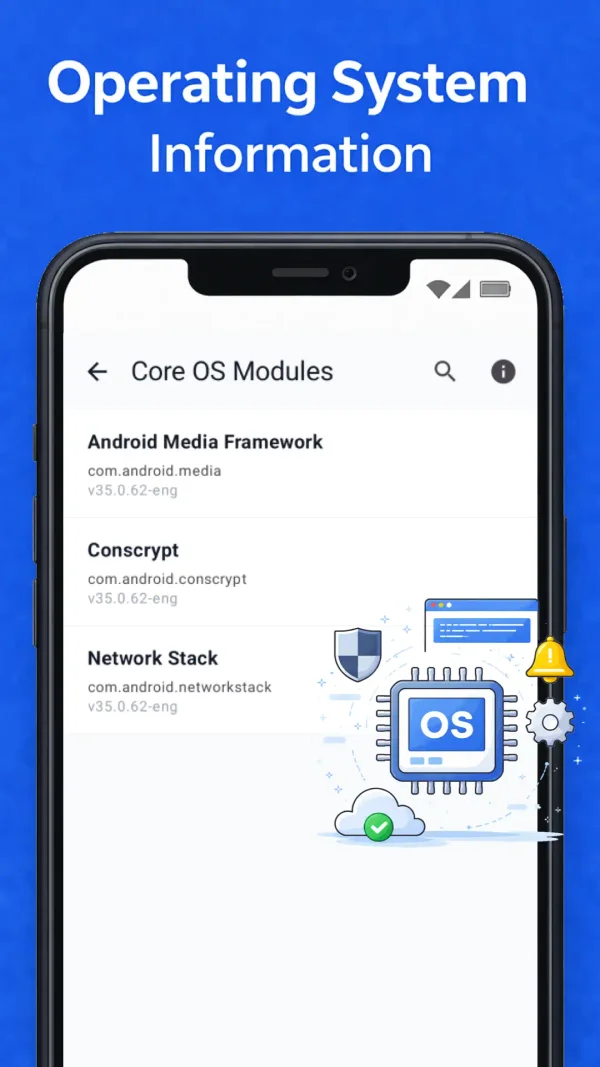
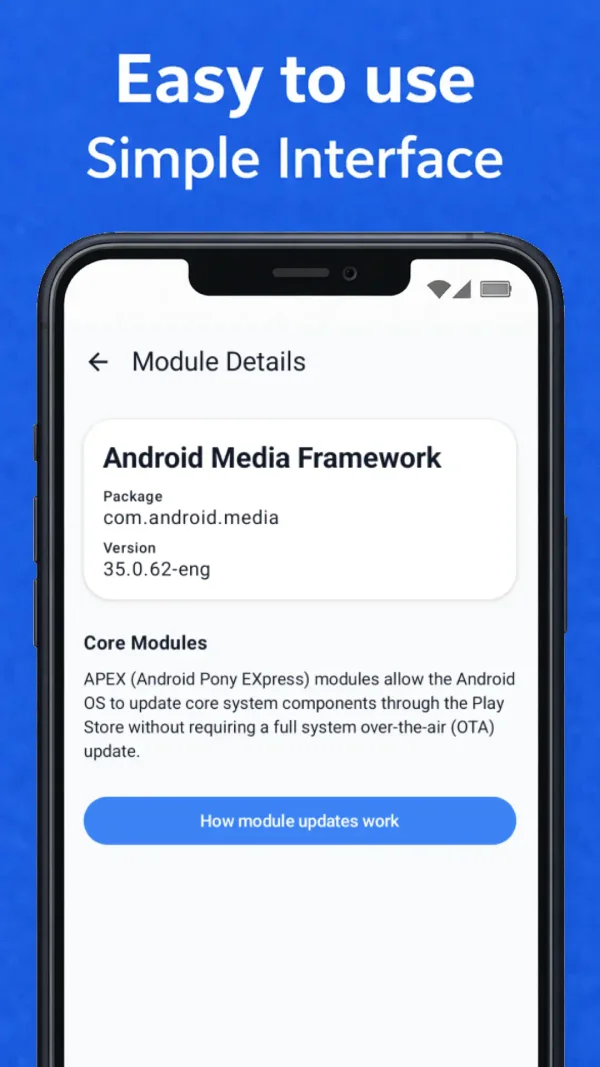
▸ Android Core System Modules (APEX)
- Check module update status and architecture version
- View module specifications
▸ Google Play Services
- Check update status and current version
- View detailed release notes and troubleshooting information
▸ Android System WebView
- Inspect WebView update status to keep rendering engine up-to-date
🚀 Recommended For
- Users troubleshooting Google Play services errors and crashed apps
- Users experiencing unexpected application crashes or freezes
- Users who want to monitor real-time Android system status and specs
- Users who want to manage installed apps and inspect permissions easily
⚡ Fast, Lightweight and Easy
Quickly check Android system components, hardware specs, and app information with just a few taps. Keep your device healthy and secure!
Try it now.
📌 Notice
This app does not perform system updates. It only provides system information and helps you navigate to relevant official settings screens.
🛡️ Privacy & Security
This app requires package query permissions to analyze installed applications. This process runs strictly on your local device. We never collect, store, or transmit any of your personal data or application lists to external servers.
📄 Disclaimer
Android is a trademark of Google LLC.
The Android robot is reproduced or modified from work created and shared by Google and used according to terms described in the Creative Commons 3.0 Attribution License.
This app is not affiliated with or endorsed by Google LLC.
Data safety
What AllThatMsg declares on Google Play about the data this app collects and shares.
- This app may share these data types with third partiesDevice or other IDs
- No data collectedLearn more about how developers declare collection
- Data isn’t encrypted
Developer contact
- Websitehostingtxt.firebaseapp.com
- Emailallaboutmessenger@gmail.com
- Privacy policysites.google.com
- Address대한민국 서울특별시 서초구 서초구 나루터로 59 4층 4659호 (잠원동,라성빌딩) 06525
Information
- Offered by
- AllThatMsg
- Category
- Tools
- Version
- 1.1
- Updated
- Jun 15, 2026
- Released
- May 26, 2026
- Requires
- Android 8.0 or later
- Age rating
- Everyone
- Price
- Free
- Package name
- com.best.androidsysteminfoapp
Similar apps
-
 AppDash: App Manager & Backup
Tools
-
 AppLock - Fingerprint
Tools
-
 WiFi Analyzer (open-source)
Tools
-
 Modes And Routines
Productivity
-
 G-CPU:Monitor CPU, RAM, Widget
Tools
-
 AccuBattery
Tools
-
 AT&T Personal Cloud
Tools
-
 mSecure - Password Manager
Productivity
-
 SafeInCloud 1
Productivity
-
 Total Drive - Cloud Storage
Productivity
-
 mySigen
Tools
-
 Avast VPN: Fast Proxy, Privacy
Communication