VLLO - AI Video Editor
vimosoftContains ads · In-app purchases
- EveryoneAge rating
- Video Players & EditorsCategory
- Nov 23, 2026Updated
- FreePrice
Links to the official Google Play listing of com.darinsoft.vimo. Last checked on Nov 27, 2026.

Screenshots


About this app
AI Auto Edit, Shorts & Reels
#AI Auto Editing #Simple Yet Professional #All-in-one Editing
Discover VLLO, the ultimate video editor featuring AI auto editing. Create stunning videos effortlessly with smart AI tools!
VLLO is a powerful video editor trusted by 40 million creators worldwide - perfect for both beginners and pros! Whether you're making your first vlog or creating content for YouTube, Instagram, or TikTok, VLLO's intuitive interface makes video editing feel natural and fun.
Beginners love how super simple it is to trim videos, add text, apply transitions, use templates, and add music with just a few taps. And when you're ready to dive deeper, advanced features like auto caption, PIP, AI tracking, and professional keyframe animations are waiting for you.
Why Creators Love VLLO:
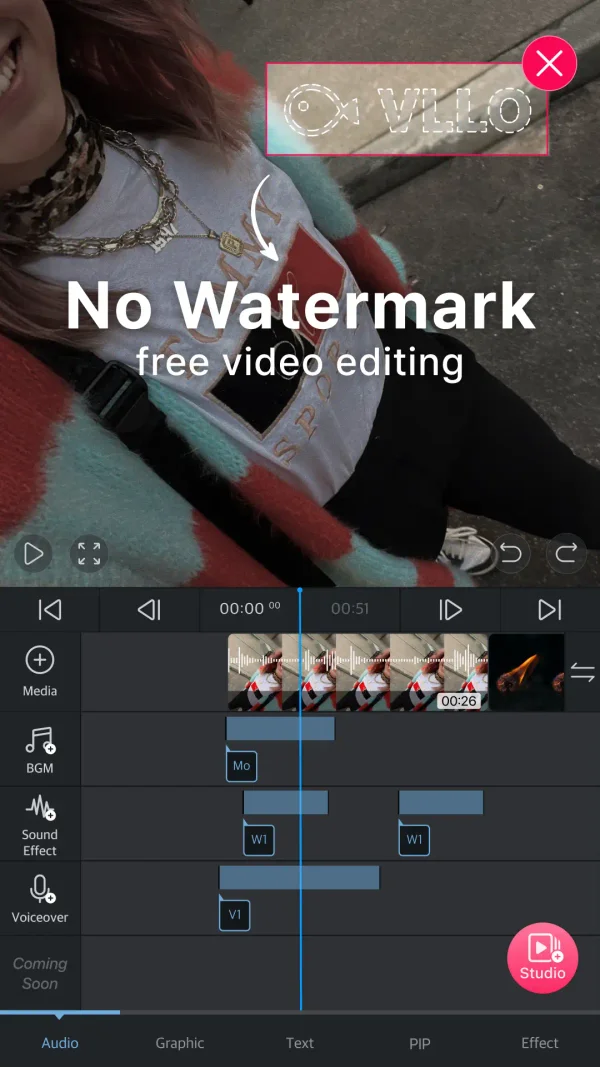
NO WATERMARK
• Create unlimited videos without any watermarks
• No payment required
POWERFUL AI TOOLS
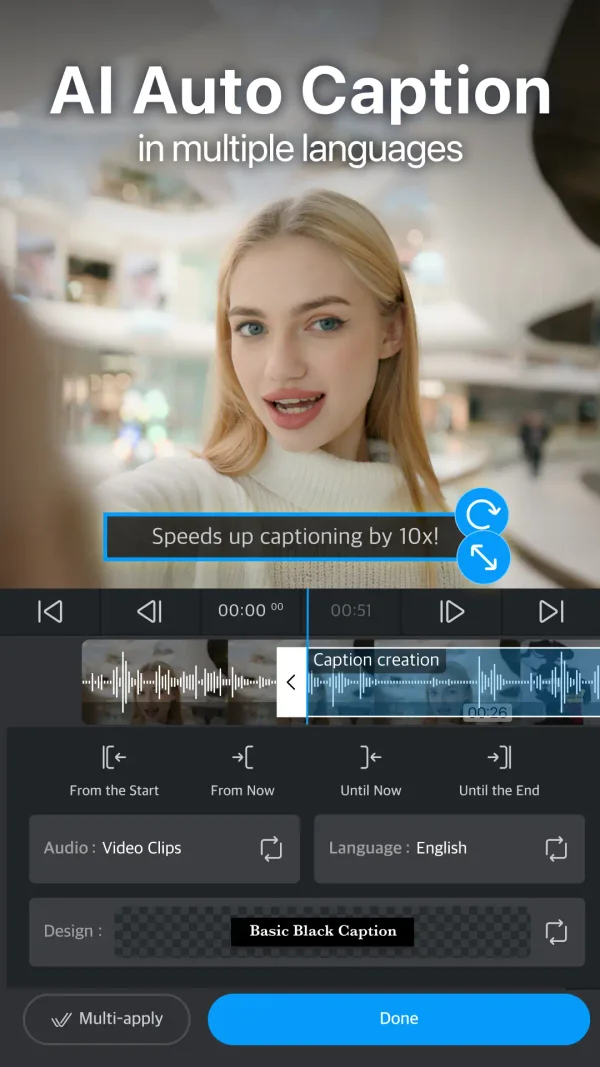
• Auto Caption: Generate perfectly synced captions in one tap, available in multiple languages
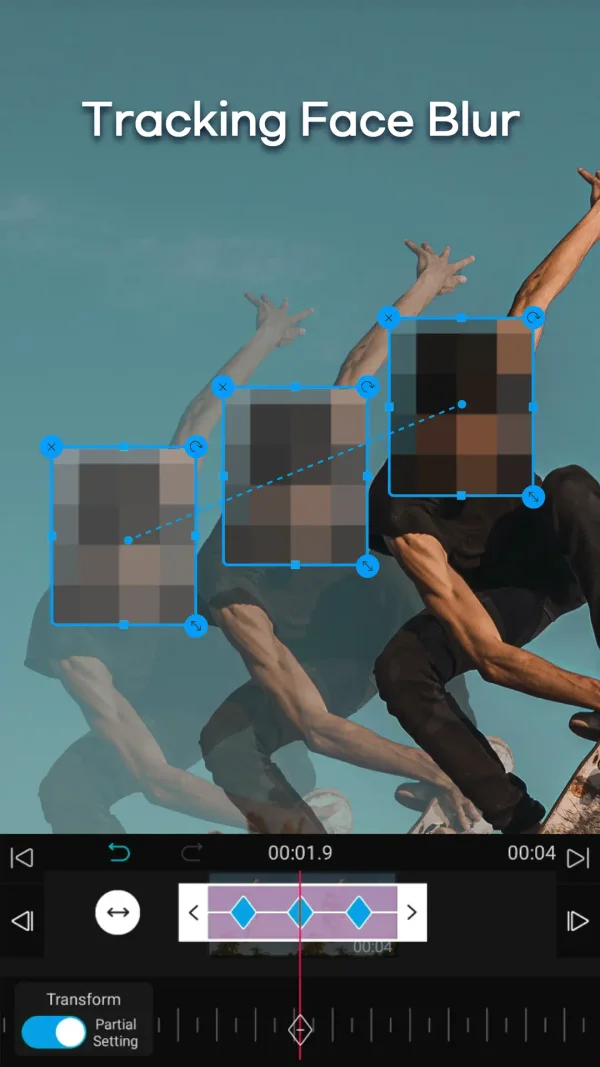
• Auto Tracking: Make stickers, texts and blur to follow moving objects
• AI Background Remove: Remove background instantly
TRENDY TEMPLATES & GRAPHICS
• Decorate your videos with regularly updated trending templates
• Create and share your own templates
• Stickers, Frames, and Text Labels: Stylize your video with aesthetic, high quality assets
FILTERS, EFFECTS & TRANSITIONS
• Filters & Color Grading: Enjoy plenty of cinematic filters and professional color grading options
• Effects: Instantly elevate your videos with effects like glitch, retro, and zoom
• Transitions: Create smooth flows from classic slides and rotates to trendy graphic animations
MUSIC & AUDIO
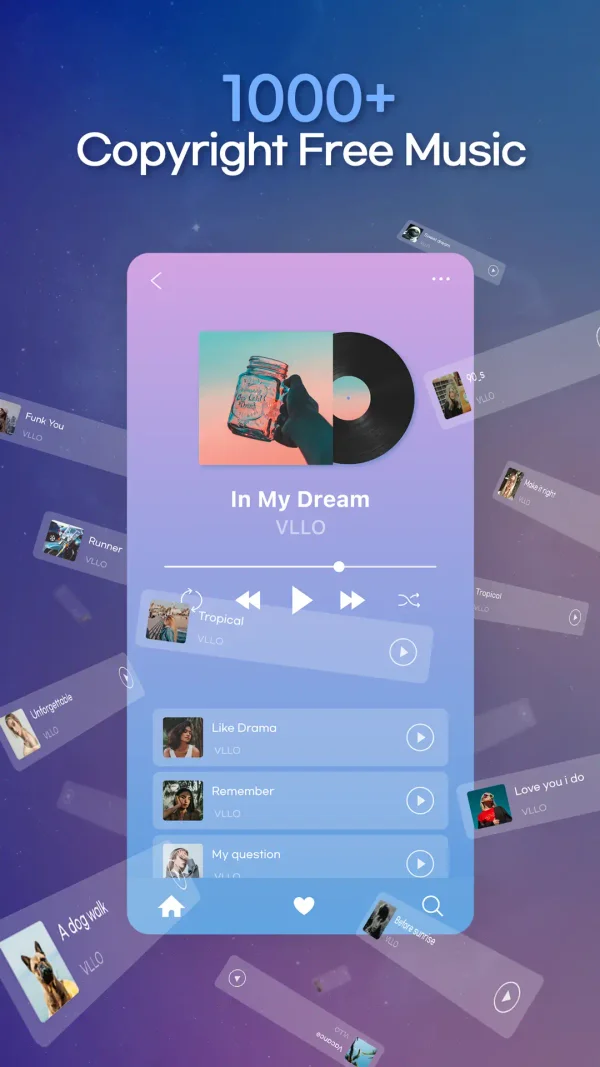
• Massive audio library : 1800+ copyright-free musics and sound effects, and you may also import your own music
• Audio Effects: Enhance your sound with fade, pitch control, voice changing effects
• Voice Over: Record instantly with a single tap
• Audio Extract: Extract audio and musics from videos
ADVANCED VISUAL EFFECTS
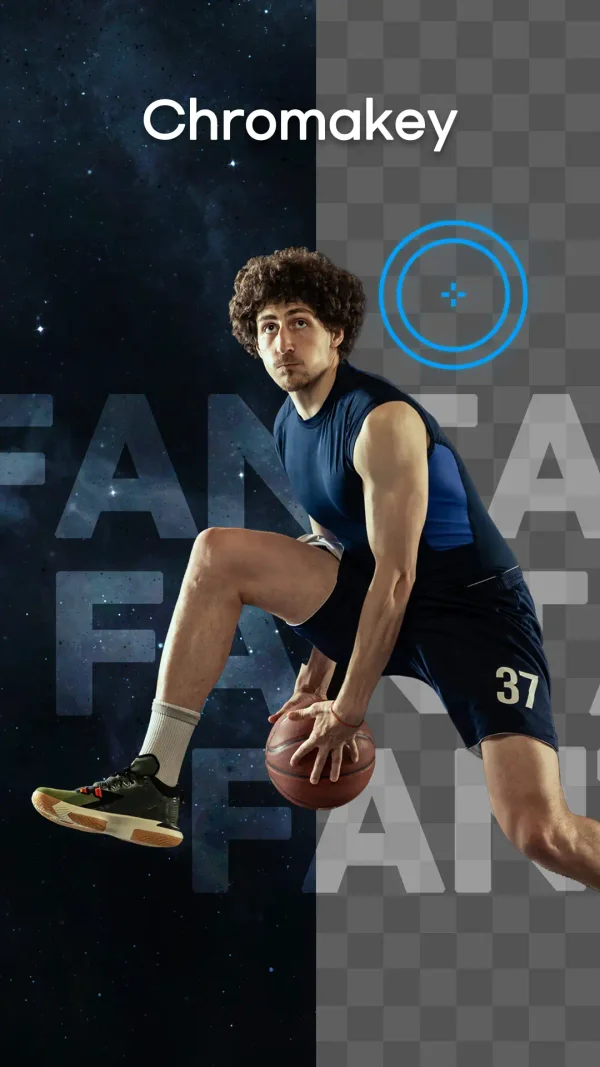
• Chroma-key: Remove specific colors from video easily
• Blur & Mosaic: Create stylish blur effects
• Text Styling: Customize color, shadows, and outline for individual characters
• Multi-track Editing: Layer videos, images and GIFs (PIP) and arrange them easily
ADVANCED MOTION CONTROL
• Keyframe: Create custom motion effects for all media
• Speed Control: Adjust video with speed and reverse
• Animation: Animate videos with various effects and duration
EASY & INTUITIVE EDITING:
• Convenient editing with automatic saving and unlimited redo/undo
• Precise editing with smart grid and magnetic settings
• Multiple video ratios for all platforms
• Easy-to-follow tutorials to get you started
HIGH QUALITY EXPORT & QUICK SHARE
• Export videos in stunning 4K resolution
• Share directly to Youtube, Instagram, TikTok, WhatsApp, etc
Download VLLO now and experience next-level editing on your iPhone and iPad!
VLLO Terms of Use : https://www.vllo.io/vllo-terms-of-use
Questions or suggestions?
Contact us: cs@vimosoft.com
Data safety
What vimosoft declares on Google Play about the data this app collects and shares.
- This app may share these data types with third partiesApp activity, App info and performance, and Device or other IDs
- This app may collect these data typesLocation, Files and docs and 3 others
- Data is encrypted in transit
- Data can’t be deleted
What’s new
Version 14.2.0 · Nov 23, 2026
[Auto-Edit Template Update]
10 new auto-edit templates have been added.
Just select your videos and complete your edit in a snap with a single click!
AI automatically handles everything from cut editing to subtitles, background music, sound effects, and decorations.
Thank you for using VLLO.
If you have any inconveniences or questions while using the app, please feel free to contact us anytime at 'cs@vimosoft.com'.
Developer contact
- Websitevllo.io
- Emailcs@vimosoft.com
- Privacy policyvllo.io
- Address대한민국 14055 경기도 안양시 동안구 시민대로327번길 11-35, 4층
Information
- Offered by
- vimosoft
- Category
- Video Players & Editors
- Version
- 14.2.0
- Updated
- Nov 23, 2026
- Released
- Jun 5, 2015
- Requires
- Android 8.1 or later
- Age rating
- Everyone
- Price
- Free
- In-app purchases
- $0.99 - $134.99 per item
- Package name
- com.darinsoft.vimo
Similar apps
-
 FlipaClip: Create 2D Animation
Art & Design
-
 Alight Motion
Video Players & Editors
-
 FilmoraHD - Video Creator
Video Players & Editors
-
 KineMaster - AI Video Editor
Video Players & Editors
-
 Motion Ninja Video Editor
Video Players & Editors
-
 Screen Recorder - XRec Lite
Video Players & Editors
-
 YouCut - Video Editor & Maker
Video Players & Editors
-
 Smart Video Crop - Video Cut
Video Players & Editors
-
 Screen Recorder
Video Players & Editors
-
 Screen Recorder - AX Recorder
Video Players & Editors
-
 Screen Recorder - AZ Recorder
Video Players & Editors
-
 Screen Recorder Video Recorder
Video Players & Editors