Voice Access
Google LLC- EveryoneAge rating
- ToolsCategory
- Sep 28, 2026Updated
- FreePrice
Links to the official Google Play listing of com.google.android.apps.accessibility.voiceaccess. Last checked on Nov 20, 2026.
Screenshots
About this app
Provides accessibility by voice for hands-free mobile computing.
Voice Access helps anyone who has difficulty manipulating a touch screen (e.g. due to paralysis, tremor, or temporary injury) use their Android device by voice.
Voice Access provides many voice commands for:
- Basic navigation (e.g. "go back", "go home", "open Gmail")
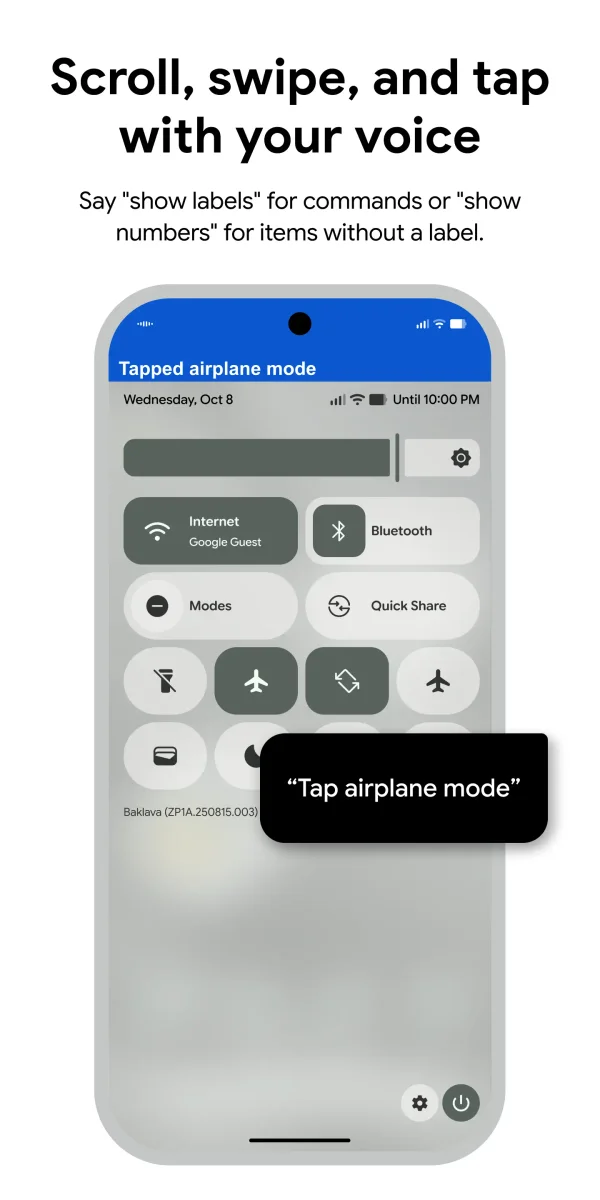
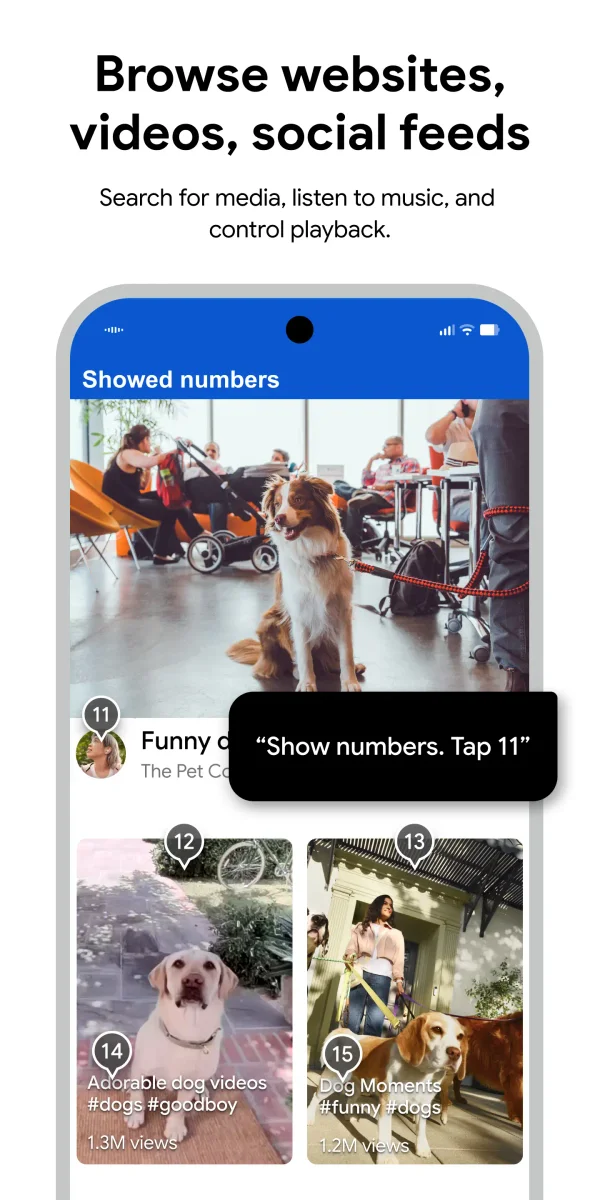
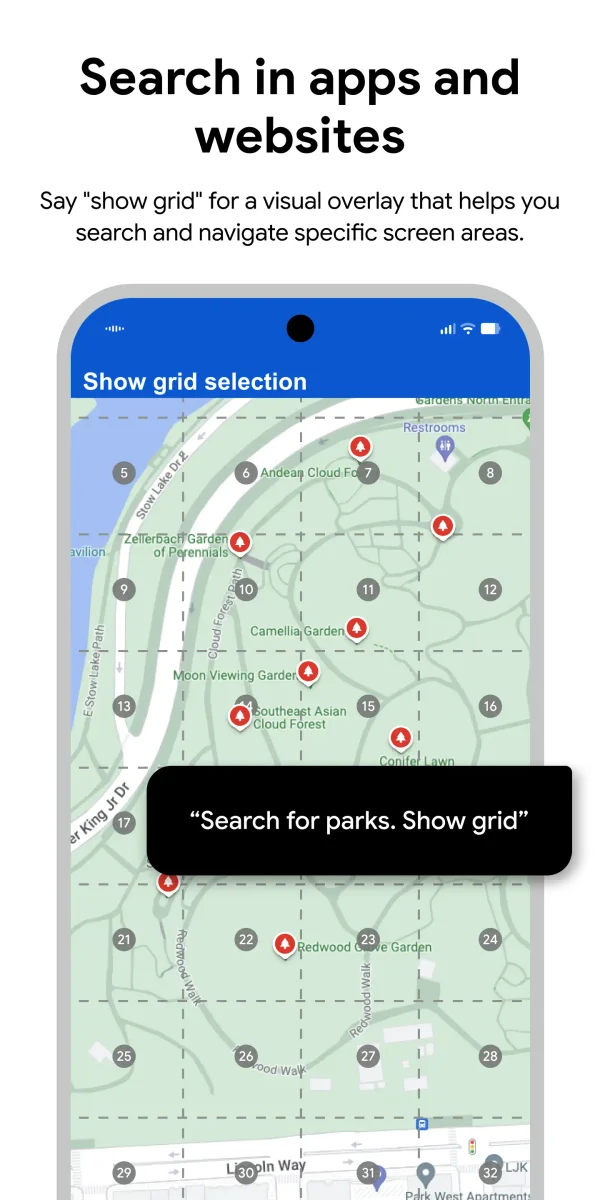
- Controlling the current screen (e.g. "tap next", "scroll down")
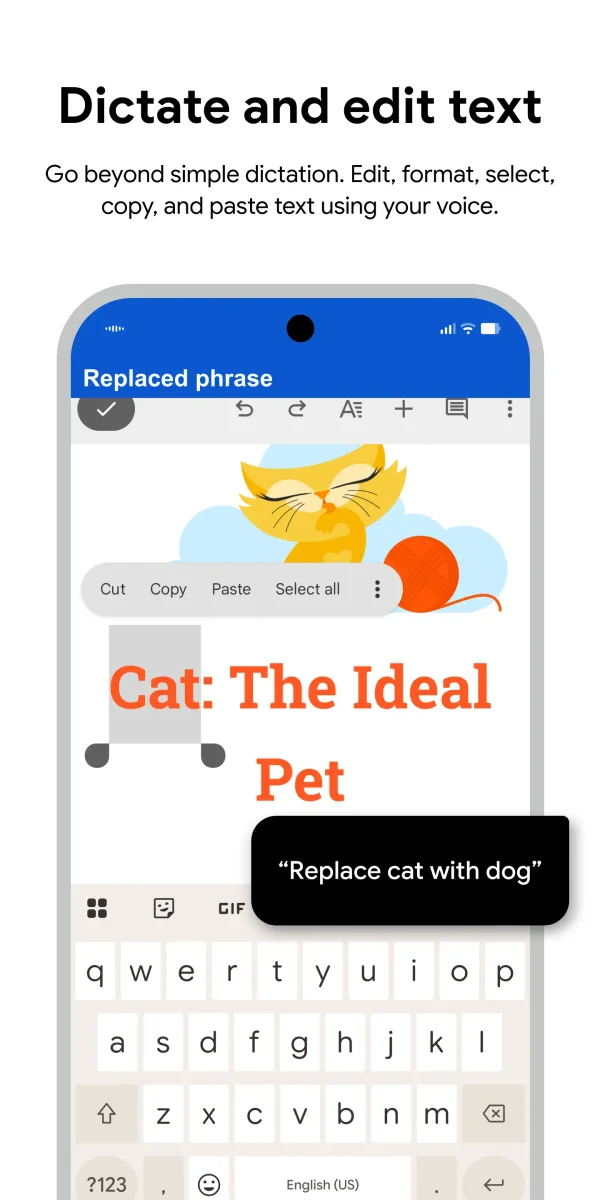
- Text editing and dictation (e.g. "type hello", "replace coffee with tea")
You can also say "Help" any time to see a short list of commands.
Voice Access includes a tutorial which introduces the most common voice commands (starting Voice Access, tapping, scrolling, basic text editing, and getting help).
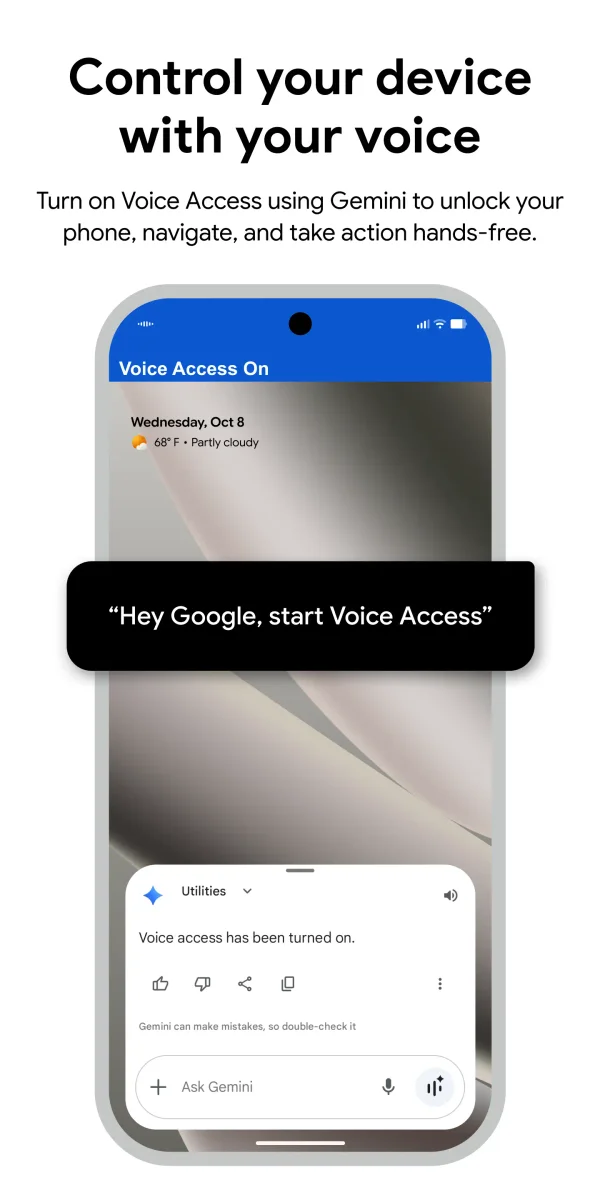
You can use the Google Assistant to start Voice Access by saying "Hey Google, Voice Access". To do this, you’ll need to enable "Hey Google" detection. You can also tap either the Voice Access notification or a blue Voice Access button and start talking.
To pause Voice Access temporarily, just say "stop listening". To disable Voice Access completely, go to Settings > Accessibility > Voice Access and turn off the switch.
For additional support, see Voice Access help.
This app uses the AccessibilityService API to help users with motor impairments. It uses the API to collect information about the controls on the screen and activate them based on the user’s spoken instructions.
Data safety
What Google LLC declares on Google Play about the data this app collects and shares.
- No data shared with third partiesLearn more about how developers declare sharing
- This app may collect these data typesApp activity, App info and performance, and Device or other IDs
- Data is encrypted in transit
- Data can’t be deleted
What’s new
Sep 28, 2026
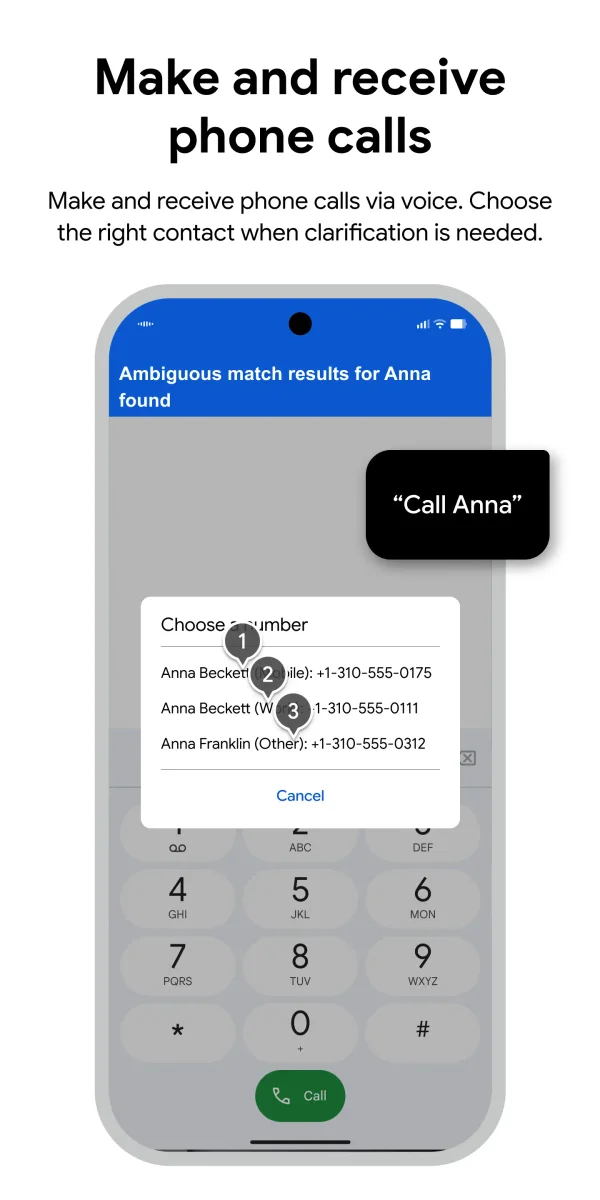
Voice Access is getting a major visual refresh! Enjoy a modernized feedback bar that dynamically resizes, keeping your status bar icons visible. You’ll see a blue glow when you speak and a solid border for responses. We’ve also made it easier to call contacts with similar sounding names, bringing up a dialog to choose.
Developer contact
- Websitegoogle.com
- Emailapps-help@google.com
- Privacy policygoogle.com
- Address1600 Amphitheatre Pkwy Mountain View, CA 94043 United States
Information
- Offered by
- Google LLC
- Category
- Tools
- Updated
- Sep 28, 2026
- Released
- Sep 25, 2018
- Age rating
- Everyone
- Price
- Free
- Package name
- com.google.android.apps.accessibility.voiceaccess
Similar apps
-
 Google Assistant Go
Tools
-
 Phone by Google
Tools
-
 Speech Recognition & Synthesis
Tools
-
 Google's Find Hub
Tools
-
 Good Lock
Tools
-
 Device Care
Tools
-
 Call Recorder - Talker ACR
Tools
-
 AI Translate Voice Translator
Tools
-
 CleverType AI Keyboard
Productivity
-
 SPL Meter : dB & sound meter
Tools
-
 Voice Recorder
Tools
-
 Live Transcribe & notification
Communication