ILLUMINATOR Digital Watch face
WatchBase- USK ab 0 JahrenAltersfreigabe
- PersonalisierungKategorie
- 28.10.2026Aktualisiert
- 2,49 €Preis
Verlinkt auf den offiziellen Google Play-Eintrag von wb.illuminator.digital. Zuletzt geprüft am 27.11.2026.

Screenshots


Über diese App
Automatische Übersetzung von Google. Originalsprache: Englisch (Vereinigte Staaten).
Super realistisch und leicht zu lesen!
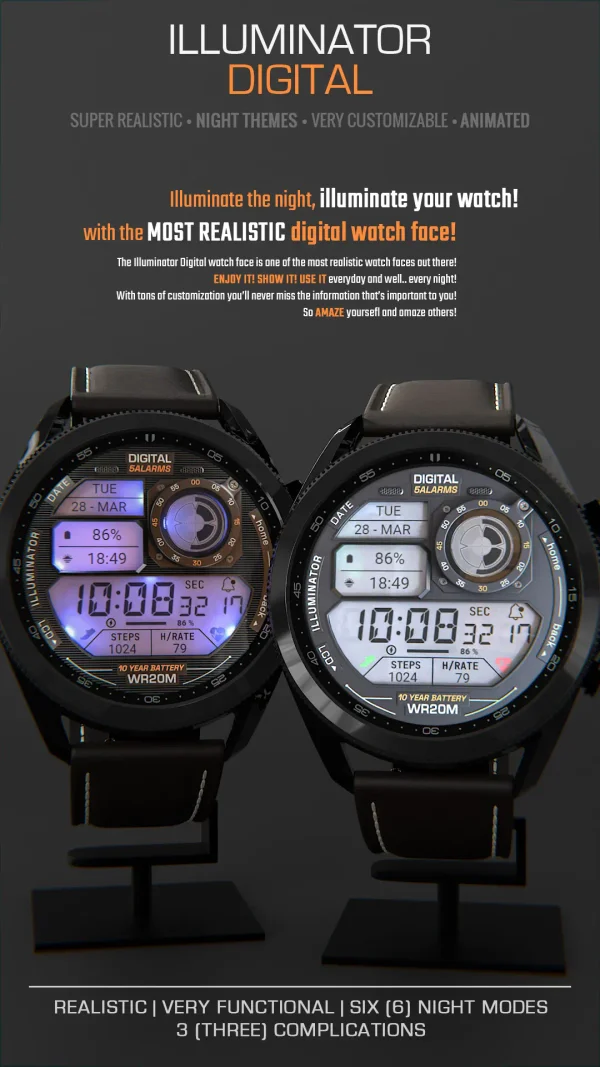
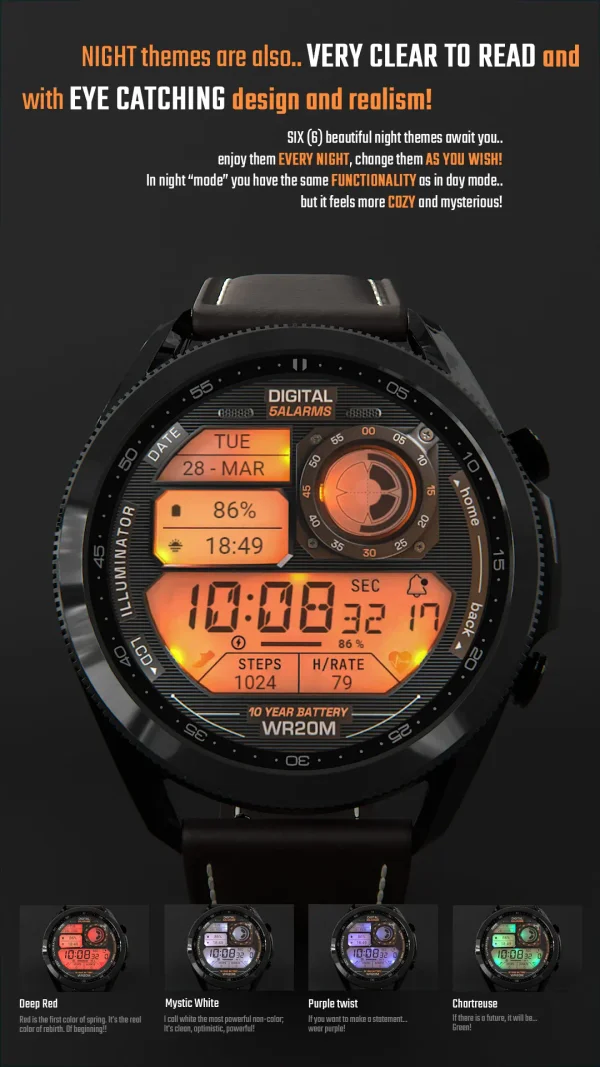
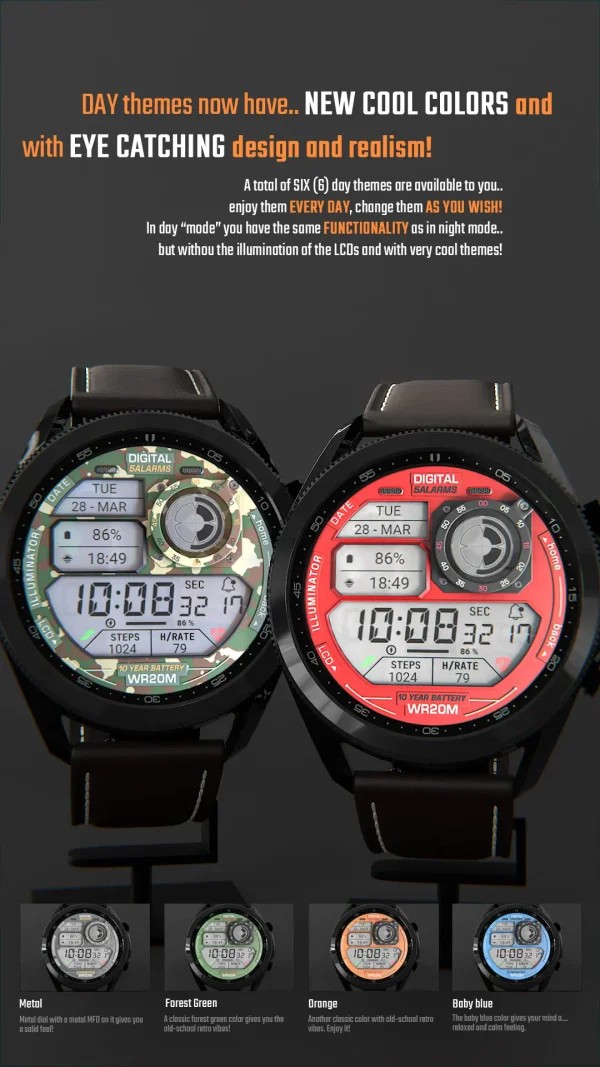
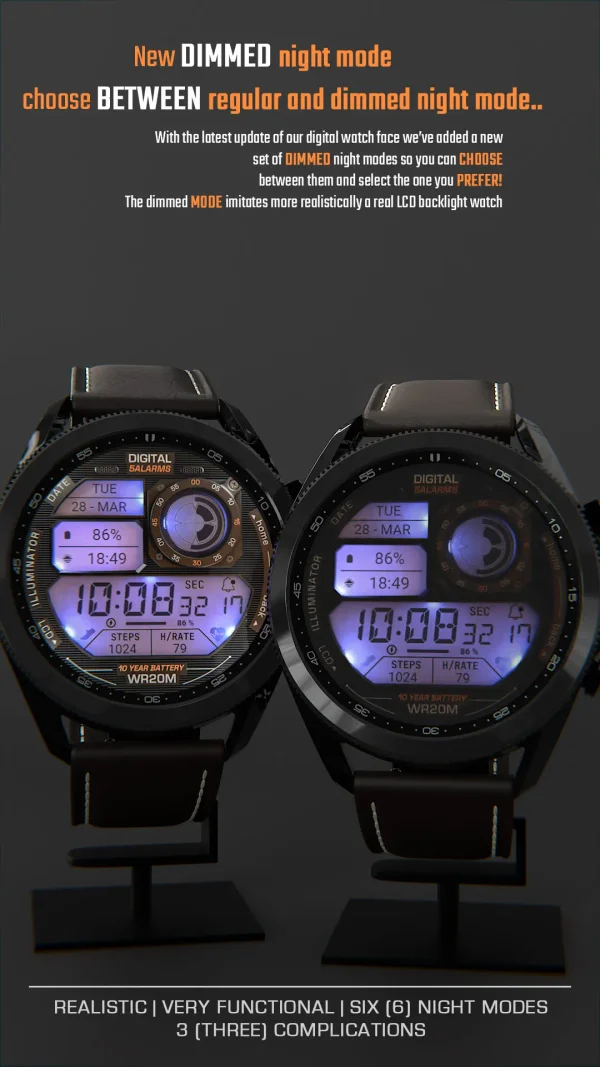
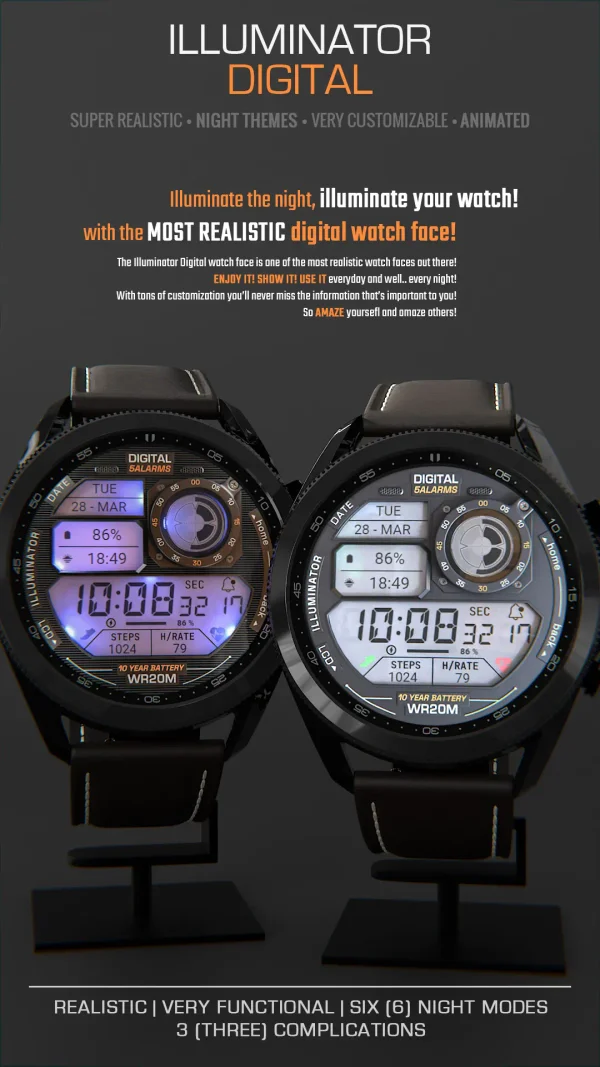
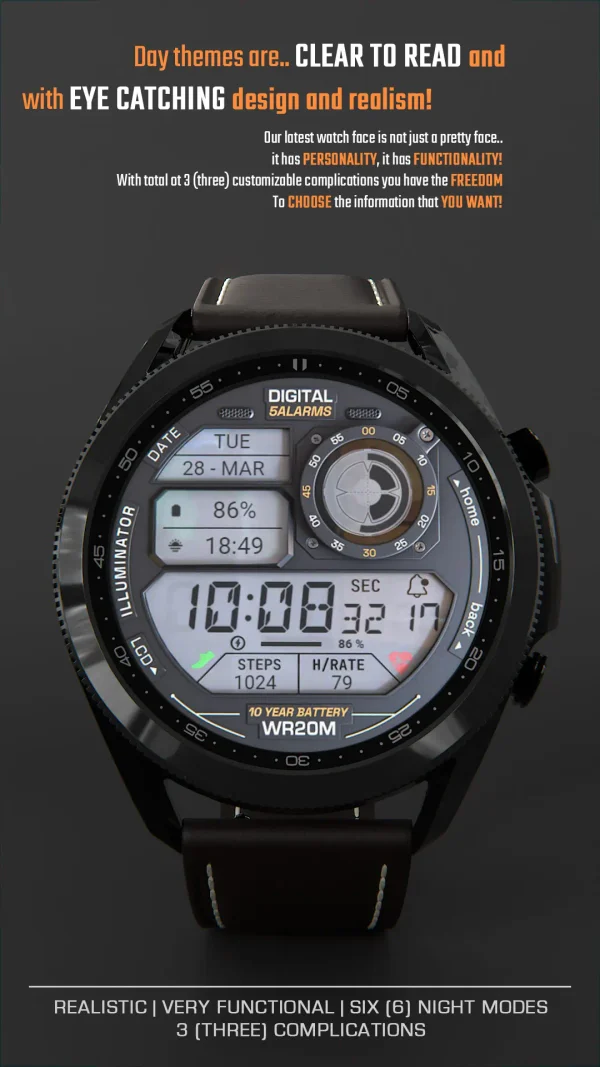
Sehr realistisches und gut lesbares digitales Zifferblatt im Retro-Stil für Wear OS mit 3 benutzerdefinierten Komplikationen und wunderschönen Nachtmodi und Animationen.
HINWEIS: Bitte lesen Sie den Abschnitt „Anleitung“ und „Installation“!!!
ⓘ Eigenschaften:
- Realistisches Design.
- Animiert.
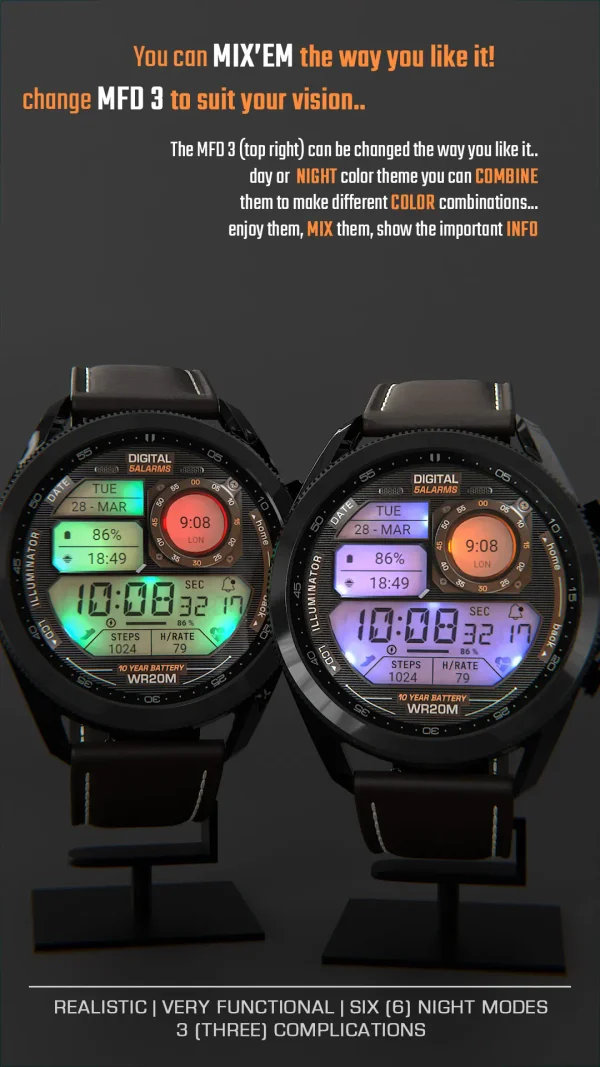
- 3 MFD (kundenspezifische Komplikationen).
- Automatischer 12h/24h-Modus.
- Nachtmodi.
- Zeit und Datum.
- Batterieanzeige.
- Anzahl der Benachrichtigungen.
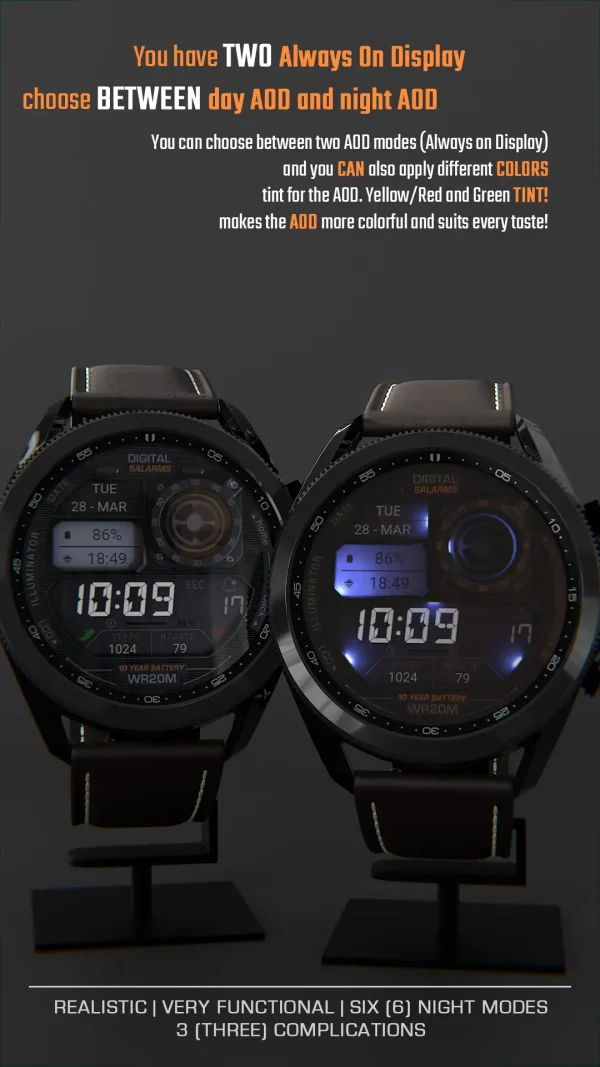
- Benutzerdefiniertes Always On Display (Wählen Sie zwischen Tag-/Nacht-AOD).
ⓘ So geht's:
- Drücken Sie lange auf den Bildschirm (berühren und halten), um die Farbe der Hände anzupassen.
* WICHTIG – Wenn Sie die MFD-Anzeige aktivieren, müssen Sie sie mit den gewünschten Informationen auswählen/anpassen. Wenn Sie das MFD ausschalten, müssen Sie als Komplikationsoption „Leer“ wählen, um zu verhindern, dass Text/Informationen über dem MFD 3-Display (LCD oben rechts) angezeigt werden.
Möchten Sie weitere SUPER REALISTISCHE Zifferblätter? Bitte schön:
Luna Benedicta: https://play.google.com/store/apps/details?id=wb.luna.benedicta
WatchBase. Illuminator: https://play.google.com/store/apps/details?id=wb.illuminator.hybrid
ⓘ Informationen zur Herzfrequenz
Damit die HR funktioniert, müssen Sie zunächst Gesundheitssensoren zulassen.
Wenn Sie beim Anbringen des Zifferblatts „-“ oder „E“ sehen, wurde die Herzfrequenz nicht gemessen.
Tippen Sie einfach darauf, um es zu messen.
1. Wenn Sie „M“ für den HF-Wert sehen, wird die Herzfrequenz gemessen.
2. Wenn Sie „E“ für den HF-Wert sehen, war die Herzmessung nicht erfolgreich (verschmutzter Sensor oder aus irgendeinem Grund). Tippen Sie einfach auf, um es erneut zu versuchen.
** Die Herzfrequenz ist nicht immer automatisch verfügbar. Wenn nicht, dann lesen Sie das oben stehende.
ⓘ Installation
So installieren Sie: https://watchbase.store/static/ai/
Nach der Installation: https://watchbase.store/static/ai/ai.html
Sollten bei der Installation des Zifferblatts Probleme auftreten, beachten Sie bitte, dass wir keinen Einfluss auf den Installationsprozess oder andere Google Play/Watch-Prozesse haben. Das häufigste Problem, mit dem Menschen konfrontiert sind, besteht darin, dass sie das Zifferblatt nach dem Kauf und der Installation nicht sehen/finden können.
Um das Zifferblatt nach der Installation anzuwenden, berühren und halten Sie auf dem Hauptbildschirm (Ihrem aktuellen Zifferblatt) die Wischtaste nach links, um danach zu suchen. Wenn Sie es nicht sehen können, tippen Sie am Ende auf das „+“-Zeichen (fügen Sie ein Zifferblatt hinzu) und finden Sie dort unser Zifferblatt.
Wir verwenden eine Begleit-App für das Telefon, um den Installationsprozess zu vereinfachen. Wenn Sie unser Zifferblatt kaufen, tippen Sie auf die Schaltfläche „Installieren“ (in der Telefon-App). Sie müssen Ihre Uhr überprüfen. Es erscheint ein Bildschirm mit dem Zifferblatt. Tippen Sie erneut auf „Installieren“ und warten Sie, bis die Installation abgeschlossen ist. Wenn Sie das Zifferblatt bereits gekauft haben und Sie dennoch aufgefordert werden, es auf der Uhr noch einmal zu kaufen, müssen Sie sich keine Sorgen machen, dass Ihnen nicht eine doppelte Gebühr berechnet wird. Dies ist ein häufiges Synchronisierungsproblem. Warten Sie einfach ein wenig oder versuchen Sie, Ihre Uhr neu zu starten.
Eine andere Lösung zur Installation des Zifferblatts besteht darin, zu versuchen, es über einen Browser zu installieren, der mit Ihrem Konto angemeldet ist (Google Play-Konto, das Sie auf der Uhr verwenden).
* Die Texte/Beschriftungen – „5 ALARME“, „10 JAHRE BATTERIE“ und „WR20M“ dienen nur Dekorationszwecken und spiegeln nicht das Zifferblatt/die Funktionen und/oder Merkmale der Uhr wider. Sie ermöglichen es uns, die Retro-Atmosphäre zu spüren.
Treten Sie WatchBase bei.
Facebook Seite:
https://www.facebook.com/WatchBase
Facebook-Gruppe (Gruppe „Allgemeine Zifferblätter“):
https://www.facebook.com/groups/1170256566402887/
Instagram:
https://www.instagram.com/watch.base/
Youtube:
https://www.youtube.com/@WATCHBASE/videos
Google Play-Seite:
https://play.google.com/store/apps/developer?id=WatchBase
ABONNIEREN Sie unseren YouTube-Kanal:
https://www.youtube.com/c/WATCHBASE?sub_confirmation=1
https://www.youtube.com/c/WATCHBASE
Originaltext anzeigen
Very realistic and easy to read retro-like style digital watch face for Wear OS with 3 custom complications and beautiful night modes and animations.
NOTE: Please read the How to section and Installation section !!!
ⓘ Features:
- Realistic design.
- Animated.
- 3 MFD (custom complications).
- Auto 12h/24h mode.
- Night modes.
- Time and date.
- Battery indicator.
- Notifications count.
- Custom Alway On Display (Choose between day/night AOD).
ⓘ How to:
- Long press (touch and hold) on the screen to customize hands color.
* IMPORTANT - if you enable MFD display you must choose/customize it with the information you want. If you turn off the MFD you must choose "Empty" as a complication option to avoid text/info being displayed over the MFD 3 display (top right LCD).
Want another SUPER REALISTIC watch faces? Here you go:
Luna Benedicta: https://play.google.com/store/apps/details?id=wb.luna.benedicta
WatchBase. Illuminator: https://play.google.com/store/apps/details?id=wb.illuminator.hybrid
ⓘ Heart rate info
In order for the HR to work, you must first allow health sensors.
When you apply the watch face if you see "-" or "E" heart rate was not measured,
just tap on it to measure it.
1. If you see "M" for HR value, then heart rate is being measured.
2. If you see "E" for HR value, then the heart measurement was not successful (dirty sensor or any kind of reason). Just tap to try again.
** Heart rate is not always automatically available. If not, then read the above.
ⓘ Installation
How to install: https://watchbase.store/static/ai/
After installation: https://watchbase.store/static/ai/ai.html
If you have any issues installing the watch face, please note that we have no control over the installation process or any other Google Play / Watch processes. The most common issue that people face is after they buy the watch face and install it, they can't see/find it.
In order to apply the watch face after you install it, touch and hold on the main screen (your current watch face) the swipe left to look for it. If you can't see it, tap on the " + " sign at the end (add a watch face) and find our watch face there.
We use a companion app for the phone to make the installation process easier. If you buy our watch face, tap on the install button (on the phone app) you must check your watch.. a screen will appear with the watch face.. tap install again and wait for the installation to finish. If you already bought the watch face and it still asks you to buy it again on the watch, don't worry you will not be charged twice. This is a common synchronization issue, just wait a little or try to restart your watch.
Another solution for installing the watch face is to try to install it from a browser, logged with your account (google play account that you use on the watch).
* The text/labels - "5 ALARMS" , "10 YEAR BATTERY" and "WR20M" are for decoration purposes only and do not reflect the watch face/watch functions and/or features. They allow us to get the retro vibe.
JOIN WatchBase.
Facebook page:
https://www.facebook.com/WatchBase
Facebook group (General watch faces group):
https://www.facebook.com/groups/1170256566402887/
Instagram:
https://www.instagram.com/watch.base/
YouTube:
https://www.youtube.com/@WATCHBASE/videos
Google Play page:
https://play.google.com/store/apps/developer?id=WatchBase
SUBSCRIBE to our YouTube channel:
https://www.youtube.com/c/WATCHBASE?sub_confirmation=1
https://www.youtube.com/c/WATCHBASE
Datensicherheit
Was WatchBase bei Google Play zu den Daten angibt, die diese App erfasst und weitergibt.
- Keine Daten werden mit Drittunternehmen oder -organisationen geteiltWeitere Informationen dazu, wie Entwickler Angaben zur Weitergabe von Daten machen
- Keine Daten erhobenWeitere Informationen dazu, wie Entwickler Angaben zur Datenerhebung machen
Kontakt zum Entwickler
- E-Mailsupport@belvek.com
- Datenschutzerklärungwatchbase.store
- Adresse6 Prof. Georgi Bradistilov str./blvd. 1700 Sofia Bulgaria
Informationen
- Angeboten von
- WatchBase
- Kategorie
- Personalisierung
- Aktualisiert
- 28.10.2026
- Veröffentlicht
- 22.02.2023
- Altersfreigabe
- USK ab 0 Jahren
- Preis
- 2,49 €
- Paketname
- wb.illuminator.digital
Ähnliche Apps
-
 ZCPY3DLCDwatch
Personalisierung
-
 W106D
Personalisierung
-
 Chrono Watch Face
Personalisierung
-
 Shockable V2
Personalisierung
-
 CELEST5531 Retro Digital Watch
Personalisierung
-
 BFF11- Digital & Analog: Color
Personalisierung
-
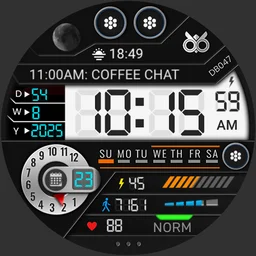 DB047 Digital Sport
Personalisierung
-
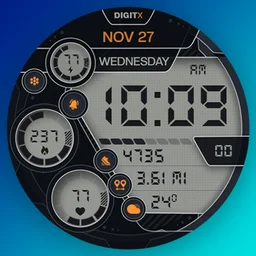 Electronic Digital Watch Face
Personalisierung
-
 CELEST5537 Retro Digital Watch
Personalisierung
-
 Chronix Watch Face
Personalisierung
-
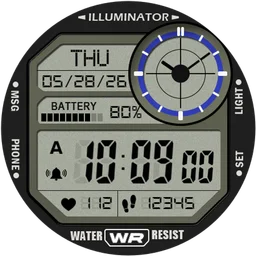 GYD029 Illuminator Digital
Personalisierung
-
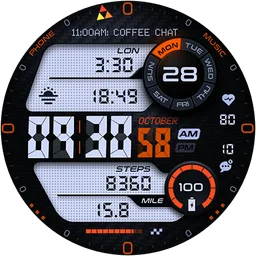 Oogly Spacco Digital
Personalisierung