ILLUMINATOR Digital Watch face
WatchBase- PEGI 3Yaş sınırı
- KişiselleştirmeKategori
- 28.10.2026Güncellendi
- ₺129,99Fiyat
wb.illuminator.digital için resmi Google Play sayfasına bağlanır. Son kontrol: 27.11.2026.

Ekran görüntüleri


Bu uygulama hakkında
Google tarafından otomatik çeviri. Orijinal dil: İngilizce (Amerika Birleşik Devletleri).
Süper gerçekçi ve okuması kolay!
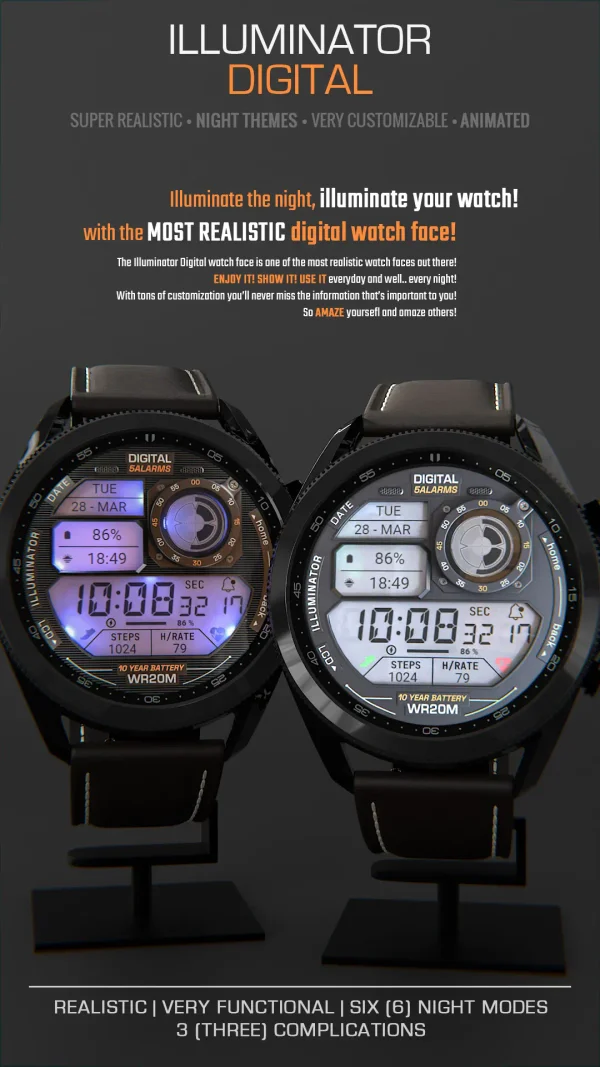
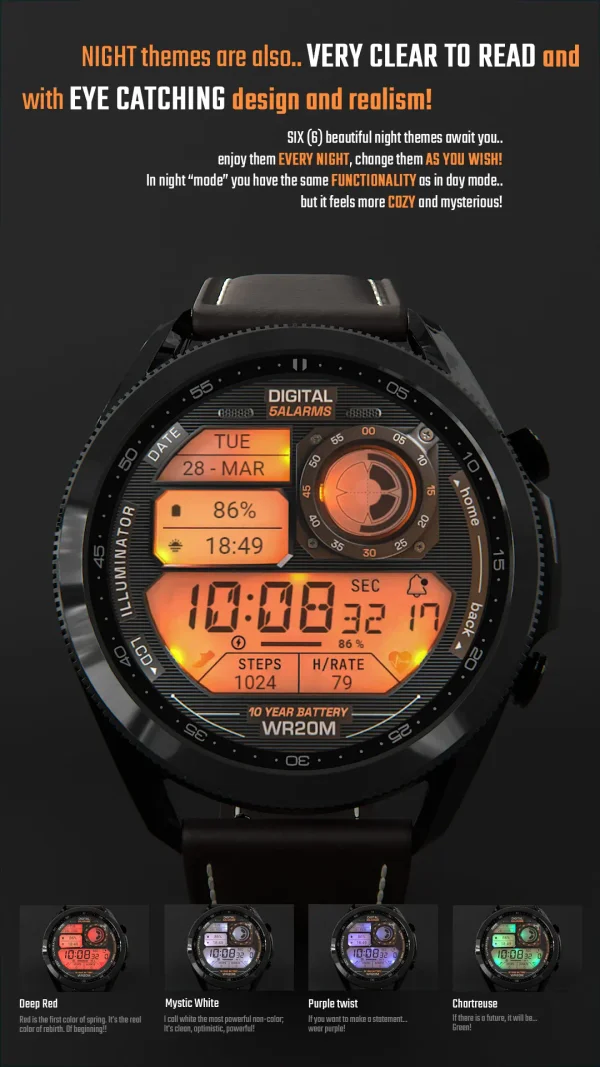
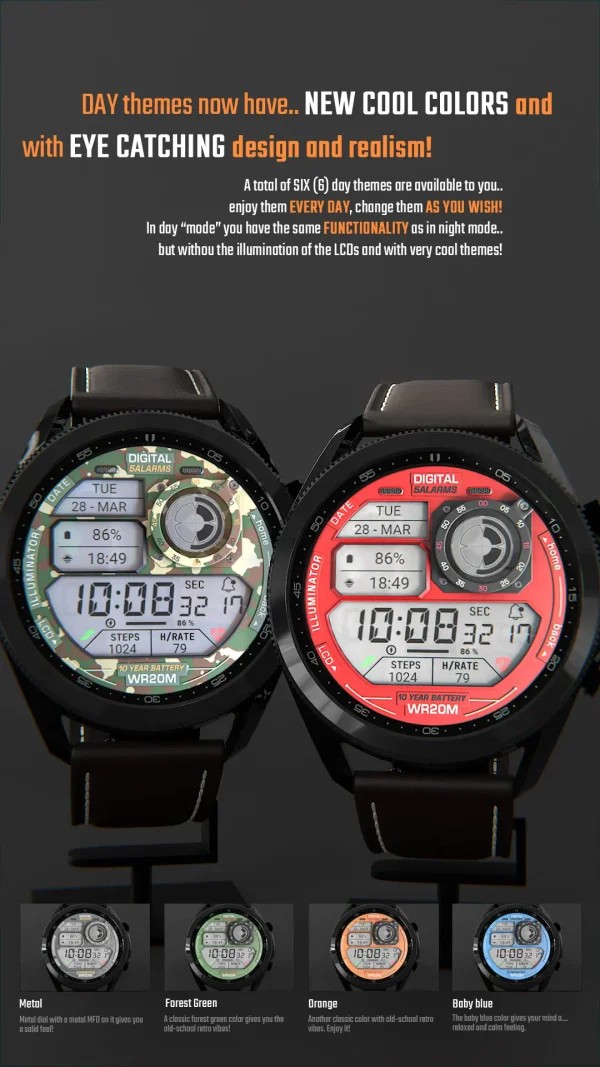
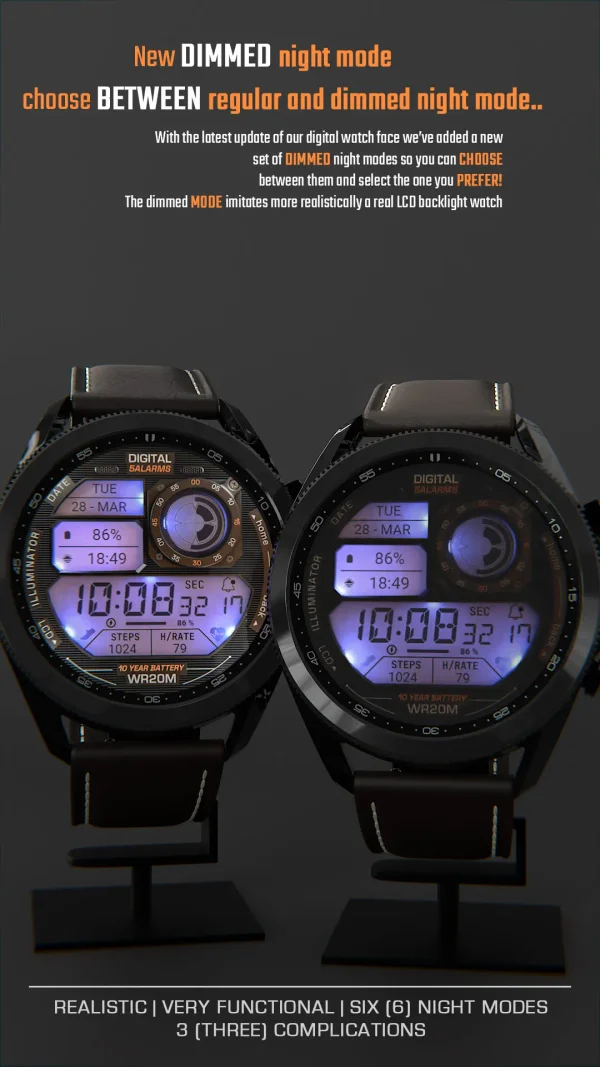
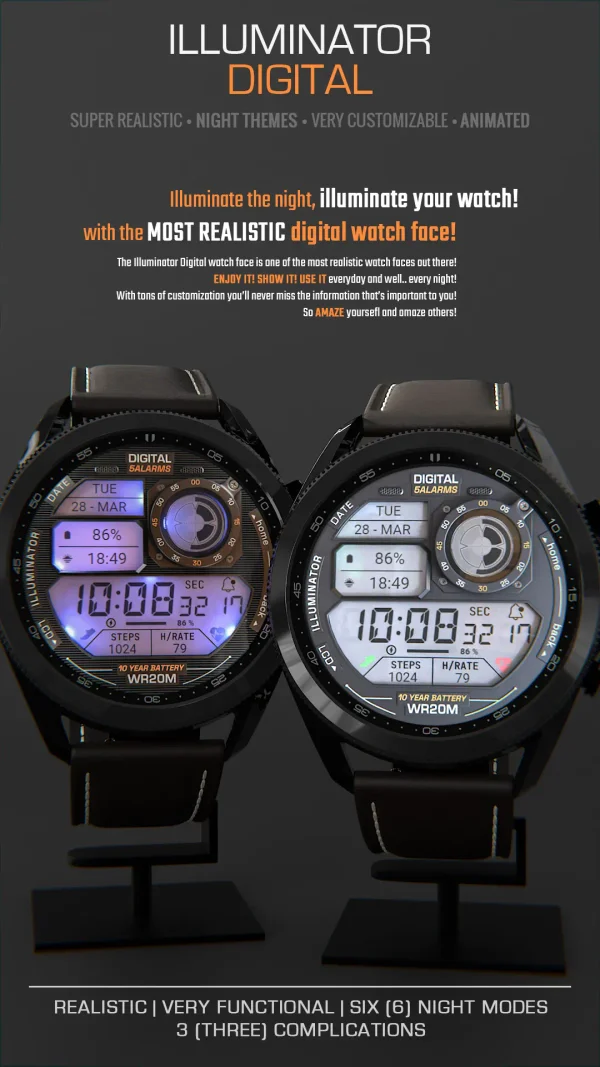
Wear OS için 3 özel komplikasyona ve güzel gece modlarına ve animasyonlara sahip çok gerçekçi ve okunması kolay retro tarzı dijital saat yüzü.
NOT: Lütfen Nasıl Yapılır bölümünü ve Kurulum bölümünü okuyun!!!
ⓘ Özellikler:
- Gerçekçi tasarım.
- Animasyonlu.
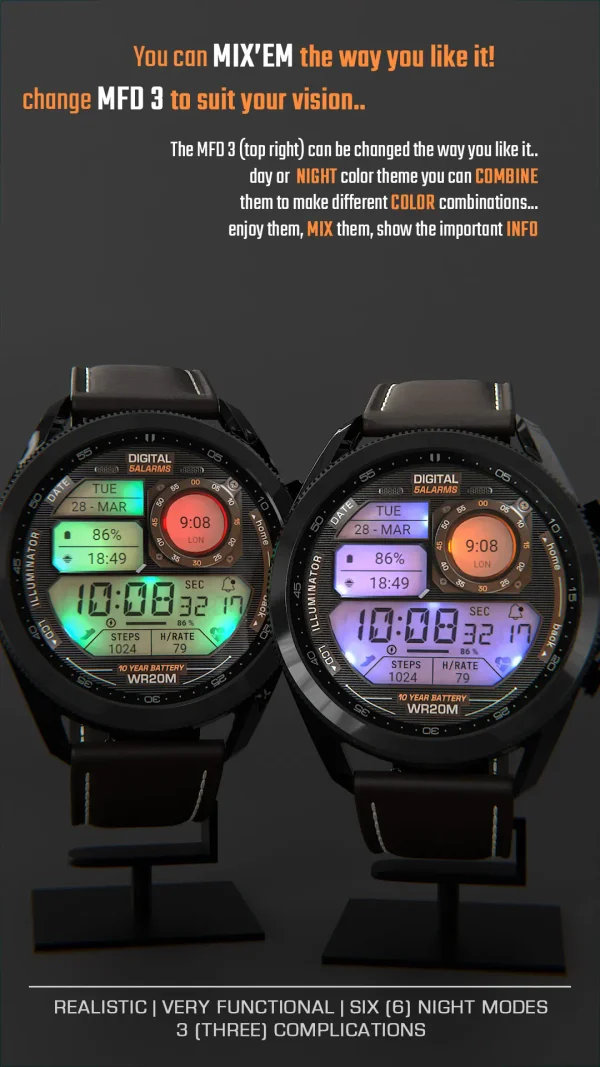
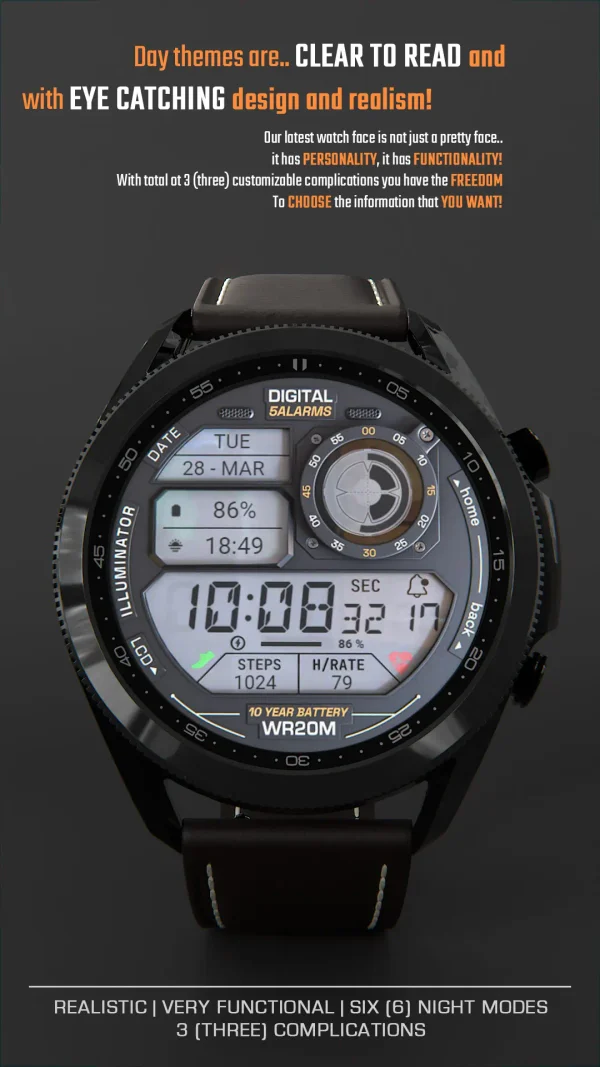
- 3 MFD (özel komplikasyonlar).
- Otomatik 12 saat/24 saat modu.
- Gece modları.
- Saat ve tarih.
- Pil göstergesi.
- Bildirimler sayılır.
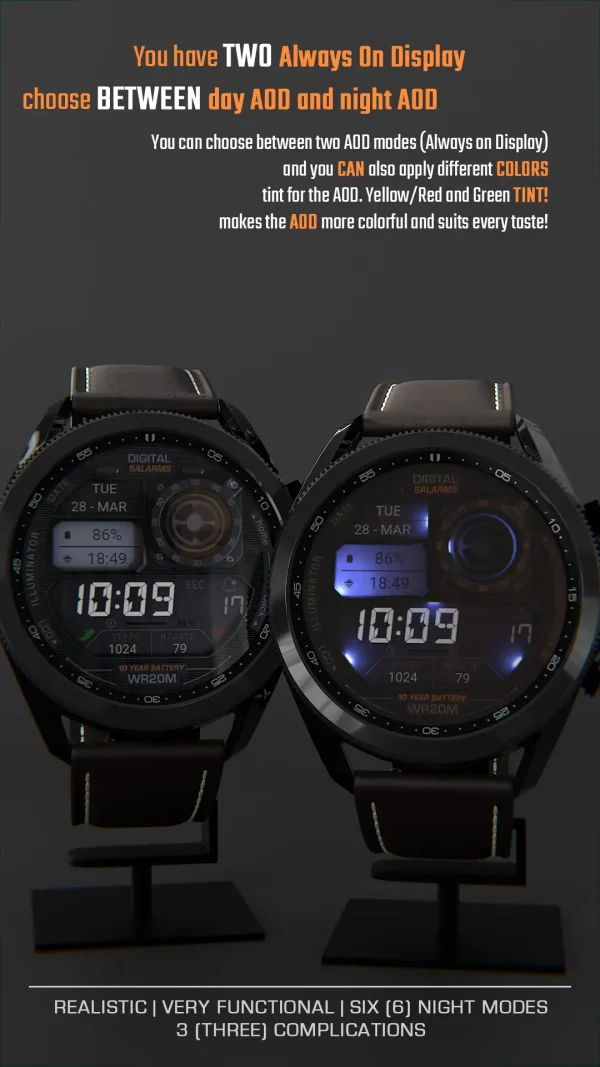
- Özel Her Zaman Açık Ekran (Gündüz/gece AOD arasında seçim yapın).
ⓘ Nasıl Yapılır:
- Ellerin rengini özelleştirmek için ekrana uzun basın (dokunup basılı tutun).
* ÖNEMLİ - MFD ekranını etkinleştirirseniz, onu istediğiniz bilgilerle seçmeli/özelleştirmelisiniz. MFD'yi kapatırsanız, MFD 3 ekranında (sağ üst LCD) metin/bilgi görüntülenmesini önlemek için komplikasyon seçeneği olarak "Boş" seçeneğini seçmeniz gerekir.
Başka bir SÜPER GERÇEKÇİ saat yüzü ister misiniz? Hadi bakalım:
Luna Benedicta: https://play.google.com/store/apps/details?id=wb.luna.benedicta
WatchBase'i kullanın. Aydınlatıcı: https://play.google.com/store/apps/details?id=wb.illuminator.hybrid
ⓘ Kalp atış hızı bilgisi
İK'nın çalışabilmesi için öncelikle sağlık sensörlerine izin vermelisiniz.
Saat kadranını uyguladığınızda "-" veya "E" kalp atış hızının ölçülmediğini görürseniz,
ölçmek için üzerine dokunmanız yeterli.
1. KAH değeri olarak "M" görüyorsanız kalp atış hızı ölçülüyor demektir.
2. KAH değeri için "E" görüyorsanız, kalp ölçümü başarılı değildir (kirli sensör veya herhangi bir nedenden dolayı). Tekrar denemek için dokunmanız yeterli.
** Kalp atış hızı her zaman otomatik olarak mevcut değildir. Değilse, yukarıdakileri okuyun.
ⓘ Kurulum
Nasıl kurulur: https://watchbase.store/static/ai/
Kurulumdan sonra: https://watchbase.store/static/ai/ai.html
Saat yüzünü yüklerken herhangi bir sorunla karşılaşırsanız lütfen yükleme süreci veya diğer Google Play/Watch süreçleri üzerinde hiçbir kontrolümüz olmadığını unutmayın. İnsanların karşılaştığı en yaygın sorun, saat kadranını satın alıp kurduktan sonra onu görememek/bulamamaktır.
Saat görünümünü yükledikten sonra uygulamak için, ana ekranda (geçerli saat yüzünüz) dokunup basılı tutun ve onu aramak için sola kaydırın. Göremiyorsanız, sondaki " + " işaretine dokunun (bir saat görünümü ekleyin) ve saat yüzümüzü orada bulun.
Kurulum işlemini kolaylaştırmak için telefona eşlik eden bir uygulama kullanıyoruz. Saat yüzümüzü satın alırsanız, yükleme düğmesine (telefon uygulamasında) dokunun, saatinizi kontrol etmelisiniz. Saat yüzünün bulunduğu bir ekran görünecektir. Tekrar yükle'ye dokunun ve kurulumun bitmesini bekleyin. Saat kadranını zaten satın aldıysanız ve saatte tekrar satın almanız isteniyorsa endişelenmeyin, sizden iki kez ücret alınmayacaktır. Bu yaygın bir senkronizasyon sorunudur, biraz bekleyin veya saatinizi yeniden başlatmayı deneyin.
Saat yüzünü yüklemenin başka bir çözümü de, hesabınızla (saatte kullandığınız Google Play hesabı) oturum açmış bir tarayıcıdan yüklemeyi denemektir.
* Metin/etiketler - "5 ALARMLAR", "10 YILLIK PİL" ve "WR20M" yalnızca dekorasyon amaçlıdır ve saat yüzünü/saat işlevlerini ve/veya özelliklerini yansıtmaz. Retro havayı yakalamamızı sağlıyorlar.
WatchBase'e KATILIN.
Facebook Sayfası:
https://www.facebook.com/WatchBase
Facebook grubu (Genel saat yüzleri grubu):
https://www.facebook.com/groups/1170256566402887/
Instagram'da:
https://www.instagram.com/watch.base/
Youtube:
https://www.youtube.com/@WATCHBASE/videos
Google Play sayfası:
https://play.google.com/store/apps/developer?id=WatchBase
YouTube kanalımıza ABONE OLUN:
https://www.youtube.com/c/WATCHBASE?sub_confirmation=1
https://www.youtube.com/c/WATCHBASE
Orijinal metni göster
Very realistic and easy to read retro-like style digital watch face for Wear OS with 3 custom complications and beautiful night modes and animations.
NOTE: Please read the How to section and Installation section !!!
ⓘ Features:
- Realistic design.
- Animated.
- 3 MFD (custom complications).
- Auto 12h/24h mode.
- Night modes.
- Time and date.
- Battery indicator.
- Notifications count.
- Custom Alway On Display (Choose between day/night AOD).
ⓘ How to:
- Long press (touch and hold) on the screen to customize hands color.
* IMPORTANT - if you enable MFD display you must choose/customize it with the information you want. If you turn off the MFD you must choose "Empty" as a complication option to avoid text/info being displayed over the MFD 3 display (top right LCD).
Want another SUPER REALISTIC watch faces? Here you go:
Luna Benedicta: https://play.google.com/store/apps/details?id=wb.luna.benedicta
WatchBase. Illuminator: https://play.google.com/store/apps/details?id=wb.illuminator.hybrid
ⓘ Heart rate info
In order for the HR to work, you must first allow health sensors.
When you apply the watch face if you see "-" or "E" heart rate was not measured,
just tap on it to measure it.
1. If you see "M" for HR value, then heart rate is being measured.
2. If you see "E" for HR value, then the heart measurement was not successful (dirty sensor or any kind of reason). Just tap to try again.
** Heart rate is not always automatically available. If not, then read the above.
ⓘ Installation
How to install: https://watchbase.store/static/ai/
After installation: https://watchbase.store/static/ai/ai.html
If you have any issues installing the watch face, please note that we have no control over the installation process or any other Google Play / Watch processes. The most common issue that people face is after they buy the watch face and install it, they can't see/find it.
In order to apply the watch face after you install it, touch and hold on the main screen (your current watch face) the swipe left to look for it. If you can't see it, tap on the " + " sign at the end (add a watch face) and find our watch face there.
We use a companion app for the phone to make the installation process easier. If you buy our watch face, tap on the install button (on the phone app) you must check your watch.. a screen will appear with the watch face.. tap install again and wait for the installation to finish. If you already bought the watch face and it still asks you to buy it again on the watch, don't worry you will not be charged twice. This is a common synchronization issue, just wait a little or try to restart your watch.
Another solution for installing the watch face is to try to install it from a browser, logged with your account (google play account that you use on the watch).
* The text/labels - "5 ALARMS" , "10 YEAR BATTERY" and "WR20M" are for decoration purposes only and do not reflect the watch face/watch functions and/or features. They allow us to get the retro vibe.
JOIN WatchBase.
Facebook page:
https://www.facebook.com/WatchBase
Facebook group (General watch faces group):
https://www.facebook.com/groups/1170256566402887/
Instagram:
https://www.instagram.com/watch.base/
YouTube:
https://www.youtube.com/@WATCHBASE/videos
Google Play page:
https://play.google.com/store/apps/developer?id=WatchBase
SUBSCRIBE to our YouTube channel:
https://www.youtube.com/c/WATCHBASE?sub_confirmation=1
https://www.youtube.com/c/WATCHBASE
Veri güvenliği
Bu uygulamanın topladığı ve paylaştığı veriler hakkında WatchBase tarafından Google Play üzerinde yapılan beyan.
- Üçüncü taraflarla veri paylaşımı yokGeliştiricilerin, veri paylaşımını nasıl beyan ettikleri hakkında daha fazla bilgi edinin
- Veri toplanamadıGeliştiricilerin, veri toplamayı nasıl beyan ettikleri hakkında daha fazla bilgi edinin
Geliştirici iletişim bilgileri
- E-postasupport@belvek.com
- Gizlilik politikasıwatchbase.store
- Adres6 Prof. Georgi Bradistilov str./blvd. 1700 Sofia Bulgaria
Bilgiler
- Sunan
- WatchBase
- Kategori
- Kişiselleştirme
- Güncellendi
- 28.10.2026
- Yayın tarihi
- 22.02.2023
- Yaş sınırı
- PEGI 3
- Fiyat
- ₺129,99
- Paket adı
- wb.illuminator.digital
Benzer uygulamalar
-
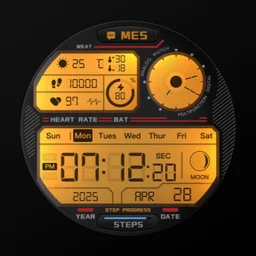 ZCPY3DLCDwatch
Kişiselleştirme
-
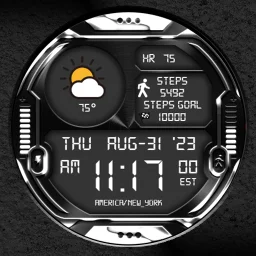 W106D
Kişiselleştirme
-
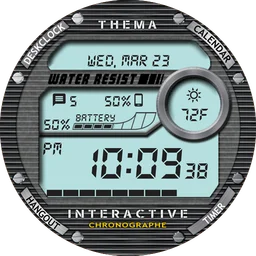 Chrono Watch Face
Kişiselleştirme
-
 Shockable V2
Kişiselleştirme
-
 CELEST5531 Retro Digital Watch
Kişiselleştirme
-
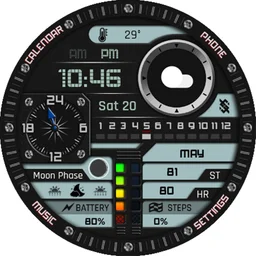 BFF11- Digital & Analog: Color
Kişiselleştirme
-
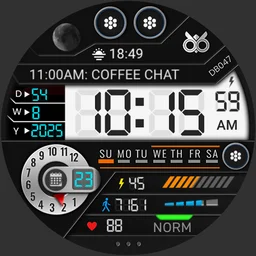 DB047 Digital Sport
Kişiselleştirme
-
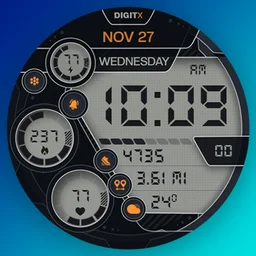 Electronic Digital Watch Face
Kişiselleştirme
-
 CELEST5537 Retro Digital Watch
Kişiselleştirme
-
 Chronix Watch Face
Kişiselleştirme
-
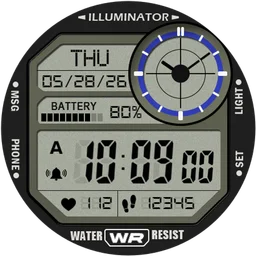 GYD029 Illuminator Digital
Kişiselleştirme
-
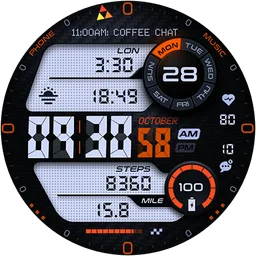 Oogly Spacco Digital
Kişiselleştirme