ILLUMINATOR Digital Watch face
WatchBase- 3 歳以上対象年齢
- カスタマイズカテゴリ
- 2026/10/28更新日
- ¥420価格
wb.illuminator.digitalのGoogle Play公式ページにリンクしています。最終確認:2026/11/27。

スクリーンショット
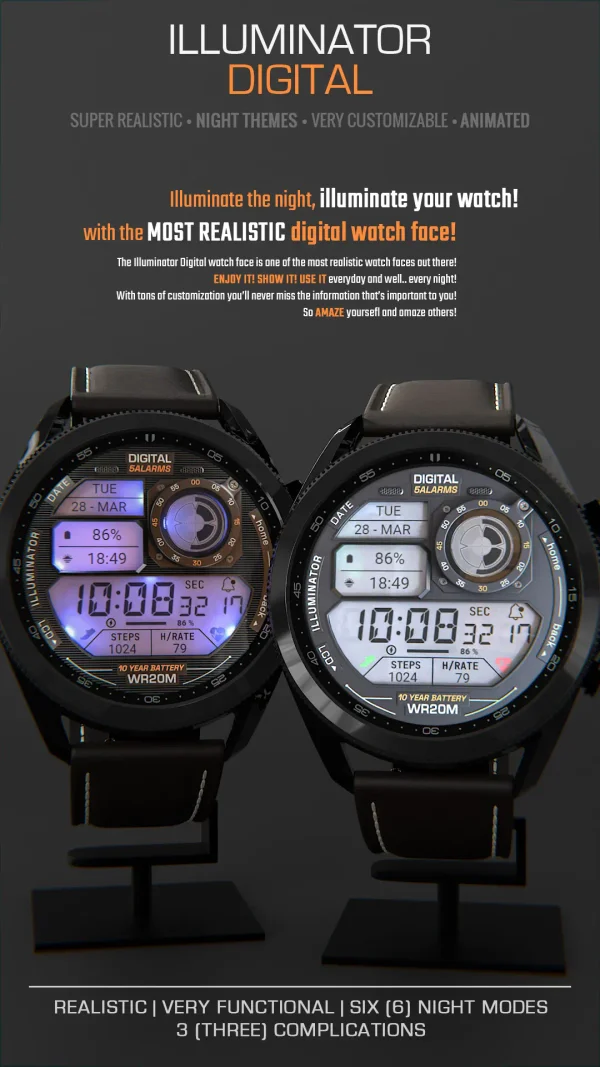

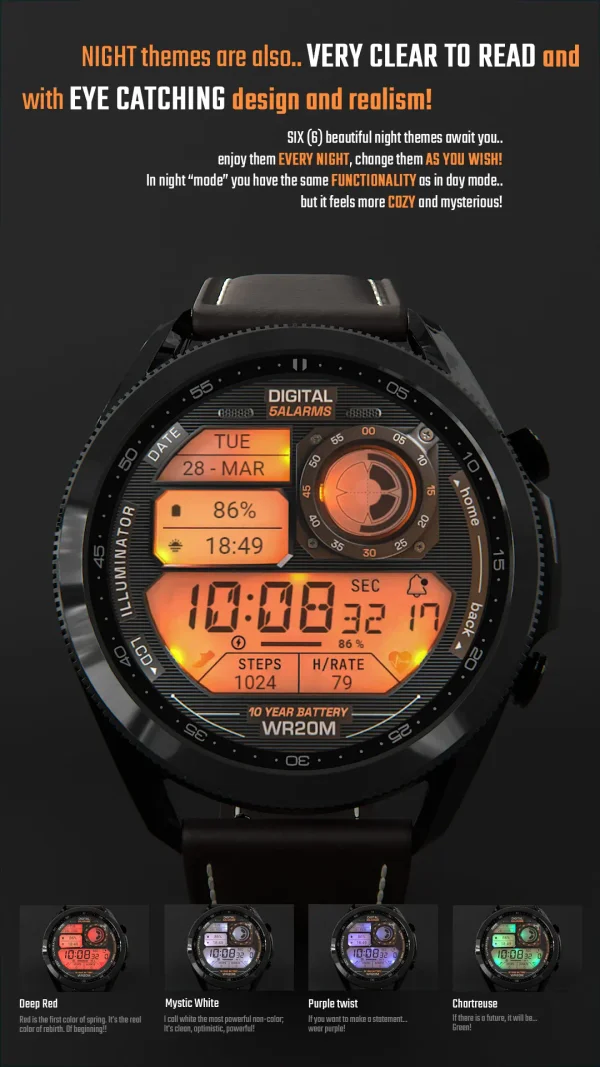
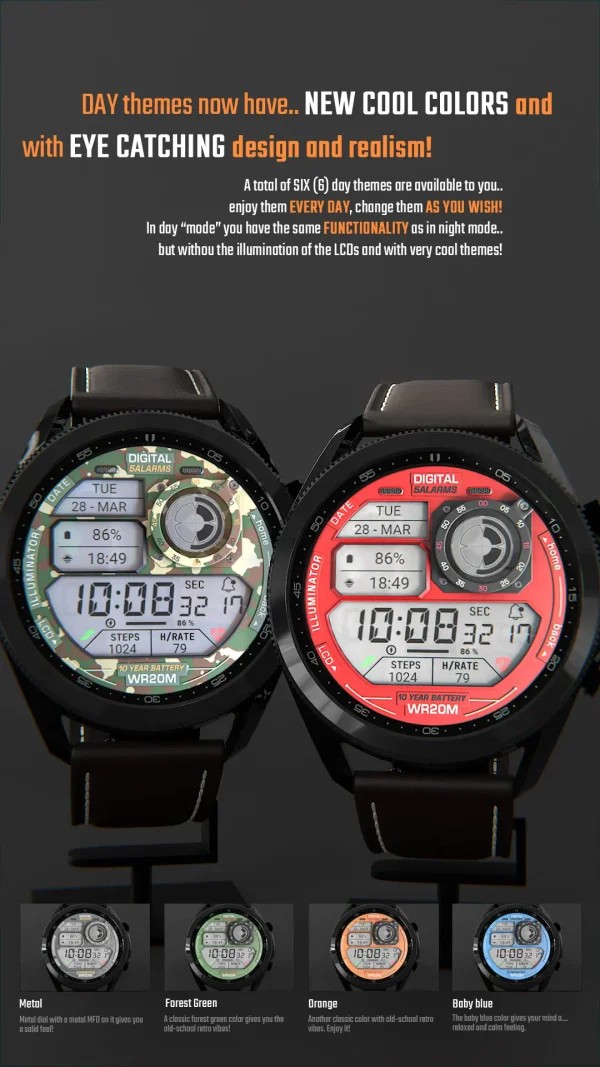

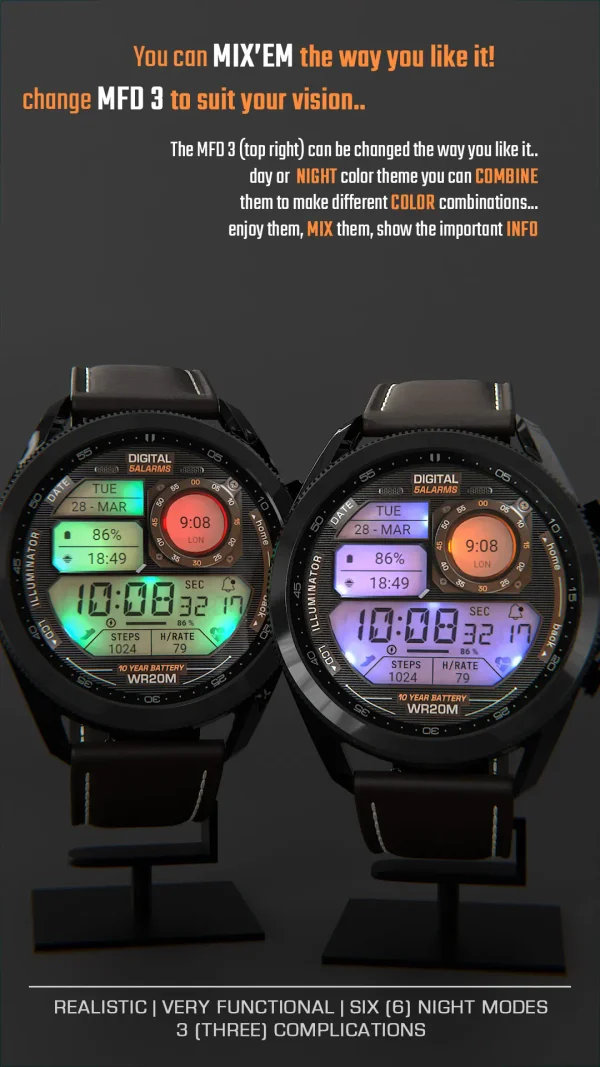
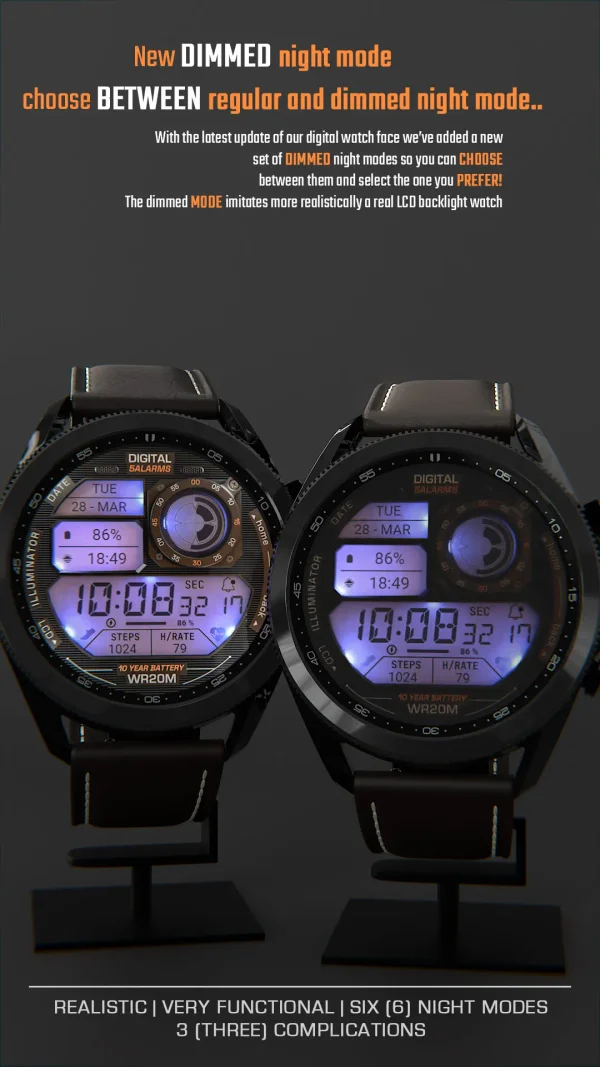
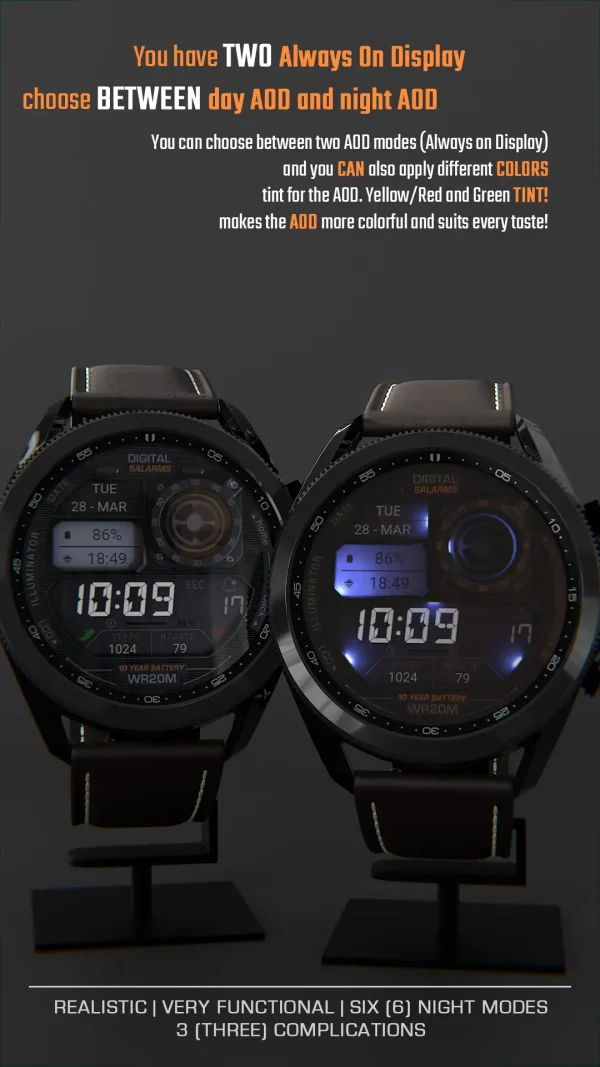
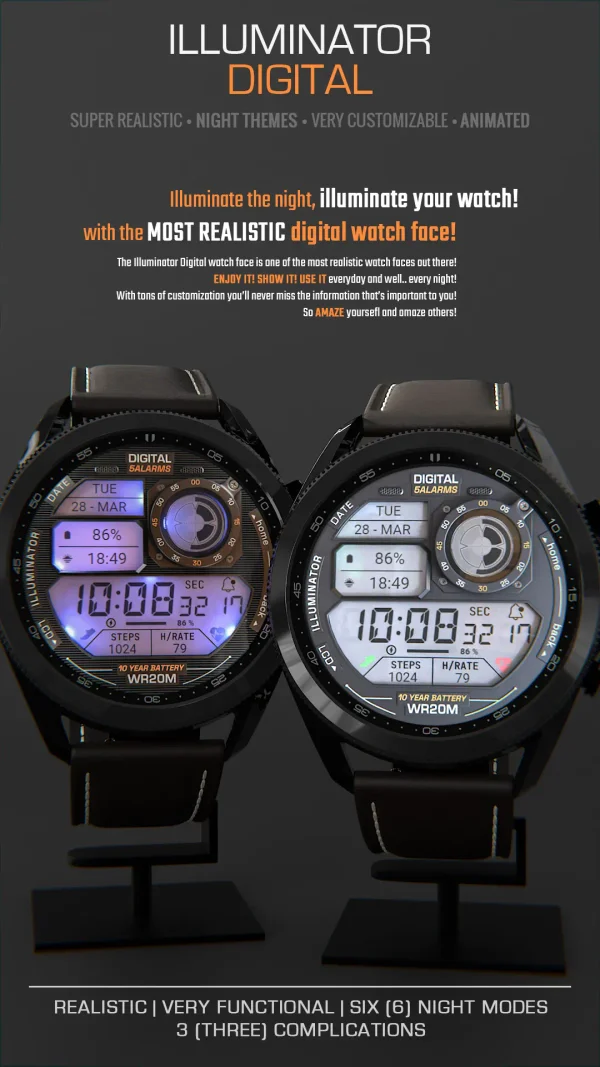
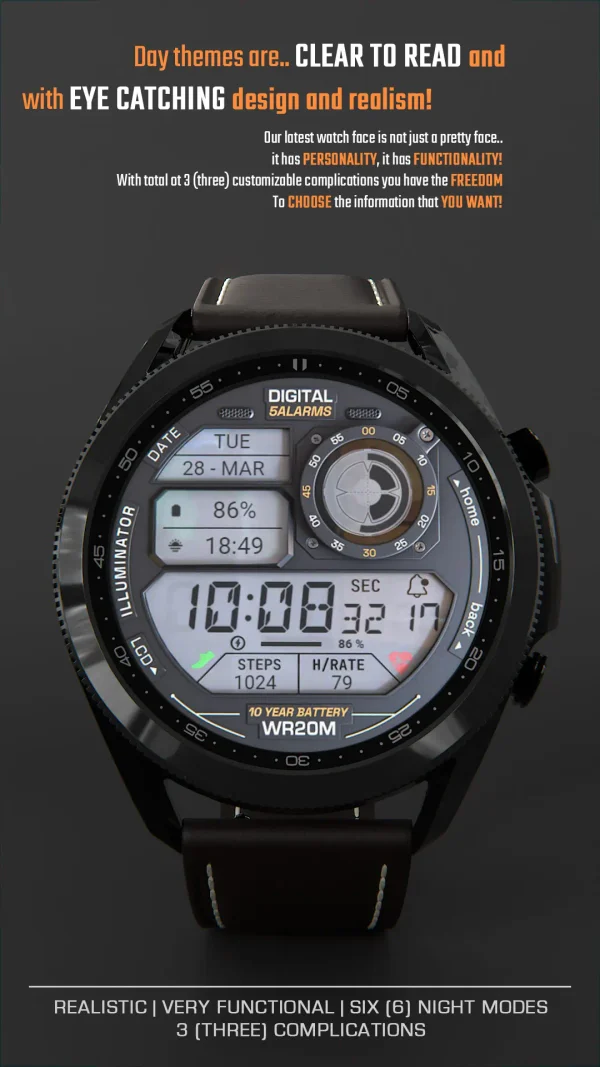
このアプリについて
Googleによる英語 (アメリカ合衆国)からの自動翻訳です。
超リアルで読みやすい!
非常にリアルで読みやすいレトロ風スタイルのWear OS用デジタルウォッチフェイス。3つのカスタムコンプリケーションと美しいナイトモードとアニメーションを備えています。
注:「方法」セクションと「インストール」セクションをお読みください。
ⓘ 特徴:
- リアルなデザイン。
- アニメーション化。
- 3 MFD (カスタムコンプリケーション)。
- 自動12時間/24時間モード。
- 夜間モード。
- 日付と時刻。
- バッテリーインジケーター。
- 通知はカウントされます。
- カスタム常時表示 (昼/夜の AOD を選択)。
ⓘ 方法:
- 画面を長押し(タッチアンドホールド)して、手の色をカスタマイズします。
* 重要 - MFD 表示を有効にする場合は、必要な情報を使用して MFD 表示を選択/カスタマイズする必要があります。 MFD の電源をオフにする場合は、MFD 3 ディスプレイ (右上の LCD) にテキスト/情報が表示されるのを避けるために、コンプリケーション オプションとして「空」を選択する必要があります。
別のスーパーリアルな文字盤が必要ですか?どうぞ:
ルナ・ベネディクタ: https://play.google.com/store/apps/details?id=wb.luna.benedicta
ウォッチベース。イルミネーター: https://play.google.com/store/apps/details?id=wb.illuminator.hybrid
ⓘ 心拍数情報
HR が機能するには、まずヘルスセンサーを許可する必要があります。
ウォッチフェイスを適用したときに「-」または「E」が表示された場合、心拍数は測定されていません。
タップするだけで測定できます。
1. HR 値に「M」が表示されている場合、心拍数が測定されています。
2. HR 値に「E」が表示された場合、心臓の測定は成功しませんでした (センサーが汚れているか、何らかの理由で)。タップしてもう一度お試しください。
** 心拍数は常に自動的に利用できるわけではありません。そうでない場合は、上記をお読みください。
ⓘ 設置
インストール方法:https://watchbase.store/static/ai/
インストール後: https://watchbase.store/static/ai/ai.html
ウォッチフェイスのインストールで問題が発生した場合、インストール プロセスやその他の Google Play / Watch プロセスは当社では制御できないことにご注意ください。人々が直面する最も一般的な問題は、文字盤を購入してインストールした後、文字盤が表示されない、または見つからないことです。
インストール後にウォッチフェイスを適用するには、メイン画面 (現在のウォッチフェイス) を長押しして左にスワイプして探します。表示されない場合は、最後にある「 + 」記号をタップし (ウォッチフェイスを追加)、そこでウォッチフェイスを見つけます。
インストールプロセスを簡単にするために、電話用のコンパニオンアプリを使用します。当社の文字盤を購入した場合は、インストール ボタン (電話アプリ上) をタップして、時計を確認する必要があります。文字盤が表示された画面が表示されます。もう一度 [インストール] をタップし、インストールが完了するまで待ちます。すでにウォッチフェイスを購入していて、ウォッチ上で再度購入するように求められる場合でも、二重請求されることはありませんので、ご安心ください。これは一般的な同期の問題です。少し待つか、時計を再起動してみてください。
ウォッチフェイスをインストールするもう 1 つの解決策は、アカウント (ウォッチで使用している Google Play アカウント) でログインしたブラウザからインストールしてみることです。
* 「5 ALARMS」、「10 YEAR BATTERY」、および「WR20M」のテキスト/ラベルは装飾のみを目的としており、文字盤/時計の機能や機能を反映するものではありません。レトロな雰囲気を味わうことができます。
WatchBase に参加します。
Facebookのページ:
https://www.facebook.com/WatchBase
Facebook グループ (ウォッチフェイス全般グループ):
https://www.facebook.com/groups/1170256566402887/
インスタグラム:
https://www.instagram.com/watch.base/
YouTube:
https://www.youtube.com/@WATCHBASE/videos
Google Play ページ:
https://play.google.com/store/apps/developer?id=WatchBase
YouTube チャンネルに登録してください:
https://www.youtube.com/c/WATCHBASE?sub_confirmation=1
https://www.youtube.com/c/WATCHBASE
原文を表示
Very realistic and easy to read retro-like style digital watch face for Wear OS with 3 custom complications and beautiful night modes and animations.
NOTE: Please read the How to section and Installation section !!!
ⓘ Features:
- Realistic design.
- Animated.
- 3 MFD (custom complications).
- Auto 12h/24h mode.
- Night modes.
- Time and date.
- Battery indicator.
- Notifications count.
- Custom Alway On Display (Choose between day/night AOD).
ⓘ How to:
- Long press (touch and hold) on the screen to customize hands color.
* IMPORTANT - if you enable MFD display you must choose/customize it with the information you want. If you turn off the MFD you must choose "Empty" as a complication option to avoid text/info being displayed over the MFD 3 display (top right LCD).
Want another SUPER REALISTIC watch faces? Here you go:
Luna Benedicta: https://play.google.com/store/apps/details?id=wb.luna.benedicta
WatchBase. Illuminator: https://play.google.com/store/apps/details?id=wb.illuminator.hybrid
ⓘ Heart rate info
In order for the HR to work, you must first allow health sensors.
When you apply the watch face if you see "-" or "E" heart rate was not measured,
just tap on it to measure it.
1. If you see "M" for HR value, then heart rate is being measured.
2. If you see "E" for HR value, then the heart measurement was not successful (dirty sensor or any kind of reason). Just tap to try again.
** Heart rate is not always automatically available. If not, then read the above.
ⓘ Installation
How to install: https://watchbase.store/static/ai/
After installation: https://watchbase.store/static/ai/ai.html
If you have any issues installing the watch face, please note that we have no control over the installation process or any other Google Play / Watch processes. The most common issue that people face is after they buy the watch face and install it, they can't see/find it.
In order to apply the watch face after you install it, touch and hold on the main screen (your current watch face) the swipe left to look for it. If you can't see it, tap on the " + " sign at the end (add a watch face) and find our watch face there.
We use a companion app for the phone to make the installation process easier. If you buy our watch face, tap on the install button (on the phone app) you must check your watch.. a screen will appear with the watch face.. tap install again and wait for the installation to finish. If you already bought the watch face and it still asks you to buy it again on the watch, don't worry you will not be charged twice. This is a common synchronization issue, just wait a little or try to restart your watch.
Another solution for installing the watch face is to try to install it from a browser, logged with your account (google play account that you use on the watch).
* The text/labels - "5 ALARMS" , "10 YEAR BATTERY" and "WR20M" are for decoration purposes only and do not reflect the watch face/watch functions and/or features. They allow us to get the retro vibe.
JOIN WatchBase.
Facebook page:
https://www.facebook.com/WatchBase
Facebook group (General watch faces group):
https://www.facebook.com/groups/1170256566402887/
Instagram:
https://www.instagram.com/watch.base/
YouTube:
https://www.youtube.com/@WATCHBASE/videos
Google Play page:
https://play.google.com/store/apps/developer?id=WatchBase
SUBSCRIBE to our YouTube channel:
https://www.youtube.com/c/WATCHBASE?sub_confirmation=1
https://www.youtube.com/c/WATCHBASE
データ セーフティ
このアプリが収集・共有するデータについて、WatchBaseがGoogle Playで申告している内容です。
- 第三者と共有されるデータはありません詳しくは、デベロッパーが共有を申告する方法についての説明をご覧ください
- データは収集されません詳しくは、デベロッパーが収集を申告する方法についての説明をご覧ください
開発元の連絡先
- メールsupport@belvek.com
- プライバシーポリシーwatchbase.store
- 住所6 Prof. Georgi Bradistilov str./blvd. 1700 Sofia Bulgaria
情報
- 提供元
- WatchBase
- カテゴリ
- カスタマイズ
- 更新日
- 2026/10/28
- リリース
- 2023/2/22
- 対象年齢
- 3 歳以上
- 価格
- ¥420
- パッケージ名
- wb.illuminator.digital
類似のアプリ
-
 ZCPY3DLCDwatch
カスタマイズ
-
 W106D
カスタマイズ
-
 Chrono Watch Face
カスタマイズ
-
 Shockable V2
カスタマイズ
-
 CELEST5531 Retro Digital Watch
カスタマイズ
-
 BFF11- Digital & Analog: Color
カスタマイズ
-
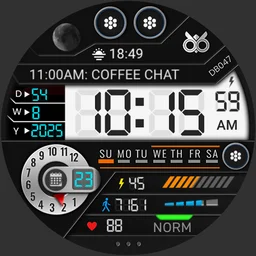 DB047 Digital Sport
カスタマイズ
-
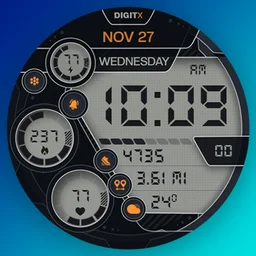 Electronic Digital Watch Face
カスタマイズ
-
 CELEST5537 Retro Digital Watch
カスタマイズ
-
 Chronix Watch Face
カスタマイズ
-
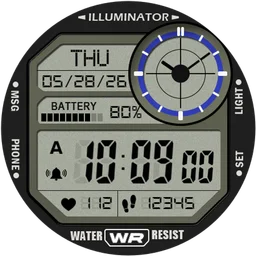 GYD029 Illuminator Digital
カスタマイズ
-
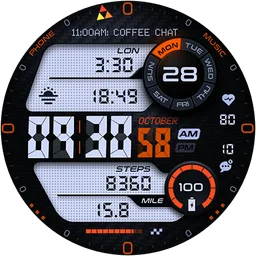 Oogly Spacco Digital
カスタマイズ