ILLUMINATOR Digital Watch face
WatchBase- PEGI 3Clasificación por edad
- PersonalizaciónCategoría
- 28/10/2026Actualizado
- 2,49 €Precio
Enlaza a la ficha oficial de wb.illuminator.digital en Google Play. Última comprobación el 27/11/2026.

Capturas de pantalla


Acerca de esta aplicación
Traducción automática de Google. Idioma original: Inglés (Estados Unidos).
Súper realista y fácil de leer!
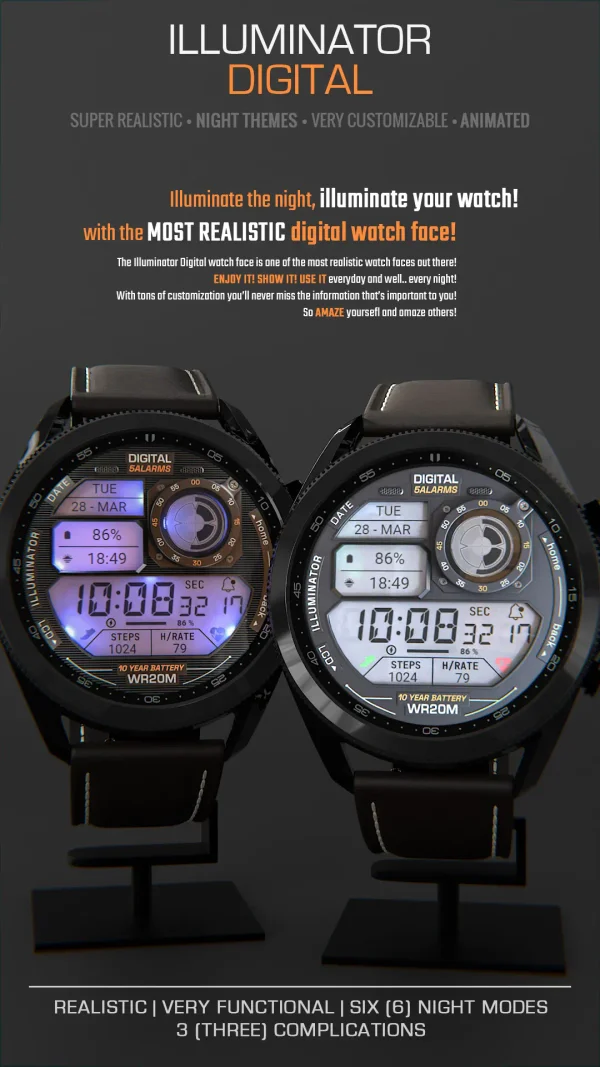
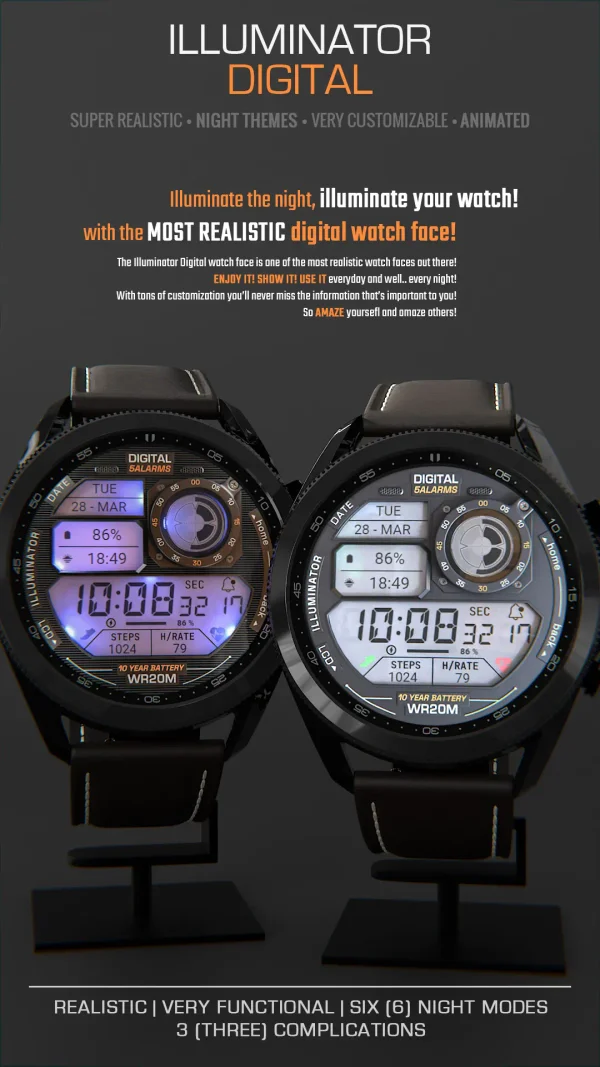
Esfera de reloj digital de estilo retro muy realista y fácil de leer para Wear OS con 3 complicaciones personalizadas y hermosos modos nocturnos y animaciones.
NOTA: ¡Lea la sección Cómo hacerlo y la sección Instalación!
ⓘ Características:
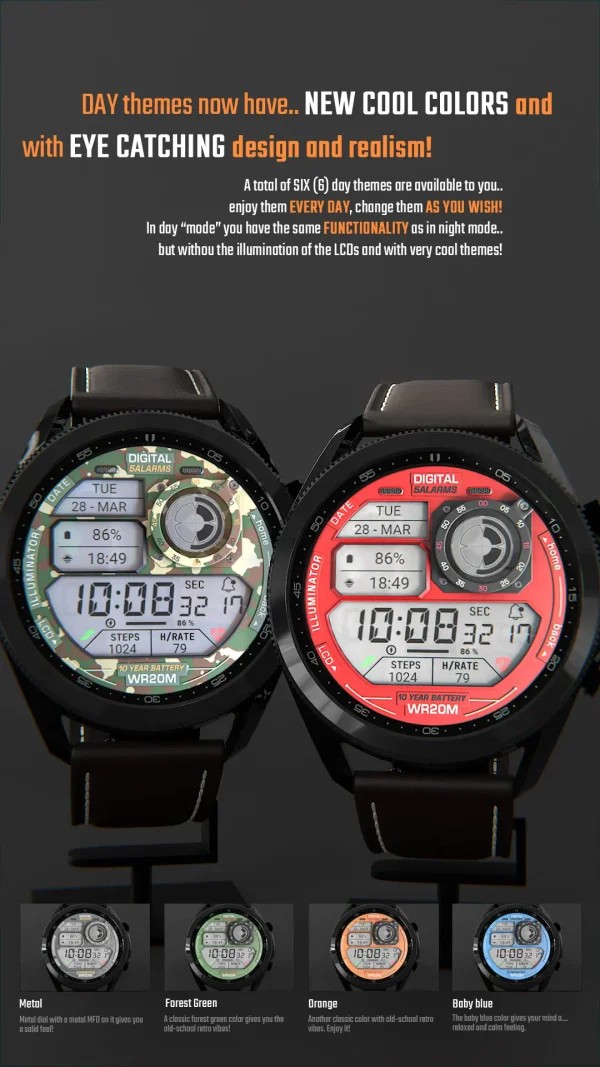
- Diseño realista.
- Animado.
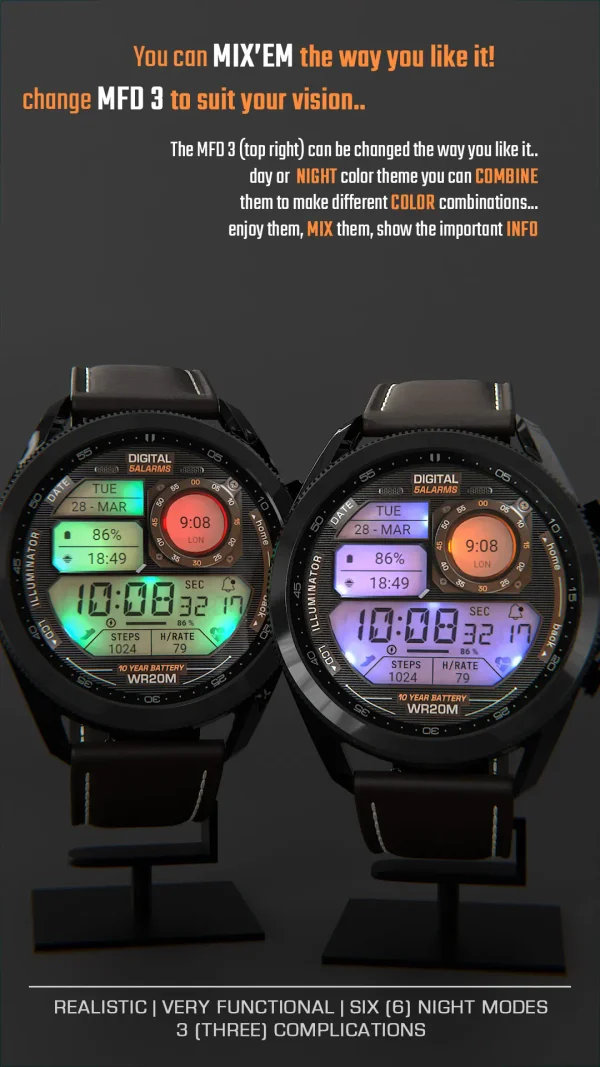
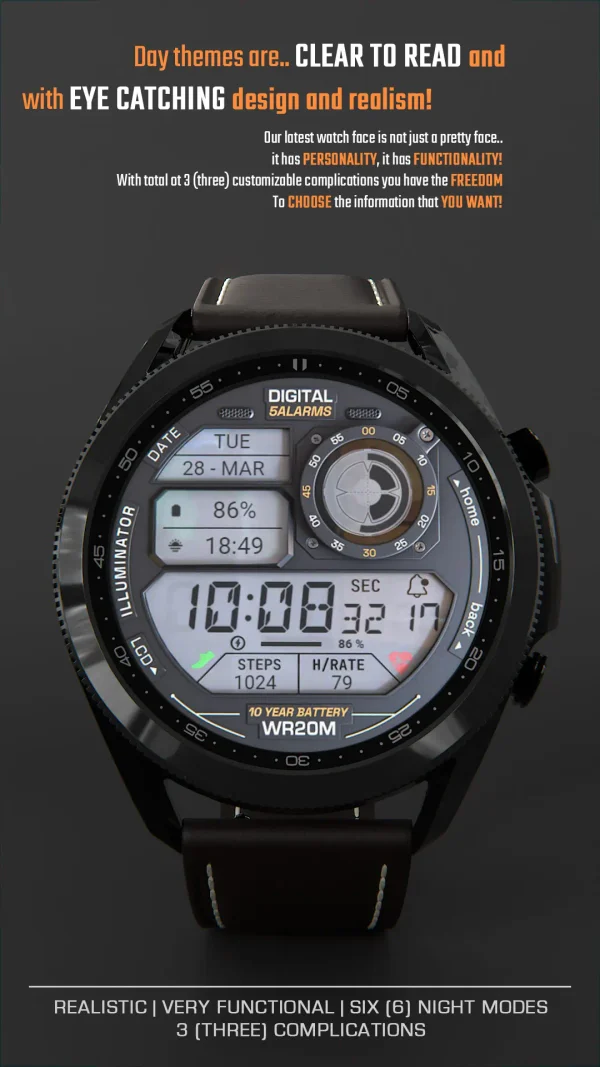
- 3 MFD (complicaciones personalizadas).
- Modo automático 12h/24h.
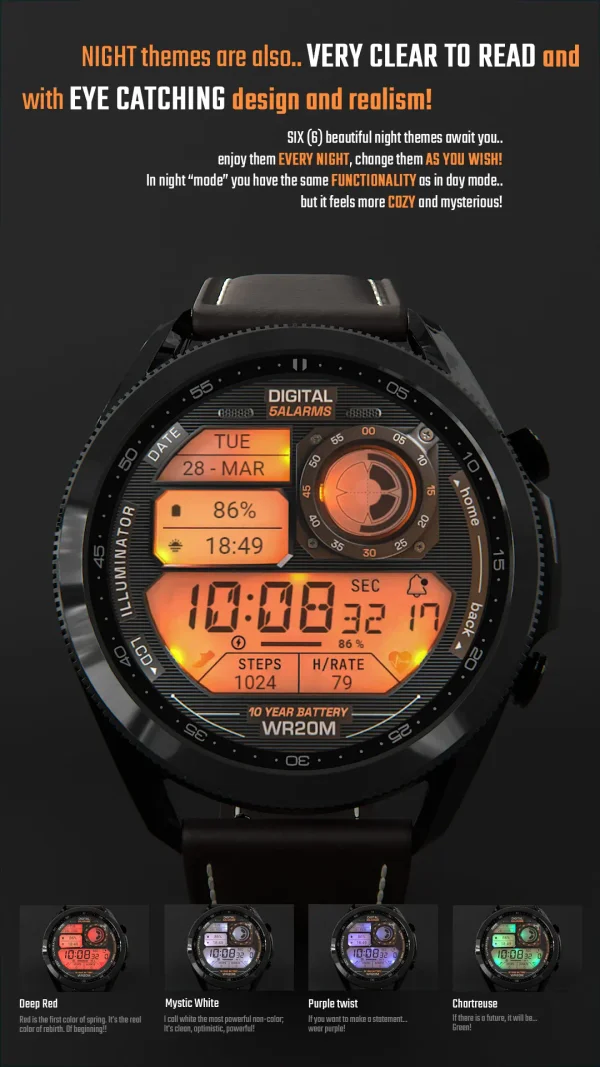
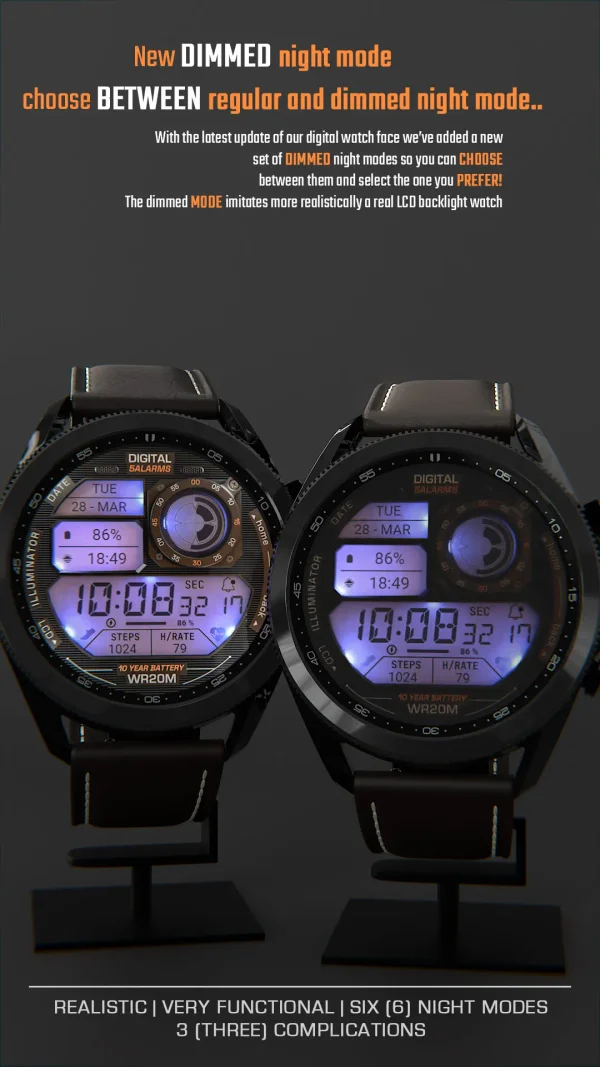
- Modos nocturnos.
- Hora y fecha.
- Indicador de bateria.
- Las notificaciones cuentan.
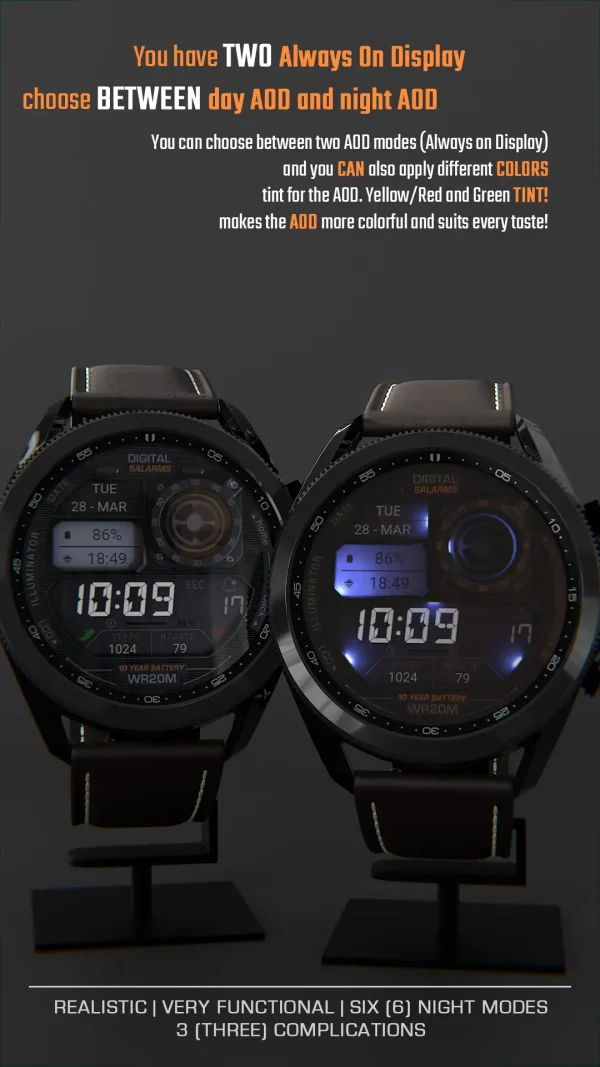
- Pantalla siempre activa personalizada (elija entre día/noche AOD).
ⓘ Cómo:
- Mantenga presionada (toque y mantenga presionada) la pantalla para personalizar el color de las manos.
* IMPORTANTE: si habilita la visualización MFD, debe elegirla/personalizarla con la información que desee. Si apaga el MFD, debe elegir "Vacío" como opción de complicación para evitar que se muestre texto/información en la pantalla del MFD 3 (LCD superior derecha).
¿Quieres otras esferas de reloj SÚPER REALISTAS? Aquí tienes:
Luna Benedicta: https://play.google.com/store/apps/details?id=wb.luna.benedicta
Base de vigilancia. Iluminador: https://play.google.com/store/apps/details?id=wb.illuminator.hybrid
ⓘ Información de frecuencia cardíaca
Para que el HR funcione, primero debes permitir los sensores de salud.
Cuando aplica la esfera del reloj, si ve "-" o "E", no se midió la frecuencia cardíaca,
simplemente tócalo para medirlo.
1. Si ve "M" para el valor de FC, entonces se está midiendo la frecuencia cardíaca.
2. Si ve "E" para el valor de FC, entonces la medición cardíaca no fue exitosa (sensor sucio o cualquier tipo de motivo). Simplemente toque para intentarlo nuevamente.
** La frecuencia cardíaca no siempre está disponible automáticamente. Si no es así, lea lo anterior.
ⓘ Instalación
Cómo instalar: https://watchbase.store/static/ai/
Después de la instalación: https://watchbase.store/static/ai/ai.html
Si tiene algún problema al instalar la esfera del reloj, tenga en cuenta que no tenemos control sobre el proceso de instalación ni sobre ningún otro proceso de Google Play/Watch. El problema más común al que se enfrenta la gente es que después de comprar la esfera del reloj y instalarla, no pueden verla ni encontrarla.
Para aplicar la esfera del reloj después de instalarla, toque y mantenga presionada la pantalla principal (la esfera del reloj actual) y deslice el dedo hacia la izquierda para buscarla. Si no puede verlo, toque el signo "+" al final (agregue una esfera de reloj) y busque nuestra esfera de reloj allí.
Usamos una aplicación complementaria para el teléfono para facilitar el proceso de instalación. Si compra nuestra esfera de reloj, toque el botón de instalación (en la aplicación del teléfono), debe verificar su reloj... aparecerá una pantalla con la esfera del reloj... toque instalar nuevamente y espere a que finalice la instalación. Si ya compraste la esfera del reloj y todavía te pide que la compres nuevamente en el reloj, no te preocupes, no se te cobrará dos veces. Este es un problema de sincronización común, solo espera un poco o intenta reiniciar tu reloj.
Otra solución para instalar la esfera del reloj es intentar instalarla desde un navegador, iniciado sesión con su cuenta (cuenta de Google Play que usa en el reloj).
* El texto/las etiquetas: "5 ALARMAS", "BATERÍA DE 10 AÑOS" y "WR20M" tienen fines decorativos únicamente y no reflejan las funciones y/o características de la esfera del reloj/reloj. Nos permiten conseguir el aire retro.
ÚNETE a WatchBase.
Pagina de Facebook:
https://www.facebook.com/WatchBase
Grupo de Facebook (grupo de esferas de reloj generales):
https://www.facebook.com/groups/1170256566402887/
Instagram:
https://www.instagram.com/watch.base/
YouTube:
https://www.youtube.com/@WATCHBASE/videos
Página de Google Play:
https://play.google.com/store/apps/developer?id=WatchBase
SUSCRÍBETE a nuestro canal de YouTube:
https://www.youtube.com/c/WATCHBASE?sub_confirmation=1
https://www.youtube.com/c/WATCHBASE
Mostrar el texto original
Very realistic and easy to read retro-like style digital watch face for Wear OS with 3 custom complications and beautiful night modes and animations.
NOTE: Please read the How to section and Installation section !!!
ⓘ Features:
- Realistic design.
- Animated.
- 3 MFD (custom complications).
- Auto 12h/24h mode.
- Night modes.
- Time and date.
- Battery indicator.
- Notifications count.
- Custom Alway On Display (Choose between day/night AOD).
ⓘ How to:
- Long press (touch and hold) on the screen to customize hands color.
* IMPORTANT - if you enable MFD display you must choose/customize it with the information you want. If you turn off the MFD you must choose "Empty" as a complication option to avoid text/info being displayed over the MFD 3 display (top right LCD).
Want another SUPER REALISTIC watch faces? Here you go:
Luna Benedicta: https://play.google.com/store/apps/details?id=wb.luna.benedicta
WatchBase. Illuminator: https://play.google.com/store/apps/details?id=wb.illuminator.hybrid
ⓘ Heart rate info
In order for the HR to work, you must first allow health sensors.
When you apply the watch face if you see "-" or "E" heart rate was not measured,
just tap on it to measure it.
1. If you see "M" for HR value, then heart rate is being measured.
2. If you see "E" for HR value, then the heart measurement was not successful (dirty sensor or any kind of reason). Just tap to try again.
** Heart rate is not always automatically available. If not, then read the above.
ⓘ Installation
How to install: https://watchbase.store/static/ai/
After installation: https://watchbase.store/static/ai/ai.html
If you have any issues installing the watch face, please note that we have no control over the installation process or any other Google Play / Watch processes. The most common issue that people face is after they buy the watch face and install it, they can't see/find it.
In order to apply the watch face after you install it, touch and hold on the main screen (your current watch face) the swipe left to look for it. If you can't see it, tap on the " + " sign at the end (add a watch face) and find our watch face there.
We use a companion app for the phone to make the installation process easier. If you buy our watch face, tap on the install button (on the phone app) you must check your watch.. a screen will appear with the watch face.. tap install again and wait for the installation to finish. If you already bought the watch face and it still asks you to buy it again on the watch, don't worry you will not be charged twice. This is a common synchronization issue, just wait a little or try to restart your watch.
Another solution for installing the watch face is to try to install it from a browser, logged with your account (google play account that you use on the watch).
* The text/labels - "5 ALARMS" , "10 YEAR BATTERY" and "WR20M" are for decoration purposes only and do not reflect the watch face/watch functions and/or features. They allow us to get the retro vibe.
JOIN WatchBase.
Facebook page:
https://www.facebook.com/WatchBase
Facebook group (General watch faces group):
https://www.facebook.com/groups/1170256566402887/
Instagram:
https://www.instagram.com/watch.base/
YouTube:
https://www.youtube.com/@WATCHBASE/videos
Google Play page:
https://play.google.com/store/apps/developer?id=WatchBase
SUBSCRIBE to our YouTube channel:
https://www.youtube.com/c/WATCHBASE?sub_confirmation=1
https://www.youtube.com/c/WATCHBASE
Seguridad de los datos
Lo que WatchBase declara en Google Play sobre los datos que esta aplicación recopila y comparte.
- No se comparten datos con tercerosMás información sobre cómo los desarrolladores declaran lo que comparten
- No se recogen datosMás información sobre cómo los desarrolladores declaran lo que recogen
Contacto del desarrollador
- Correo electrónicosupport@belvek.com
- Política de privacidadwatchbase.store
- Dirección6 Prof. Georgi Bradistilov str./blvd. 1700 Sofia Bulgaria
Información
- Ofrecida por
- WatchBase
- Categoría
- Personalización
- Actualizado
- 28/10/2026
- Publicado
- 22/2/2023
- Clasificación por edad
- PEGI 3
- Precio
- 2,49 €
- Nombre del paquete
- wb.illuminator.digital
Aplicaciones similares
-
 ZCPY3DLCDwatch
Personalización
-
 W106D
Personalización
-
 Chrono Watch Face
Personalización
-
 Shockable V2
Personalización
-
 CELEST5531 Retro Digital Watch
Personalización
-
 BFF11- Digital & Analog: Color
Personalización
-
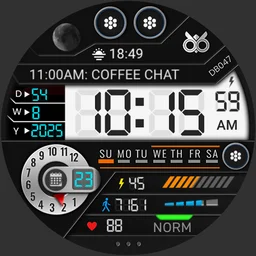 DB047 Digital Sport
Personalización
-
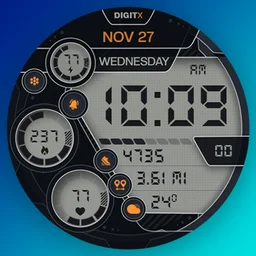 Electronic Digital Watch Face
Personalización
-
 CELEST5537 Retro Digital Watch
Personalización
-
 Chronix Watch Face
Personalización
-
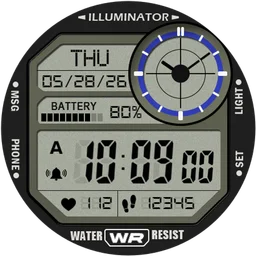 GYD029 Illuminator Digital
Personalización
-
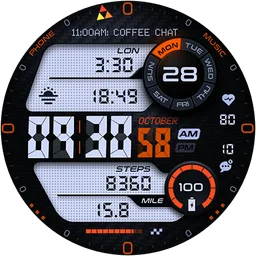 Oogly Spacco Digital
Personalización