Oogly Light Animation
Oogly Watch Face- USK ab 0 JahrenAltersfreigabe
- PersonalisierungKategorie
- 08.10.2026Aktualisiert
- 1,29 €Preis
Verlinkt auf den offiziellen Google Play-Eintrag von com.watchfacestudio.ooglylightanimation. Zuletzt geprüft am 15.11.2026.

Screenshots


Über diese App
Automatische Übersetzung von Google. Originalsprache: Englisch (Vereinigte Staaten).
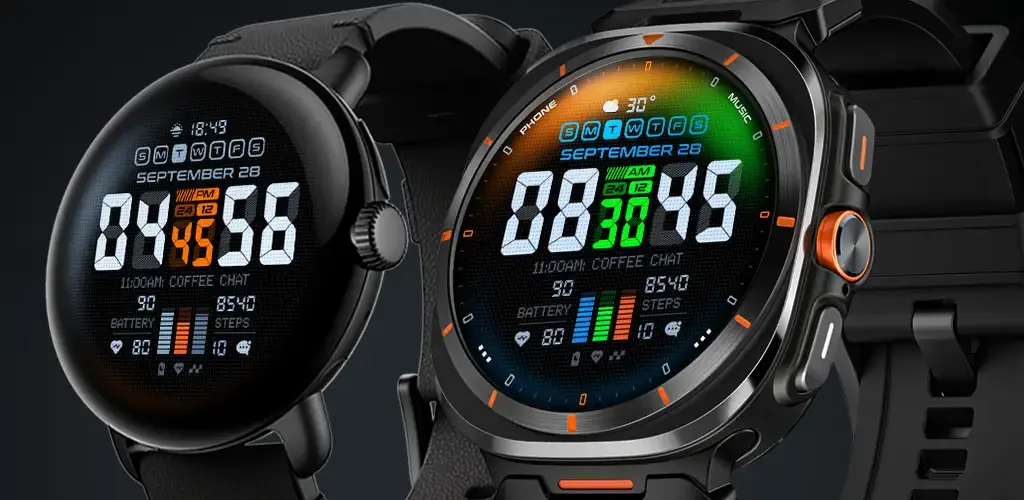
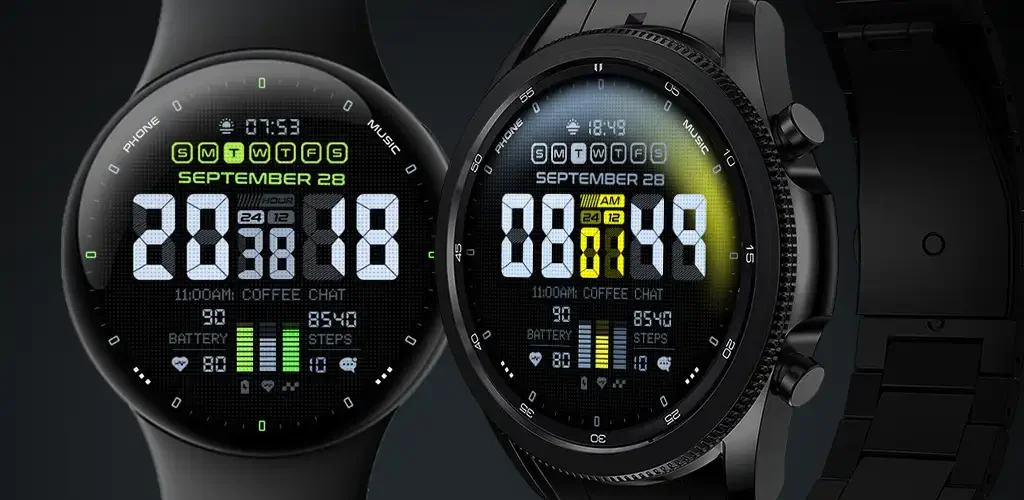
Wunderschönes Zifferblatt mit farbenfroher Lichtanimation
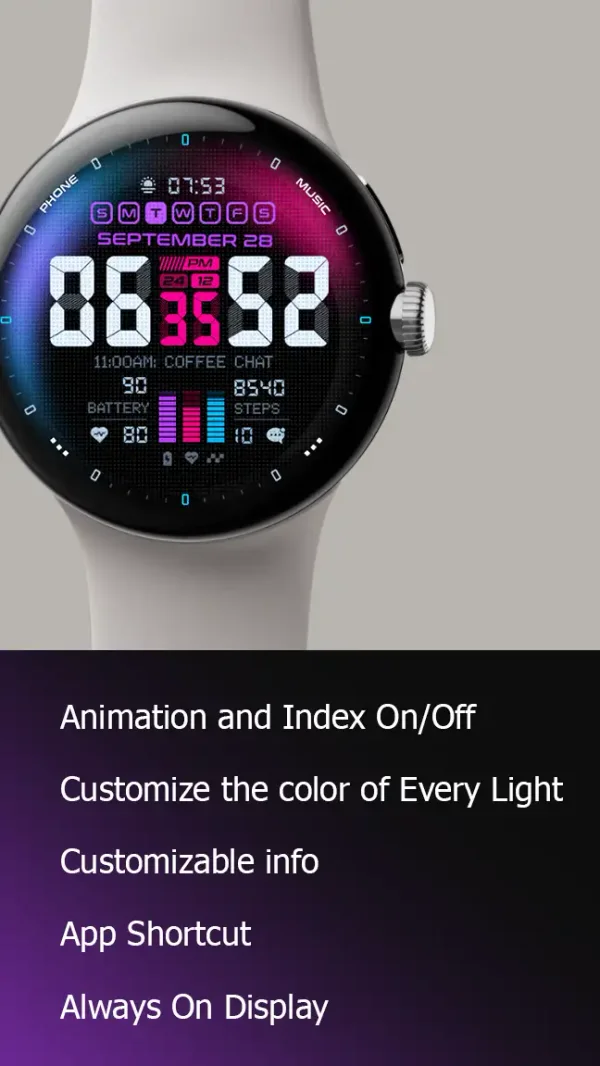
Verwandeln Sie Ihre Smartwatch in ein faszinierendes Herzstück mit unserer einzigartigen und atemberaubenden Lichtanimation, die sich mit unterschiedlichen Geschwindigkeiten dreht. Sie können die Farbkombination dieser Lichtanimation nach Ihren Wünschen auswählen. Darüber hinaus gibt es eine Einstellung für die Dunkelheitsstufe, mit der Sie die Animation sowie den Index ein- oder ausschalten können, um dem Zifferblatt ein klareres Aussehen zu verleihen.
Entwickelt für WEAR OS API 30+, kompatibel mit Galaxy Watch 4/5 oder neuer, Pixel Watch, Fossil und anderen Wear OS mit mindestens API 30.
Merkmale:
- Leichte Animation mit Umschaltoption
- 12/24-Stunden-Format
- Index-Umschaltoption
- Anpassbare Lichtanimationsfarben
- Anpassbare Informationen
- App-Verknüpfung
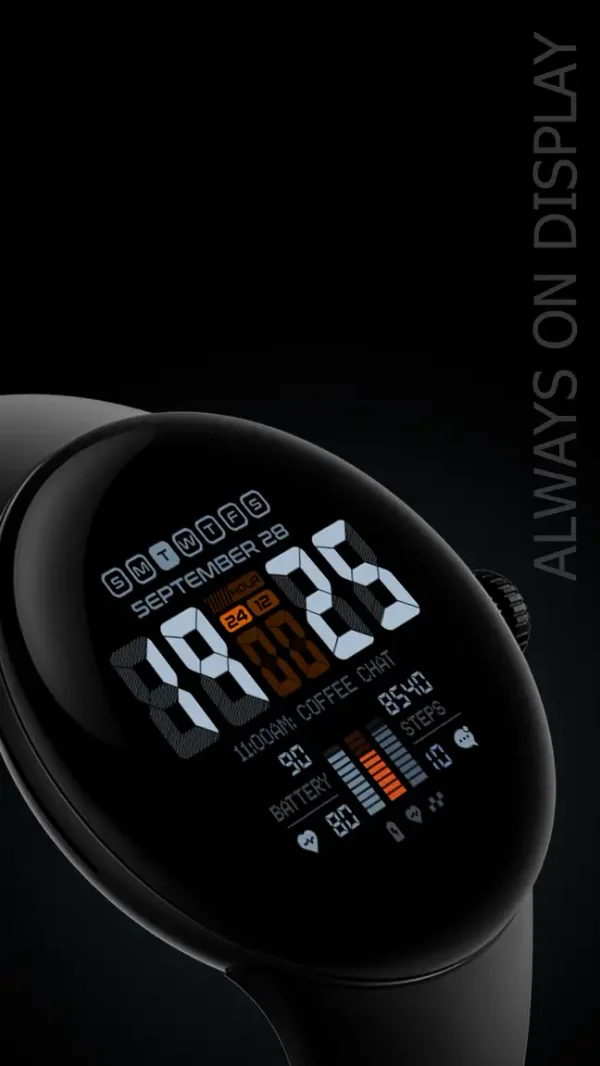
- Ständiges Display
Suchen Sie nach einigen Minuten das Zifferblatt auf der Uhr. Es wird nicht automatisch in der Hauptliste angezeigt. Öffnen Sie die Zifferblattliste (tippen Sie auf das aktuell aktive Zifferblatt und halten Sie es gedrückt) und scrollen Sie dann ganz nach rechts. Tippen Sie auf „Zifferblatt hinzufügen“ und suchen Sie es dort.
Wenn das Problem weiterhin besteht, kontaktieren Sie uns unter ooglywatchface@gmail.com
oder auf unserem offiziellen Telegramm https://t.me/ooglywatchface
Originaltext anzeigen
Transform your smartwatch into a captivating centerpiece with our unique and stunning light animation that rotates at varying speeds. You can select the color combination of this light animation to suit your preferences. Additionally, there is a darkness level setting that allows you to toggle the animation on or off, as well as the index, giving the watch face a cleaner appearance.
Designed for WEAR OS API 30+, compatible with Galaxy Watch 4/5 or newer, Pixel Watch, Fossil, and other Wear OS with minimum API 30.
Features:
- Light animation with toggle option
- 12/24 Hour format
- Index toggle option
- Customizable light animation colors
- Customizable information
- App shortcut
- Always-on display
After few minutes, find the watch face on the watch. It is not automatically shown on the main list. Open the watch face list (tap and hold current active watch face) then scroll to the far right. Tap add watch face and find it there.
If you still have problem, contact us at ooglywatchface@gmail.com
or on our official telegram https://t.me/ooglywatchface
Datensicherheit
Was Oogly Watch Face bei Google Play zu den Daten angibt, die diese App erfasst und weitergibt.
- Keine Daten werden mit Drittunternehmen oder -organisationen geteiltWeitere Informationen dazu, wie Entwickler Angaben zur Weitergabe von Daten machen
- Keine Daten erhobenWeitere Informationen dazu, wie Entwickler Angaben zur Datenerhebung machen
Neue Funktionen
08.10.2026
- Companion app to help you install the watch face on your Wear OS device
- Simple and easy installation process
- Once installation on your smartwatch is complete, the companion app can be safely removed
Kontakt zum Entwickler
- E-Mailooglywatchface@gmail.com
- Datenschutzerklärungooglywatch.blogspot.com
- AdresseKAMPUNG MALANG UTARA 4/2B 002/004 TEGALSARI TEGALSARI SURABAYA Jawa Timur Indonesia
Informationen
- Angeboten von
- Oogly Watch Face
- Kategorie
- Personalisierung
- Aktualisiert
- 08.10.2026
- Veröffentlicht
- 17.12.2024
- Altersfreigabe
- USK ab 0 Jahren
- Preis
- 1,29 €
- Paketname
- com.watchfacestudio.ooglylightanimation