Oogly Light Animation
Oogly Watch Face- PEGI 3Clasificación por edad
- PersonalizaciónCategoría
- 8/10/2026Actualizado
- 1,29 €Precio
Enlaza a la ficha oficial de com.watchfacestudio.ooglylightanimation en Google Play. Última comprobación el 15/11/2026.

Capturas de pantalla


Acerca de esta aplicación
Traducción automática de Google. Idioma original: Inglés (Estados Unidos).
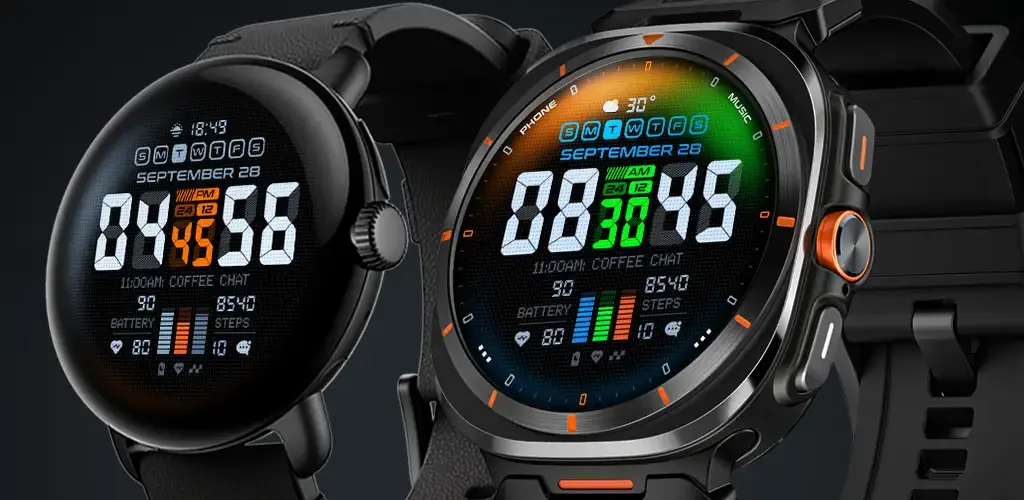
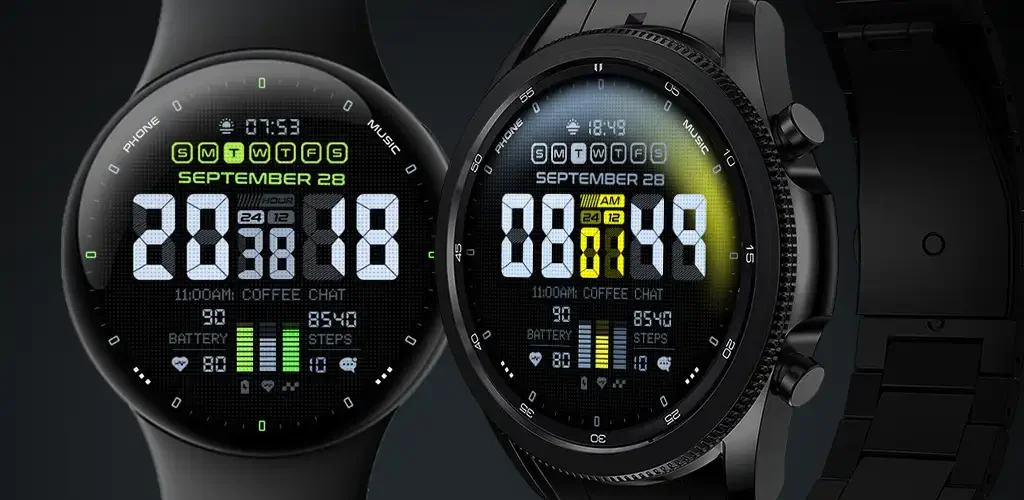
Hermosa esfera con animación de luces coloridas.
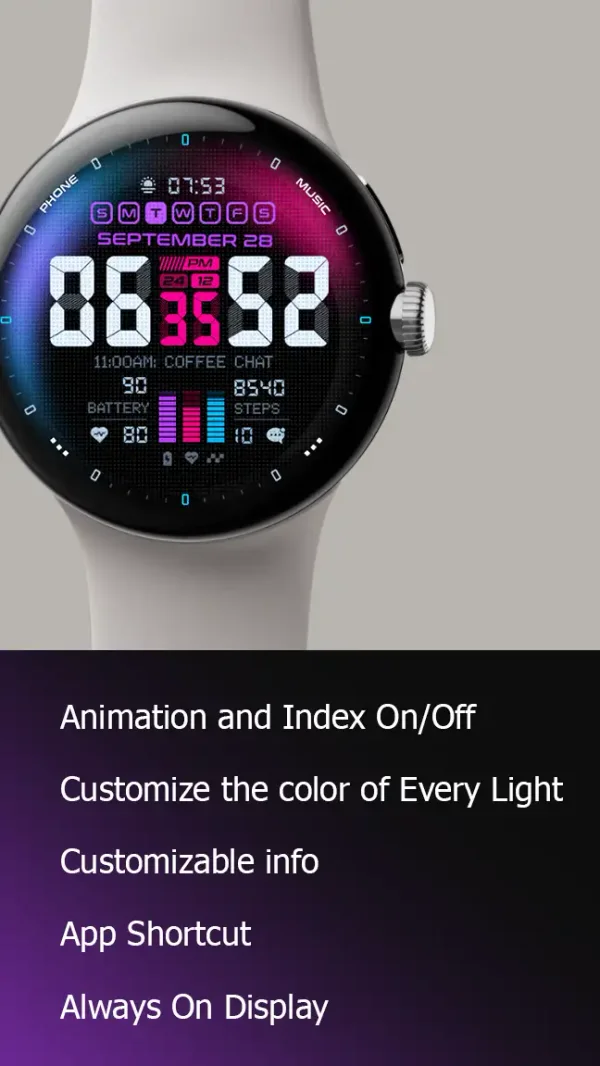
Transforme su reloj inteligente en una pieza central cautivadora con nuestra animación de luz única e impresionante que gira a diferentes velocidades. Puede seleccionar la combinación de colores de esta animación de luz según sus preferencias. Además, hay una configuración de nivel de oscuridad que le permite activar o desactivar la animación, así como el índice, dando a la esfera del reloj una apariencia más limpia.
Diseñado para WEAR OS API 30+, compatible con Galaxy Watch 4/5 o posterior, Pixel Watch, Fossil y otros Wear OS con API 30 mínimo.
Características:
- Animación ligera con opción de alternar.
- Formato de 12/24 horas
- Opción de alternancia de índice
- Colores de animación de luz personalizables.
- Información personalizable
- Acceso directo a la aplicación
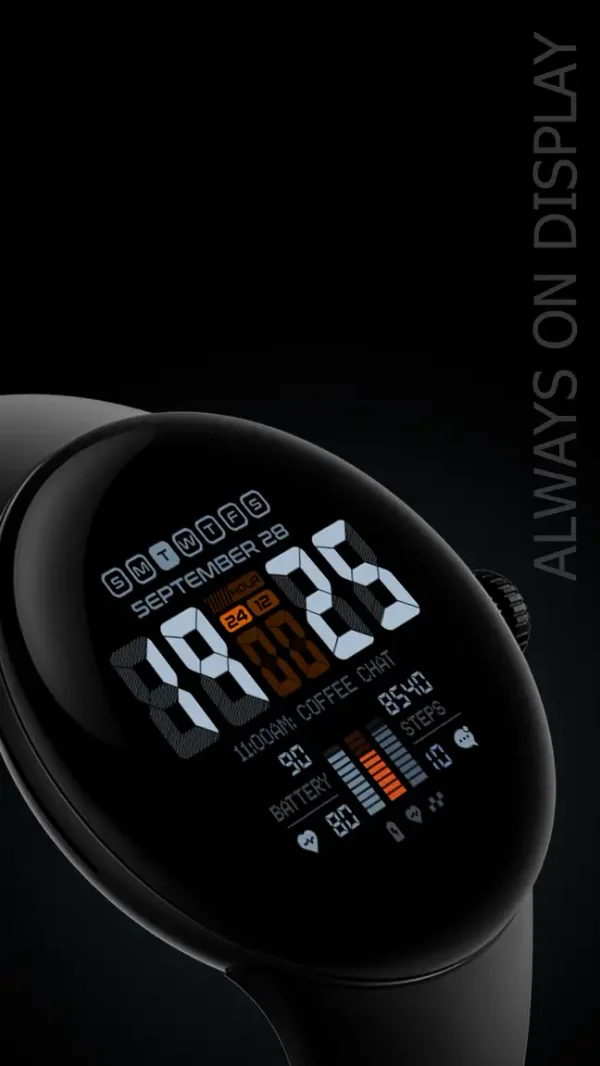
- Pantalla siempre encendida
Después de unos minutos, busque la esfera del reloj. No se muestra automáticamente en la lista principal. Abra la lista de esferas del reloj (mantenga presionada la esfera del reloj activa actual) y luego desplácese hasta el extremo derecho. Toca agregar esfera del reloj y encuéntrala allí.
Si aún tiene problemas, contáctenos en ooglywatchface@gmail.com
o en nuestro telegrama oficial https://t.me/ooglywatchface
Mostrar el texto original
Transform your smartwatch into a captivating centerpiece with our unique and stunning light animation that rotates at varying speeds. You can select the color combination of this light animation to suit your preferences. Additionally, there is a darkness level setting that allows you to toggle the animation on or off, as well as the index, giving the watch face a cleaner appearance.
Designed for WEAR OS API 30+, compatible with Galaxy Watch 4/5 or newer, Pixel Watch, Fossil, and other Wear OS with minimum API 30.
Features:
- Light animation with toggle option
- 12/24 Hour format
- Index toggle option
- Customizable light animation colors
- Customizable information
- App shortcut
- Always-on display
After few minutes, find the watch face on the watch. It is not automatically shown on the main list. Open the watch face list (tap and hold current active watch face) then scroll to the far right. Tap add watch face and find it there.
If you still have problem, contact us at ooglywatchface@gmail.com
or on our official telegram https://t.me/ooglywatchface
Seguridad de los datos
Lo que Oogly Watch Face declara en Google Play sobre los datos que esta aplicación recopila y comparte.
- No se comparten datos con tercerosMás información sobre cómo los desarrolladores declaran lo que comparten
- No se recogen datosMás información sobre cómo los desarrolladores declaran lo que recogen
Novedades
8/10/2026
- Companion app to help you install the watch face on your Wear OS device
- Simple and easy installation process
- Once installation on your smartwatch is complete, the companion app can be safely removed
Contacto del desarrollador
- Correo electrónicoooglywatchface@gmail.com
- Política de privacidadooglywatch.blogspot.com
- DirecciónKAMPUNG MALANG UTARA 4/2B 002/004 TEGALSARI TEGALSARI SURABAYA Jawa Timur Indonesia
Información
- Ofrecida por
- Oogly Watch Face
- Categoría
- Personalización
- Actualizado
- 8/10/2026
- Publicado
- 17/12/2024
- Clasificación por edad
- PEGI 3
- Precio
- 1,29 €
- Nombre del paquete
- com.watchfacestudio.ooglylightanimation