Oogly Light Animation
Oogly Watch Face- PEGI 3Classification d’âge
- PersonnalisationCatégorie
- 08/10/2026Mis à jour
- 1,29 €Prix
Renvoie vers la fiche Google Play officielle de com.watchfacestudio.ooglylightanimation. Dernière vérification le 15/11/2026.

Captures d’écran


À propos de cette application
Traduction automatique par Google. Langue d’origine : Anglais (États-Unis).
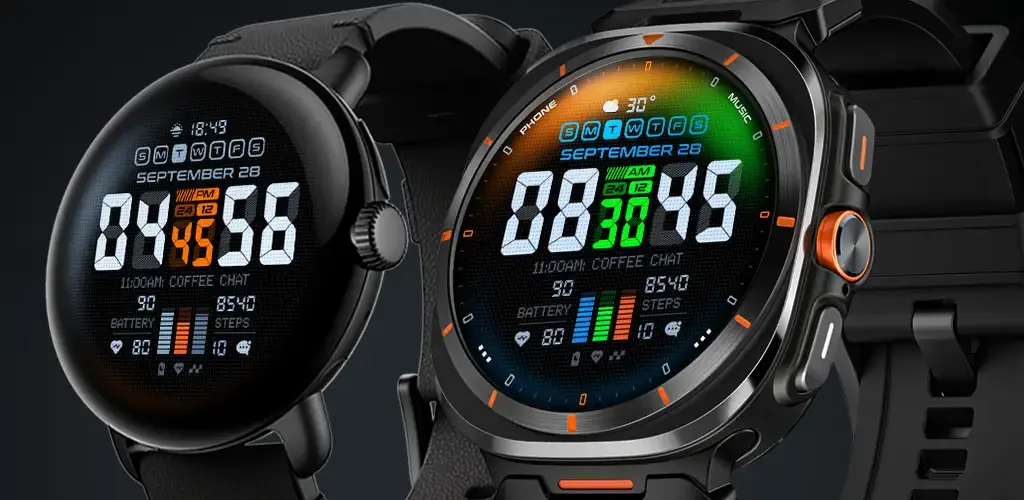
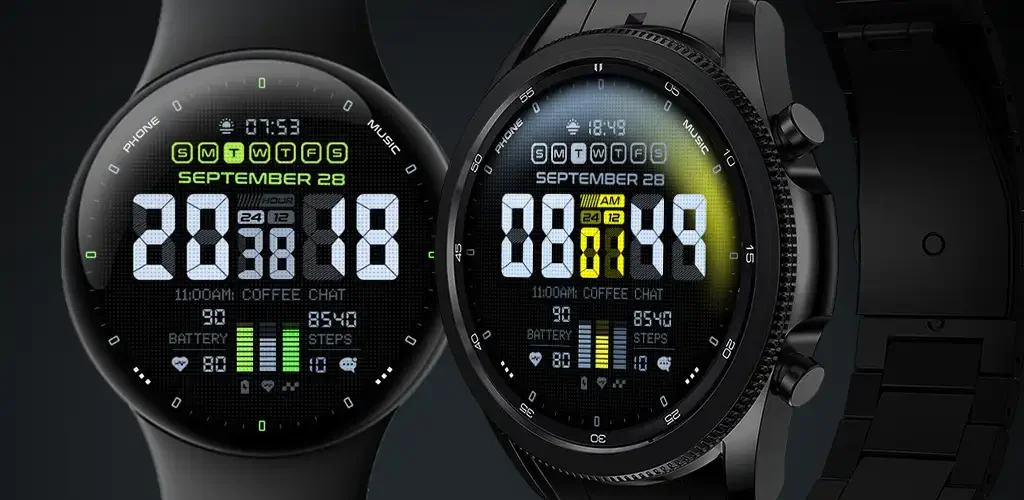
Beau cadran avec animation de lumière colorée
Transformez votre montre intelligente en une pièce maîtresse captivante grâce à notre animation lumineuse unique et époustouflante qui tourne à différentes vitesses. Vous pouvez sélectionner la combinaison de couleurs de cette animation lumineuse en fonction de vos préférences. De plus, il existe un paramètre de niveau d'obscurité qui vous permet d'activer ou de désactiver l'animation, ainsi que l'index, donnant au cadran de la montre une apparence plus nette.
Conçu pour WEAR OS API 30+, compatible avec Galaxy Watch 4/5 ou version ultérieure, Pixel Watch, Fossil et autres Wear OS avec API 30 minimum.
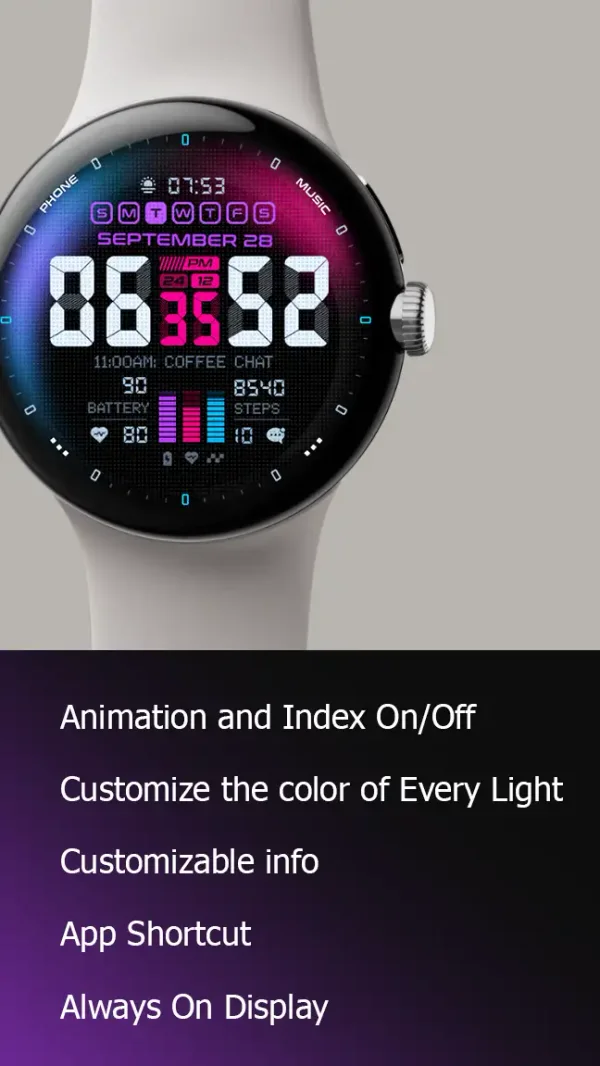
Caractéristiques:
- Animation lumineuse avec option bascule
- Format 12/24 heures
- Option de basculement d'index
- Couleurs d'animation lumineuses personnalisables
- Informations personnalisables
- Raccourci d'application
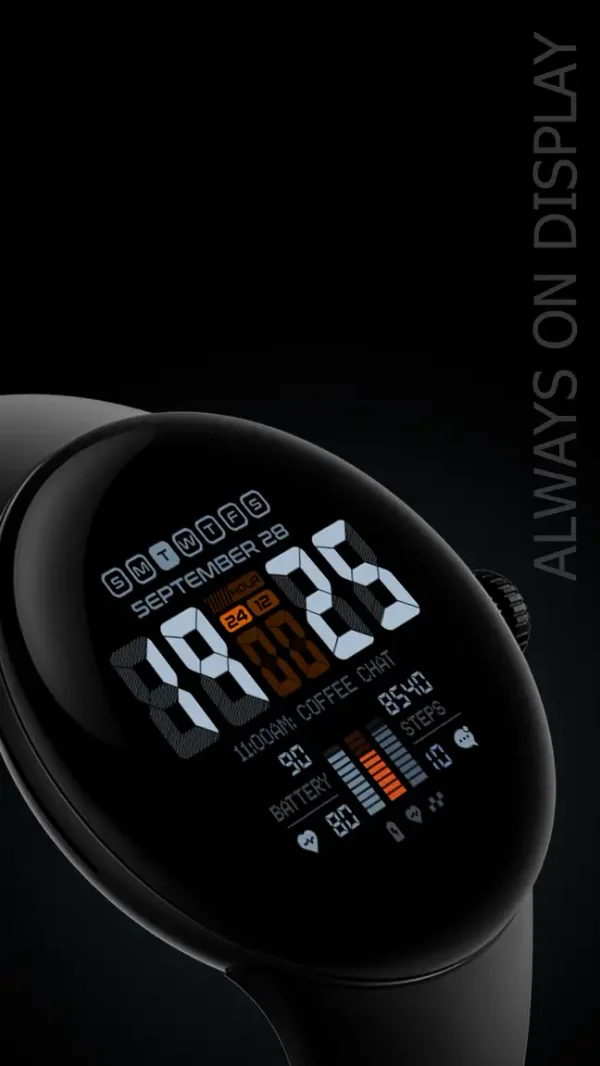
- Affichage permanent
Après quelques minutes, trouvez le cadran de la montre. Il n'est pas automatiquement affiché sur la liste principale. Ouvrez la liste des cadrans de montre (appuyez longuement sur le cadran de montre actif actuel), puis faites défiler vers l'extrême droite. Appuyez sur Ajouter un cadran de montre et trouvez-le ici.
Si vous rencontrez toujours un problème, contactez-nous à ooglywatchface@gmail.com
ou sur notre télégramme officiel https://t.me/ooglywatchface
Afficher le texte d’origine
Transform your smartwatch into a captivating centerpiece with our unique and stunning light animation that rotates at varying speeds. You can select the color combination of this light animation to suit your preferences. Additionally, there is a darkness level setting that allows you to toggle the animation on or off, as well as the index, giving the watch face a cleaner appearance.
Designed for WEAR OS API 30+, compatible with Galaxy Watch 4/5 or newer, Pixel Watch, Fossil, and other Wear OS with minimum API 30.
Features:
- Light animation with toggle option
- 12/24 Hour format
- Index toggle option
- Customizable light animation colors
- Customizable information
- App shortcut
- Always-on display
After few minutes, find the watch face on the watch. It is not automatically shown on the main list. Open the watch face list (tap and hold current active watch face) then scroll to the far right. Tap add watch face and find it there.
If you still have problem, contact us at ooglywatchface@gmail.com
or on our official telegram https://t.me/ooglywatchface
Sécurité des données
Ce que Oogly Watch Face déclare sur Google Play au sujet des données que cette application collecte et partage.
- Aucune donnée partagée avec des tiersEn savoir plus sur la manière dont les développeurs déclarent le partage
- Aucune donnée collectéeEn savoir plus sur la manière dont les développeurs déclarent la collecte
Nouveautés
08/10/2026
- Companion app to help you install the watch face on your Wear OS device
- Simple and easy installation process
- Once installation on your smartwatch is complete, the companion app can be safely removed
Coordonnées du développeur
- E-mailooglywatchface@gmail.com
- Politique de confidentialitéooglywatch.blogspot.com
- AdresseKAMPUNG MALANG UTARA 4/2B 002/004 TEGALSARI TEGALSARI SURABAYA Jawa Timur Indonesia
Informations
- Proposée par
- Oogly Watch Face
- Catégorie
- Personnalisation
- Mis à jour
- 08/10/2026
- Publié
- 17/12/2024
- Classification d’âge
- PEGI 3
- Prix
- 1,29 €
- Nom du package
- com.watchfacestudio.ooglylightanimation