PS Remote Game Controller
FunPeakEnthält Werbung · In-App-Käufe
- USK ab 0 JahrenAltersfreigabe
- ToolsKategorie
- 04.11.2026Aktualisiert
- KostenlosPreis
Verlinkt auf den offiziellen Google Play-Eintrag von psremoteplay.gamecontroller.playstream. Zuletzt geprüft am 19.11.2026.
Screenshots
Über diese App
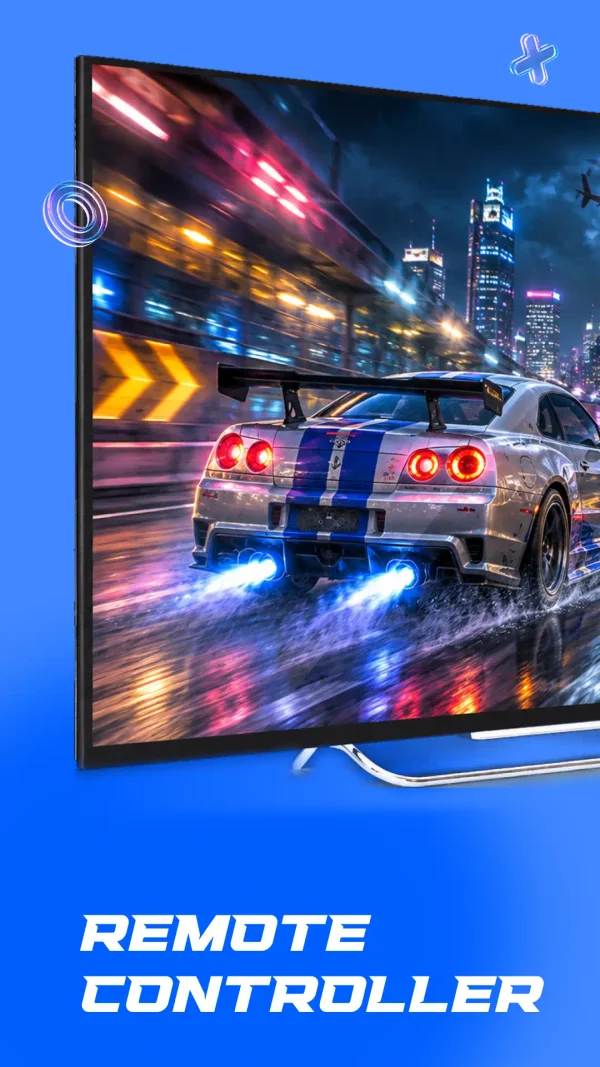
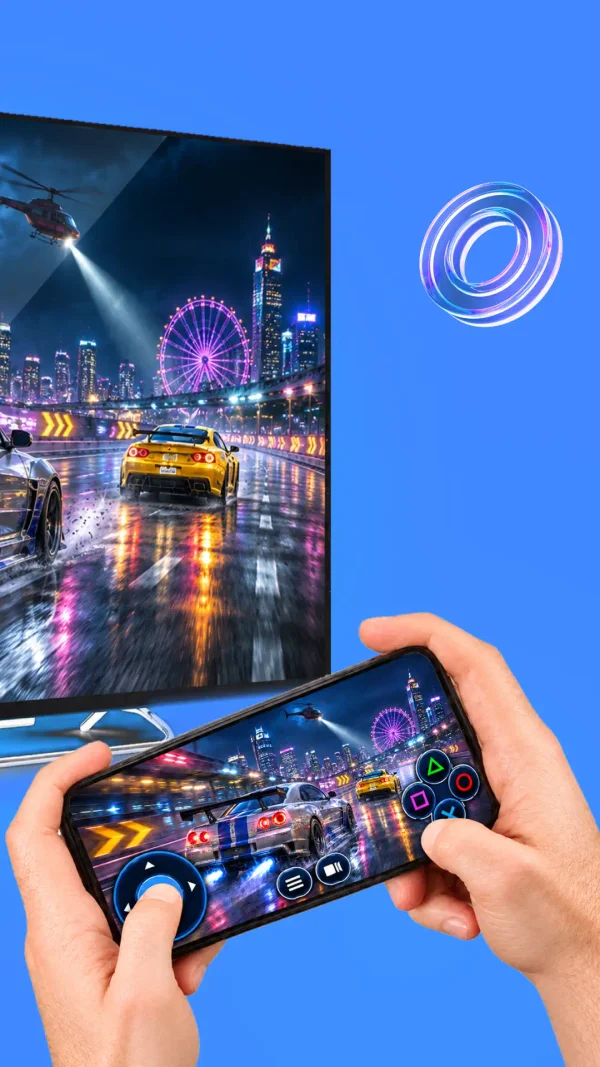
A virtual controller to play games using your phone.
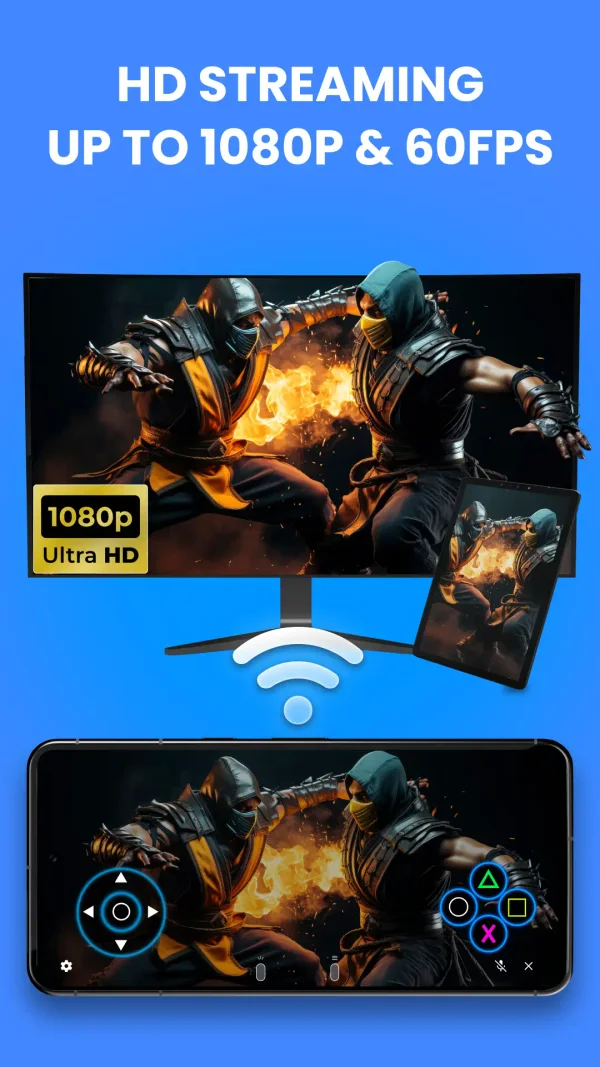
Transform your Android phone or tablet into an onscreen game controller and enjoy playing supported games. With our app, you can easily play together with friends. Our game controller makes it convenient to control supported games using your phone.
Core Features of Game Controller
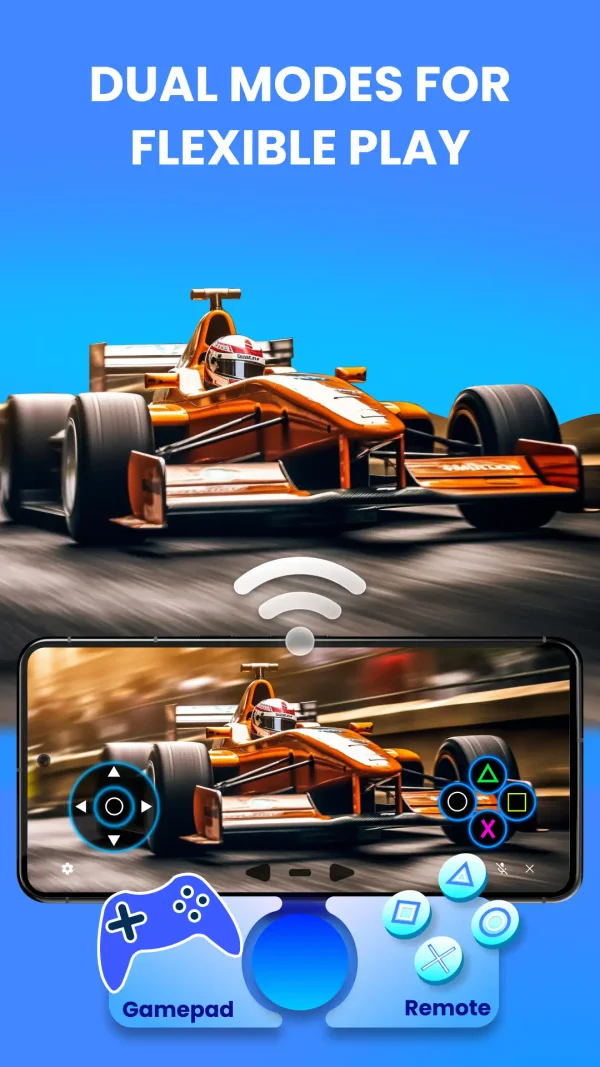
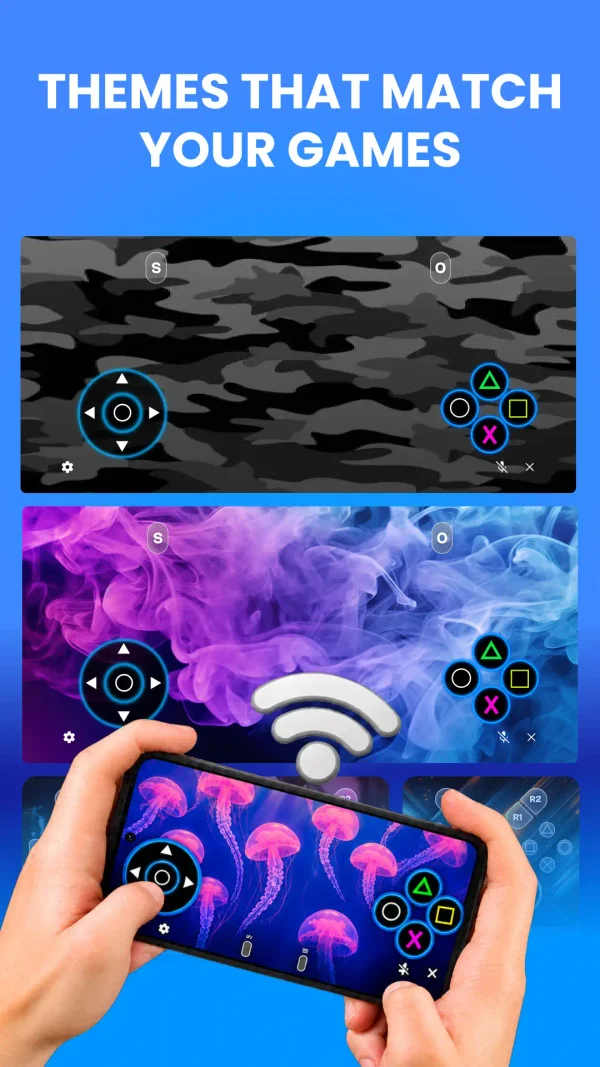
Virtual Controller: Our app provides a full onscreen game controller for controlling supported games.
Streaming Performance: Enjoy gaming through a compatible setup.
Custom Button Mapping: Remap buttons and save your preferred control profiles.
Skins & Themes: Customize your virtual gamepad with available skins.
Light & Dark Themes: Choose between light and dark interface themes.
How to Connect:
1- Open the app and tap "Connect".
2- Find your compatible gaming device in the list. Make sure it is turned on and connected to the same Wi-Fi network.
3- Select your device.
4- Sign in to the account required by your compatible gaming service.
5- Follow the connection instructions and get ready to play!
Disclaimer
This is an independent third party app developed by an independent developer. It is not affiliated with, endorsed by, or sponsored by any gaming company. This app does not stream games directly and requires a compatible gaming setup.
All third party trademarks and product names belong to their respective owners. Any compatibility references are provided only to describe supported functionality.
Support: Need help with the game controller or connection setup? Contact us at funpeakapps@gmail.com
Datensicherheit
Was FunPeak bei Google Play zu den Daten angibt, die diese App erfasst und weitergibt.
- Diese App kann die folgenden Datentypen an Dritte weitergebenApp-Aktivitäten, App-Informationen und -Leistung und Geräte- oder andere IDs
- Keine Daten erhobenWeitere Informationen dazu, wie Entwickler Angaben zur Datenerhebung machen
- Daten werden bei der Übertragung verschlüsselt
Neue Funktionen
Version 1.0.36 · 04.11.2026
Thank you for choosing our Gaming Remote Play app
Kontakt zum Entwickler
- Websitej65d68bcf.app-ads-txt.com
- E-Mailtoolhubapps@gmail.com
- Datenschutzerklärungsites.google.com
- AdresseFlat 611, Al Sultan Building Al Qusais Ind. Fourth إمارة دبيّ United Arab Emirates
Informationen
- Angeboten von
- FunPeak
- Kategorie
- Tools
- Version
- 1.0.36
- Aktualisiert
- 04.11.2026
- Veröffentlicht
- 24.02.2026
- Erfordert
- Android 8.0 oder höher
- Altersfreigabe
- USK ab 0 Jahren
- Preis
- Kostenlos
- In-App-Käufe
- 5,99 €–24,99 € bei Abrechnung über Google Play
- Paketname
- psremoteplay.gamecontroller.playstream
Ähnliche Apps
-
 Voice GPS & AI Travel Planner
Kommunikation
-
 Google Play Spiele
Unterhaltung
-
 Soccer Ronaldo wallpapers CR7
Personalisierung
-
 Google Cardboard
Software & Demos
-
 Grand Theft Auto V: The Manual
Unterhaltung
-
 Addons für Minecraft PE
Tools
-
 Auto Clicker-Schneller Klicker
Tools
-
 XBOX
Unterhaltung
-
 Phonk Music - Song Remix Radio
Musik & Audio
-
 Dubstep-Musikmacher
Musik & Audio
-
 Build Your First Game
Lernen
-
 Live Earth Map - Weltkarte 3D
Karten & Navigation