PS Remote Game Controller
FunPeakContient des annonces · Achats intégrés
- PEGI 3Classification d’âge
- OutilsCatégorie
- 04/11/2026Mis à jour
- GratuitPrix
Renvoie vers la fiche Google Play officielle de psremoteplay.gamecontroller.playstream. Dernière vérification le 19/11/2026.

Captures d’écran
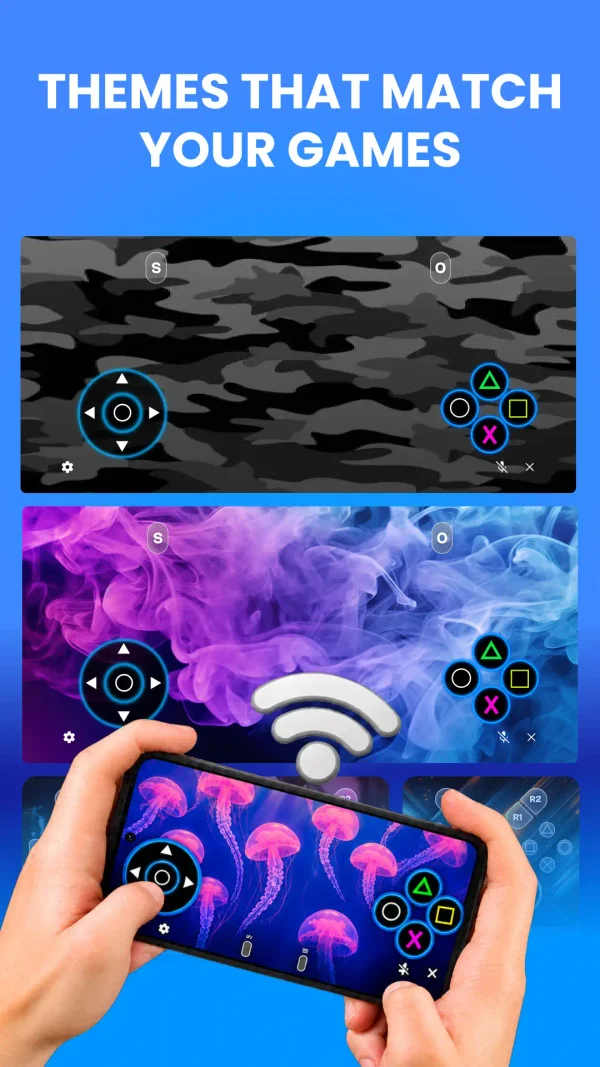
À propos de cette application
A virtual controller to play games using your phone.
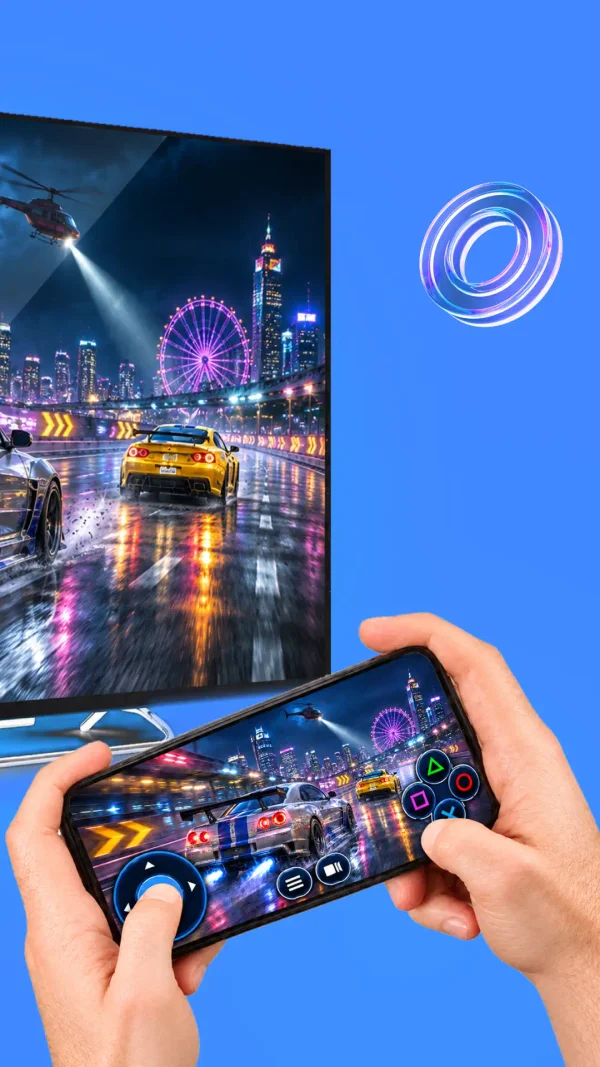
Transform your Android phone or tablet into an onscreen game controller and enjoy playing supported games. With our app, you can easily play together with friends. Our game controller makes it convenient to control supported games using your phone.
Core Features of Game Controller
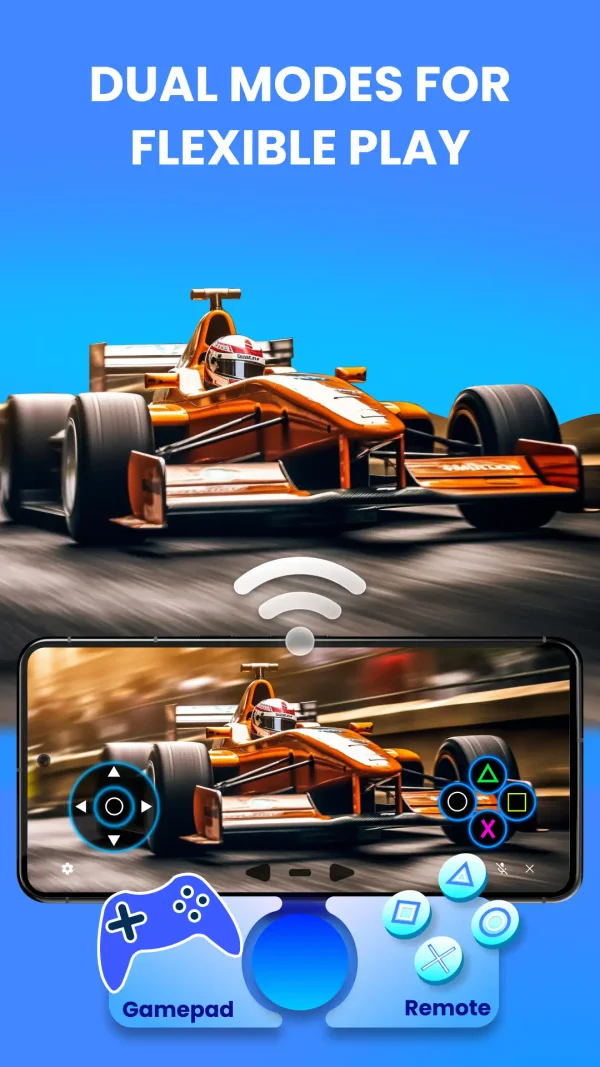
Virtual Controller: Our app provides a full onscreen game controller for controlling supported games.
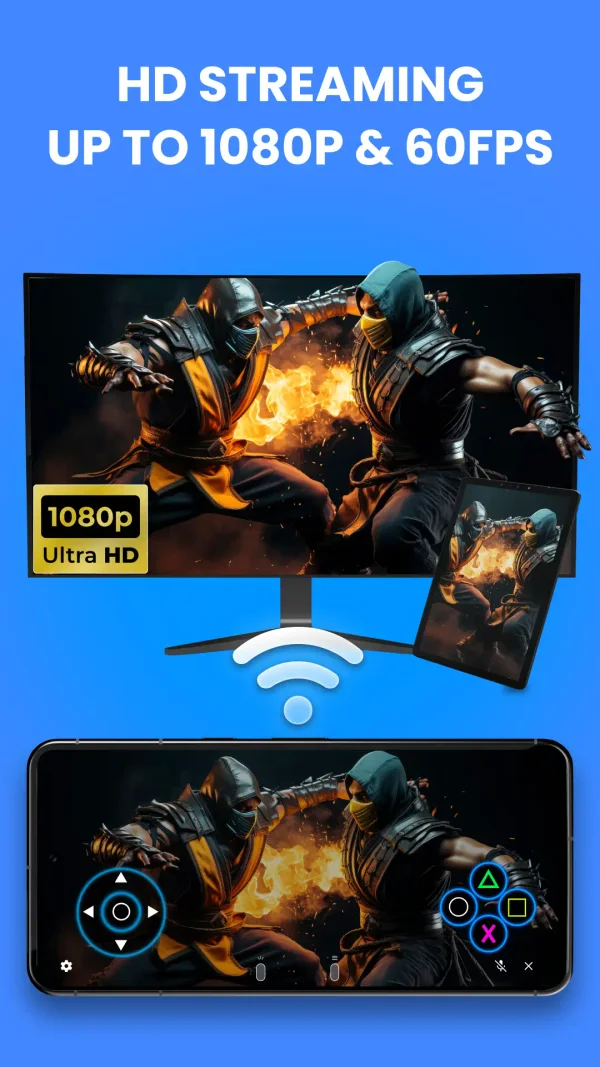
Streaming Performance: Enjoy gaming through a compatible setup.
Custom Button Mapping: Remap buttons and save your preferred control profiles.
Skins & Themes: Customize your virtual gamepad with available skins.
Light & Dark Themes: Choose between light and dark interface themes.
How to Connect:
1- Open the app and tap "Connect".
2- Find your compatible gaming device in the list. Make sure it is turned on and connected to the same Wi-Fi network.
3- Select your device.
4- Sign in to the account required by your compatible gaming service.
5- Follow the connection instructions and get ready to play!
Disclaimer
This is an independent third party app developed by an independent developer. It is not affiliated with, endorsed by, or sponsored by any gaming company. This app does not stream games directly and requires a compatible gaming setup.
All third party trademarks and product names belong to their respective owners. Any compatibility references are provided only to describe supported functionality.
Support: Need help with the game controller or connection setup? Contact us at funpeakapps@gmail.com
Sécurité des données
Ce que FunPeak déclare sur Google Play au sujet des données que cette application collecte et partage.
- Cette appli peut partager ces types de données avec des tiersActivité dans l'application, Infos et performance des applis et ID de l'appareil ou autres ID
- Aucune donnée collectéeEn savoir plus sur la manière dont les développeurs déclarent la collecte
- Les données sont chiffrées lors de leur transfert
Nouveautés
Version 1.0.36 · 04/11/2026
Thank you for choosing our Gaming Remote Play app
Coordonnées du développeur
- Site webj65d68bcf.app-ads-txt.com
- E-mailtoolhubapps@gmail.com
- Politique de confidentialitésites.google.com
- AdresseFlat 611, Al Sultan Building Al Qusais Ind. Fourth إمارة دبيّ United Arab Emirates
Informations
- Proposée par
- FunPeak
- Catégorie
- Outils
- Version
- 1.0.36
- Mis à jour
- 04/11/2026
- Publié
- 24/02/2026
- Nécessite
- Android 8.0 ou version ultérieure
- Classification d’âge
- PEGI 3
- Prix
- Gratuit
- Achats intégrés
- 5,99 € - 25,99 € si facturé via Play
- Nom du package
- psremoteplay.gamecontroller.playstream
Applications similaires
-
 Voice GPS & AI Travel Planner
Communication
-
 Google Play Jeux
Divertissement
-
 Soccer Ronaldo Wallpapers CR7
Personnalisation
-
 Cardboard
Divers
-
 Grand Theft Auto V: The Manual
Divertissement
-
 Addons pour Minecraft PE
Outils
-
 Auto Clicker AG -Auto Clic Tap
Outils
-
 XBOX
Divertissement
-
 Phonk Music - Song Remix Radio
Musique et audio
-
 Créateur musique dubstep
Musique et audio
-
 Build Your First Game
Enseignement
-
 Carte de la Terre en direct
Cartes et navigation