PS Remote Game Controller
FunPeak広告を含む · アプリ内課金
- 3 歳以上対象年齢
- ツールカテゴリ
- 2026/11/4更新日
- 無料価格
psremoteplay.gamecontroller.playstreamのGoogle Play公式ページにリンクしています。最終確認:2026/11/19。

スクリーンショット
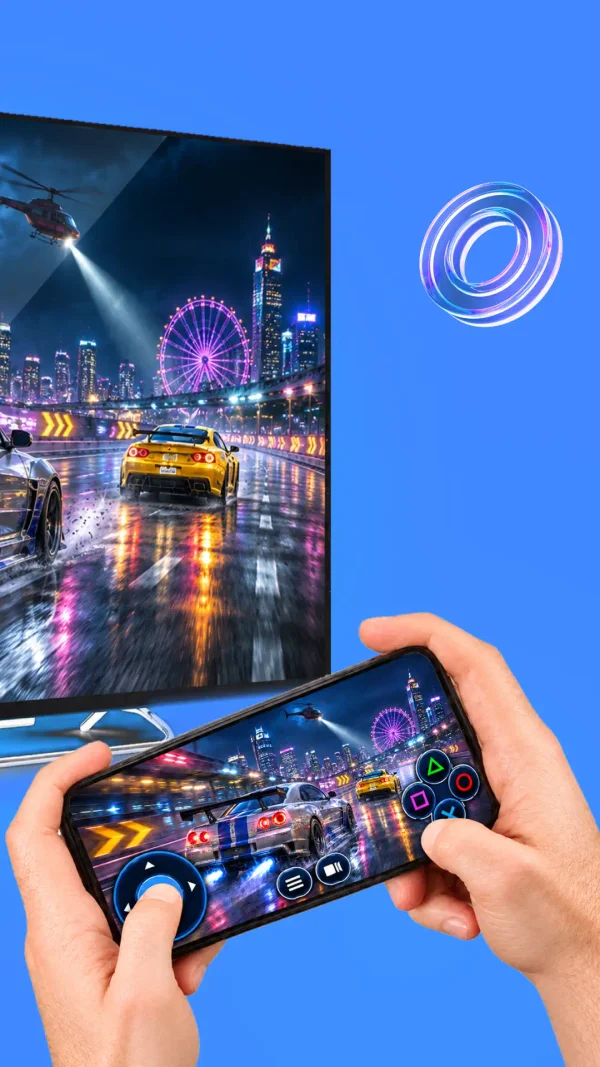
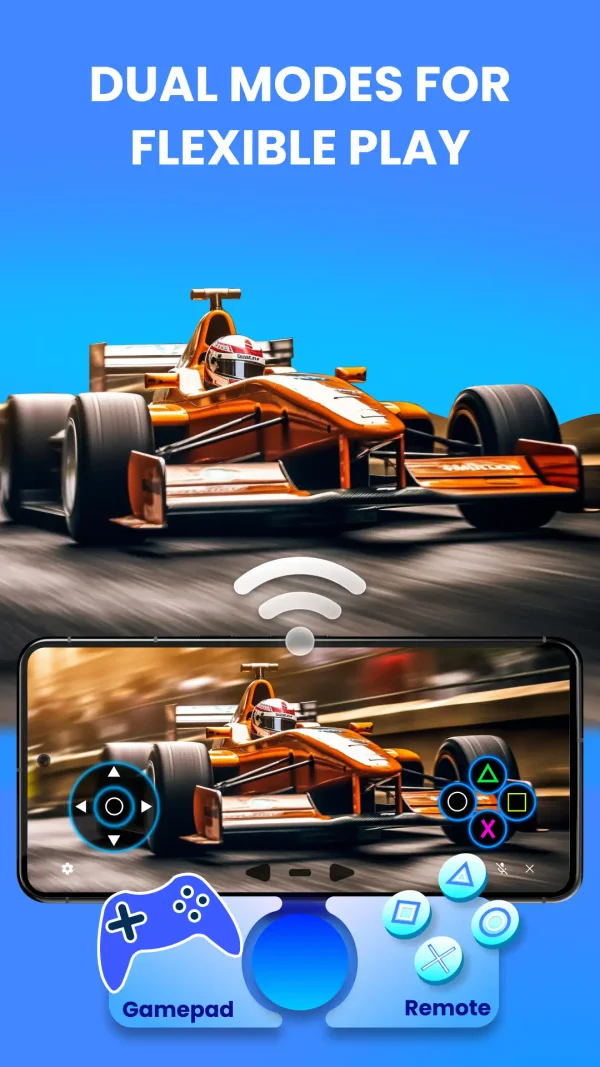
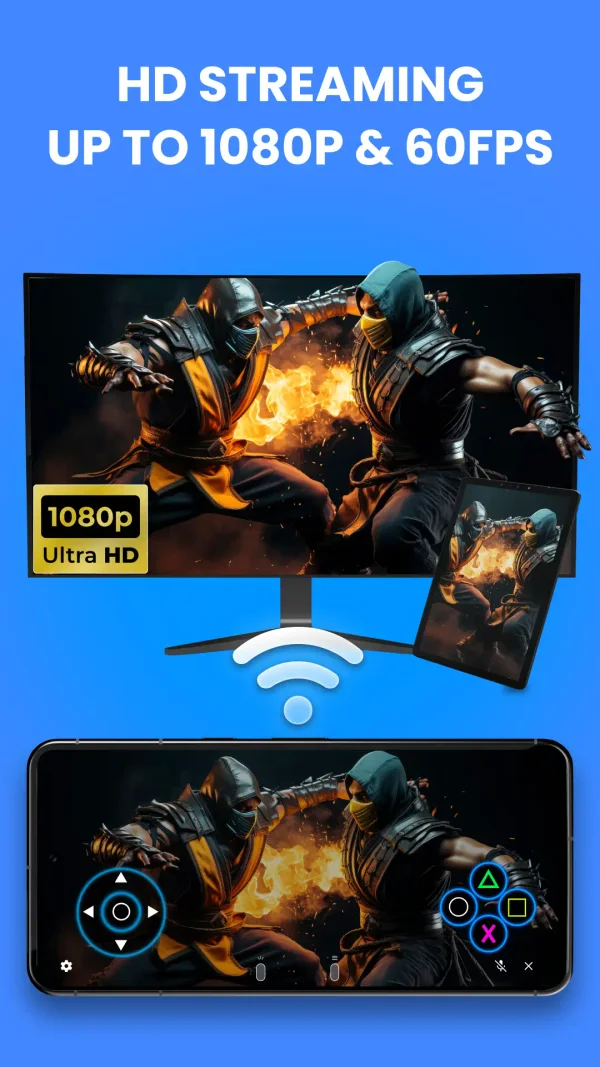
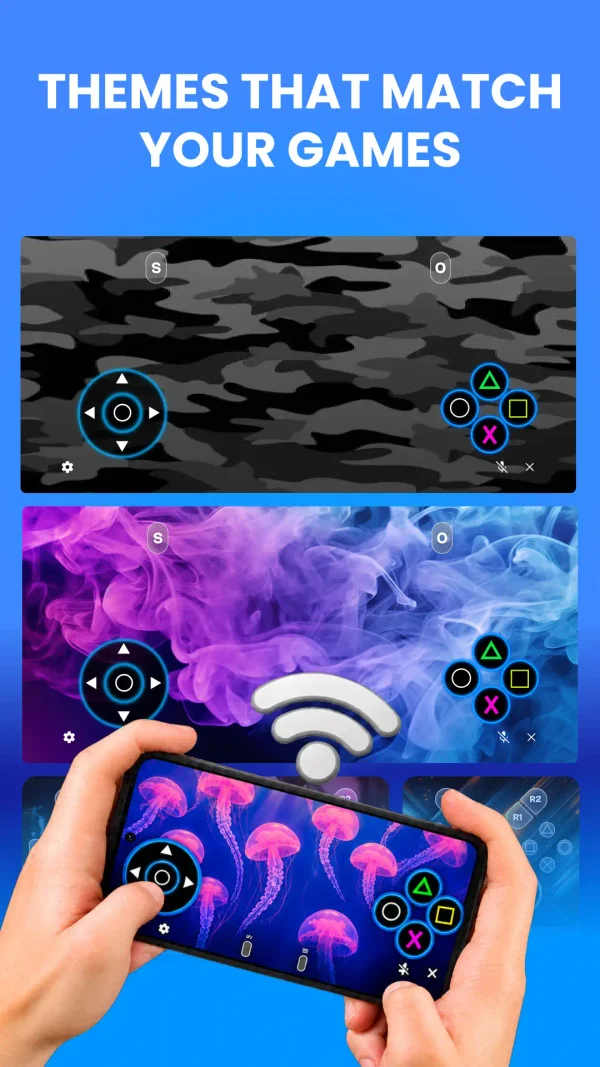
このアプリについて
A virtual controller to play games using your phone.
Transform your Android phone or tablet into an onscreen game controller and enjoy playing supported games. With our app, you can easily play together with friends. Our game controller makes it convenient to control supported games using your phone.
Core Features of Game Controller
Virtual Controller: Our app provides a full onscreen game controller for controlling supported games.
Streaming Performance: Enjoy gaming through a compatible setup.
Custom Button Mapping: Remap buttons and save your preferred control profiles.
Skins & Themes: Customize your virtual gamepad with available skins.
Light & Dark Themes: Choose between light and dark interface themes.
How to Connect:
1- Open the app and tap "Connect".
2- Find your compatible gaming device in the list. Make sure it is turned on and connected to the same Wi-Fi network.
3- Select your device.
4- Sign in to the account required by your compatible gaming service.
5- Follow the connection instructions and get ready to play!
Disclaimer
This is an independent third party app developed by an independent developer. It is not affiliated with, endorsed by, or sponsored by any gaming company. This app does not stream games directly and requires a compatible gaming setup.
All third party trademarks and product names belong to their respective owners. Any compatibility references are provided only to describe supported functionality.
Support: Need help with the game controller or connection setup? Contact us at funpeakapps@gmail.com
データ セーフティ
このアプリが収集・共有するデータについて、FunPeakがGoogle Playで申告している内容です。
- このアプリはサードパーティと以下の種類のデータを共有することがありますアプリのアクティビティ、アプリの情報、パフォーマンス、デバイスまたはその他の ID
- データは収集されません詳しくは、デベロッパーが収集を申告する方法についての説明をご覧ください
- データは送信中に暗号化されます
新機能
バージョン 1.0.36 · 2026/11/4
Thank you for choosing our Gaming Remote Play app
開発元の連絡先
- ウェブサイトj65d68bcf.app-ads-txt.com
- メールtoolhubapps@gmail.com
- プライバシーポリシーsites.google.com
- 住所Flat 611, Al Sultan Building Al Qusais Ind. Fourth إمارة دبيّ United Arab Emirates
情報
- 提供元
- FunPeak
- カテゴリ
- ツール
- バージョン
- 1.0.36
- 更新日
- 2026/11/4
- リリース
- 2026/2/24
- 必要条件
- Android 8.0以降
- 対象年齢
- 3 歳以上
- 価格
- 無料
- アプリ内課金
- ¥1,000~¥4,360/アイテム
- パッケージ名
- psremoteplay.gamecontroller.playstream
類似のアプリ
-
 Voice GPS & AI Travel Planner
通信
-
 Google Play Games
エンタメ
-
 Soccer Ronaldo wallpapers CR7
カスタマイズ
-
 Cardboard
ライブラリ&デモ
-
 Grand Theft Auto V: The Manual
エンタメ
-
 アドオンにとってマインクラフト(ポケット版)
ツール
-
 AG Auto Clicker-オートクリッカー、自動タップ
ツール
-
 XBOX
エンタメ
-
 Phonk Music - Song Remix Radio
音楽&オーディオ
-
 ダブステップ音楽作成
音楽&オーディオ
-
 Build Your First Game
教育
-
 ライブアースマップ- WebCam、GPS、衛星ビュー
地図&ナビ