PS Remote Game Controller
FunPeakChứa quảng cáo · Mua hàng trong ứng dụng
- 3 tuổi trở lênĐộ tuổi
- Công cụDanh mục
- 04/11/2026Cập nhật
- Miễn phíGiá
Dẫn đến trang Google Play chính thức của psremoteplay.gamecontroller.playstream. Kiểm tra lần cuối: 19/11/2026.
Ảnh chụp màn hình
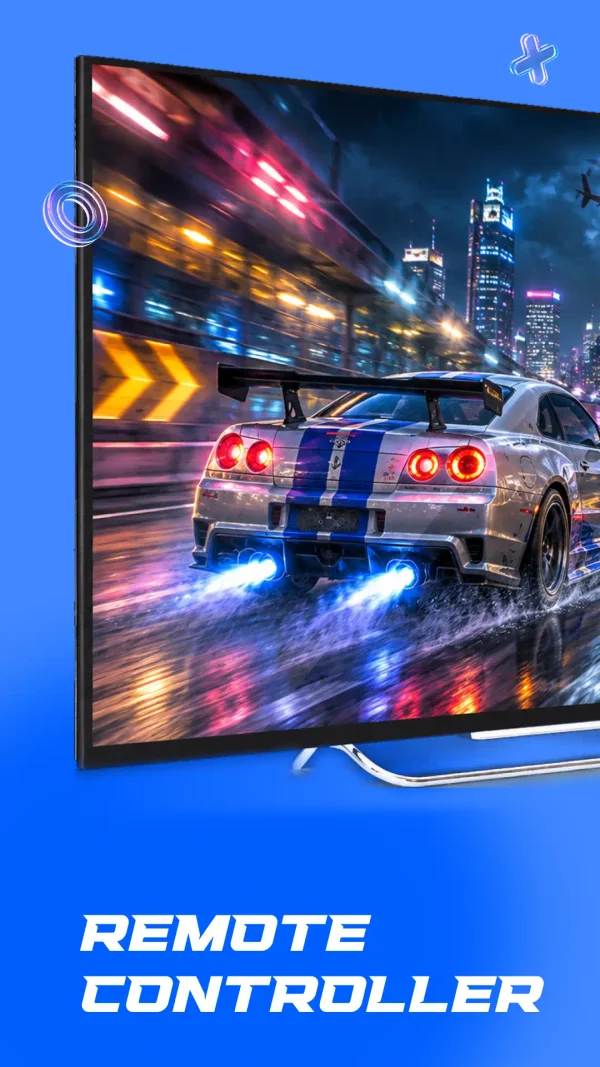
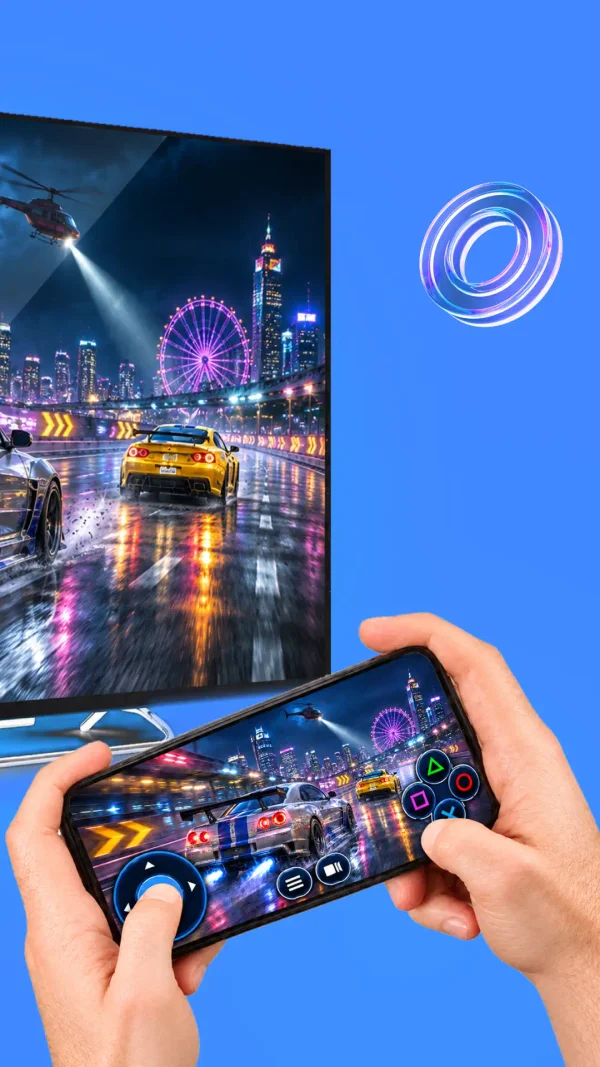
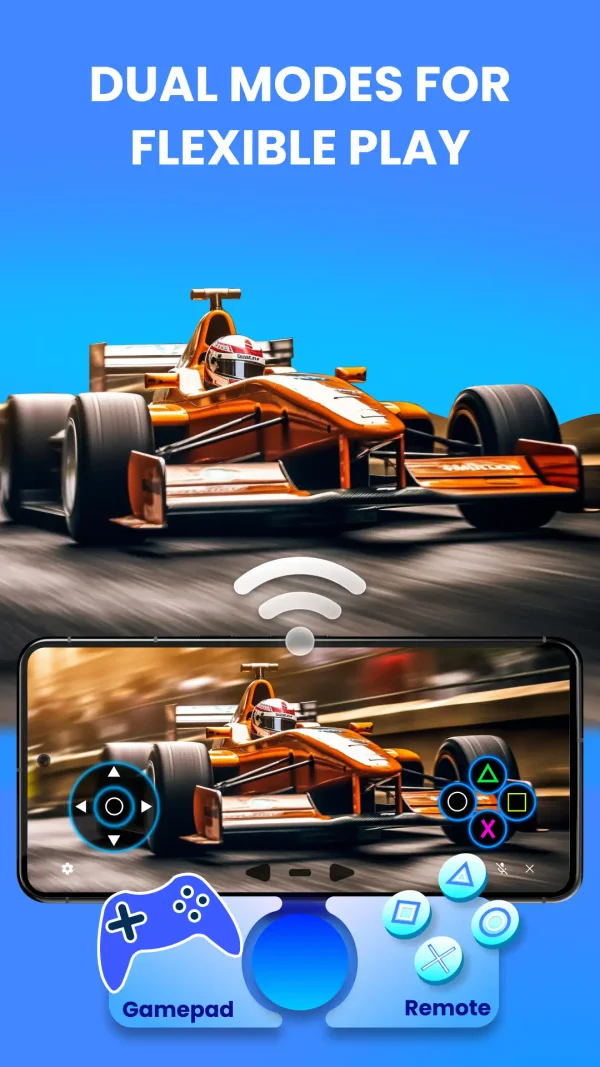
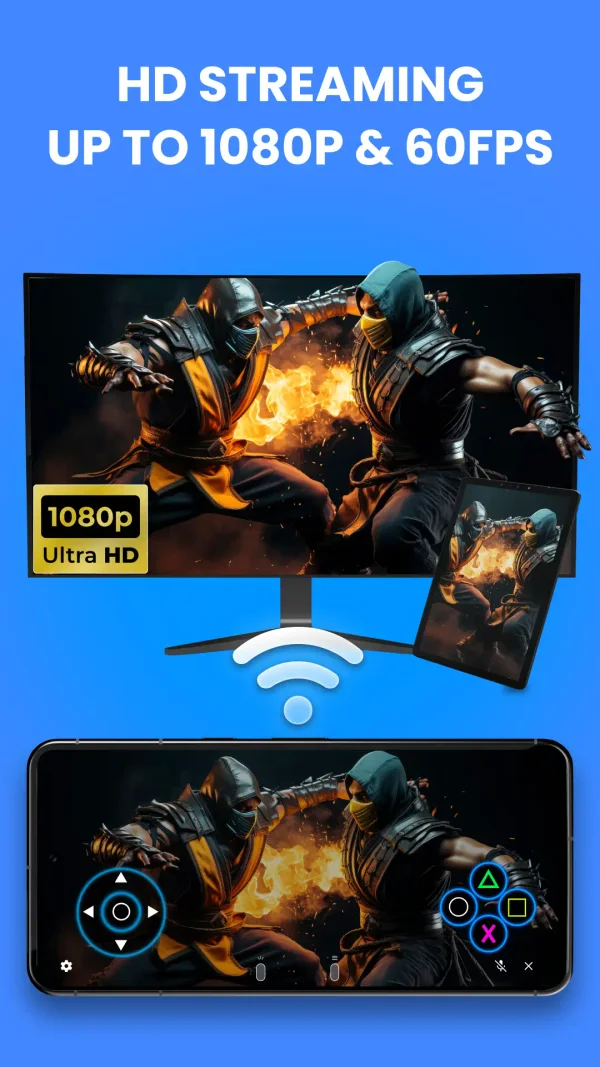
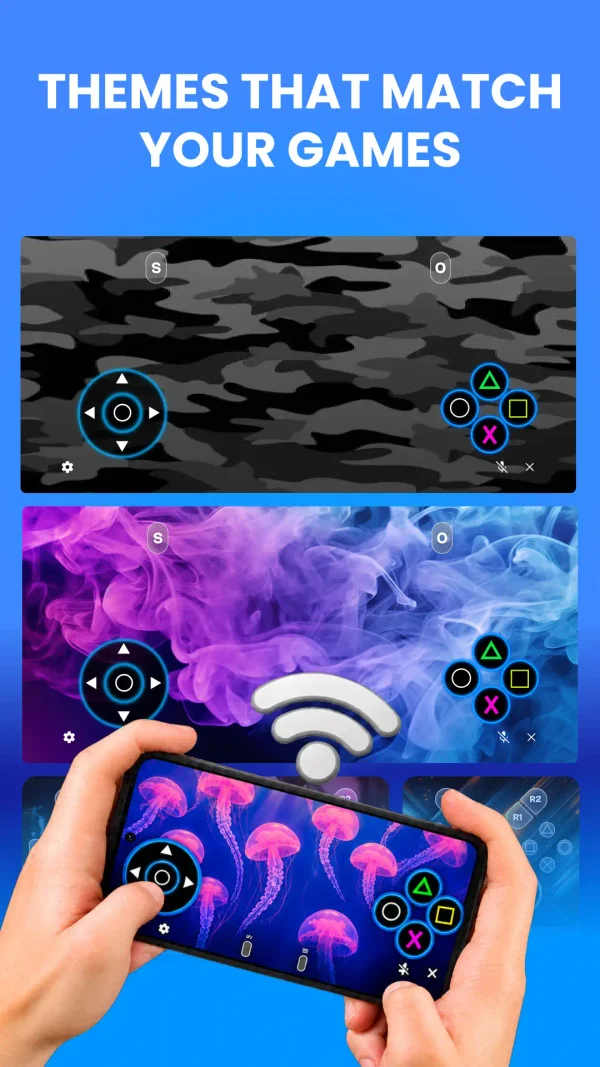
Thông tin về ứng dụng này
A virtual controller to play games using your phone.
Transform your Android phone or tablet into an onscreen game controller and enjoy playing supported games. With our app, you can easily play together with friends. Our game controller makes it convenient to control supported games using your phone.
Core Features of Game Controller
Virtual Controller: Our app provides a full onscreen game controller for controlling supported games.
Streaming Performance: Enjoy gaming through a compatible setup.
Custom Button Mapping: Remap buttons and save your preferred control profiles.
Skins & Themes: Customize your virtual gamepad with available skins.
Light & Dark Themes: Choose between light and dark interface themes.
How to Connect:
1- Open the app and tap "Connect".
2- Find your compatible gaming device in the list. Make sure it is turned on and connected to the same Wi-Fi network.
3- Select your device.
4- Sign in to the account required by your compatible gaming service.
5- Follow the connection instructions and get ready to play!
Disclaimer
This is an independent third party app developed by an independent developer. It is not affiliated with, endorsed by, or sponsored by any gaming company. This app does not stream games directly and requires a compatible gaming setup.
All third party trademarks and product names belong to their respective owners. Any compatibility references are provided only to describe supported functionality.
Support: Need help with the game controller or connection setup? Contact us at funpeakapps@gmail.com
An toàn dữ liệu
Những gì FunPeak khai báo trên Google Play về dữ liệu mà ứng dụng này thu thập và chia sẻ.
- Ứng dụng này có thể chia sẻ những loại dữ liệu sau đây với bên thứ baHoạt động trong ứng dụng, Thông tin và hiệu suất của ứng dụng và Mã nhận dạng thiết bị hoặc mã nhận dạng khác
- Không thu thập dữ liệu nàoTìm hiểu thêm về cách nhà phát triển khai báo thông tin về hoạt động thu thập dữ liệu
- Dữ liệu được mã hóa trong khi chuyển
Có gì mới
Phiên bản 1.0.36 · 04/11/2026
Thank you for choosing our Gaming Remote Play app
Liên hệ nhà phát triển
- Trang webj65d68bcf.app-ads-txt.com
- E-mailtoolhubapps@gmail.com
- Chính sách quyền riêng tưsites.google.com
- Địa chỉFlat 611, Al Sultan Building Al Qusais Ind. Fourth إمارة دبيّ United Arab Emirates
Thông tin
- Cung cấp bởi
- FunPeak
- Danh mục
- Công cụ
- Phiên bản
- 1.0.36
- Cập nhật
- 04/11/2026
- Phát hành
- 24/02/2026
- Yêu cầu
- Android 8.0 trở lên
- Độ tuổi
- 3 tuổi trở lên
- Giá
- Miễn phí
- Mua hàng trong ứng dụng
- 147.000 ₫ - 657.000 ₫ mỗi mặt hàng
- Tên gói
- psremoteplay.gamecontroller.playstream
Ứng dụng tương tự
-
 Voice GPS & AI Travel Planner
Liên lạc
-
 Google Play Games
Giải trí
-
 Soccer Ronaldo wallpapers CR7
Cá nhân hóa
-
 Cardboard
Thư viện và Trình diễn
-
 Grand Theft Auto V: The Manual
Giải trí
-
 Addons cho Minecraft PE
Công cụ
-
 Tự động click- Auto Clicker AG
Công cụ
-
 XBOX
Giải trí
-
 Phonk Music - Song Remix Radio
Nhạc và Âm thanh
-
 DubStep Music & Beat Creator
Nhạc và Âm thanh
-
 Build Your First Game
Giáo dục
-
 Live Earth Map - World Map 3D
Bản đồ và dẫn đường