- Altersfreigabe4+
- KategorieFoto und Video
- EntwicklerOm Prakash Jat
- SprachenEnglisch
- Größe1,5 MB
Verlinkt auf die offizielle App Store-Seite
Download.org hostet keine Datei von 2Capture. Die Schaltfläche öffnet die App-Seite bei App Store, wo Om Prakash Jat die App veröffentlicht. Eintrag zuletzt geprüft am 12.11.2026.
Screenshots
Info
Der Entwickler hat diesen Text nicht in Ihrer Sprache bereitgestellt.
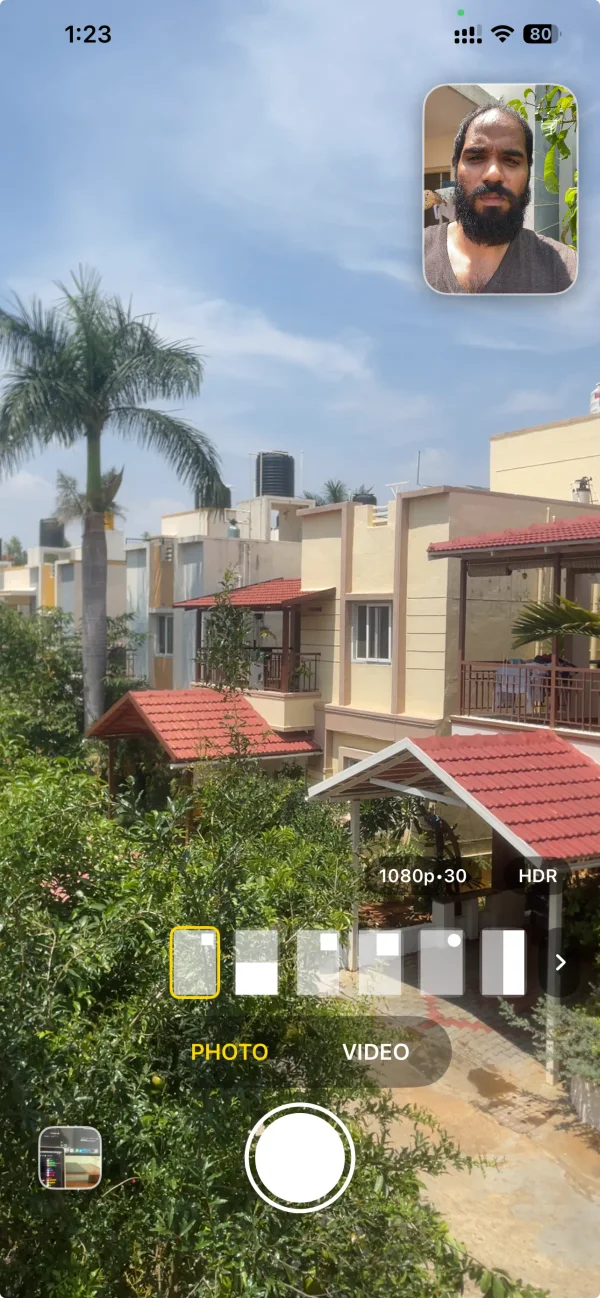
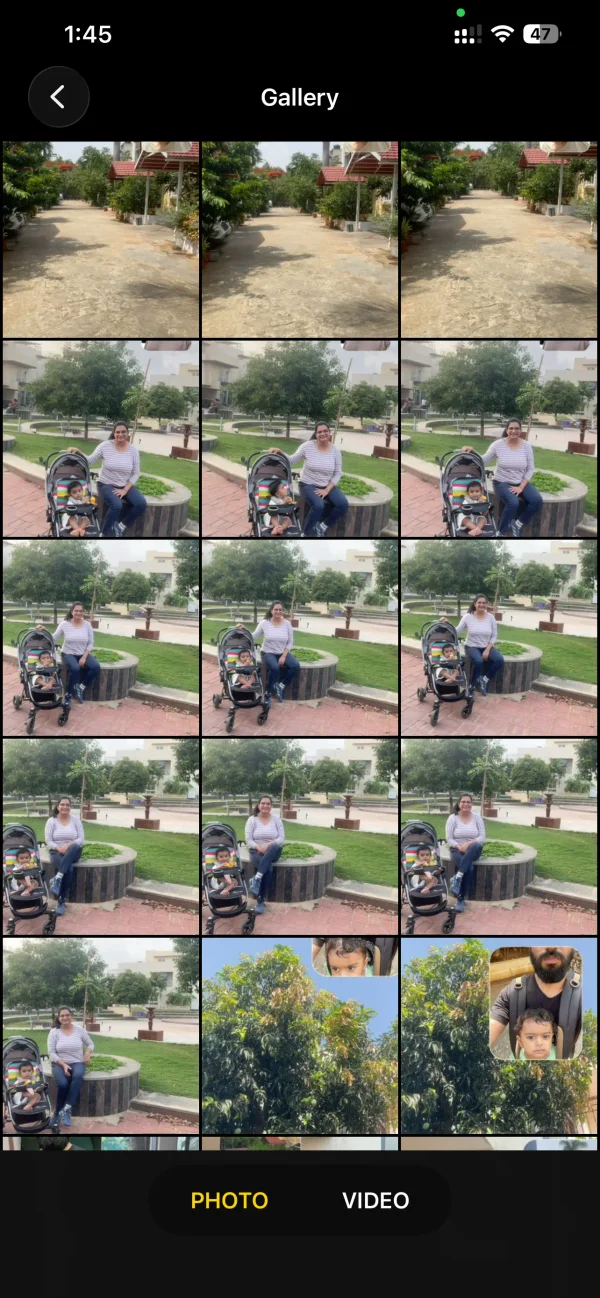
2Capture lets you record both of your iPhone's cameras at the same time, with a draggable picture-in-picture bubble that bakes right into the saved photo and video.
— What you can do —
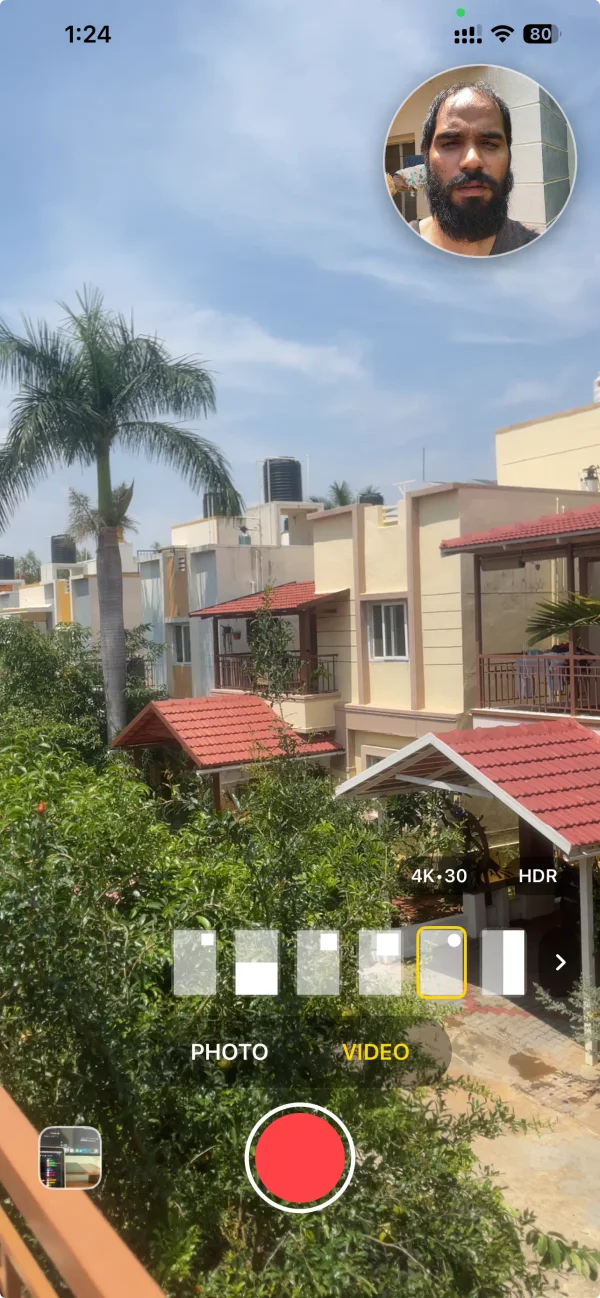
• Record both front and back cameras into a single composited video
• Snap dual-camera photos with the bubble in any position
• Drag the front bubble anywhere on screen
• Pinch to resize from small to large
• Tap to swap which camera is fullscreen and which is the bubble
• Switch instantly between Photo and Video with a swipe
— Pro-grade controls —
• 4K and 1080p at 30 or 60 fps (filtered to what your device actually supports in dual-cam mode)
• HDR toggle for brighter highlights and richer skin tones
• Stereo audio captured from the built-in mic array
• Orientation locks during recording so your clip never flips mid-shot
— Built for creators —
• Vloggers: capture your reaction and the scene at the same time
• Tutorial makers: face cam plus what's in front of you, baked into one file
• Travel diarists: that one shot where you're in the frame AND the view is in the frame
• Reaction videos: the back camera shows the thing, the front shows your face
• Workouts and demos: form check from both sides simultaneously
— Honest design —
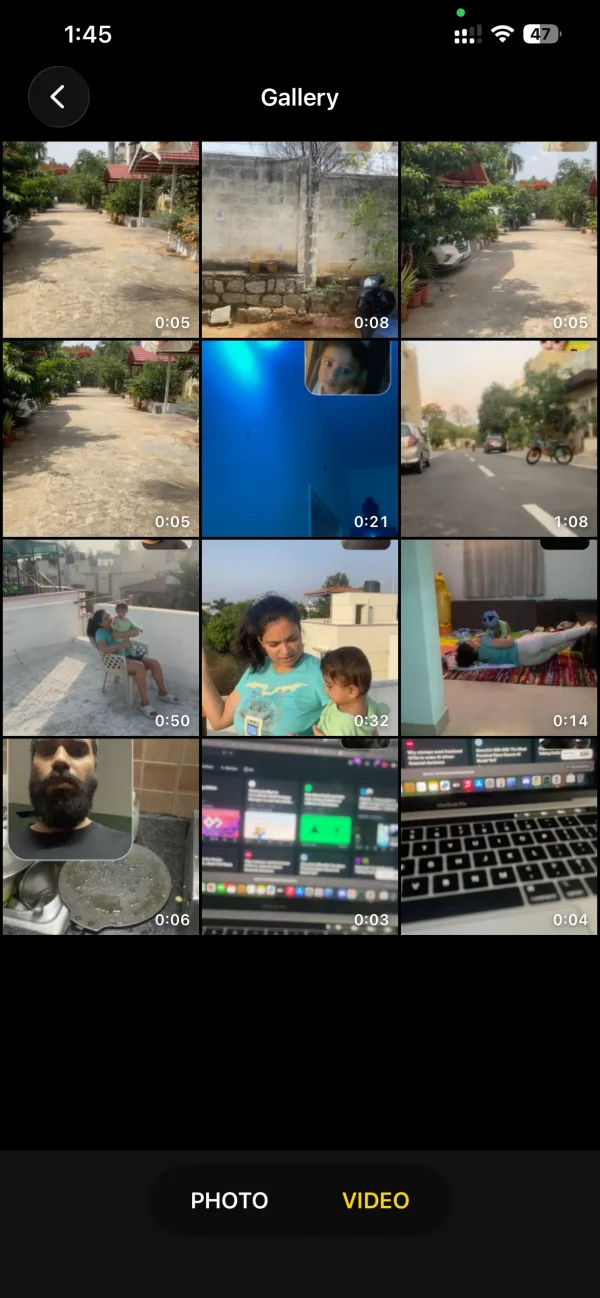
dualCapture is single-purpose. No filters, no stickers, no logos forced onto your clips. Photos and videos save to your Photos library as standard JPEG and MP4 — yours to share, edit, or repost wherever you want.
Neue Funktionen
Version 1.1 · 07.05.2026
New in this update
• Frame layouts — pick how the two cameras share the screen
– Freeform PiP (drag and pinch to resize)
– Side-by-side split
– Medium and Large PiP
– Circular front camera bubble
– Top/bottom split
• New collapsible frame picker — slides in from the right edge,
auto-hides after 3 seconds so it stays out of your way
• Resolution and HDR controls relocated next to the frame picker
for quicker access while framing your shot
• Smoother live preview when switching between layouts
• Layout choice carries over to both photo capture and video recording
App-Datenschutz
Was Om Prakash Jat im App Store zum Umgang dieser App mit Daten angibt.
-
Keine Daten erfasst
Der Entwickler erfasst keine Daten von dieser App.
Die Datenschutzpraktiken können variieren, zum Beispiel je nach den von Ihnen verwendeten Funktionen oder Ihrem Alter.
Informationen
- Anbieter
- Om Prakash Jat
- Kategorie
- Foto und Video
- Version
- 1.1
- Aktualisiert
- 07.05.2026
- Veröffentlicht
- 06.05.2026
- Größe
- 1,5 MB
- Erfordert
- iOS 17.0 oder neuer
- Altersfreigabe
- 4+
- Preis
- Kostenlos
- Sprachen
- Englisch
- Copyright
- © 2026 Om Prakash Jat
Das könnte Ihnen auch gefallen
-
 Dual Camera ShotFoto und Video
-
 EchoCam: Dual Video CameraFoto und Video
-
 DuoMagic - Dual Camera & PiPFoto und Video
-
 2Lens: Dual KameraMit beiden Kameras filmen
-
 Verso - Dual CameraFoto und Video
-
 ConcertCamera: Dual Camera RecFoto und Video
-
 Dual Capture Video - AspectlyFoto und Video
-
 DualCam: DoppelkameraVorne und hinten aufnehmen
-
 Minamise: Compress MediaFoto und Video
-
 TwoCam: Dual Camera VideoFoto und Video