- Độ tuổi4+
- Danh mụcẢnh & Video
- Nhà phát triểnOm Prakash Jat
- Ngôn ngữTiếng Anh
- Kích thước1,5 MB
Liên kết đến trang App Store chính thức
Download.org không lưu trữ tệp nào của 2Capture. Nút này mở trang ứng dụng trên App Store, nơi Om Prakash Jat phát hành ứng dụng. Trang được kiểm tra lần cuối: 12/11/2026.
Ảnh chụp màn hình
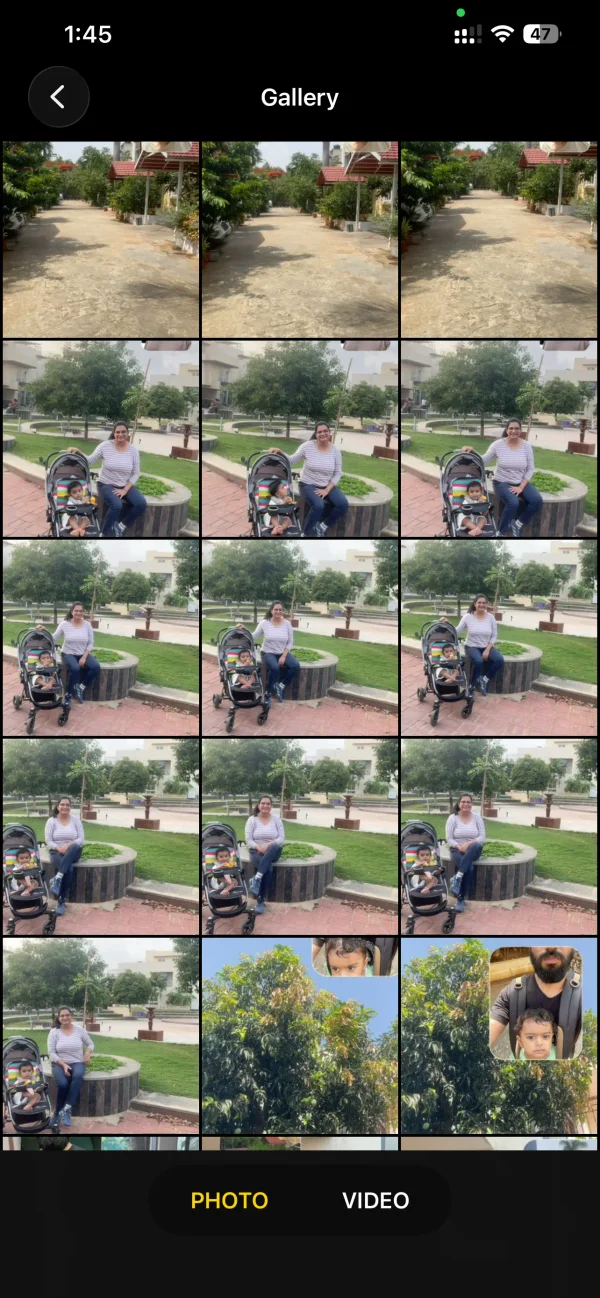
Giới thiệu
Nhà phát triển chưa cung cấp nội dung này bằng ngôn ngữ của bạn.
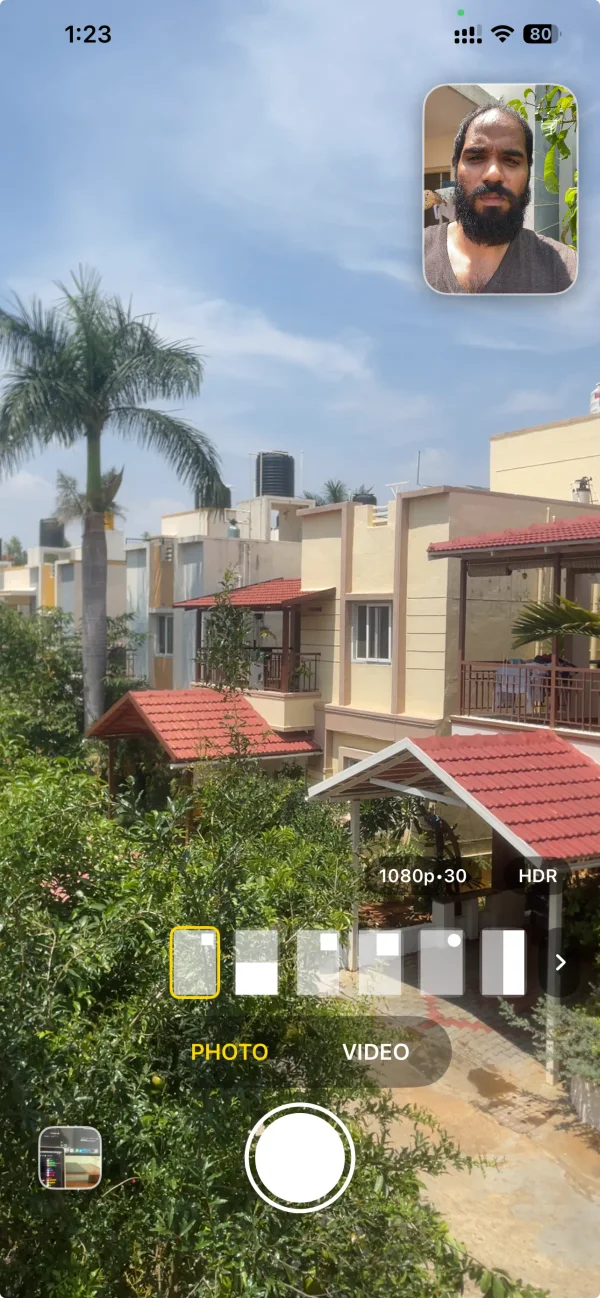
2Capture lets you record both of your iPhone's cameras at the same time, with a draggable picture-in-picture bubble that bakes right into the saved photo and video.
— What you can do —
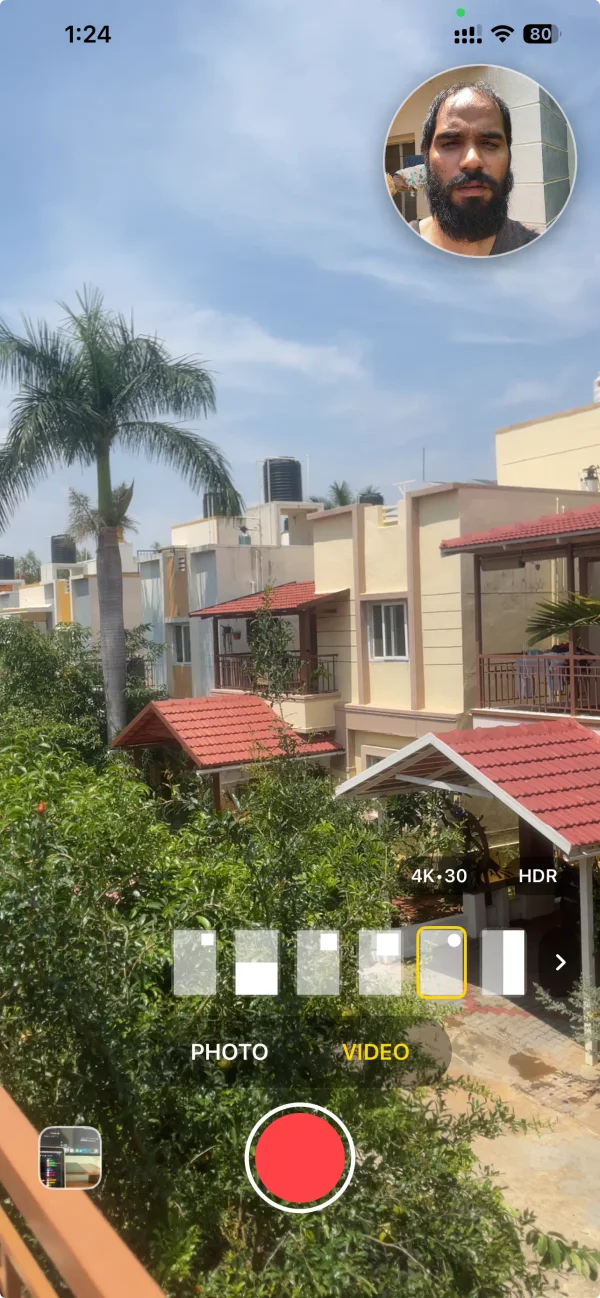
• Record both front and back cameras into a single composited video
• Snap dual-camera photos with the bubble in any position
• Drag the front bubble anywhere on screen
• Pinch to resize from small to large
• Tap to swap which camera is fullscreen and which is the bubble
• Switch instantly between Photo and Video with a swipe
— Pro-grade controls —
• 4K and 1080p at 30 or 60 fps (filtered to what your device actually supports in dual-cam mode)
• HDR toggle for brighter highlights and richer skin tones
• Stereo audio captured from the built-in mic array
• Orientation locks during recording so your clip never flips mid-shot
— Built for creators —
• Vloggers: capture your reaction and the scene at the same time
• Tutorial makers: face cam plus what's in front of you, baked into one file
• Travel diarists: that one shot where you're in the frame AND the view is in the frame
• Reaction videos: the back camera shows the thing, the front shows your face
• Workouts and demos: form check from both sides simultaneously
— Honest design —
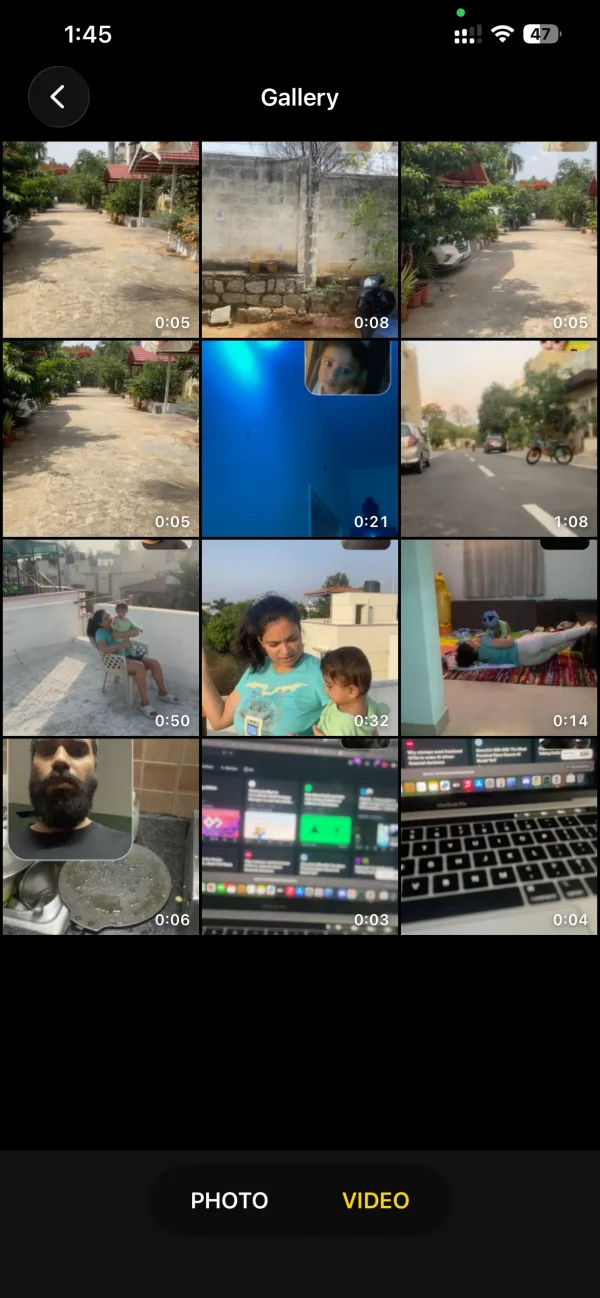
dualCapture is single-purpose. No filters, no stickers, no logos forced onto your clips. Photos and videos save to your Photos library as standard JPEG and MP4 — yours to share, edit, or repost wherever you want.
Có gì mới
Phiên bản 1.1 · 07/05/2026
New in this update
• Frame layouts — pick how the two cameras share the screen
– Freeform PiP (drag and pinch to resize)
– Side-by-side split
– Medium and Large PiP
– Circular front camera bubble
– Top/bottom split
• New collapsible frame picker — slides in from the right edge,
auto-hides after 3 seconds so it stays out of your way
• Resolution and HDR controls relocated next to the frame picker
for quicker access while framing your shot
• Smoother live preview when switching between layouts
• Layout choice carries over to both photo capture and video recording
Quyền riêng tư của ứng dụng
Những gì Om Prakash Jat khai báo trên App Store về cách ứng dụng này xử lý dữ liệu.
-
Dữ liệu không được thu thập
Nhà phát triển không thu thập bất kỳ dữ liệu nào từ ứng dụng này.
Phương thức đảm bảo quyền riêng tư có thể khác nhau, chẳng hạn như tuỳ theo các tính năng bạn sử dụng hoặc độ tuổi của bạn.
Thông tin
- Người bán
- Om Prakash Jat
- Danh mục
- Ảnh & Video
- Phiên bản
- 1.1
- Cập nhật
- 07/05/2026
- Phát hành
- 06/05/2026
- Kích thước
- 1,5 MB
- Yêu cầu
- iOS 17.0 trở lên
- Độ tuổi
- 4+
- Giá
- Miễn phí
- Ngôn ngữ
- Tiếng Anh
- Bản quyền
- © 2026 Om Prakash Jat
Có thể bạn cũng thích
-
 Dual Camera ShotẢnh & Video
-
 EchoCam: Dual Video CameraẢnh & Video
-
 DuoMagic - Dual Camera & PiPẢnh & Video
-
 2Lens: Dual CameraẢnh & Video
-
 Verso - Dual CameraẢnh & Video
-
 ConcertCamera: Dual Camera RecẢnh & Video
-
 Dual Capture Video - AspectlyẢnh & Video
-
 DualCam: Camera KépẢnh, video trước sau đồng thời
-
 Minamise: Compress MediaẢnh & Video
-
 TwoCam: Dual Camera VideoẢnh & Video