- 対象年齢4+
- カテゴリ写真/ビデオ
- 開発元Om Prakash Jat
- 言語英語
- サイズ1.5 MB
App Storeの公式ページにリンクしています
Download.orgは2Captureのファイルを一切ホストしていません。ボタンを押すと、Om Prakash Jatが公開しているApp Storeのアプリページが開きます。ページの最終確認:2026/11/12。
スクリーンショット
概要
開発元はこのテキストをお使いの言語で提供していません。
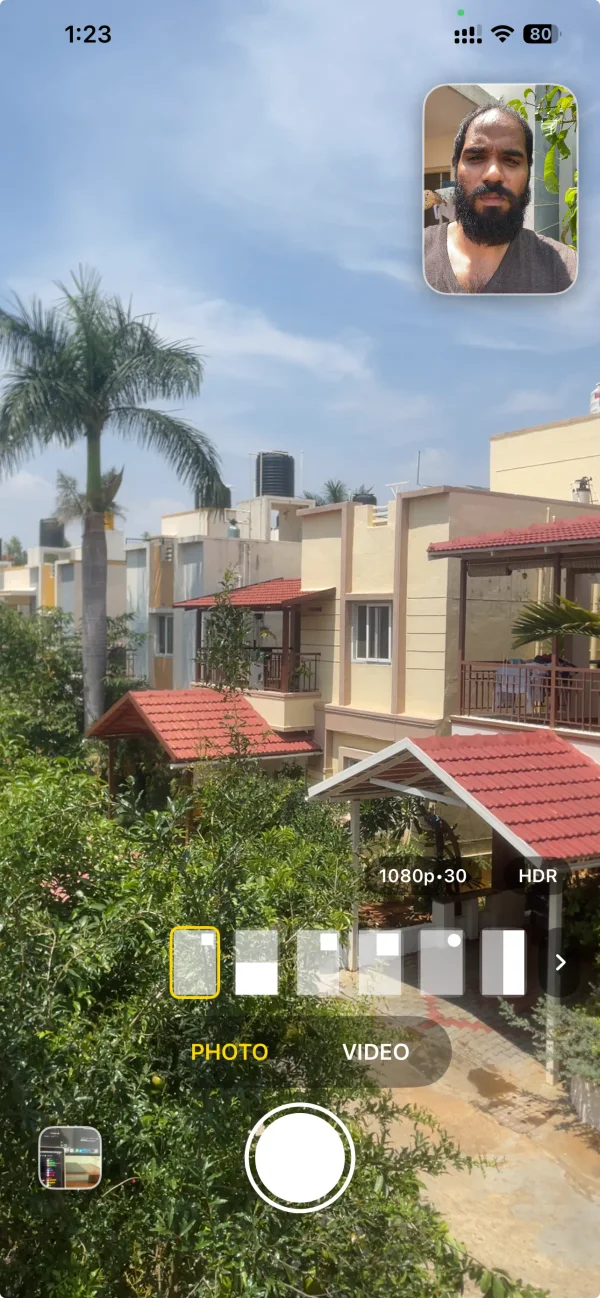
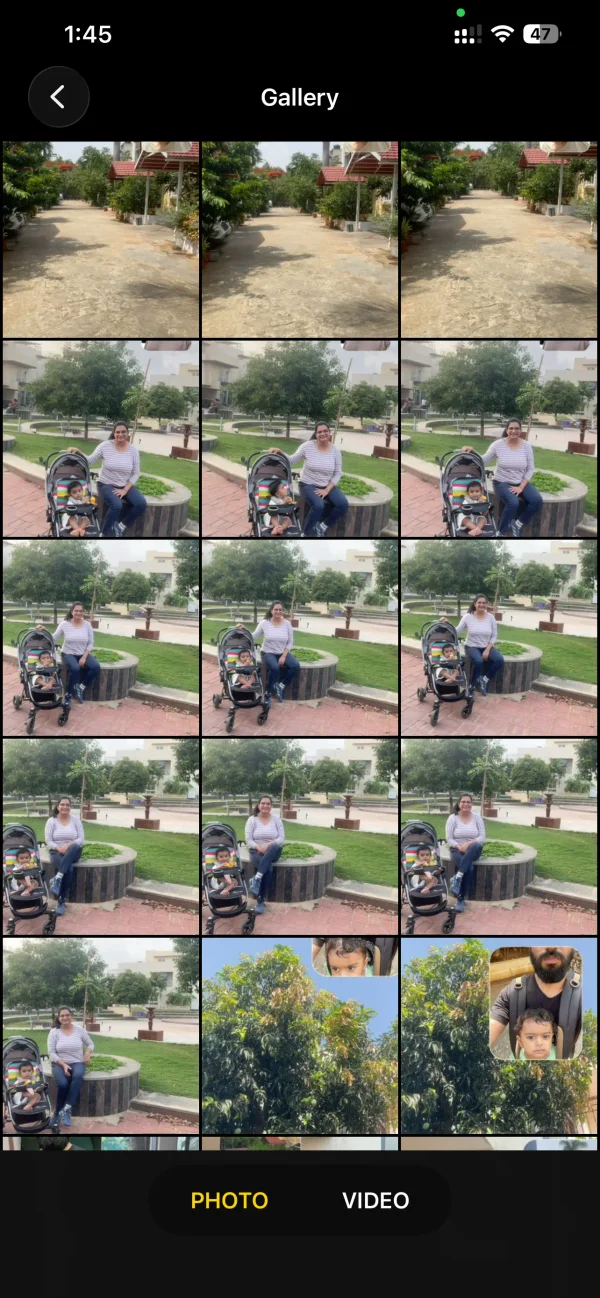
2Capture lets you record both of your iPhone's cameras at the same time, with a draggable picture-in-picture bubble that bakes right into the saved photo and video.
— What you can do —
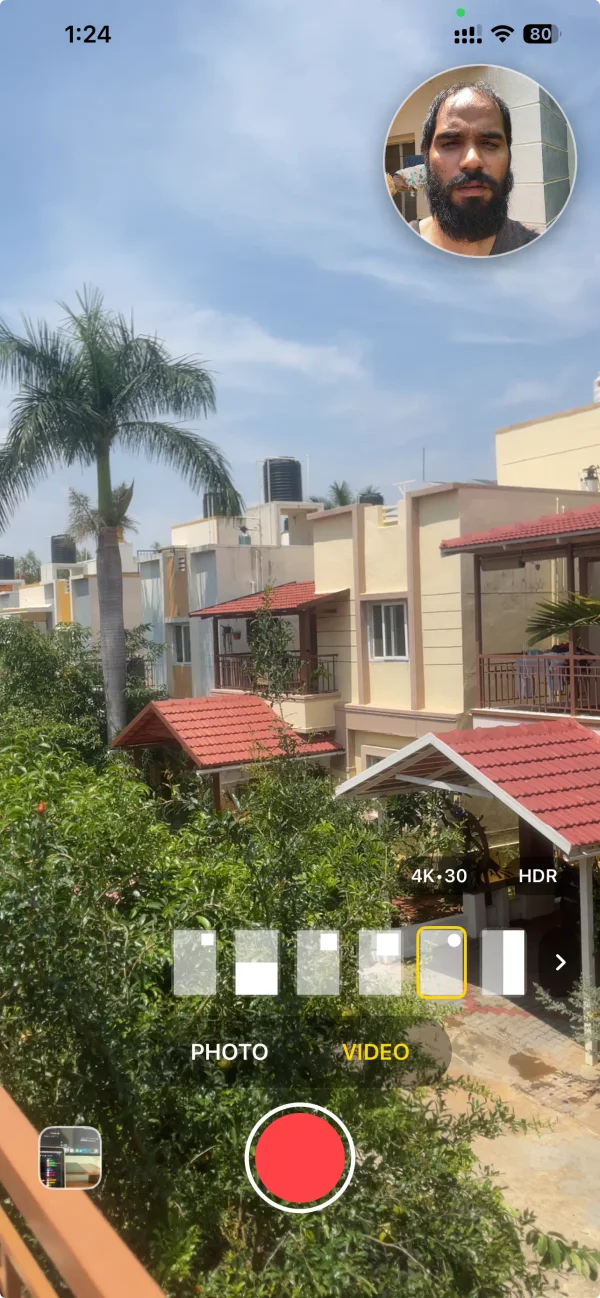
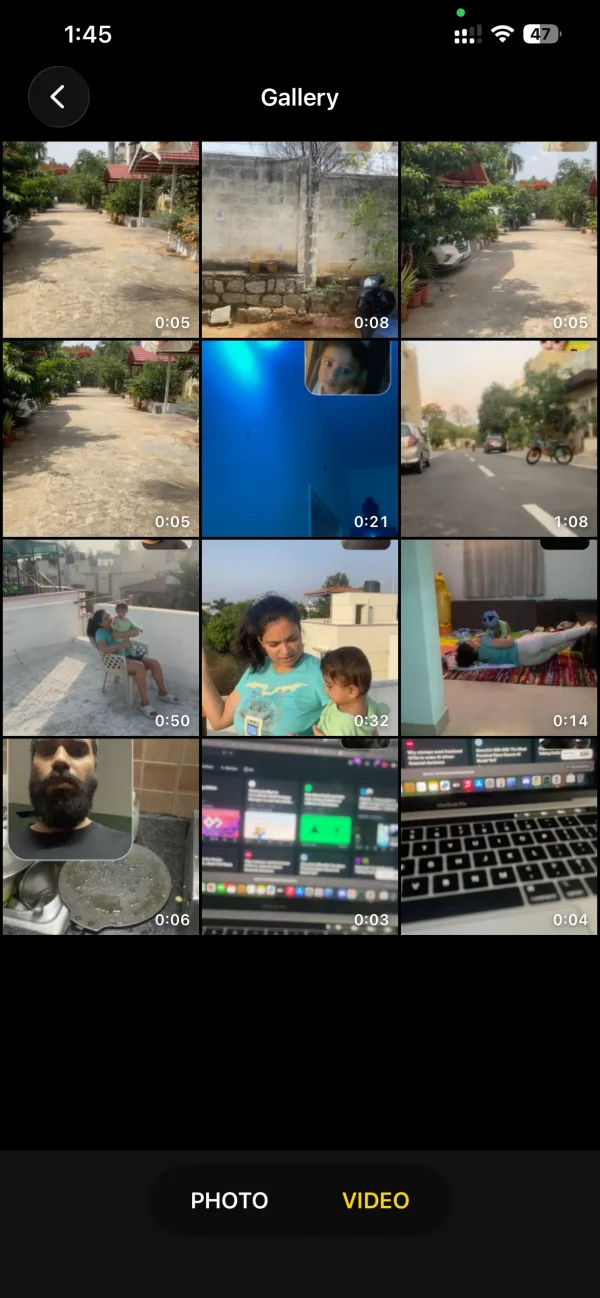
• Record both front and back cameras into a single composited video
• Snap dual-camera photos with the bubble in any position
• Drag the front bubble anywhere on screen
• Pinch to resize from small to large
• Tap to swap which camera is fullscreen and which is the bubble
• Switch instantly between Photo and Video with a swipe
— Pro-grade controls —
• 4K and 1080p at 30 or 60 fps (filtered to what your device actually supports in dual-cam mode)
• HDR toggle for brighter highlights and richer skin tones
• Stereo audio captured from the built-in mic array
• Orientation locks during recording so your clip never flips mid-shot
— Built for creators —
• Vloggers: capture your reaction and the scene at the same time
• Tutorial makers: face cam plus what's in front of you, baked into one file
• Travel diarists: that one shot where you're in the frame AND the view is in the frame
• Reaction videos: the back camera shows the thing, the front shows your face
• Workouts and demos: form check from both sides simultaneously
— Honest design —
dualCapture is single-purpose. No filters, no stickers, no logos forced onto your clips. Photos and videos save to your Photos library as standard JPEG and MP4 — yours to share, edit, or repost wherever you want.
新機能
バージョン 1.1 · 2026/5/7
New in this update
• Frame layouts — pick how the two cameras share the screen
– Freeform PiP (drag and pinch to resize)
– Side-by-side split
– Medium and Large PiP
– Circular front camera bubble
– Top/bottom split
• New collapsible frame picker — slides in from the right edge,
auto-hides after 3 seconds so it stays out of your way
• Resolution and HDR controls relocated next to the frame picker
for quicker access while framing your shot
• Smoother live preview when switching between layouts
• Layout choice carries over to both photo capture and video recording
アプリのプライバシー
このアプリのデータの取り扱いについて、Om Prakash JatがApp Storeで申告している内容です。
-
データの収集なし
開発元はこのアプリからデータを収集しません。
プライバシーの取り扱いは、ご利用の機能やお客様の年齢などに応じて異なる場合があります。
情報
- 販売元
- Om Prakash Jat
- カテゴリ
- 写真/ビデオ
- バージョン
- 1.1
- 更新日
- 2026/5/7
- リリース
- 2026/5/6
- サイズ
- 1.5 MB
- 必要条件
- iOS 17.0以降
- 対象年齢
- 4+
- 価格
- 無料
- 言語
- 英語
- 著作権
- © 2026 Om Prakash Jat
こちらもおすすめ
-
 Dual Camera Shot写真/ビデオ
-
 EchoCam: Dual Video Camera写真/ビデオ
-
 DuoMagic - Dual Camera & PiP写真/ビデオ
-
 2Lens:デュアルカメラ前後カメラ同時録画
-
 Verso - Dual Camera写真/ビデオ
-
 ConcertCamera: Dual Camera Rec写真/ビデオ
-
 Dual Capture Video - Aspectly写真/ビデオ
-
 DualCam: 前後同時撮影動画を撮りながら写真も
-
 Minamise: 動画・写真を圧縮動画・写真・音声を小さく
-
 TwoCam: Dual Camera Video写真/ビデオ