Audio / Spectrum Analyzer
RTA (FFT / Spectrogram)
Entwickelt für iPhone, iPad
Kostenlos · In-App-Käufe
- Altersfreigabe4+
- KategorieMusik
- EntwicklerLoop-Sessions.LLC.
- SprachenEnglisch+ 1 weitere
- Größe5,1 MB
Verlinkt auf die offizielle App Store-Seite
Download.org hostet keine Datei von Audio / Spectrum Analyzer. Die Schaltfläche öffnet die App-Seite bei App Store, wo Loop-Sessions.LLC. die App veröffentlicht. Eintrag zuletzt geprüft am 27.11.2026.
Screenshots
Info
Der Entwickler hat diesen Text nicht in Ihrer Sprache bereitgestellt.
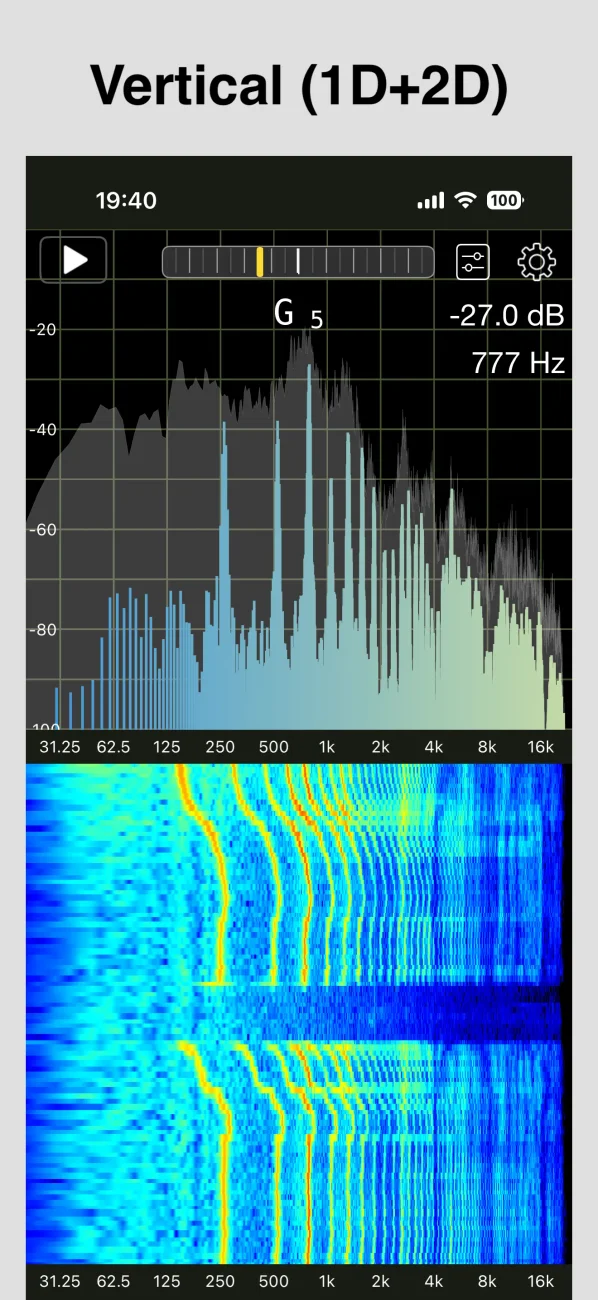
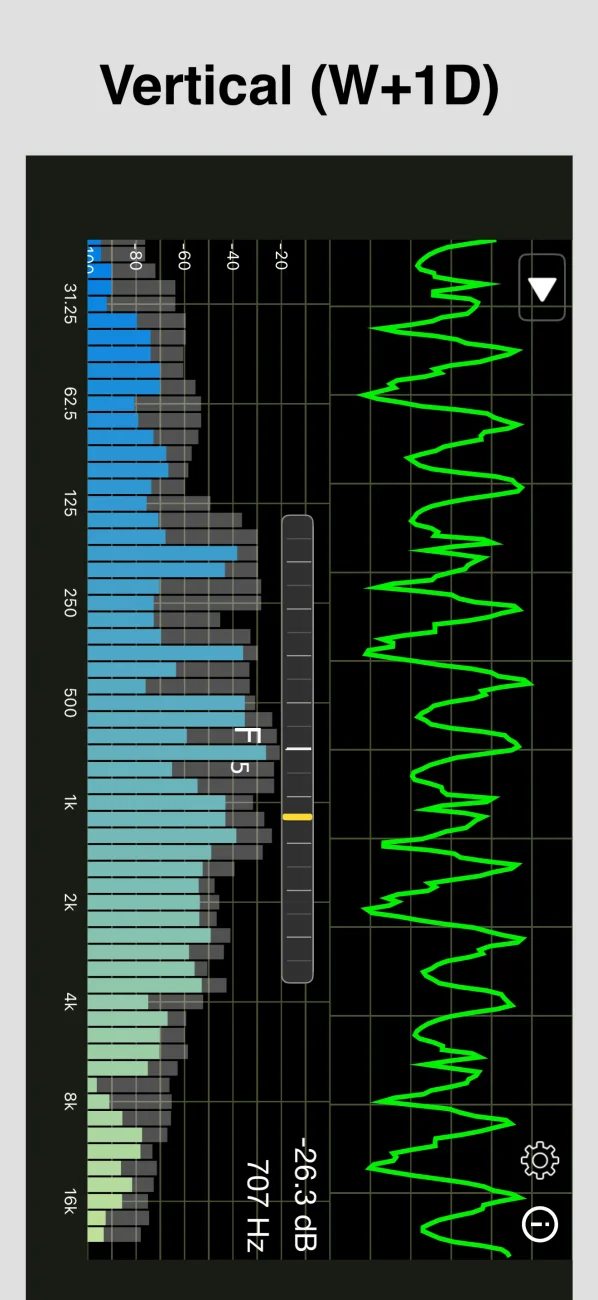
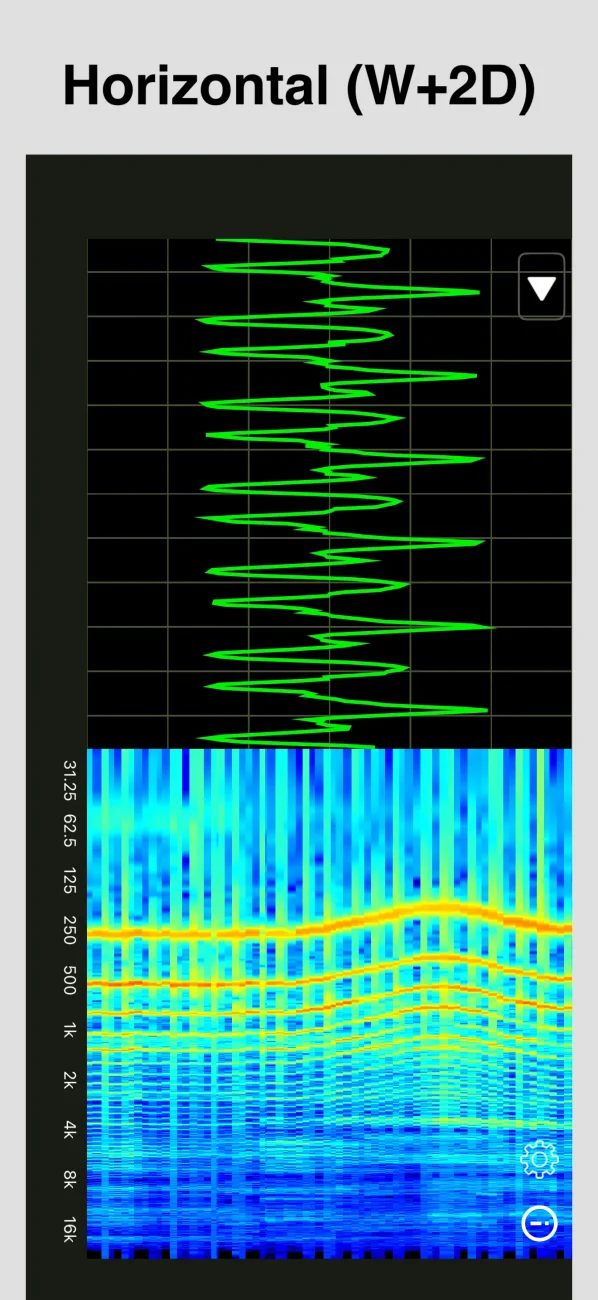
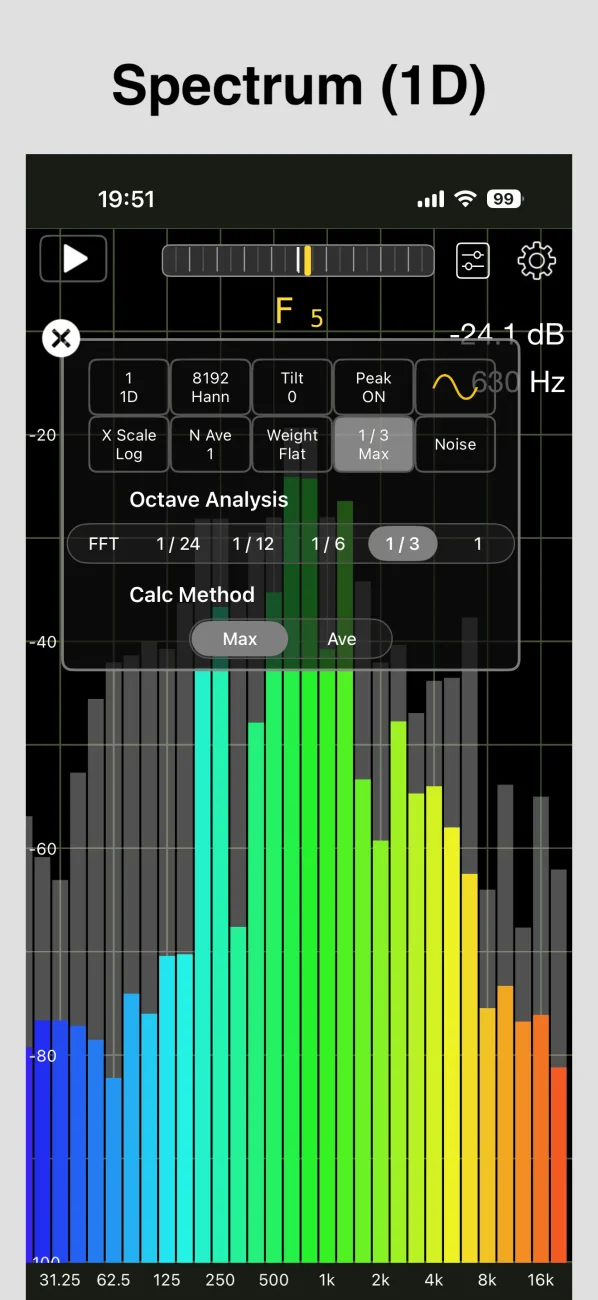
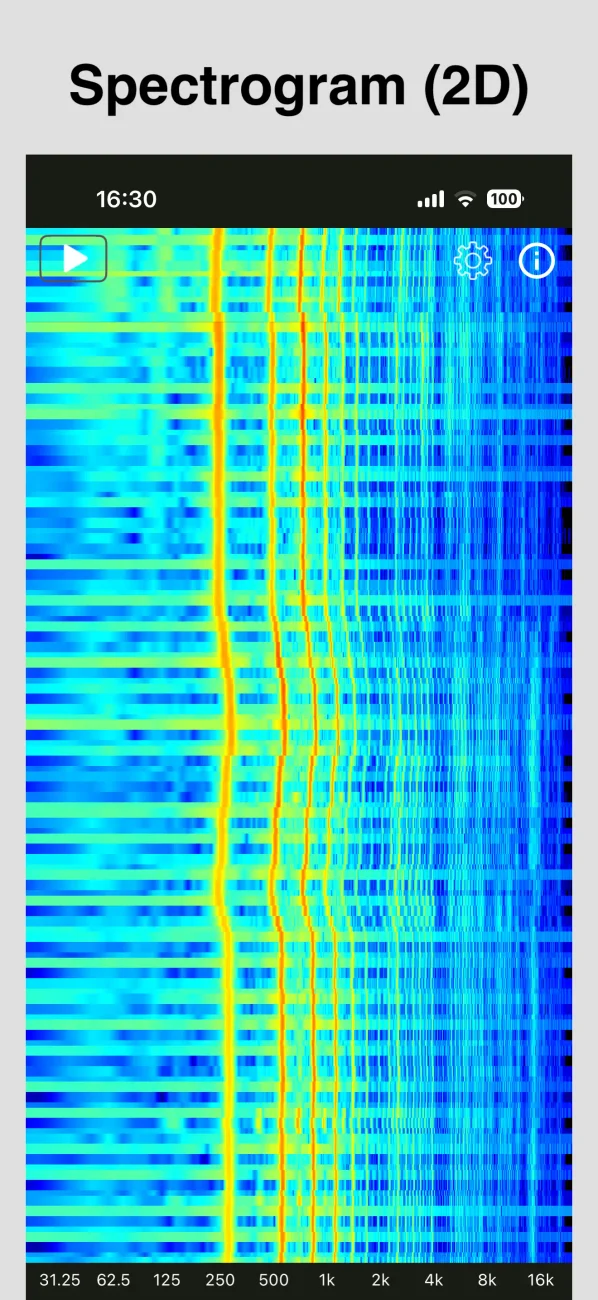
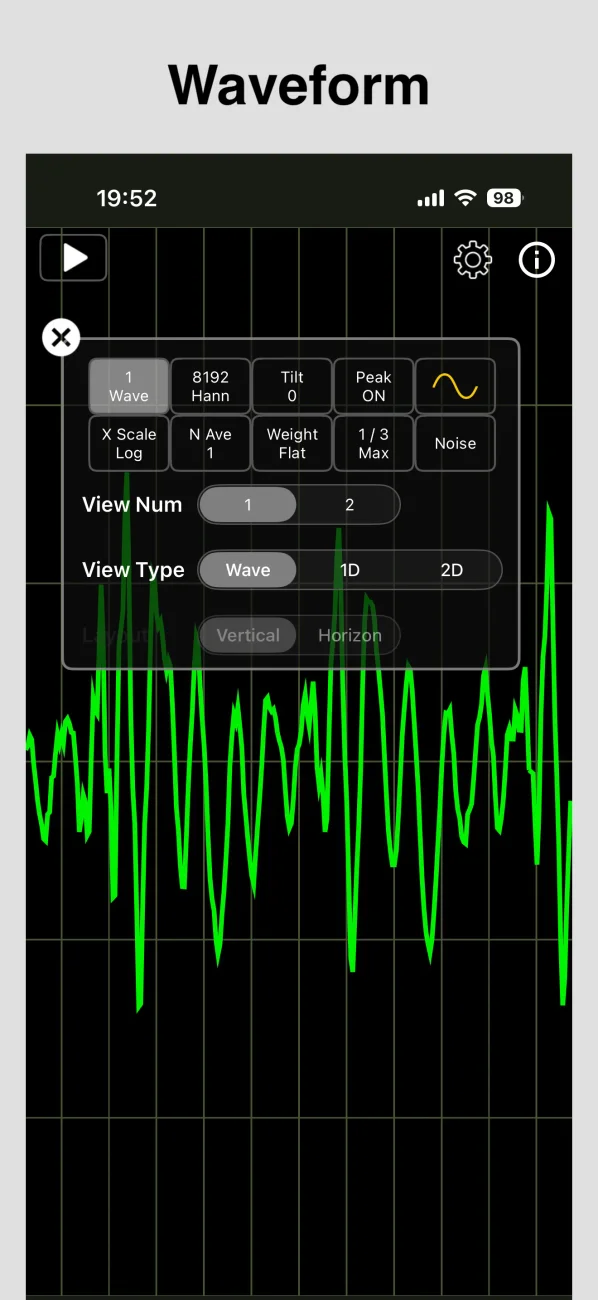
This RTA app supports simultaneous display of "Audio Waveform", as well as the FFT-based "Amplitude Spectrum" (frequency magnitude) and "Spectrogram" (frequency distribution over time), for audio signals input from a microphone.
(FFT: Fast Fourier Transform, RTA: Real Time Analyzer)
[Features]
- Supports simultaneous display of Waveform / Spectrum / Spectrogram
- Supports orientation both portrait and landscape
- FFT size
- Window function
- Time Averaging (FFT Frames)
- Spectrum Tilt
- Frequency weighting (Flat, dBA, dBC)
- The type of expressing the frequency of Spectrum / Spectrogram (Linear, Log)
- Displays the peak level and its frequency of the spectrum
- Peak Hold (displays the results of holding past peak values of the spectrum)
- Octave Analysis (displays the spectrum divided into octave bands)
- Generates Basic Waveforms (Sine, Triangle, Squire, Saw)
- Generates Measurement Signals (Noise, Sweep, TSP)
- Pitch meter display
The Pro version offers Ad-Free Viewing and High-Resolution Analysis (FFT size: 16384, 32768, Spectrum Average: 4, 8).
[Setting items]
1. Screen structure :
Select the display screen configuration.
View Num : 1, 2
View Type :
- 1 screen : Wave (Waveform) / 1D (Spectrum) / 2D (Spectrogram)
- 2 screens : W+1D / W+2D / 1D+2D
Layout : Vertical / Horizon
2. Frequency Axis Scale Type :
Selectable the type of expressing the X direction (frequency) of Spectrum / Spectrogram.
- Linear: Distributed at equal intervals
- Log: The intervals increase logarithmically
3-1. FFT size :
1024, 2048, 4096, 8192, 16384, 32768
(* 16384, 32768 is available in the Pro version.)
3-2. Window function :
Hanning, Hamming, Blackman, No window
4. Time Averaging (FFT Frames) :
Number of spectrum average for a display of spectrum.
1, 2, 4, 8 (init value: 1)
(* 4 and 8 are available in the Pro version.)
5. Spectrum Tilt :
Compensates the visual slope of the spectrum around a 1 kHz pivot.
-6.0 to +6.0 dB/oct in 0.5 dB/oct steps (0 means no tilt).
6. Frequency Weighting :
Selectable frequency weighting.
- Flat: No frequency weighting is applied.
- dB(A): Frequency response that takes into account human hearing.
- dB(C): Relatively flat response.
7. Peak Hold :
Displays the results of holding the past maximum values (peak values) of the spectrum.
8. Octave Analysis :
Displays the results of classifying the spectrum into octave bands.
Division method:
- FFT: Spectral display
- 1/24, 1/12, 1/6, 1/3, 1 octave: Display divided into octave bands
Calc method:
- Max: Displays the maximum spectrum value in each band
- Average: Displays the average spectrum value in each band
9. Basic Waveforms :
- There are 4 types of waveform. (Sine, Triangle, Squire, Saw)
- It can set the value of the frequency in 20Hz - 20000Hz.
10. Measurement Signals :
- There are multiple types of noise. (White noise, Pink noise, MLS, Sweep, TSP)
[Other]
- Background color: Black, White
- WaveForm: Line Color (Green, Yellow, Invert), Line Width (1.0 ~ 6.0 px)
- Spectrum: Bar color (Green, Yellow, Color patterns)
- Spectrogram: Colormap, Display range (-150 ~ -60 dB), Display time (4 ~ 60 sec), Apply Spectrum Tilt
- Bluetooth connection policy selection (disabled, HFP, A2DP).
- Scaling of Waveform / Spectrum display in the Y direction (magnification: 0.5 - 2.0).
- Scaling of Spectrum / Spectrogram display in the X direction (magnification: 1.0 - 16.0).
Neue Funktionen
Version 2.8.0 · 23.11.2026
You can now adjust the waveform size ratio in two-view mode. (1:1, 1:2, 1:3)
App-Datenschutz
Was Loop-Sessions.LLC. im App Store zum Umgang dieser App mit Daten angibt.
-
Daten, die zum Tracking Ihrer Person verwendet werden
Können verwendet werden, um Sie über Apps und Websites anderer Unternehmen hinweg zu verfolgen.
- Nutzungsdaten
-
Nicht mit Ihnen verknüpfte Daten
Können erfasst werden, sind aber nicht mit Ihrer Identität verknüpft.
- Nutzungsdaten
Die Datenschutzpraktiken können variieren, zum Beispiel je nach den von Ihnen verwendeten Funktionen oder Ihrem Alter.
Informationen
- Anbieter
- Loop-Sessions.LLC.
- Kategorie
- Musik
- Version
- 2.8.0
- Aktualisiert
- 23.11.2026
- Veröffentlicht
- 18.05.2020
- Größe
- 5,1 MB
- Erfordert
- iOS 17.0 oder neuer
- Altersfreigabe
- 4+
- Preis
- Kostenlos
- In-App-Käufe
- Ja
- Sprachen
- Englisch, Japanisch
- Copyright
- © Loop-Sessions.LLC.
Das könnte Ihnen auch gefallen
-
 Audio Spectrum Analyzer ProMusik
-
 Audio Spektrum AnalysatorFrequenz und Decibel Meter
-
 Smaart RTAMusik
-
 Dezibel Analyzer: Ton SpektrumFrequenz und Lautstärke messen
-
 AUDIIO - RTA AnalyzerMusik
-
 RTA AudioMusik
-
 Tone Generator: Audio Sound HzMusik
-
 iAnalyzerMusik
-
 Quiztones: EQ Ear TrainingLearn to use EQ like a pro
-
 DriveRack PA2 ControlMusik