AudioFinder
Language learning practice app
Entwickelt für iPhone, iPad
Kostenlos · In-App-Käufe
- Altersfreigabe4+
- KategorieProduktivität
- EntwicklerCode Maxima
- SprachenEnglisch
- Größe46,7 MB
Verlinkt auf die offizielle App Store-Seite
Download.org hostet keine Datei von AudioFinder. Die Schaltfläche öffnet die App-Seite bei App Store, wo Code Maxima die App veröffentlicht. Eintrag zuletzt geprüft am 20.11.2026.
Screenshots


Info
Der Entwickler hat diesen Text nicht in Ihrer Sprache bereitgestellt.
Introducing AudioFinder
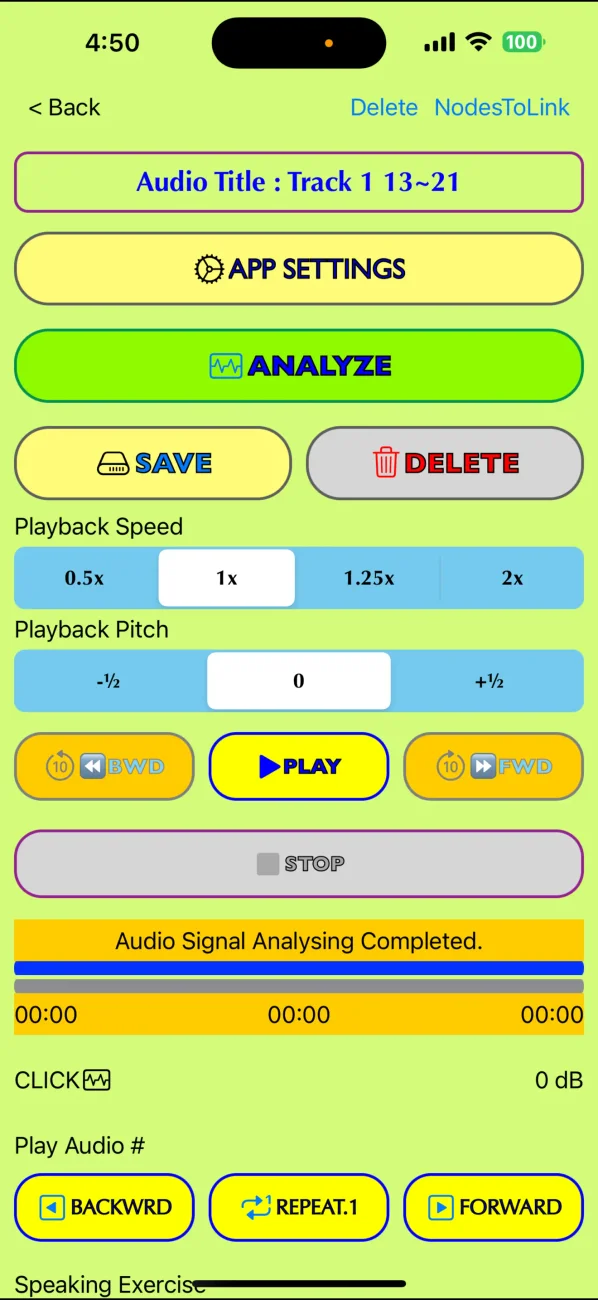
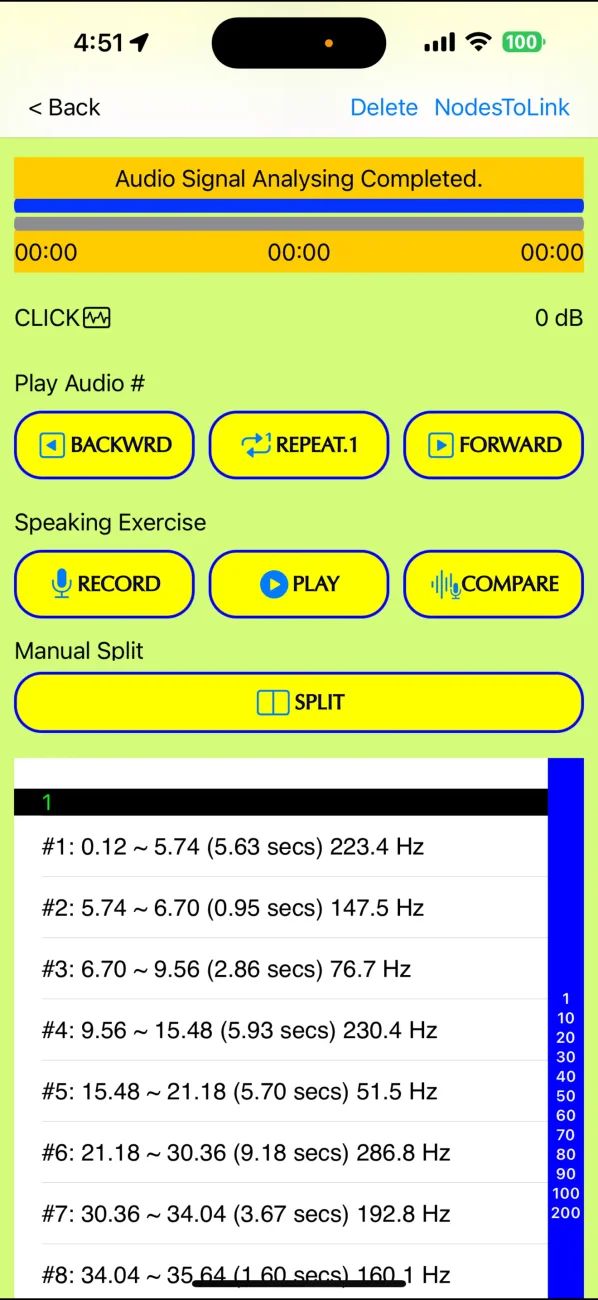
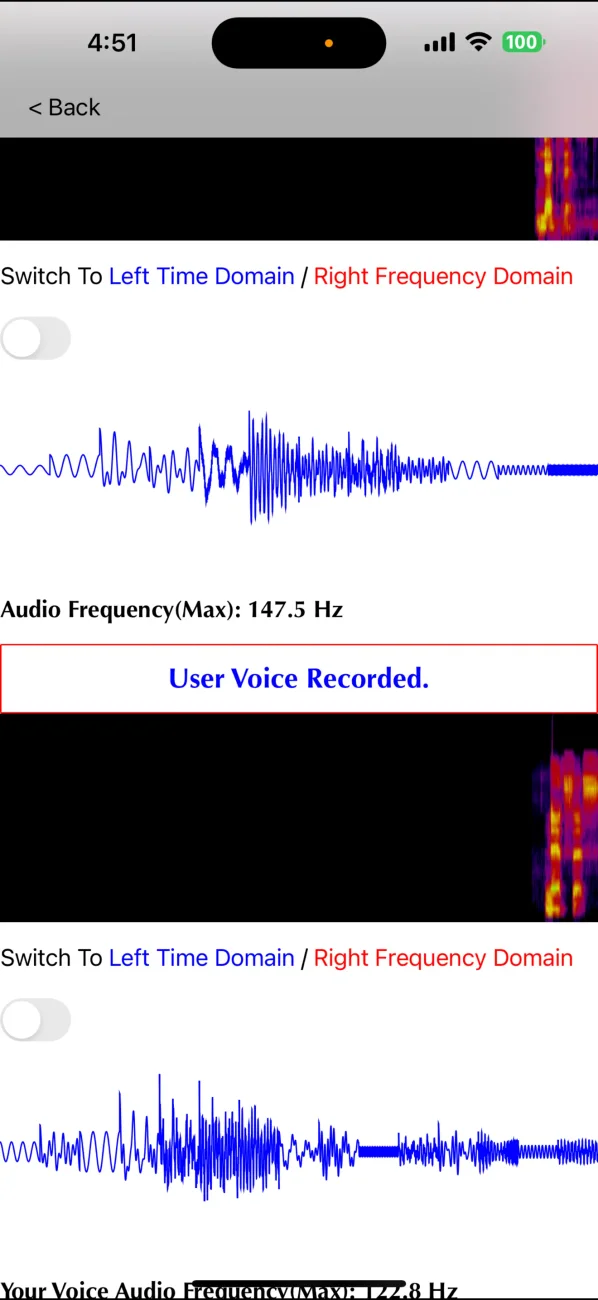
This app helps users with language practice. It analyzes language learning audio into Audio Nodes, and helps users listen to and repeat these Audio Nodes. The app also includes a feature that compares Audio Nodes with your voice, providing visual assistance for users practicing pronunciation.
Available Audio
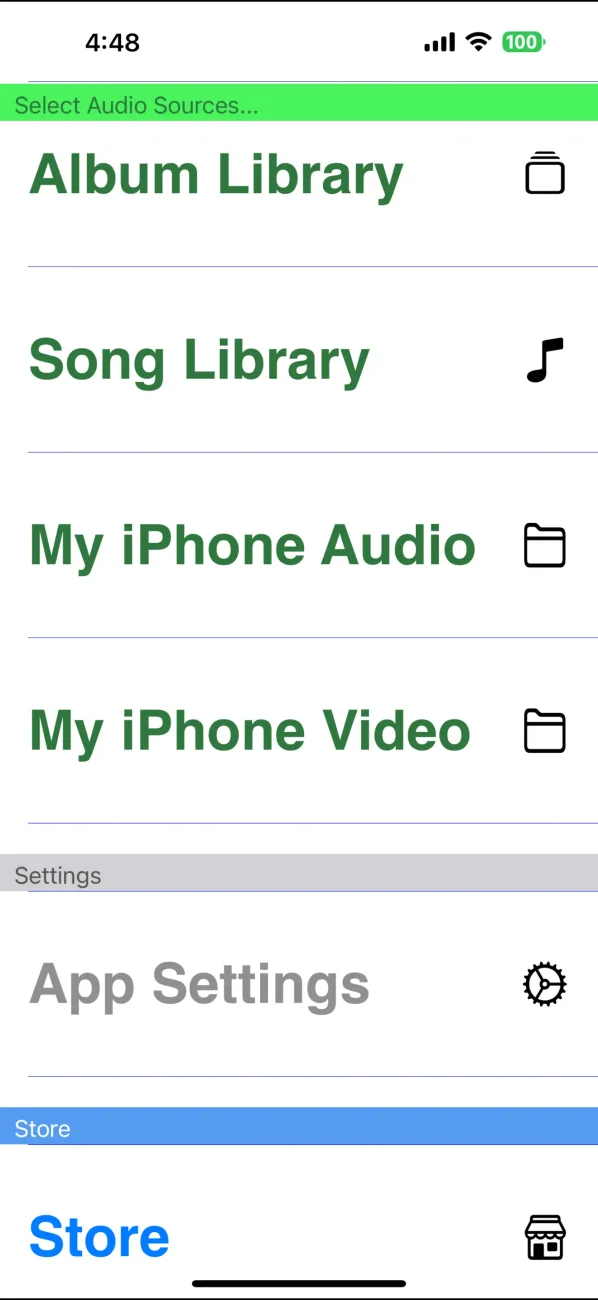
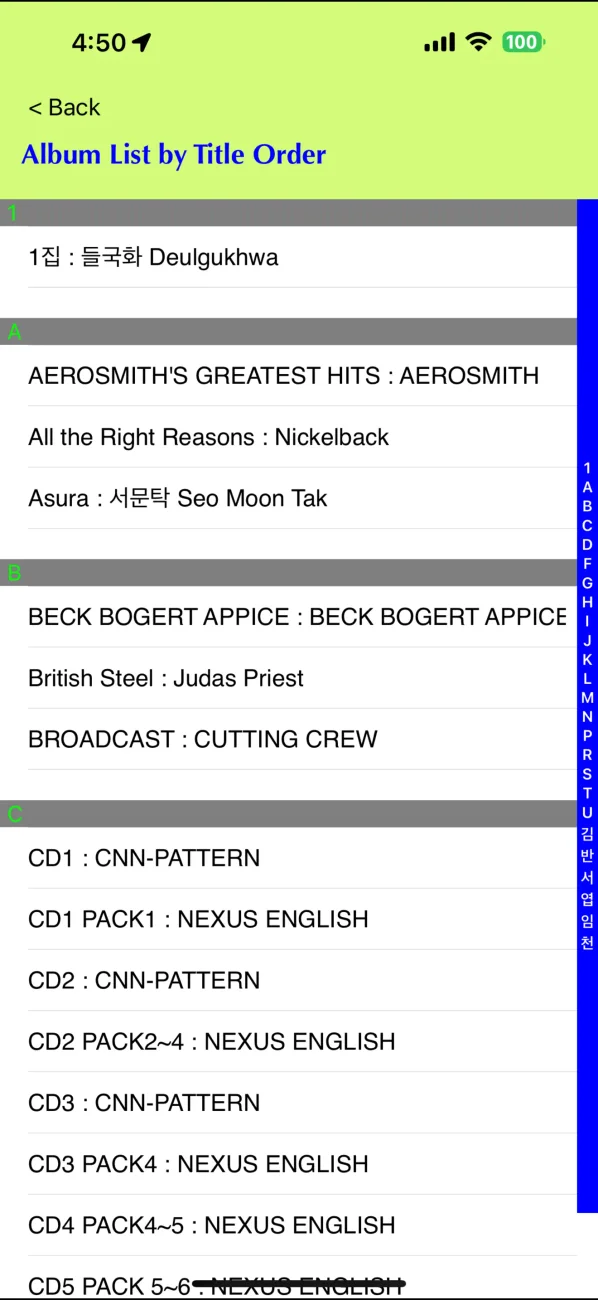
1. You can use language learning audio stored in your iPhone media library. Users can save language learning audio to their media library through iPhone synchronization and use it with the app.
2. My iPhone Folder After installing the app, users can access the 'AudioFinder' folder in the 'My iPhone' folder. You can save .mp4, .mp3, .m4a type language learning audio and video files in this folder. These saved files are analyzed for language practice, and users can listen to, repeat, and compare the Audio Nodes from the analyzed files.
Features and Functions
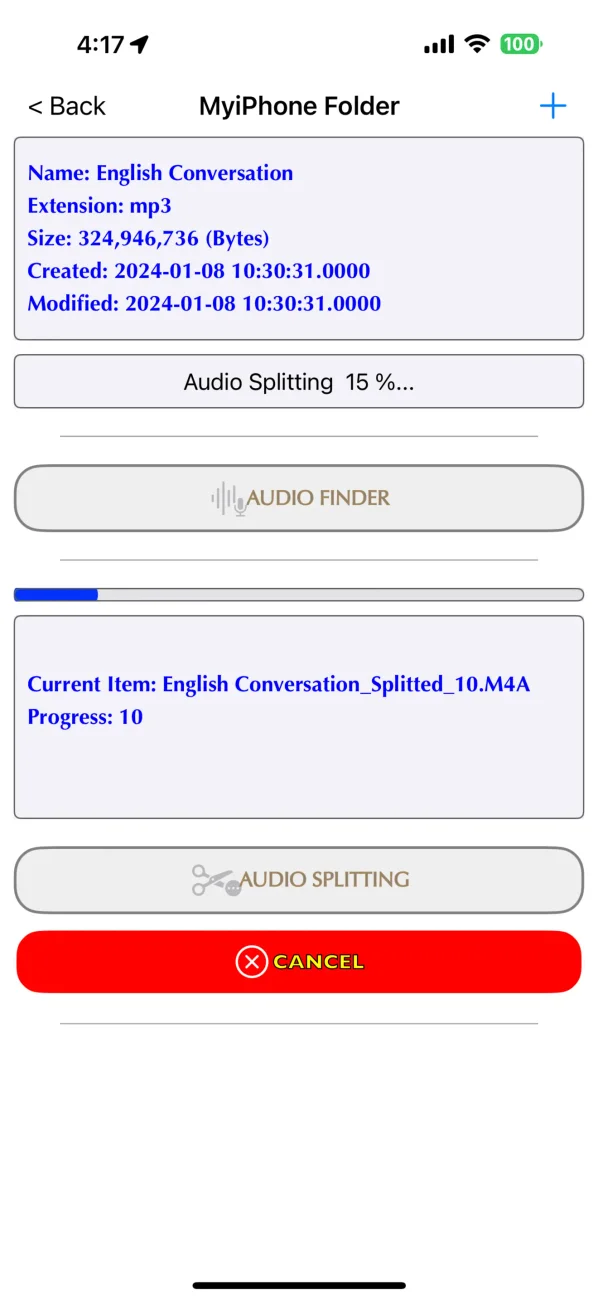
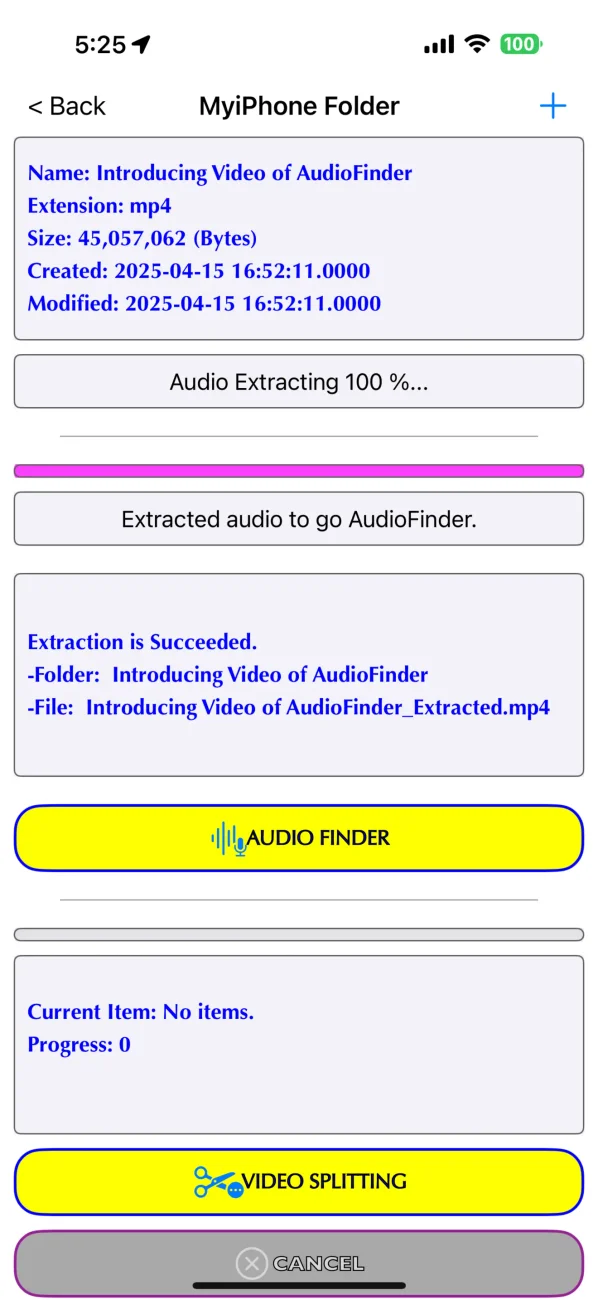
1. Large File Support Users can save and run language learning audio and video files, with the ability to analyze/run audio files under 1 GBytes. However, for lower-spec iPhone models, the app supports splitting large audio/video files into smaller sizes to reduce processing load. Video files saved in the My iPhone folder go through an audio extraction process when executed. Once the extracted audio is confirmed to be within the executable capacity (less than 1 GBytes), users can listen to, repeat, and analyze the audio.
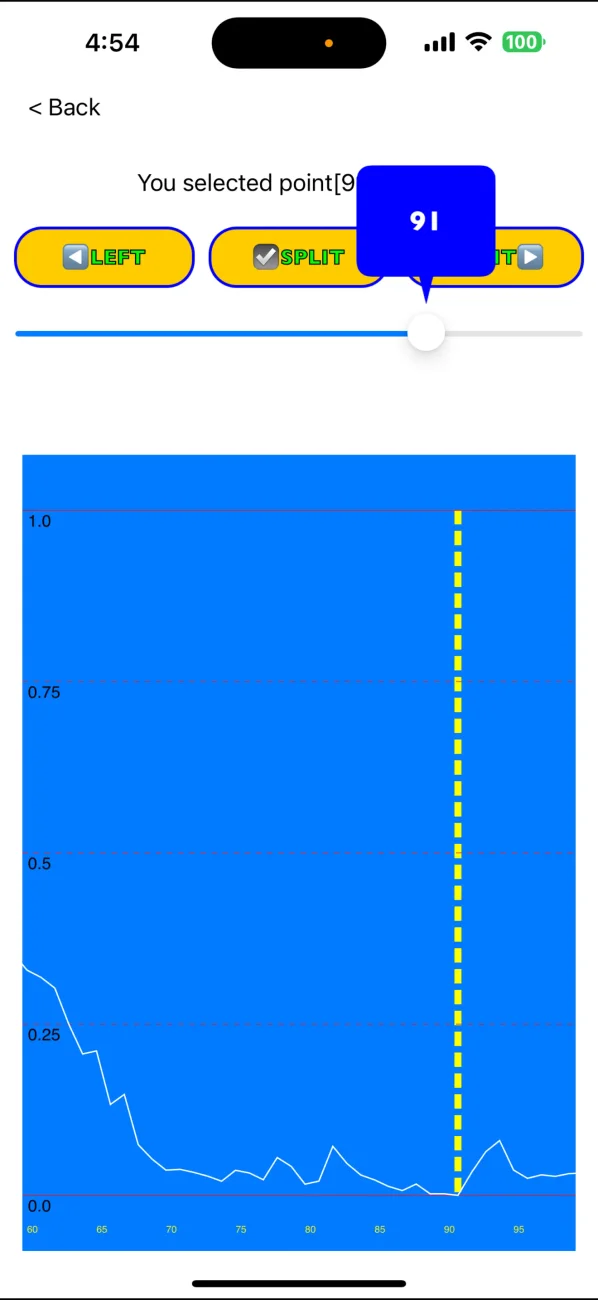
2. Manual Editing of Audio Nodes The Audio Nodes automatically analyzed by AudioFinder can be edited by users to connect or divide as desired. Users can connect multiple Audio Nodes or split one Audio Node into several sub-Audio Nodes.
3. Audio Comparison/Analysis AudioFinder features a function that compares Audio Nodes with the user's voice. Users can select an Audio Node to listen to, record their voice, and play it back. Additionally, users can compare how different their voice is from the Audio Node using real-time Spectrograms, comparing the Audio Node with their recorded voice and real-time voice.
For more information, please visit our website:
http://codemaxima.co.kr/
Neue Funktionen
Version 1.0.2 · 05.12.2025
Free Trial feature update.
Before: After installing the app, use the free trial three times.
After: After installing the app, use the free trial for one day.
App-Datenschutz
Was Code Maxima im App Store zum Umgang dieser App mit Daten angibt.
-
Nicht mit Ihnen verknüpfte Daten
Können erfasst werden, sind aber nicht mit Ihrer Identität verknüpft.
- Benutzerinhalte
Die Datenschutzpraktiken können variieren, zum Beispiel je nach den von Ihnen verwendeten Funktionen oder Ihrem Alter.
Informationen
- Anbieter
- Code Maxima
- Kategorie
- Produktivität
- Version
- 1.0.2
- Aktualisiert
- 05.12.2025
- Veröffentlicht
- 05.05.2025
- Größe
- 46,7 MB
- Erfordert
- iOS 16.6 oder neuer
- Altersfreigabe
- 4+
- Preis
- Kostenlos
- In-App-Käufe
- Ja
- Sprachen
- Englisch
- Copyright
- © 2025 Code Maxima All Right Reserved.
Das könnte Ihnen auch gefallen
-
 FixyyProduktivität
-
 Reset TimerProduktivität
-
 NuEdit - Code EditorProduktivität
-
 Calendar LabelsProduktivität
-
 ScreenMindful - AchtsamkeitSocial Media Blocker mit CBT
-
 Focus Up: AI pomodoro timerProduktivität
-
 Habit Tracker - Goals OnTrackProduktivität
-
 Voice To Notes - Sprache-TextKI-Transkription & Diktat
-
 TopSeekProduktivität
-
 AudioPenRede zum Text, AI AudioPen