AudioFinder
Language learning practice app
iPhone, iPad için tasarlandı
Ücretsiz · Uygulama içi satın alma
- Yaş sınırı4+
- KategoriÜretkenlik
- GeliştiriciCode Maxima
- Dillerİngilizce
- Boyut46,7 MB
Resmi App Store sayfasına bağlanır
Download.org, AudioFinder için hiçbir dosya barındırmaz. Düğme, uygulamanın App Store üzerindeki sayfasını açar; uygulamayı orada Code Maxima yayınlar. Sayfanın son kontrolü: 20.11.2026.
Ekran görüntüleri


Hakkında
Geliştirici bu metni dilinizde sunmamış.
Introducing AudioFinder
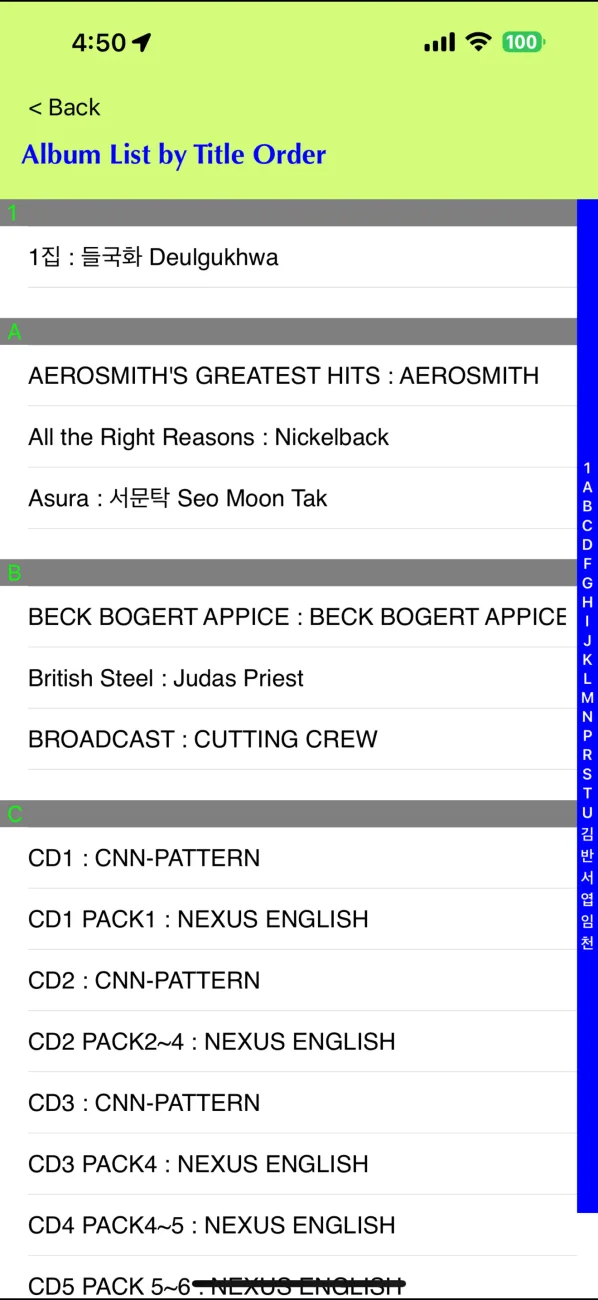
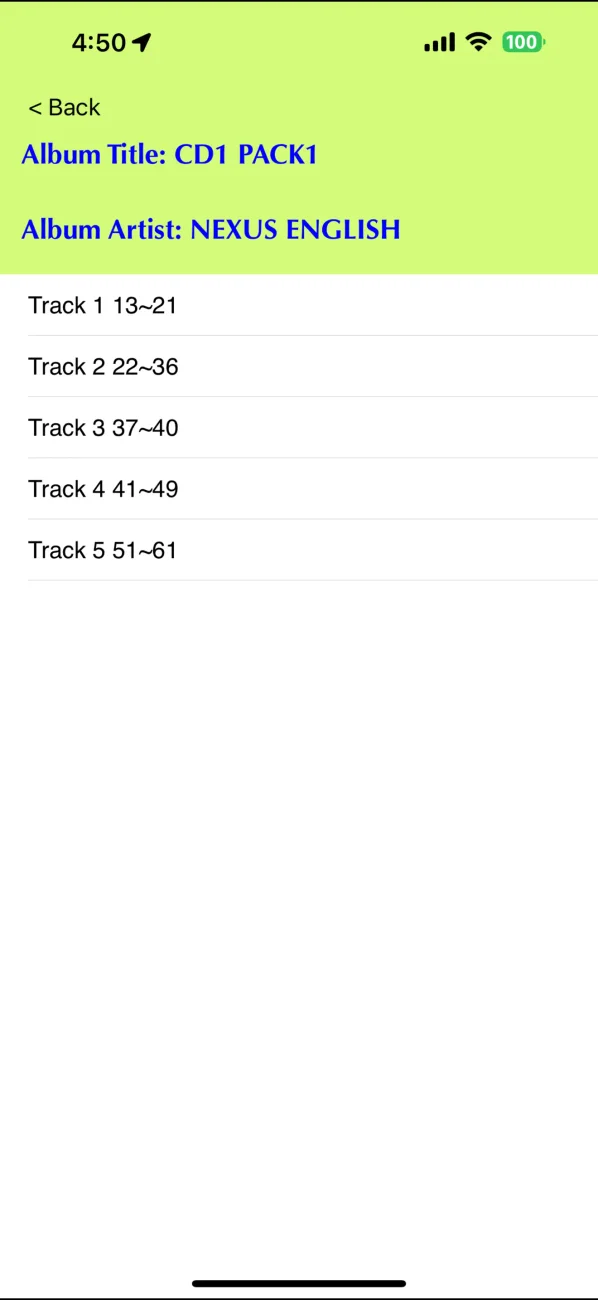
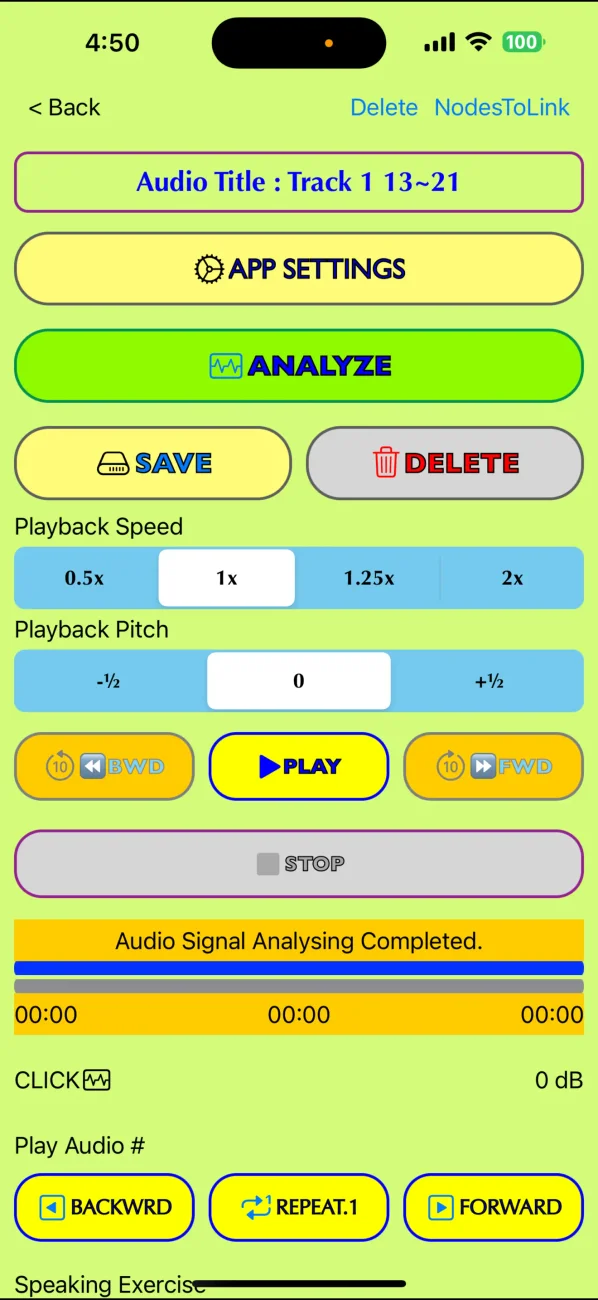
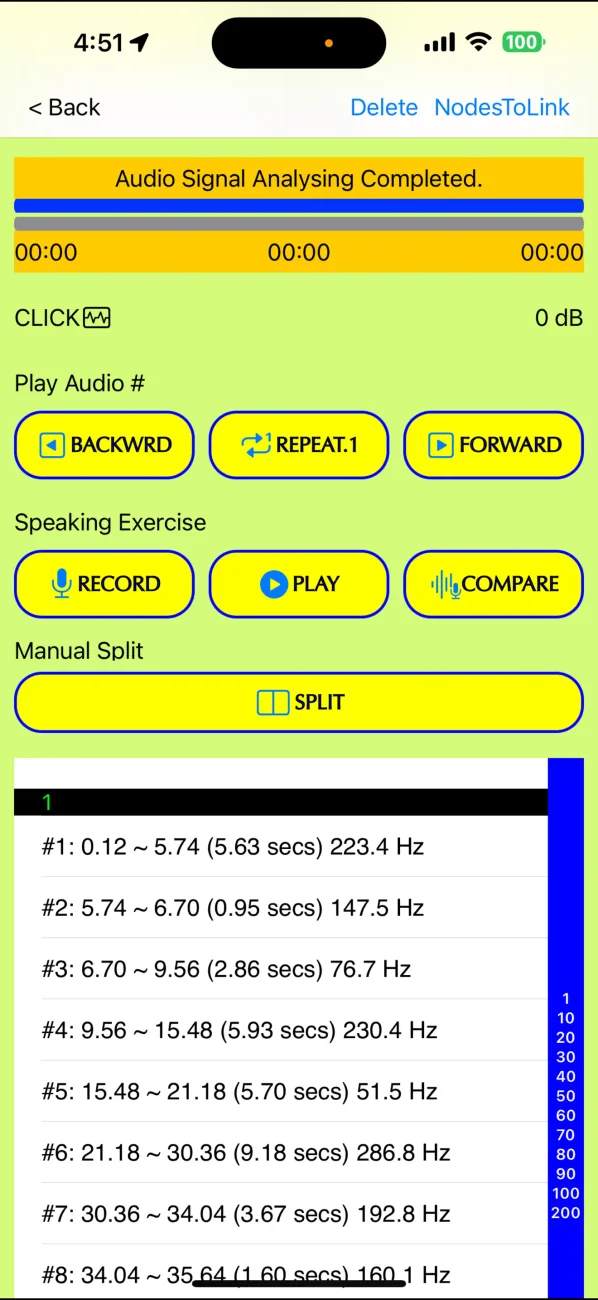
This app helps users with language practice. It analyzes language learning audio into Audio Nodes, and helps users listen to and repeat these Audio Nodes. The app also includes a feature that compares Audio Nodes with your voice, providing visual assistance for users practicing pronunciation.
Available Audio
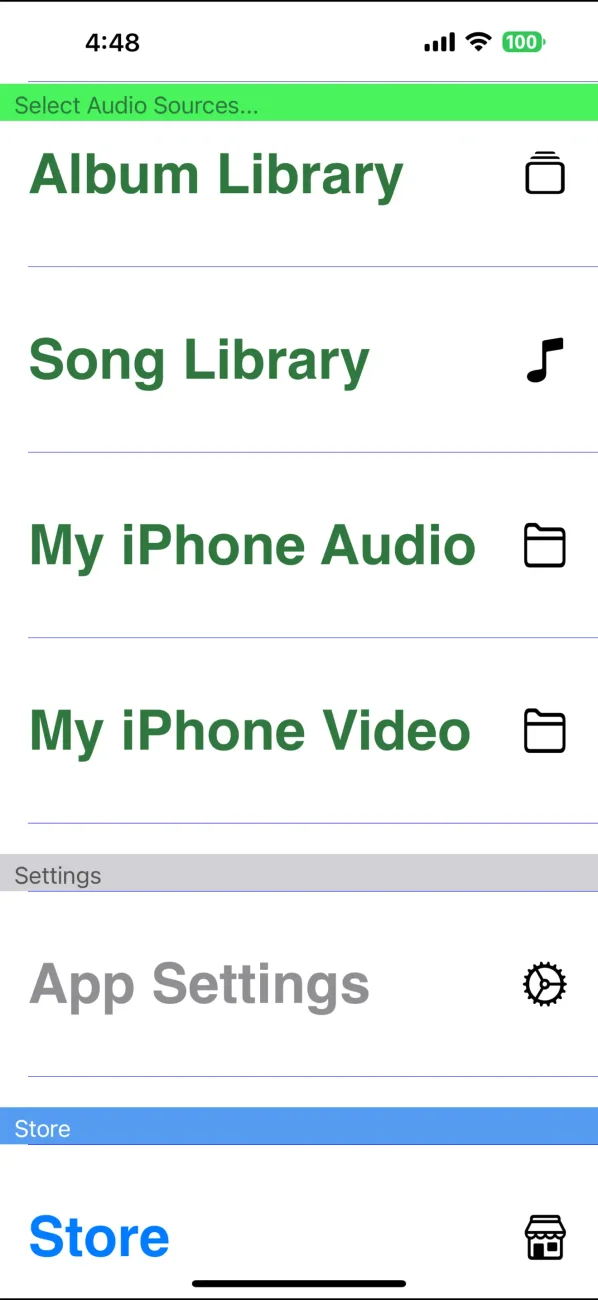
1. You can use language learning audio stored in your iPhone media library. Users can save language learning audio to their media library through iPhone synchronization and use it with the app.
2. My iPhone Folder After installing the app, users can access the 'AudioFinder' folder in the 'My iPhone' folder. You can save .mp4, .mp3, .m4a type language learning audio and video files in this folder. These saved files are analyzed for language practice, and users can listen to, repeat, and compare the Audio Nodes from the analyzed files.
Features and Functions
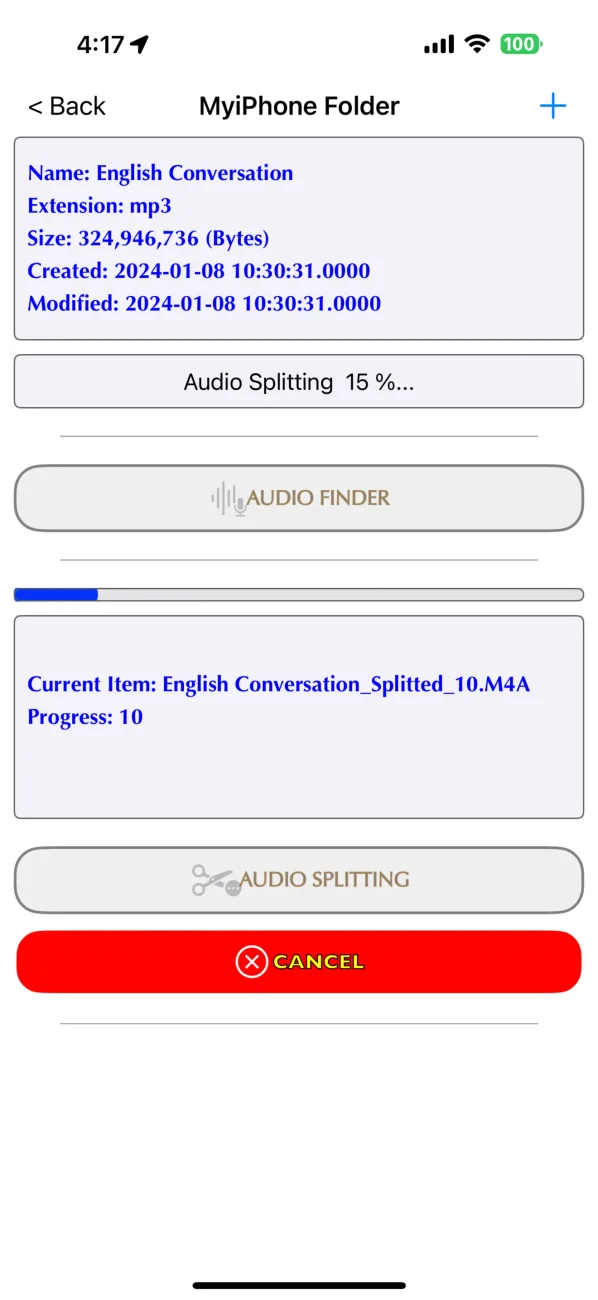
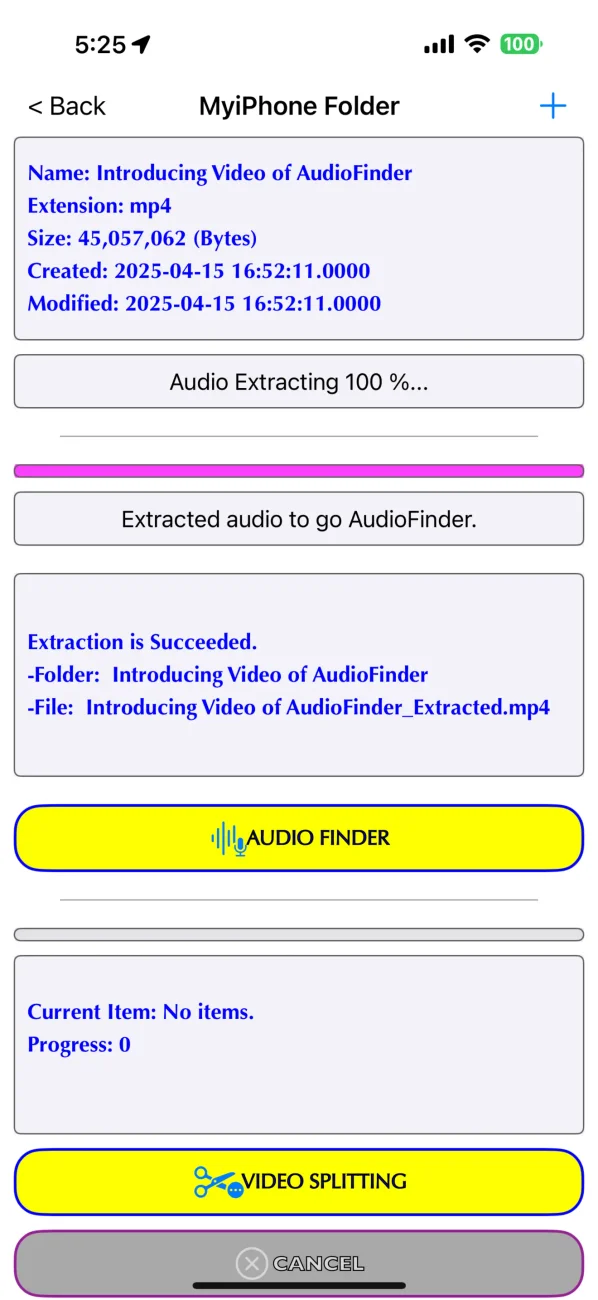
1. Large File Support Users can save and run language learning audio and video files, with the ability to analyze/run audio files under 1 GBytes. However, for lower-spec iPhone models, the app supports splitting large audio/video files into smaller sizes to reduce processing load. Video files saved in the My iPhone folder go through an audio extraction process when executed. Once the extracted audio is confirmed to be within the executable capacity (less than 1 GBytes), users can listen to, repeat, and analyze the audio.
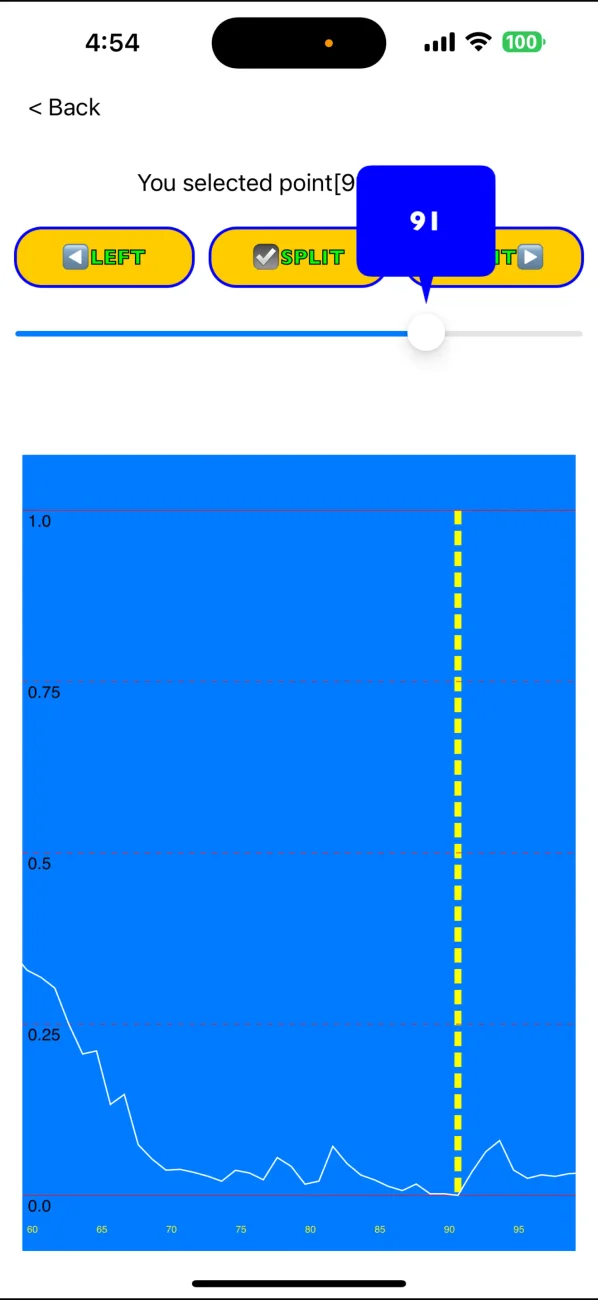
2. Manual Editing of Audio Nodes The Audio Nodes automatically analyzed by AudioFinder can be edited by users to connect or divide as desired. Users can connect multiple Audio Nodes or split one Audio Node into several sub-Audio Nodes.
3. Audio Comparison/Analysis AudioFinder features a function that compares Audio Nodes with the user's voice. Users can select an Audio Node to listen to, record their voice, and play it back. Additionally, users can compare how different their voice is from the Audio Node using real-time Spectrograms, comparing the Audio Node with their recorded voice and real-time voice.
For more information, please visit our website:
http://codemaxima.co.kr/
Yenilikler
Sürüm 1.0.2 · 05.12.2025
Free Trial feature update.
Before: After installing the app, use the free trial three times.
After: After installing the app, use the free trial for one day.
Uygulama gizliliği
Bu uygulamanın verileri nasıl işlediği hakkında Code Maxima tarafından App Store üzerinde yapılan beyan.
-
Sizinle ilişkilendirilmeyen veriler
Toplanabilir ancak kimliğinizle ilişkilendirilmez.
- Kullanıcı içeriği
Gizlilik uygulamaları, örneğin kullandığınız özelliklere veya yaşınıza göre değişiklik gösterebilir.
Bilgiler
- Satıcı
- Code Maxima
- Kategori
- Üretkenlik
- Sürüm
- 1.0.2
- Güncellendi
- 05.12.2025
- Yayın tarihi
- 05.05.2025
- Boyut
- 46,7 MB
- Gereksinim
- iOS 16.6 veya sonrası
- Yaş sınırı
- 4+
- Fiyat
- Ücretsiz
- Uygulama içi satın alma
- Evet
- Diller
- İngilizce
- Telif hakkı
- © 2025 Code Maxima All Right Reserved.