AudioFinder
Language learning practice app
Diseñada para iPhone, iPad
Gratis · Compras en la aplicación
- Clasificación por edad4+
- CategoríaProductividad
- DesarrolladorCode Maxima
- IdiomasInglés
- Tamaño46,7 MB
Enlaza a la página oficial de App Store
Download.org no aloja ningún archivo de AudioFinder. El botón abre la página de la aplicación en App Store, donde la publica Code Maxima. Ficha comprobada por última vez el 20/11/2026.
Capturas de pantalla


Acerca de
El desarrollador no ha proporcionado este texto en tu idioma.
Introducing AudioFinder
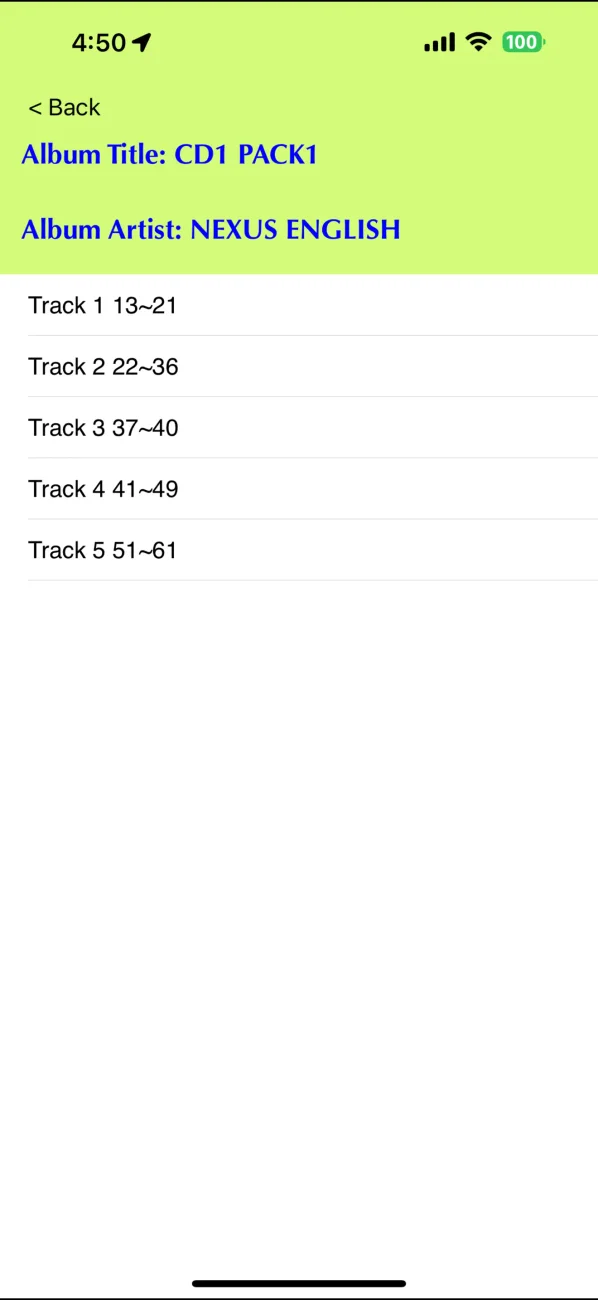
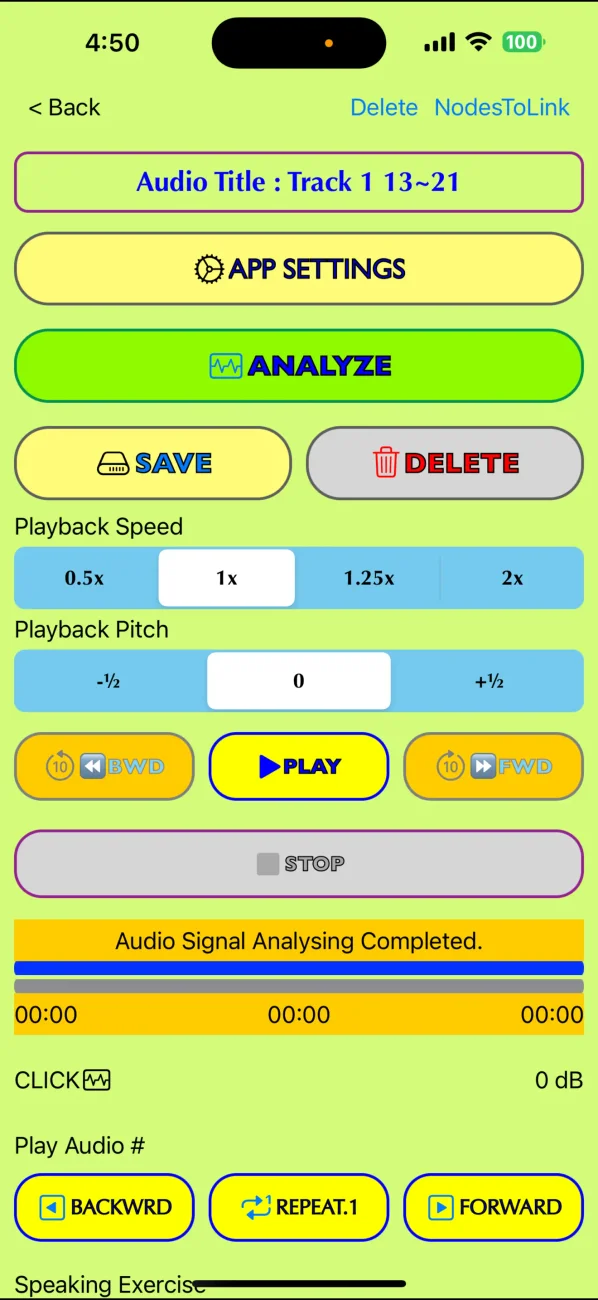
This app helps users with language practice. It analyzes language learning audio into Audio Nodes, and helps users listen to and repeat these Audio Nodes. The app also includes a feature that compares Audio Nodes with your voice, providing visual assistance for users practicing pronunciation.
Available Audio
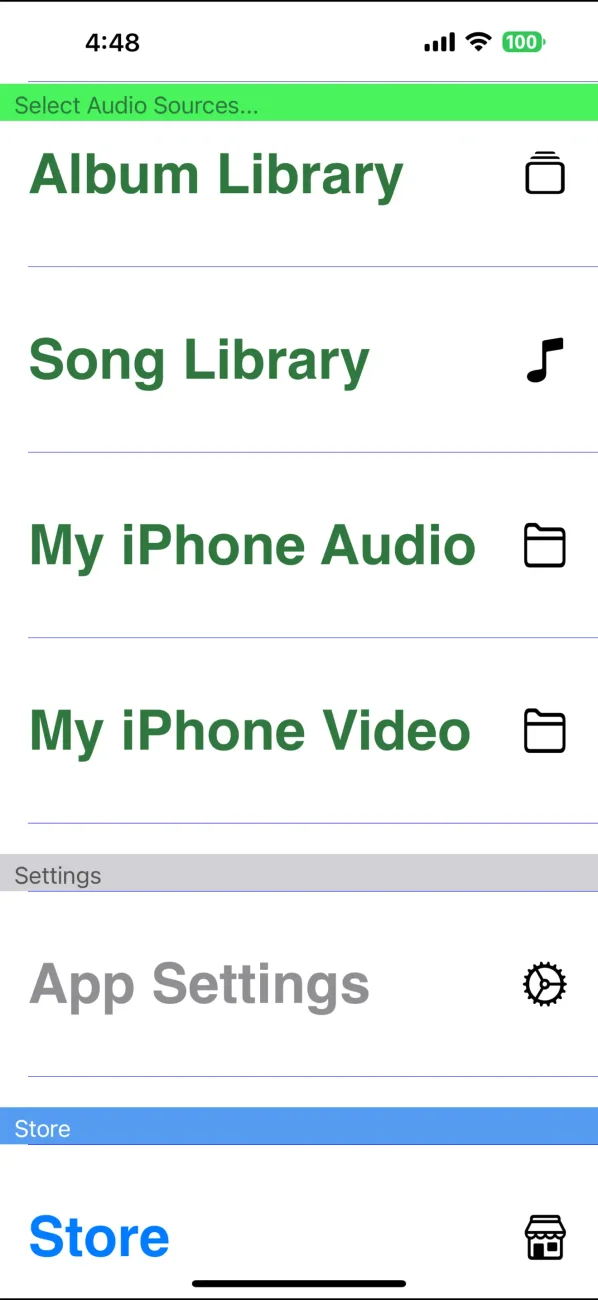
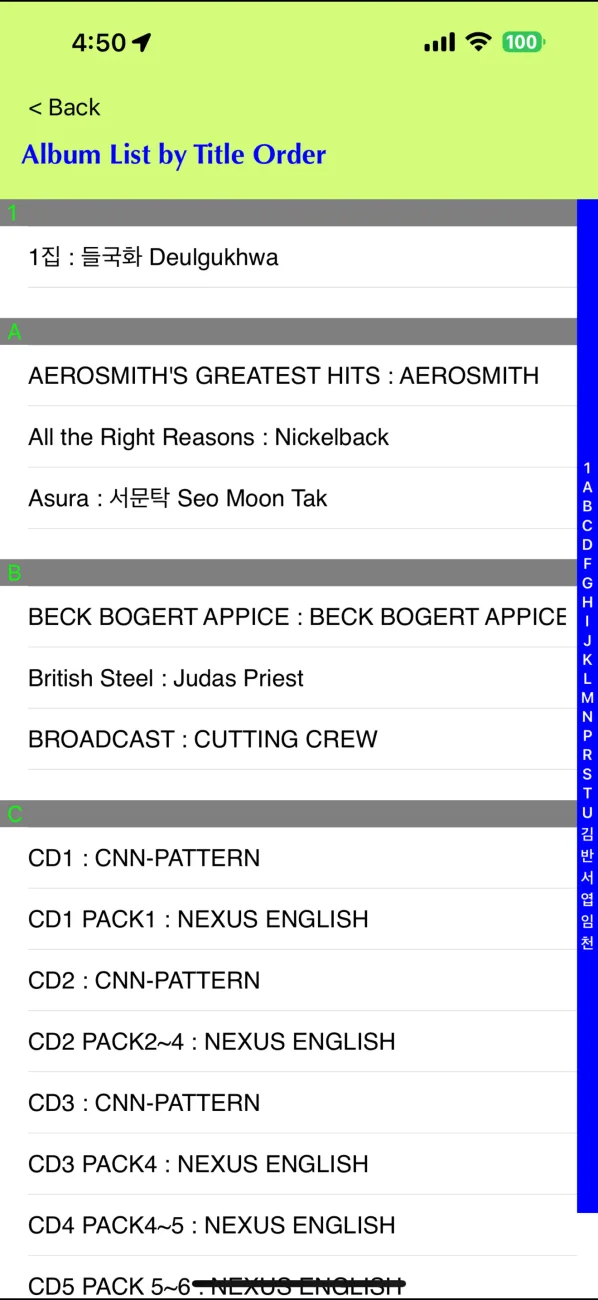
1. You can use language learning audio stored in your iPhone media library. Users can save language learning audio to their media library through iPhone synchronization and use it with the app.
2. My iPhone Folder After installing the app, users can access the 'AudioFinder' folder in the 'My iPhone' folder. You can save .mp4, .mp3, .m4a type language learning audio and video files in this folder. These saved files are analyzed for language practice, and users can listen to, repeat, and compare the Audio Nodes from the analyzed files.
Features and Functions
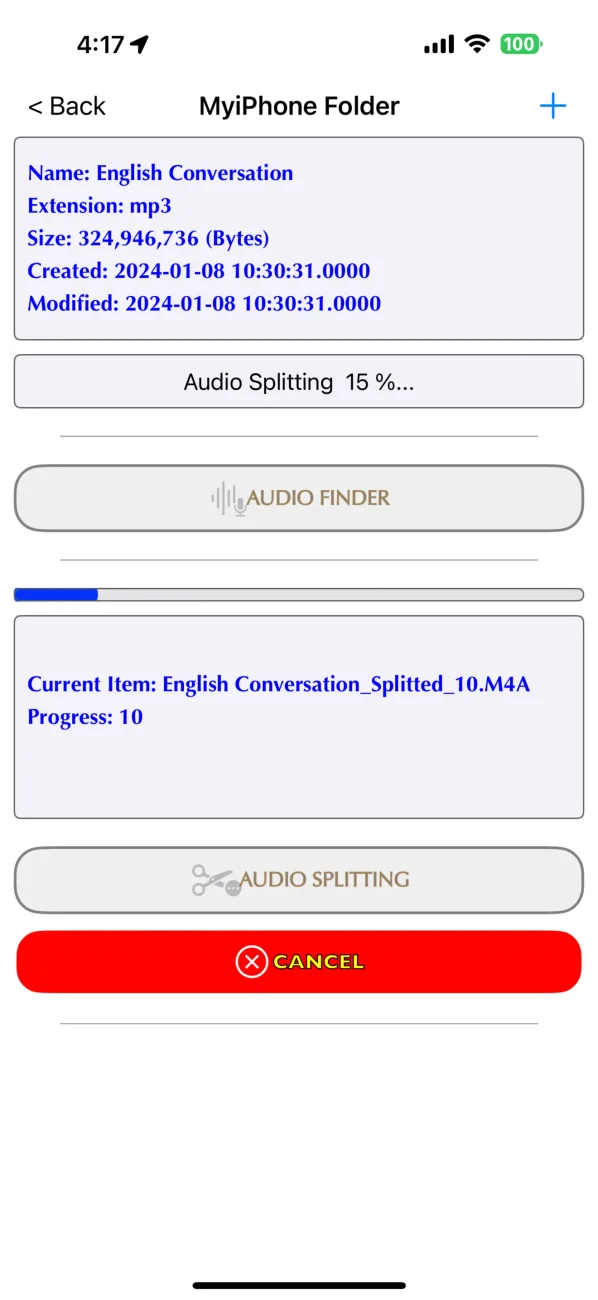
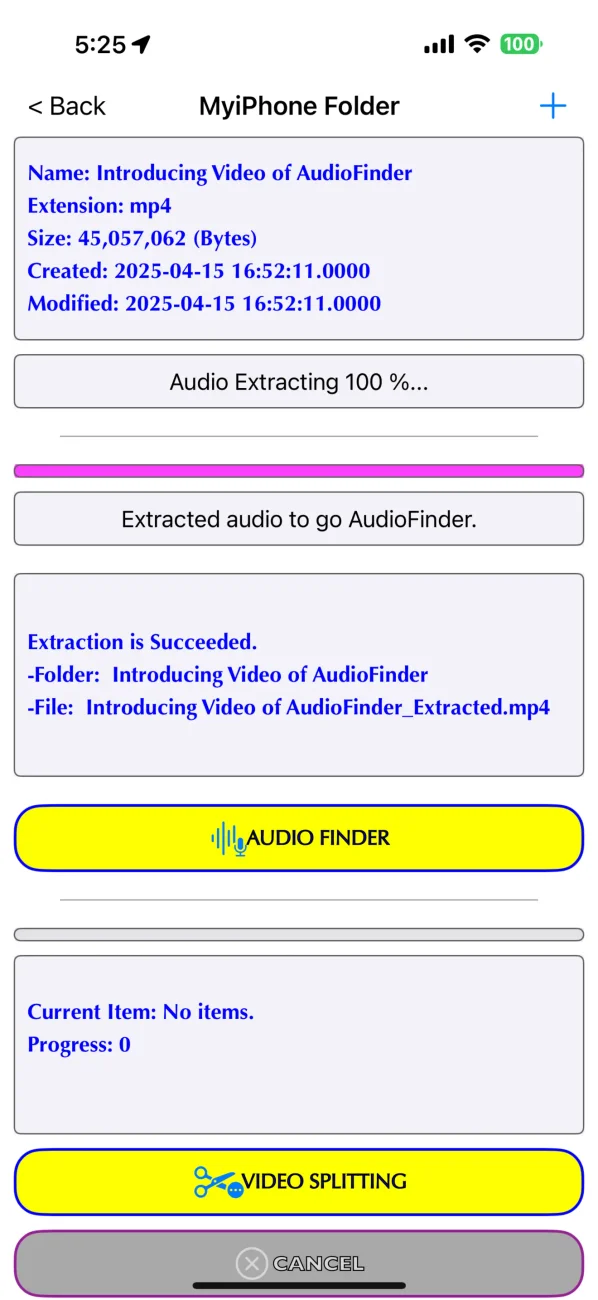
1. Large File Support Users can save and run language learning audio and video files, with the ability to analyze/run audio files under 1 GBytes. However, for lower-spec iPhone models, the app supports splitting large audio/video files into smaller sizes to reduce processing load. Video files saved in the My iPhone folder go through an audio extraction process when executed. Once the extracted audio is confirmed to be within the executable capacity (less than 1 GBytes), users can listen to, repeat, and analyze the audio.
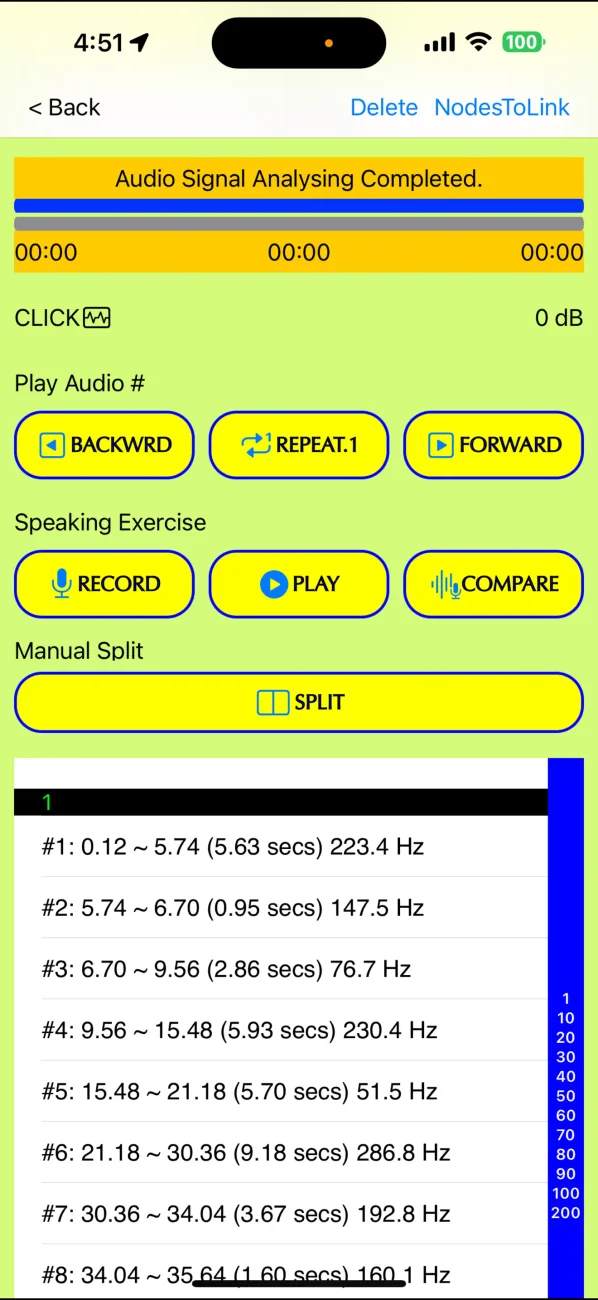
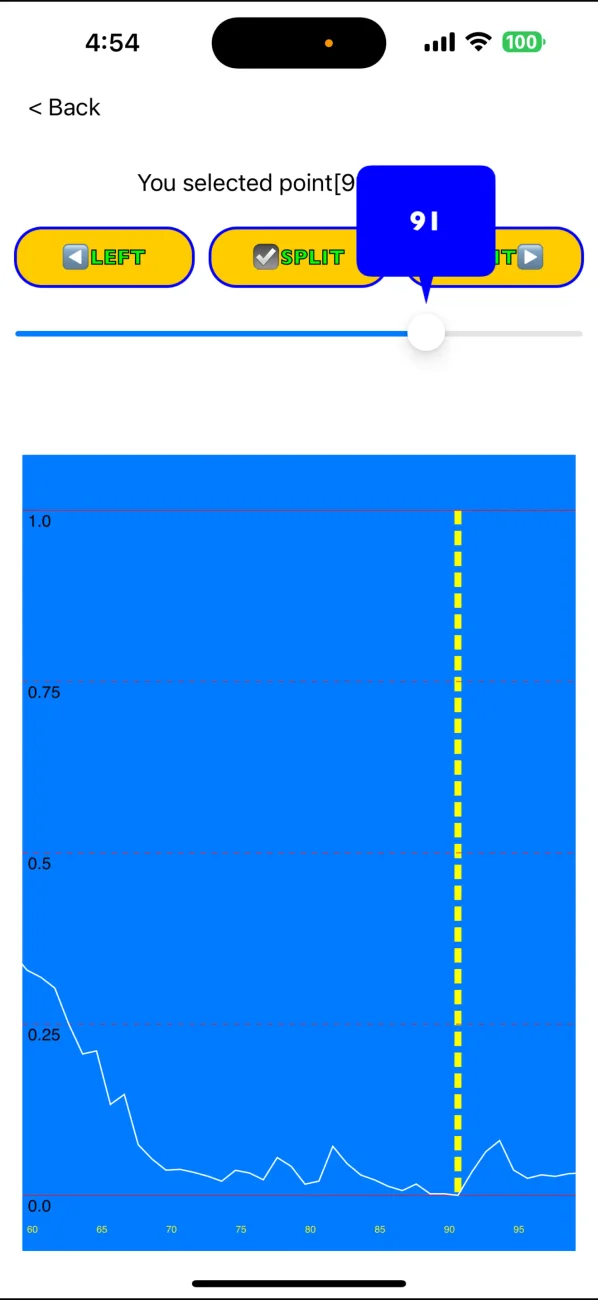
2. Manual Editing of Audio Nodes The Audio Nodes automatically analyzed by AudioFinder can be edited by users to connect or divide as desired. Users can connect multiple Audio Nodes or split one Audio Node into several sub-Audio Nodes.
3. Audio Comparison/Analysis AudioFinder features a function that compares Audio Nodes with the user's voice. Users can select an Audio Node to listen to, record their voice, and play it back. Additionally, users can compare how different their voice is from the Audio Node using real-time Spectrograms, comparing the Audio Node with their recorded voice and real-time voice.
For more information, please visit our website:
http://codemaxima.co.kr/
Novedades
Versión 1.0.2 · 5/12/2025
Free Trial feature update.
Before: After installing the app, use the free trial three times.
After: After installing the app, use the free trial for one day.
Privacidad de la aplicación
Lo que Code Maxima declara en App Store sobre cómo esta aplicación gestiona los datos.
-
Datos no vinculados a ti
Pueden recopilarse, pero no se vinculan a tu identidad.
- Contenido del usuario
Las prácticas de privacidad pueden variar, por ejemplo, según las funciones que uses o tu edad.
Información
- Vendedor
- Code Maxima
- Categoría
- Productividad
- Versión
- 1.0.2
- Actualizado
- 5/12/2025
- Publicado
- 5/5/2025
- Tamaño
- 46,7 MB
- Requiere
- iOS 16.6 o posterior
- Clasificación por edad
- 4+
- Precio
- Gratis
- Compras en la aplicación
- Sí
- Idiomas
- Inglés
- Copyright
- © 2025 Code Maxima All Right Reserved.
Quizá también te guste
-
 FixyyProductividad
-
 Reset TimerProductividad
-
 NuEdit - Code EditorProductividad
-
 Calendar LabelsProductividad
-
 ScreenMindful-Adicción DigitalBloqueador de Redes Sociales
-
 Focus Up: AI pomodoro timerProductividad
-
 Habit Tracker - Goals OnTrackProductividad
-
 Voice To Notes AI: Voz a TextoTranscripción IA y Dictado
-
 TopSeekProductividad
-
 AudioPenDiscurso a texto, AI AudioPen