- 対象年齢4+
- カテゴリ仕事効率化
- 開発元Code Maxima
- 言語英語
- サイズ46.7 MB
App Storeの公式ページにリンクしています
Download.orgはAudioFinderのファイルを一切ホストしていません。ボタンを押すと、Code Maximaが公開しているApp Storeのアプリページが開きます。ページの最終確認:2026/11/20。
スクリーンショット


概要
開発元はこのテキストをお使いの言語で提供していません。
Introducing AudioFinder
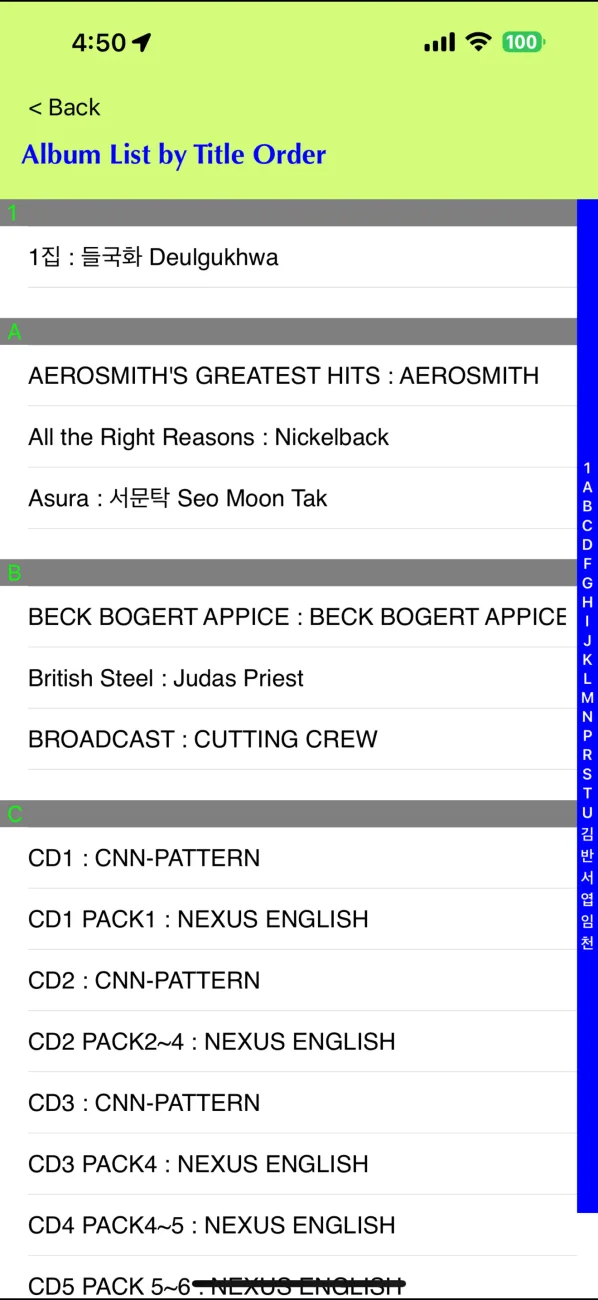
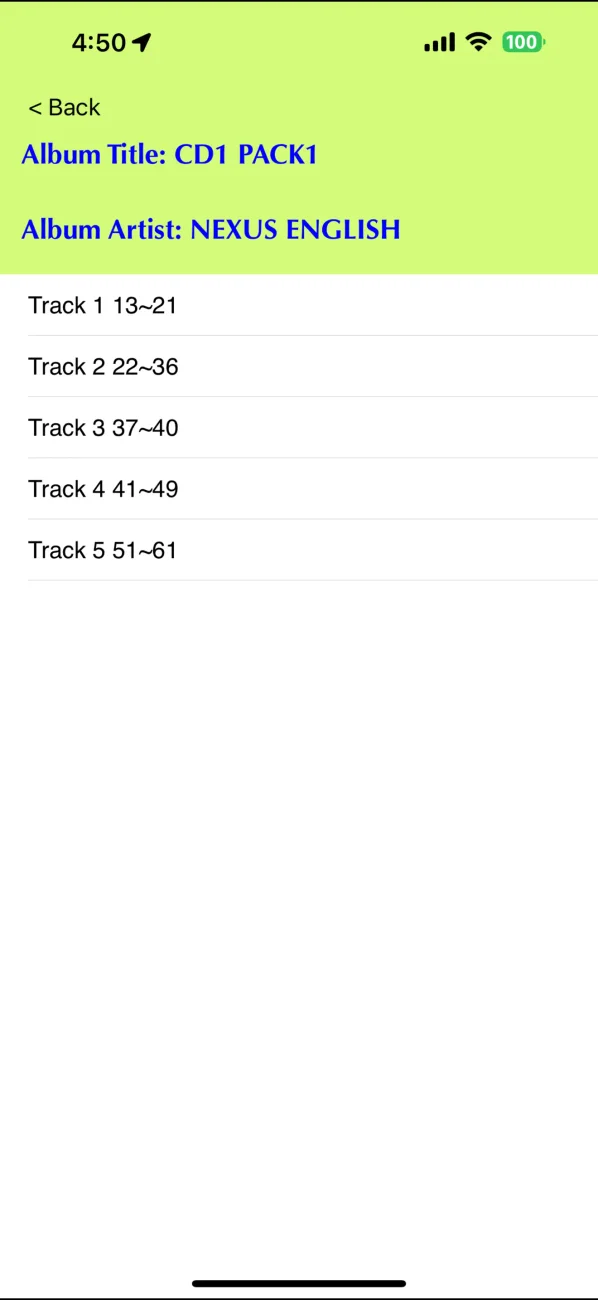
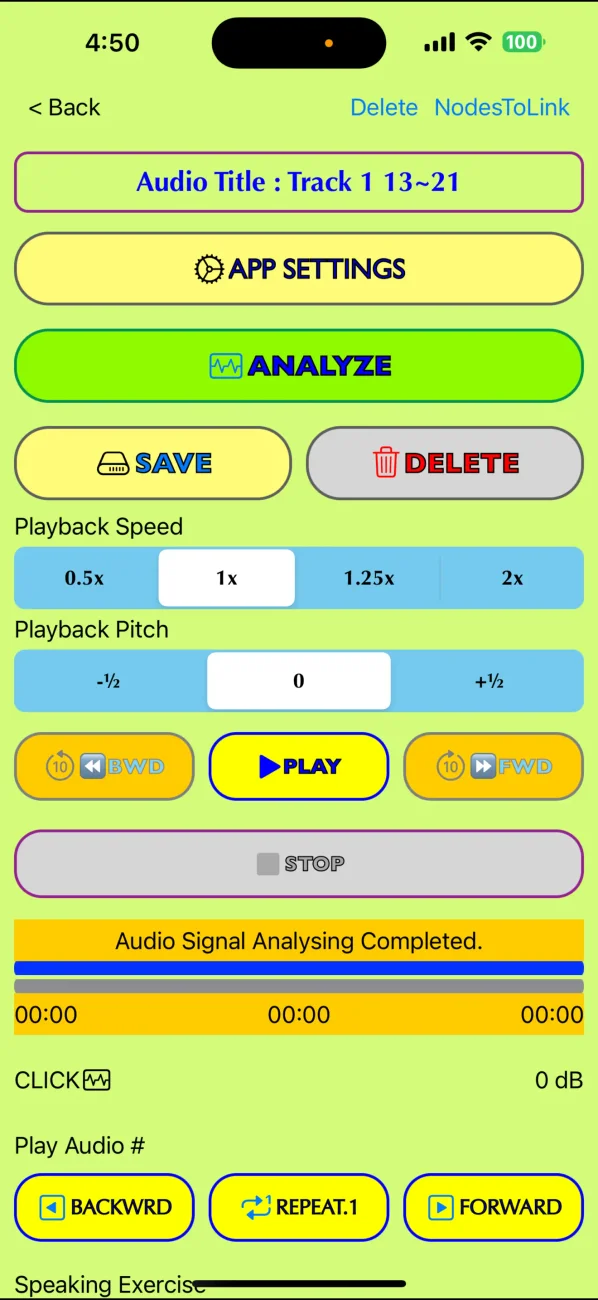
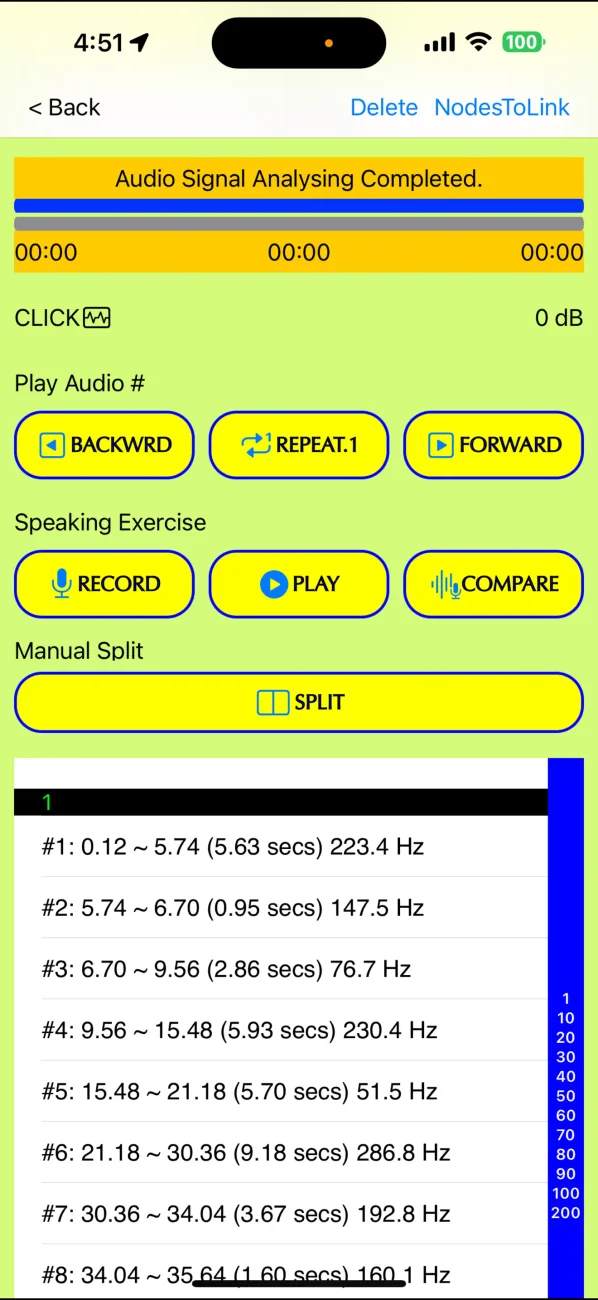
This app helps users with language practice. It analyzes language learning audio into Audio Nodes, and helps users listen to and repeat these Audio Nodes. The app also includes a feature that compares Audio Nodes with your voice, providing visual assistance for users practicing pronunciation.
Available Audio
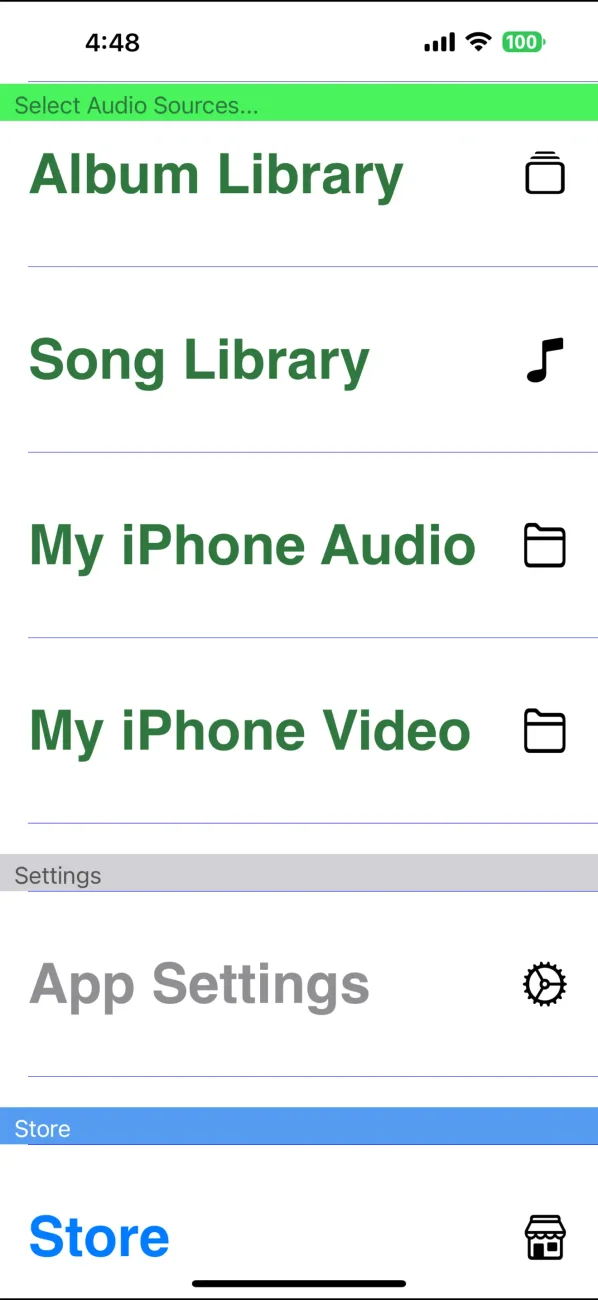
1. You can use language learning audio stored in your iPhone media library. Users can save language learning audio to their media library through iPhone synchronization and use it with the app.
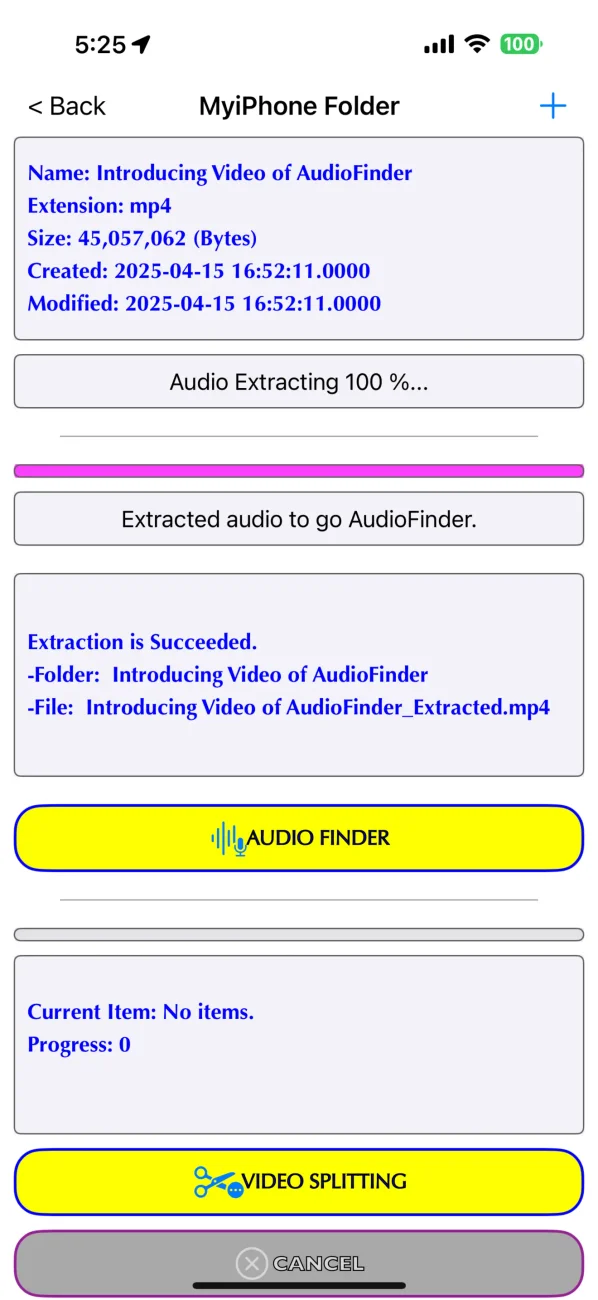
2. My iPhone Folder After installing the app, users can access the 'AudioFinder' folder in the 'My iPhone' folder. You can save .mp4, .mp3, .m4a type language learning audio and video files in this folder. These saved files are analyzed for language practice, and users can listen to, repeat, and compare the Audio Nodes from the analyzed files.
Features and Functions
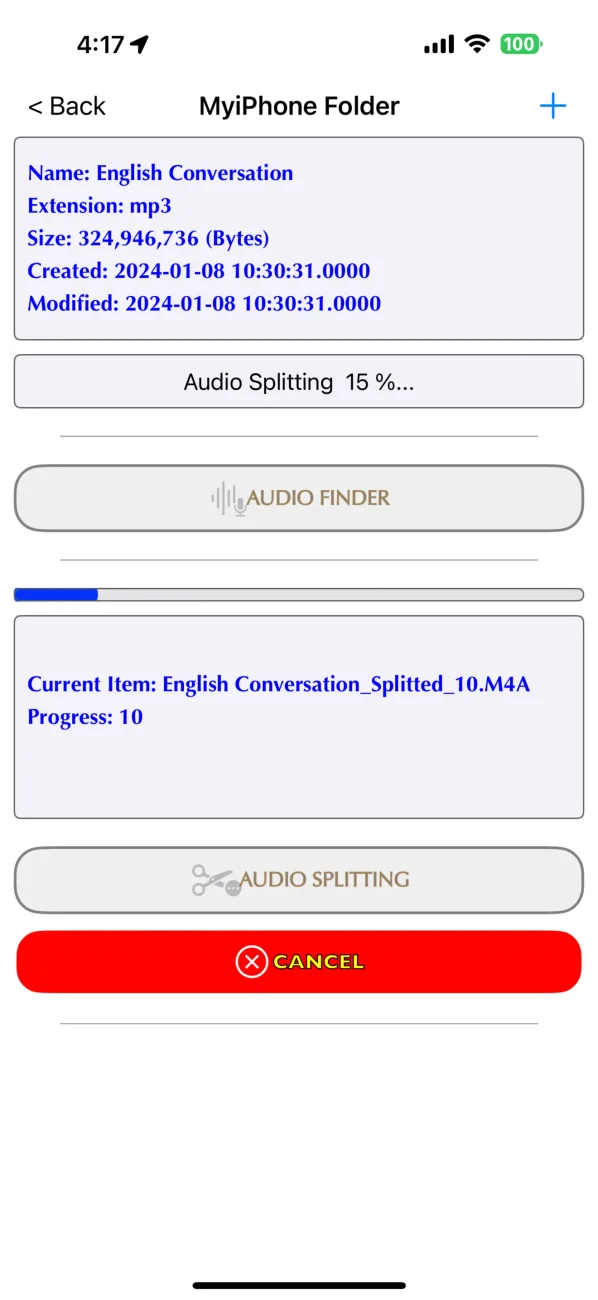
1. Large File Support Users can save and run language learning audio and video files, with the ability to analyze/run audio files under 1 GBytes. However, for lower-spec iPhone models, the app supports splitting large audio/video files into smaller sizes to reduce processing load. Video files saved in the My iPhone folder go through an audio extraction process when executed. Once the extracted audio is confirmed to be within the executable capacity (less than 1 GBytes), users can listen to, repeat, and analyze the audio.
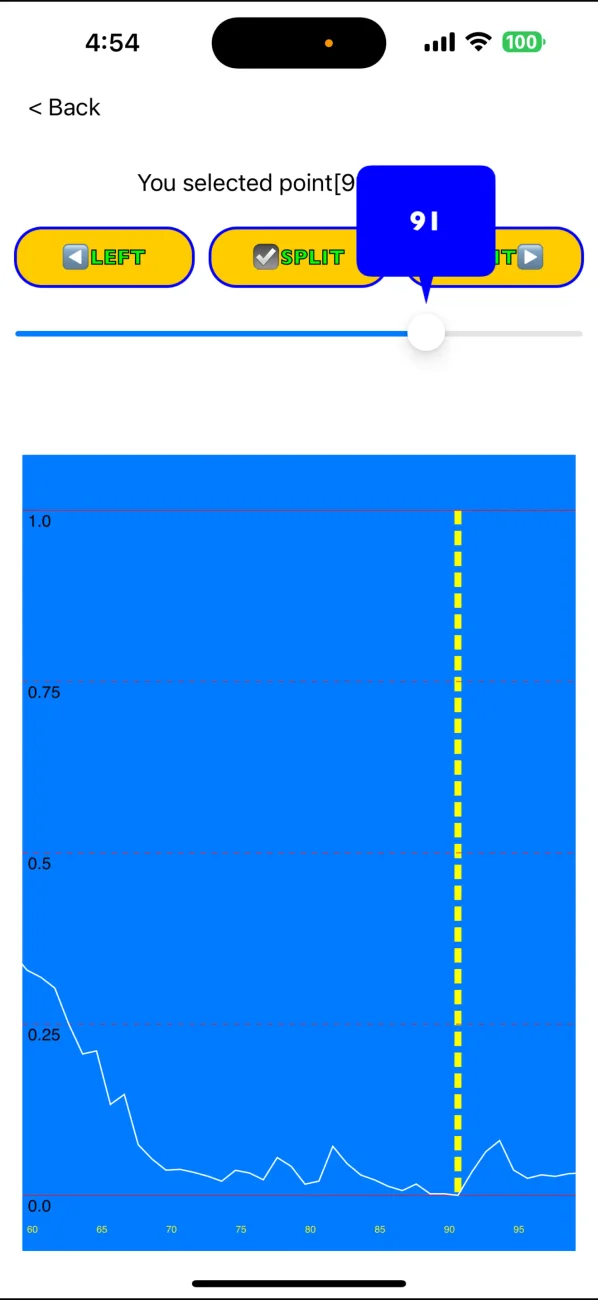
2. Manual Editing of Audio Nodes The Audio Nodes automatically analyzed by AudioFinder can be edited by users to connect or divide as desired. Users can connect multiple Audio Nodes or split one Audio Node into several sub-Audio Nodes.
3. Audio Comparison/Analysis AudioFinder features a function that compares Audio Nodes with the user's voice. Users can select an Audio Node to listen to, record their voice, and play it back. Additionally, users can compare how different their voice is from the Audio Node using real-time Spectrograms, comparing the Audio Node with their recorded voice and real-time voice.
For more information, please visit our website:
http://codemaxima.co.kr/
新機能
バージョン 1.0.2 · 2025/12/5
Free Trial feature update.
Before: After installing the app, use the free trial three times.
After: After installing the app, use the free trial for one day.
アプリのプライバシー
このアプリのデータの取り扱いについて、Code MaximaがApp Storeで申告している内容です。
-
ユーザーに関連付けられないデータ
収集される場合がありますが、ユーザーの識別情報には関連付けられません。
- ユーザーコンテンツ
プライバシーの取り扱いは、ご利用の機能やお客様の年齢などに応じて異なる場合があります。
情報
- 販売元
- Code Maxima
- カテゴリ
- 仕事効率化
- バージョン
- 1.0.2
- 更新日
- 2025/12/5
- リリース
- 2025/5/5
- サイズ
- 46.7 MB
- 必要条件
- iOS 16.6以降
- 対象年齢
- 4+
- 価格
- 無料
- アプリ内課金
- あり
- 言語
- 英語
- 著作権
- © 2025 Code Maxima All Right Reserved.
こちらもおすすめ
-
 Fixyy仕事効率化
-
 リセットタイマー利用制限リセットのカウントダウン
-
 NuEdit - コードエディタ美しく読みやすいコードエディタ
-
 Calendar Labels仕事効率化
-
 じぶんスマホ時間 ― 認知行動療法・画面時間管理CBT認知行動療法・スマホ依存対策・スマホ制限
-
 Focus Up: AI pomodoro timer仕事効率化
-
 Habit Tracker - Goals OnTrack仕事効率化
-
 Voice To Notes AI: 音声文字変換AI 文字起こし & ディクテーション
-
 TopSeek仕事効率化
-
 AudioPenスピーチからテキスト, 録音メモ, AI AudioPen