
Batch Videos Edit
Batch Videos Edit Resize Tool
Entwickelt für iPhone, iPad, iPod touch
2,99 €
- Altersfreigabe4+
- KategorieFoto und Video
- EntwicklerHeng Jia Liang
- SprachenEnglisch
- Größe1,8 MB
Verlinkt auf die offizielle App Store-Seite
Download.org hostet keine Datei von Batch Videos Edit. Die Schaltfläche öffnet die App-Seite bei App Store, wo Heng Jia Liang die App veröffentlicht. Eintrag zuletzt geprüft am 18.11.2026.
Screenshots

Info
Der Entwickler hat diesen Text nicht in Ihrer Sprache bereitgestellt.
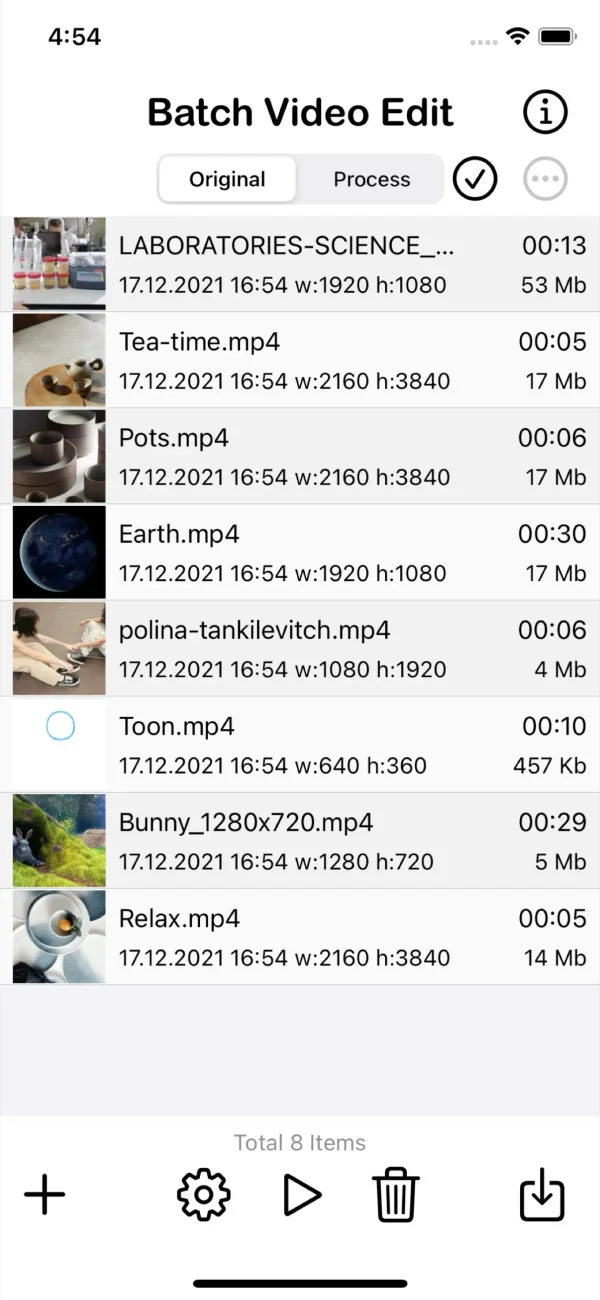
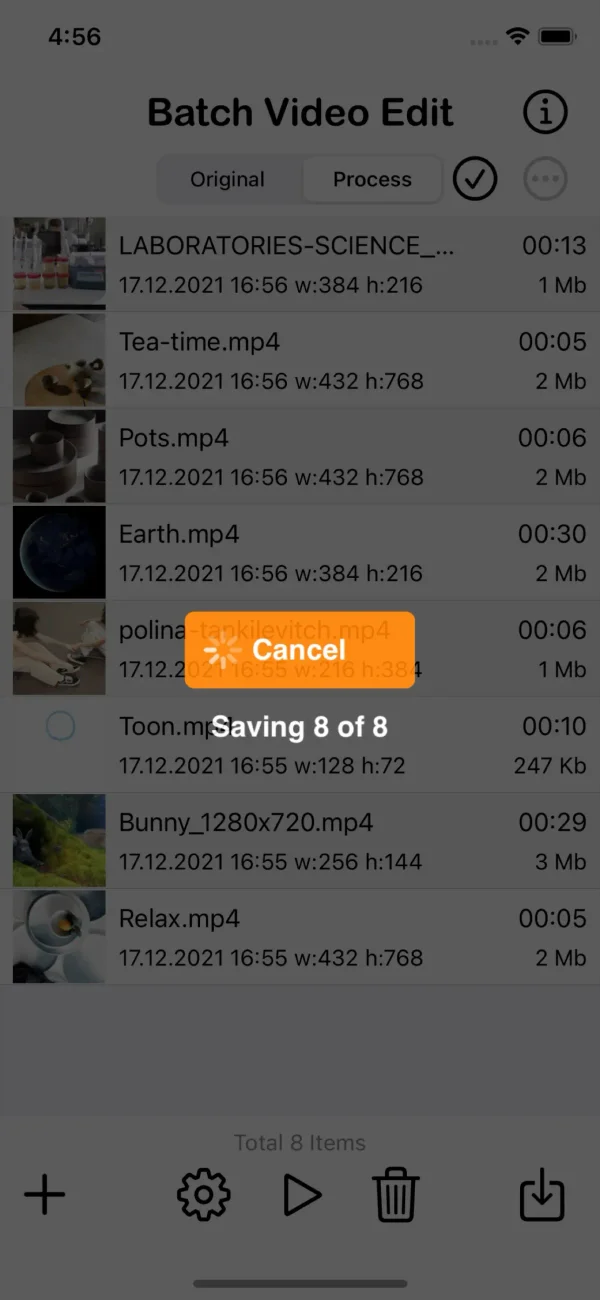
Batch Videos Edit – A powerful tool for iPhone and iPad that lets you resize, crop, change the aspect ratio, or rotate your videos and movies in bulk—quickly and easily.
With Batch Videos Edit, you can save your data plan and bandwidth since all video processing happens directly on your device. Once resized, you can effortlessly upload your videos to your favorite social media platforms like YouTube, Facebook, Tiktok, Instagram and X.
Features:
• Load multiple videos/clips from your library.
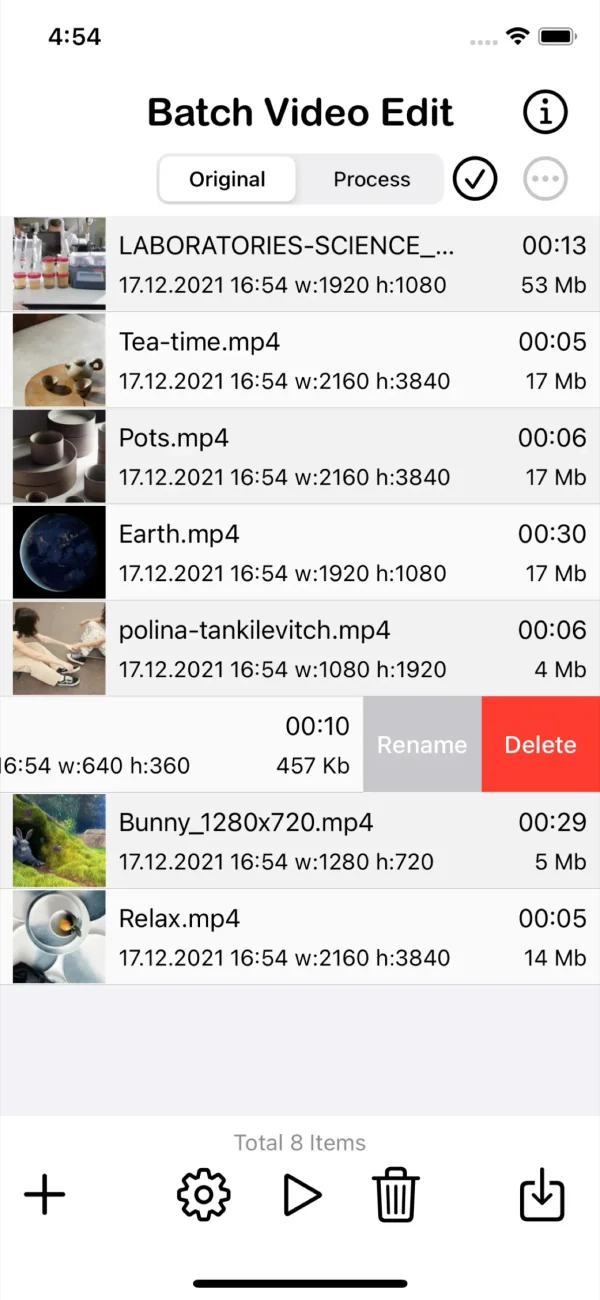
• Rename or delete videos easily.
• View detailed video info (name, date, duration, dimensions, and file size).
• Review and remove videos before proceeding.
• Preview each video/clip individually.
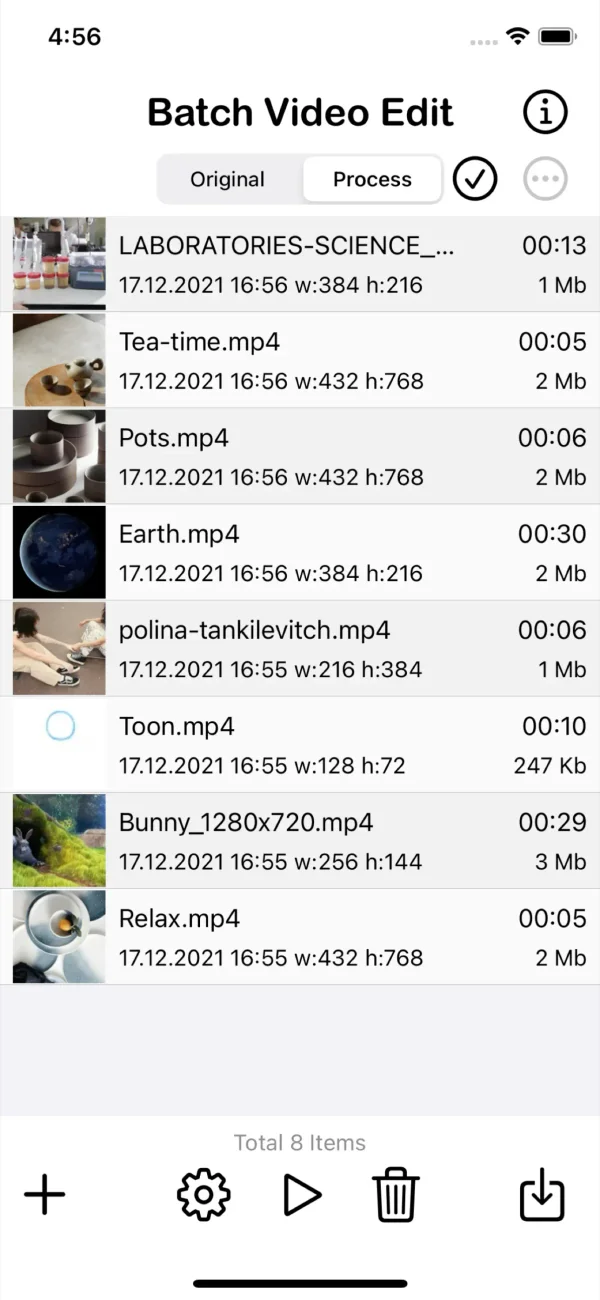
• Organized storage – View original and processed videos in separate folders.
• One-tap cleanup – Clear all videos in a single press.
• Save all processed videos directly to your Camera Roll.
• Works seamlessly on both iPhone and iPad.
• Lightweight, compact app optimized for everyday use.
• Ad-free and built with privacy in mind.
Setting:
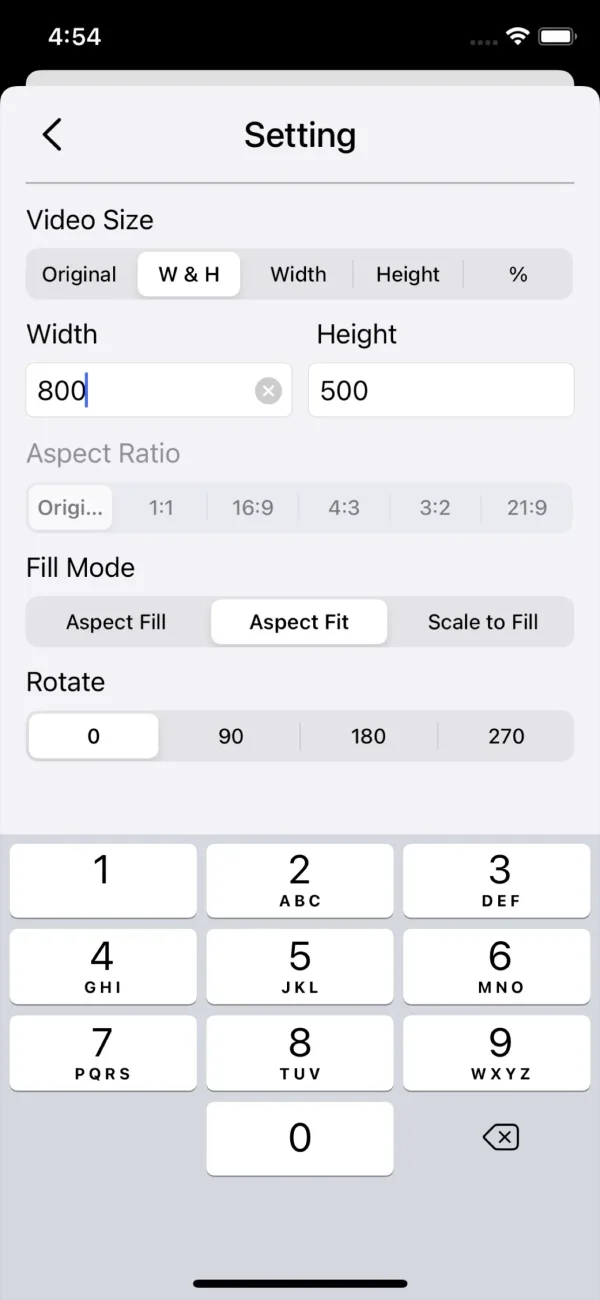
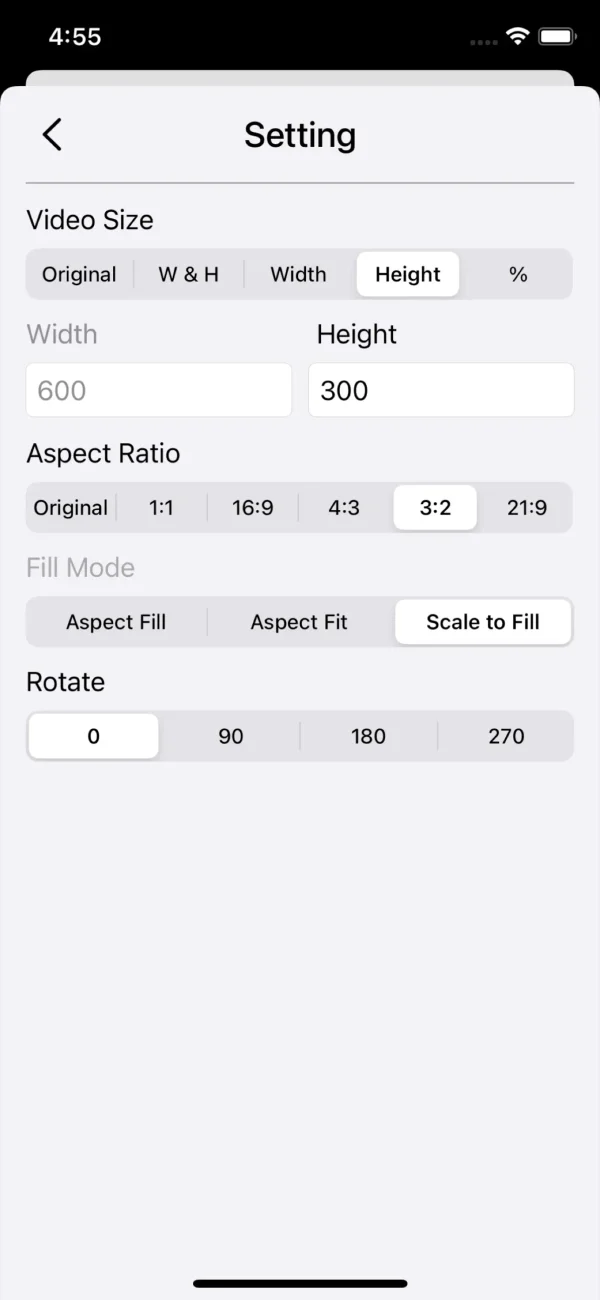
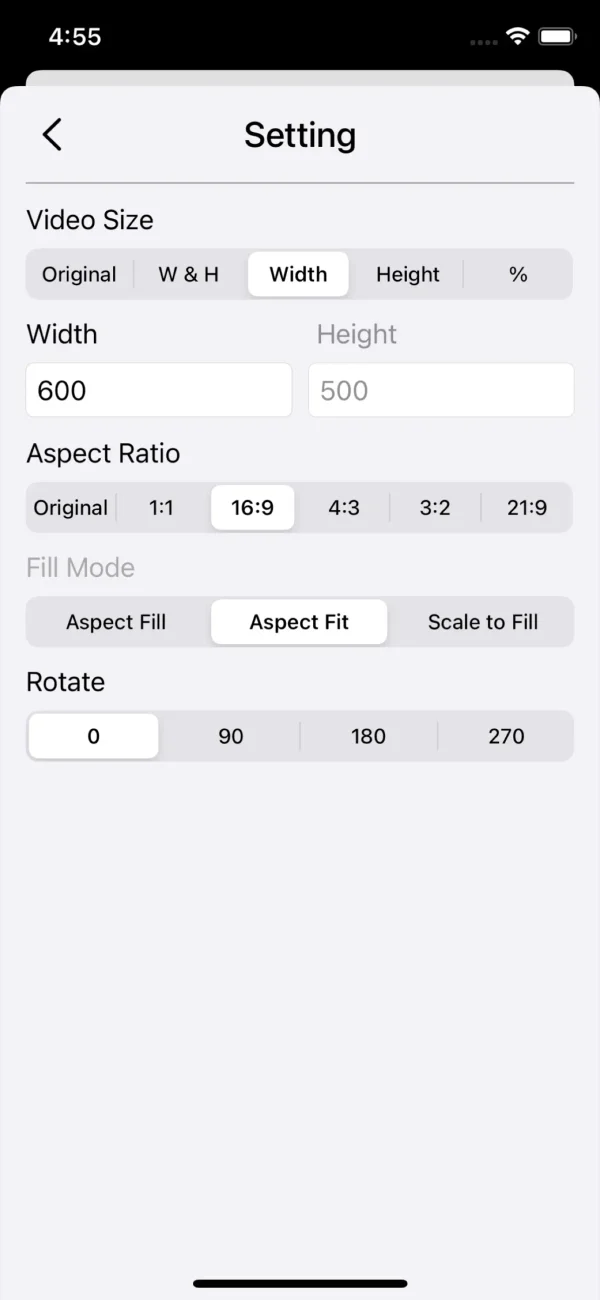
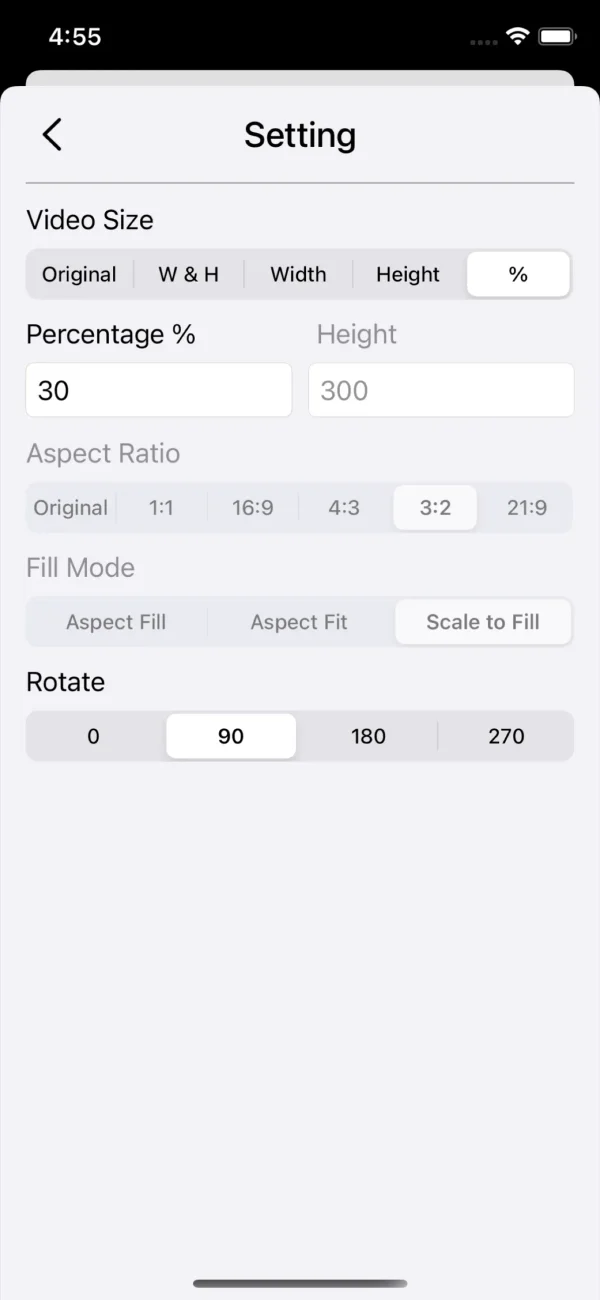
- Set Video Size
-- Original, By Width and Height, By Width, by Height and By percentage.
- Set Aspect Ratio
-- Original, 1:1, 16:9, 4:3, 3:2, 21:9
- Set Fill Mode
-- Aspect Fill, Aspect Fit and Scale to fill
- Set Video Rotation
-- 0, 90, 180 and 270 degree.
Quick Guide:
1. Tap the [+] icon and select the videos you want to batch edit.
2. Tap the Settings icon for detailed adjustments.
3. Let's assume we want to resize all videos to 640x320.
4. Tap on W & H (Width and Height).
5. Set the width to 640 and the height to 320.
6. Once finished, tap the Back button.
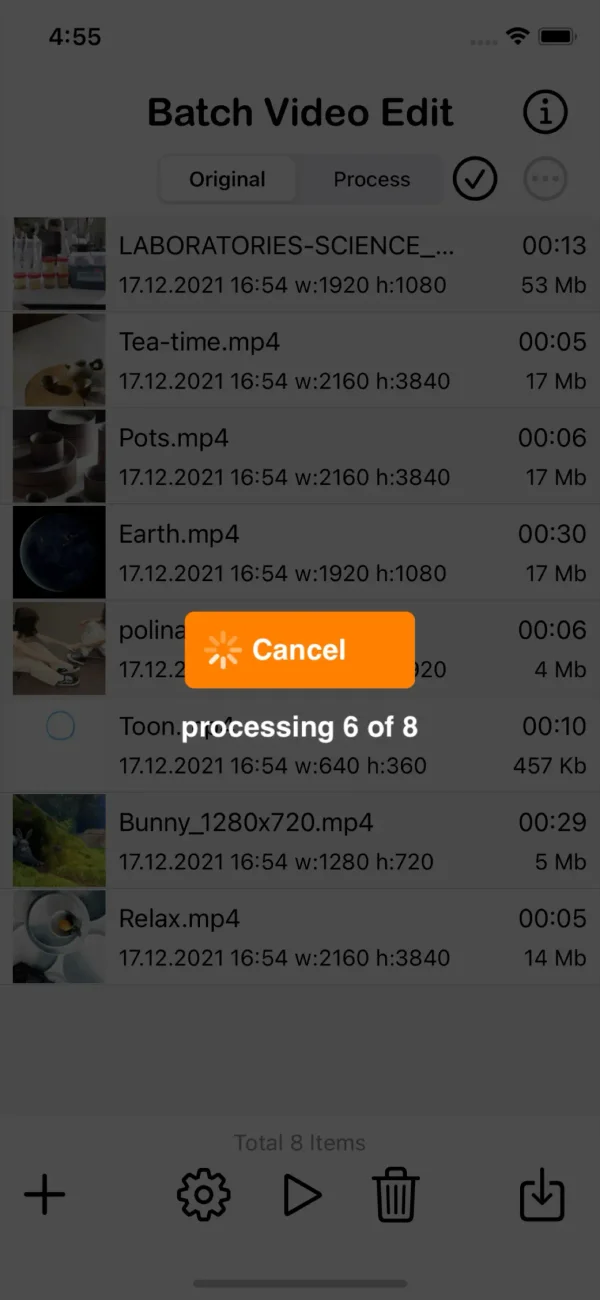
7. Tap the Run icon and wait for the process to complete.
8. Tap the Process tab at the top to check the processed videos.
9. Tap the Save icon to save all processed videos to the Camera Roll.
10. After saving, clear all videos by tapping the Bin icon.
* After picking videos from the gallery, you can reselect any videos you missed by tapping the [+] icon again.
* When selecting videos from the gallery, duplicate videos (videos with the same name) will be skipped.
* Remember to clear all videos before starting a new process.
Batch Videos Edit makes it easy to resize multiple videos at once. It is incredibly fast because your videos are resized directly on your device, without needing to be uploaded or transmitted to any servers. This makes it easier to send and share them with your family and friends.
Thanks for your support and do visit nitrio.com for more apps for your iOS devices.
Neue Funktionen
Version 1.2 · 05.02.2026
- Updated for the newest devices.
- Minor bugs fixed.
App-Datenschutz
Was Heng Jia Liang im App Store zum Umgang dieser App mit Daten angibt.
-
Keine Daten erfasst
Der Entwickler erfasst keine Daten von dieser App.
Die Datenschutzpraktiken können variieren, zum Beispiel je nach den von Ihnen verwendeten Funktionen oder Ihrem Alter.
Informationen
- Anbieter
- Heng Jia Liang
- Kategorie
- Foto und Video
- Version
- 1.2
- Aktualisiert
- 05.02.2026
- Veröffentlicht
- 19.12.2021
- Größe
- 1,8 MB
- Erfordert
- iOS 13.0 oder neuer
- Altersfreigabe
- 4+
- Preis
- 2,99 €
- Sprachen
- Englisch
- Copyright
- © Heng Jia Liang
Das könnte Ihnen auch gefallen
-
 Croply: Video zuschneidenSeitenverhältnis anpassen
-
 Video teilen & schneidenClips trimmen und speichern
-
 Desqueeze PRO - Batch ResizerFoto und Video
-
 Video Rotate & Flip - HDReparieren Rotieren Drehen
-
 Gif Maker, Video to GIFFoto und Video
-
 Video Trimmer: Batch EditorFoto und Video
-
 FaceScreen: Floating CameraFoto und Video
-
 Video Resize & Scale - HDGröße ändern / dehnen
-
 Metadata Editor TagClearSecure metadata editor
-
 VividuCut - Video EditorFoto und Video