
- 対象年齢4+
- カテゴリ写真/ビデオ
- 開発元Heng Jia Liang
- 言語英語
- サイズ1.8 MB
App Storeの公式ページにリンクしています
Download.orgはBatch Videos Editのファイルを一切ホストしていません。ボタンを押すと、Heng Jia Liangが公開しているApp Storeのアプリページが開きます。ページの最終確認:2026/11/18。
スクリーンショット

概要
開発元はこのテキストをお使いの言語で提供していません。
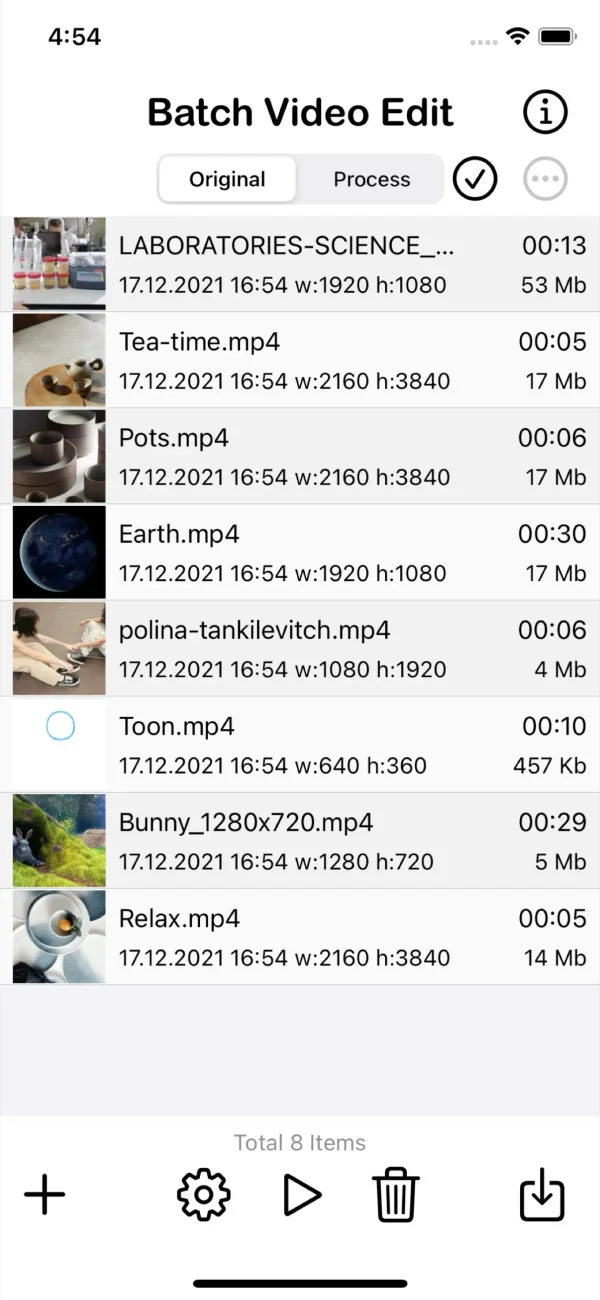
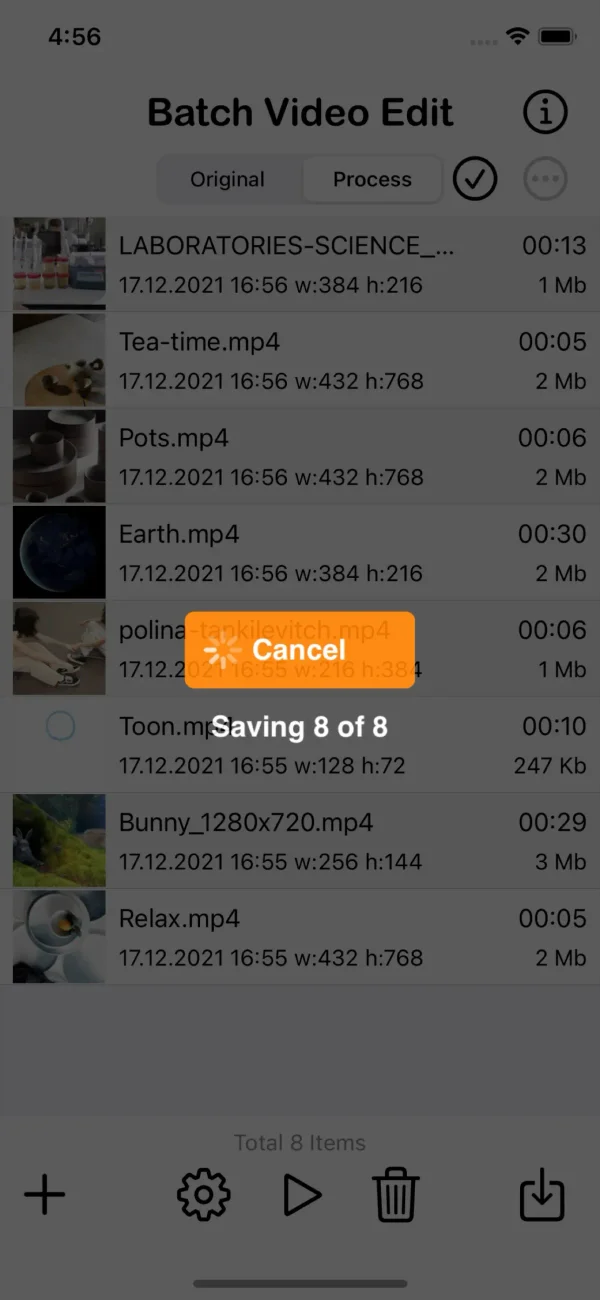
Batch Videos Edit – A powerful tool for iPhone and iPad that lets you resize, crop, change the aspect ratio, or rotate your videos and movies in bulk—quickly and easily.
With Batch Videos Edit, you can save your data plan and bandwidth since all video processing happens directly on your device. Once resized, you can effortlessly upload your videos to your favorite social media platforms like YouTube, Facebook, Tiktok, Instagram and X.
Features:
• Load multiple videos/clips from your library.
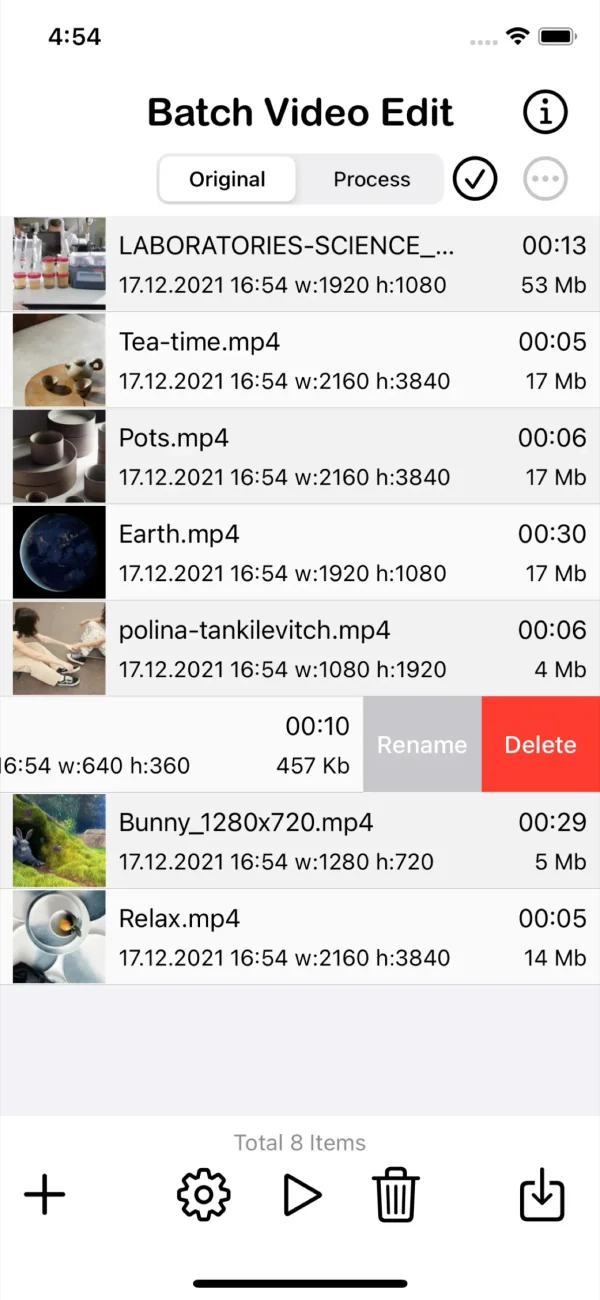
• Rename or delete videos easily.
• View detailed video info (name, date, duration, dimensions, and file size).
• Review and remove videos before proceeding.
• Preview each video/clip individually.
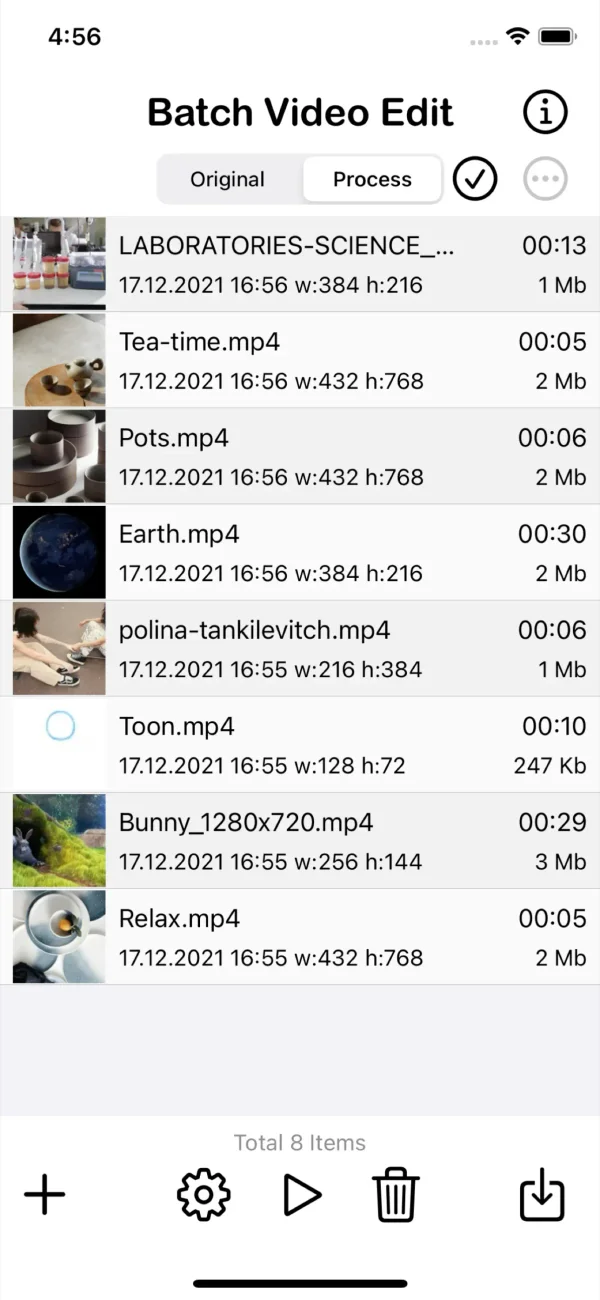
• Organized storage – View original and processed videos in separate folders.
• One-tap cleanup – Clear all videos in a single press.
• Save all processed videos directly to your Camera Roll.
• Works seamlessly on both iPhone and iPad.
• Lightweight, compact app optimized for everyday use.
• Ad-free and built with privacy in mind.
Setting:
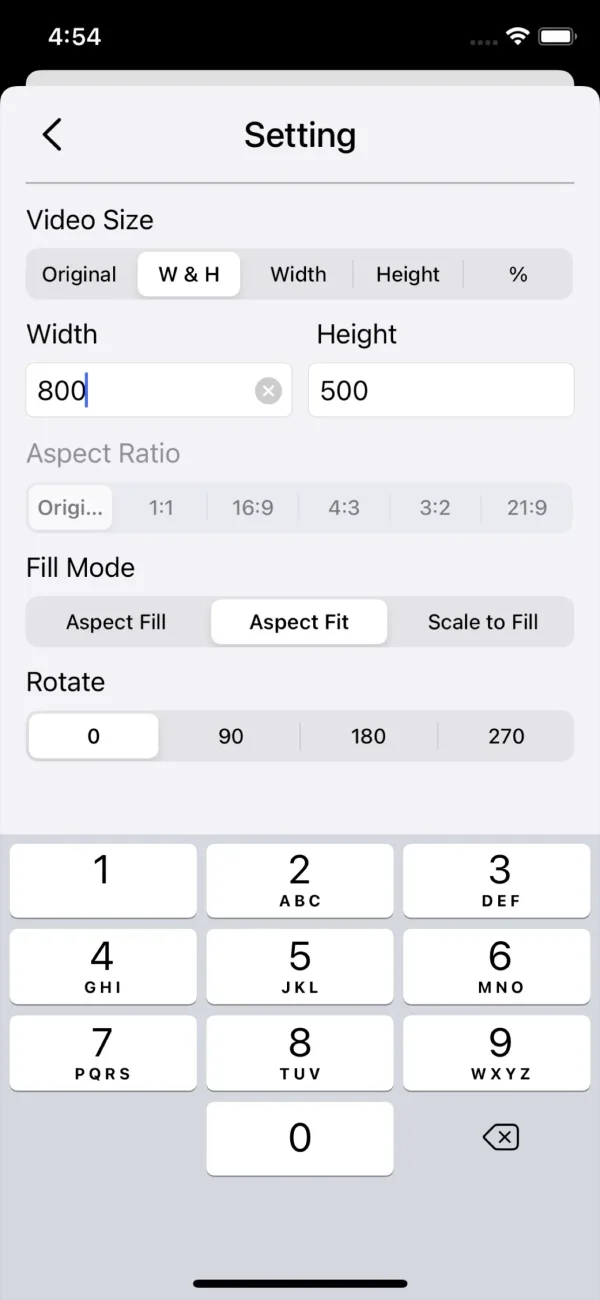
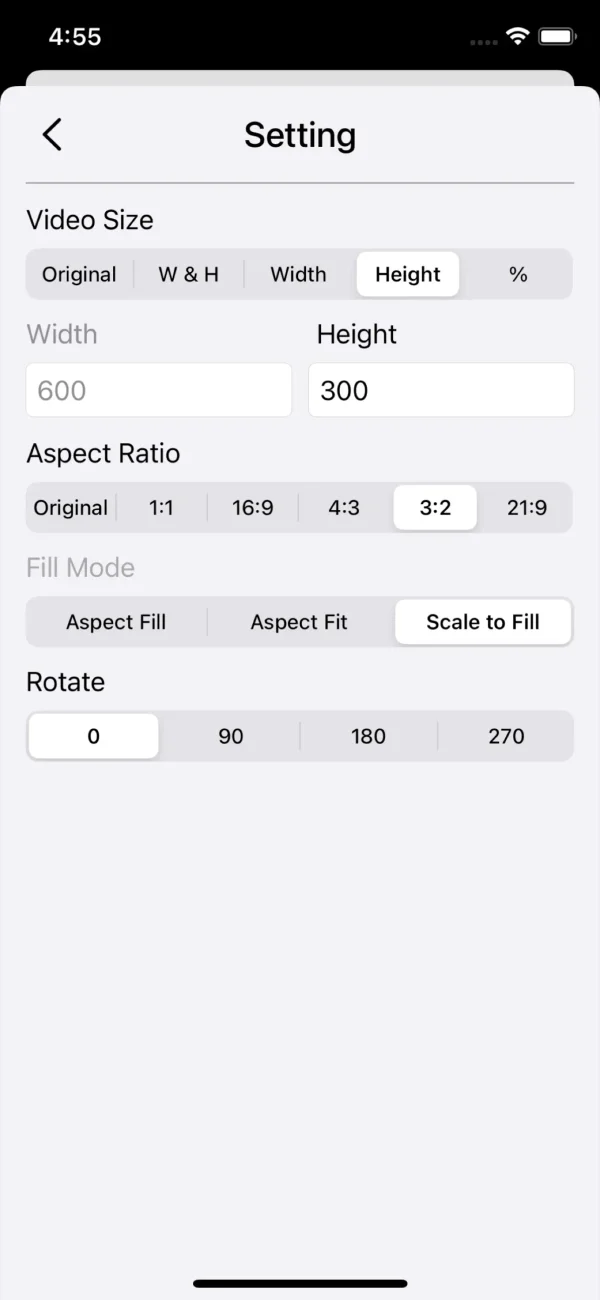
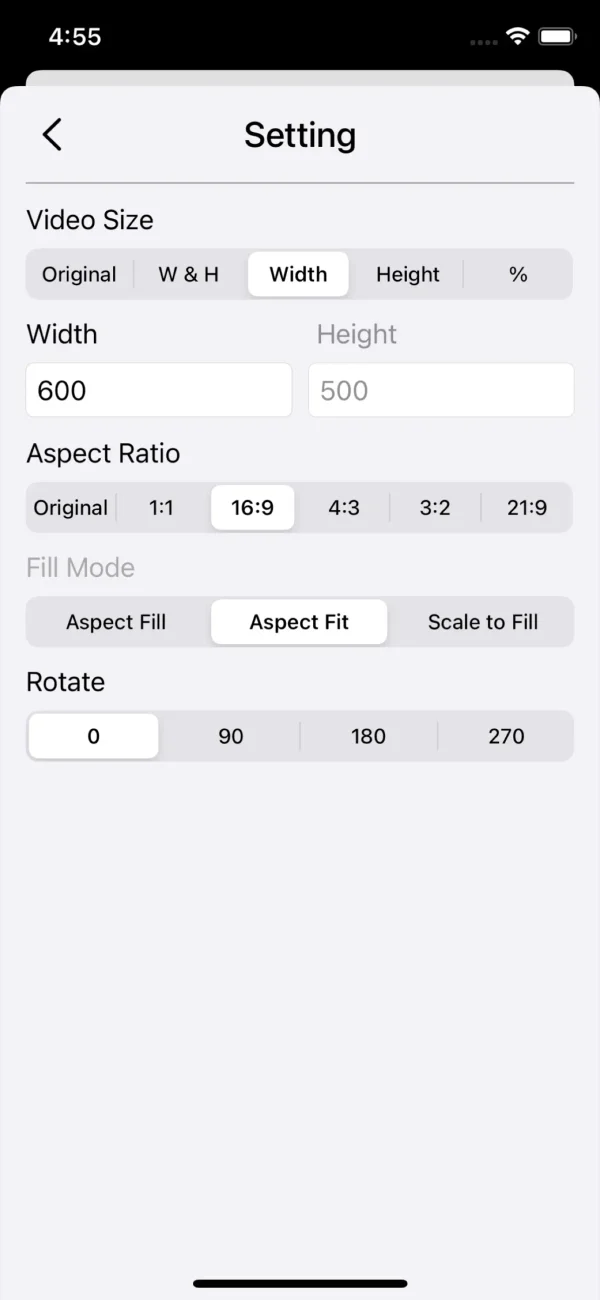
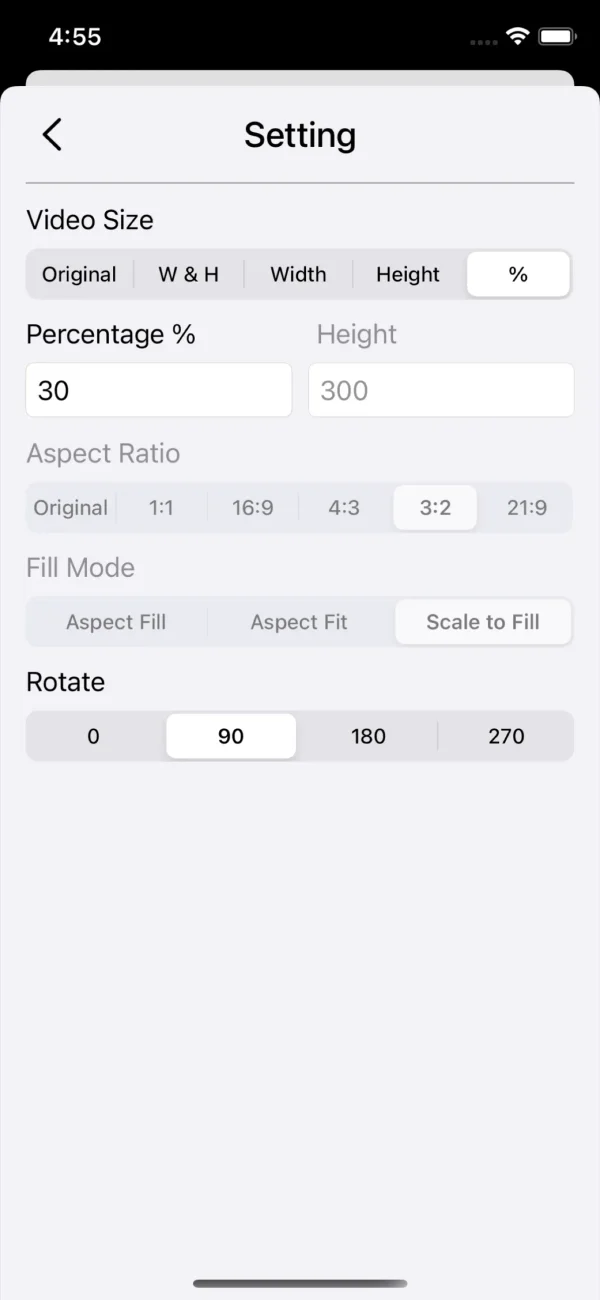
- Set Video Size
-- Original, By Width and Height, By Width, by Height and By percentage.
- Set Aspect Ratio
-- Original, 1:1, 16:9, 4:3, 3:2, 21:9
- Set Fill Mode
-- Aspect Fill, Aspect Fit and Scale to fill
- Set Video Rotation
-- 0, 90, 180 and 270 degree.
Quick Guide:
1. Tap the [+] icon and select the videos you want to batch edit.
2. Tap the Settings icon for detailed adjustments.
3. Let's assume we want to resize all videos to 640x320.
4. Tap on W & H (Width and Height).
5. Set the width to 640 and the height to 320.
6. Once finished, tap the Back button.
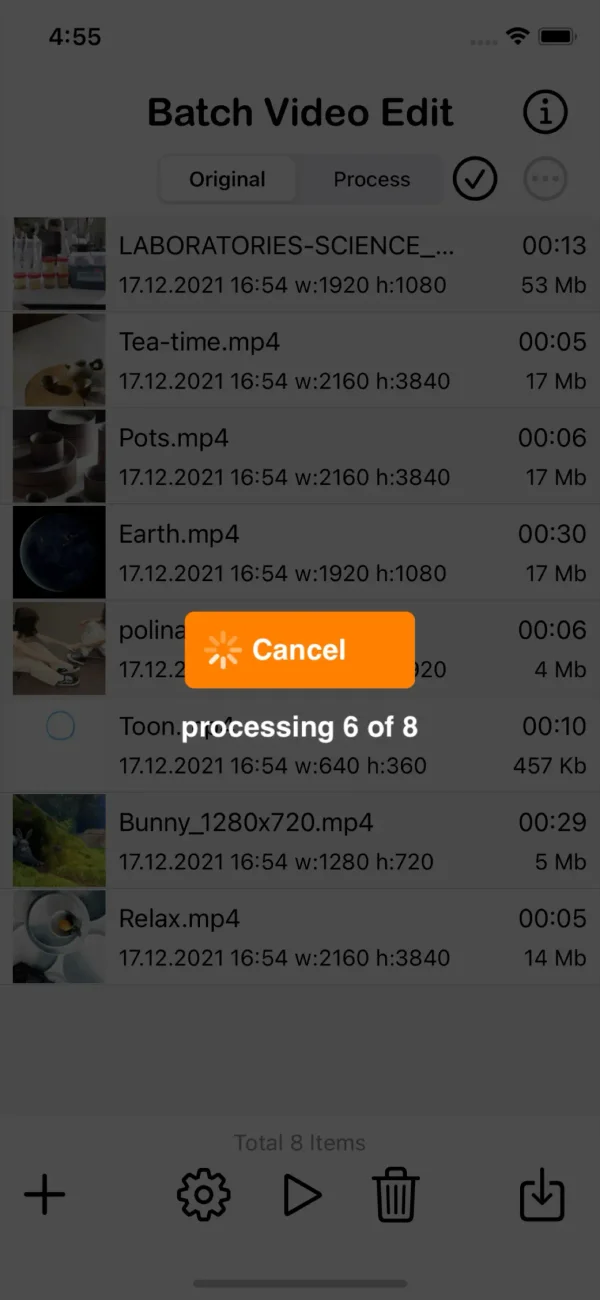
7. Tap the Run icon and wait for the process to complete.
8. Tap the Process tab at the top to check the processed videos.
9. Tap the Save icon to save all processed videos to the Camera Roll.
10. After saving, clear all videos by tapping the Bin icon.
* After picking videos from the gallery, you can reselect any videos you missed by tapping the [+] icon again.
* When selecting videos from the gallery, duplicate videos (videos with the same name) will be skipped.
* Remember to clear all videos before starting a new process.
Batch Videos Edit makes it easy to resize multiple videos at once. It is incredibly fast because your videos are resized directly on your device, without needing to be uploaded or transmitted to any servers. This makes it easier to send and share them with your family and friends.
Thanks for your support and do visit nitrio.com for more apps for your iOS devices.
新機能
バージョン 1.2 · 2026/2/5
- Updated for the newest devices.
- Minor bugs fixed.
アプリのプライバシー
このアプリのデータの取り扱いについて、Heng Jia LiangがApp Storeで申告している内容です。
-
データの収集なし
開発元はこのアプリからデータを収集しません。
プライバシーの取り扱いは、ご利用の機能やお客様の年齢などに応じて異なる場合があります。
情報
- 販売元
- Heng Jia Liang
- カテゴリ
- 写真/ビデオ
- バージョン
- 1.2
- 更新日
- 2026/2/5
- リリース
- 2021/12/19
- サイズ
- 1.8 MB
- 必要条件
- iOS 13.0以降
- 対象年齢
- 4+
- 価格
- ¥500
- 言語
- 英語
- 著作権
- © Heng Jia Liang
こちらもおすすめ
-
 Croply 動画をトリミング動画の縦横比を変更する
-
 動画分割・カットトリミングしてすぐ保存
-
 Desqueeze PRO - Batch Resizer写真/ビデオ
-
 Video Rotate & Flip - HD縦または横方向に動画を回転、反転または修正
-
 Gif Maker, Video to GIF写真/ビデオ
-
 Video Trimmer: Batch Editor写真/ビデオ
-
 FaceScreen: Floating Camera写真/ビデオ
-
 Video Resize & Scale - HD背景のサイズ変更/伸縮/追加
-
 Metadata Editor TagClear写真/ビデオ
-
 VividuCut - Video Editor写真/ビデオ