- Altersfreigabe4+
- KategorieDienstprogramme
- Entwickler克 王
- SprachenEnglisch+ 2 weitere
- Größe27,7 MB
Big Face Clock ist bei App Store derzeit möglicherweise nicht verfügbar
Bei unserer letzten Prüfung war der Store-Eintrag nicht erreichbar. Der Link führt weiterhin zur offiziellen App Store-Seite.
Screenshots

Info
Der Entwickler hat diesen Text nicht in Ihrer Sprache bereitgestellt.
Set your iPhone beside a book or stand your iPad at the far end of your desk. Big Face Clock gives you a clock you can read at a glance and a timer for the task in front of you.
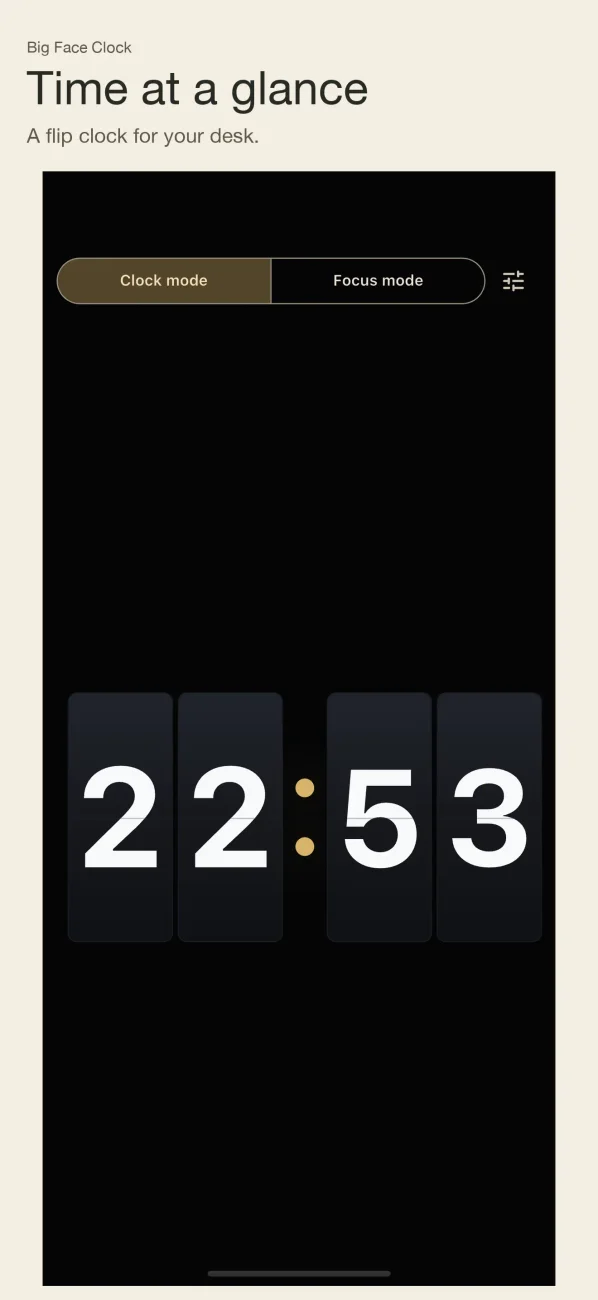
Clock mode
Choose from 16 clock faces, including flip, LCD and dot-matrix designs. Show the date, battery level, a quote or your own text. Your favorite face, scenes and settings carry over. Screen brightness follows your device settings.
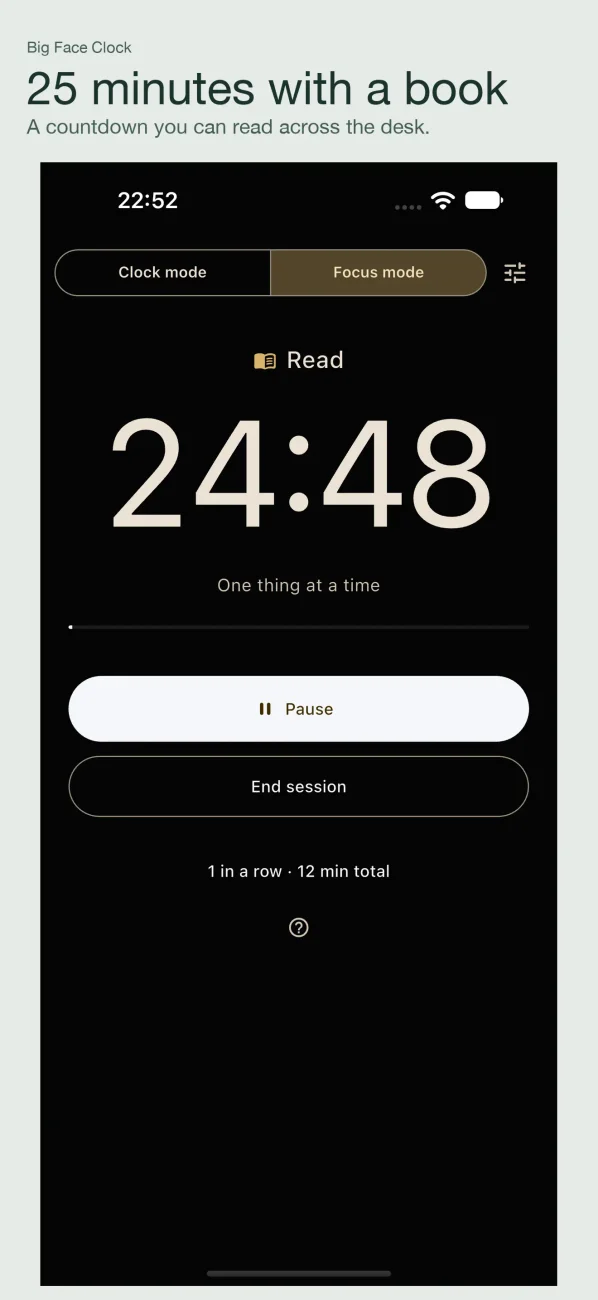
Focus mode
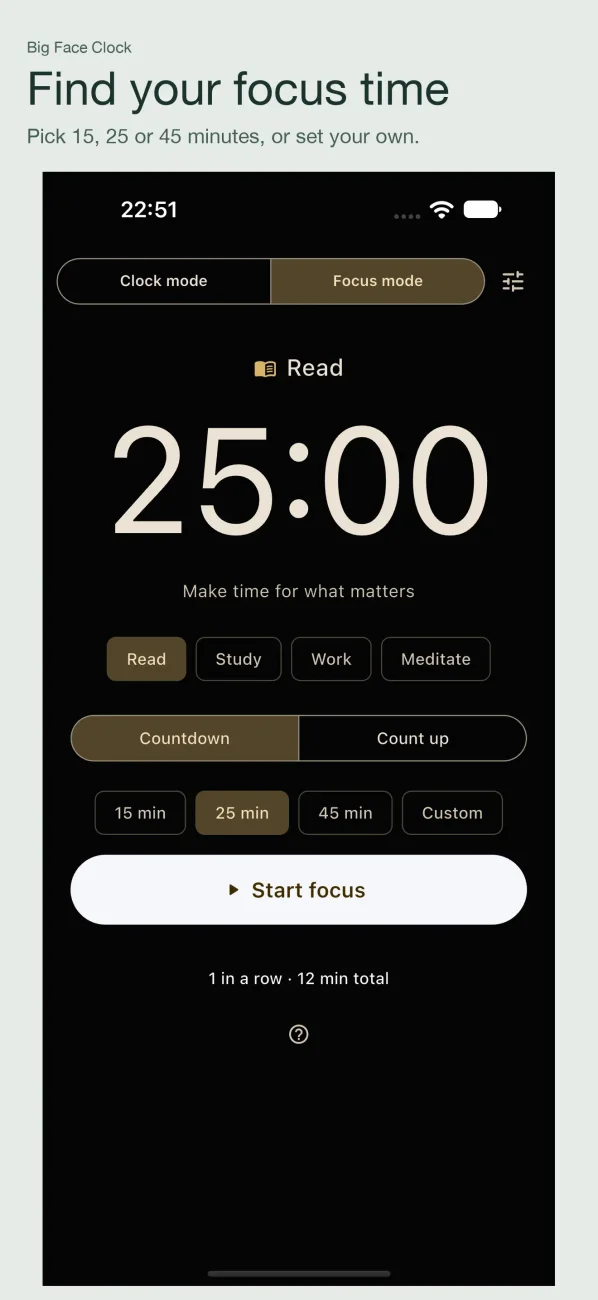
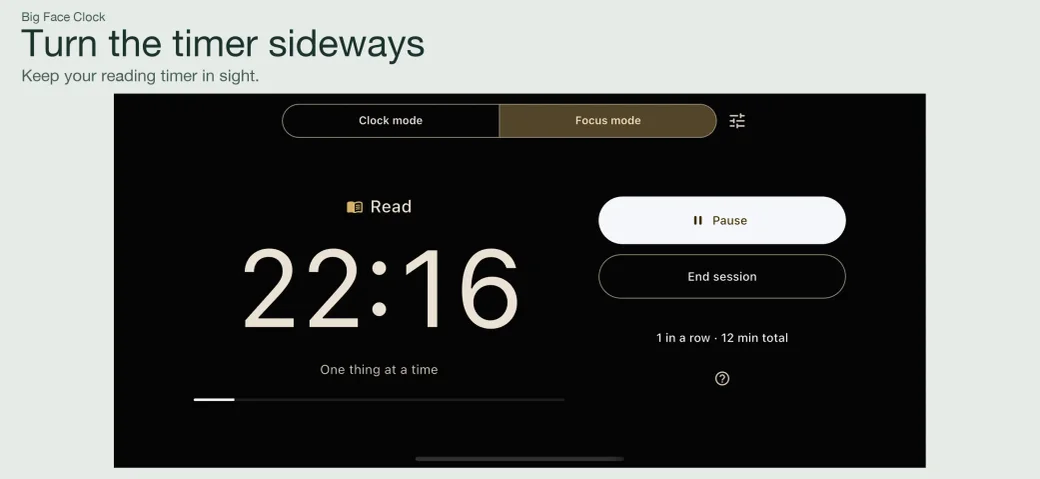
Choose Read, Study, Work or Meditate. Pick 15, 25 or 45 minutes, or set a custom countdown from 1 to 180 minutes. Tap Start focus. If you’d rather finish the chapter at your own pace, choose Count up and stop when you’re ready. The app remembers your choices. Focus settings let you change the next session and its optional end reminder.
Keep your place
Turn your phone sideways to see the countdown across your desk. On iPad, large digits have space to breathe. On iPhone Duo, start on the outer display and unfold to follow the same session inside. Pause and resume as needed. Before you end a session, see how much time you spent. Lock your screen or switch apps and return to your timer. End reminders require notification permission and follow your system settings.
See your time add up
Your streak counts consecutive completed sessions. Finish a countdown, or end a count-up session after at least one minute, to add one. Ending earlier resets the streak. Total time includes ended sessions, even if you stopped early, and excludes pauses. A count-up session can last up to 24 hours.
No account required. Focus records stay on this device and you can clear them at any time. In-app Focus mode is a timer. You control other apps and notifications through your device settings.
Neue Funktionen
Version 2.0.0 · 23.11.2026
Switch from your favorite clock face to the new Focus mode. Read, study, work or meditate with 15-, 25- and 45-minute presets, a custom countdown or a count-up timer.
• Choose separate clock and focus settings, including the next duration and an optional end reminder.
• Pause and resume, review elapsed time before ending, and see your streak and total time.
• Enjoy layouts made for iPhone, iPad and both iPhone Duo displays. Screen brightness follows your device settings. Your clock faces, previous durations and local records carry over.
App-Datenschutz
Was 克 王 im App Store zum Umgang dieser App mit Daten angibt.
-
Keine Daten erfasst
Der Entwickler erfasst keine Daten von dieser App.
Die Datenschutzpraktiken können variieren, zum Beispiel je nach den von Ihnen verwendeten Funktionen oder Ihrem Alter.
Informationen
- Anbieter
- 克 王
- Kategorie
- Dienstprogramme
- Version
- 2.0.0
- Aktualisiert
- 23.11.2026
- Veröffentlicht
- 28.10.2026
- Größe
- 27,7 MB
- Erfordert
- iOS 15.0 oder neuer
- Altersfreigabe
- 4+
- Sprachen
- Englisch, Vereinf. Chinesisch, Tradit. Chinesisch
- Copyright
- © Kevin
Das könnte Ihnen auch gefallen
-
 Adhoro: dein flexibler TimerFür Arbeit, Training und mehr
-
 Binary Clock by Logical LabsDienstprogramme
-
 QuietClockDienstprogramme
-
 KolkmannenDienstprogramme
-
 Flip Clock: Bedside ClockDienstprogramme
-
 CatClock MonoDienstprogramme
-
 StyleClock: Focus TimerDienstprogramme
-
 Custom Clock WidgetDienstprogramme
-
 SleepyLight: Night LightDienstprogramme
-
 Strange Clocks15 seltsame Uhren, erklärt