Big Face Clock
Desk clock & focus timer
Được thiết kế cho iPhone, iPad, iPod touch
- Độ tuổi4+
- Danh mụcTiện Ích
- Nhà phát triển克 王
- Ngôn ngữTiếng Anh+ 2 ngôn ngữ khác
- Kích thước27,9 MB
Big Face Clock hiện có thể không có trên App Store
Ở lần kiểm tra gần nhất, chúng tôi không truy cập được trang trên cửa hàng. Liên kết vẫn dẫn đến trang App Store chính thức.
Ảnh chụp màn hình


Giới thiệu
Nhà phát triển chưa cung cấp nội dung này bằng ngôn ngữ của bạn.
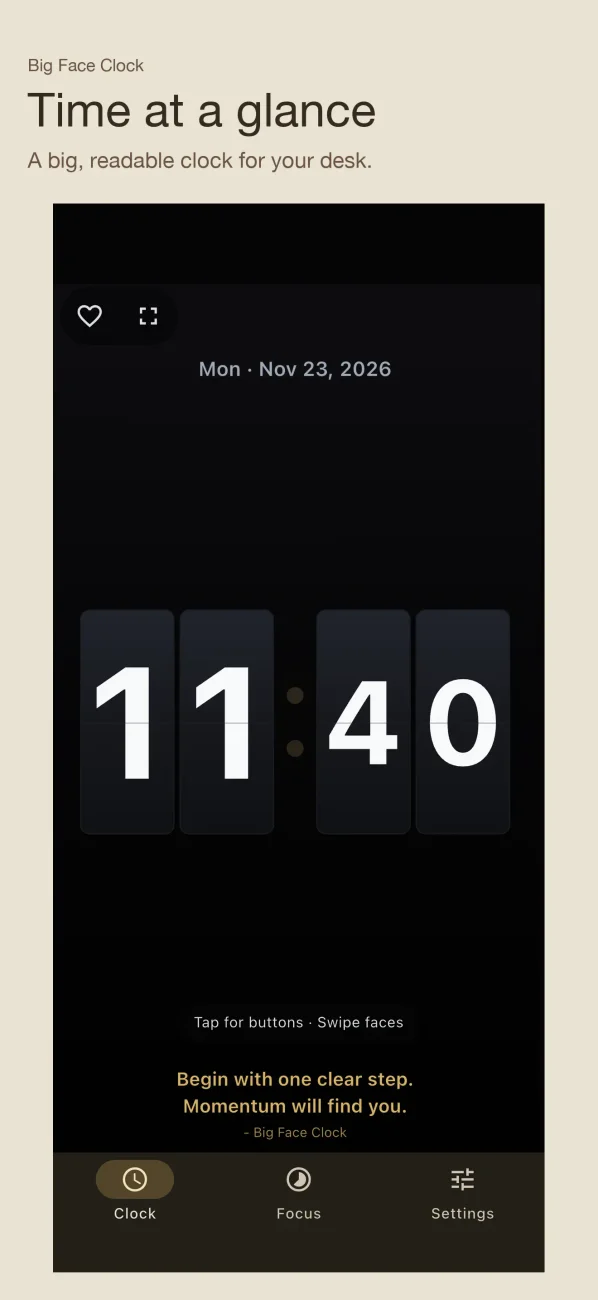
Set your iPhone beside a book or stand your iPad at the far end of your desk. Big Face Clock is a large-digit desk clock and a focus timer you can start with a tap. Switch among Clock, Focus and Settings at the bottom of the screen.
A clock you can read across the desk
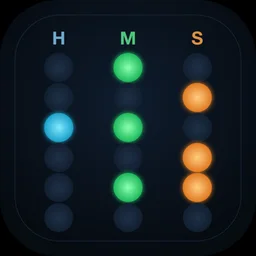
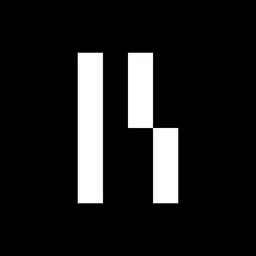
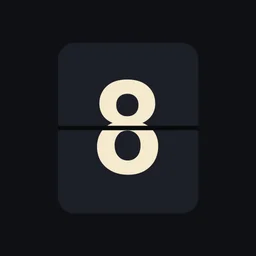
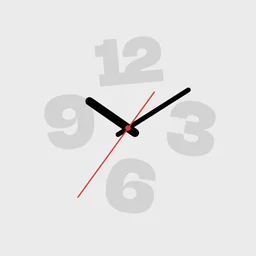
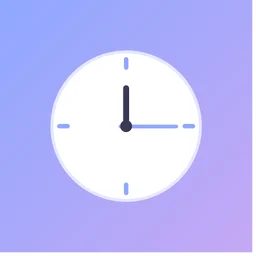
Choose from 16 faces, including a classic flip clock, LCD digits and dot-matrix designs. Show the date, battery level, a quote or your own text. In Clock, menus hide by default after 10 seconds of inactivity. Tap the screen to bring them back. In Settings > Clock, choose 5, 10 or 30 seconds, 1 or 3 minutes, or keep the menus visible. Focus and Settings keep the tab bar visible.
Give the task in front of you half an hour
In Focus mode, choose Read, Study, Work or Meditate. Tap Start focus to start with 30 minutes on first use. Choose 15, 30 or 45 minutes, or set a custom countdown from 1 to 180 minutes. Choose Count up if you'd rather finish the chapter at your own pace. The app remembers your last countdown duration. Both modes share one appearance, with separate preferences for Clock and Focus.
Pick up where you left off
Pause and resume anytime, and check elapsed time before ending early. Your session continues across tabs and restores its progress when you return after locking the screen or switching apps. Optional countdown end reminders require notification permission and follow your system settings. Use iPhone or iPad in portrait or landscape. On iPhone Duo, follow the same session on the outer display or unfold to use the inner display.
See where your time went
Focus history shows each session by date, activity, time, duration and status. A finished countdown or a count-up session ended after at least one minute adds to your streak. Ending a countdown early or stopping count-up before one minute resets the streak. Total time is added when a session ends and includes early stops, with paused time excluded. Count-up sessions can last up to 24 hours.
No account required. Focus history stays on this device and can be cleared from Focus history. Your existing clock faces, preferences and focus history carry over. In-app Focus mode is a timer. Other apps and notifications are managed through your device settings.
Có gì mới
Phiên bản 2.0.1 · 24/11/2026
• Switch among Clock, Focus and Settings using the new bottom tabs while your timer keeps running.
• Clock menus hide after 10 seconds by default. Choose 5, 10 or 30 seconds, 1 or 3 minutes, or keep them visible. Tap the clock to bring them back.
• Focus now offers 15-, 30- and 45-minute presets, with 30 minutes on first use. Custom timers, count-up and your history carry over. The custom duration picker and session history are easier to read.
• Clock and Focus share one appearance, with separate preferences for each mode.
Quyền riêng tư của ứng dụng
Những gì 克 王 khai báo trên App Store về cách ứng dụng này xử lý dữ liệu.
-
Dữ liệu không được thu thập
Nhà phát triển không thu thập bất kỳ dữ liệu nào từ ứng dụng này.
Phương thức đảm bảo quyền riêng tư có thể khác nhau, chẳng hạn như tuỳ theo các tính năng bạn sử dụng hoặc độ tuổi của bạn.
Thông tin
- Người bán
- 克 王
- Danh mục
- Tiện Ích
- Phiên bản
- 2.0.1
- Cập nhật
- 24/11/2026
- Phát hành
- 28/10/2026
- Kích thước
- 27,9 MB
- Yêu cầu
- iOS 15.0 trở lên
- Độ tuổi
- 4+
- Ngôn ngữ
- Tiếng Anh, Tiếng Trung Giản thể, Tiếng Trung Phồn thể
- Bản quyền
- © Kevin