- Altersfreigabe4+
- KategorieProduktivität
- EntwicklerBraintoss B.V.
- SprachenEnglisch+ 4 weitere
- Größe18,0 MB
Verlinkt auf die offizielle App Store-Seite
Download.org hostet keine Datei von Braintoss. Die Schaltfläche öffnet die App-Seite bei App Store, wo Braintoss B.V. die App veröffentlicht. Eintrag zuletzt geprüft am 24.11.2026.
Screenshots


Info
Der Entwickler hat diesen Text nicht in Ihrer Sprache bereitgestellt.
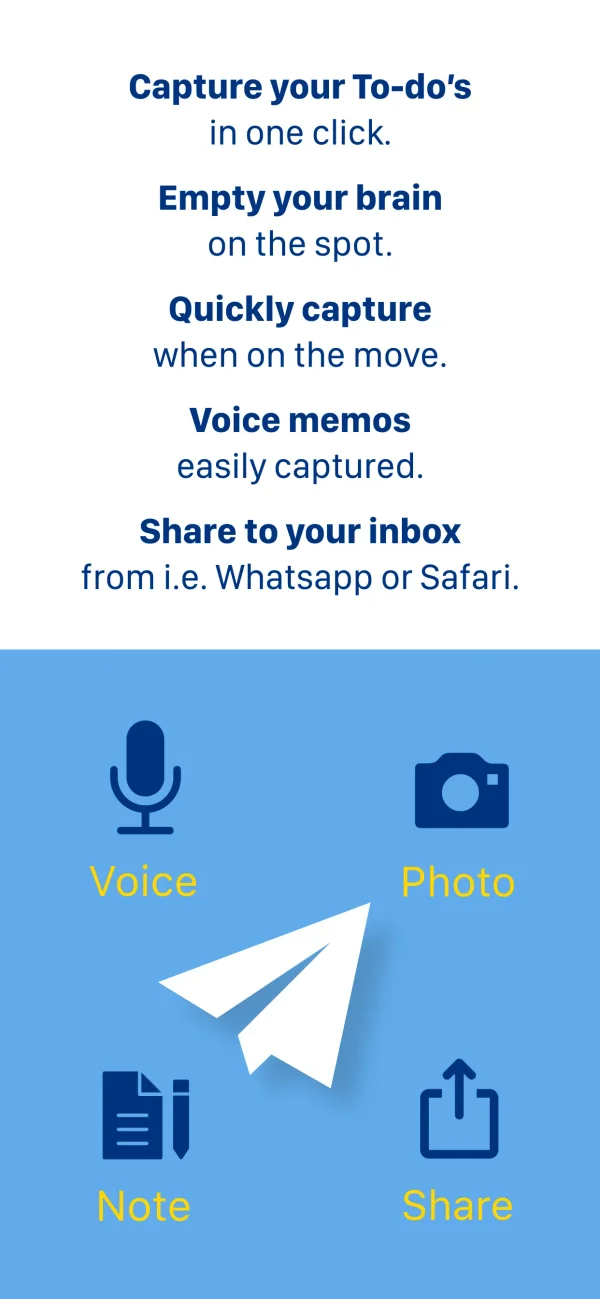
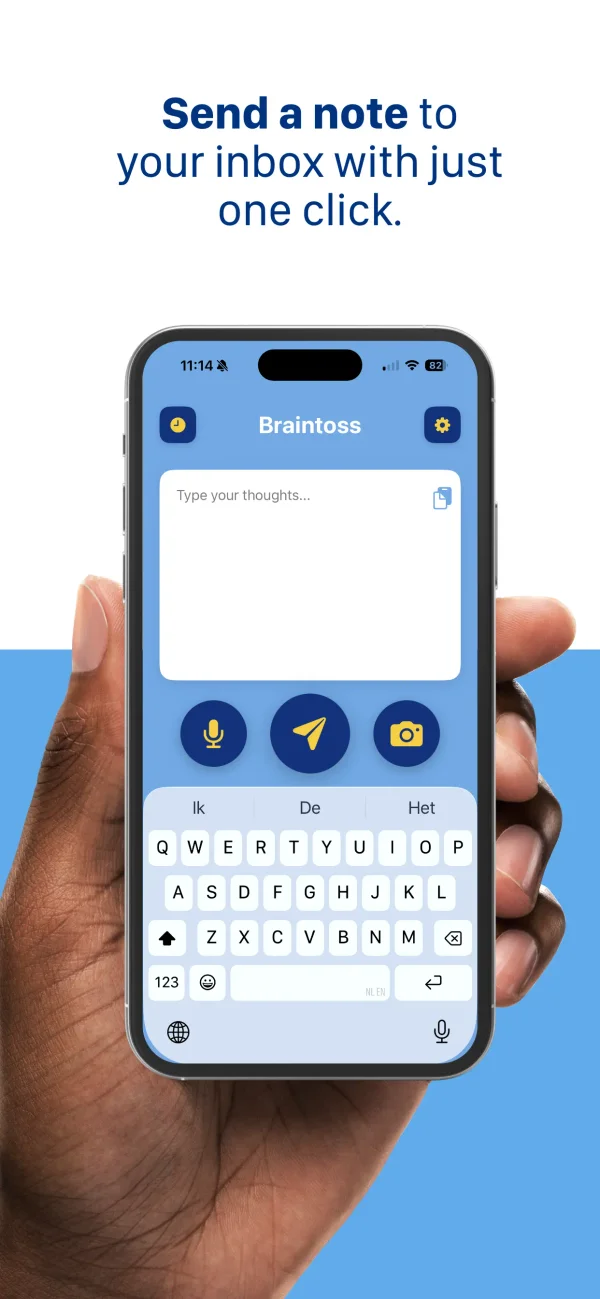
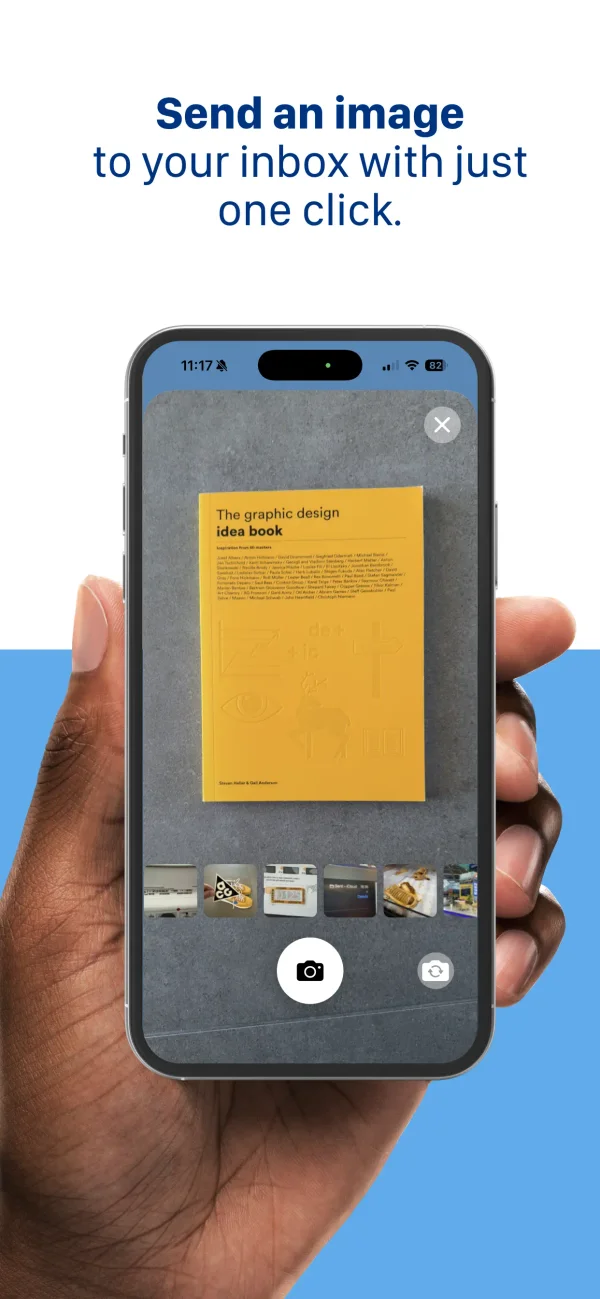
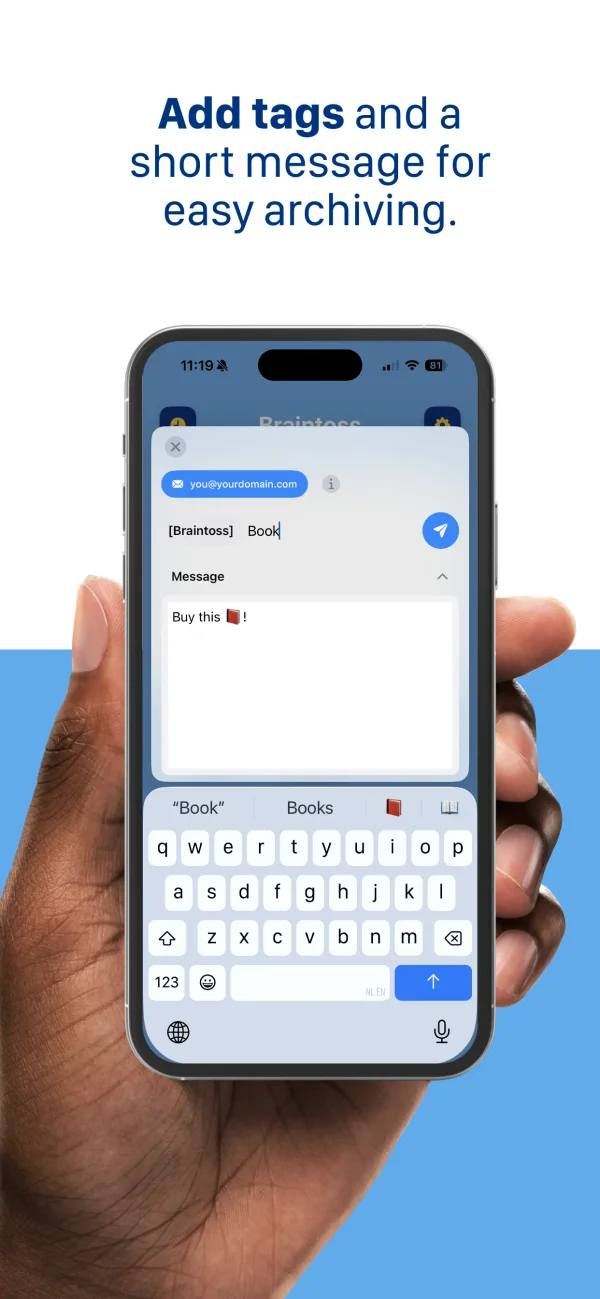
Braintoss captures a thought in seconds—type, speak, or photograph it—and sends it to your email or webhook destinations in one flow.
WHAT YOU USE IT FOR
• Voice notes transcribed and emailed
• Photos of whiteboards, receipts, documents, or business cards—sent with a useful subject
• Quick typed reminders and to-dos
• Share from Safari, Mail, Photos, and other apps into Braintoss, then send where you want
VERSION 10
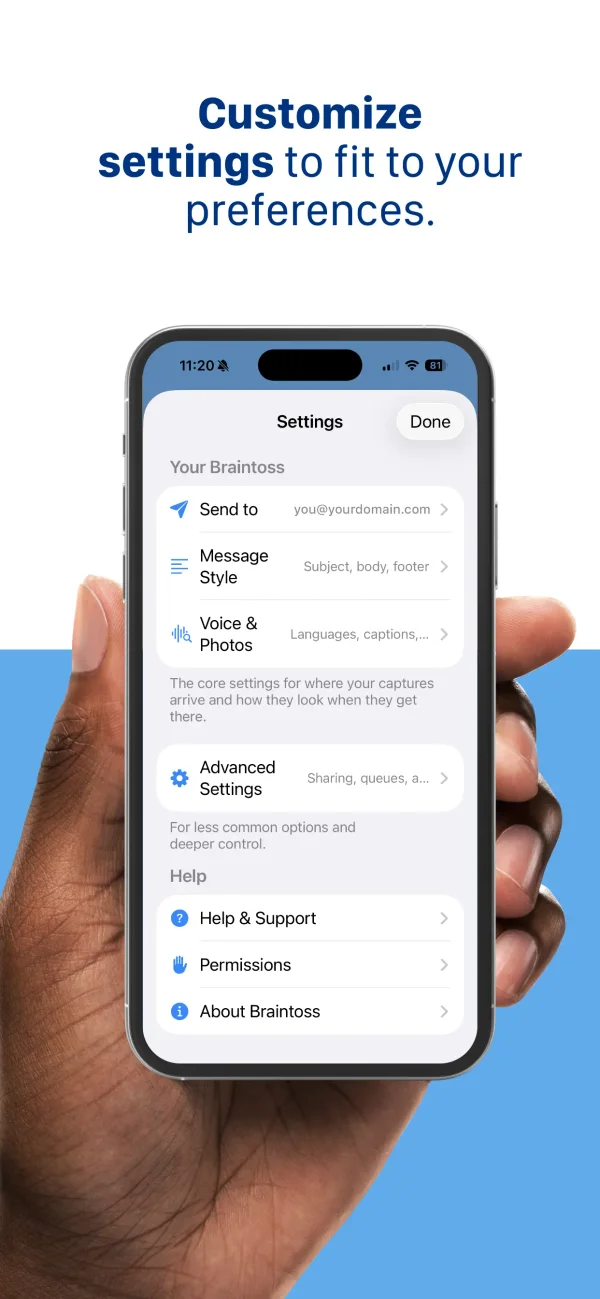
Braintoss 10 is rebuilt as a native iOS app with a modern capture screen, clearer Settings, and steadier delivery and retries. Long-press Send (or Edit in History) to choose destination, subject, and optional message body before sending. Share extension and Apple Watch work with Quick or Advanced modes. Dark mode on the main screen. Optional on-device speech and image analysis for captions; sending uses secure connections to Braintoss’s delivery service.
PRIVACY, LOCAL-FIRST
Your captures go to the destinations you configure. App Store builds ship with optional usage telemetry turned off by default. Optional Help & Support Debug Mode can add context to emails you choose to send to support; logs stay on your device unless you share them.
Learn more: braintoss.app/support — Privacy: braintoss.app/privacy
Neue Funktionen
Version 10.1.1 · 22.11.2026
After Send: a big green Sent, with a small Undo under it and a thin line that shows how long you can still undo. Same on the Apple Watch.
CarPlay: a soft chime instead of a spoken Sent, a moving waveform while it listens, Undo after sending, and a bigger New note button. Music pauses while you speak a note and resumes afterwards.
Voice notes started with Siri or a Shortcut record again.
Lock Screen tiles show the Braintoss mark again after an iOS update.
On a Mac or iPad, the first-time tour no longer leaves the screen dark.
First-time setup fits small iPhones and reads fully in Dutch.
App-Datenschutz
Was Braintoss B.V. im App Store zum Umgang dieser App mit Daten angibt.
-
Nicht mit Ihnen verknüpfte Daten
Können erfasst werden, sind aber nicht mit Ihrer Identität verknüpft.
- Kontaktinformationen
- Benutzerinhalte
Die Datenschutzpraktiken können variieren, zum Beispiel je nach den von Ihnen verwendeten Funktionen oder Ihrem Alter.
Informationen
- Anbieter
- Braintoss B.V.
- Kategorie
- Produktivität
- Version
- 10.1.1
- Aktualisiert
- 22.11.2026
- Veröffentlicht
- 09.01.2013
- Größe
- 18,0 MB
- Erfordert
- iOS 16.6 oder neuer
- Altersfreigabe
- 4+
- Preis
- 2,99 €
- Sprachen
- Englisch, Niederländisch, Französisch, Deutsch, Spanisch
- Copyright
- © Braintoss B.V.
Das könnte Ihnen auch gefallen
-
 Sprachmemo - Email MeAufnehmen, Transkript, Fazit
-
 Quick Notes - SupasendProduktivität
-
 Quick Capture - Vault notesProduktivität
-
 Whisper Notes: Sprache zu TextOffline Transkription & Diktat
-
 Widgets für ObsidianNotizen Schnell Erfassen
-
 Tagesplaner & Ziele: GriplyGewohnheiten & To-do-Liste
-
 BusyCal: Kalender & AufgabenPlaner, Termine & Erinnerungen
-
 Notion Notizen - SchnellnotizNotizbuch, Widget, Lockscreen
-
 Gewohnheiten - HabitPalHabit Tracker, Routine & Ziele
-
 Yoodoo: ADHS TagesplanerZeitplanung und Fokus-Timer