- Classification d’âge4+
- CatégorieProductivité
- DéveloppeurBraintoss B.V.
- LanguesAnglais+ 4 de plus
- Taille18,0 Mo
Renvoie vers la page App Store officielle
Download.org n’héberge aucun fichier de Braintoss. Le bouton ouvre la page de l’application sur App Store, où Braintoss B.V. la publie. Fiche vérifiée pour la dernière fois le 24/11/2026.
Captures d’écran


À propos
Le développeur n’a pas fourni ce texte dans votre langue.
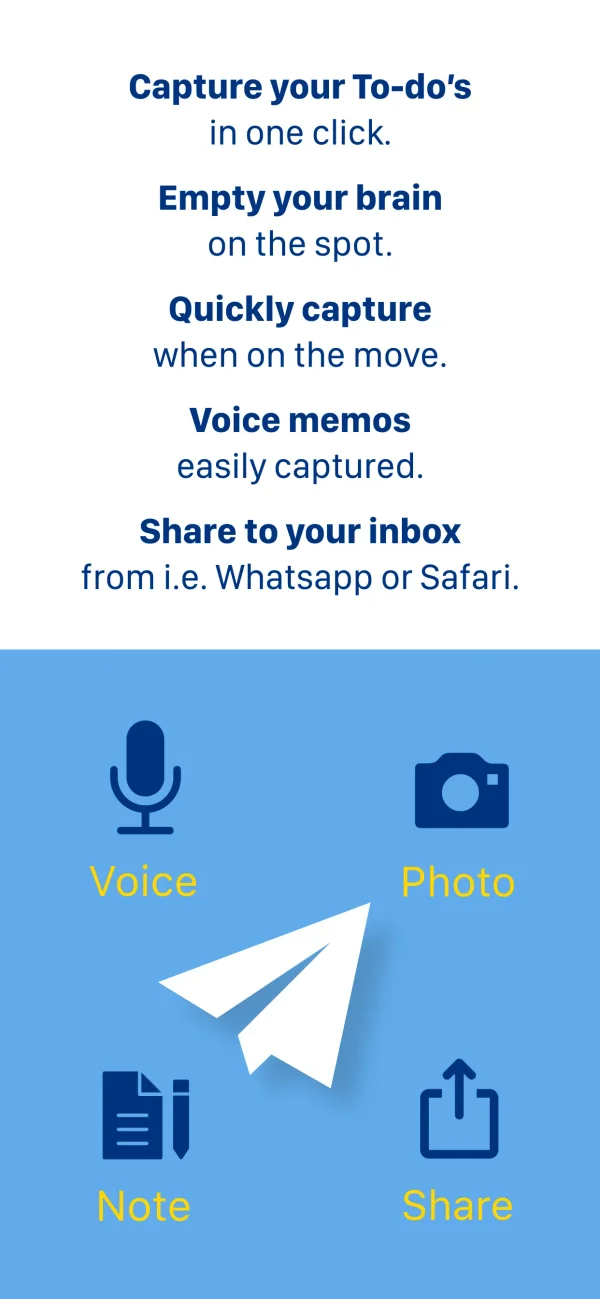
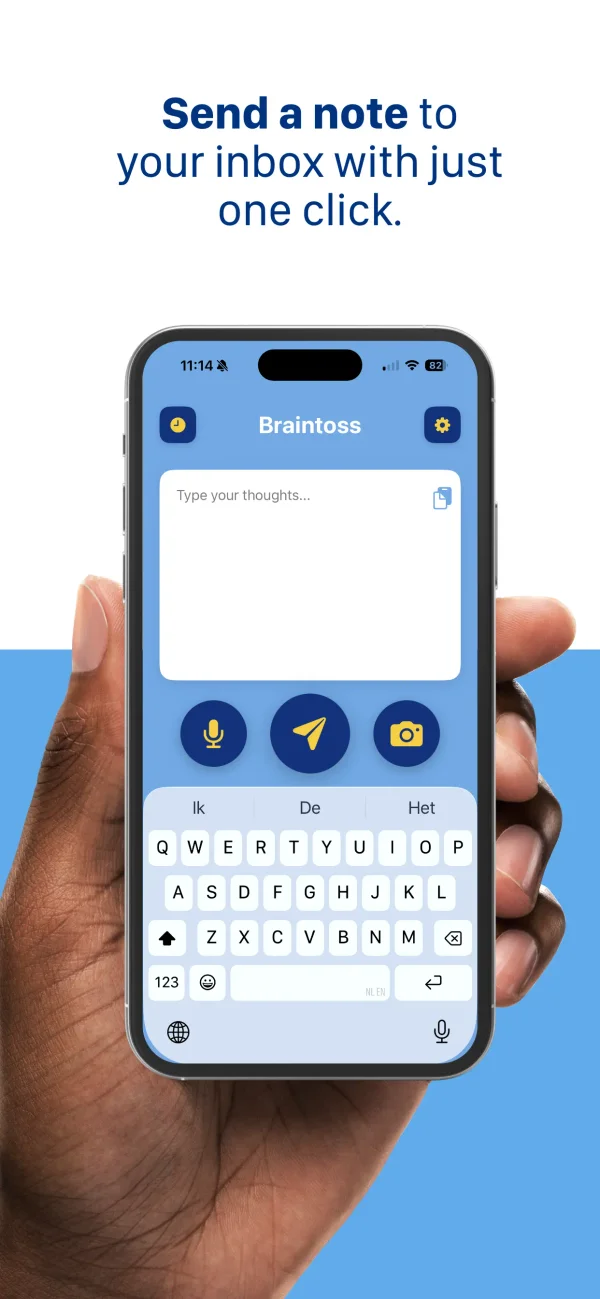
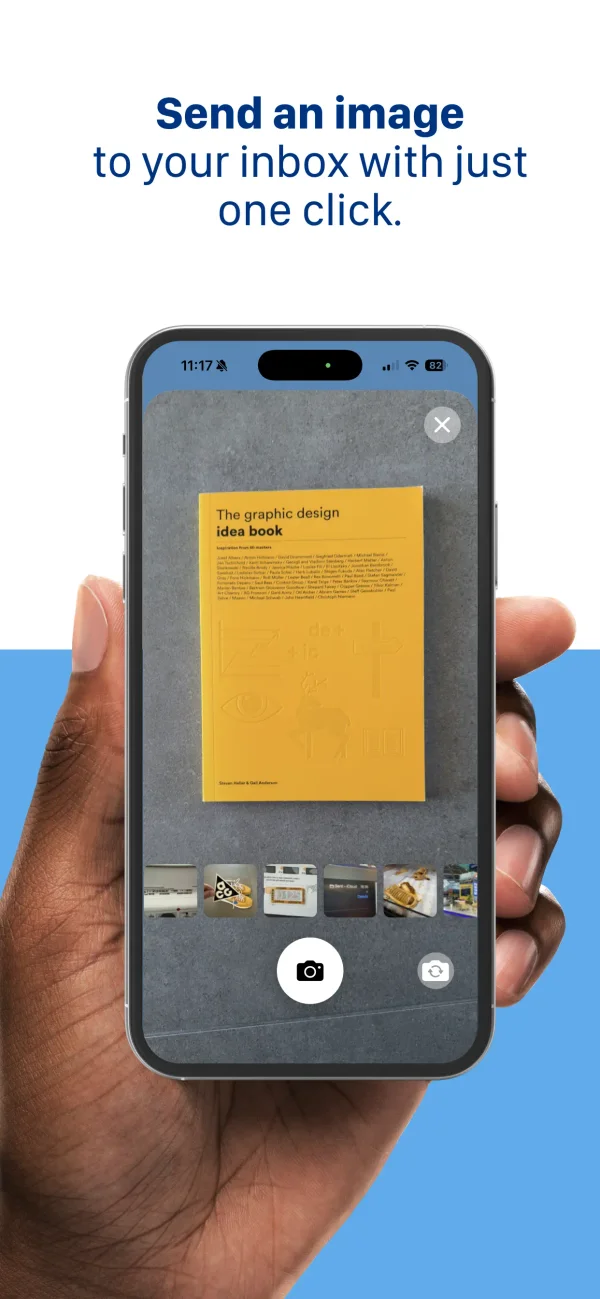
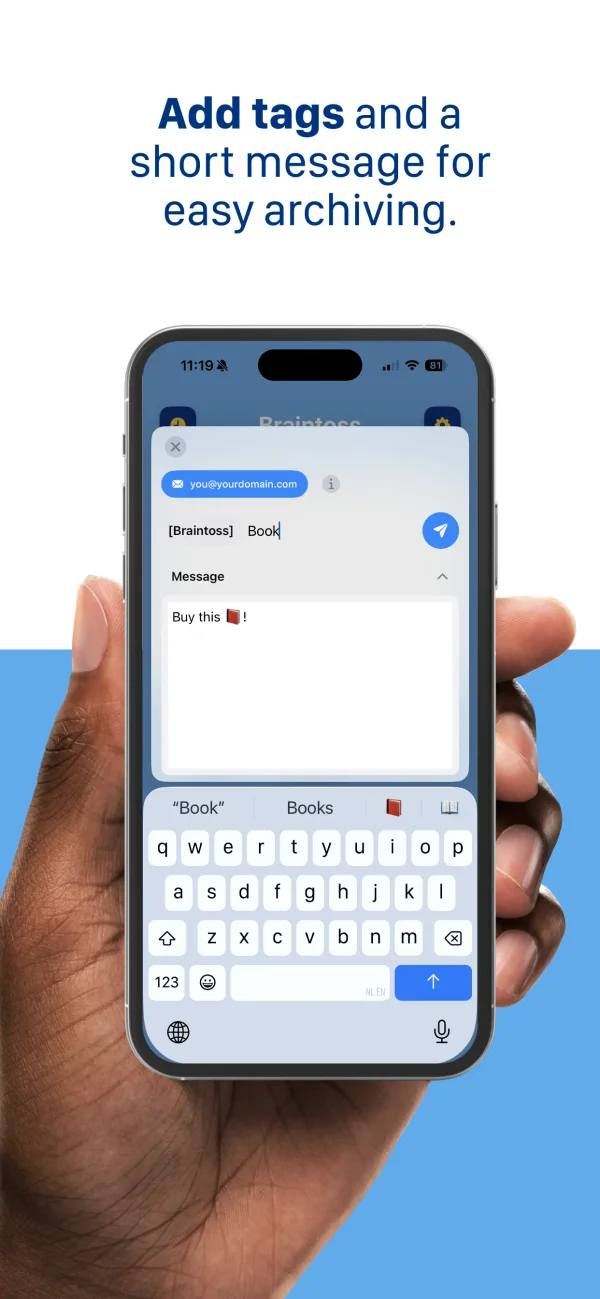
Braintoss captures a thought in seconds—type, speak, or photograph it—and sends it to your email or webhook destinations in one flow.
WHAT YOU USE IT FOR
• Voice notes transcribed and emailed
• Photos of whiteboards, receipts, documents, or business cards—sent with a useful subject
• Quick typed reminders and to-dos
• Share from Safari, Mail, Photos, and other apps into Braintoss, then send where you want
VERSION 10
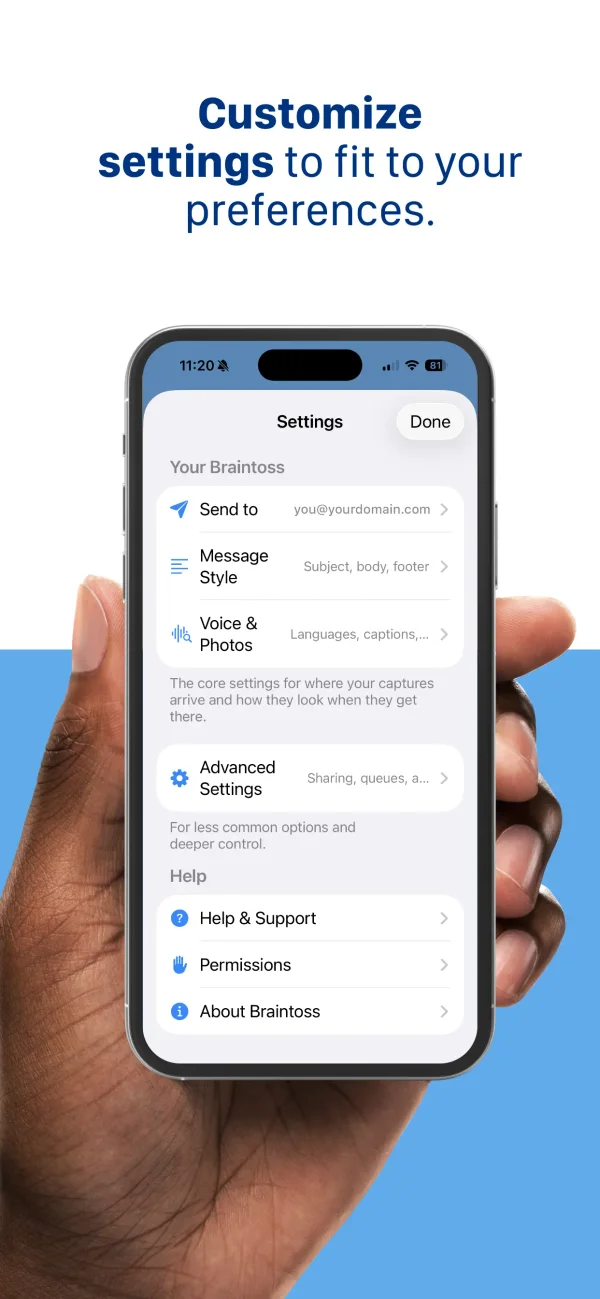
Braintoss 10 is rebuilt as a native iOS app with a modern capture screen, clearer Settings, and steadier delivery and retries. Long-press Send (or Edit in History) to choose destination, subject, and optional message body before sending. Share extension and Apple Watch work with Quick or Advanced modes. Dark mode on the main screen. Optional on-device speech and image analysis for captions; sending uses secure connections to Braintoss’s delivery service.
PRIVACY, LOCAL-FIRST
Your captures go to the destinations you configure. App Store builds ship with optional usage telemetry turned off by default. Optional Help & Support Debug Mode can add context to emails you choose to send to support; logs stay on your device unless you share them.
Learn more: braintoss.app/support — Privacy: braintoss.app/privacy
Nouveautés
Version 10.1.1 · 22/11/2026
After Send: a big green Sent, with a small Undo under it and a thin line that shows how long you can still undo. Same on the Apple Watch.
CarPlay: a soft chime instead of a spoken Sent, a moving waveform while it listens, Undo after sending, and a bigger New note button. Music pauses while you speak a note and resumes afterwards.
Voice notes started with Siri or a Shortcut record again.
Lock Screen tiles show the Braintoss mark again after an iOS update.
On a Mac or iPad, the first-time tour no longer leaves the screen dark.
First-time setup fits small iPhones and reads fully in Dutch.
Confidentialité de l’application
Ce que Braintoss B.V. déclare sur l’App Store au sujet du traitement des données par cette application.
-
Données n’établissant aucun lien avec vous
Peuvent être collectées, mais ne sont pas liées à votre identité.
- Coordonnées
- Contenu utilisateur
Les pratiques en matière de confidentialité peuvent varier, notamment en fonction des fonctionnalités que vous utilisez ou de votre âge.
Informations
- Vendeur
- Braintoss B.V.
- Catégorie
- Productivité
- Version
- 10.1.1
- Mis à jour
- 22/11/2026
- Publié
- 09/01/2013
- Taille
- 18,0 Mo
- Nécessite
- iOS 16.6 ou version ultérieure
- Classification d’âge
- 4+
- Prix
- 2,99 €
- Langues
- Anglais, Néerlandais, Français, Allemand, Espagnol
- Copyright
- © Braintoss B.V.
Vous aimerez peut-être aussi
-
 Notes Vocales - Email MeEnregistre, Transcris, Résume
-
 Quick Notes - SupasendProductivité
-
 Quick Capture - Vault notesProductivité
-
 Whisper Notes: Parole en TexteTranscription Audio Hors Ligne
-
 Widgets for ObsidianProductivité
-
 Agenda & Objectifs: GriplyHabitudes, Tâches et Progrès
-
 BusyCal : Calendrier & TâchesPlanning, Agenda & Rappels
-
 Note Rapide pour NotionBloc-notes, widget, hors-ligne
-
 Suivi d'habitudes - HabitPalRoutine, objectifs, discipline
-
 Yoodoo: ADHD Daily PlannerProductivité