Braintoss
Capture thoughts to your inbox
Dirancang untuk iPhone, iPad
Rp 59ribu
- Batasan usia4+
- KategoriProduktivitas
- PengembangBraintoss B.V.
- BahasaInggris+ 4 lainnya
- Ukuran18,0 MB
Tertaut ke halaman resmi App Store
Download.org tidak menyimpan file Braintoss apa pun. Tombol ini membuka halaman aplikasi di App Store, tempat Braintoss B.V. menerbitkannya. Halaman terakhir diperiksa pada 24/11/2026.
Tangkapan layar


Tentang
Pengembang belum menyediakan teks ini dalam bahasa Anda.
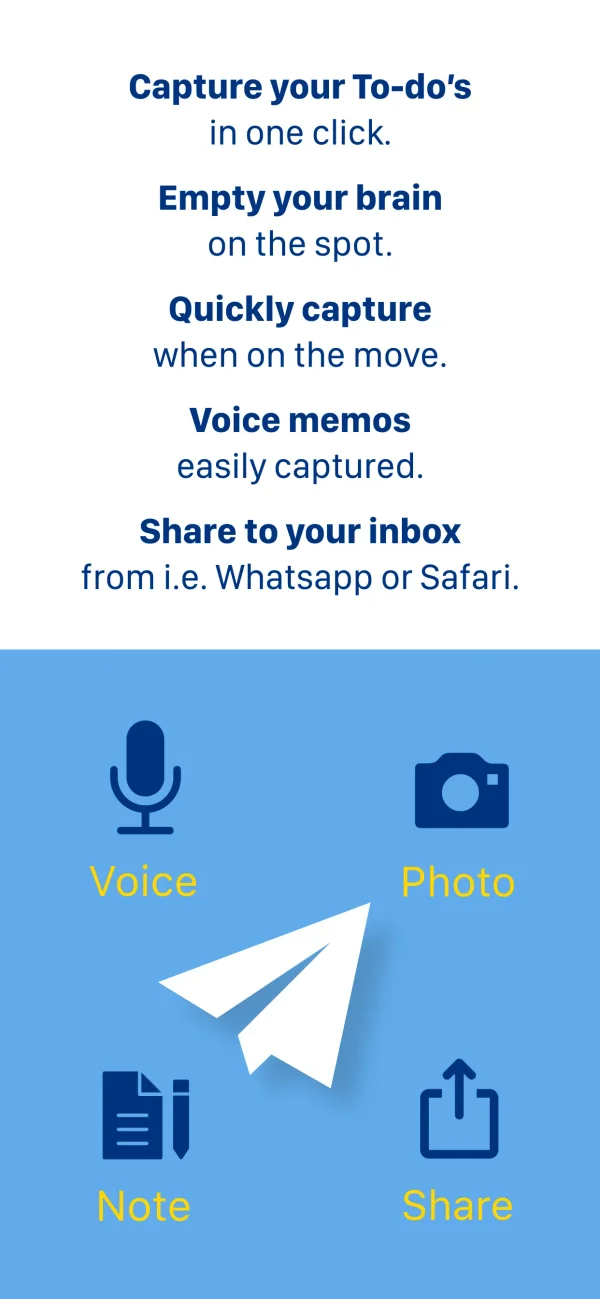
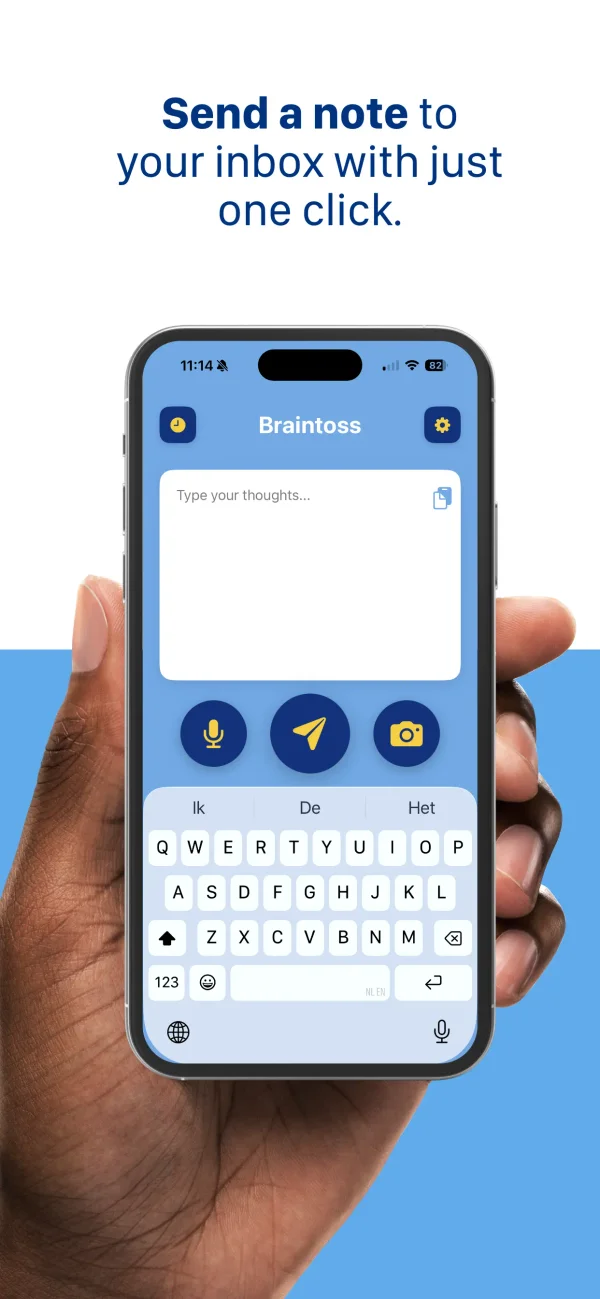
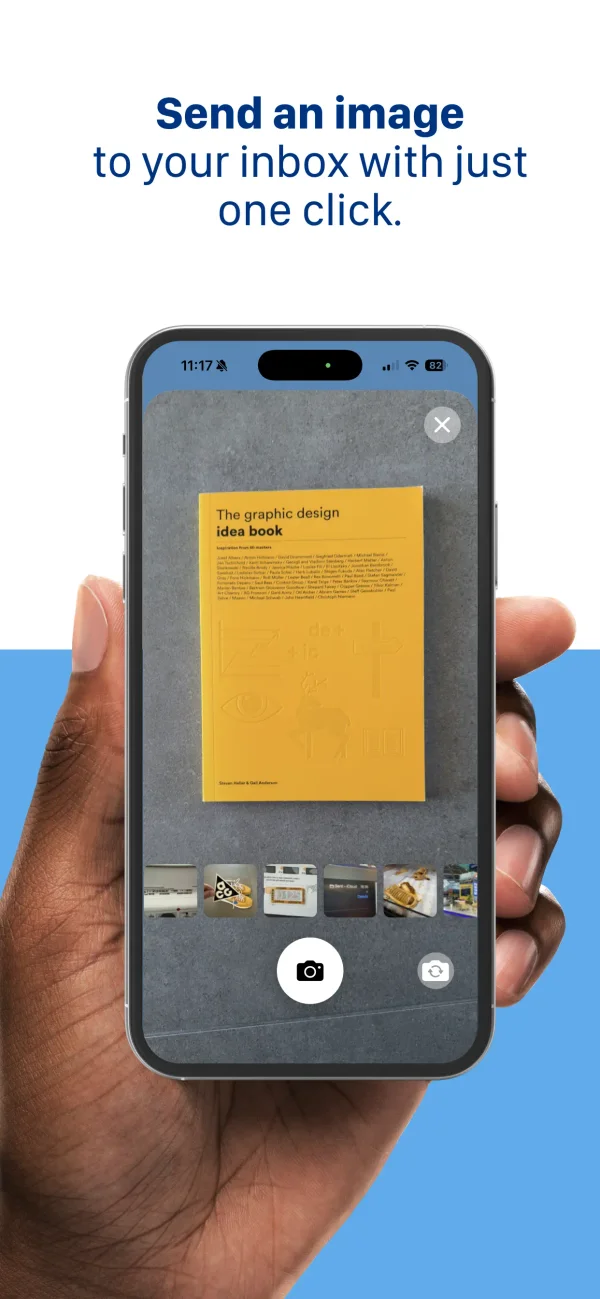
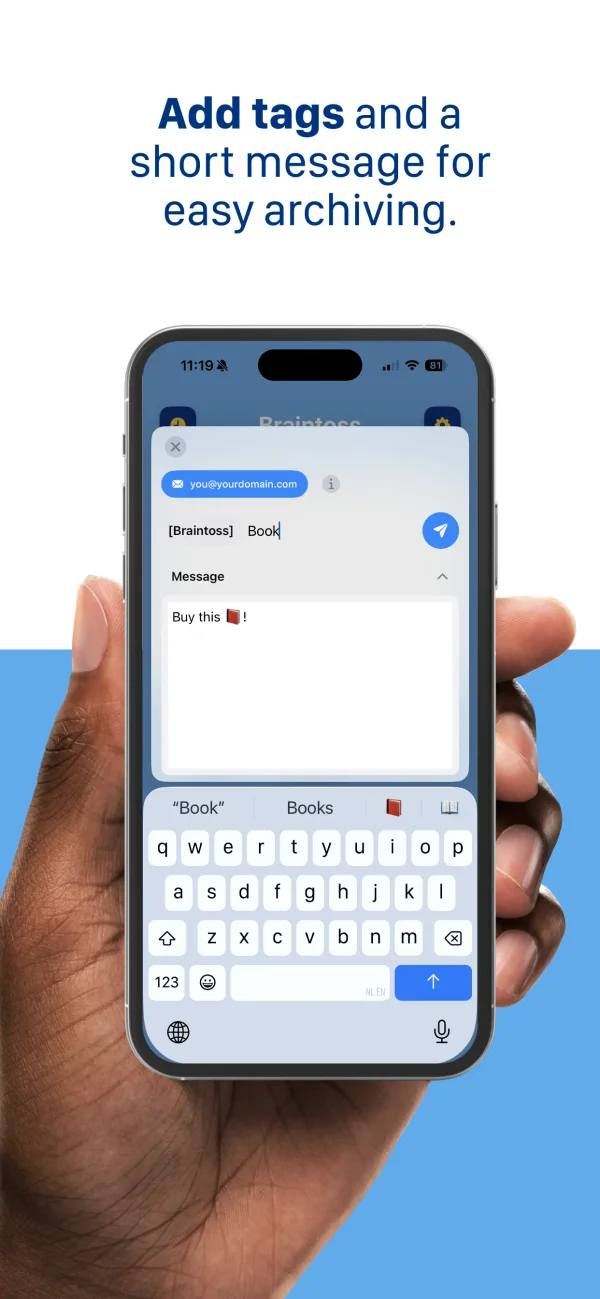
Braintoss captures a thought in seconds—type, speak, or photograph it—and sends it to your email or webhook destinations in one flow.
WHAT YOU USE IT FOR
• Voice notes transcribed and emailed
• Photos of whiteboards, receipts, documents, or business cards—sent with a useful subject
• Quick typed reminders and to-dos
• Share from Safari, Mail, Photos, and other apps into Braintoss, then send where you want
VERSION 10
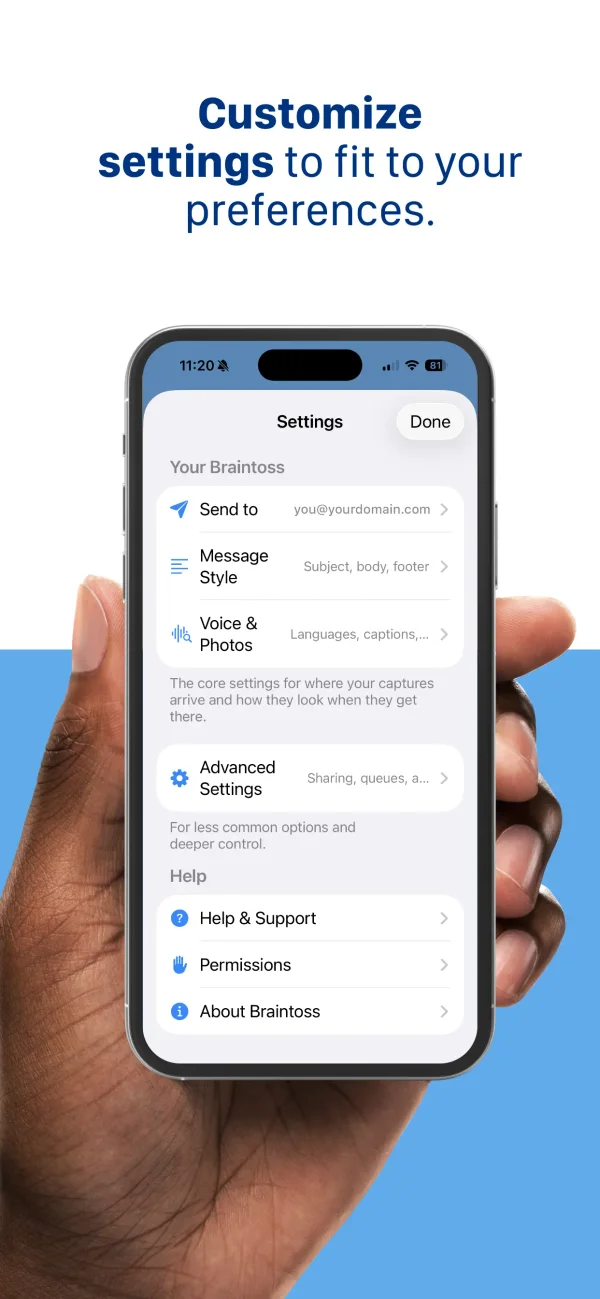
Braintoss 10 is rebuilt as a native iOS app with a modern capture screen, clearer Settings, and steadier delivery and retries. Long-press Send (or Edit in History) to choose destination, subject, and optional message body before sending. Share extension and Apple Watch work with Quick or Advanced modes. Dark mode on the main screen. Optional on-device speech and image analysis for captions; sending uses secure connections to Braintoss’s delivery service.
PRIVACY, LOCAL-FIRST
Your captures go to the destinations you configure. App Store builds ship with optional usage telemetry turned off by default. Optional Help & Support Debug Mode can add context to emails you choose to send to support; logs stay on your device unless you share them.
Learn more: braintoss.app/support — Privacy: braintoss.app/privacy
Yang baru
Versi 10.1.1 · 22/11/2026
After Send: a big green Sent, with a small Undo under it and a thin line that shows how long you can still undo. Same on the Apple Watch.
CarPlay: a soft chime instead of a spoken Sent, a moving waveform while it listens, Undo after sending, and a bigger New note button. Music pauses while you speak a note and resumes afterwards.
Voice notes started with Siri or a Shortcut record again.
Lock Screen tiles show the Braintoss mark again after an iOS update.
On a Mac or iPad, the first-time tour no longer leaves the screen dark.
First-time setup fits small iPhones and reads fully in Dutch.
Privasi aplikasi
Yang dinyatakan Braintoss B.V. di App Store tentang cara aplikasi ini menangani data.
-
Data yang tidak ditautkan dengan Anda
Dapat dikumpulkan, tetapi tidak ditautkan dengan identitas Anda.
- Info kontak
- Konten pengguna
Praktik privasi dapat bervariasi, misalnya berdasarkan fitur yang Anda gunakan atau usia Anda.
Informasi
- Penjual
- Braintoss B.V.
- Kategori
- Produktivitas
- Versi
- 10.1.1
- Diperbarui
- 22/11/2026
- Dirilis
- 9/1/2013
- Ukuran
- 18,0 MB
- Memerlukan
- iOS 16.6 atau yang lebih baru
- Batasan usia
- 4+
- Harga
- Rp 59ribu
- Bahasa
- Inggris, Belanda, Prancis, Jerman, Spanyol
- Hak cipta
- © Braintoss B.V.
Mungkin Anda juga suka
-
 Catatan Suara - Email MeRekam, Transkrip & Ringkas
-
 Quick Notes - SupasendProduktivitas
-
 Quick Capture - Vault notesProduktivitas
-
 Whisper Notes - TranskripsiPengenalan ucapan luring
-
 Widgets for ObsidianProduktivitas
-
 Daily Planner & Goals: GriplyProduktivitas
-
 BusyCal: Calendar & TasksProduktivitas
-
 Instant Note for NotionProduktivitas
-
 Pelacak Kebiasaan - HabitPalRutinitas, target & disiplin
-
 Yoodoo: ADHD Daily PlannerProduktivitas