- Độ tuổi4+
- Danh mụcHiệu Suất
- Nhà phát triểnBraintoss B.V.
- Ngôn ngữTiếng Anh+ 4 ngôn ngữ khác
- Kích thước18,0 MB
Liên kết đến trang App Store chính thức
Download.org không lưu trữ tệp nào của Braintoss. Nút này mở trang ứng dụng trên App Store, nơi Braintoss B.V. phát hành ứng dụng. Trang được kiểm tra lần cuối: 24/11/2026.
Ảnh chụp màn hình


Giới thiệu
Nhà phát triển chưa cung cấp nội dung này bằng ngôn ngữ của bạn.
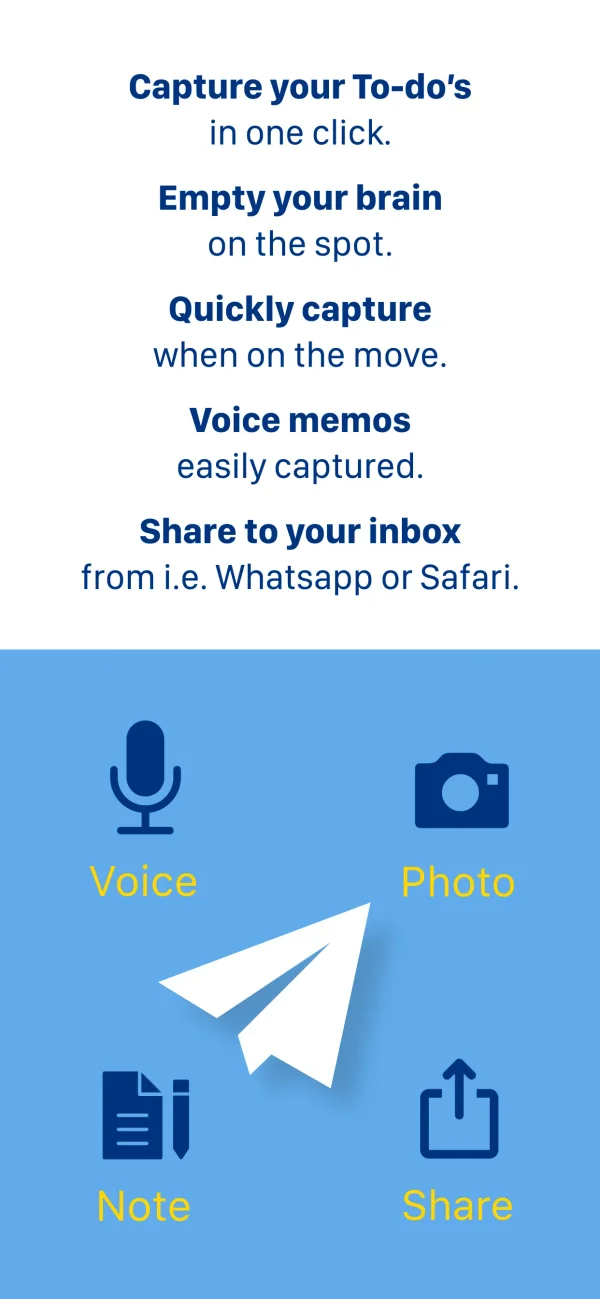
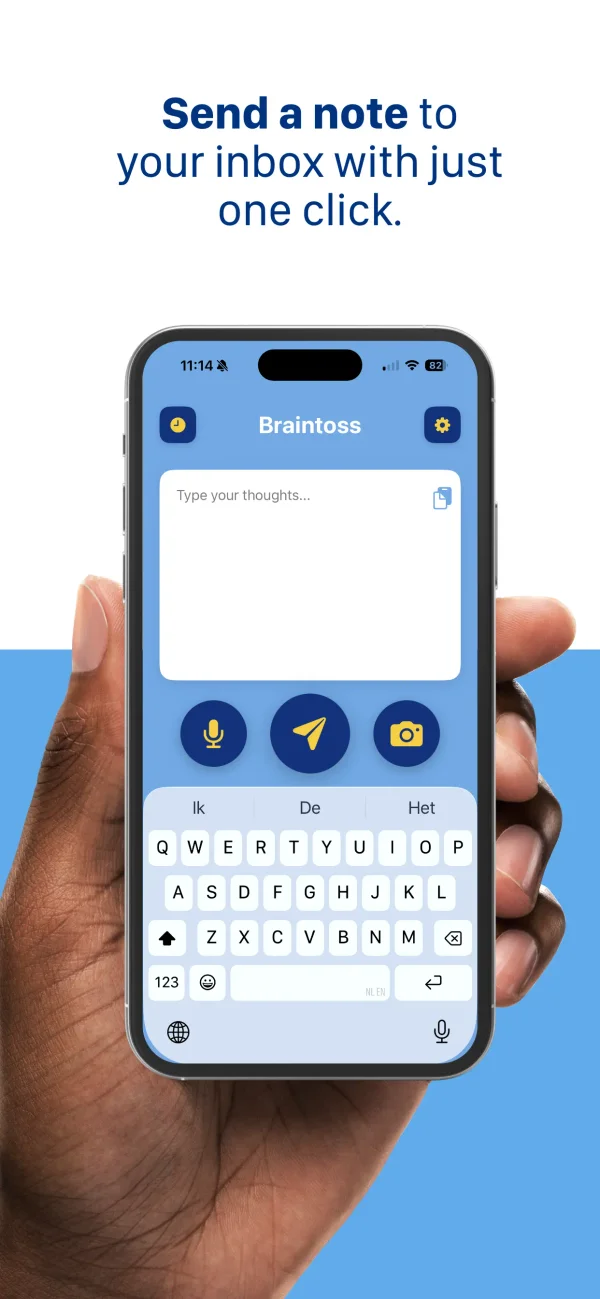
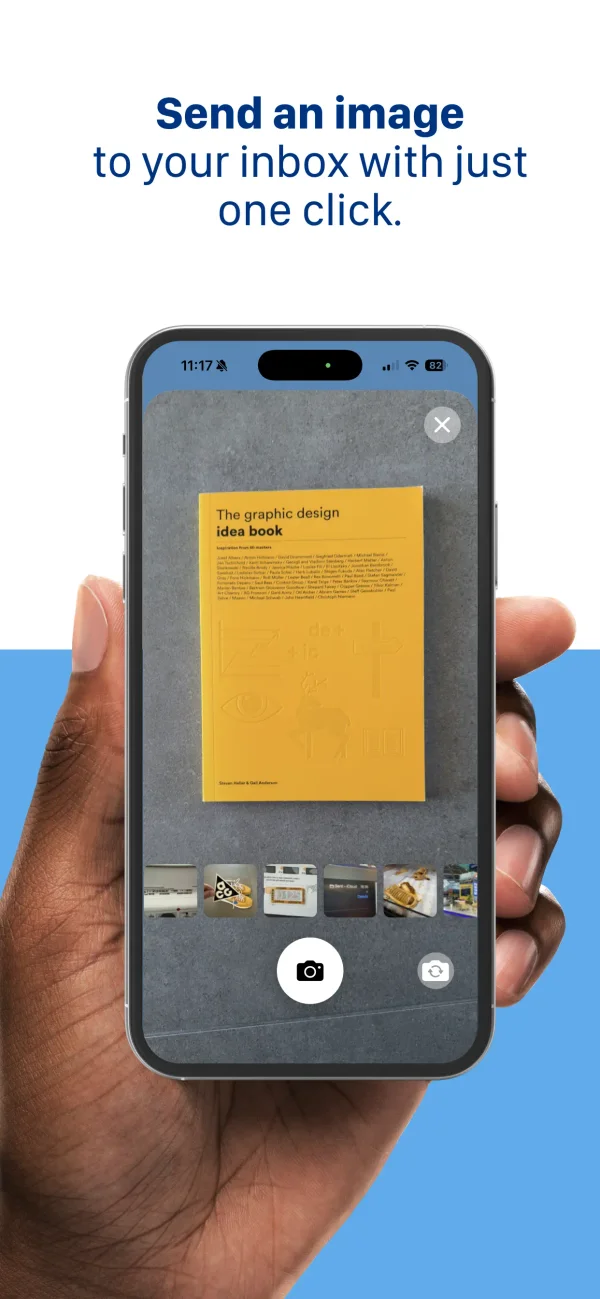
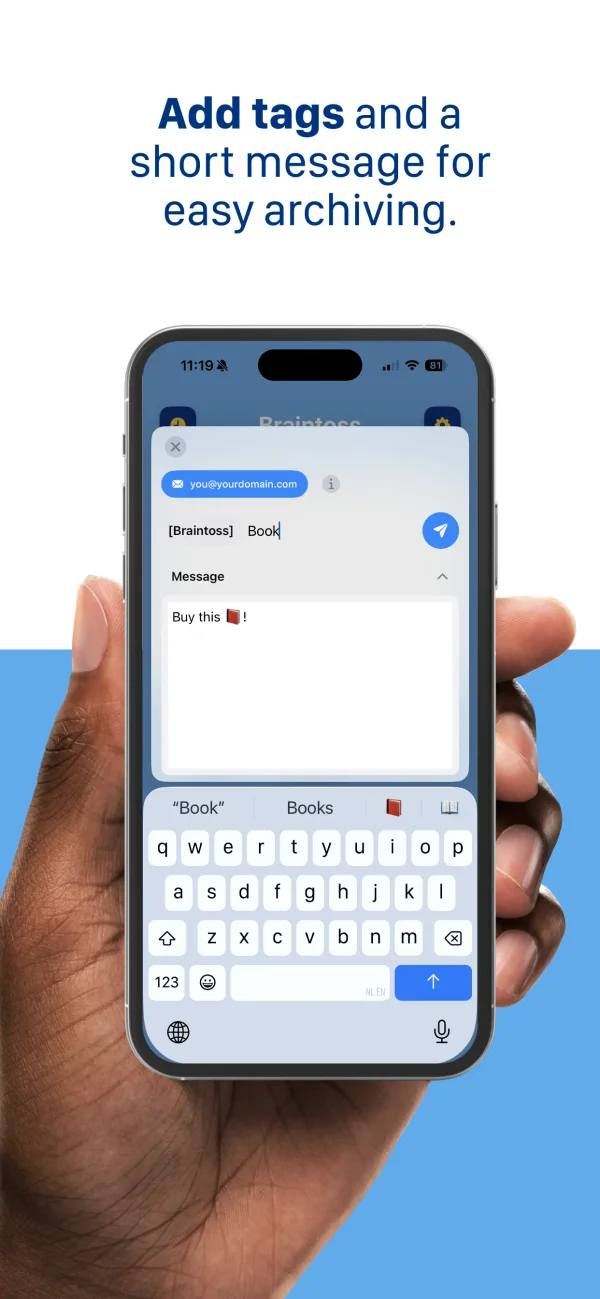
Braintoss captures a thought in seconds—type, speak, or photograph it—and sends it to your email or webhook destinations in one flow.
WHAT YOU USE IT FOR
• Voice notes transcribed and emailed
• Photos of whiteboards, receipts, documents, or business cards—sent with a useful subject
• Quick typed reminders and to-dos
• Share from Safari, Mail, Photos, and other apps into Braintoss, then send where you want
VERSION 10
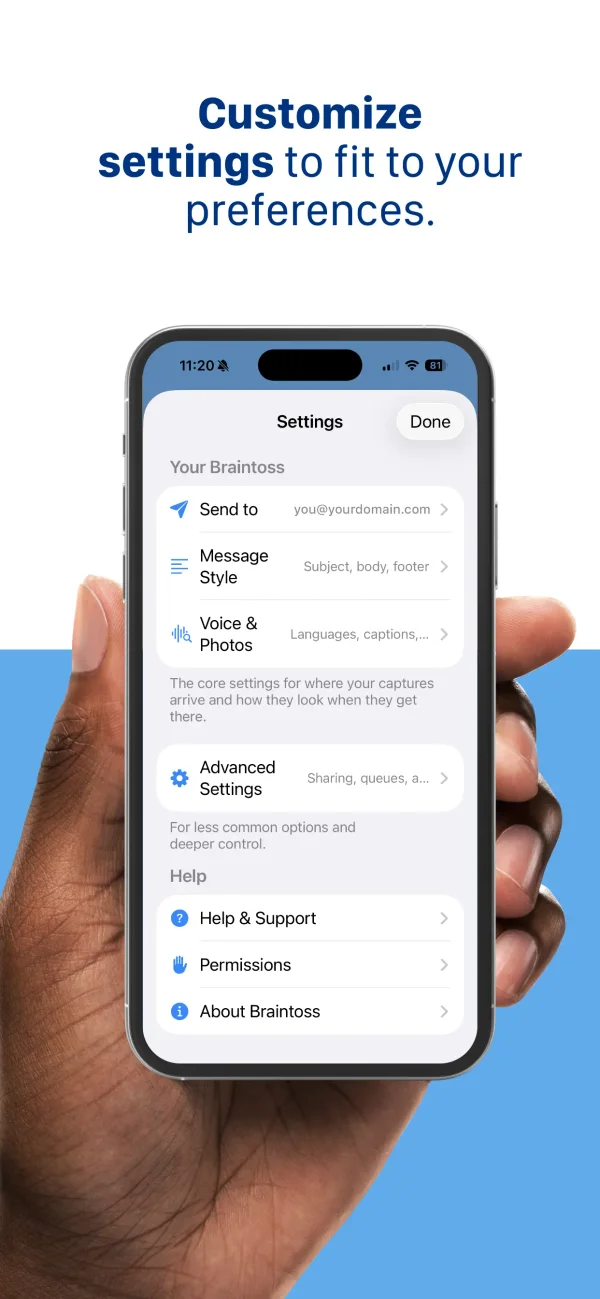
Braintoss 10 is rebuilt as a native iOS app with a modern capture screen, clearer Settings, and steadier delivery and retries. Long-press Send (or Edit in History) to choose destination, subject, and optional message body before sending. Share extension and Apple Watch work with Quick or Advanced modes. Dark mode on the main screen. Optional on-device speech and image analysis for captions; sending uses secure connections to Braintoss’s delivery service.
PRIVACY, LOCAL-FIRST
Your captures go to the destinations you configure. App Store builds ship with optional usage telemetry turned off by default. Optional Help & Support Debug Mode can add context to emails you choose to send to support; logs stay on your device unless you share them.
Learn more: braintoss.app/support — Privacy: braintoss.app/privacy
Có gì mới
Phiên bản 10.1.1 · 22/11/2026
After Send: a big green Sent, with a small Undo under it and a thin line that shows how long you can still undo. Same on the Apple Watch.
CarPlay: a soft chime instead of a spoken Sent, a moving waveform while it listens, Undo after sending, and a bigger New note button. Music pauses while you speak a note and resumes afterwards.
Voice notes started with Siri or a Shortcut record again.
Lock Screen tiles show the Braintoss mark again after an iOS update.
On a Mac or iPad, the first-time tour no longer leaves the screen dark.
First-time setup fits small iPhones and reads fully in Dutch.
Quyền riêng tư của ứng dụng
Những gì Braintoss B.V. khai báo trên App Store về cách ứng dụng này xử lý dữ liệu.
-
Dữ liệu không liên kết với bạn
Có thể được thu thập nhưng không liên kết với danh tính của bạn.
- Thông tin liên hệ
- Nội dung của người dùng
Phương thức đảm bảo quyền riêng tư có thể khác nhau, chẳng hạn như tuỳ theo các tính năng bạn sử dụng hoặc độ tuổi của bạn.
Thông tin
- Người bán
- Braintoss B.V.
- Danh mục
- Hiệu Suất
- Phiên bản
- 10.1.1
- Cập nhật
- 22/11/2026
- Phát hành
- 09/01/2013
- Kích thước
- 18,0 MB
- Yêu cầu
- iOS 16.6 trở lên
- Độ tuổi
- 4+
- Giá
- 99.000đ
- Ngôn ngữ
- Tiếng Anh, Tiếng Hà Lan, Tiếng Pháp, Tiếng Đức, Tiếng Tây Ban Nha
- Bản quyền
- © Braintoss B.V.
Có thể bạn cũng thích
-
 Ghi Chú Giọng Nói - Email MeThu âm, Chép lời, Tóm tắt
-
 Quick Notes - SupasendHiệu Suất
-
 Quick Capture - Vault notesHiệu Suất
-
 Whisper Notes - Phiên âmChuyển giọng nói thành văn bản
-
 Widgets for ObsidianHiệu Suất
-
 Daily Planner & Goals: GriplyHiệu Suất
-
 BusyCal: Calendar & TasksHiệu Suất
-
 Ghi Chú Nhanh cho NotionWidget, thẻ, ngoại tuyến
-
 Theo dõi thói quen - HabitPalLịch trình, mục tiêu, kỷ luật
-
 Yoodoo: ADHD Daily PlannerHiệu Suất